Skip to content

Notion UI components examples

Browse Notion UI component design examples. Preview individual interface elements and explore related component categories. A unified workspace for modern teams

Explore the examples
Notion — Bento box component
Notion logo
Notion

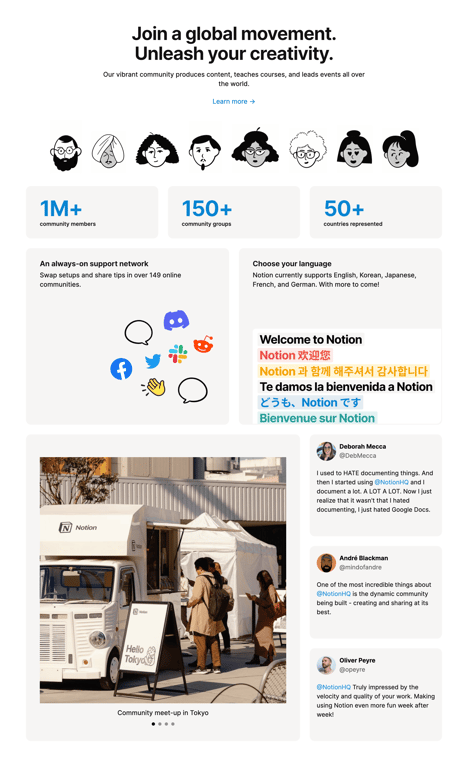
A bento grid layout showcasing community statistics, features, and testimonials. It includes a header with a call to action, a row of illustrated avatars, KPI tiles for community metrics, feature cards highlighting support and languages, a large image carousel showing a…

Notion — Bento box component
Notion logo
Notion

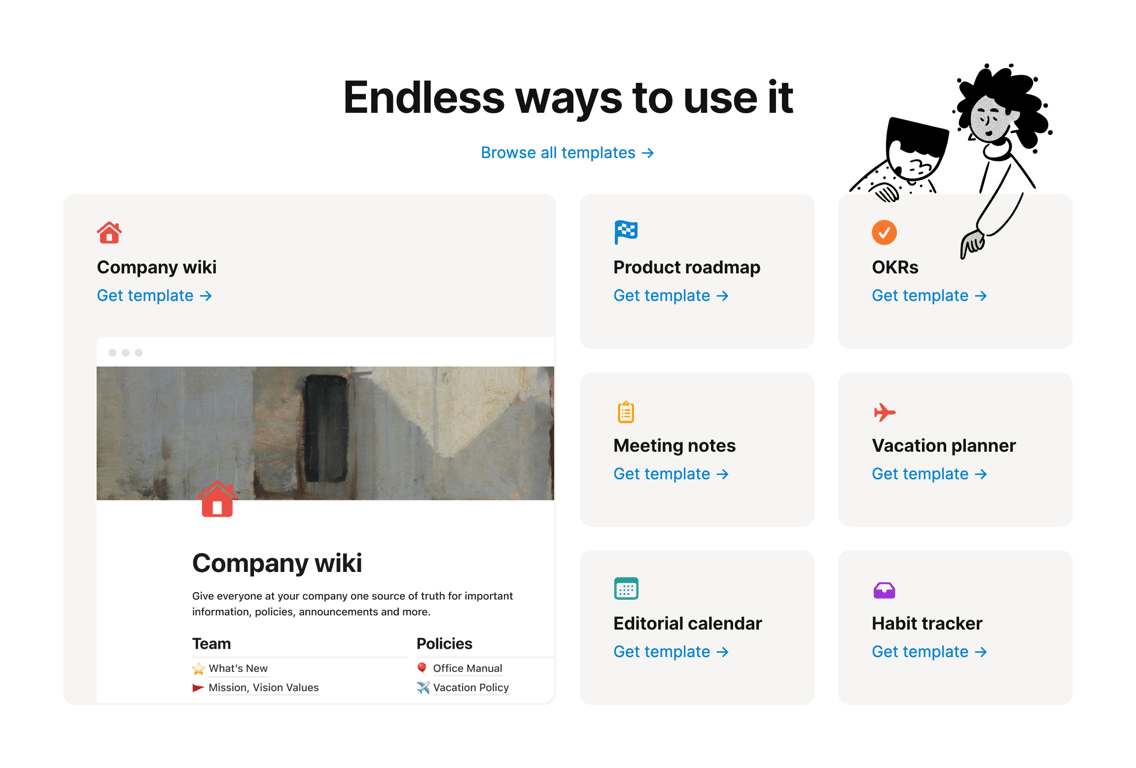
A bento grid layout showcasing different use cases and templates. It features a large featured card on the left with a preview image and smaller cards on the right for various templates like Product roadmap, OKRs, Meeting notes, etc. Each card includes an icon, title, and a…

Notion — Bento box component
Notion logo
Notion

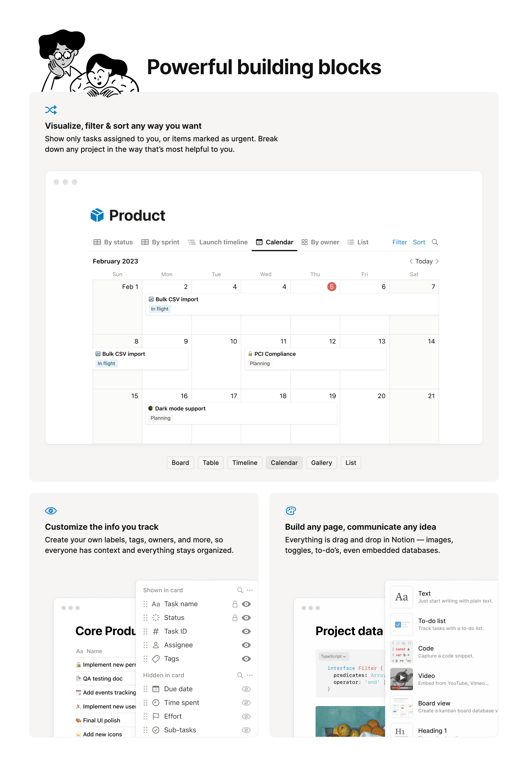
A bento grid layout showcasing product features with illustrations, headings, descriptions, and mock UI screenshots.

Notion — Progress indicator component
Notion logo
Notion

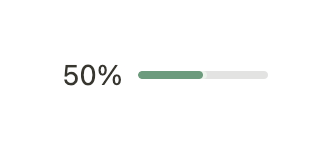
A horizontal progress bar showing 50% completion with a numeric label.

Notion — Progress indicator component
Notion logo
Notion

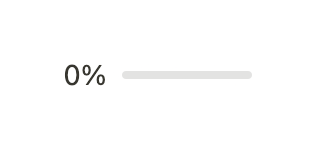
A simple progress bar showing 0% completion with a numeric label alongside a light gray track.
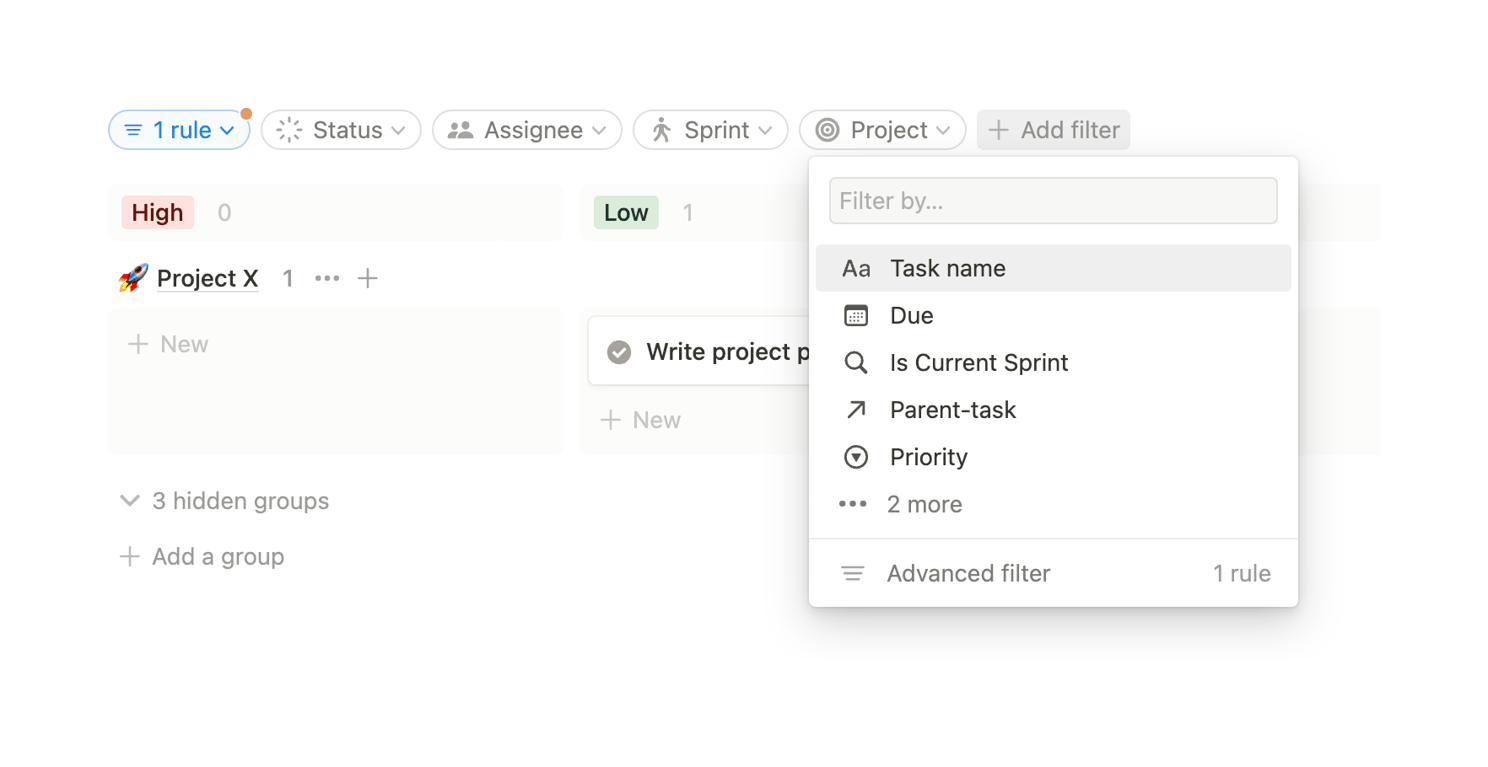
Notion — Sorting & filtering component
Notion logo
Notion

A filter bar with an open dropdown menu for adding a new filter rule. The menu includes a search input and a list of filterable properties.
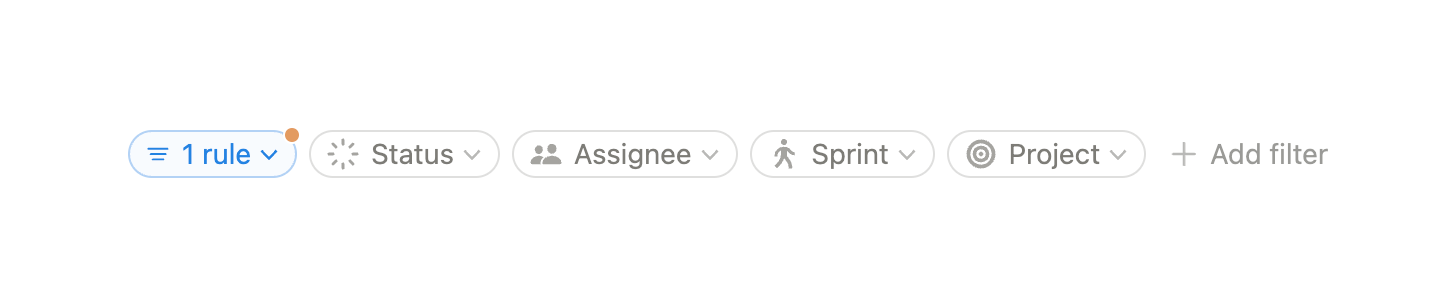
Notion — Sorting & filtering component
Notion logo
Notion

A horizontal row of filter dropdowns and an add filter button.

Notion — Card component
Notion logo
Notion

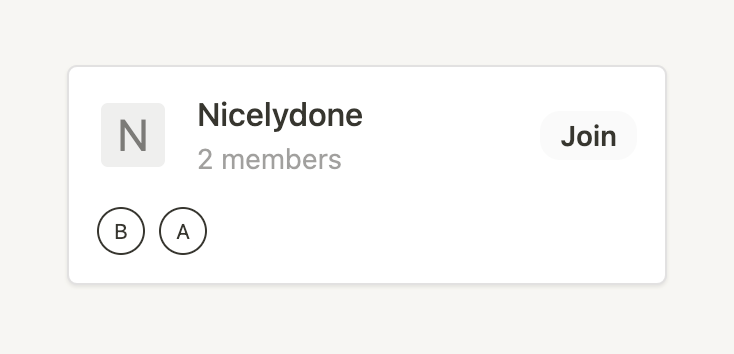
A group card with a join button

Notion — Skeleton component
Notion logo
Notion

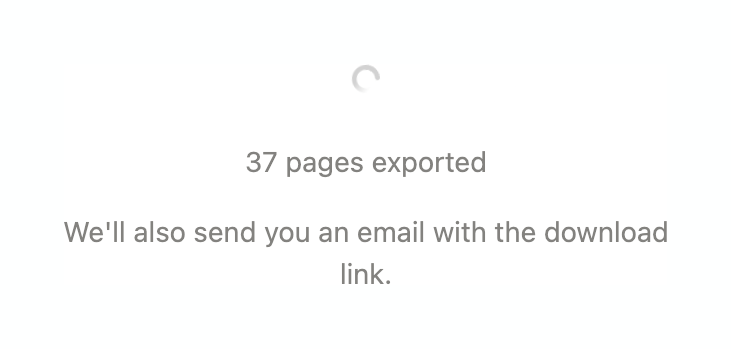
A loading state indicating the progress of an export, featuring a circular spinner and text confirming the number of pages exported and an upcoming email notification.

Notion — Color picker component
Notion logo
Notion

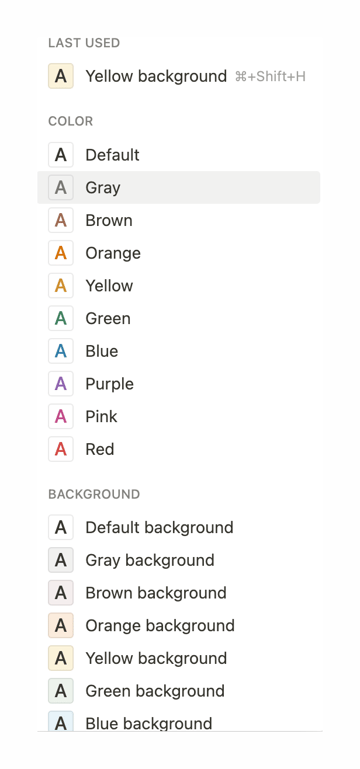
A dropdown menu displaying options for text color and background color, organized into sections with a 'Last Used' shortcut at the top.
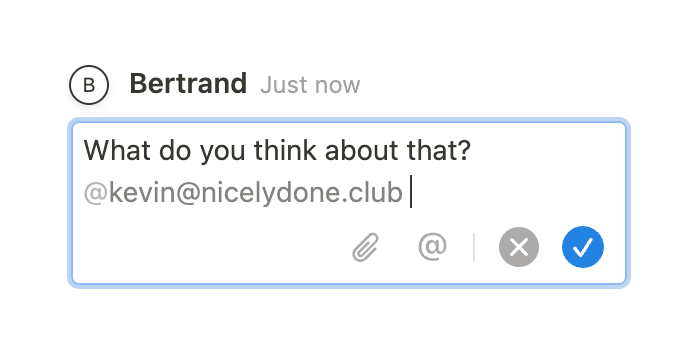
Notion — Textarea component
Notion logo
Notion

A message input field with a user mention and action icons.

Notion — Toolbox component
Notion logo
Notion

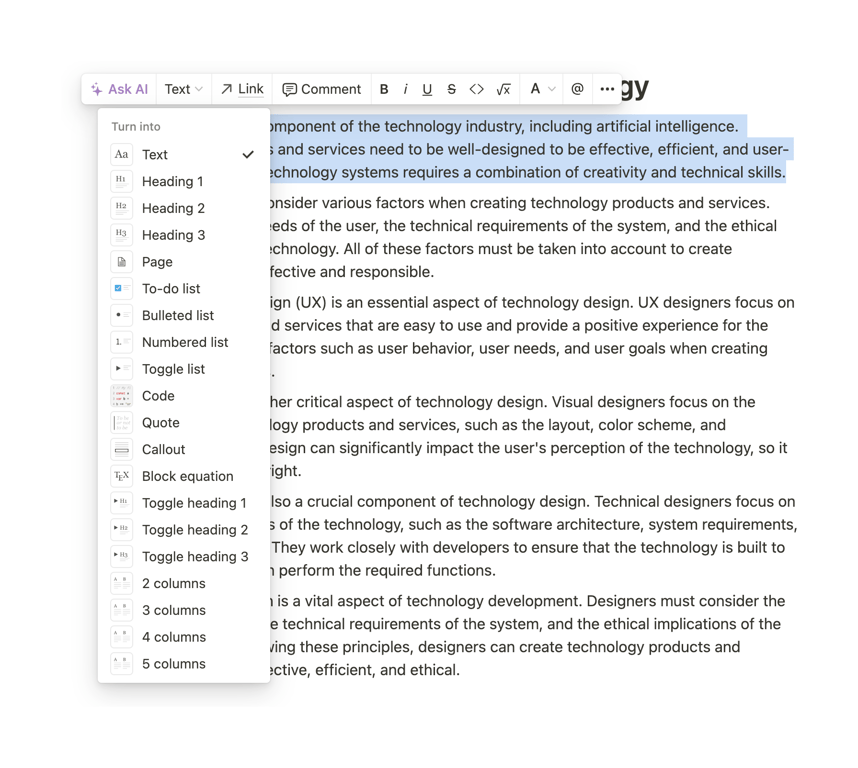
A floating formatting toolbar positioned above selected text in a document editor. The 'Turn into' dropdown menu is open, displaying a list of block types like Text, Heading, List, and Code.

Browse the full component library

Browse the full UI component library.

Trusted by the best teams