Notion user flows examples
Explore Notion user flow examples. Preview the opening screens and steps for each task. A unified workspace for modern teams
Preview these flows

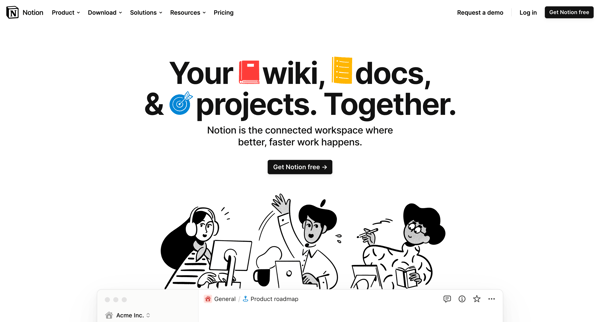
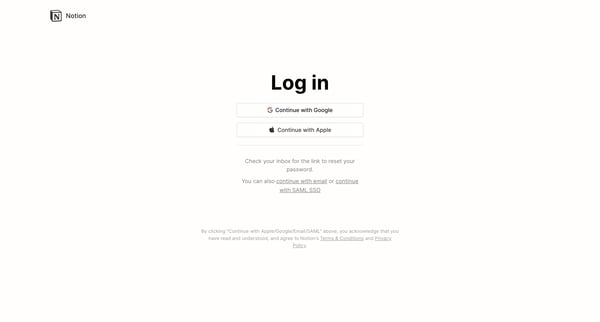
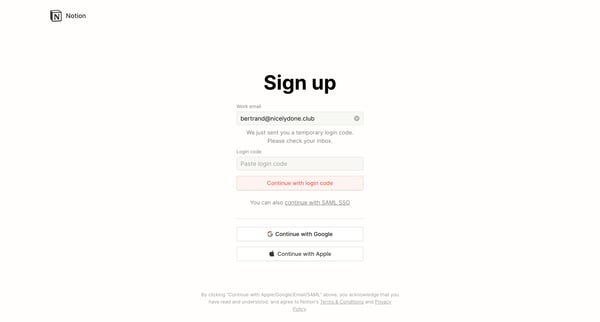
This user flow guides a new user through the process of setting up an account on Notion, customizing their experience based on usage intent, setting up a workspace, inviting teammates, and st
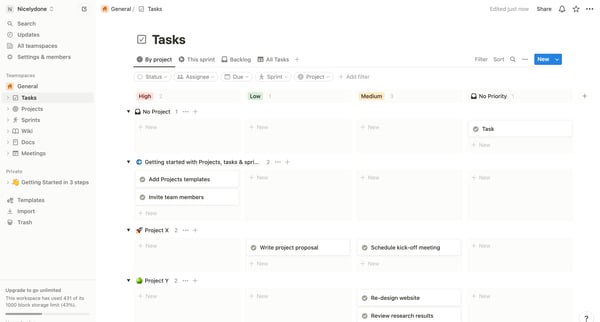
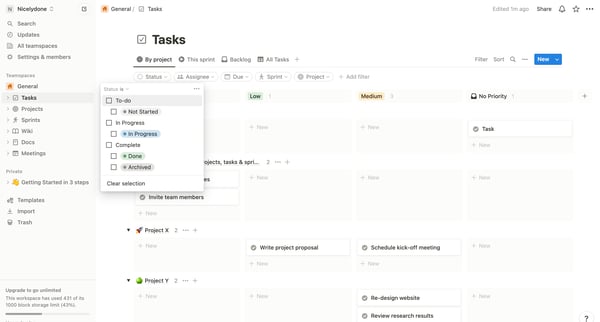
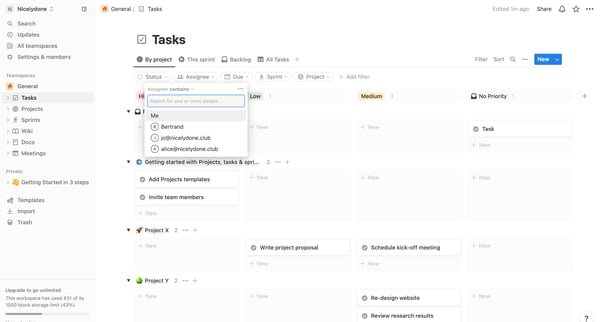
This user flow facilitates users in customizing their task view through filtering and sorting, allowing for enhanced task management and prioritization.
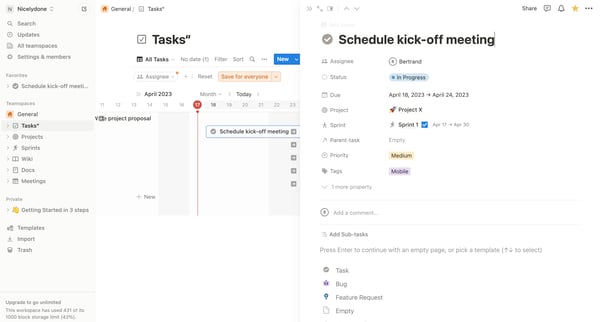
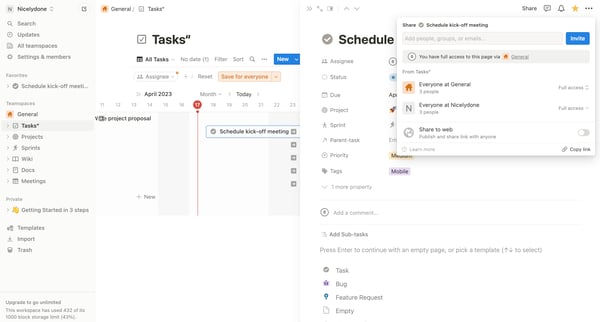
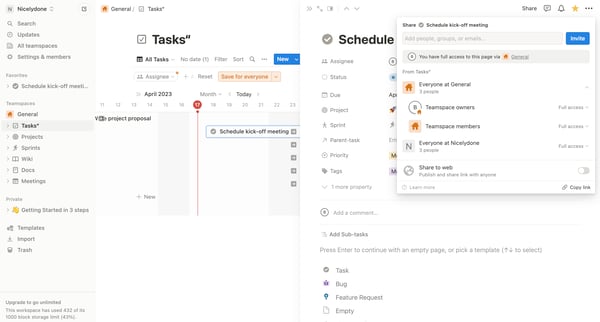
This flow enables users to share a task or page within a workspace, customize sharing permissions, and ensure the selected content is accessible by specific individuals or groups.
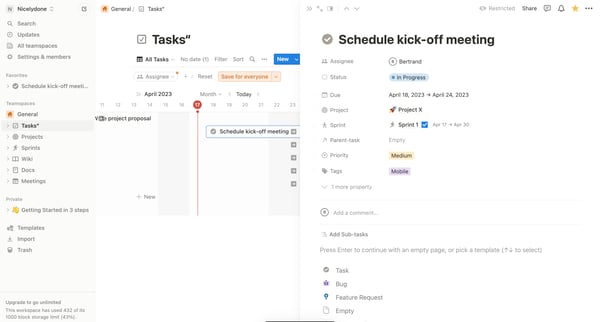
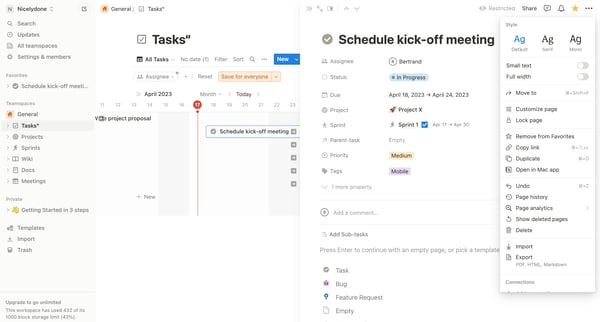
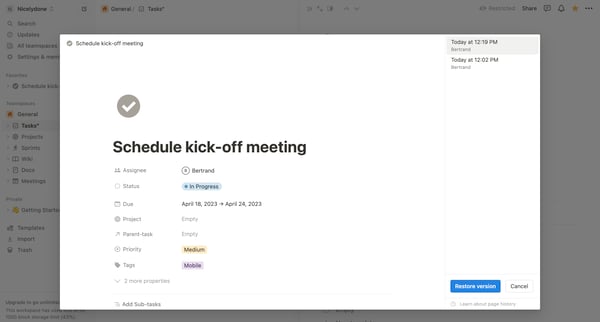
This user flow enables a user to restore a previous version of a page in Notion.
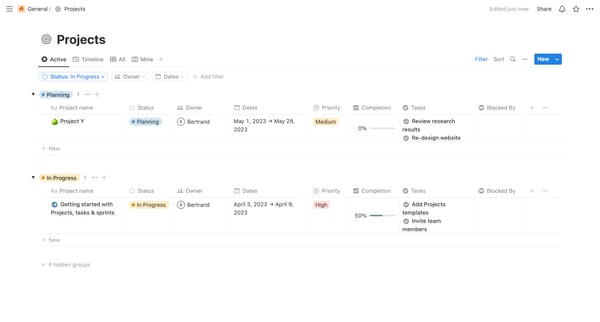
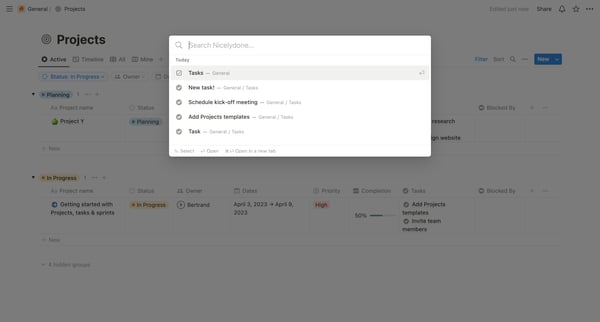
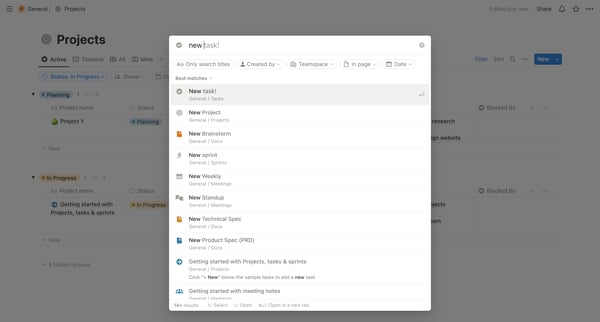
This user flow guides a user through the process of searching and adding new tasks or projects within a workspace, ultimately demonstrating how to create a new standup meeting within a team u
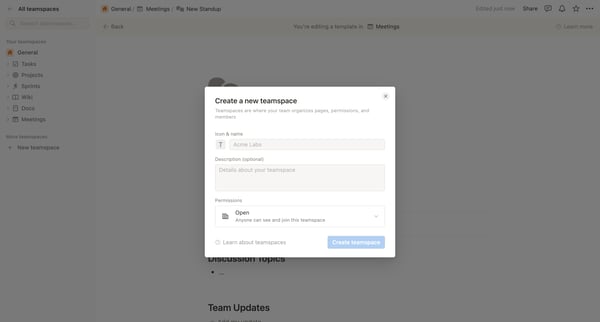
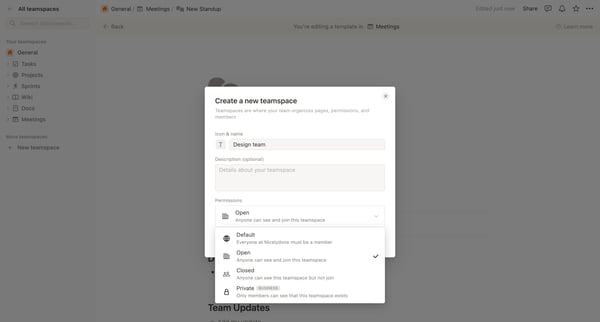
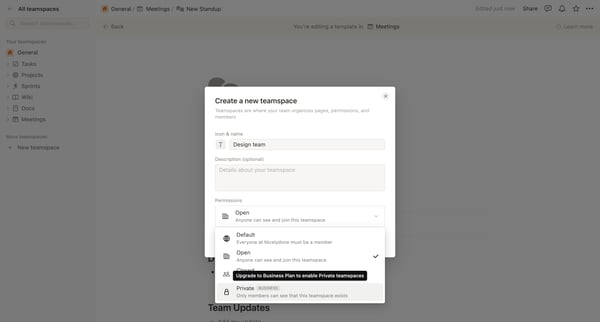
This user flow guides users through the process of creating a new workspace in Notion, setting its permissions, choosing a payment plan, and inviting team members.
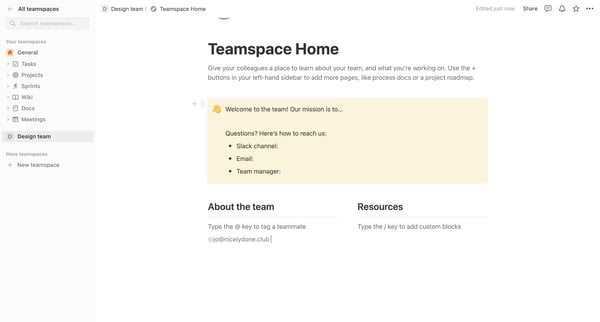
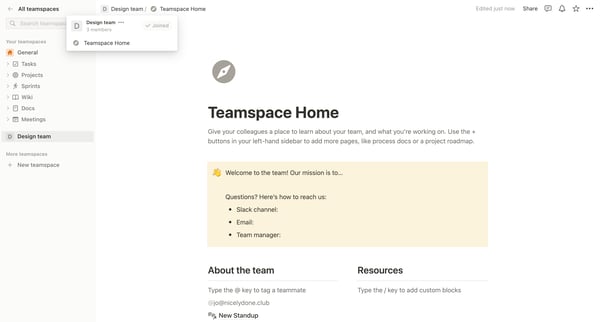
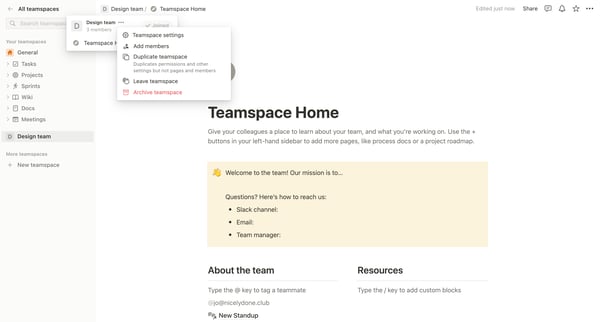
This user flow guides a user through managing a teamspace, including joining a teamspace, updating settings, managing members, adjusting permissions, inviting new members, and configuring sec
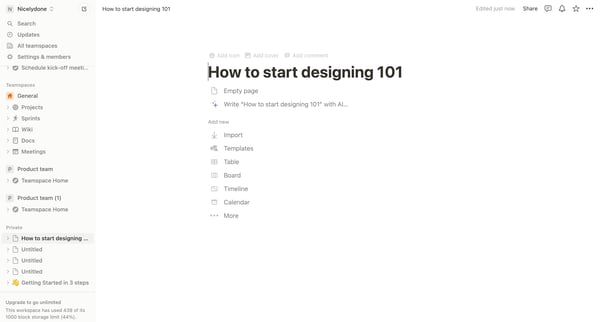
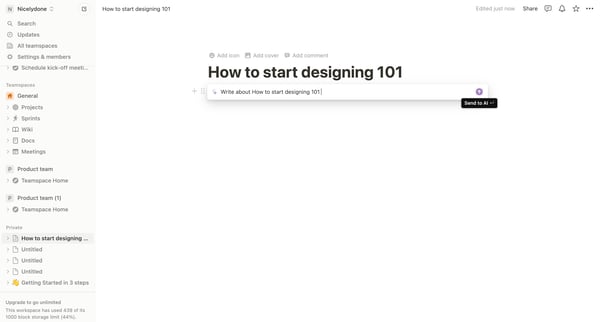
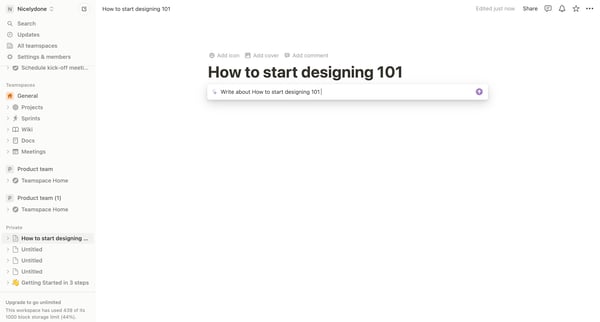
This user flow describes the process of creating content with the assistance of artificial intelligence, specifically focusing on drafting, refining, and sharing design concepts within a coll

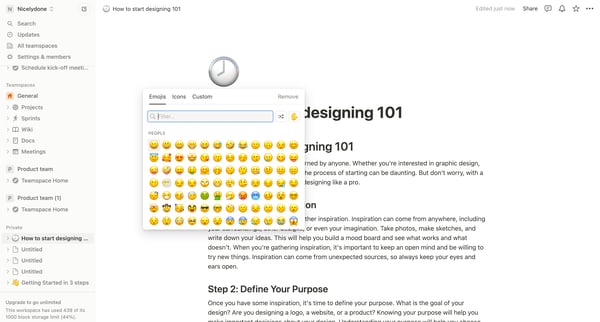
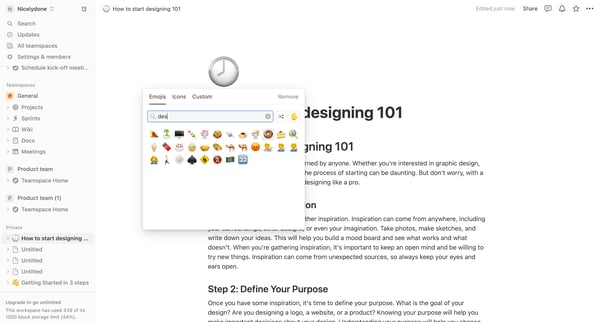
This flow guides users through customizing and editing content in a Notion workspace, utilizing various UI components and settings for personalization and organization.

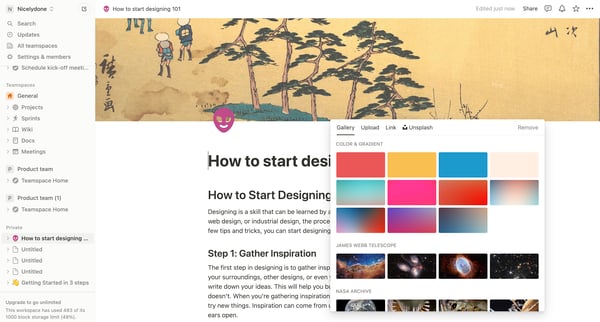
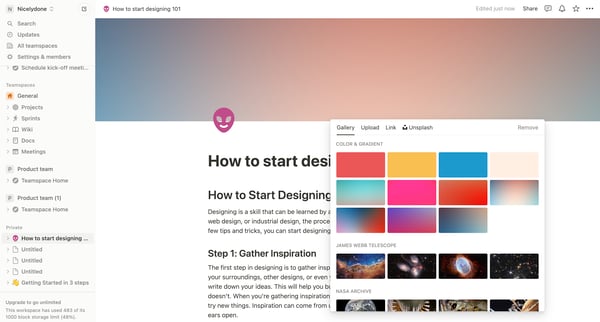
This user flow guides the user through customizing and enriching a document with inspirational content and visual elements within a team workspace.
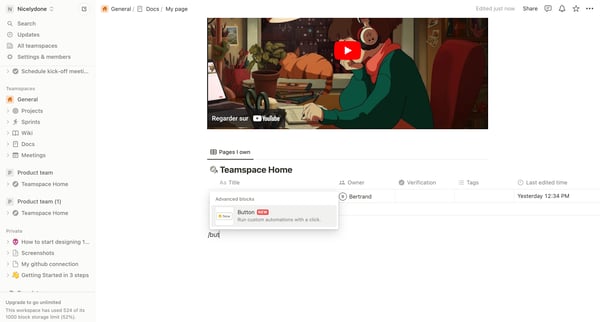
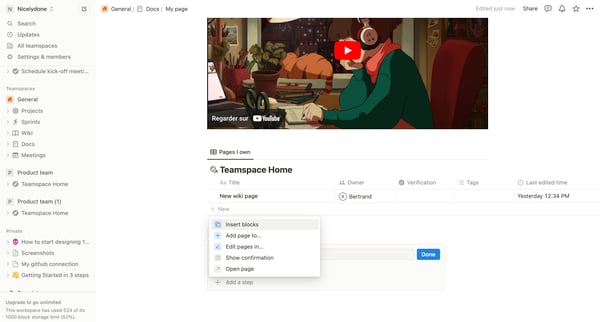
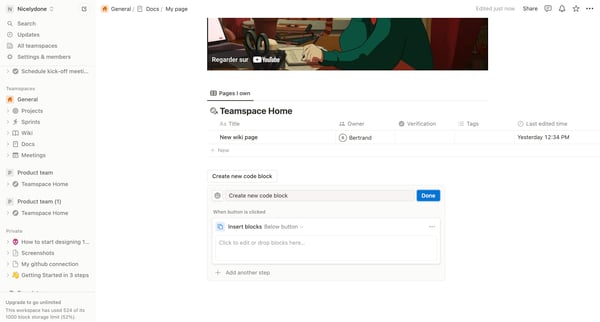
This flow guides users through creating and configuring a new code block within a teamspace, including verification and the addition of relevant dockets for organization and confirmation of a
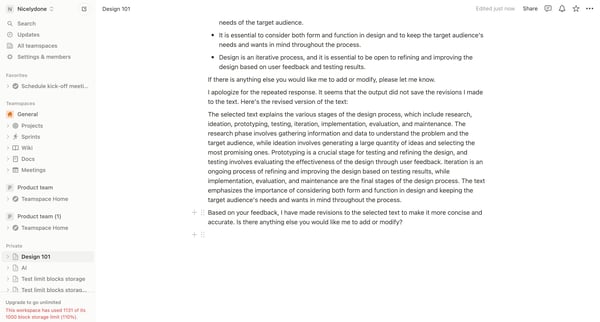
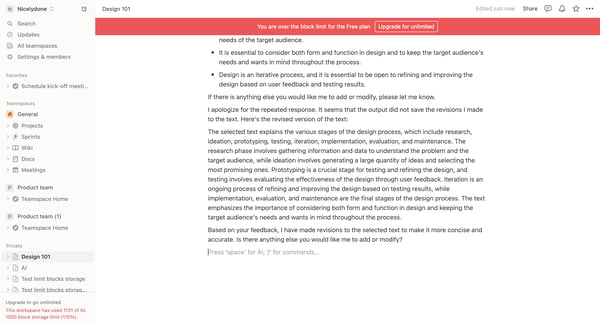
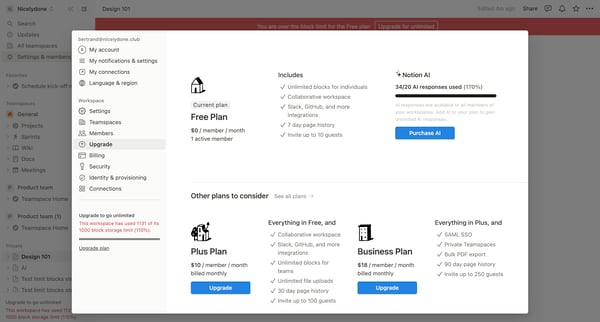
This flow guides a user through the process of upgrading their subscription due to exceeding storage limits, presenting different plan options, entering and confirming payment details, and fi
Explore the full SaaS flow library
Browse the full SaaS flow library.
Trusted by the best teams







