Skip to content

Niche product screens examples

Browse Niche screen design examples. Preview the interface screenshots and explore related UI patterns. Discover the schools and neighborhoods that are right for you.

Explore the examples

Niche - Sign in screen
Niche logo
Niche

Sign-in screen where the user authenticates with their email and password to access their Niche account.

Niche - Password reset screen
Niche logo
Niche

Password recovery modal where the user enters their email address to receive a reset link.
Niche - Sign up screen
Niche logo
Niche

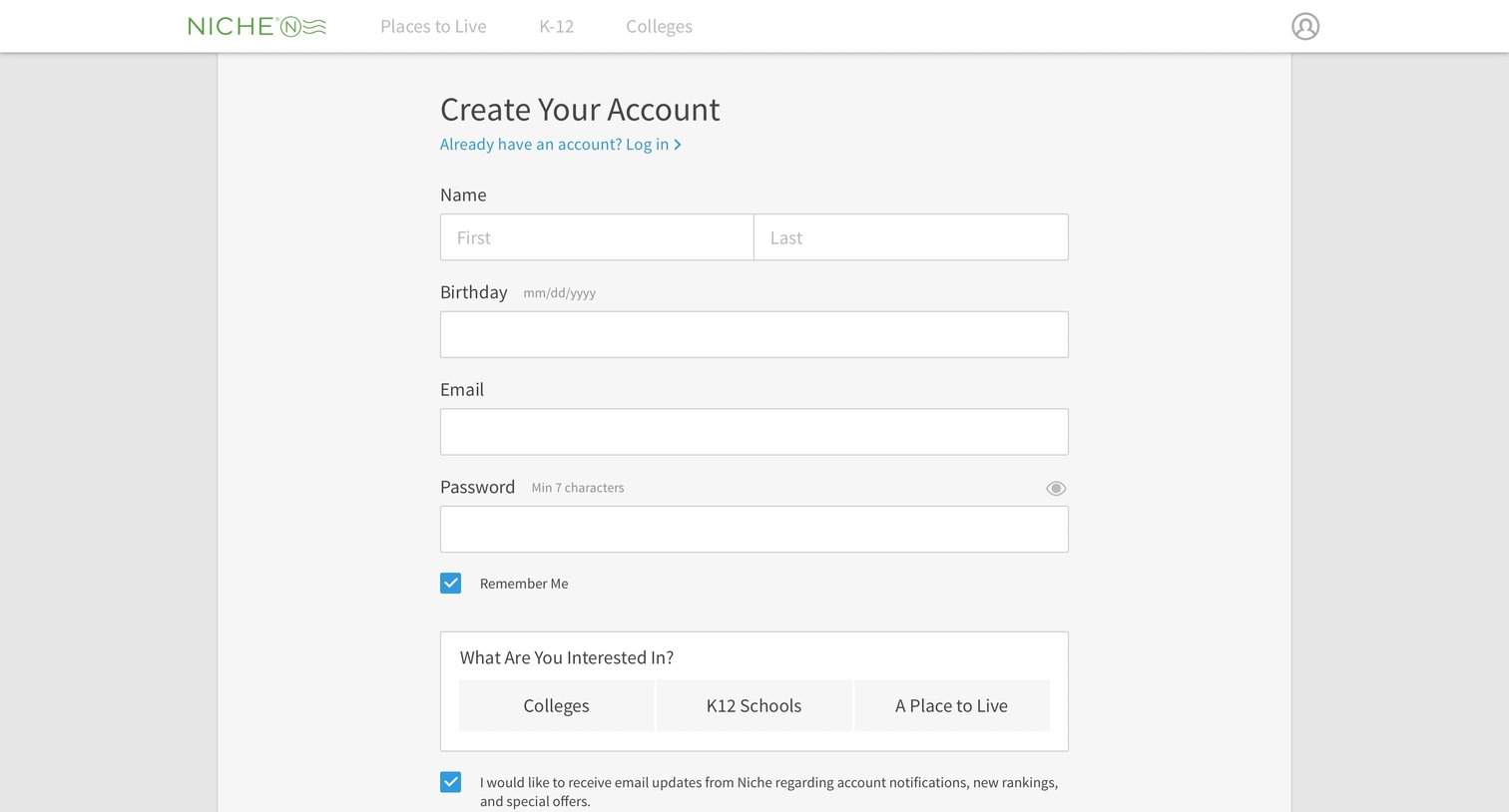
Signup page where the user creates an account by providing their name, email, password, and selecting their primary interest among colleges, K-12 schools, or places to live.

Niche - Onboarding screen
Niche logo
Niche

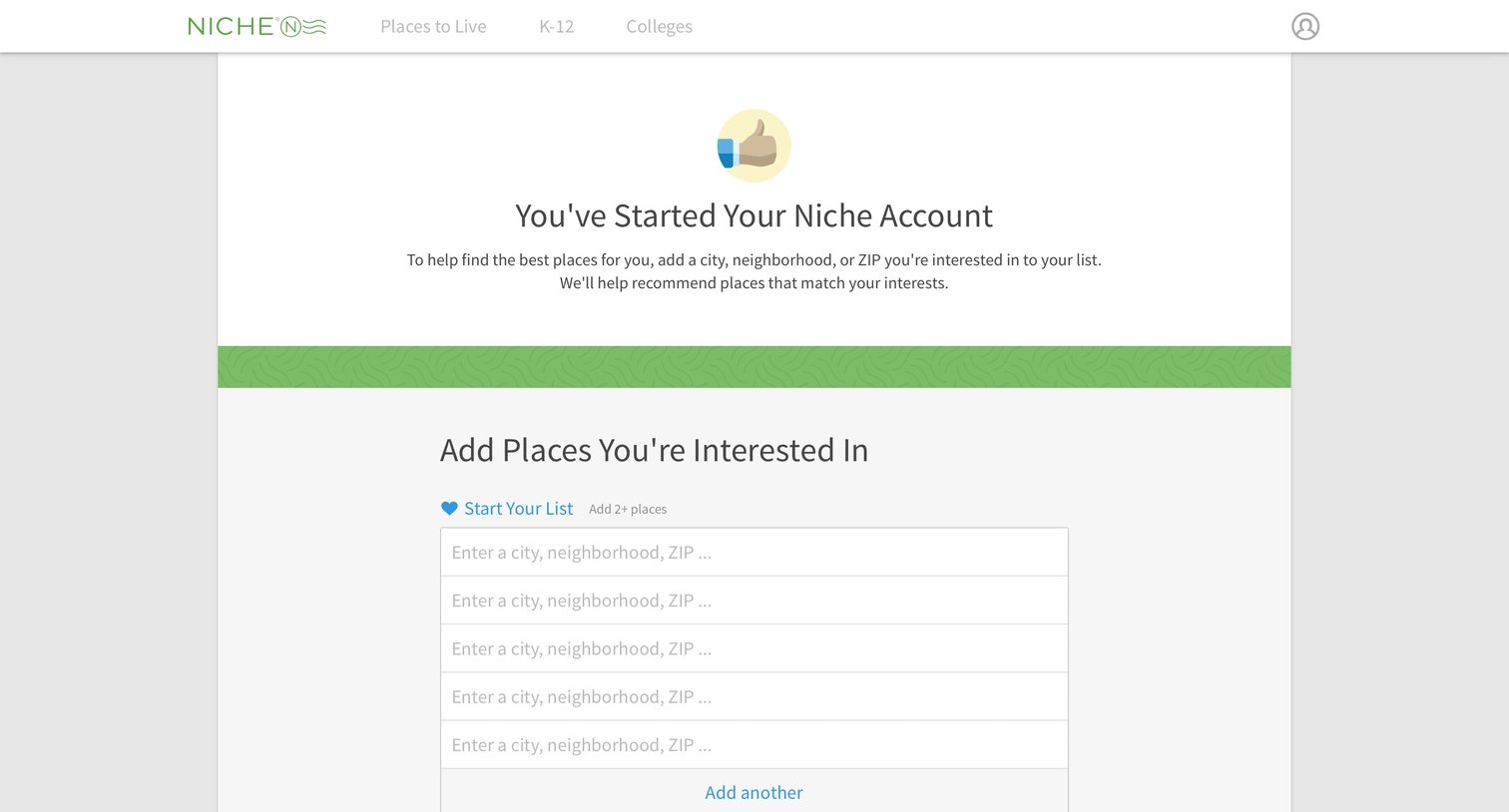
Onboarding step where the user adds cities, neighborhoods, or ZIP codes to their list of interested places to get personalized recommendations.

Niche - Home screen
Niche logo
Niche

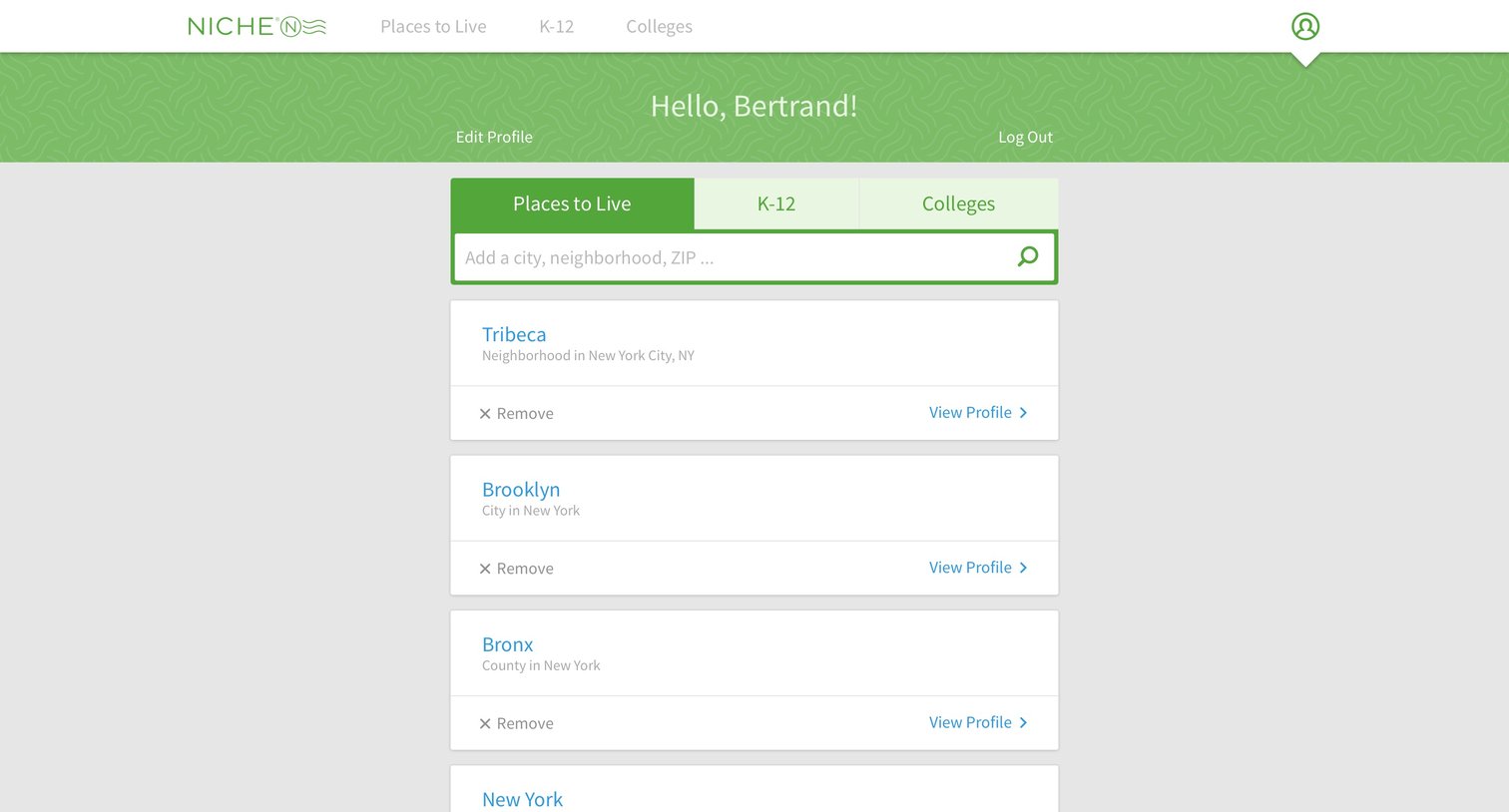
User profile

Niche - Search screen
Niche logo
Niche

List management

Niche - Search screen
Niche logo
Niche

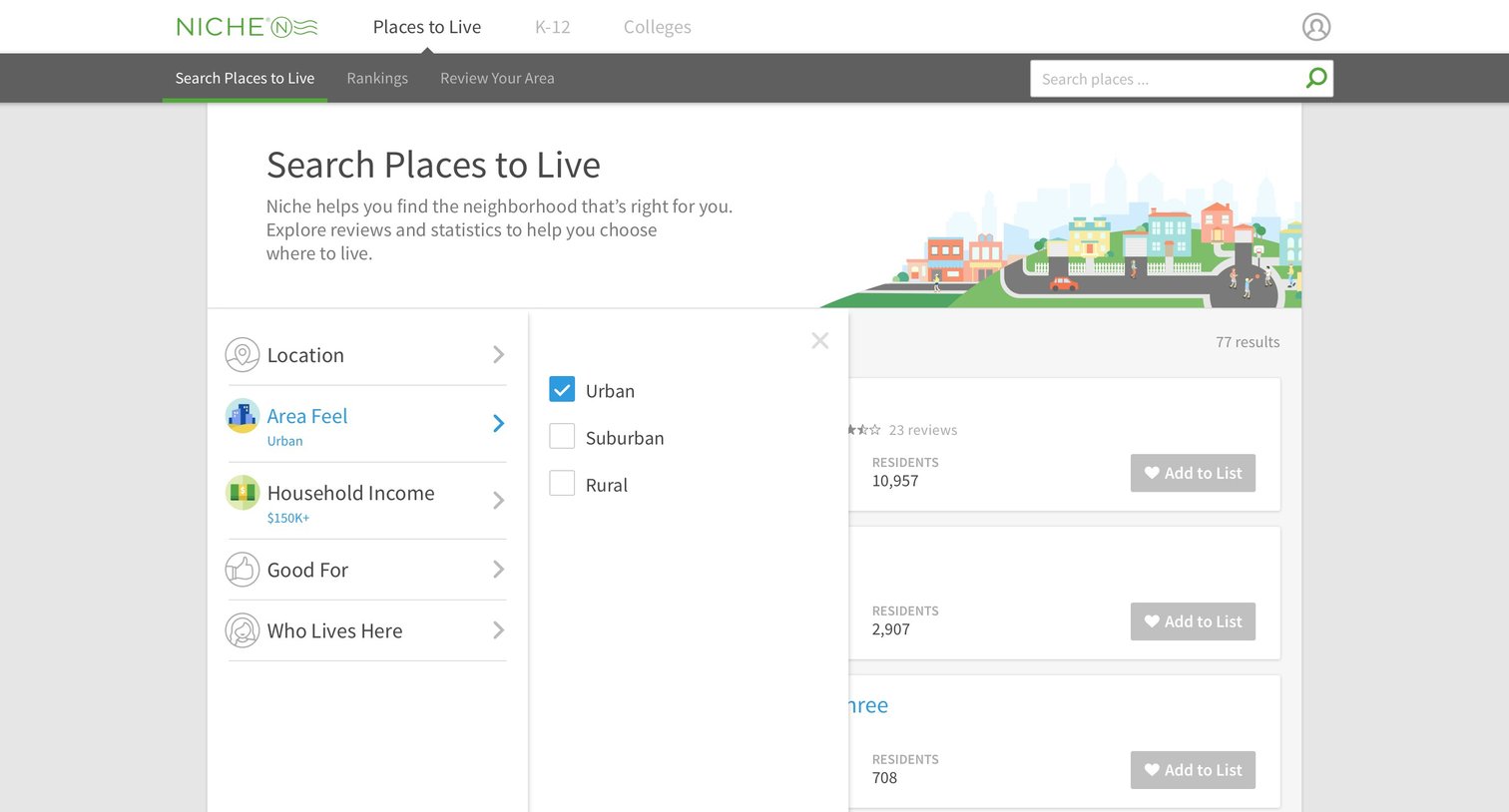
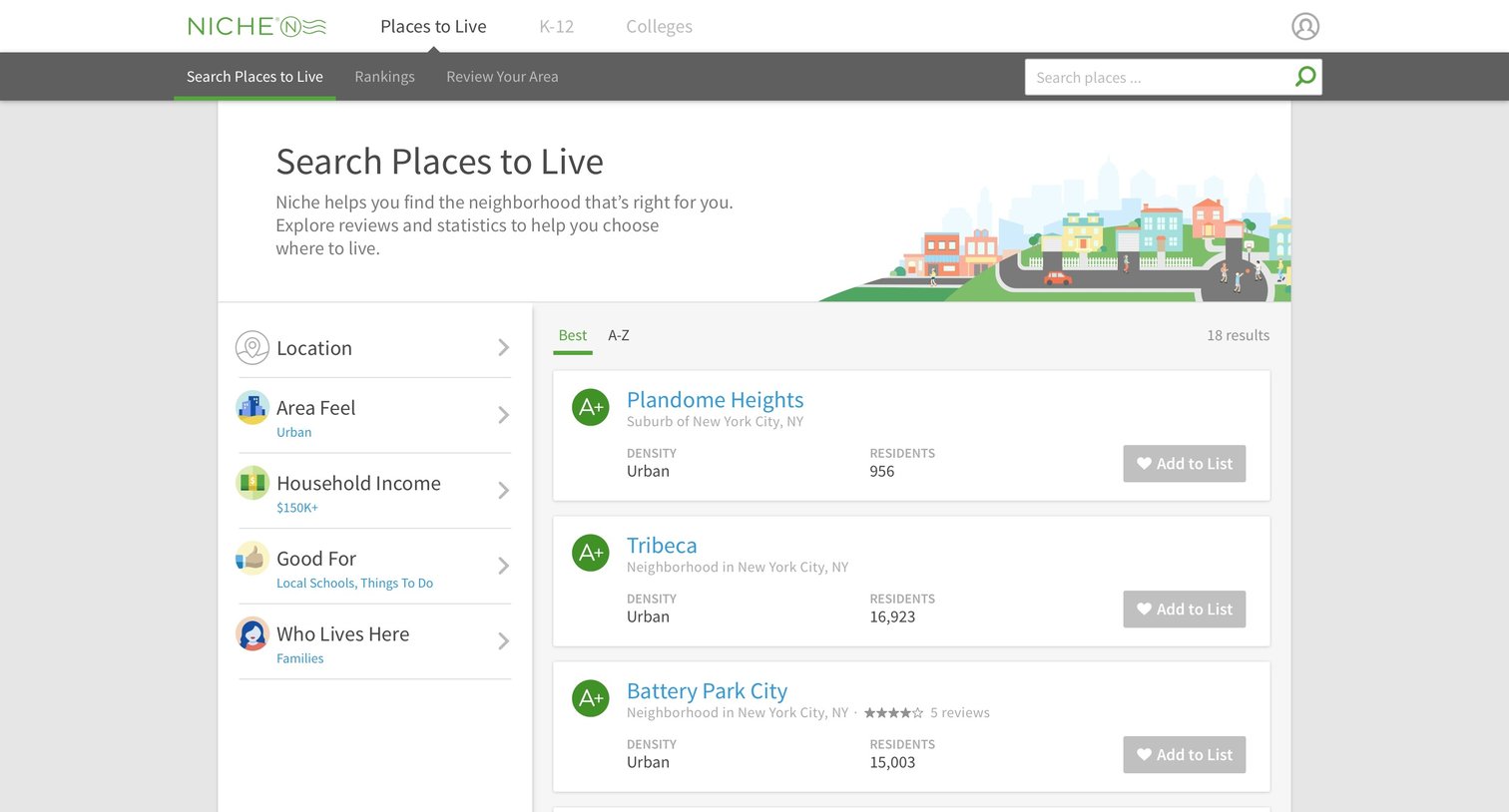
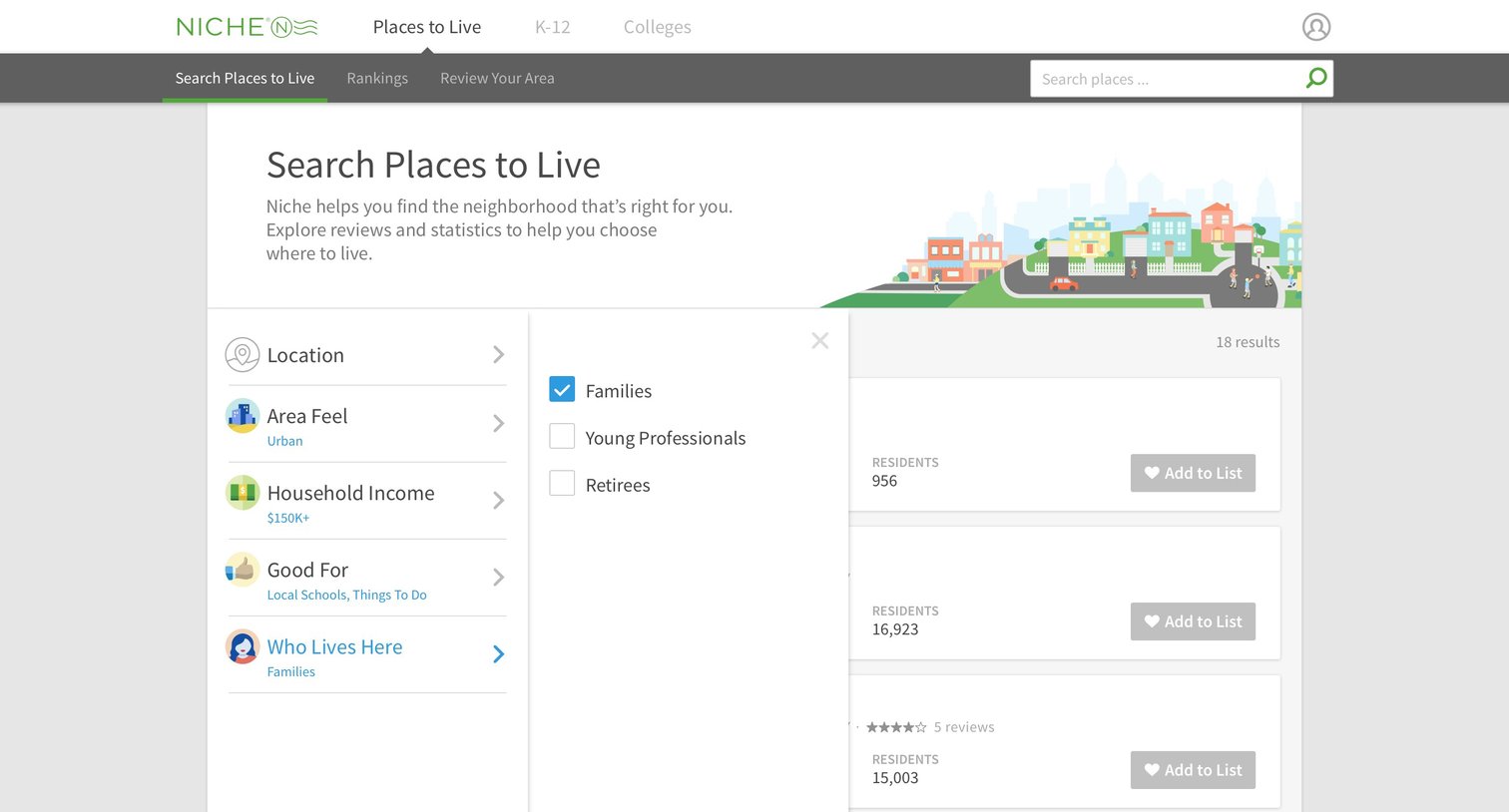
Search results page for places to live, featuring a left sidebar with active filters for area feel and household income alongside a list of matching neighborhood cards.
Niche - Search screen
Niche logo
Niche

Grid

Niche - Search screen
Niche logo
Niche

Grid

Niche - Single screen
Niche logo
Niche

Directory profile page for a neighborhood displaying grades, real estate data, crime statistics, demographics, and local schools.

Niche - Single screen
Niche logo
Niche

Detail page for a specific neighborhood displaying its rankings across various categories, a map header, and search tools to explore other areas.

Niche - Best places screen
Niche logo
Niche

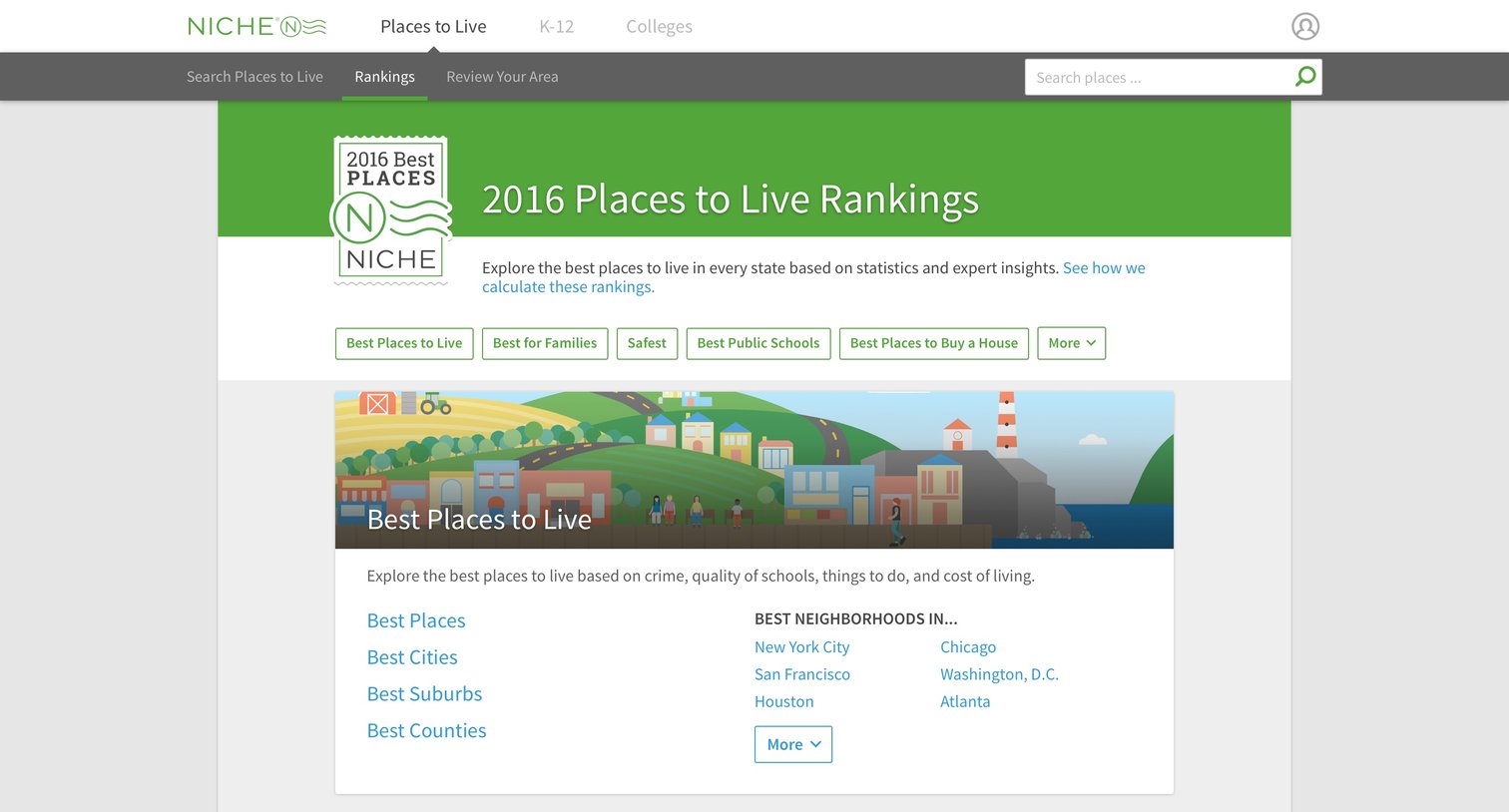
Resources page listing various categories of best places to live, such as best for families, safest, and best public schools, with links to specific city and neighborhood rankings.

Explore the full SaaS screen library

Upgrade to unlock the full library.

Trusted by the best teams