Munchery product screens examples
Browse Munchery screen design examples. Preview the interface screenshots and explore related UI patterns. We bring dinner right to your door
Explore the examples

Sign-in overlay where the user authenticates with email and password or via Facebook and Twitter.
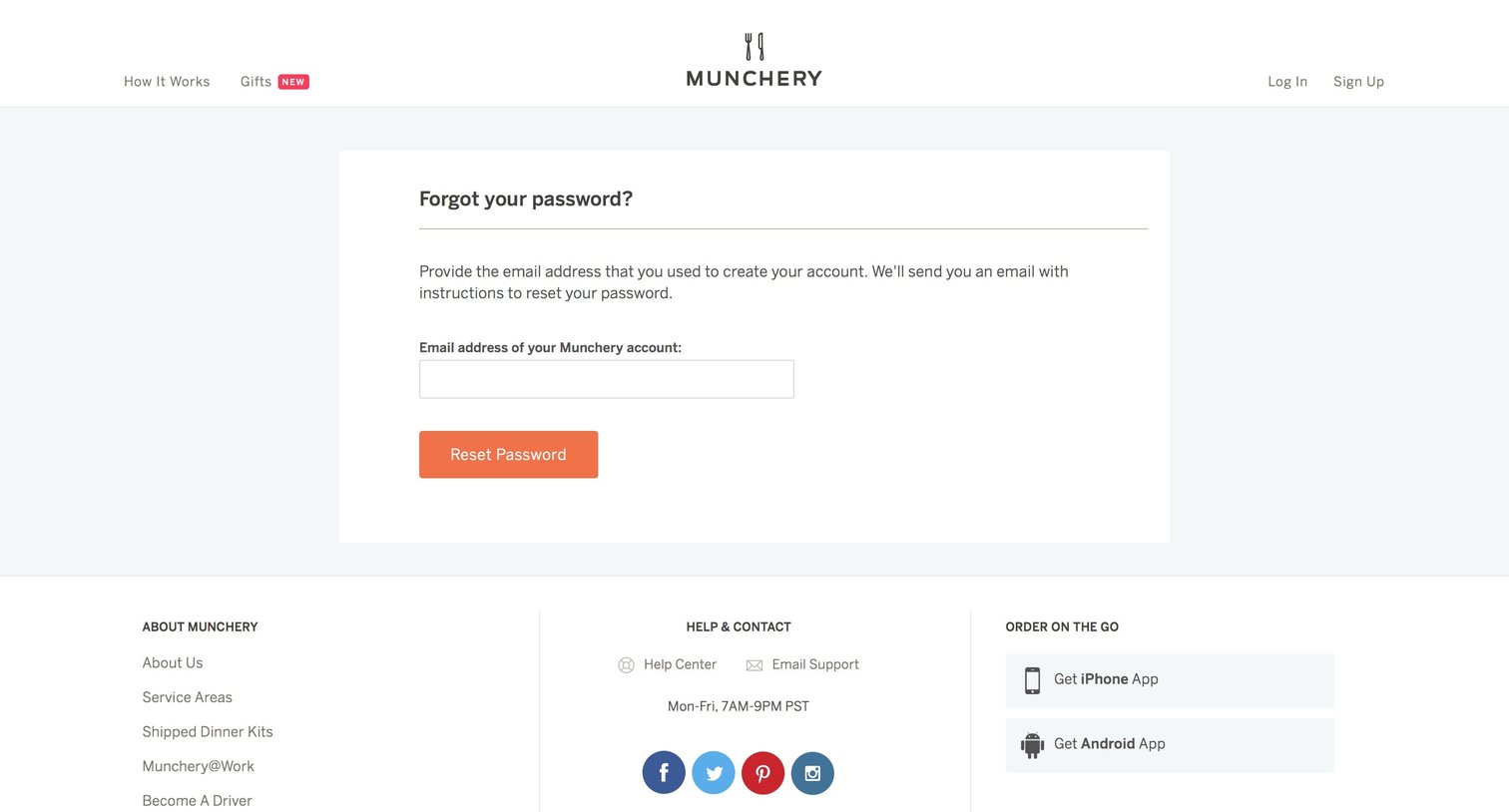
Password recovery screen where the user enters their email address to receive reset instructions.

Marketing catalog page where the user browses food items by category, views availability, and adds meals to their cart.
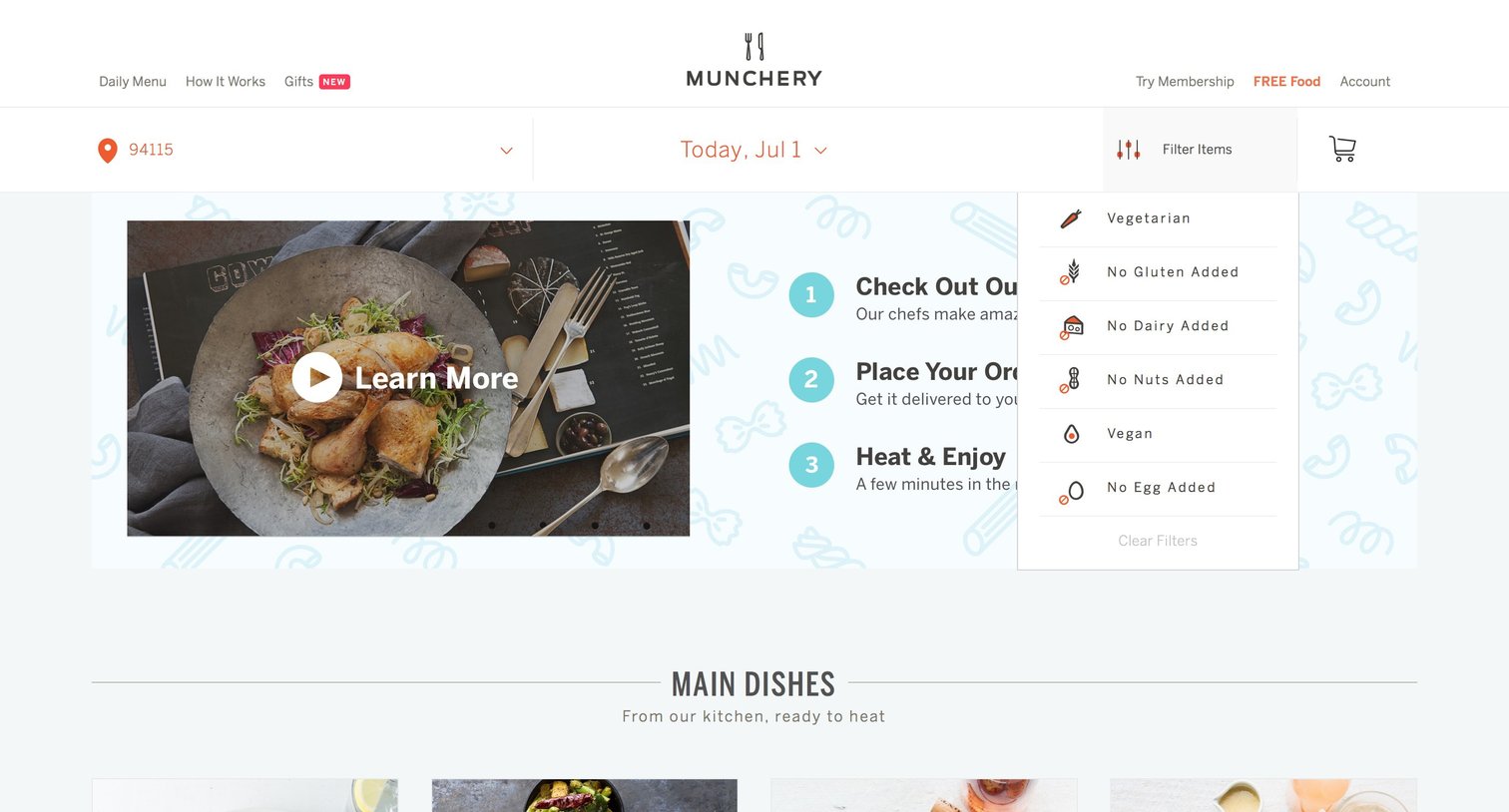
Landing page for a meal delivery service where the user can select a delivery date, filter the daily menu by dietary restrictions like vegetarian or vegan, and watch a video explaining how the service works.

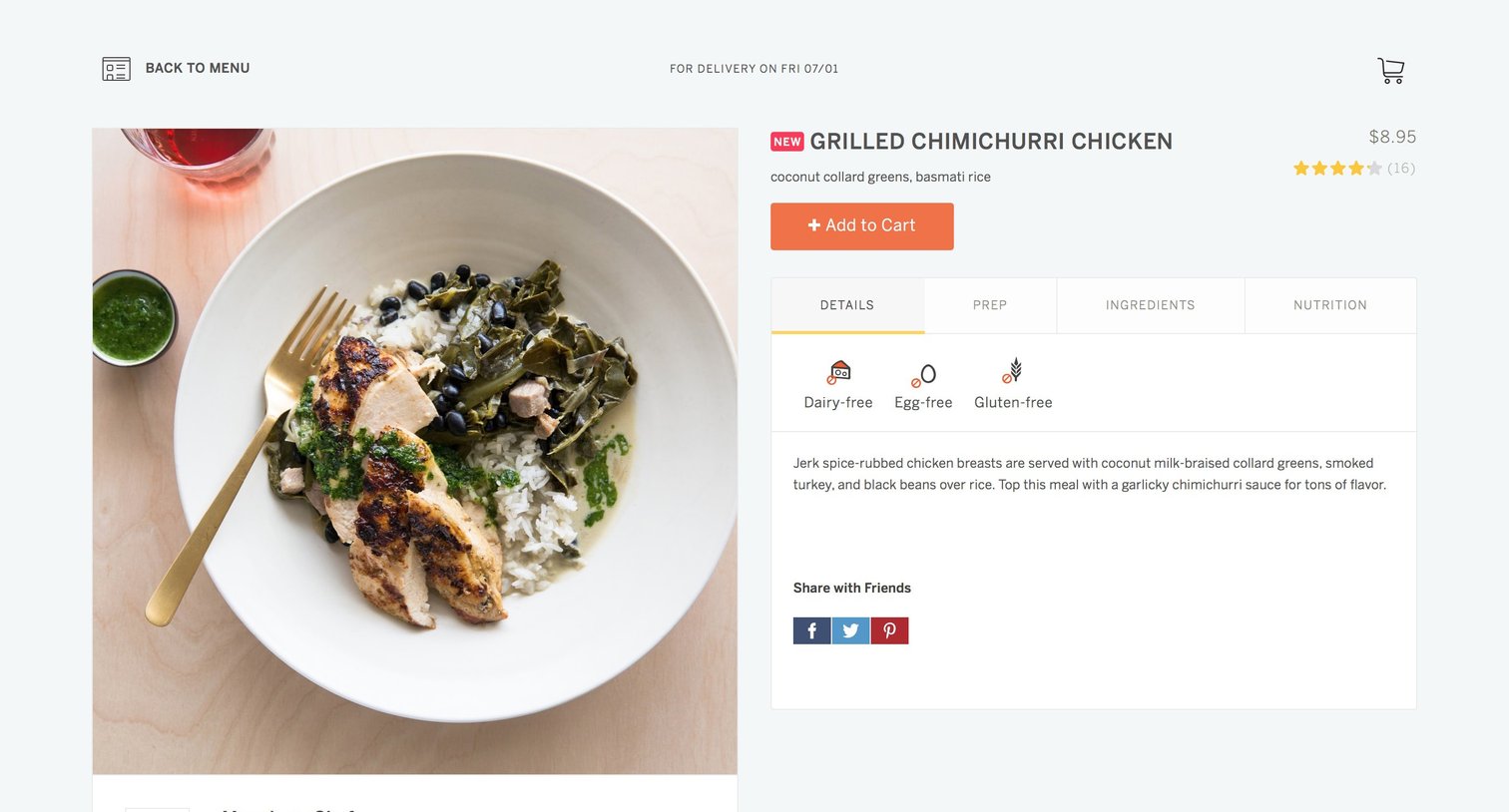
Product detail page where the user can view dietary information, ingredients, and add a specific meal to their cart for delivery.

Detail page for a specific meal where the user can view nutritional information, add the item to their cart, and review their order in a side panel before checking out.

Checkout page where the user reviews their food order, selects a delivery time slot, enters shipping and payment details, and can opt into a membership trial.
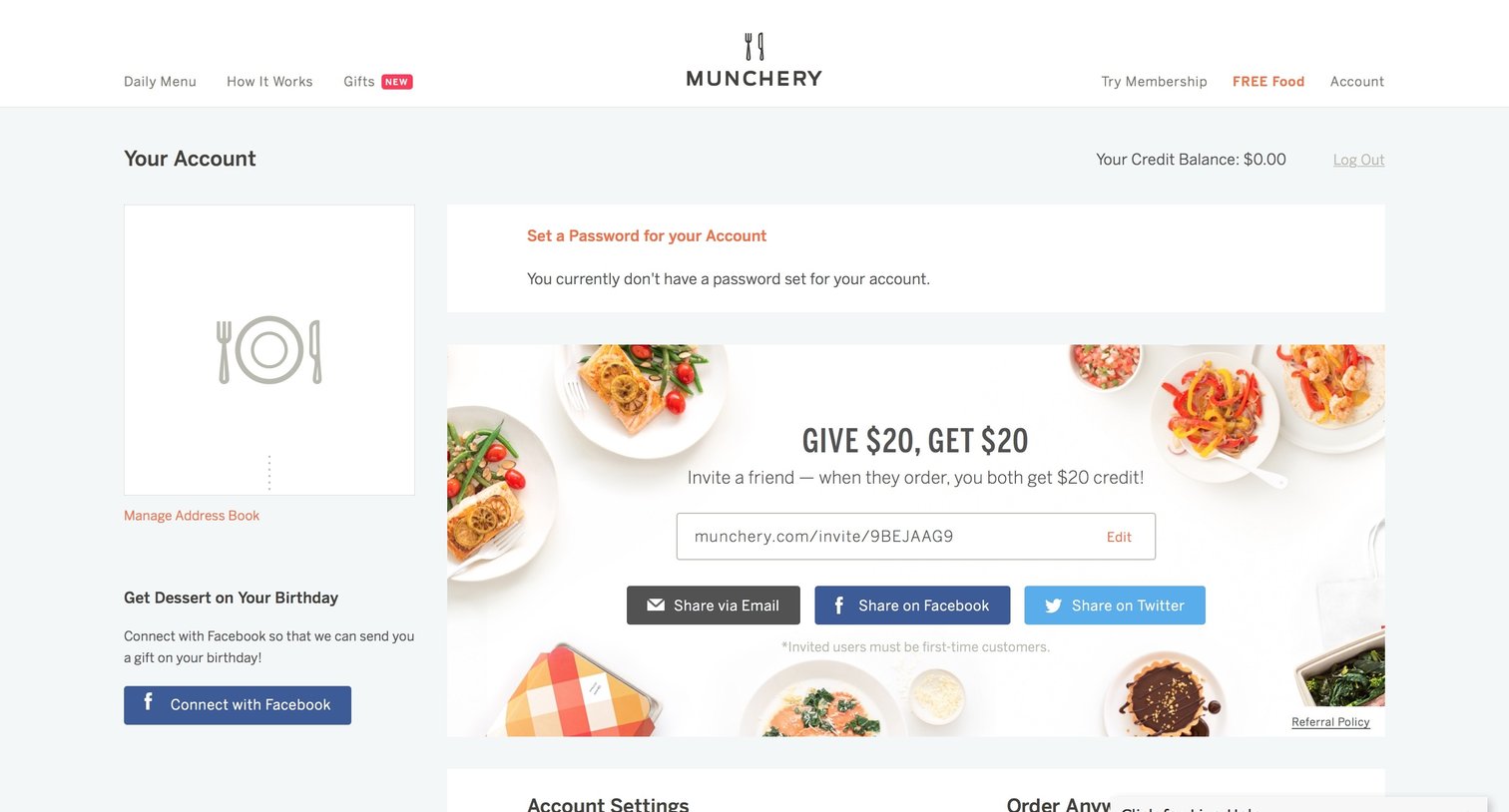
Account settings page where the user can manage their profile, access past orders, and invite friends via a referral banner.
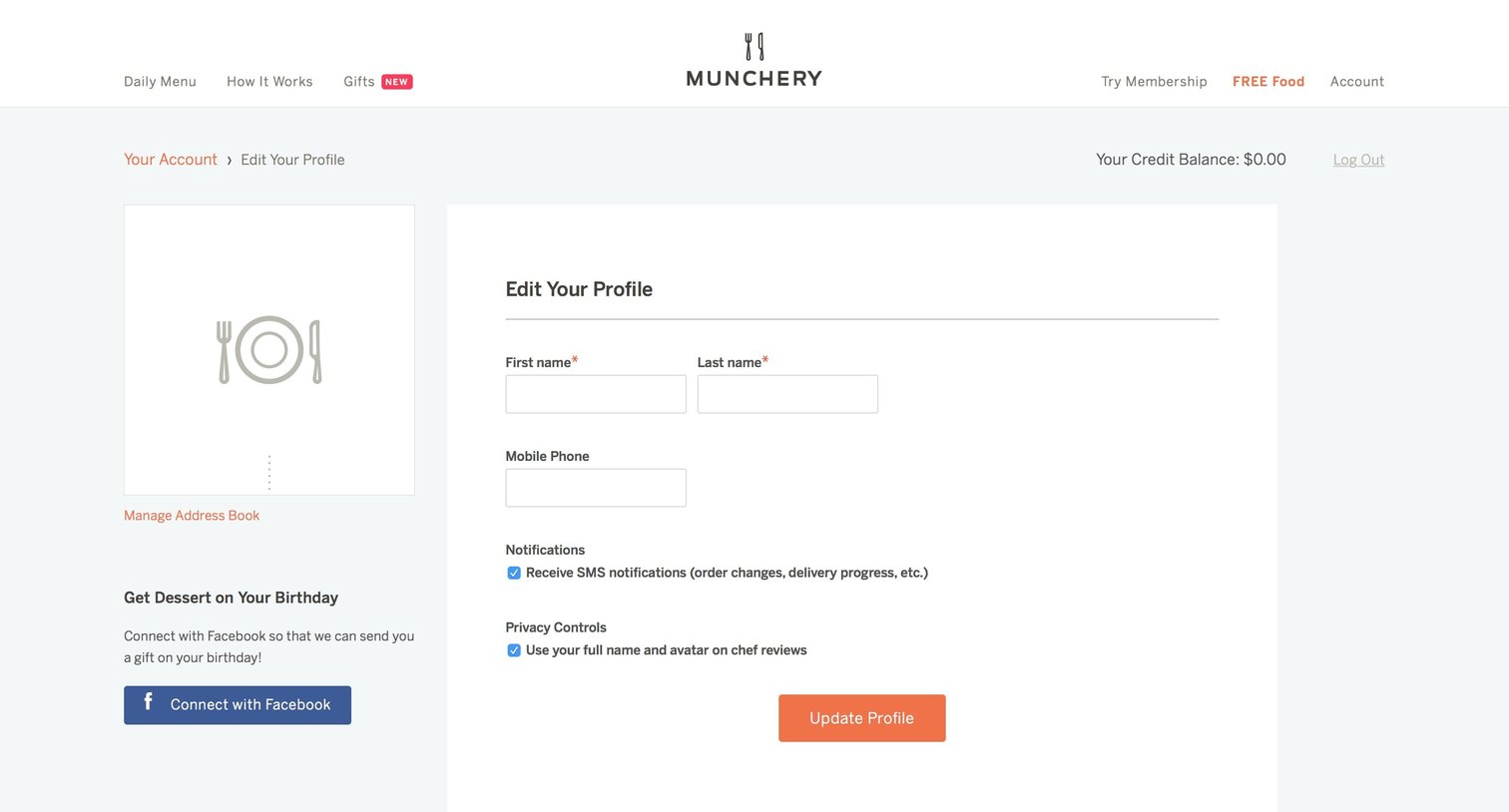

Marketing landing page where the user can invite friends via email or social media to earn a $20 credit.
Explore the full SaaS screen library
Upgrade to unlock the full library.
Trusted by the best teams







