
Mention product screens examples
Browse Mention screen design examples. Preview the interface screenshots and explore related UI patterns. Media Monitoring, Made Easy
Explore the examples
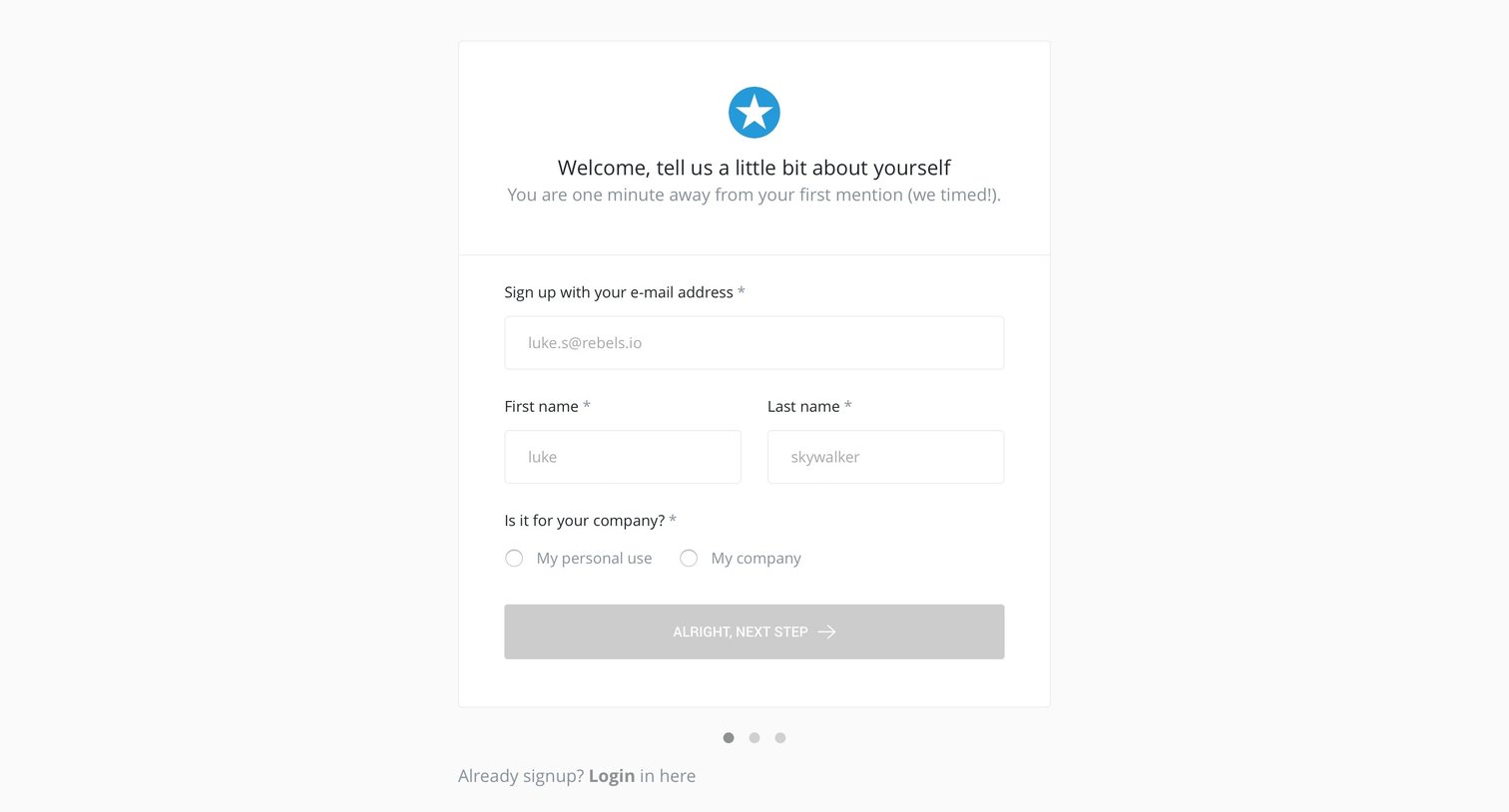
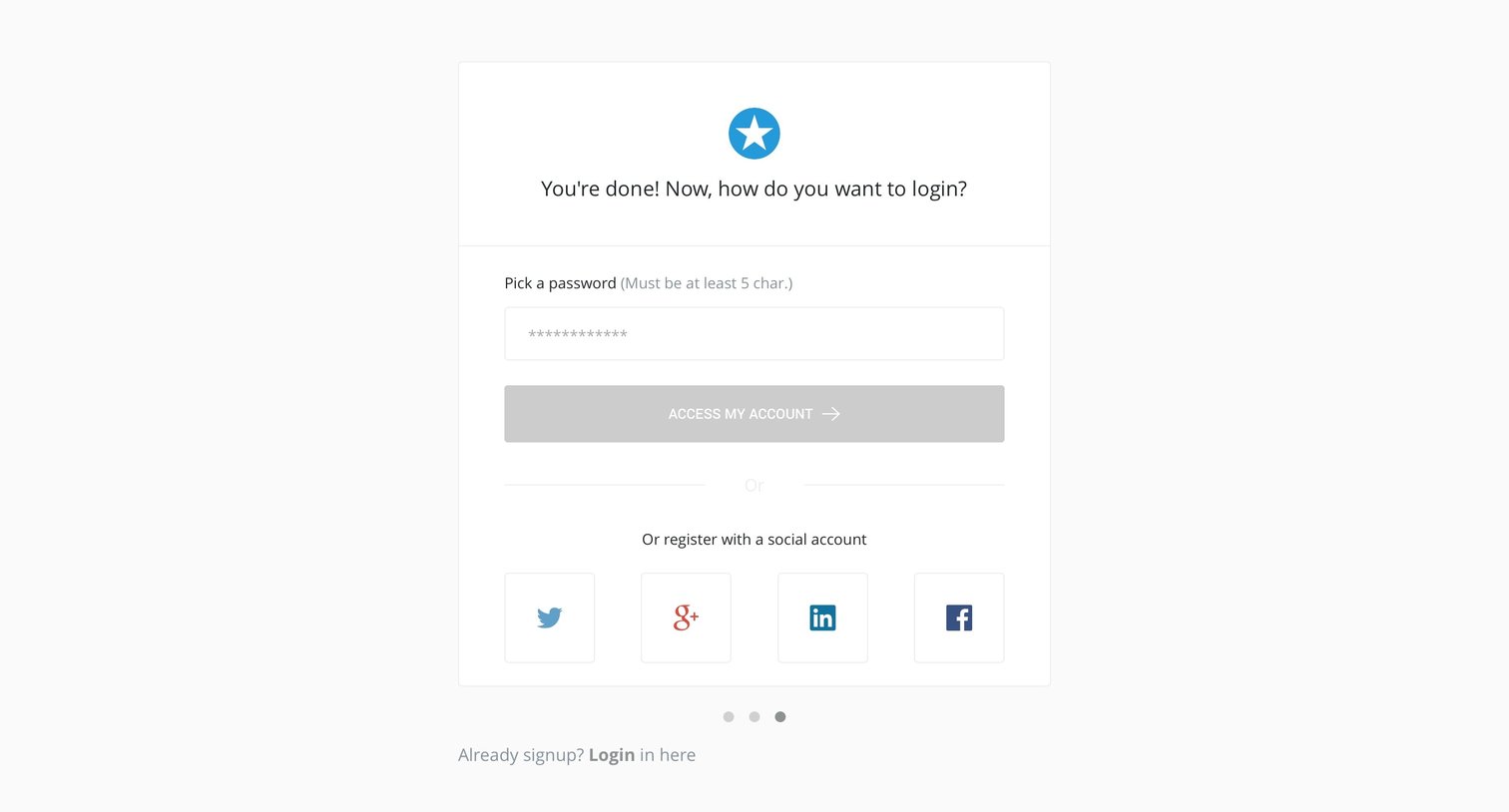
Signup screen where the user finalizes their account by setting a password or choosing a social login provider after completing previous steps.
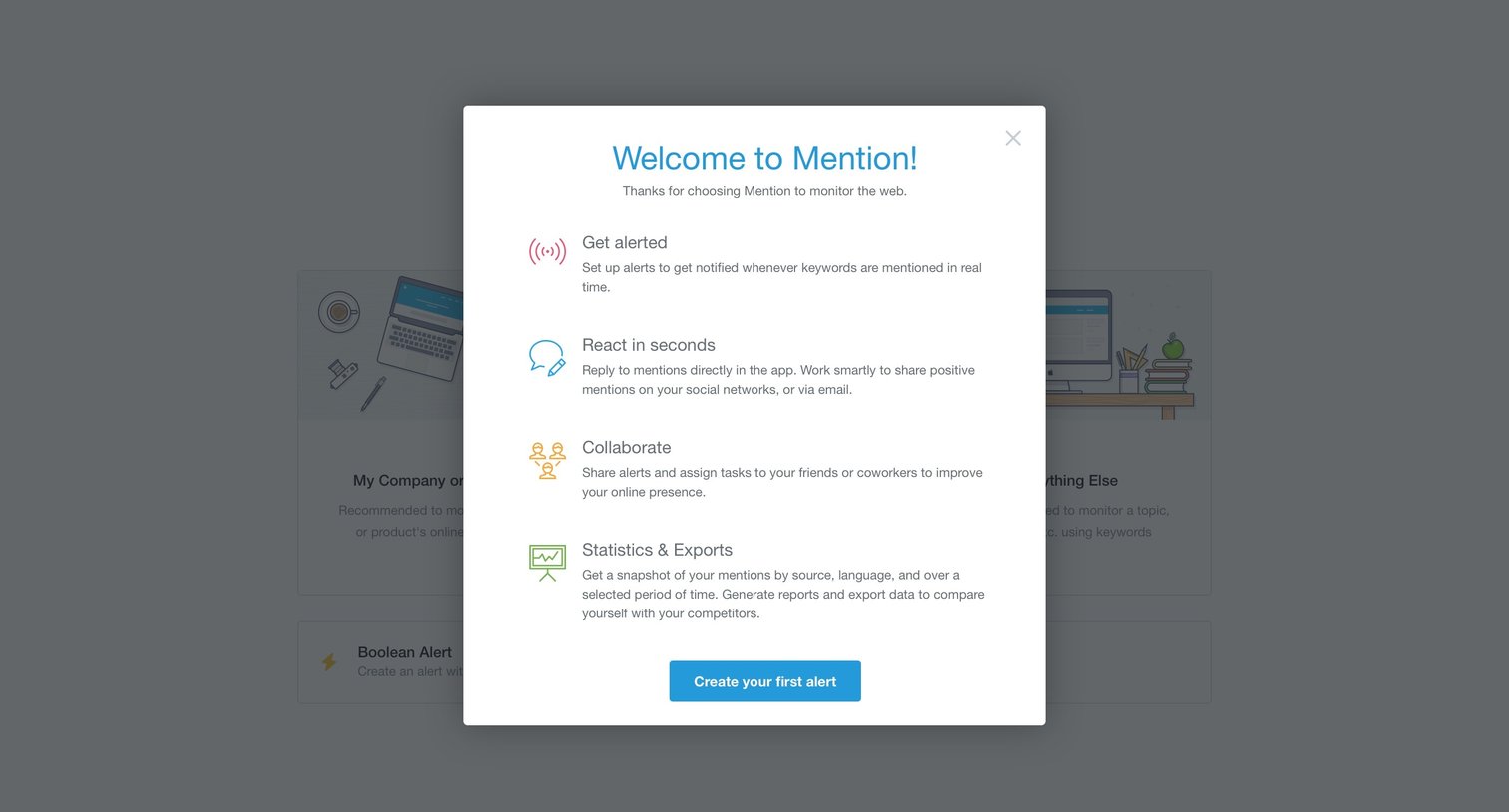
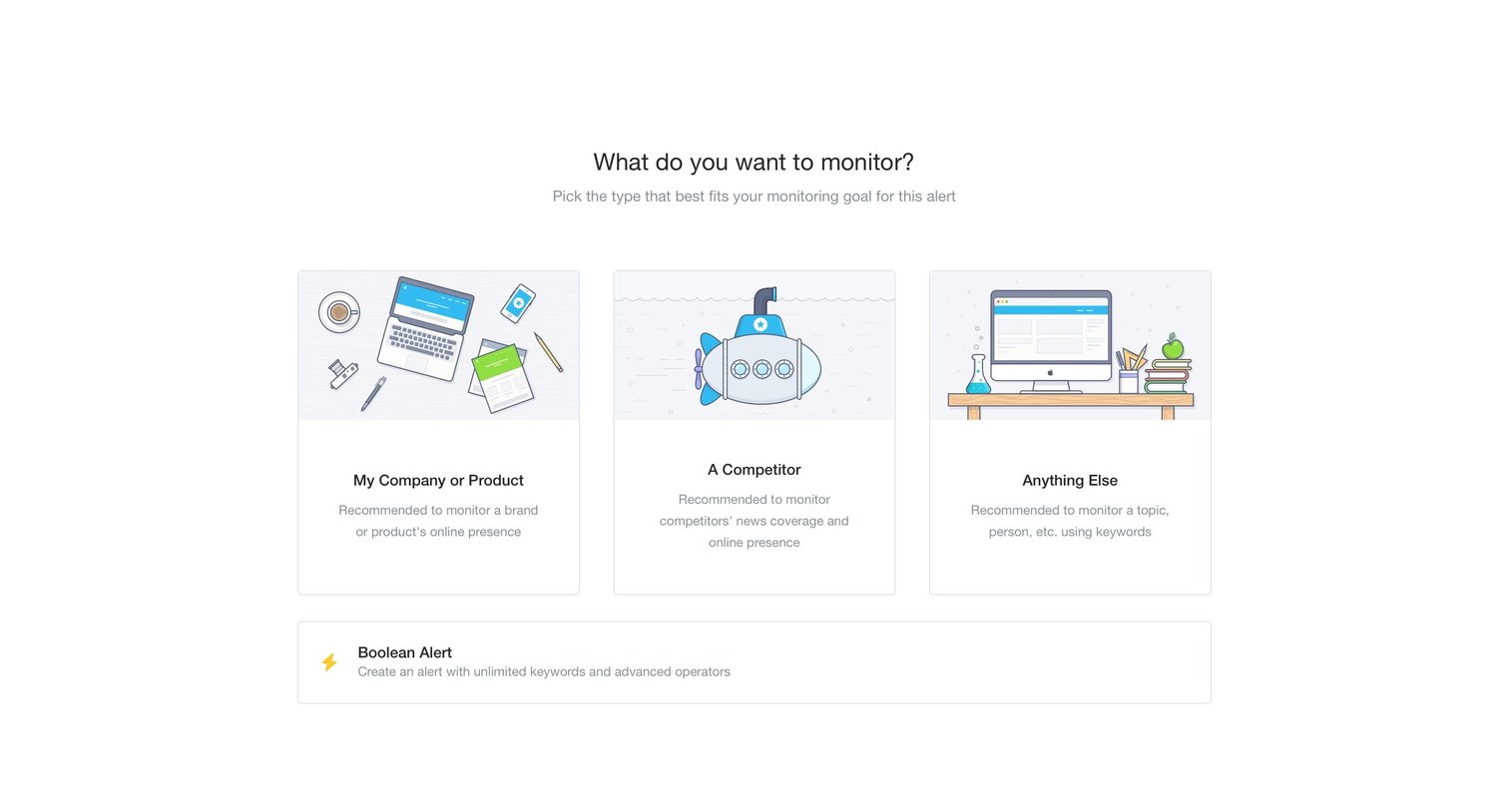
Create page where the user selects the type of alert they want to monitor by choosing between their company, a competitor, a custom keyword, or a boolean query.
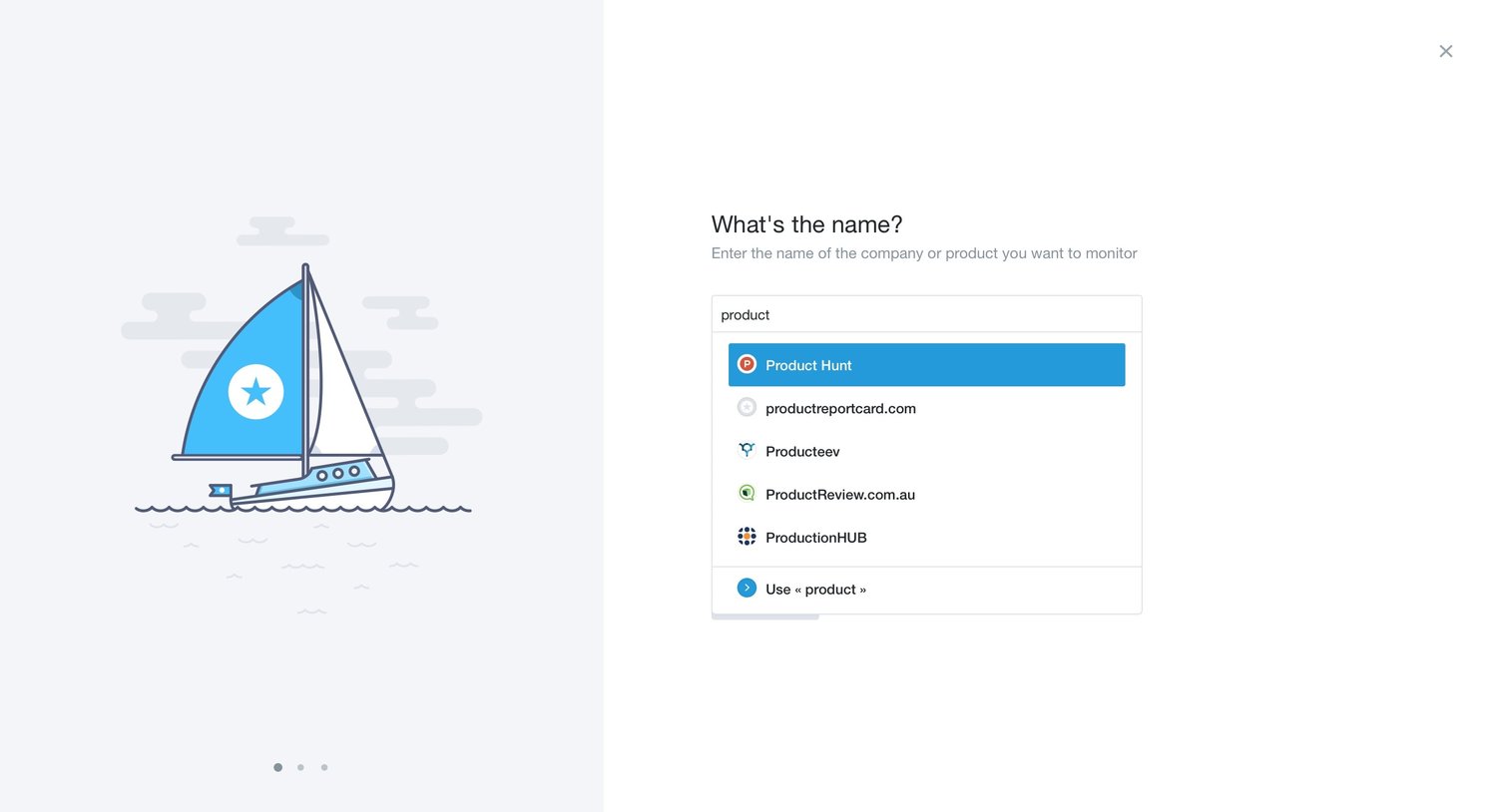
Onboarding step where the user searches for and selects a company or product to monitor via an open combobox.
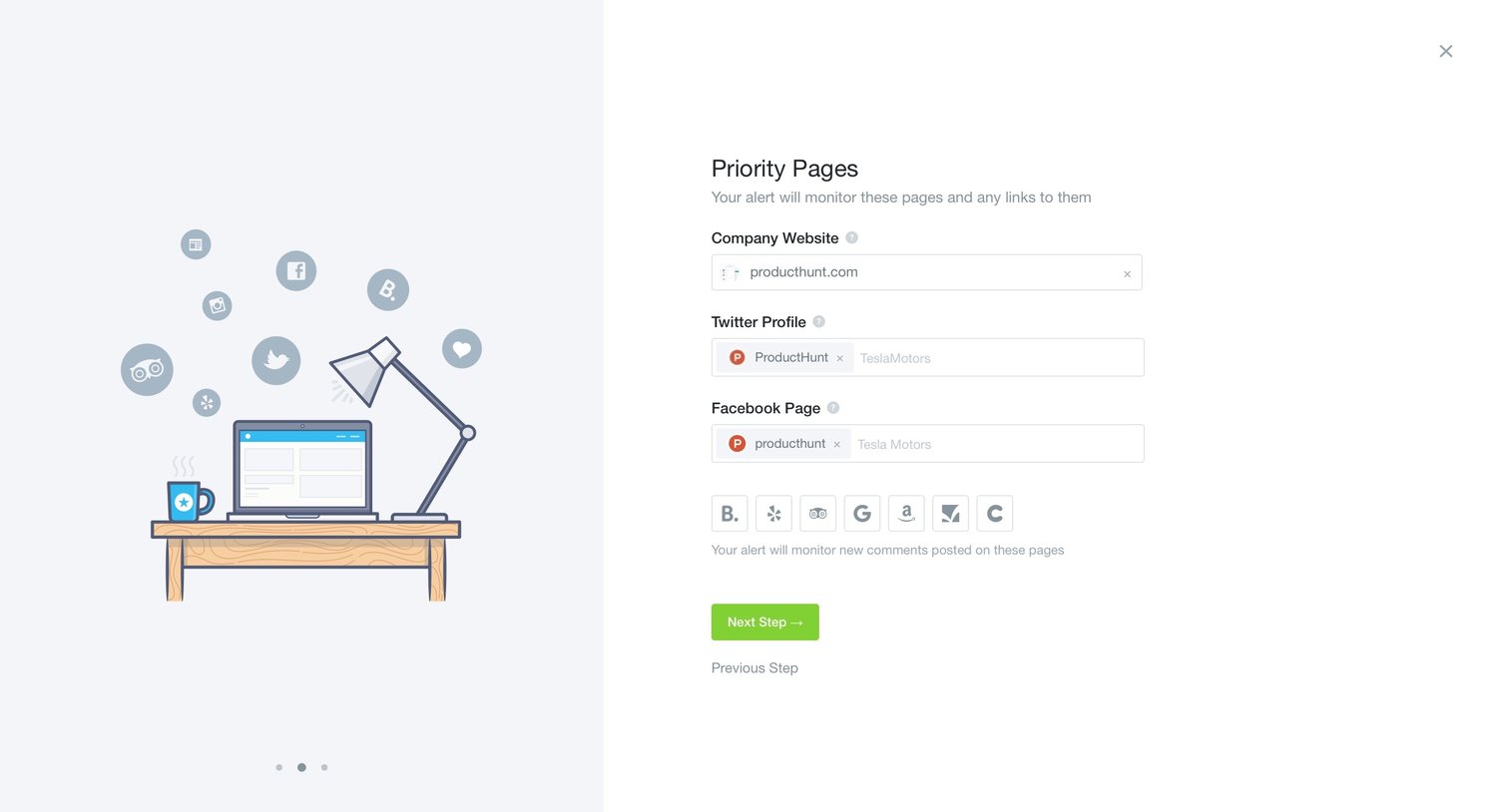
Onboarding step where the user configures priority pages like their company website, Twitter profile, and Facebook page for monitoring.
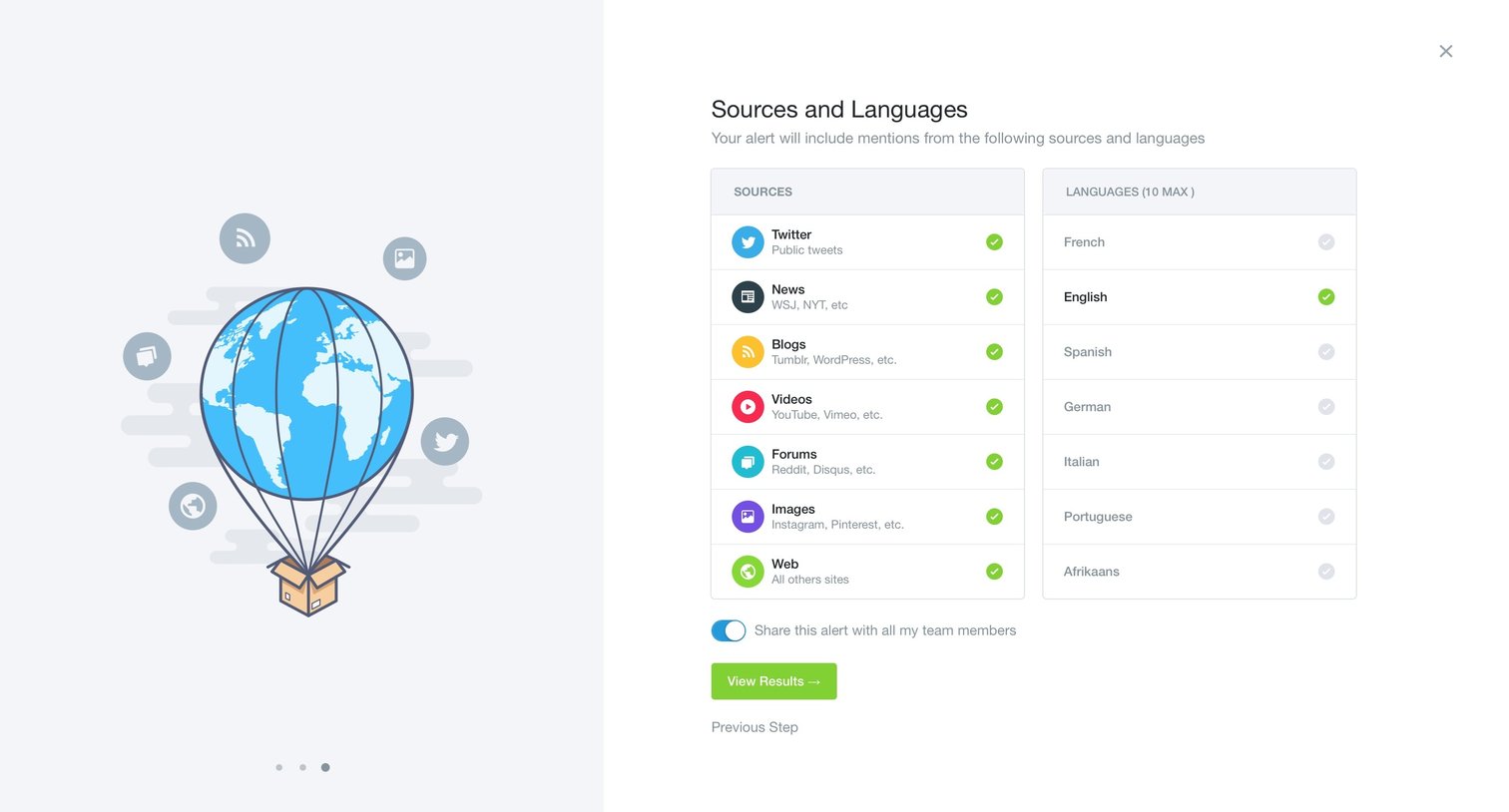
Wizard step where the user selects specific sources like Twitter and News, and languages like English, to filter their new alert.
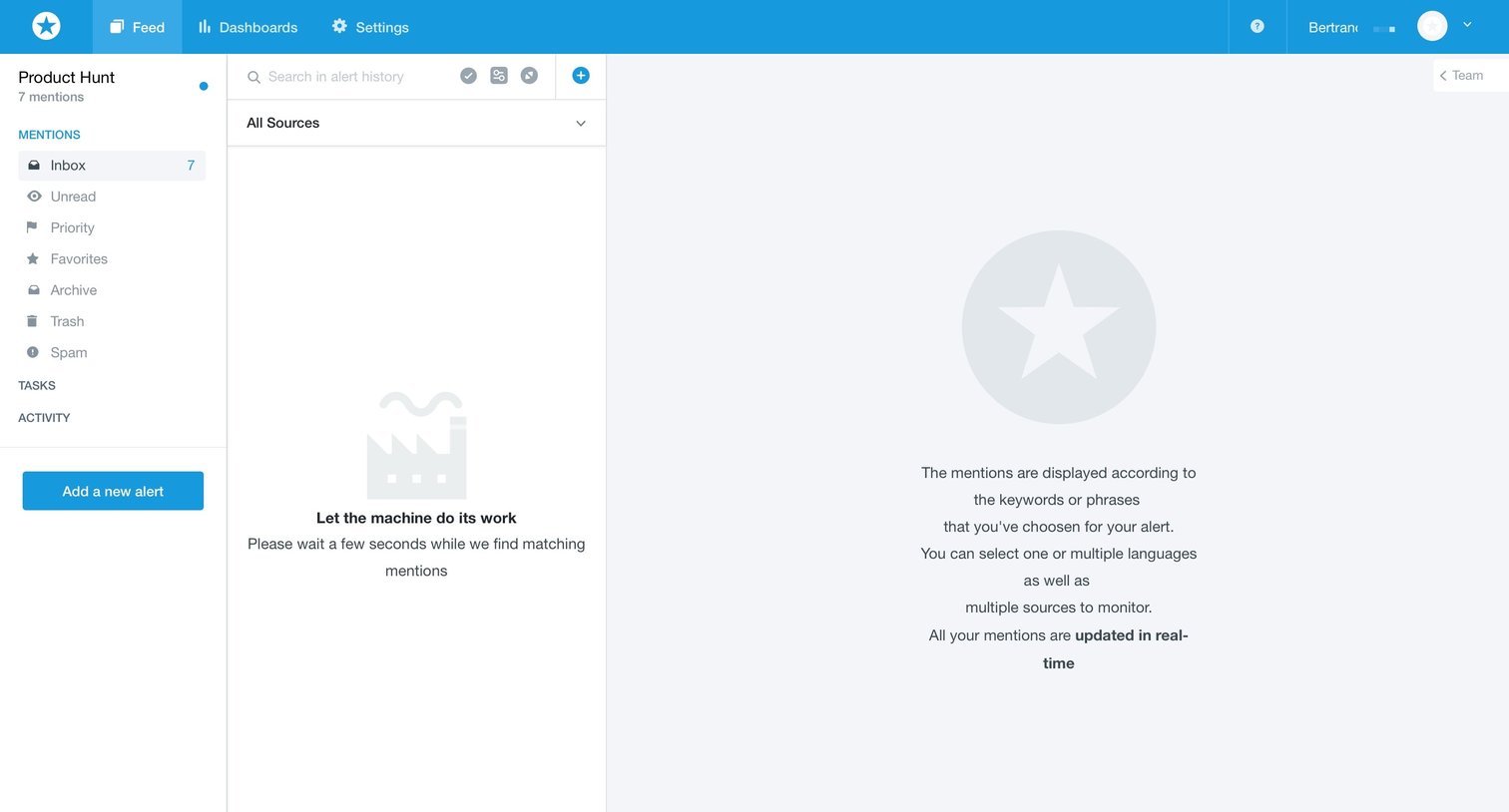
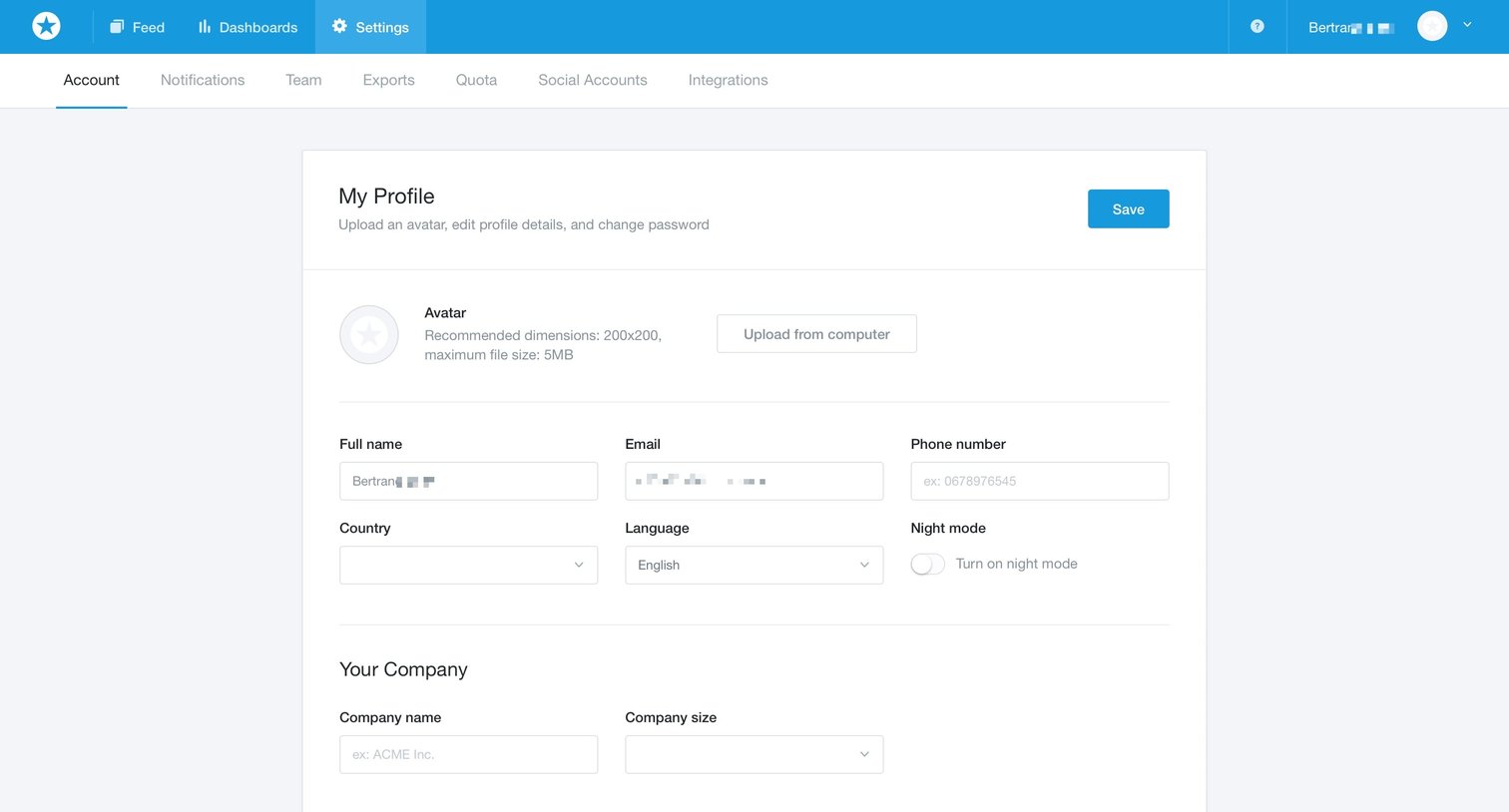
Grid Onboarding Settings Form Account management Account setup Profile settings
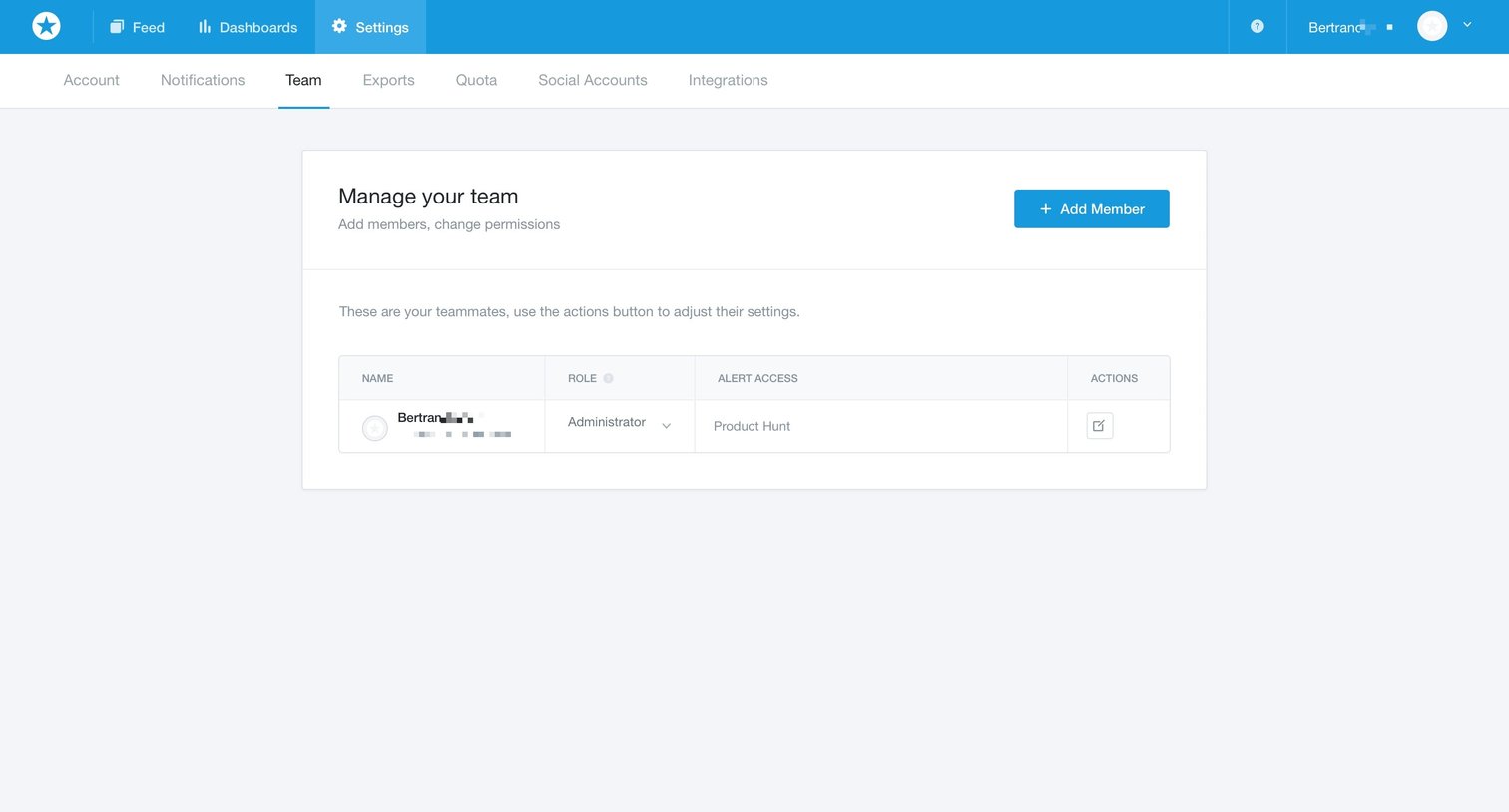
Settings page where the user manages their team members, assigns roles, and configures alert access.
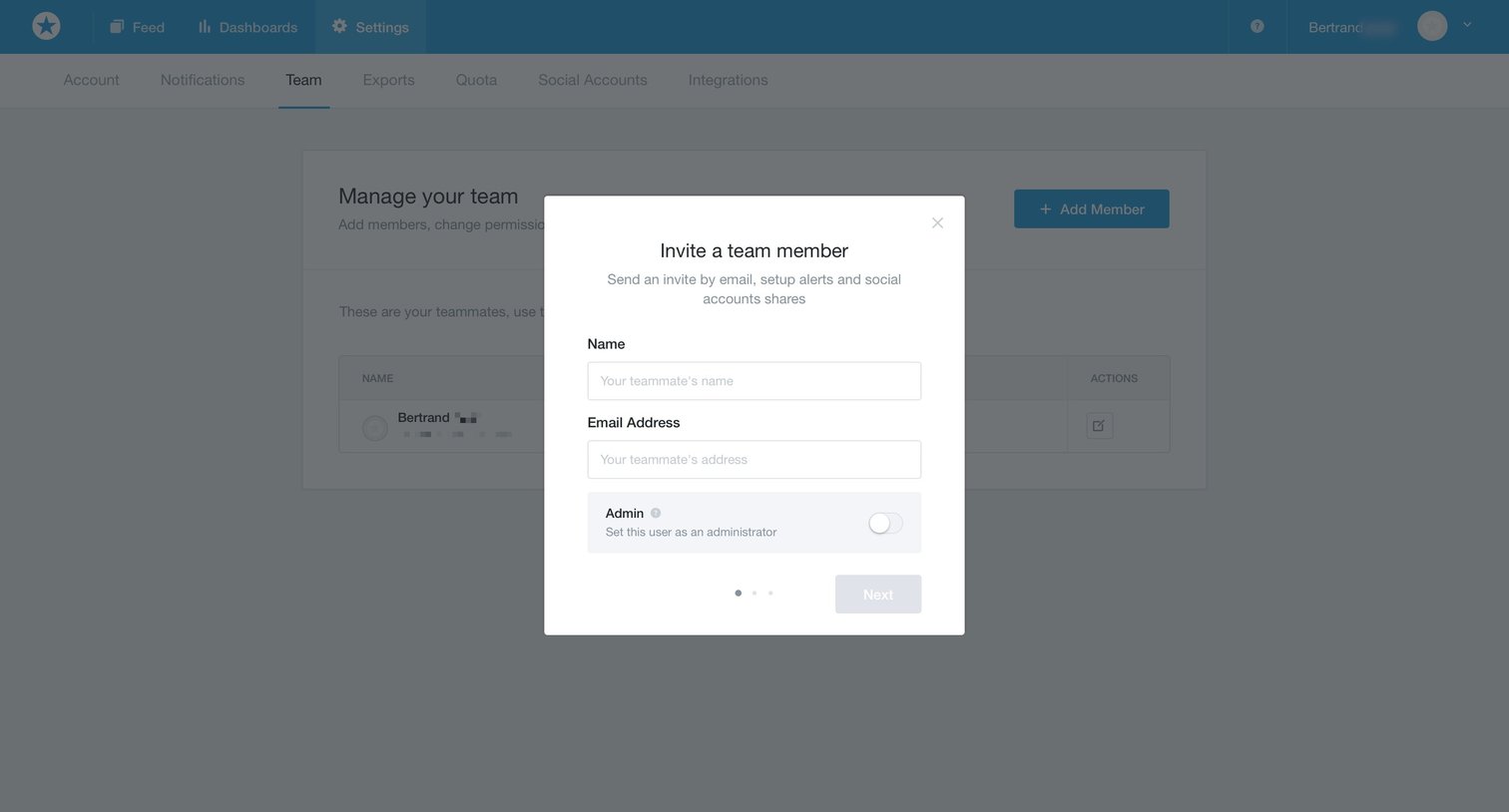
Settings page where the user invites a new team member by entering their name and email address, with an option to grant admin privileges.
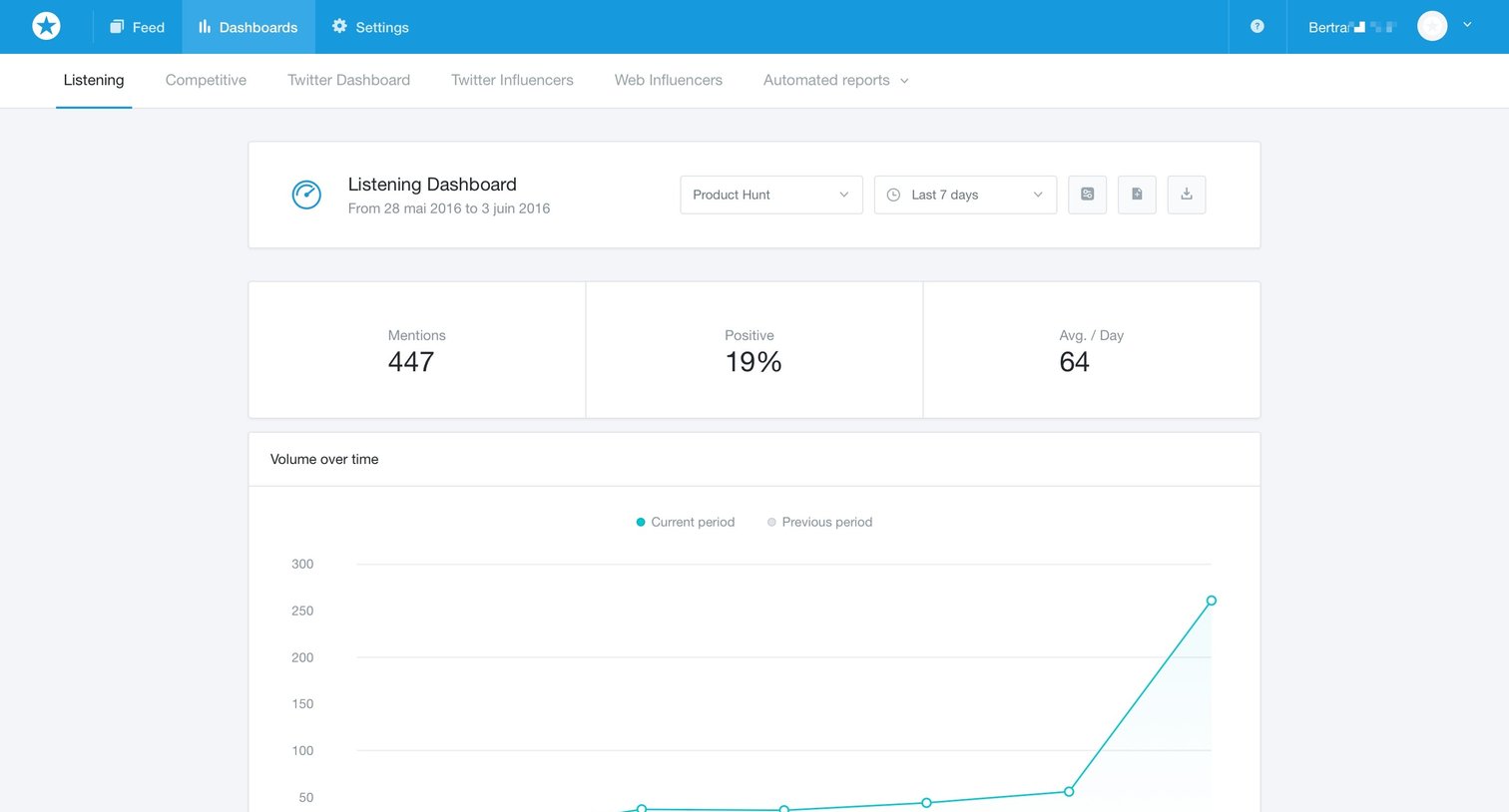
Explore the full SaaS screen library
Upgrade to unlock the full library.
Trusted by the best teams







