Linear product screens examples
Browse Linear screen design examples. Preview the interface screenshots and explore related UI patterns. The issue tracking tool you'll enjoy using
Explore the examples
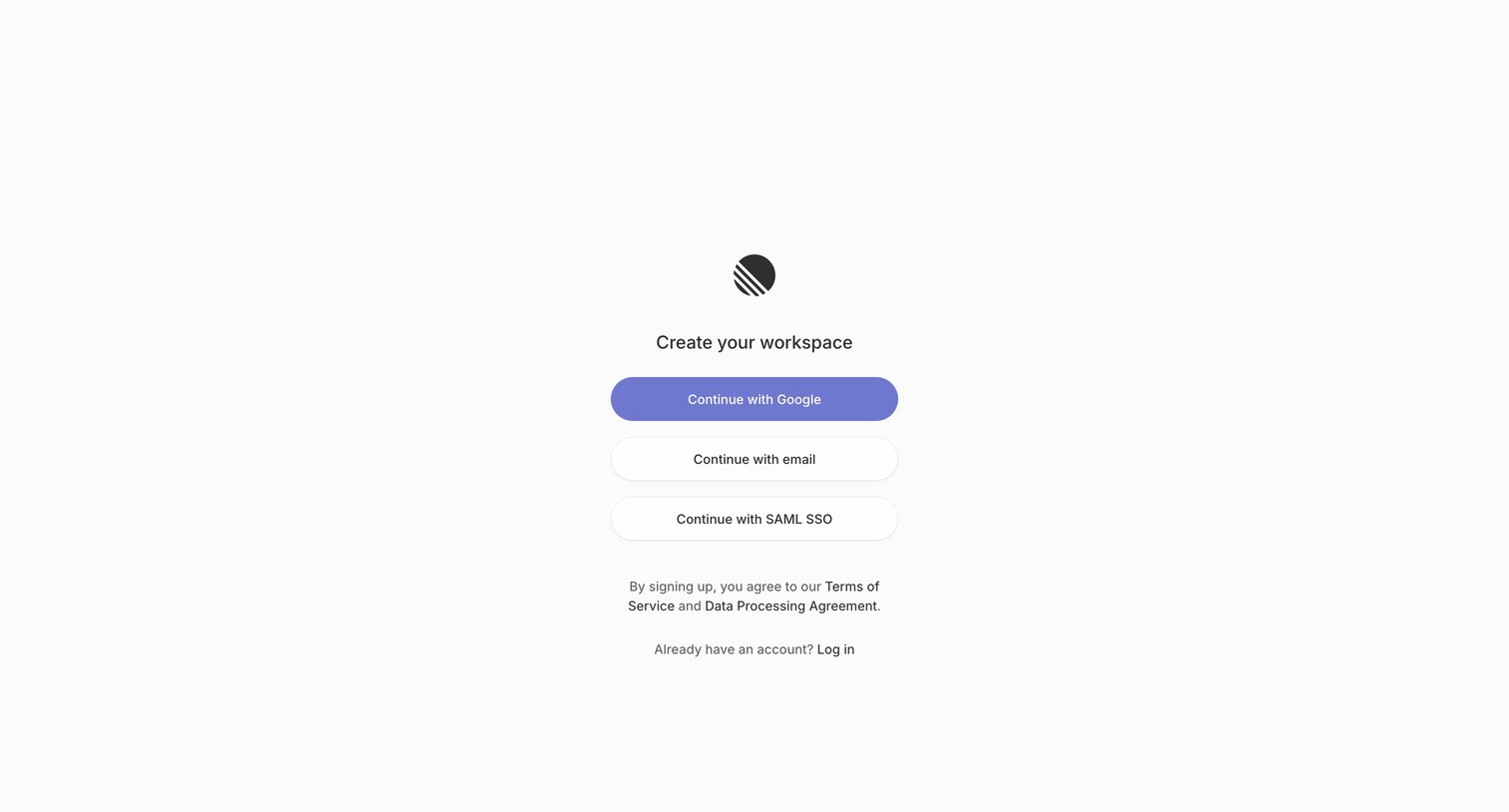

Signup screen where the user creates a new workspace by authenticating with Google, email, or SAML SSO.

Signup screen where the user enters their email address to continue the account creation flow.
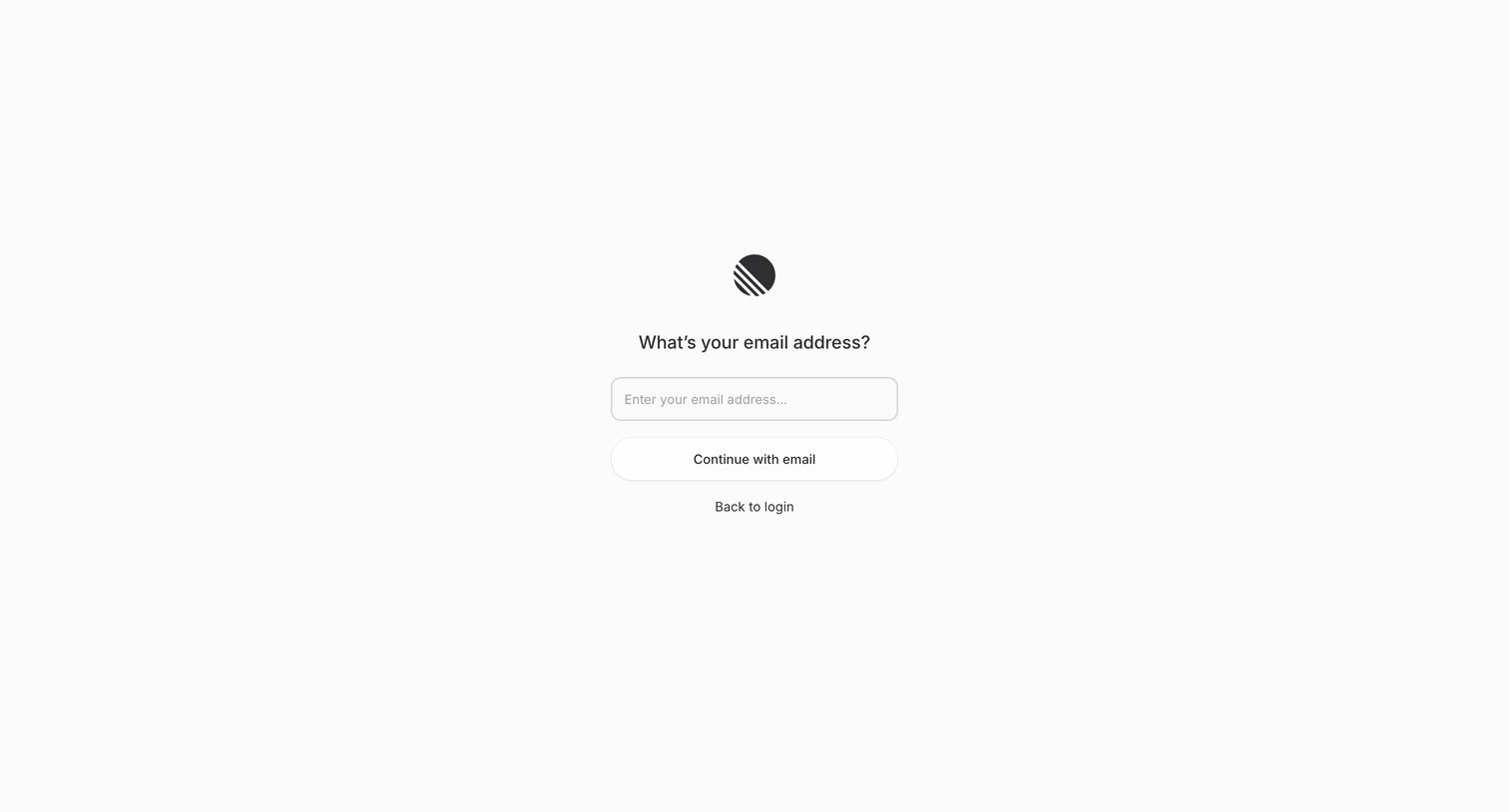
Signup screen where the user enters their email address to begin the account creation process.
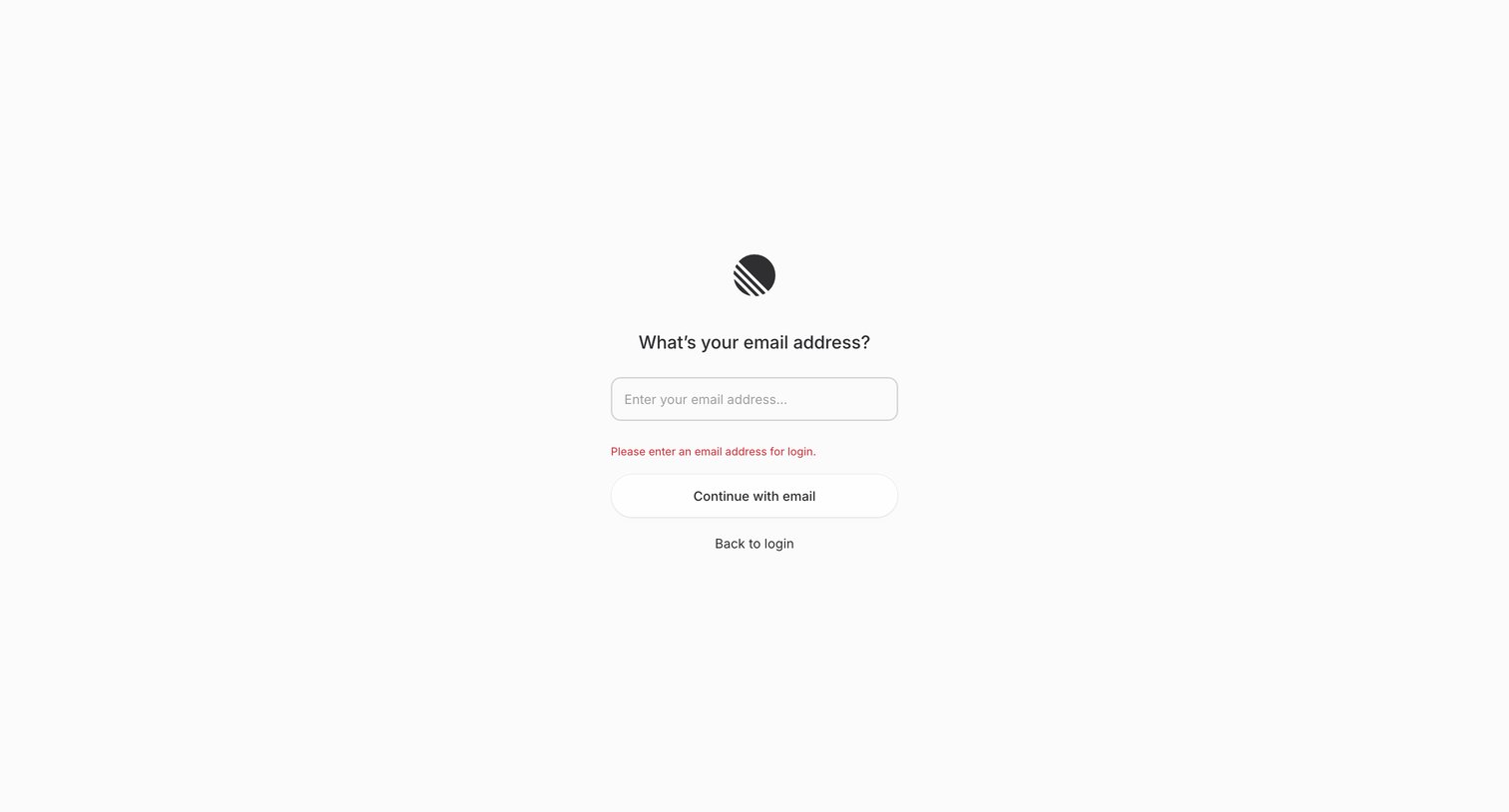
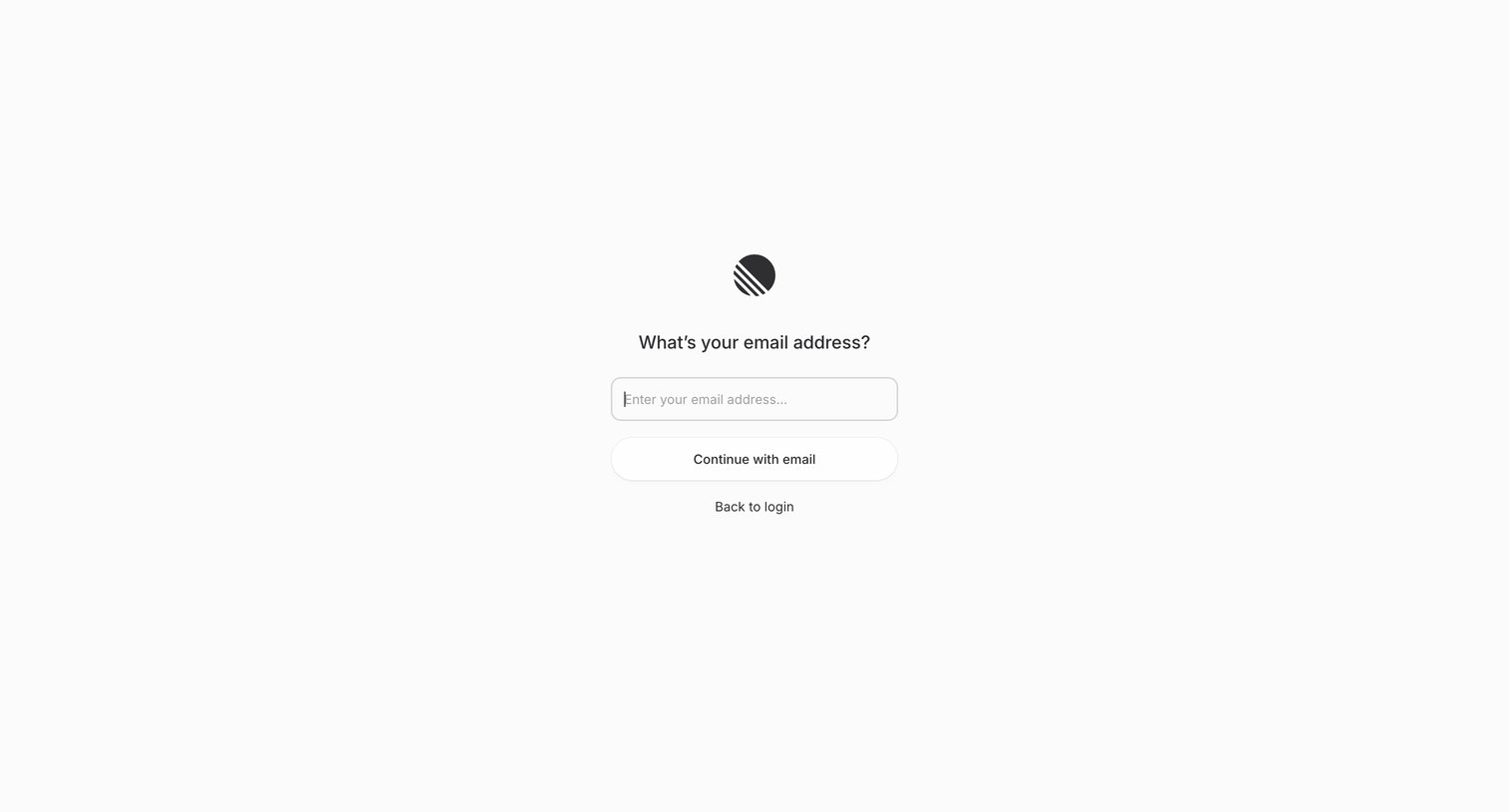
Signup screen where the user enters their email address to begin the account creation process.
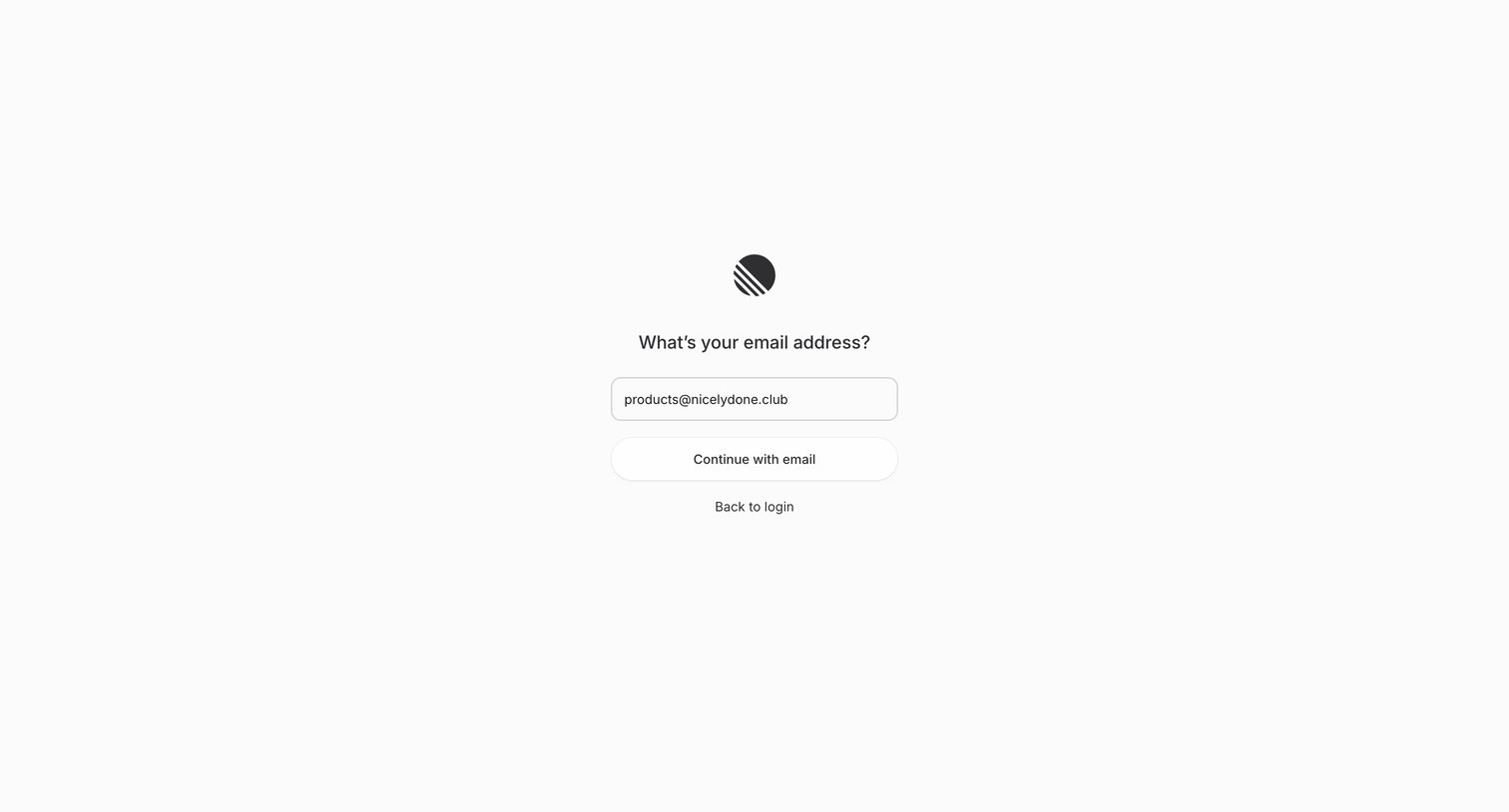
Signup screen where the user enters their email address to continue the account creation process.
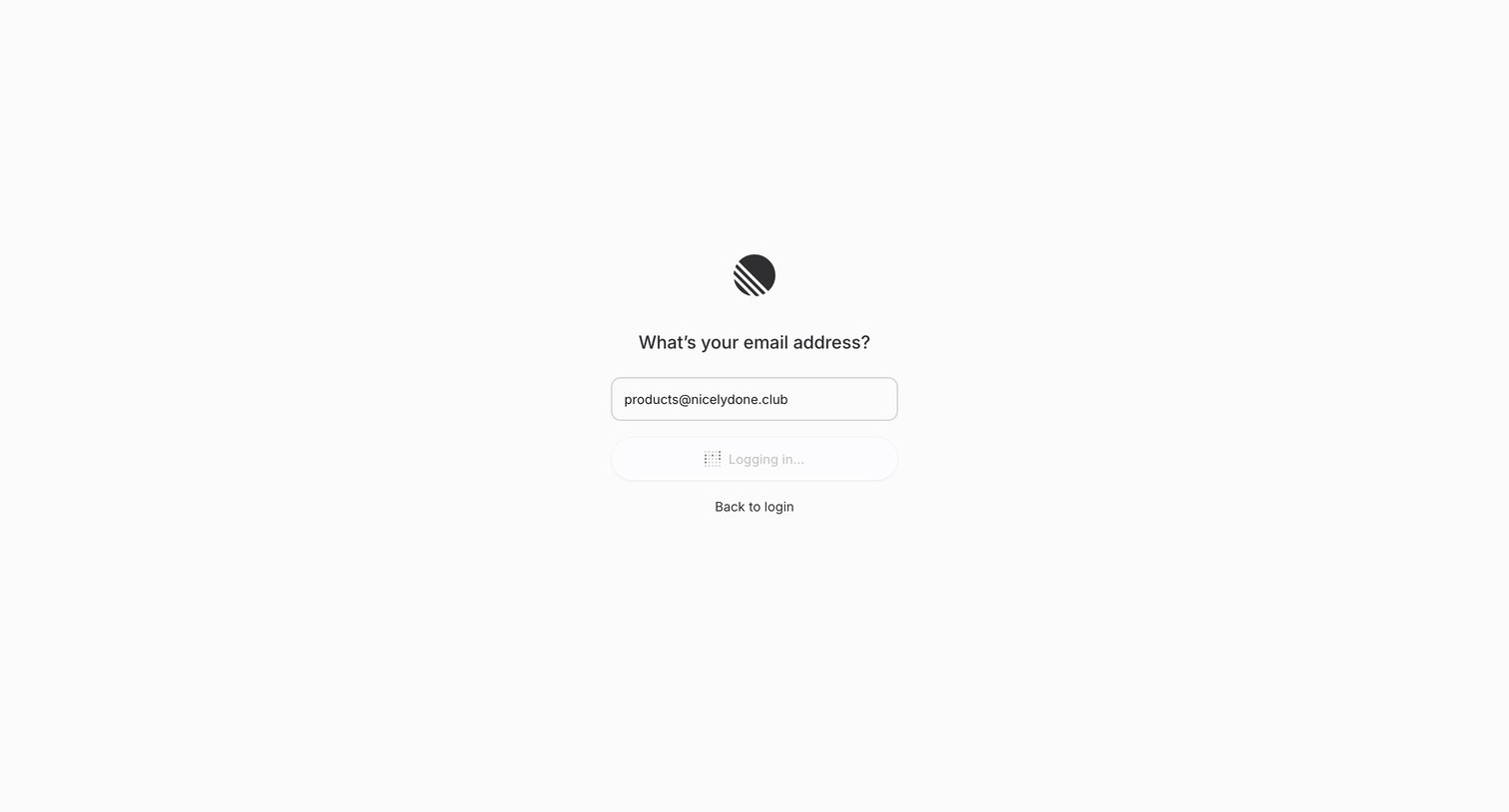
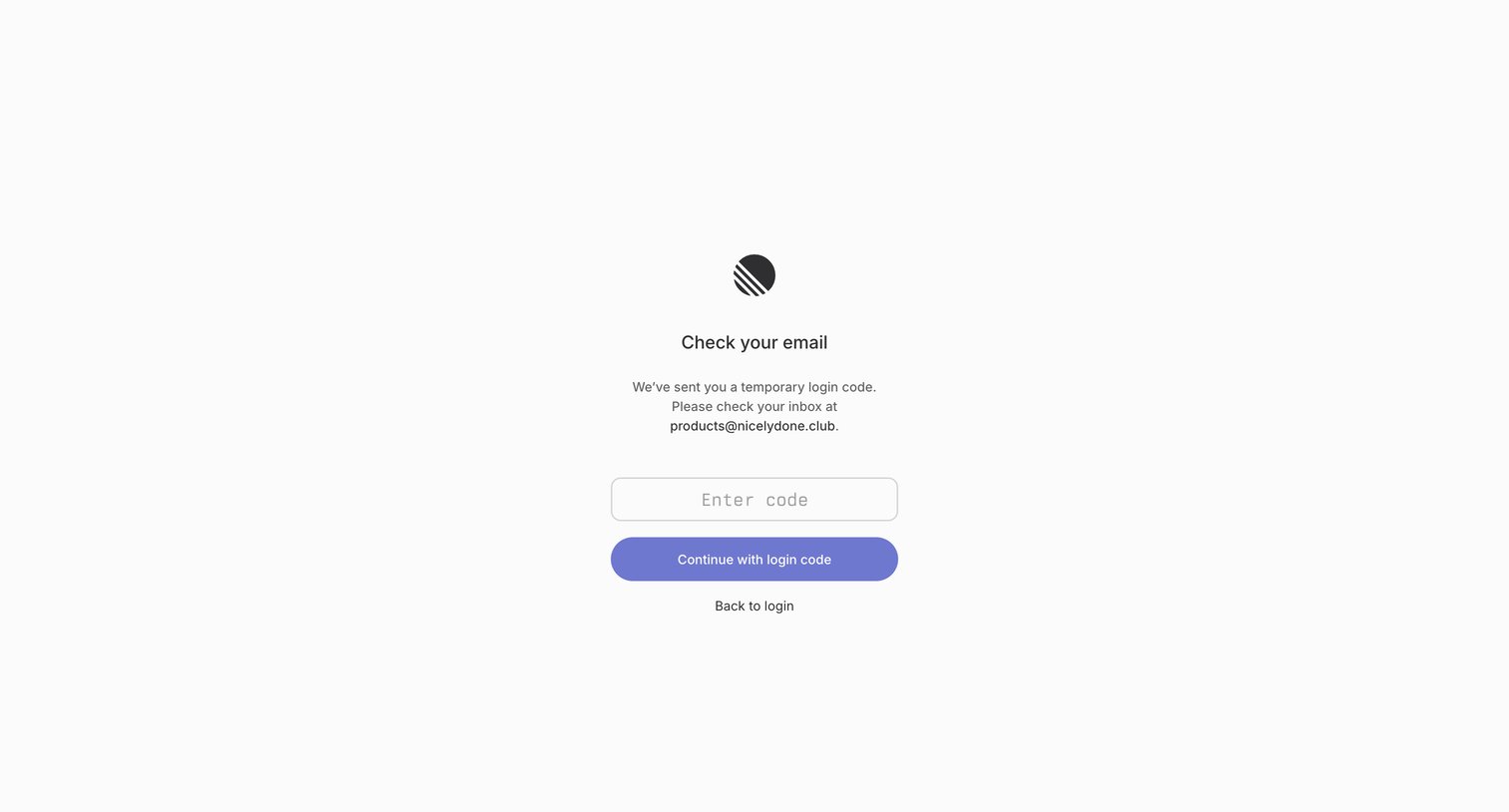
Verification screen where the user enters a temporary login code sent to their email to continue signing in.
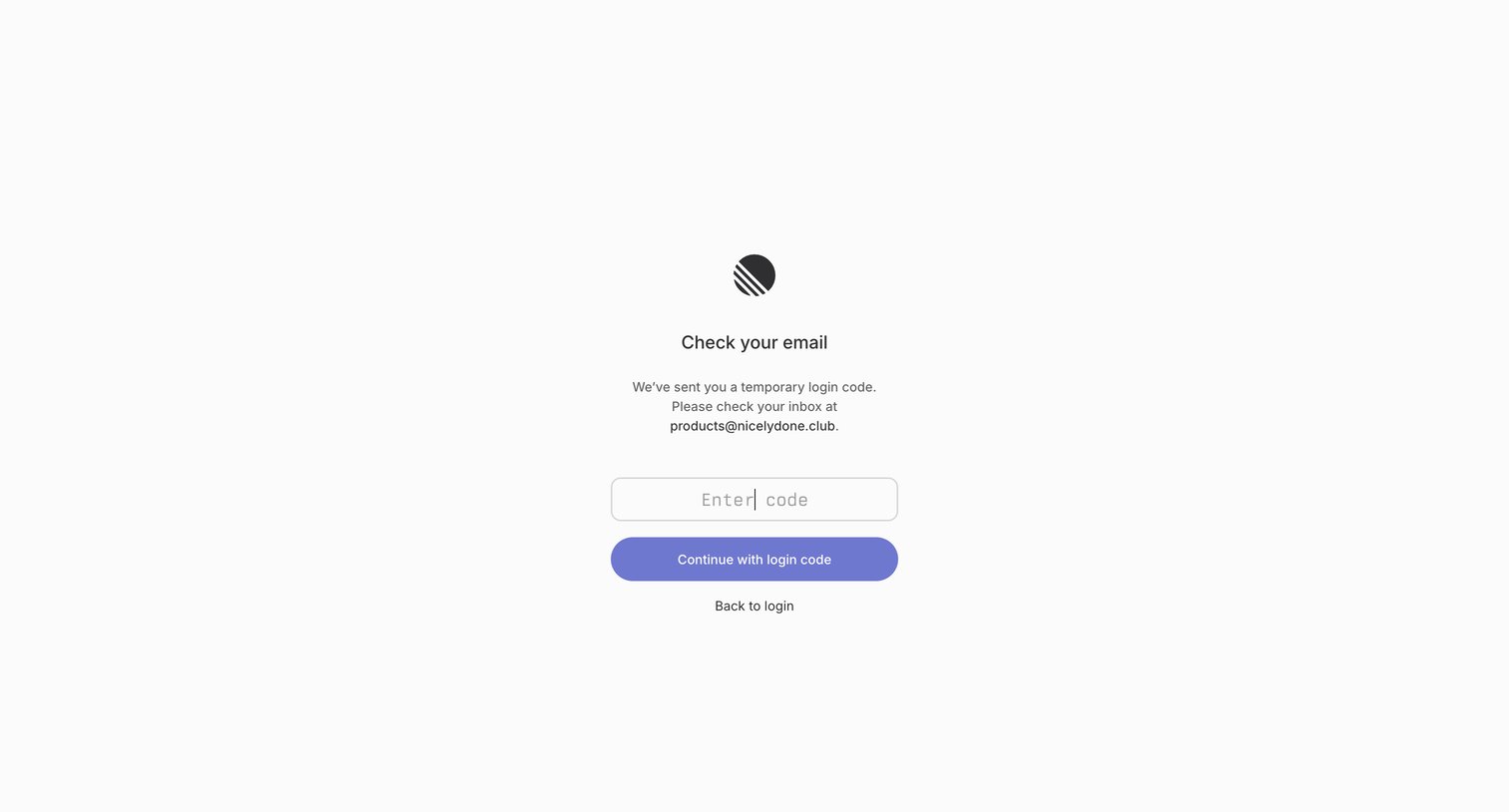
Verification screen where the user enters a temporary login code sent to their email to complete authentication.
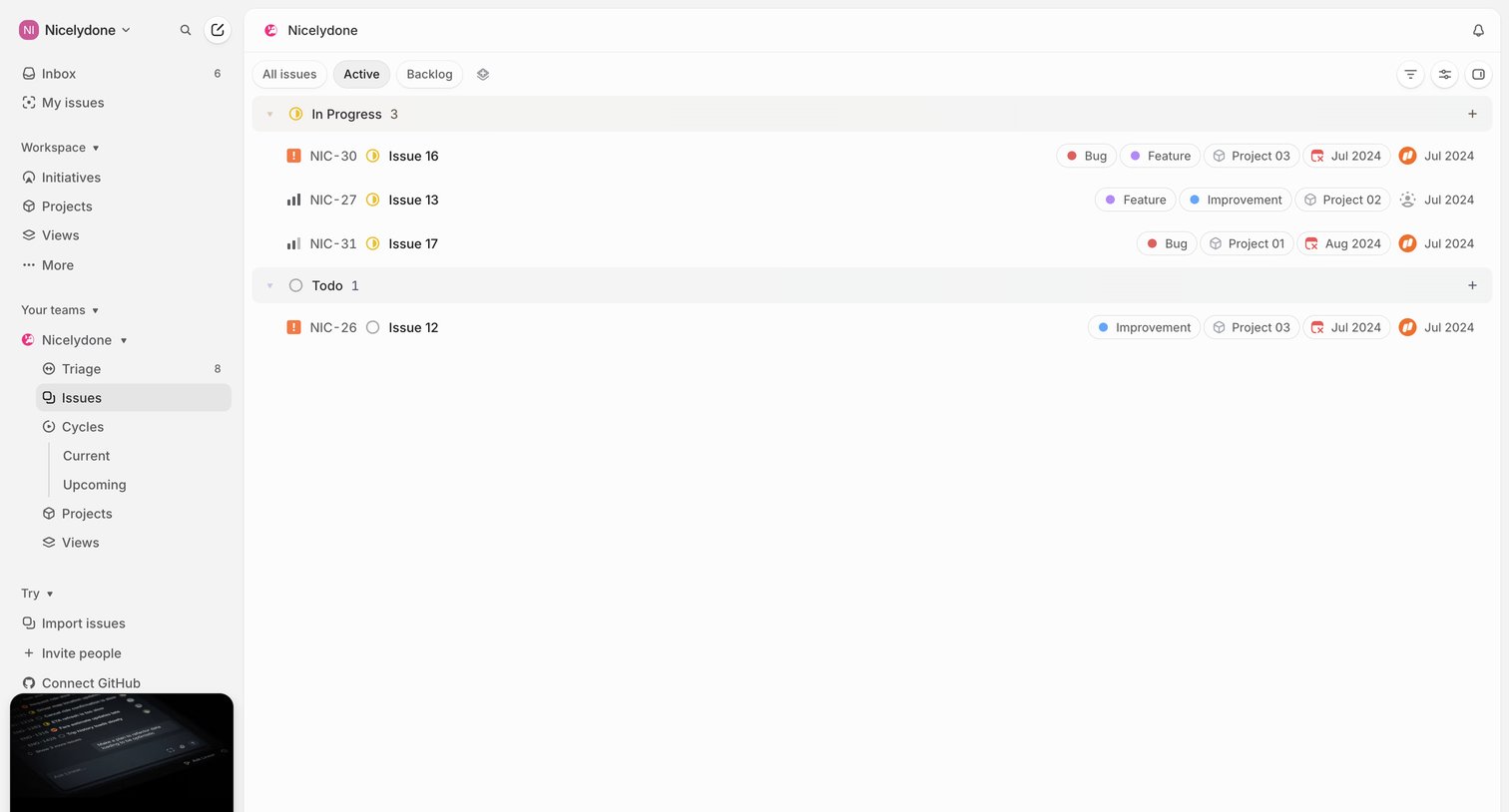
List view showing active issues grouped by status, with a sidebar for navigation and a promotional card for a new AI agent.
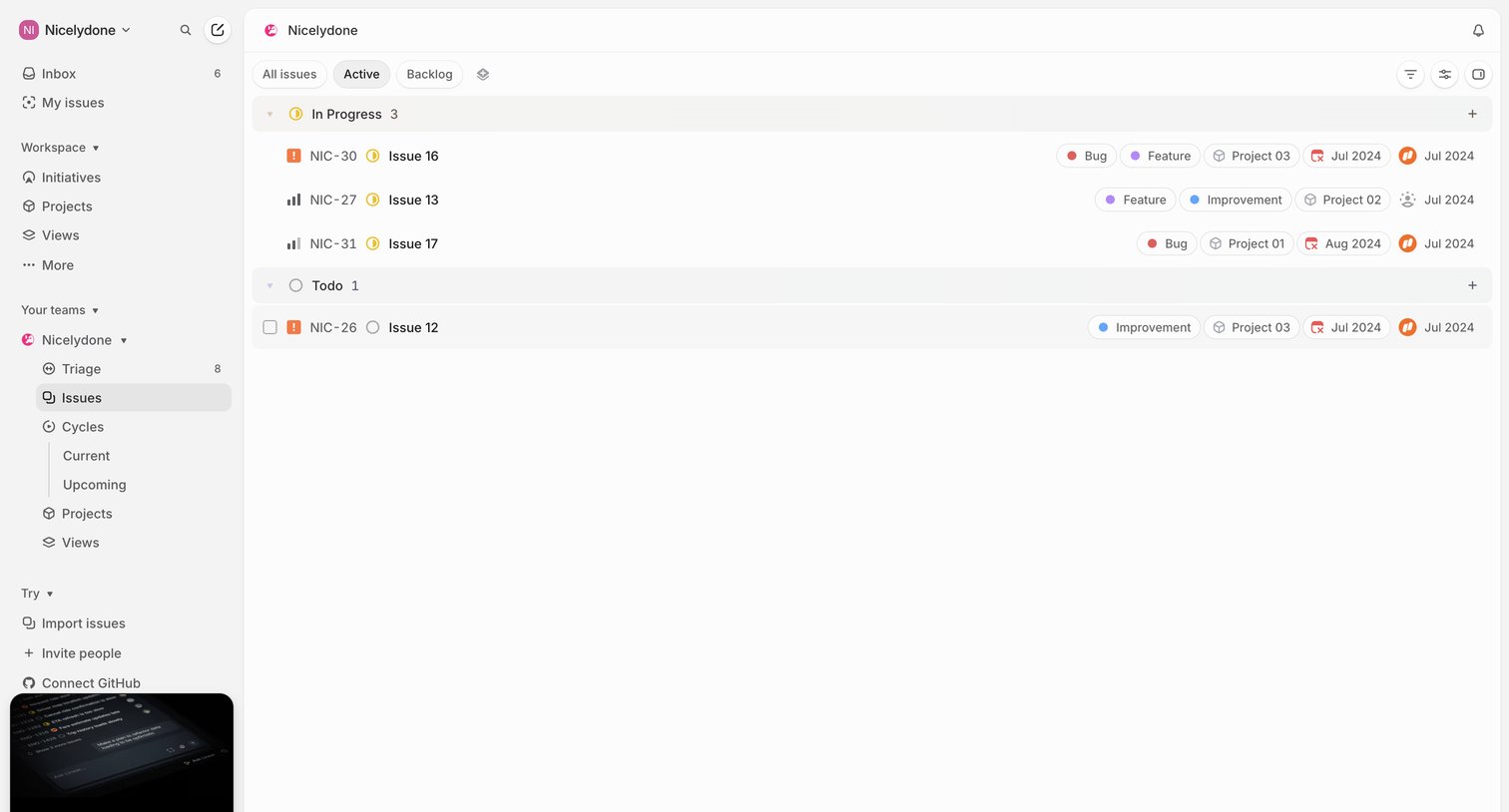
List view where the user manages active issues grouped by status, with options to filter, change views, and access the AI agent.
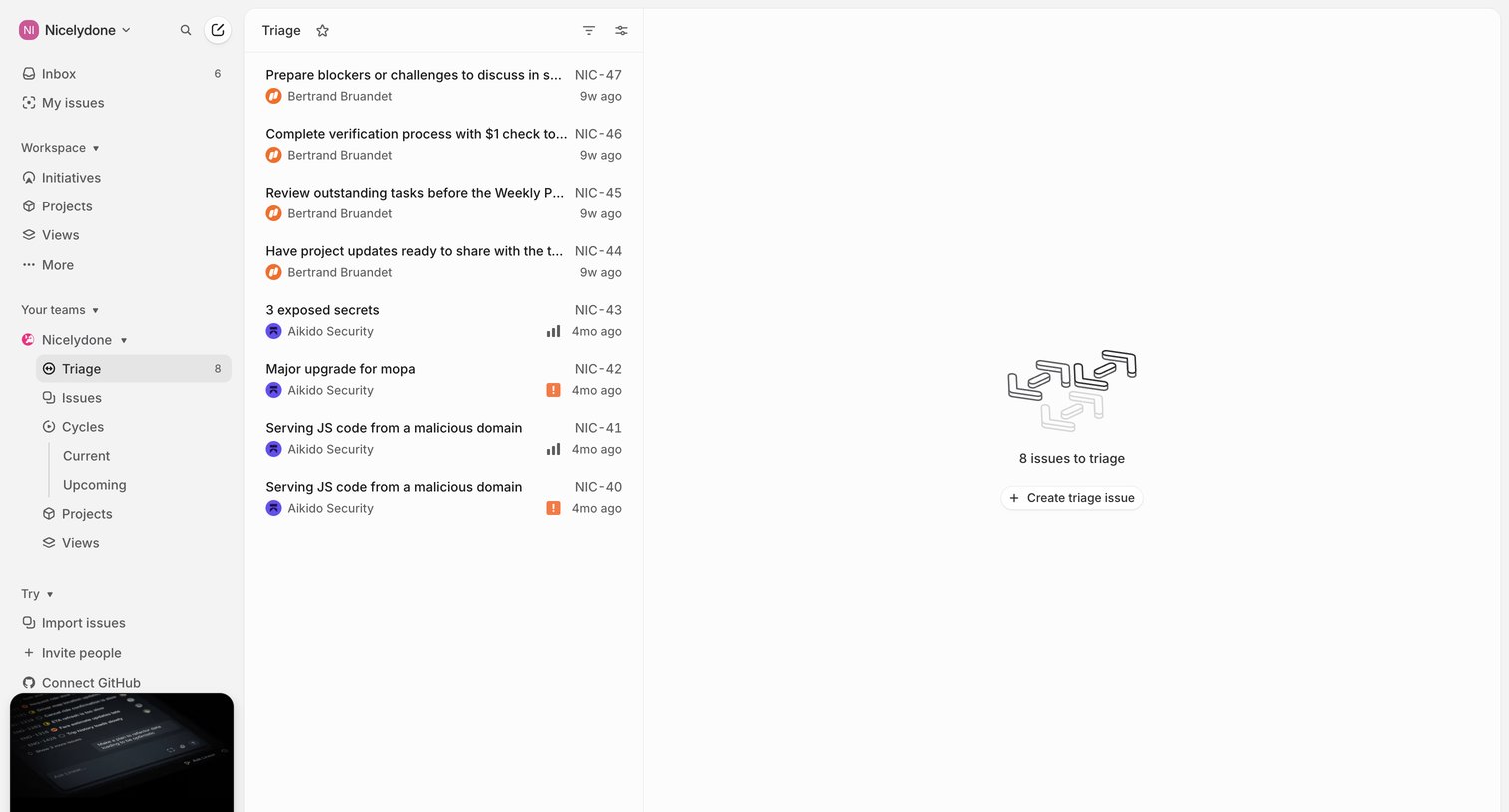
List view where the user reviews and categorizes incoming issues assigned to the triage queue before routing them to specific cycles or projects.
Explore the full SaaS screen library
Upgrade to unlock the full library.
Trusted by the best teams







