Kitemaker product screens examples
Browse Kitemaker screen design examples. Preview the interface screenshots and explore related UI patterns. Build better software. Together.
Explore the examples

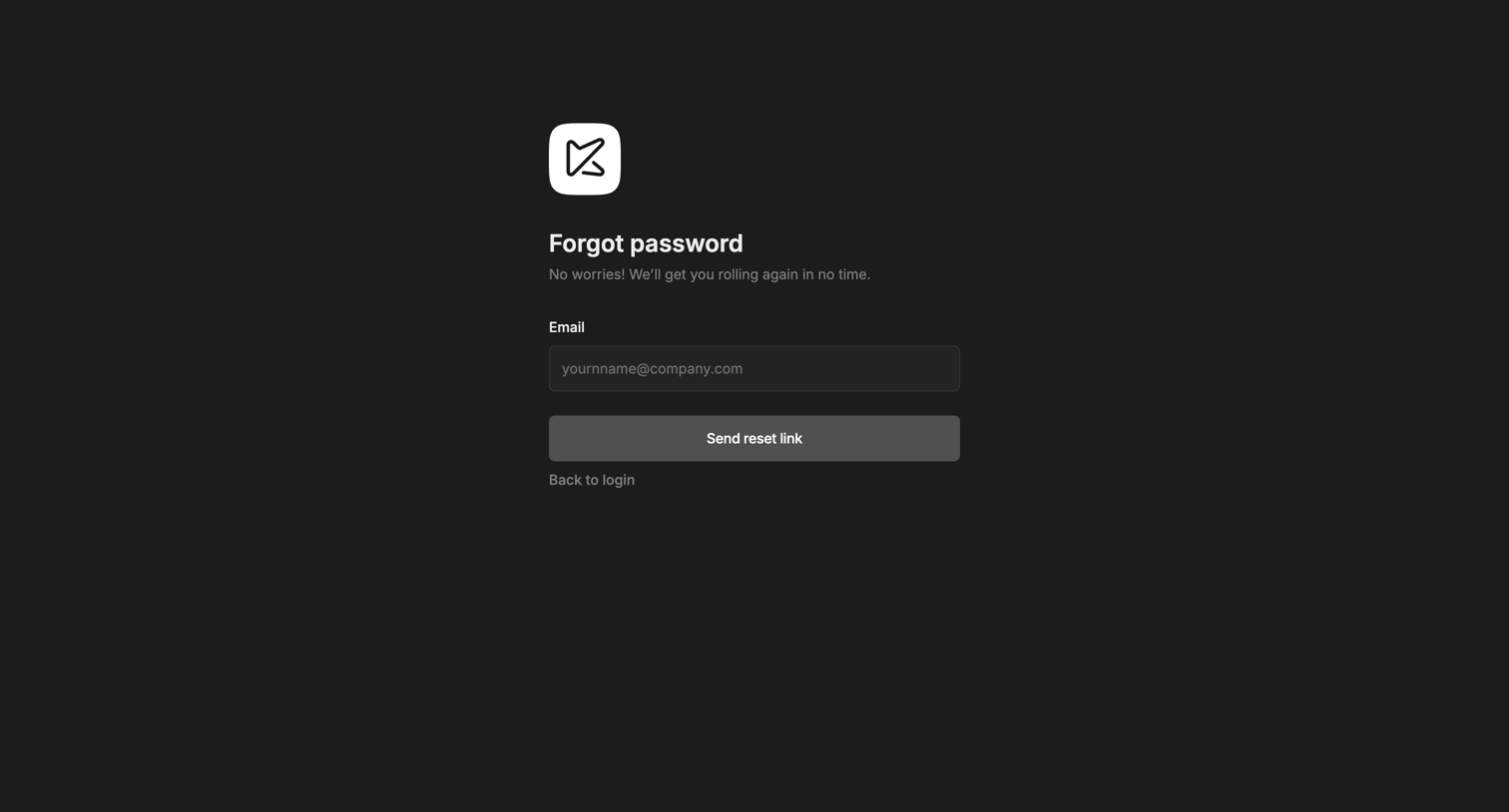

Password recovery screen where the user enters their email address to receive a reset link.
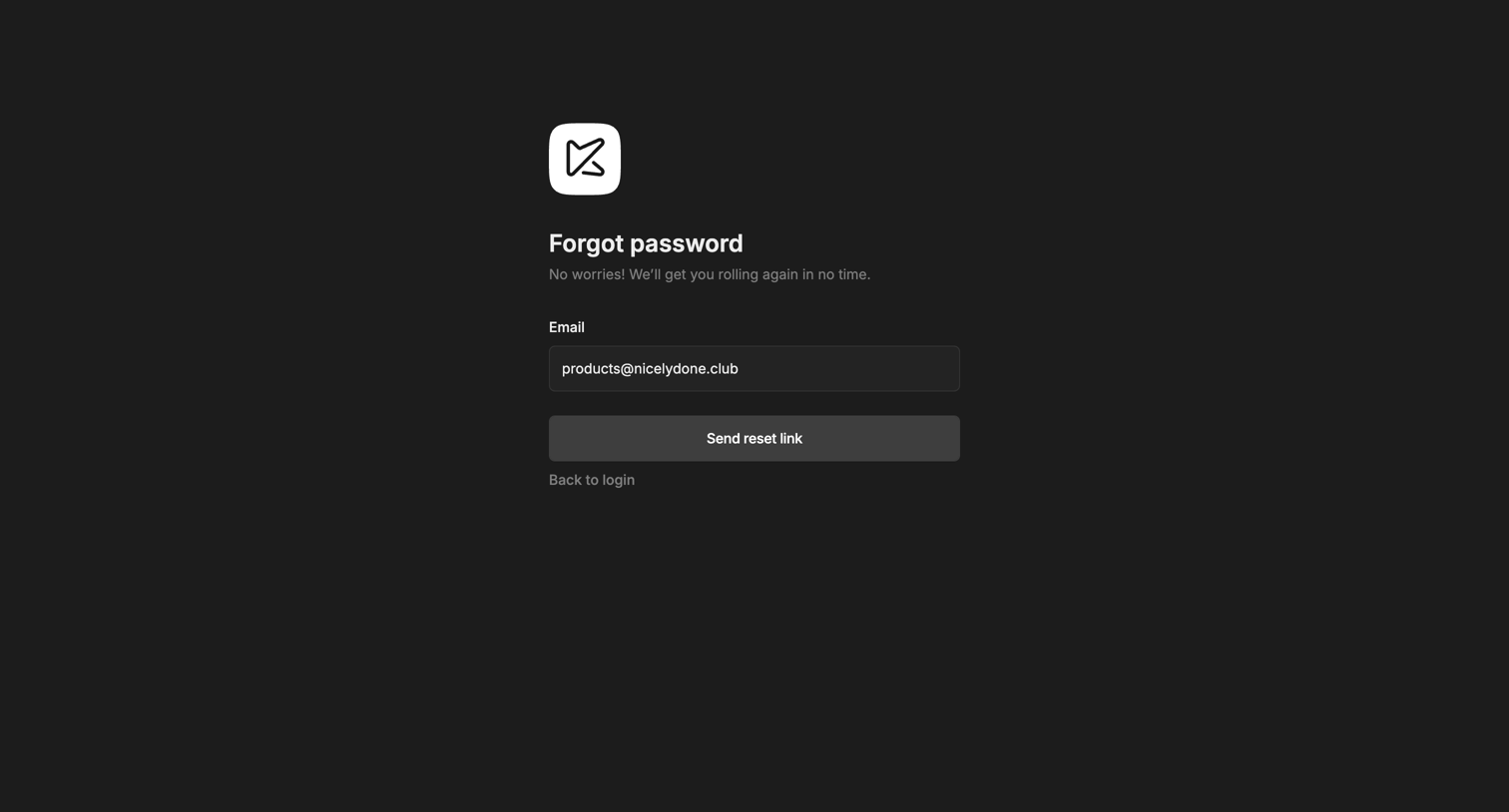
Password recovery screen where the user enters their email address to receive a reset link.
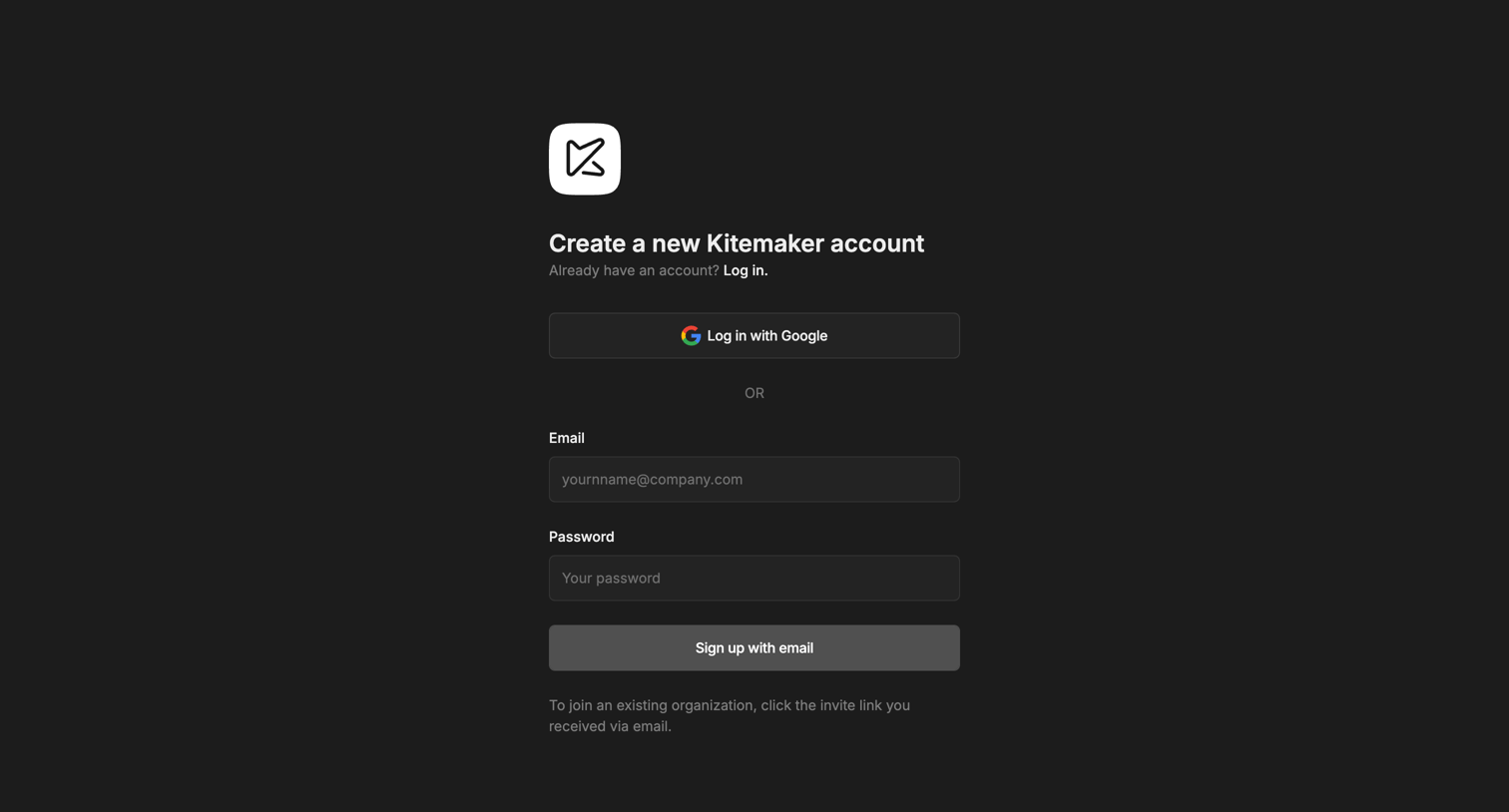
Signup screen where the user creates a Kitemaker account using Google OAuth or an email and password.
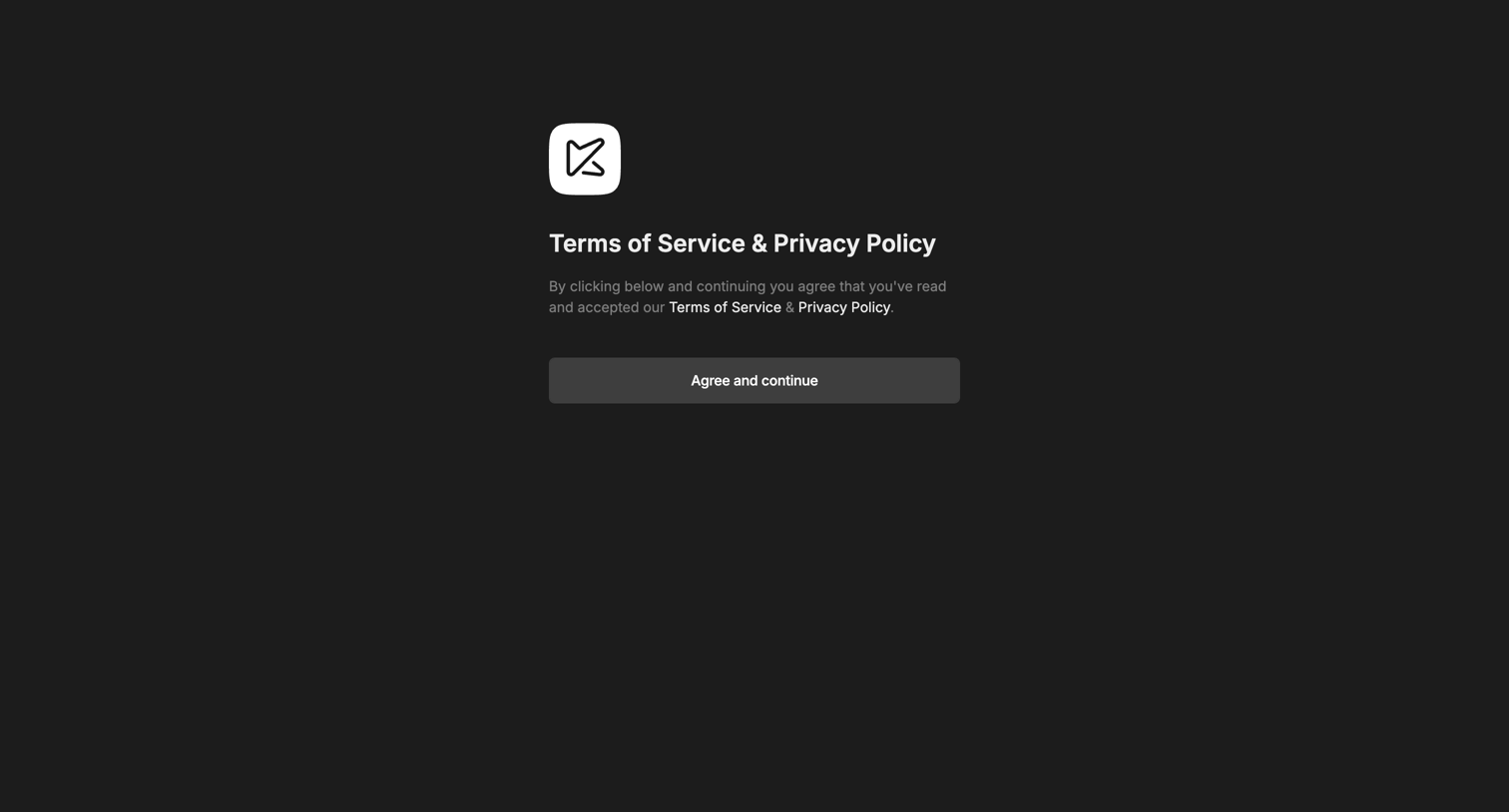
Legal gate where the user must agree to the Terms of Service and Privacy Policy to continue.
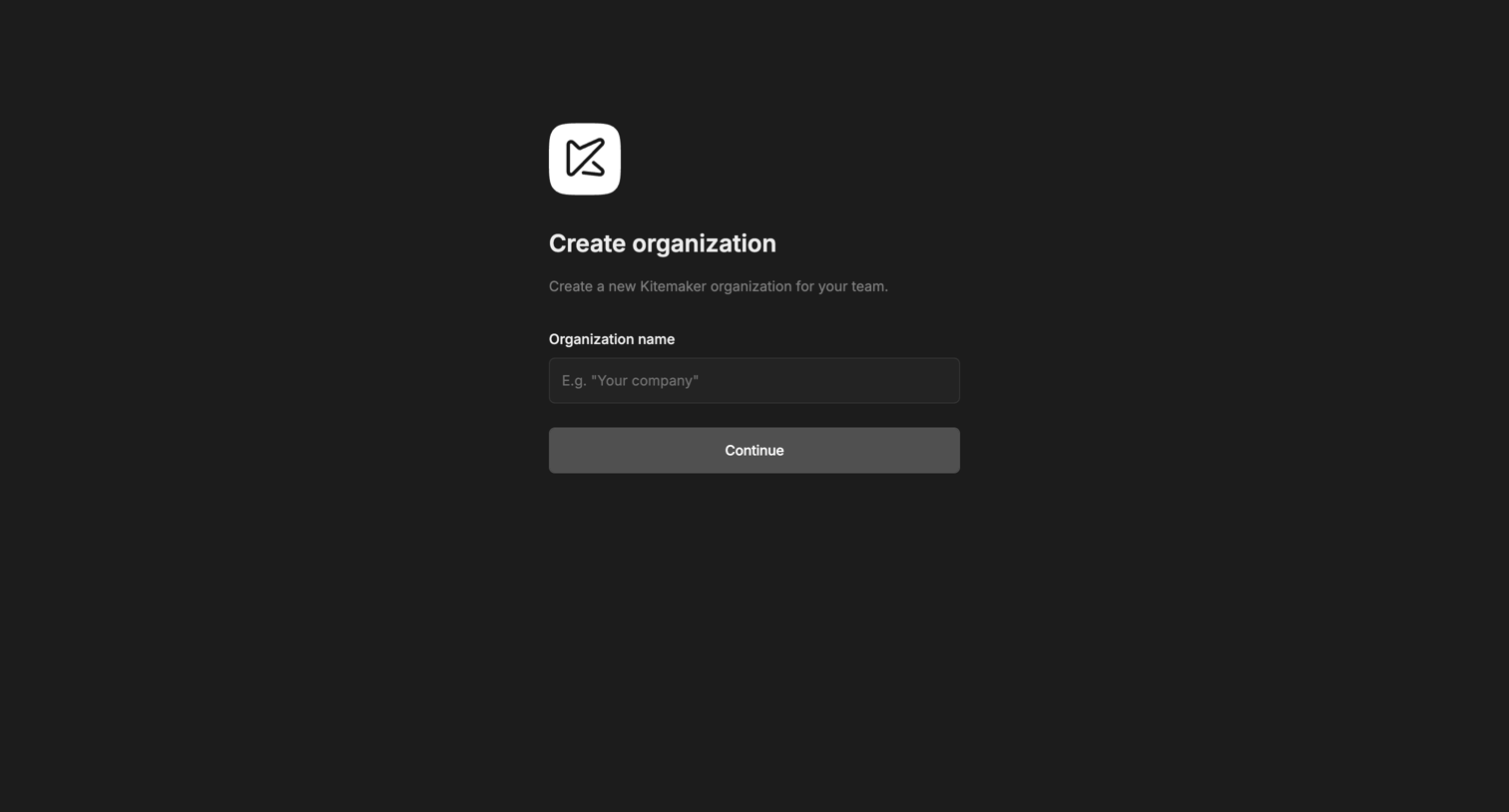
Onboarding step where the user names and creates a new Kitemaker organization for their team.
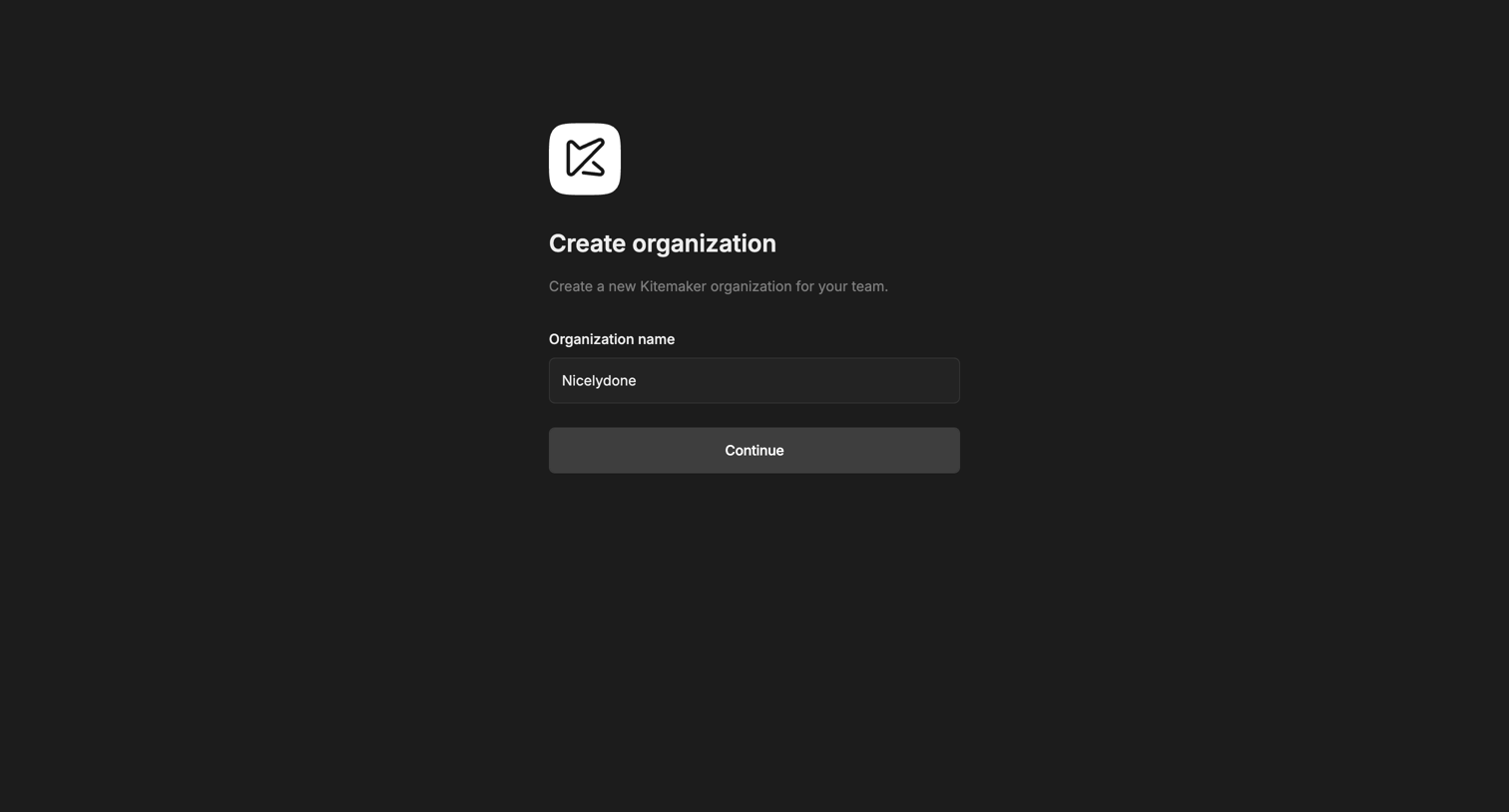
Onboarding step where the user names their new organization to continue setup.
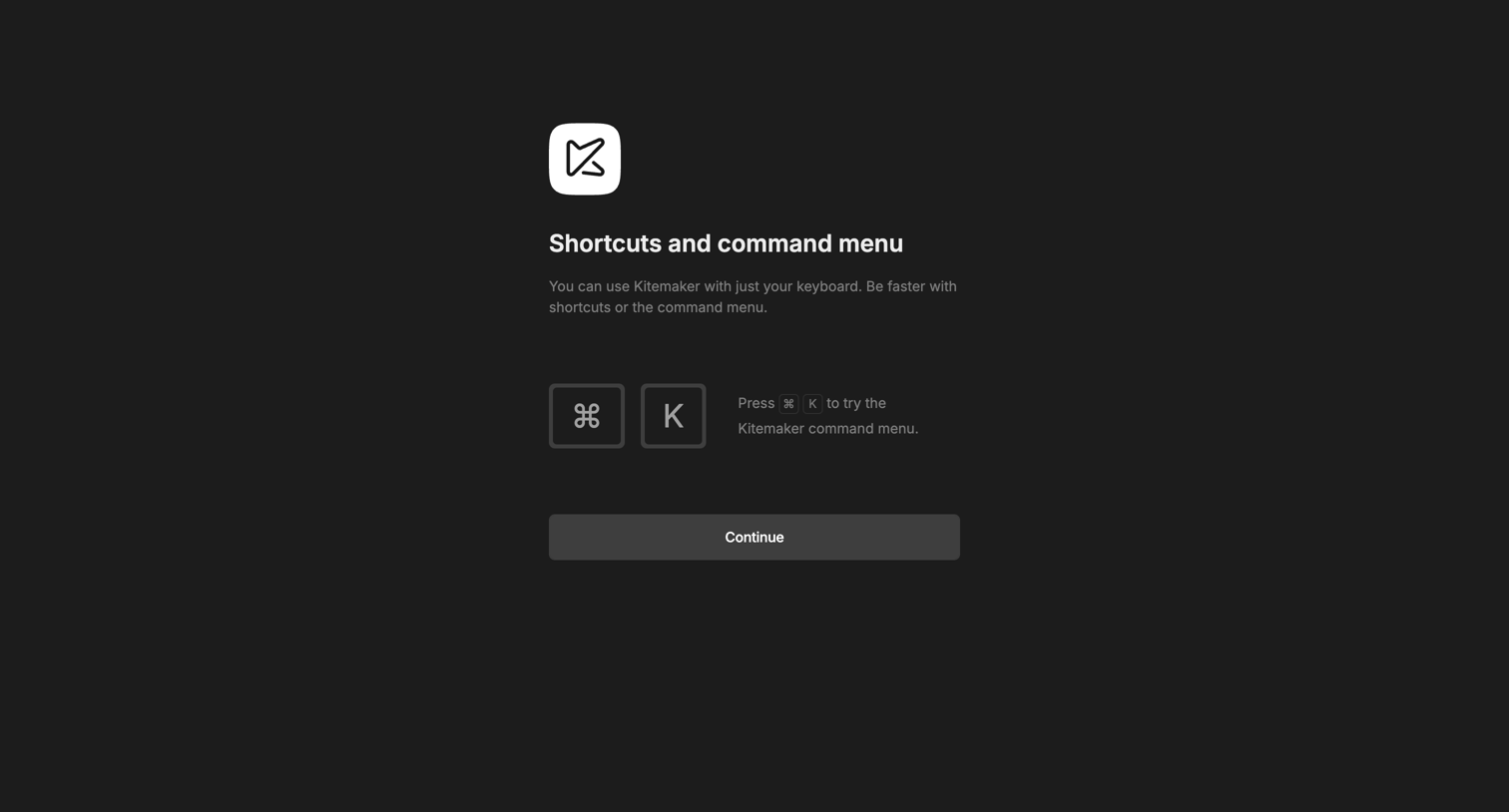
Onboarding step where the user learns the keyboard shortcut to open the command menu before continuing.
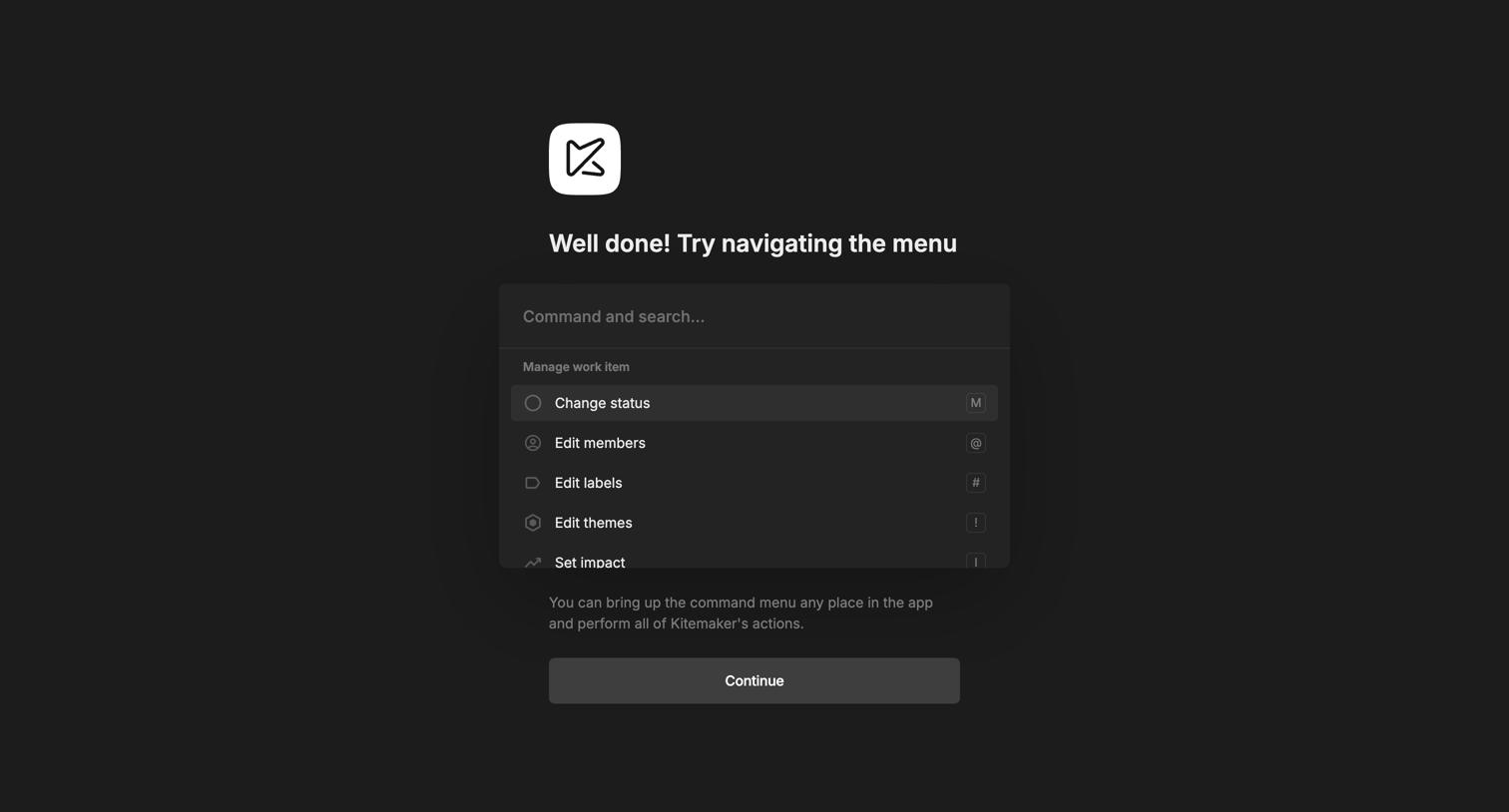
Onboarding step where the user is prompted to interact with the open command menu to learn how to navigate the application.
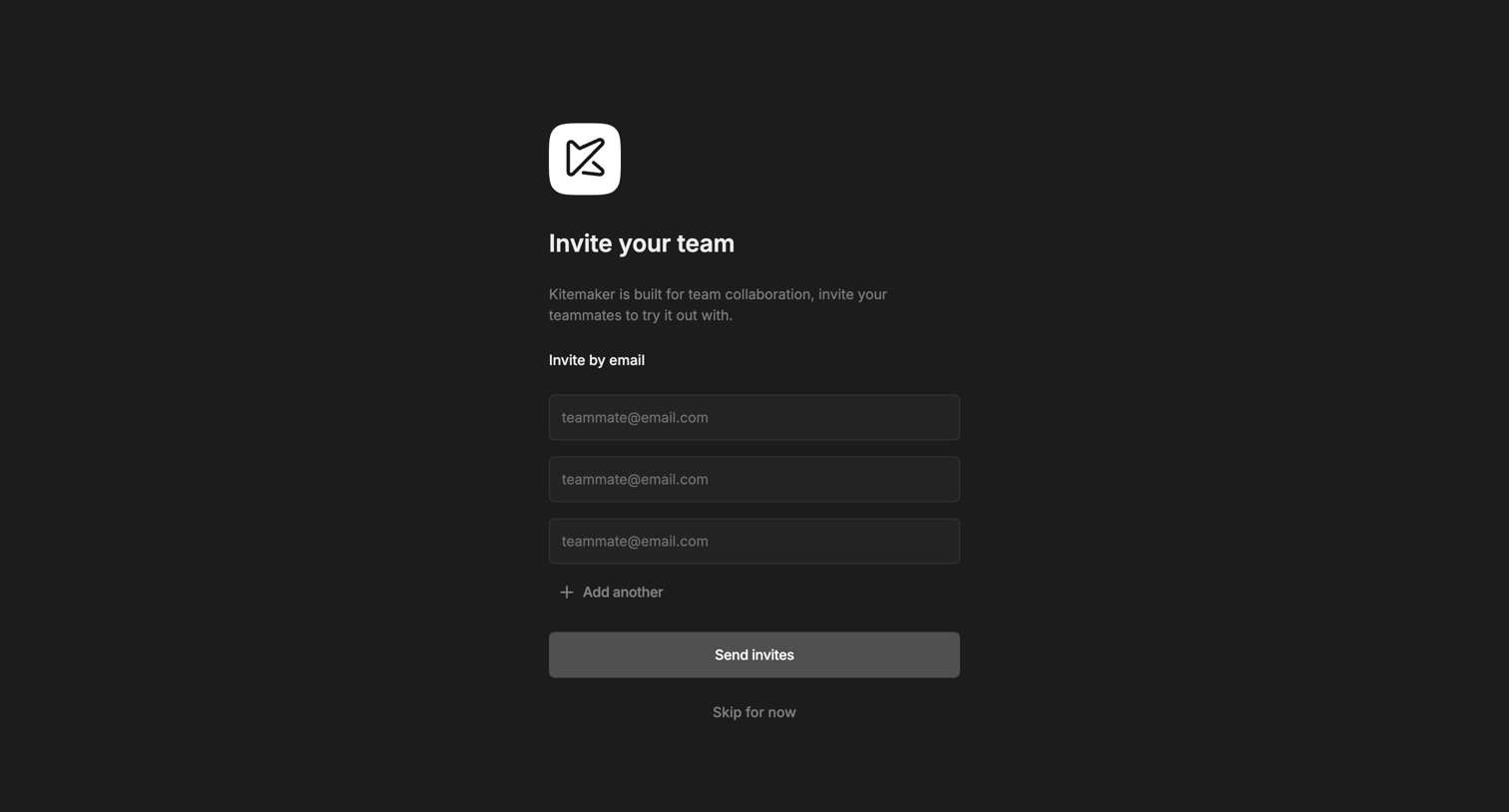
Onboarding step where the user invites teammates by entering their email addresses or chooses to skip for now.
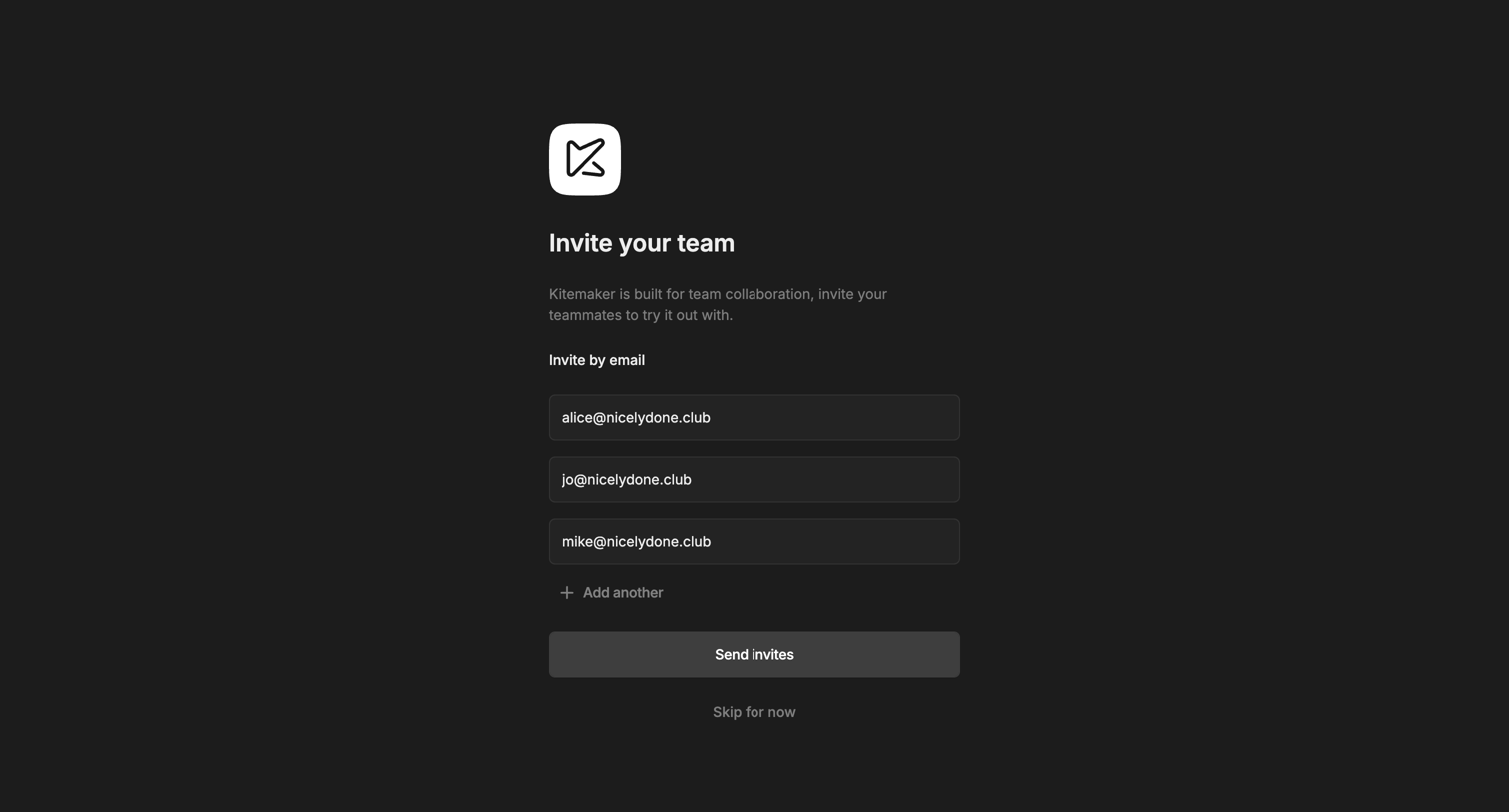
Onboarding step where the user invites teammates by entering their email addresses before proceeding.
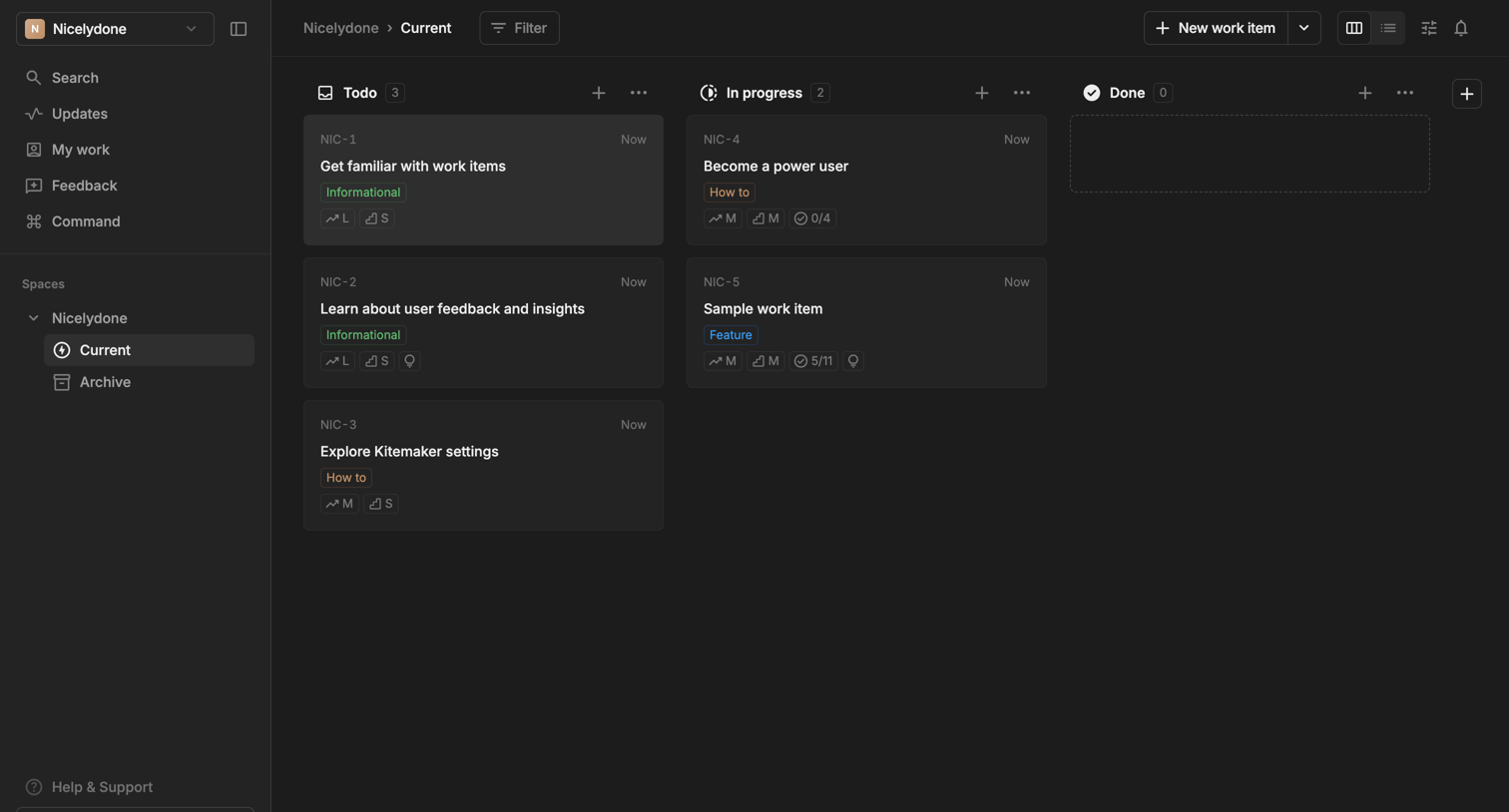
Explore the full SaaS screen library
Upgrade to unlock the full library.
Trusted by the best teams







