Instapaper design examples
Explore Instapaper UI design examples. Save Anything. Read Anywhere.
Product screens


Sign-in screen where the user authenticates with their email and password, with an option to stay logged in.

Password recovery overlay where the user enters their email address to request a reset link.

Signup screen where the user creates a new account via a modal overlay containing email and password fields, with an option to stay logged in.
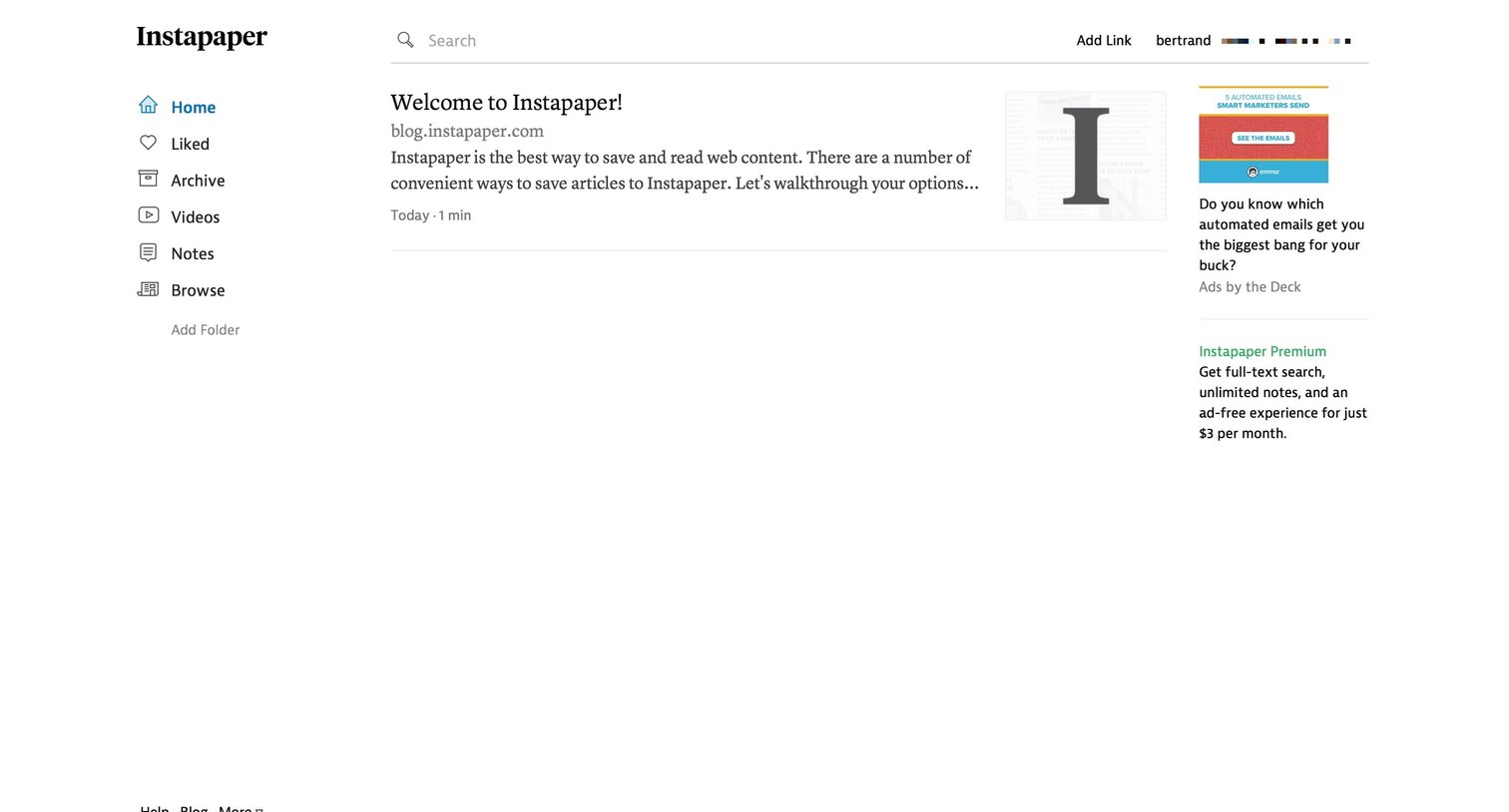
Home feed where the user views their recently saved articles, with options to add new links, organize into folders, and upgrade to a premium plan.

List view with a modal overlay where the user pastes a URL to save a new article to their reading list.
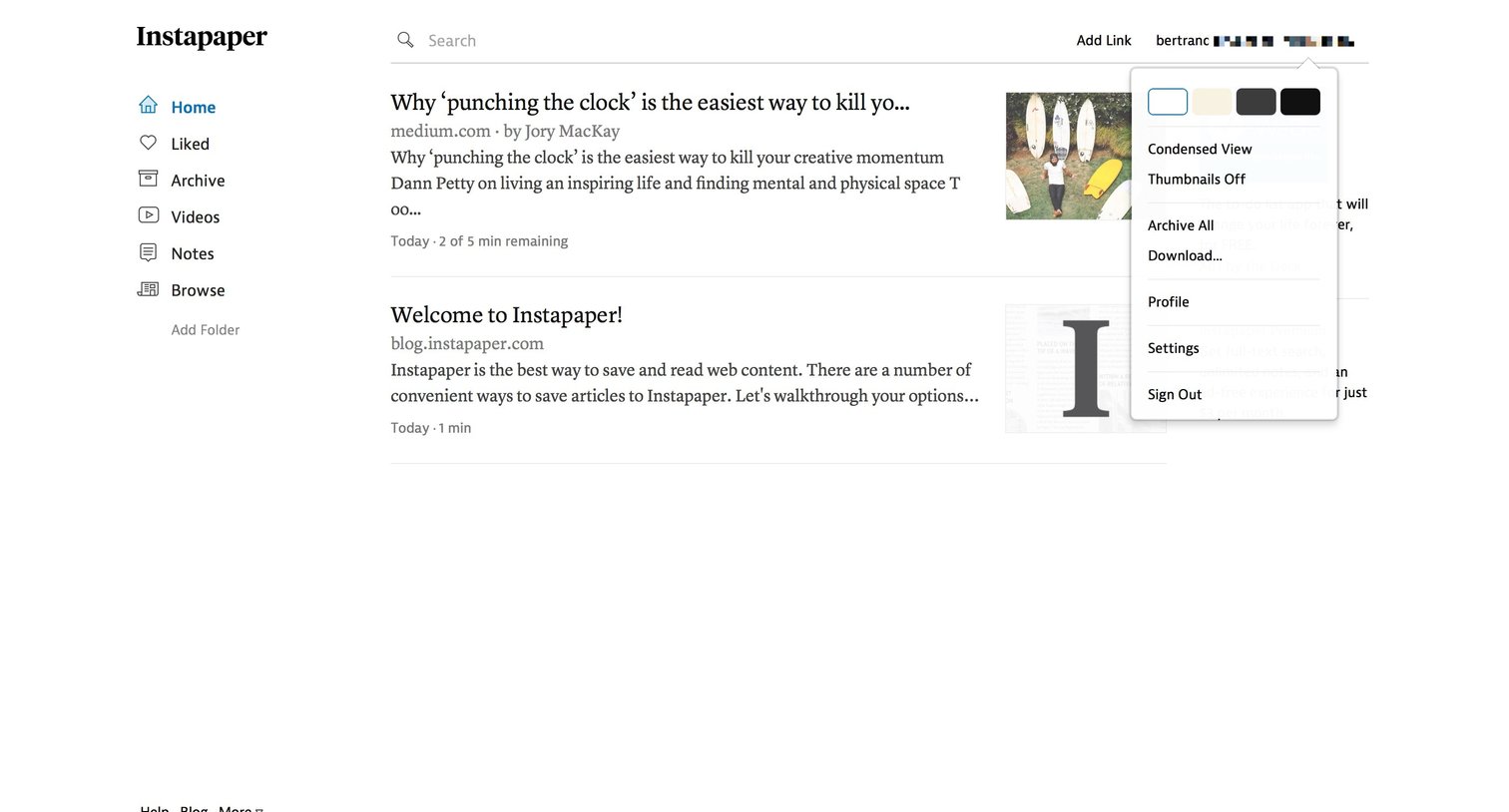
Home view where the user browses their saved articles, with a profile dropdown open showing theme and view options.
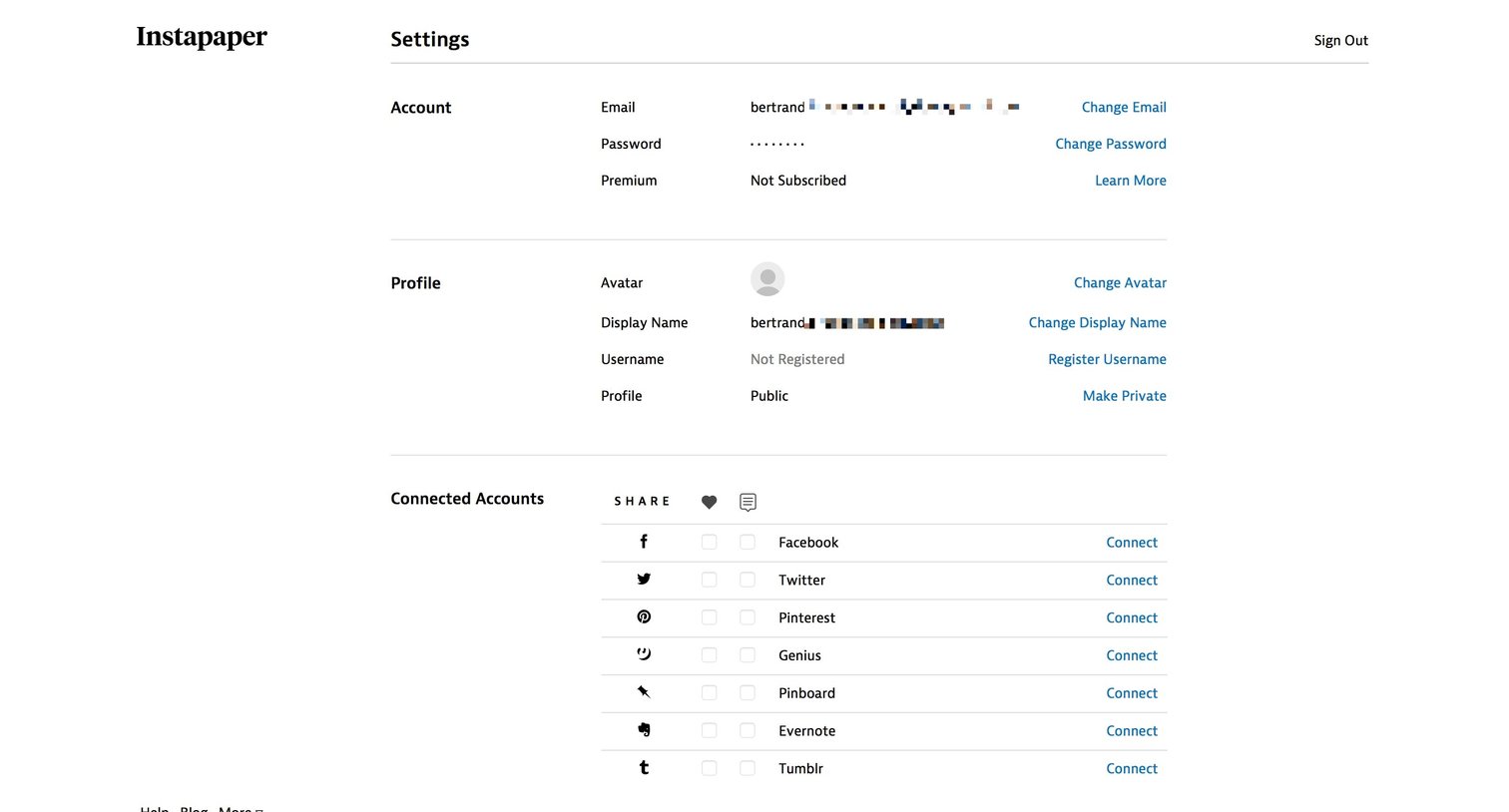
Settings page where the user manages their account details, profile, connected integrations, email preferences, Kindle setup, and data export.

Home screen where the user browses their saved articles, searches content, and sees an upgrade prompt.
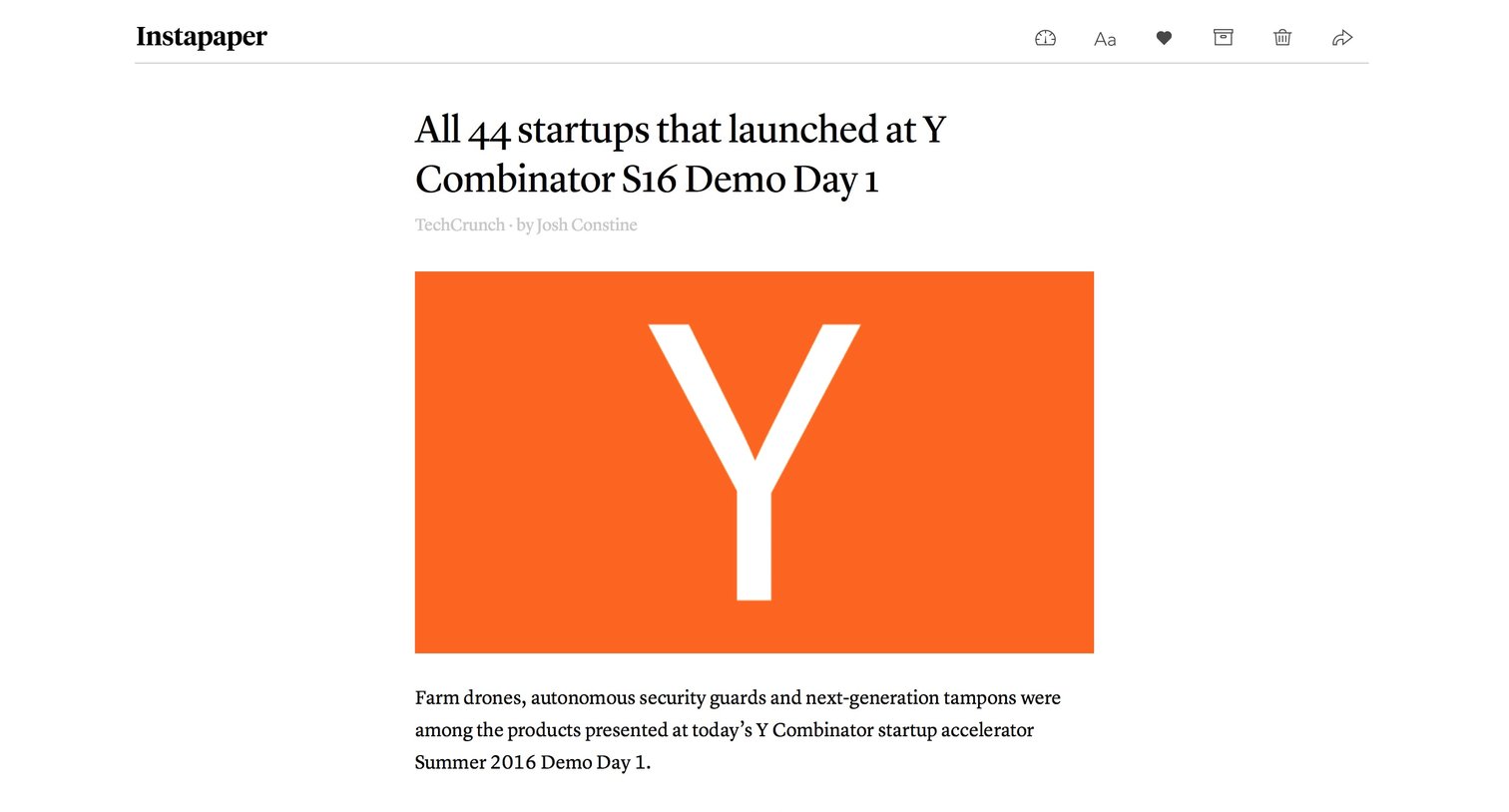
Detail page where the user reads a saved article with options to adjust text appearance, favorite, move, delete, or share.
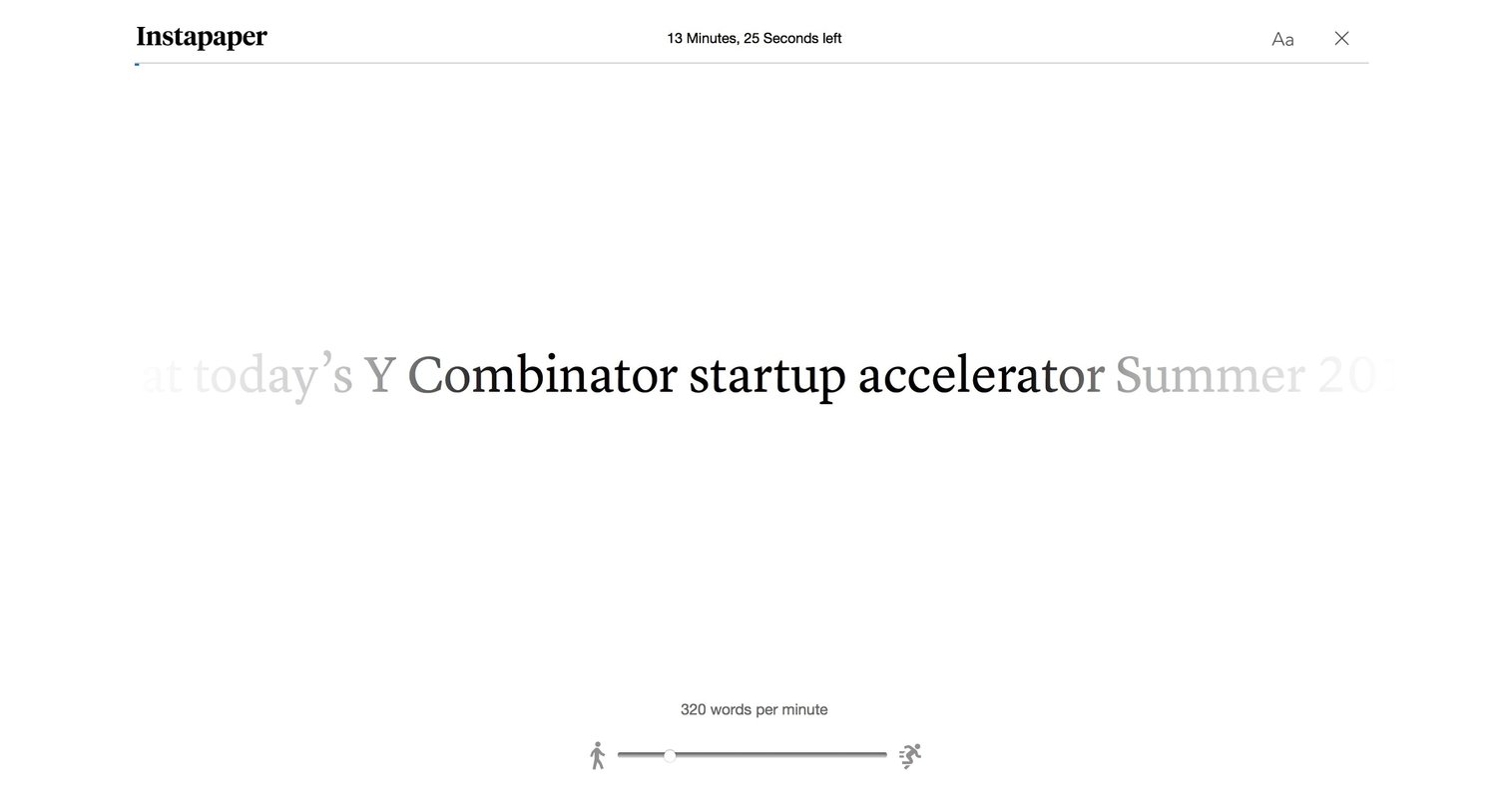
Detail page where the user reads an article using a distraction-free speed reading interface with adjustable words-per-minute.

Paywall screen where the user can upgrade to a premium subscription by choosing between monthly and yearly plans and reviewing a feature comparison table.
Browse the full SaaS app library
Explore real SaaS apps with their product screens, marketing screens, flows, and components.
Trusted by the best teams







