Hireproof design examples
Explore Hireproof UI design examples. Your new interviewing superpower
Product screens
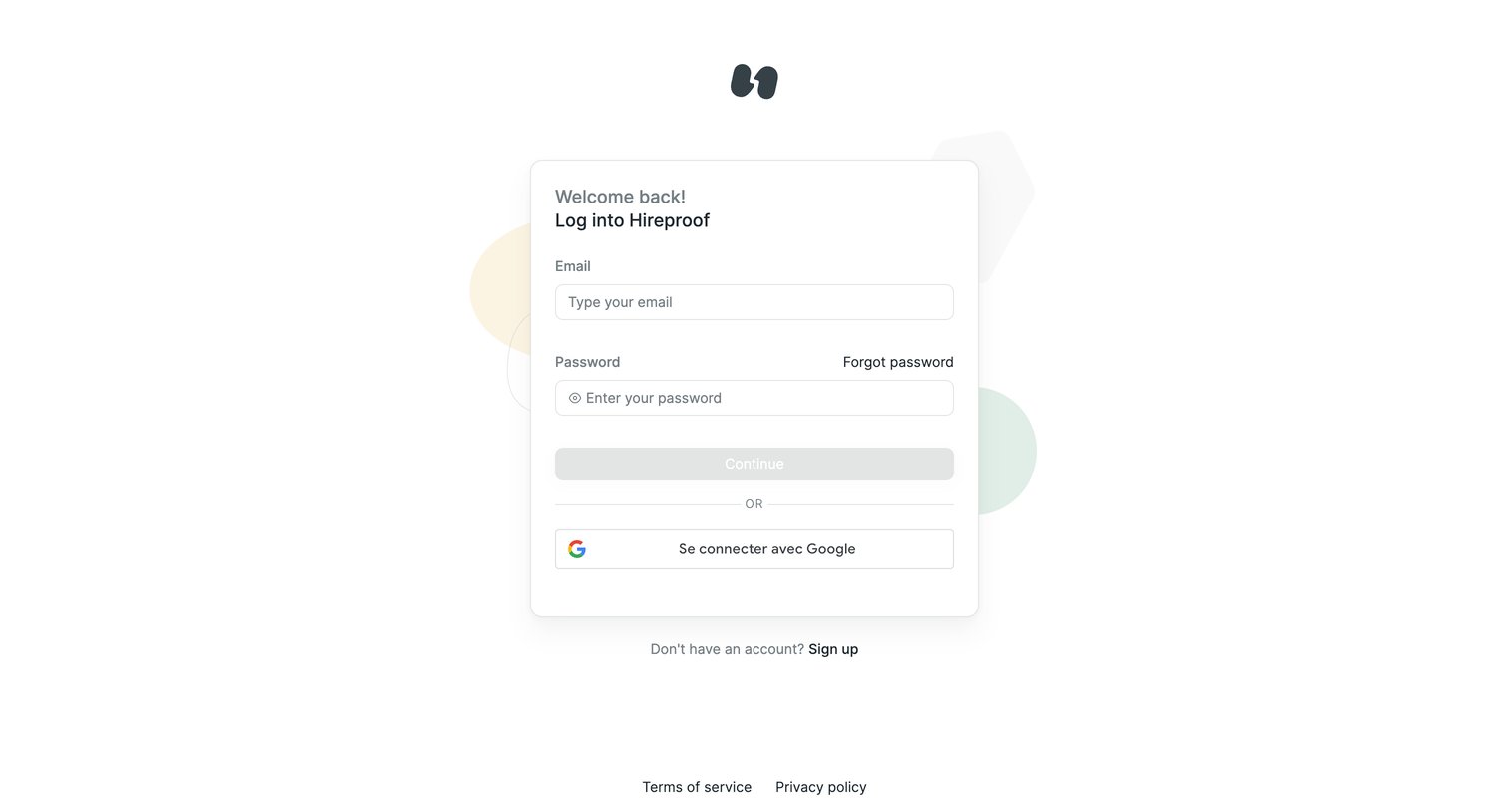

Sign-in screen where the user authenticates with email and password or via Google SSO.
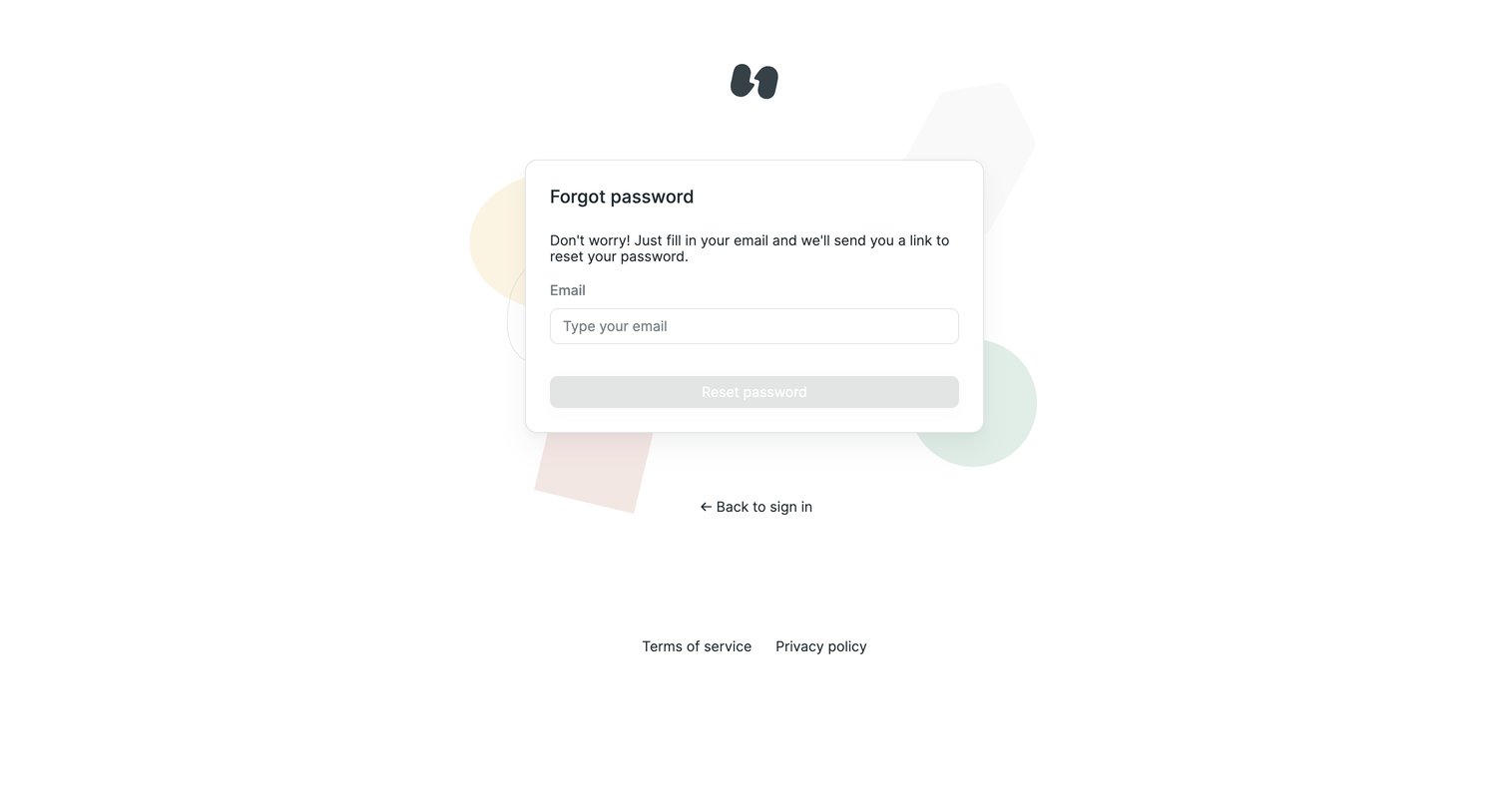
Password recovery screen where the user enters their email address to request a reset link.
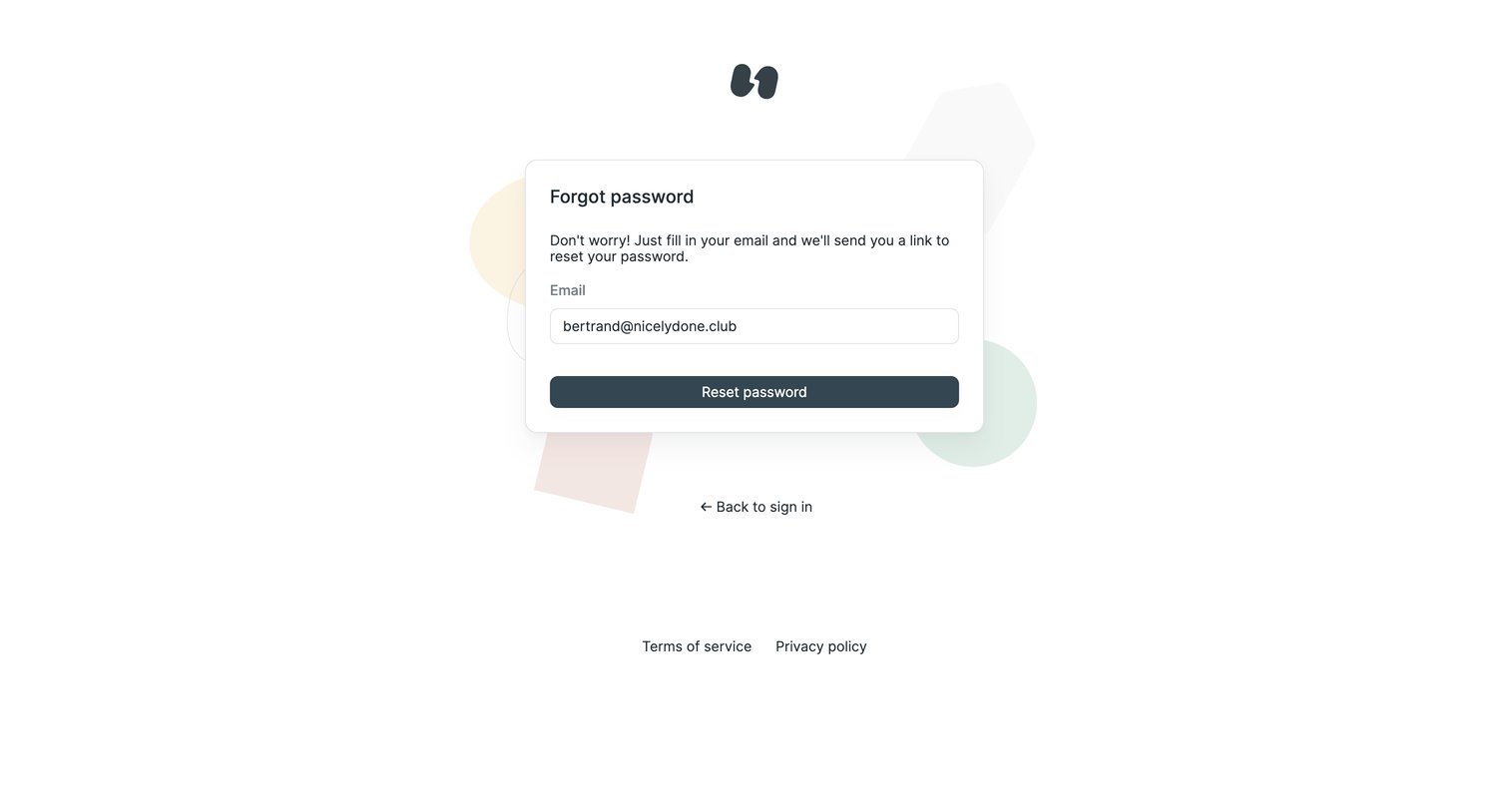
Password recovery screen where the user enters their email address to receive a reset link.
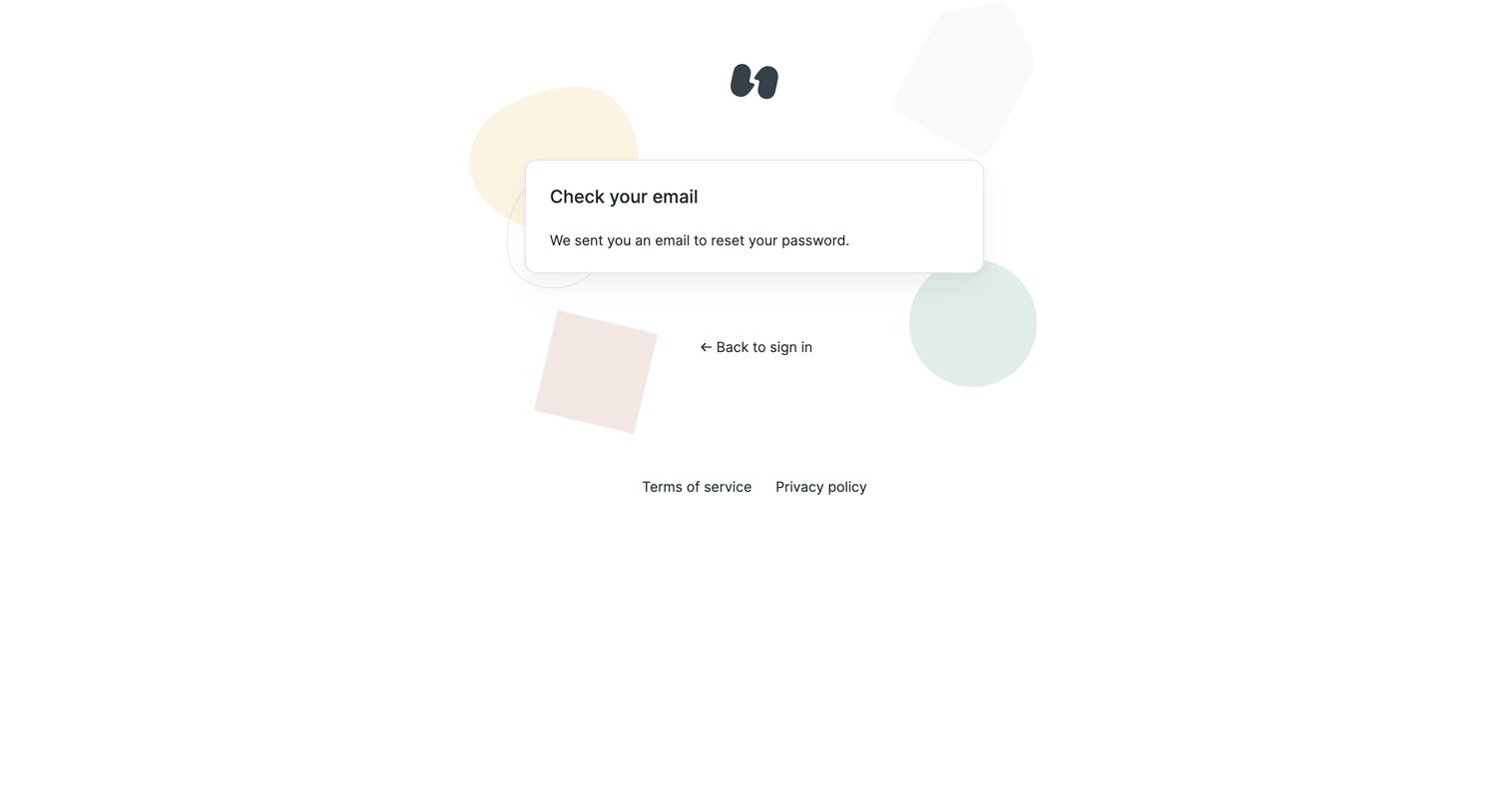
Password recovery screen confirming that a reset link has been sent to the user's email.
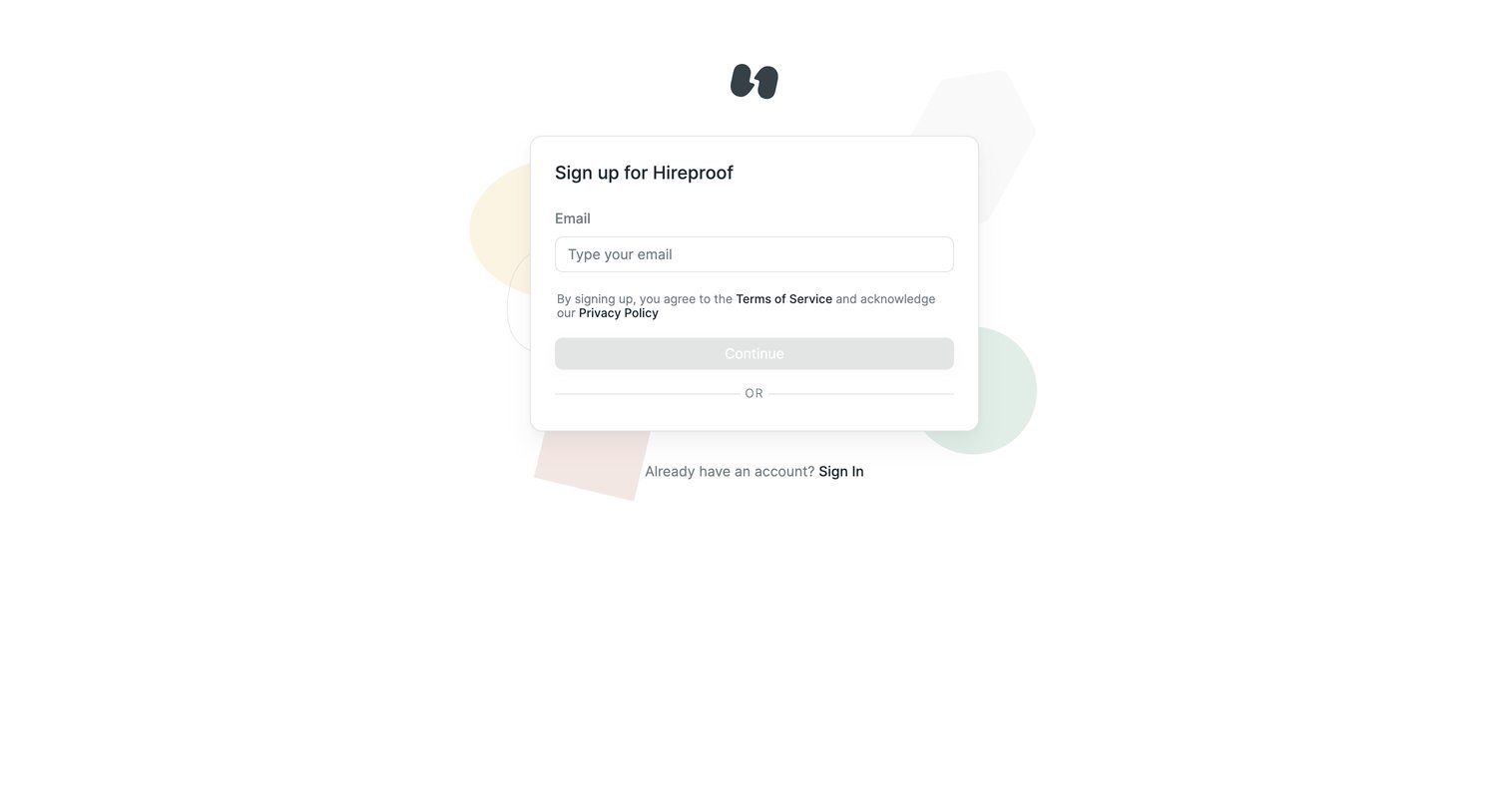
Signup screen where the user enters their email to begin creating a Hireproof account.
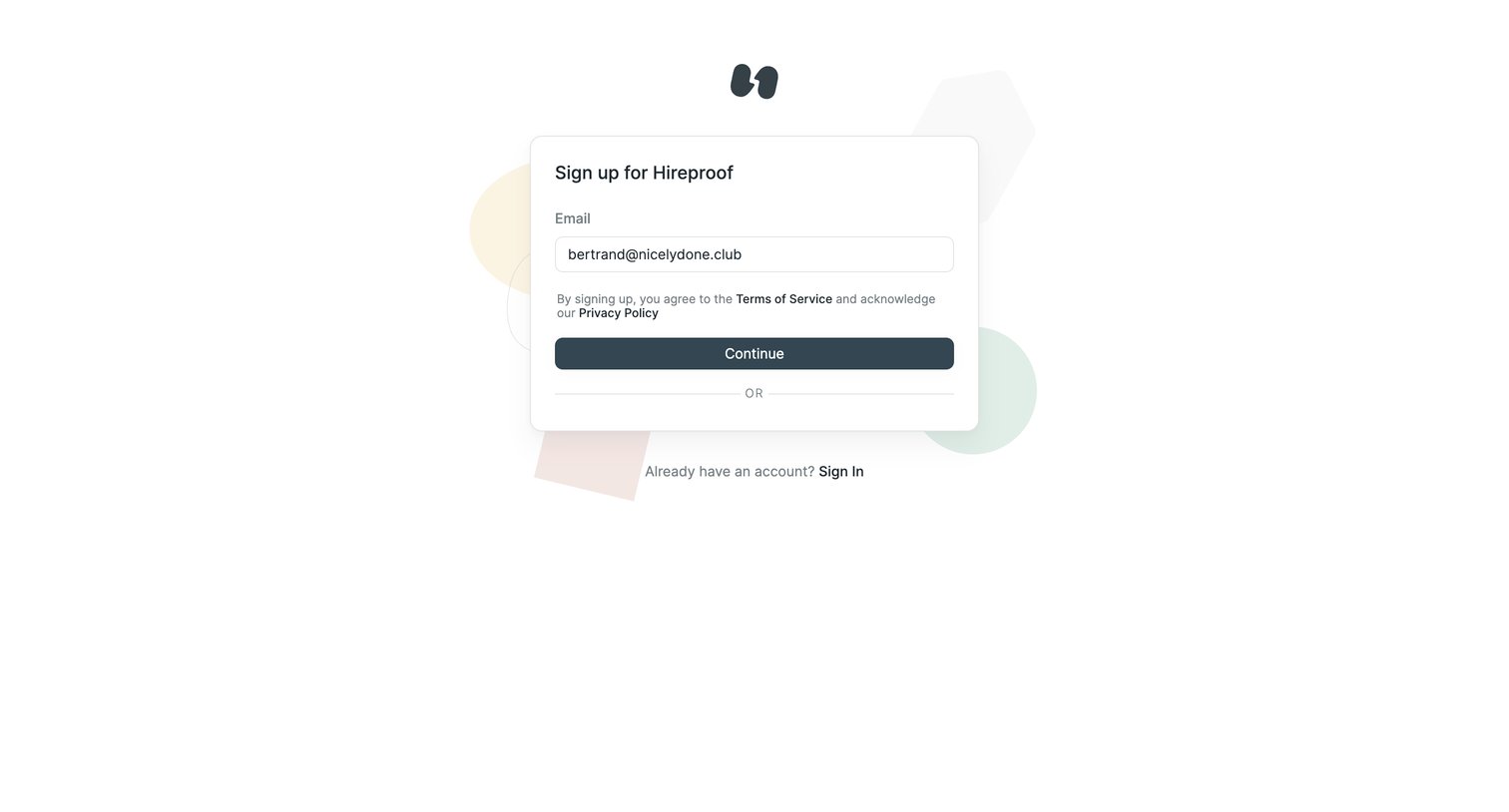
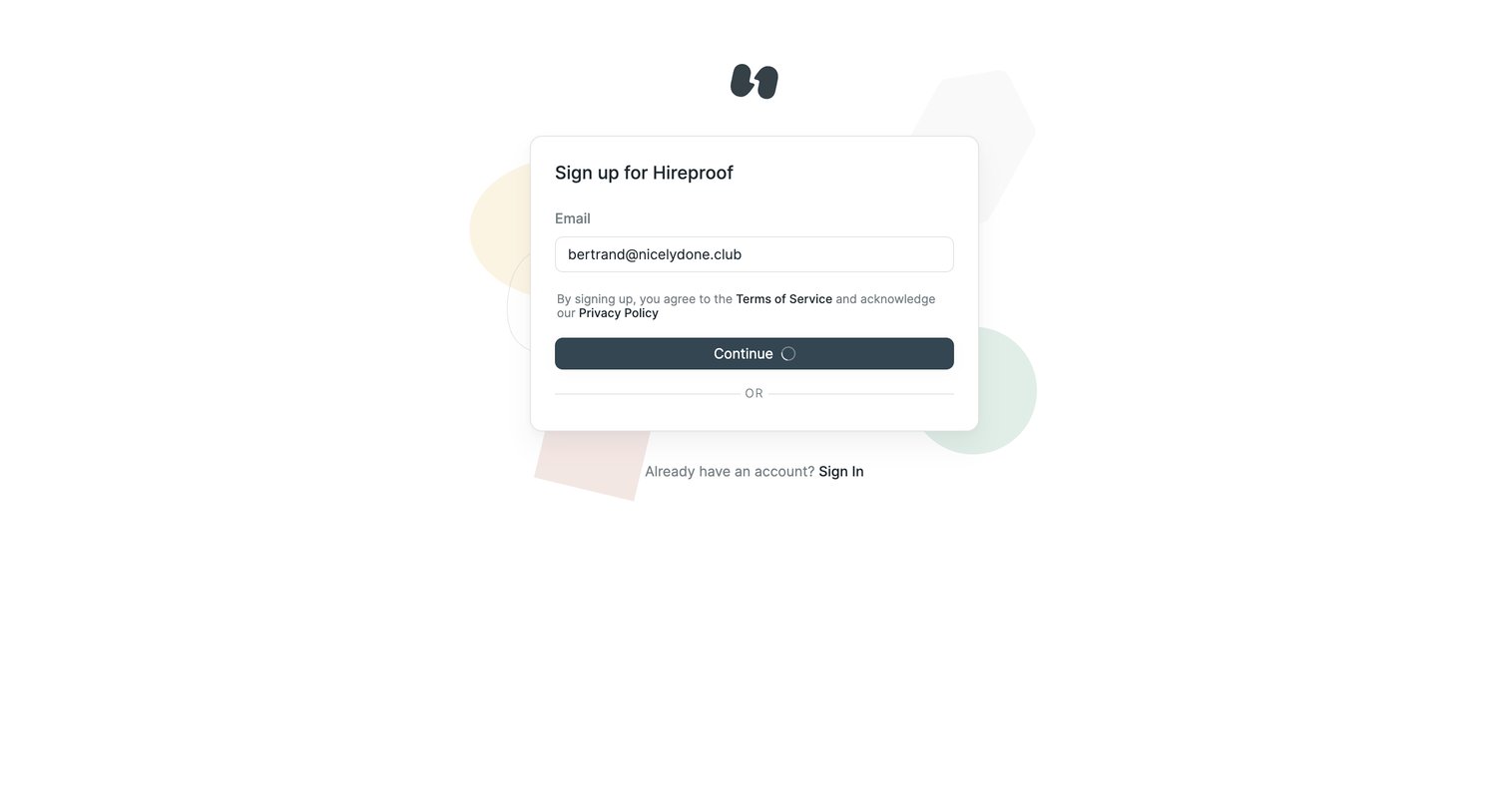
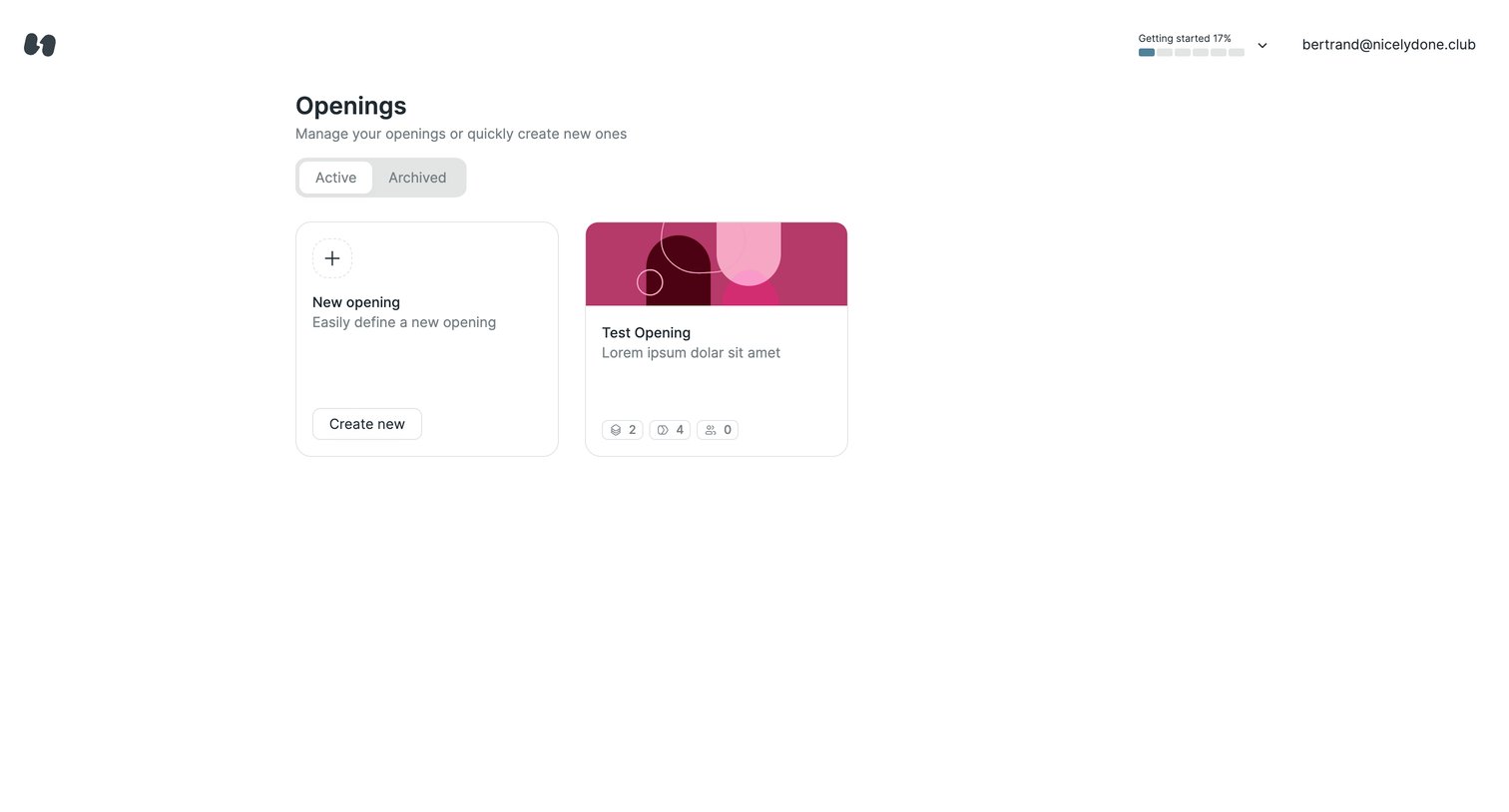
List view where the user manages active and archived job openings or creates new ones.
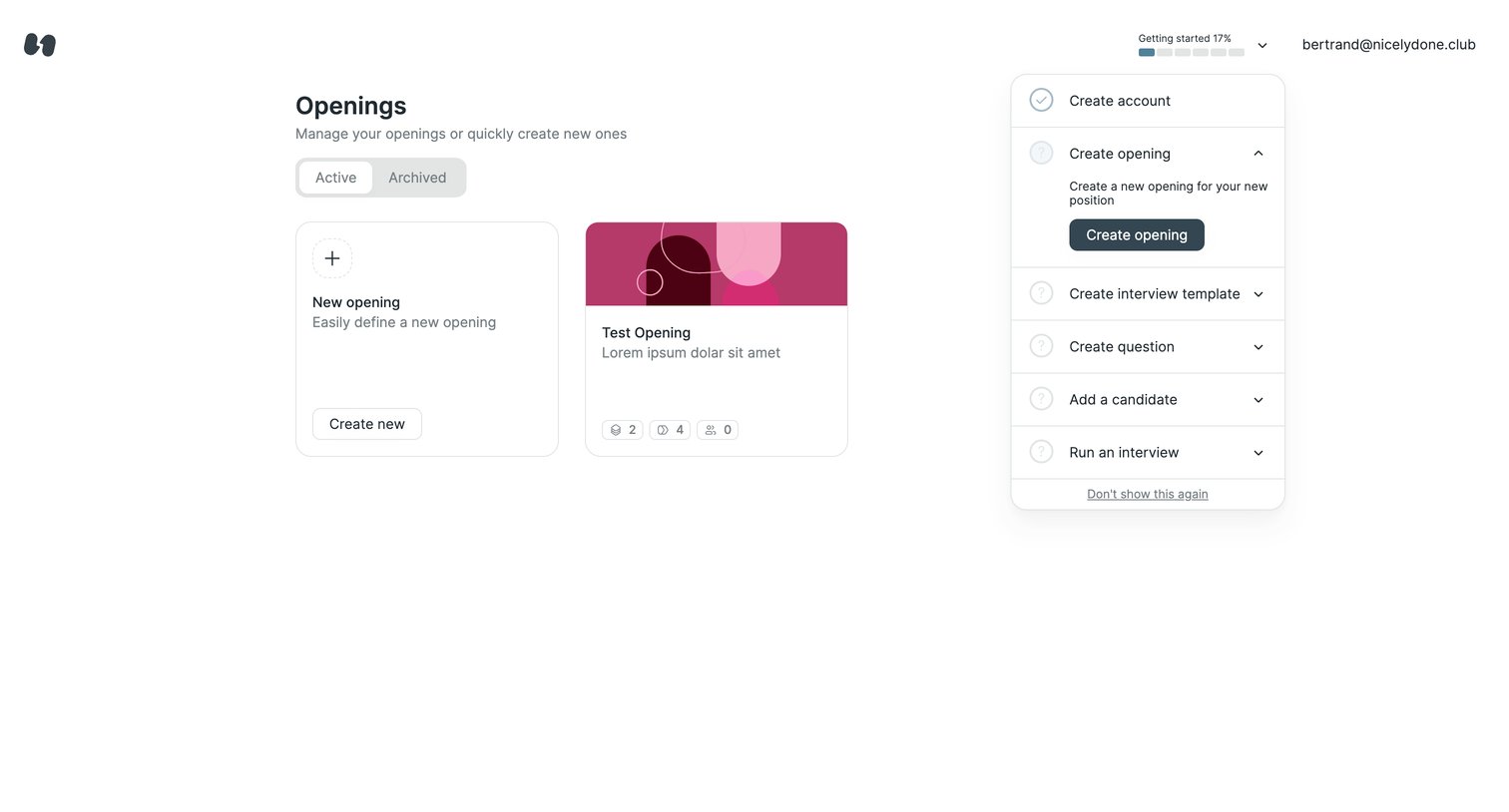
List view where the user manages job openings and can create new ones, featuring an active onboarding checklist.
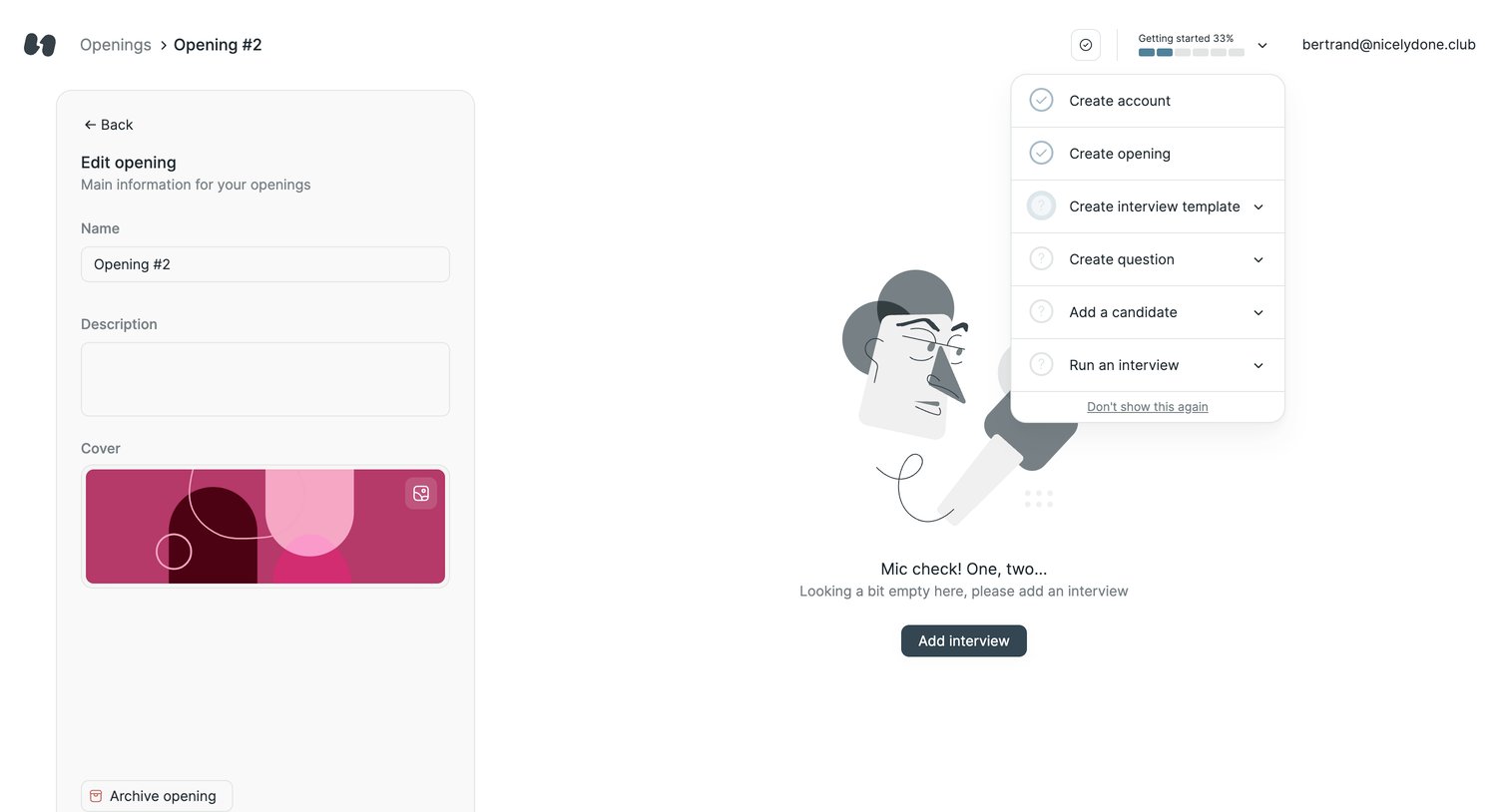
Detail page where the user edits an opening's basic information on the left while an open popover displays a getting started checklist over an empty state.
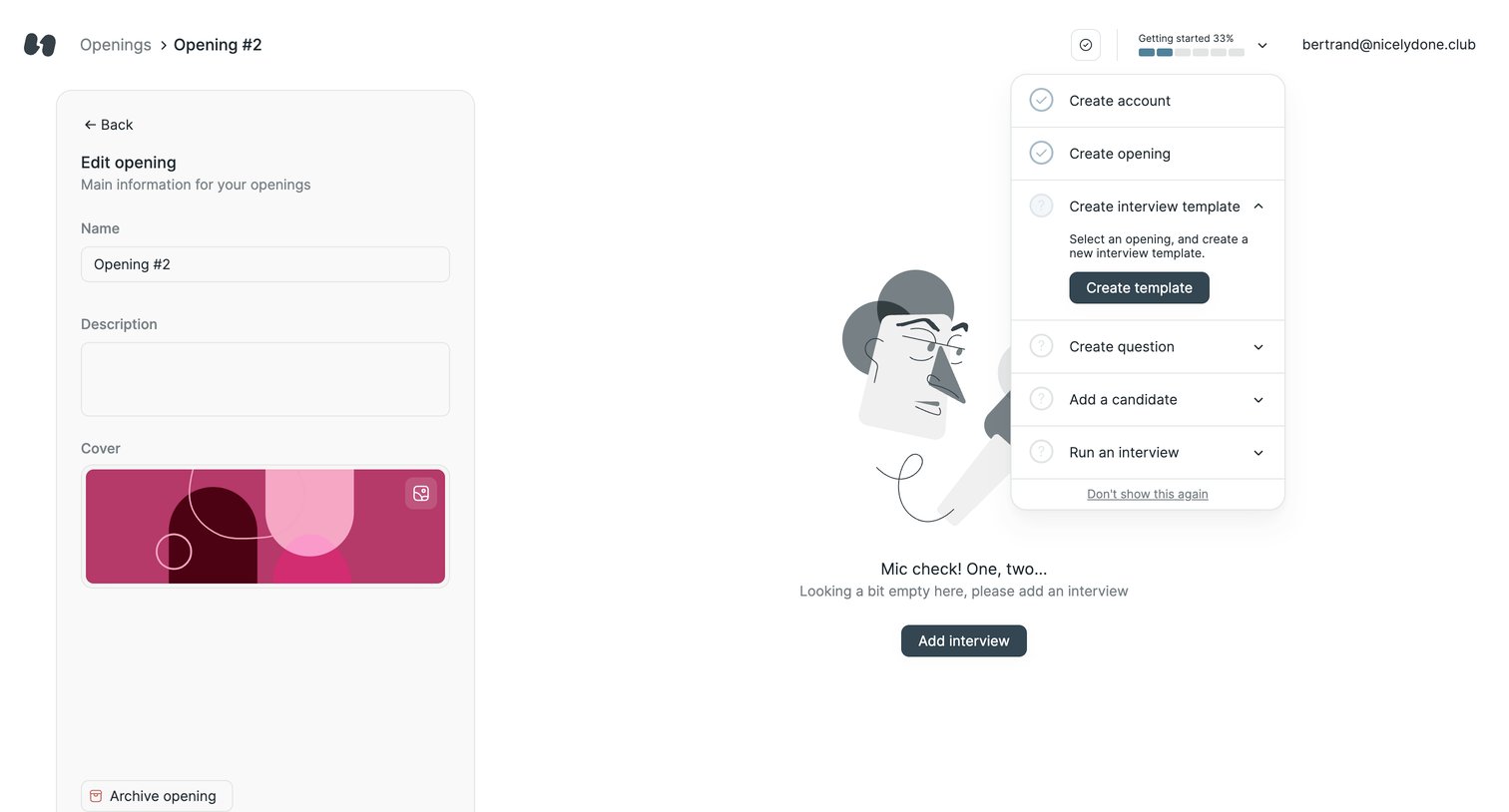
Detail page where the user edits a job opening's basic information in a side panel while an active onboarding popover guides them to create an interview template.
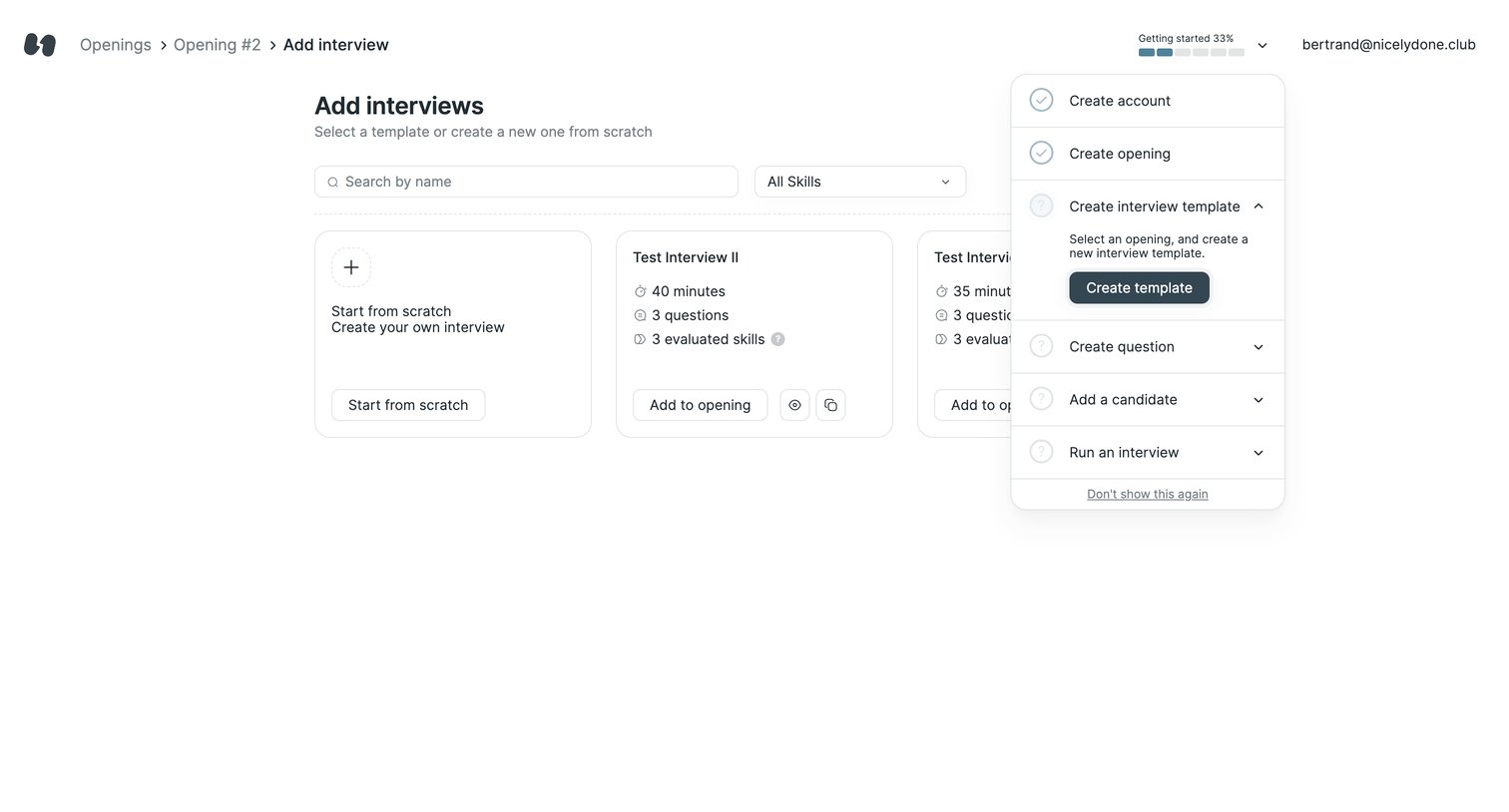
Creation screen where the user selects an interview template or starts from scratch, featuring an active getting-started checklist popover.
Browse the full SaaS app library
Explore real SaaS apps with their product screens, marketing screens, flows, and components.
Trusted by the best teams







