Heroic Labs product screens examples
Browse Heroic Labs screen design examples. Preview the interface screenshots and explore related UI patterns. Backend for game developers
Explore the examples
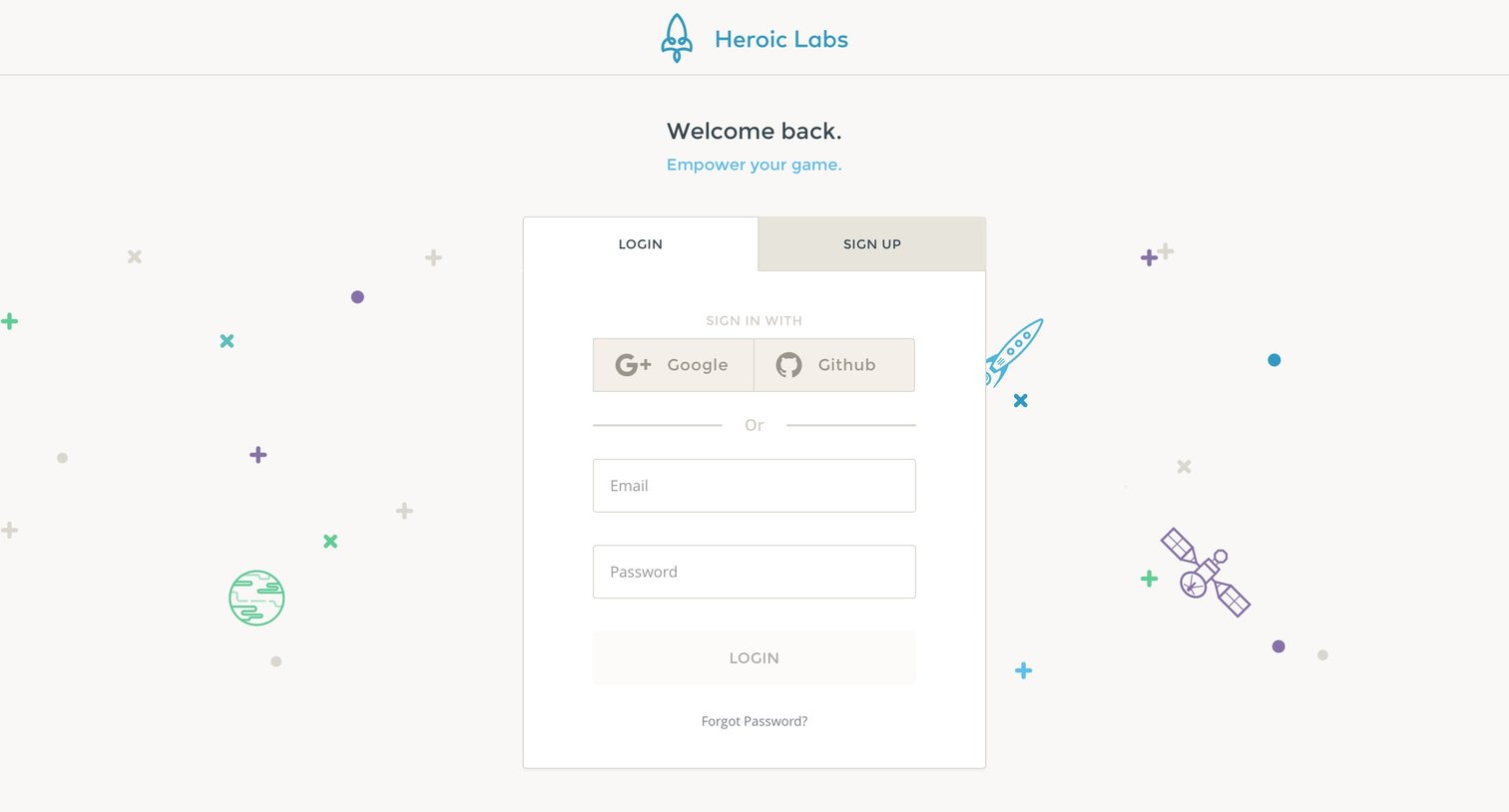

Sign-in screen where the user authenticates with Google, Github, or email, with a tabbed option to switch to sign up.

Password recovery screen where the user enters their email address to receive a reset link.
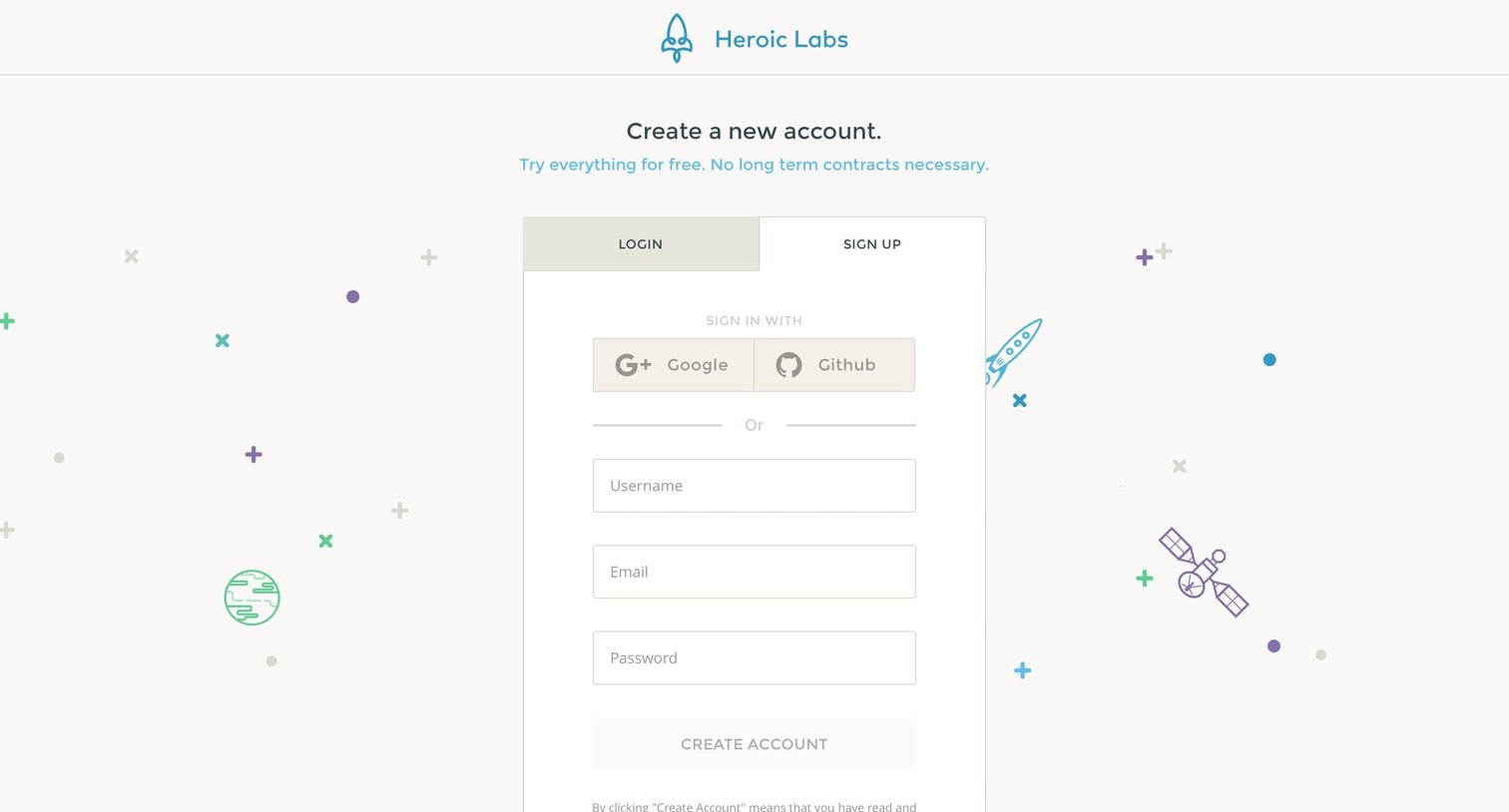
Signup page where the user can create a new account using Google, GitHub, or an email and password.

Onboarding step where the user sets up their profile by adding an avatar, name, company, and country, with an option to subscribe to the newsletter.
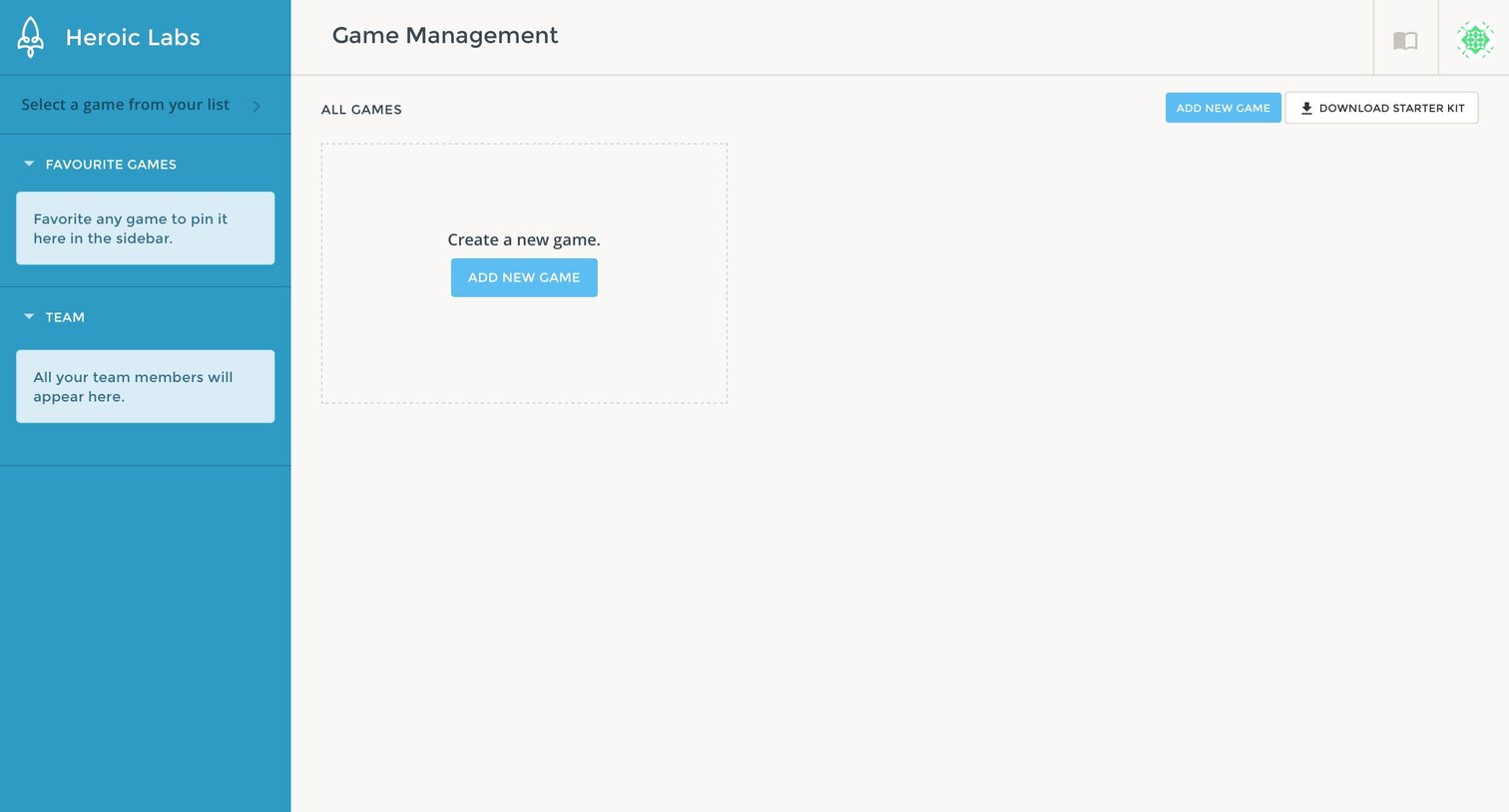
List view where the user manages their games, currently showing an empty state with a prompt to create a new game.

Dashboard empty state where the user is prompted to create their first game.

Modal overlay where the user starts creating a new game by entering its name as the first step of a four-part wizard.

Create modal where the user configures a new game project by specifying the engine, genre, and release date in a multi-step wizard.

Game creation wizard on the third step where the user can invite team members by entering their email addresses or nicknames.

Creation modal where the user completes the new game setup by receiving their API key and starting the project.

Settings page where the user configures game profile details, manages destructive actions, and generates server and API keys.

Settings page where the user invites new collaborators via email or nickname and manages existing team members.
Explore the full SaaS screen library
Upgrade to unlock the full library.
Trusted by the best teams







