Skip to content

Frame.io product screens examples

Browse Frame.io screen design examples. Preview the interface screenshots and explore related UI patterns. The next generation of video collaboration.

Explore the examples
Frame.io - Login - Frame.io screen
Frame.io logo
Frame.io

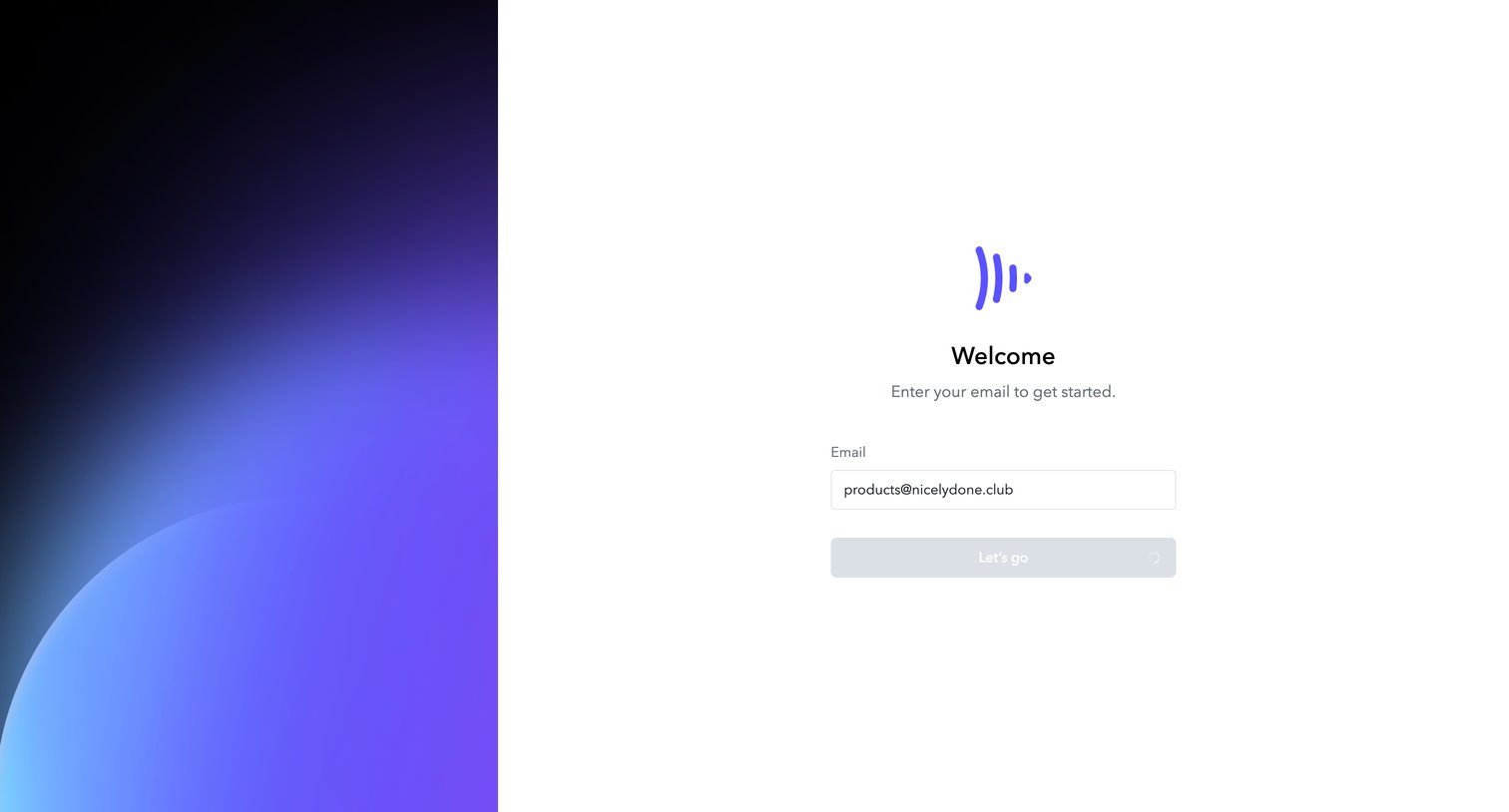
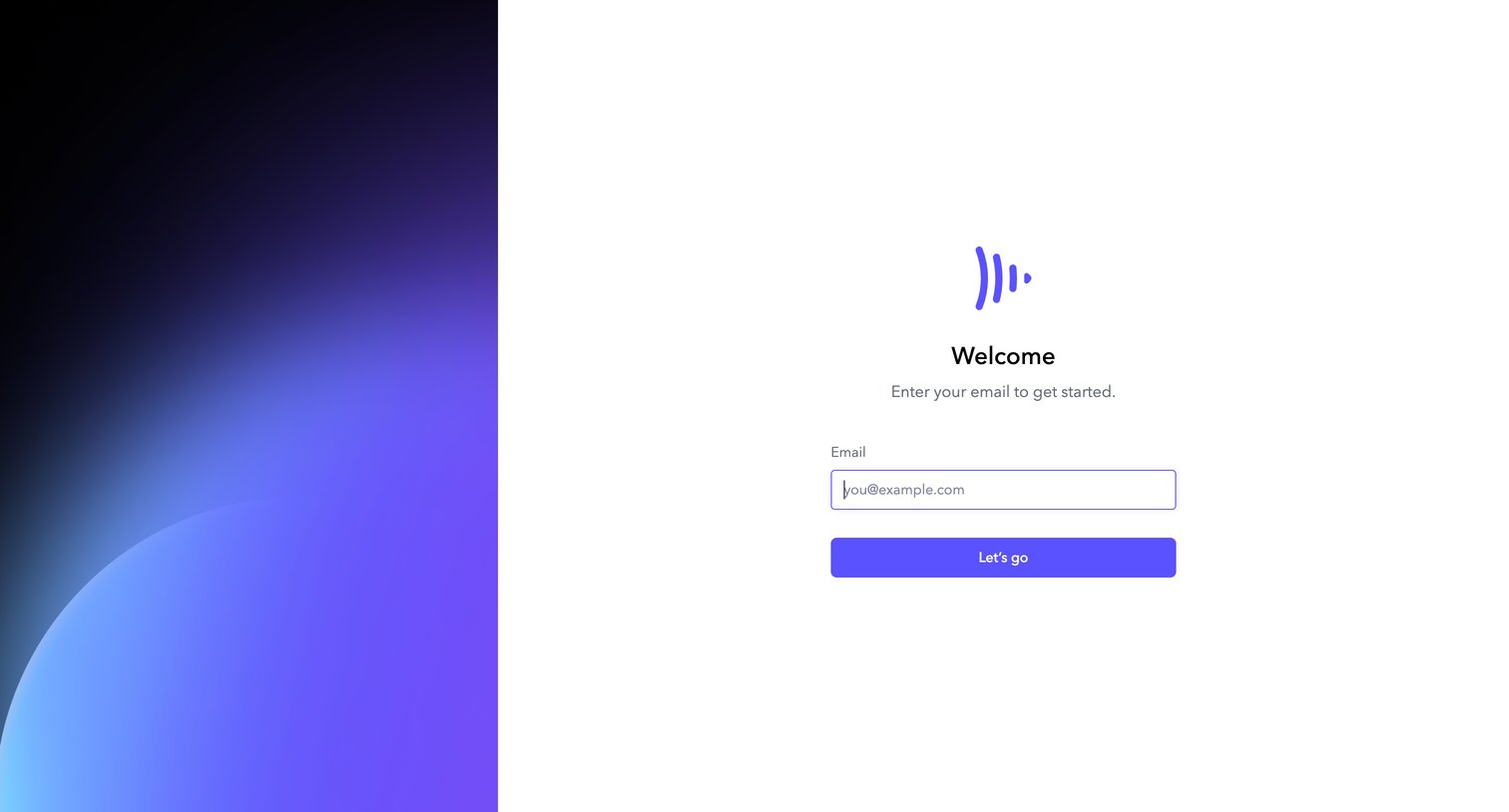
Authentication screen where the user enters their email address to begin the sign-in or account creation process.

Frame.io - Login - Frame.io screen
Frame.io logo
Frame.io

Auth screen where the user enters their email address to get started, currently in a loading state after submission.

Frame.io - Login - Frame.io screen
Frame.io logo
Frame.io

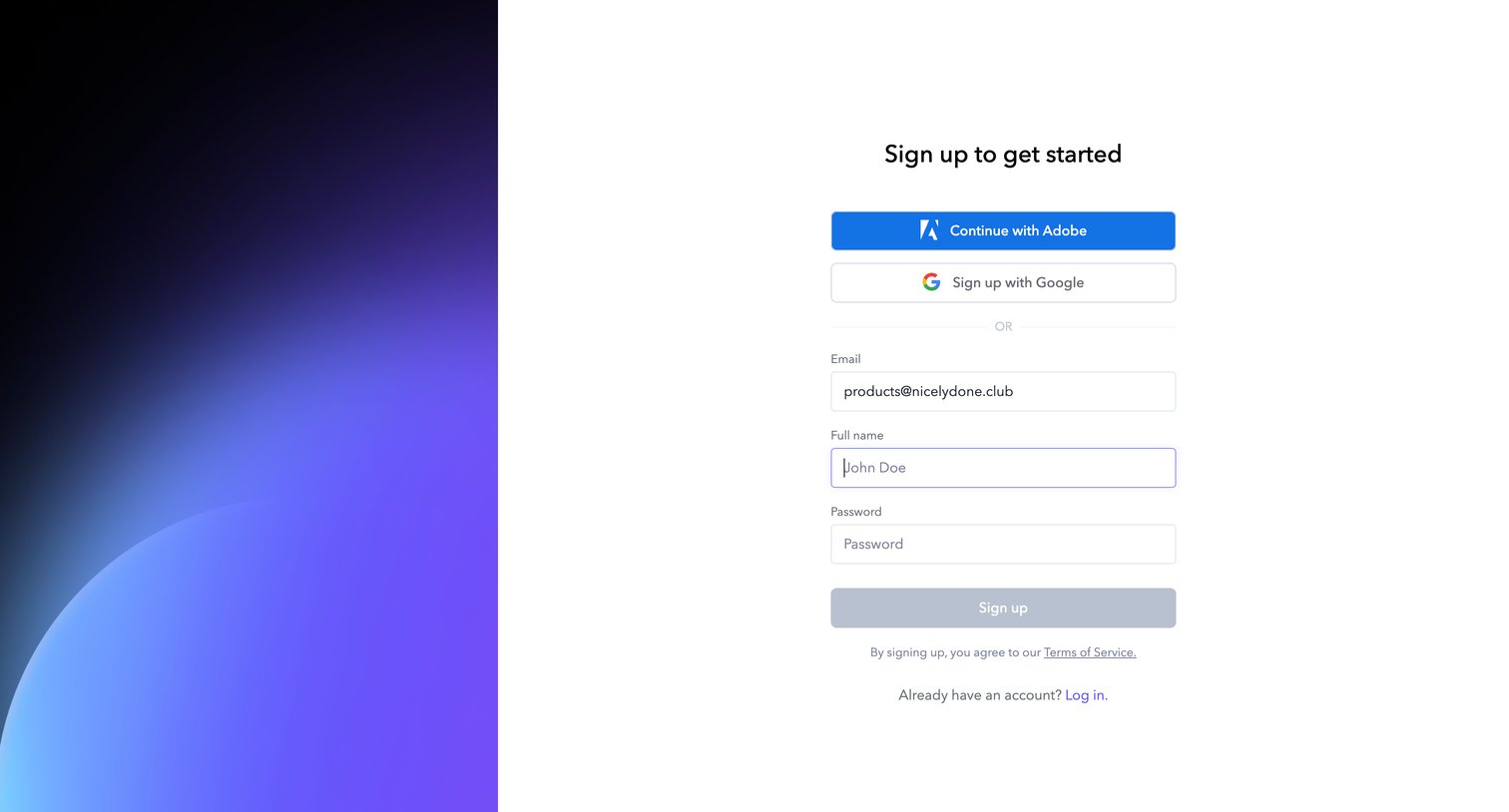
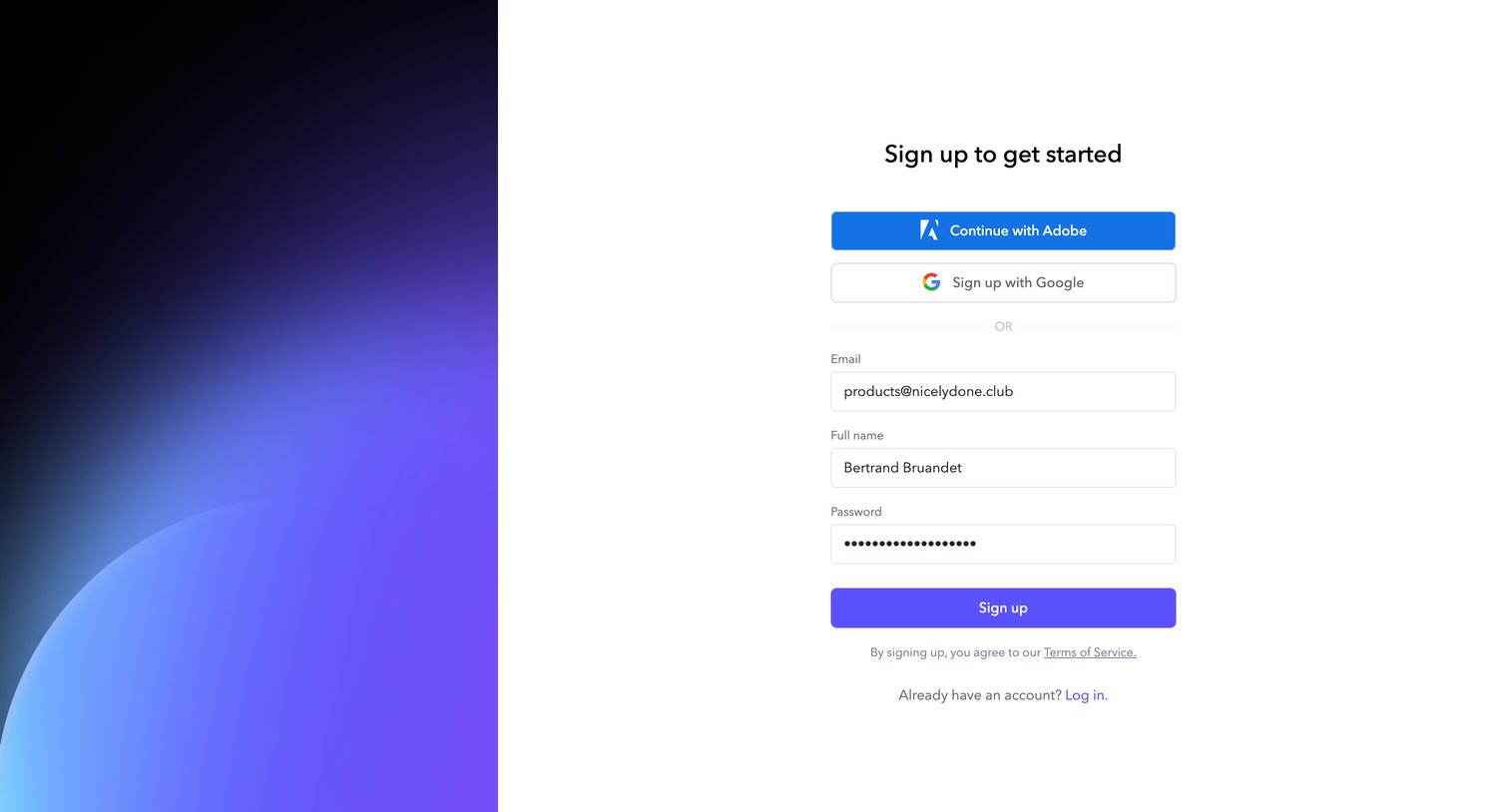
Signup screen where the user can authenticate with Adobe or Google, or create an account manually using their email, name, and password.
Frame.io - Login - Frame.io screen
Frame.io logo
Frame.io

Signup page where the user can create an account using Adobe, Google, or a standard email and password form.

Frame.io - Login - Frame.io screen
Frame.io logo
Frame.io

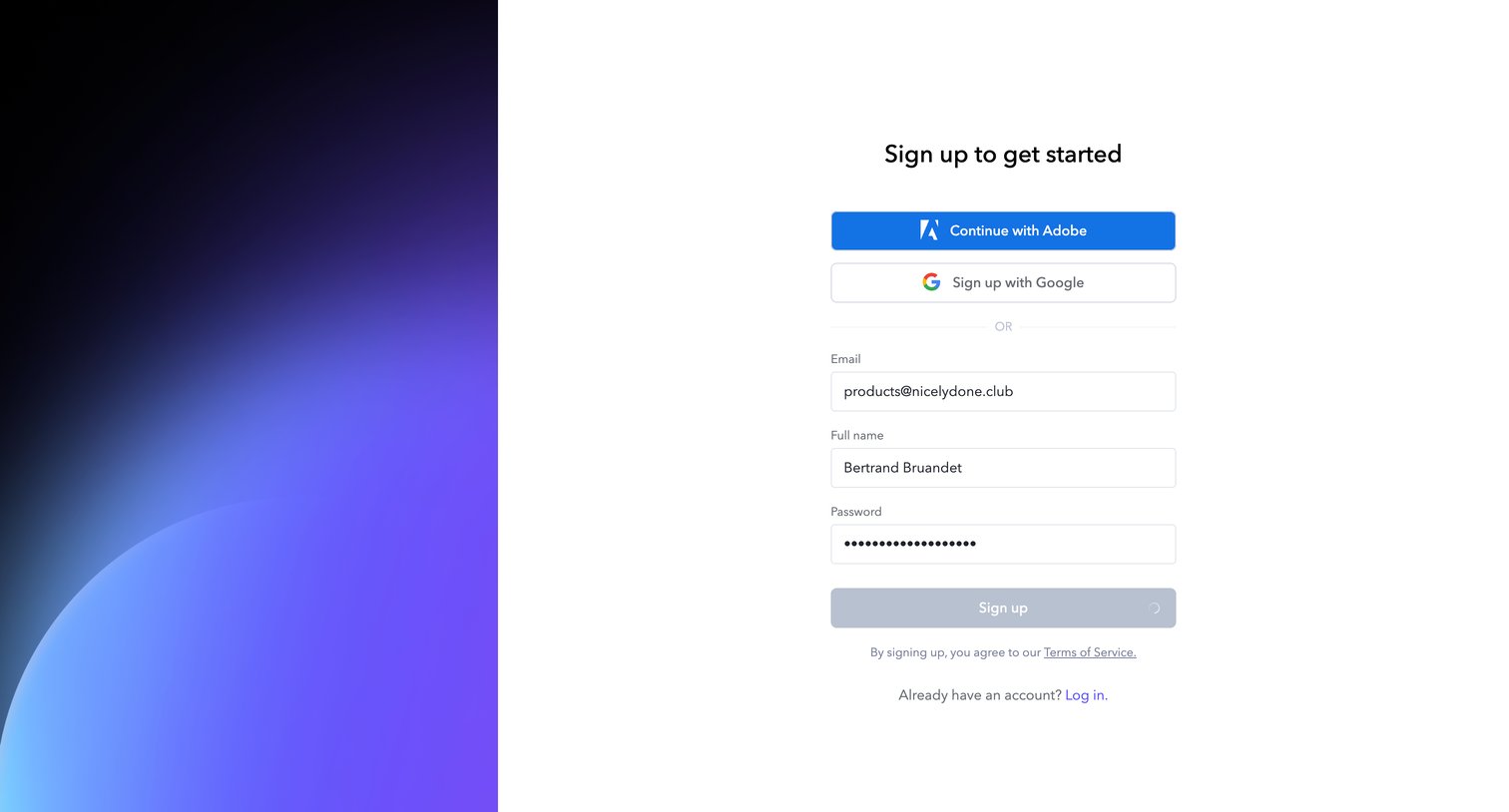
Signup page where the user has filled in their email, name, and password, currently showing a loading state upon submission.

Frame.io - Login - Frame.io screen
Frame.io logo
Frame.io

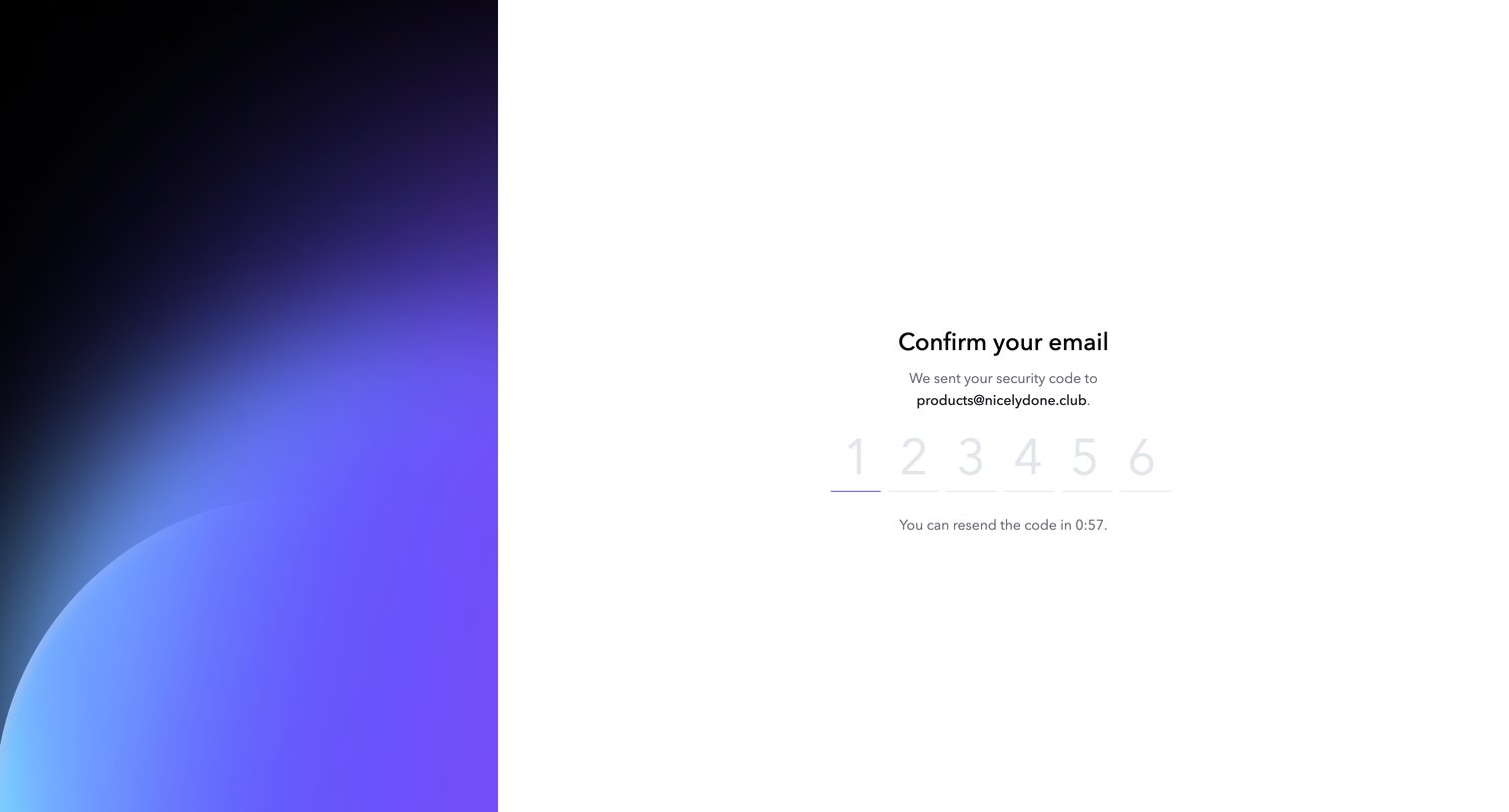
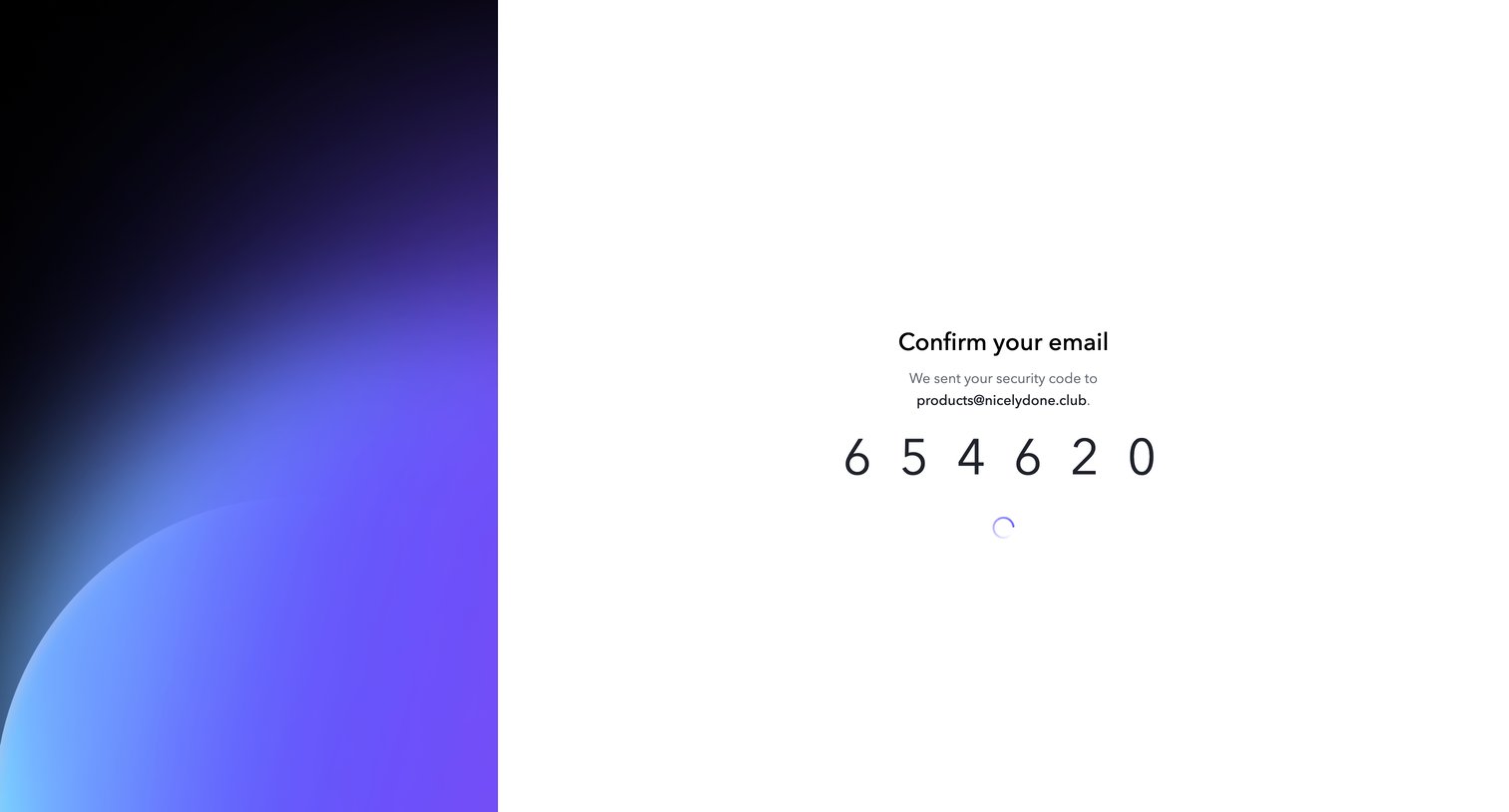
Verification screen where the user enters a 6-digit security code sent to their email address, featuring a resend countdown timer.
Frame.io - Login - Frame.io screen
Frame.io logo
Frame.io

Verification screen where the user enters a 6-digit security code sent to their email, currently showing a loading state after auto-submitting.
Frame.io - Demo Project - Frame.io screen
Frame.io logo
Frame.io

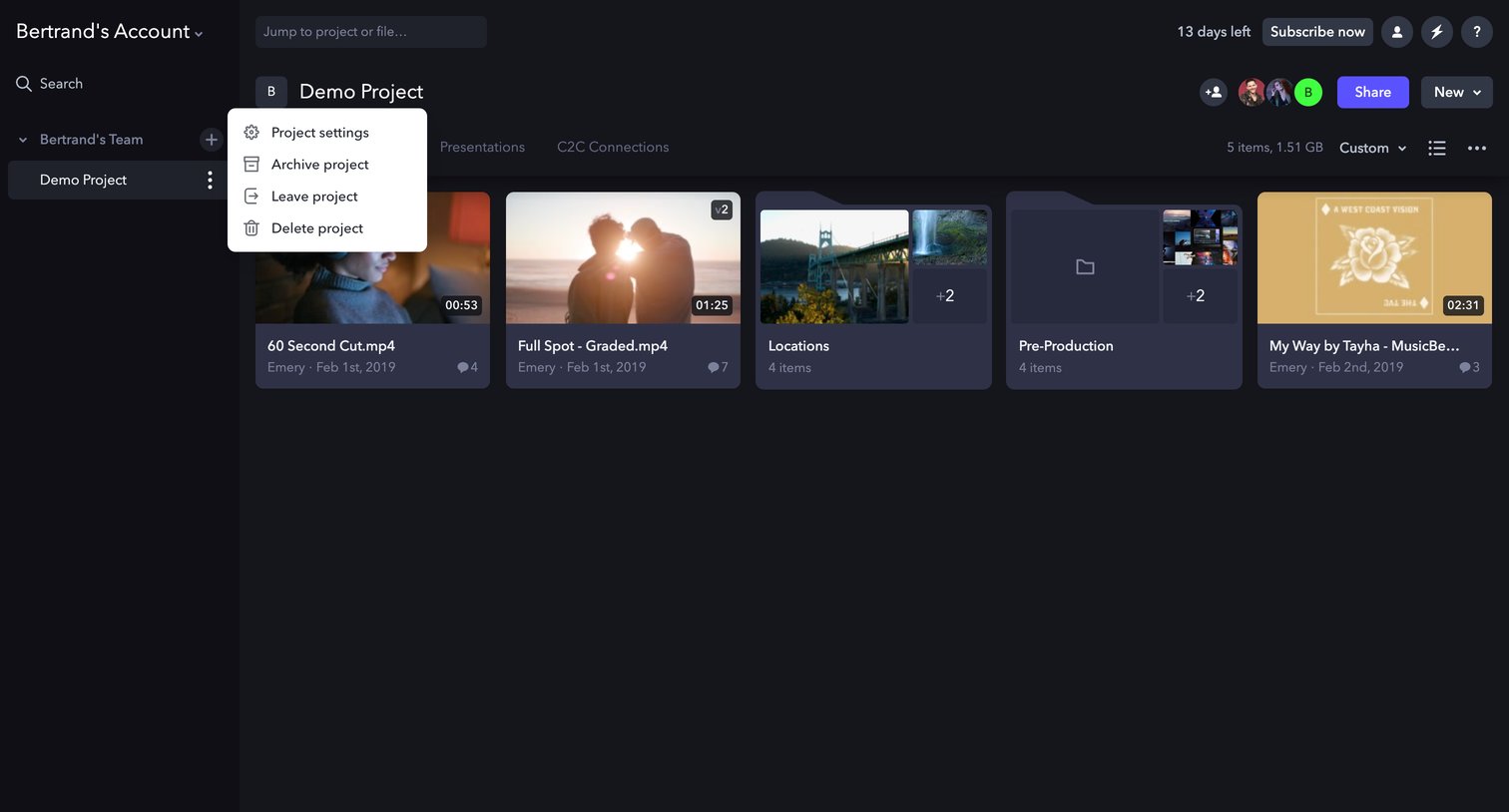
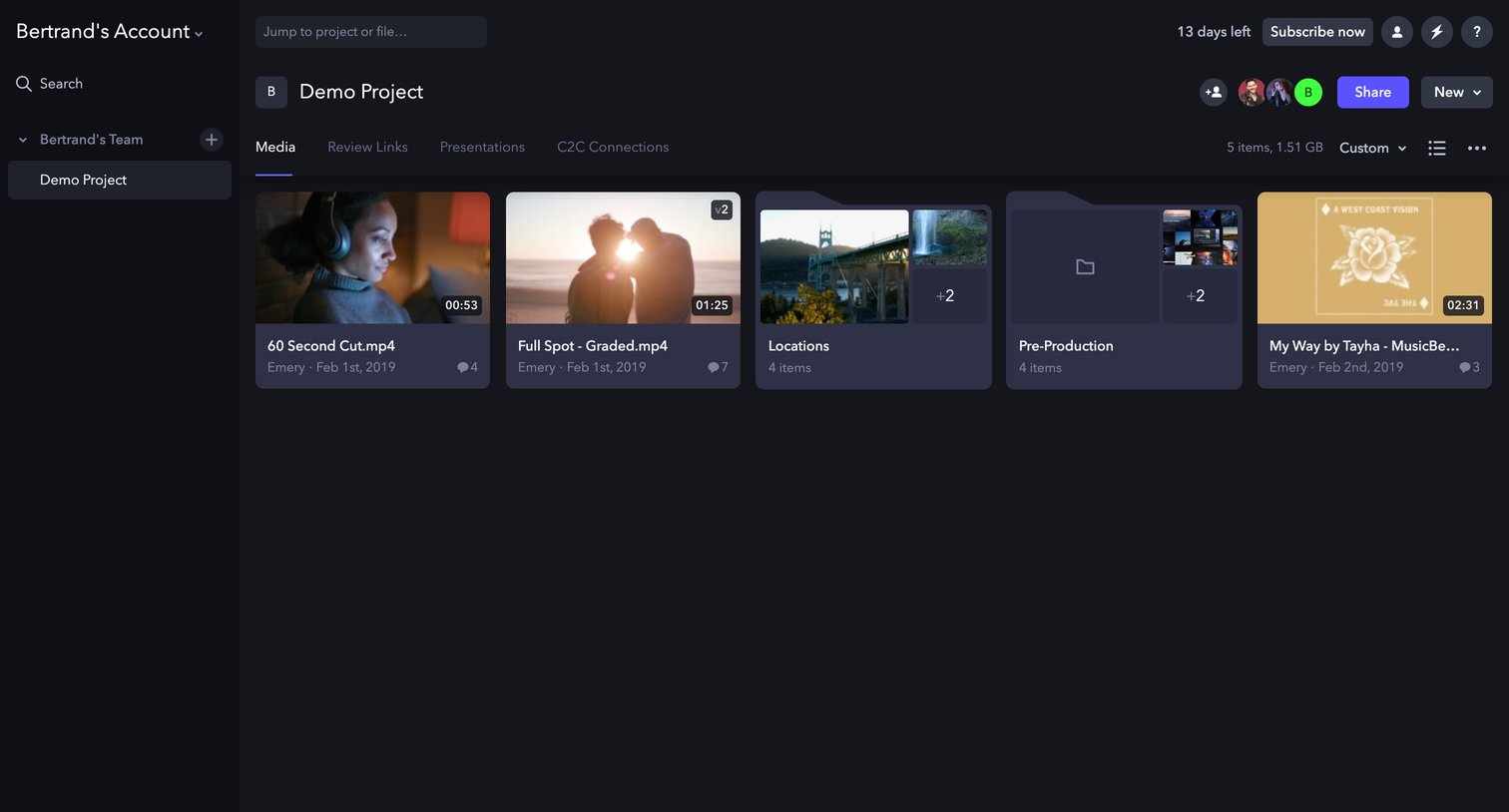
Project detail page where the user views and manages media files, folders, and review links in a grid layout.

Frame.io - Demo Project - Frame.io screen
Frame.io logo
Frame.io

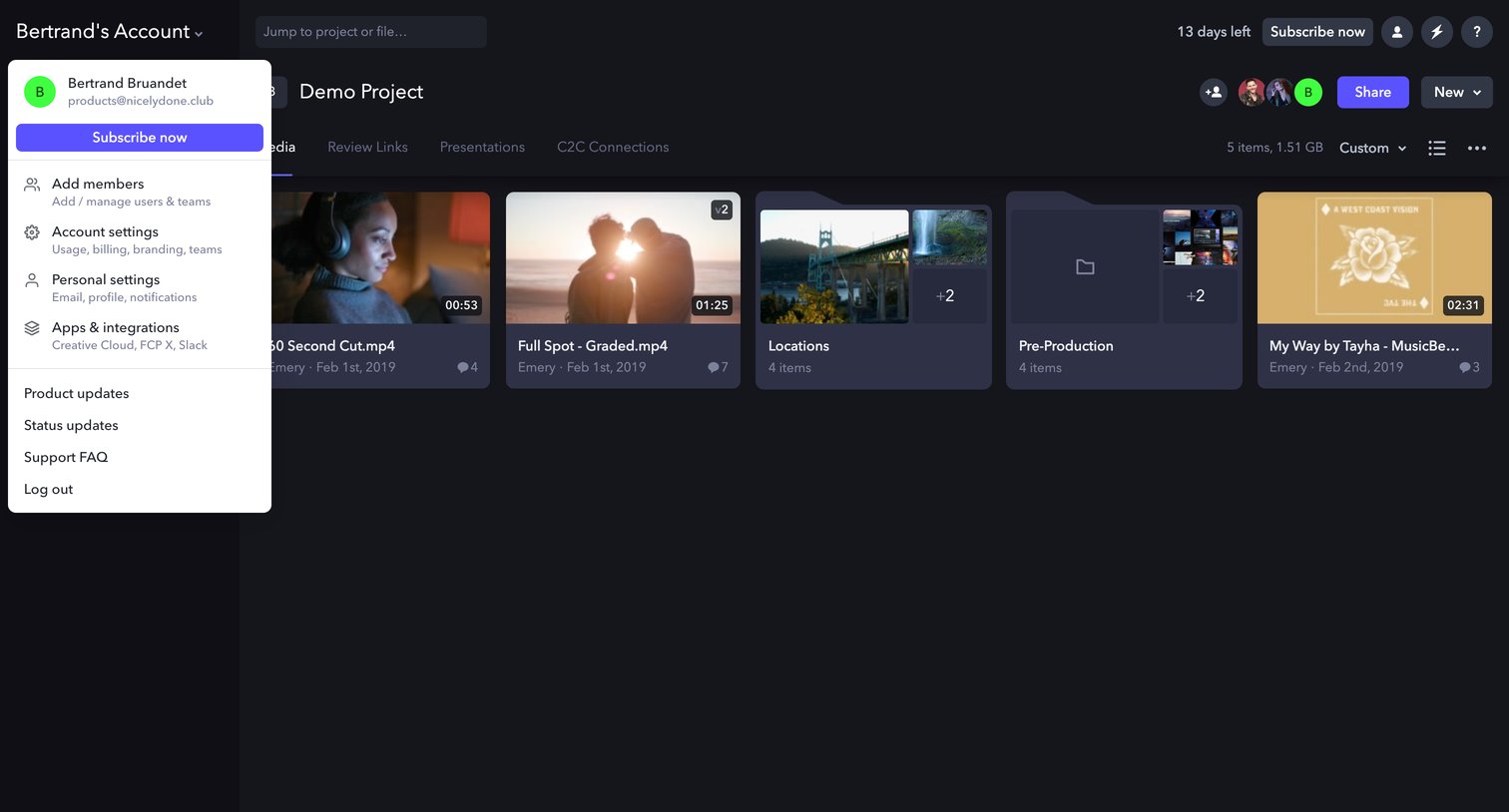
List view where the user browses media files and folders within a project, featuring an open account-switcher dropdown and a trial upgrade prompt.

Frame.io - Demo Project - Frame.io screen
Frame.io logo
Frame.io

List view where the user browses video files and folders within a specific project, with options to share the project, upload new items, or manage project settings via an open dropdown menu.

Frame.io - Demo Project - Frame.io screen
Frame.io logo
Frame.io

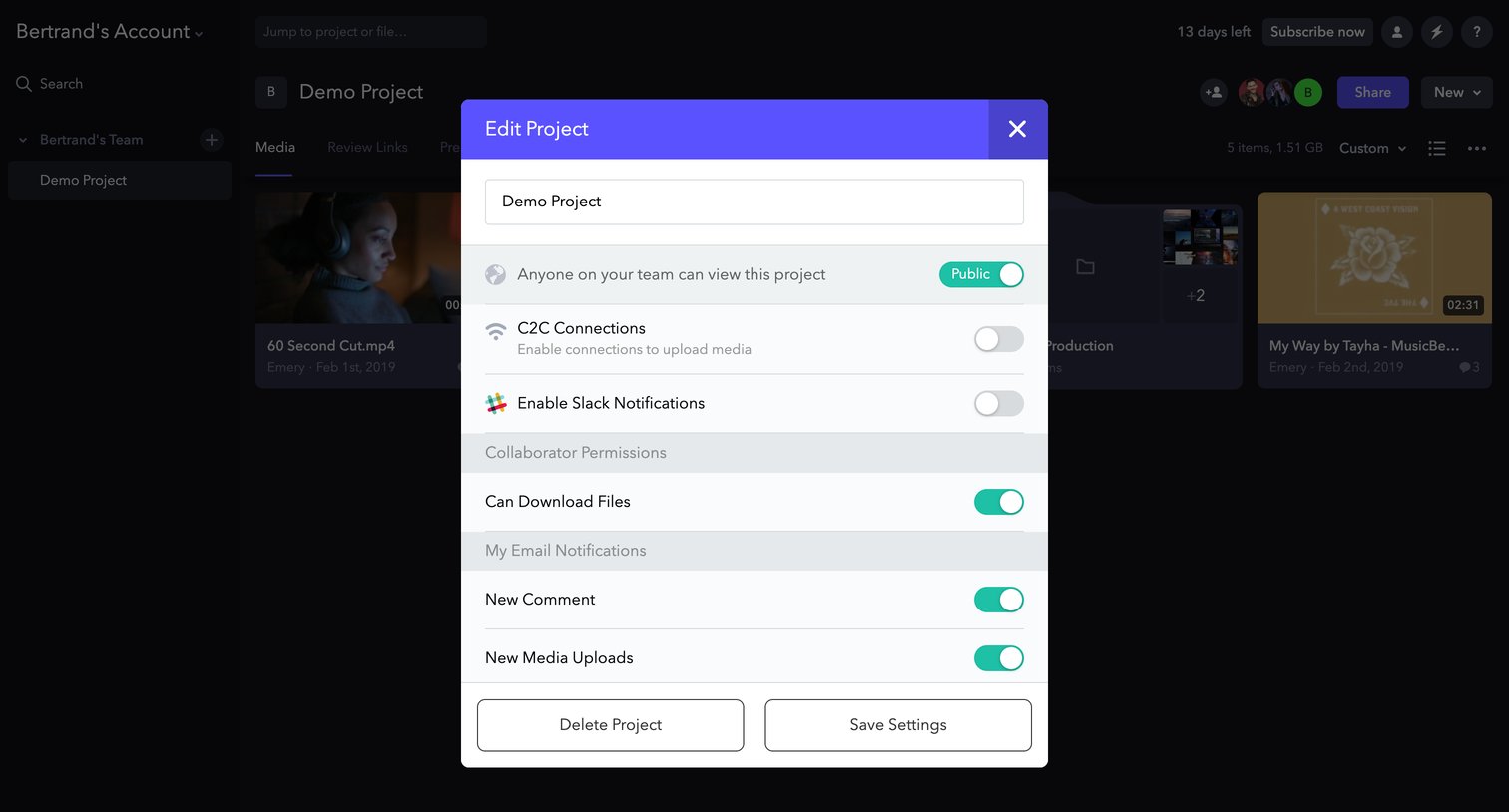
Detail page where the user configures project privacy, collaborator permissions, and email notifications via an edit modal.
Frame.io - Demo Project - Frame.io screen
Frame.io logo
Frame.io

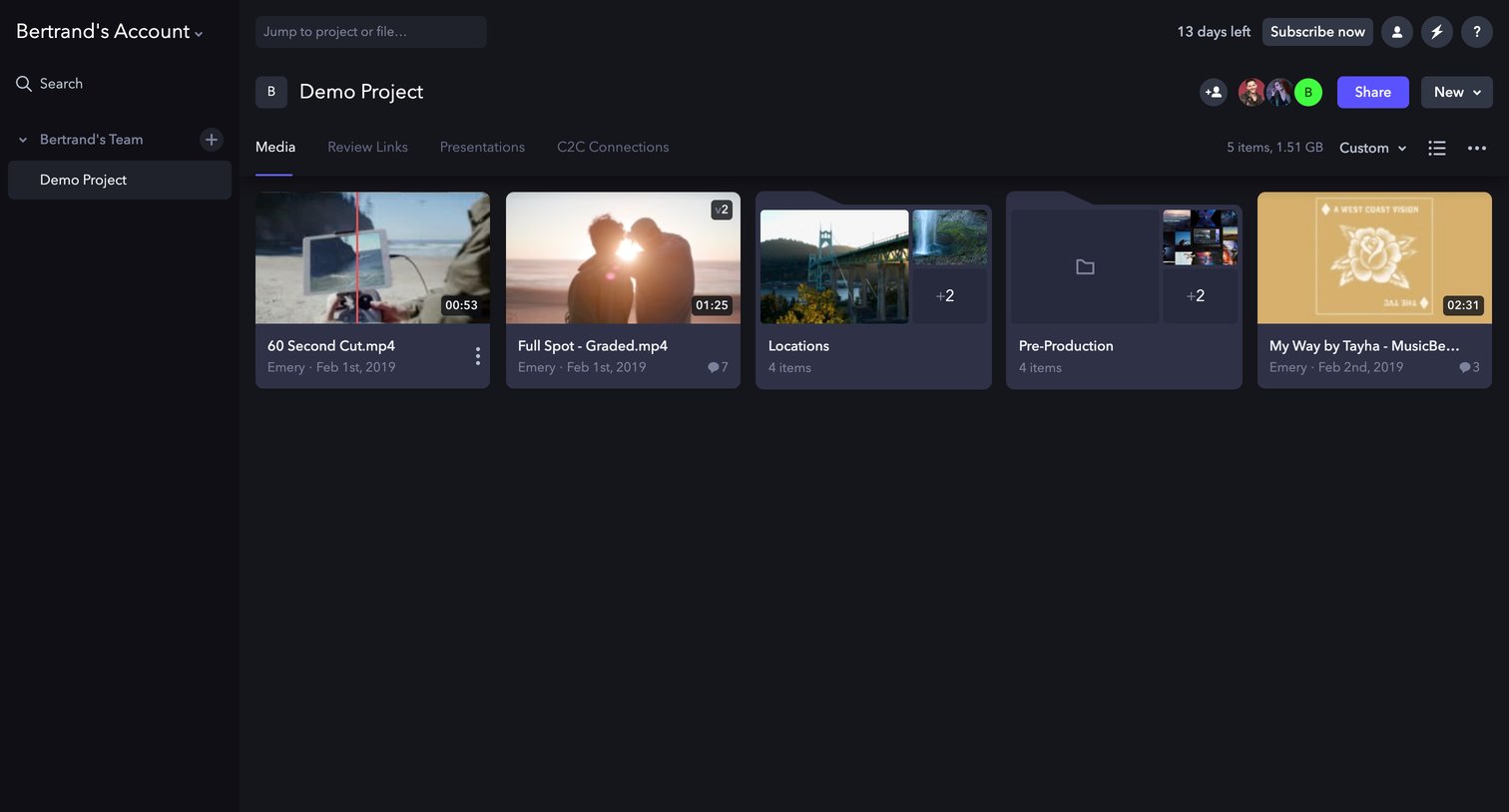
Detail page where the user views and manages media files and folders within a specific project workspace.

Explore the full SaaS screen library

Upgrade to unlock the full library.

Trusted by the best teams