Skip to content

Felt product screens examples

Browse Felt screen design examples. Preview the interface screenshots and explore related UI patterns. The best way to make maps on the internet

Explore the examples

Felt screen
Felt logo
Felt

Auth screen where the user can log in or sign up using Google SSO or by entering their email address to continue.
Felt screen
Felt logo
Felt

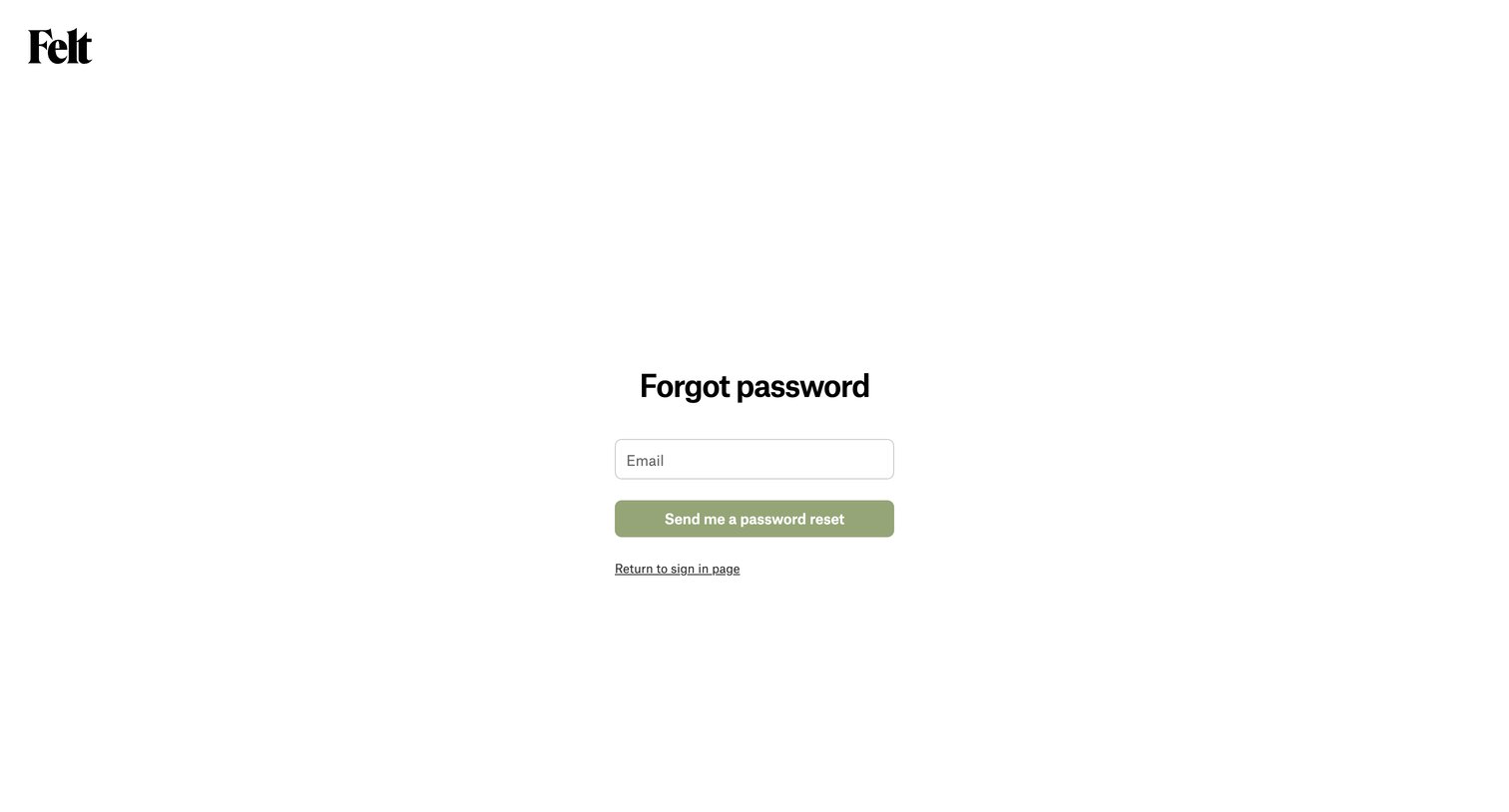
Password recovery screen where the user enters their email address to request a reset link, with an option to return to the sign-in page.
Felt screen
Felt logo
Felt

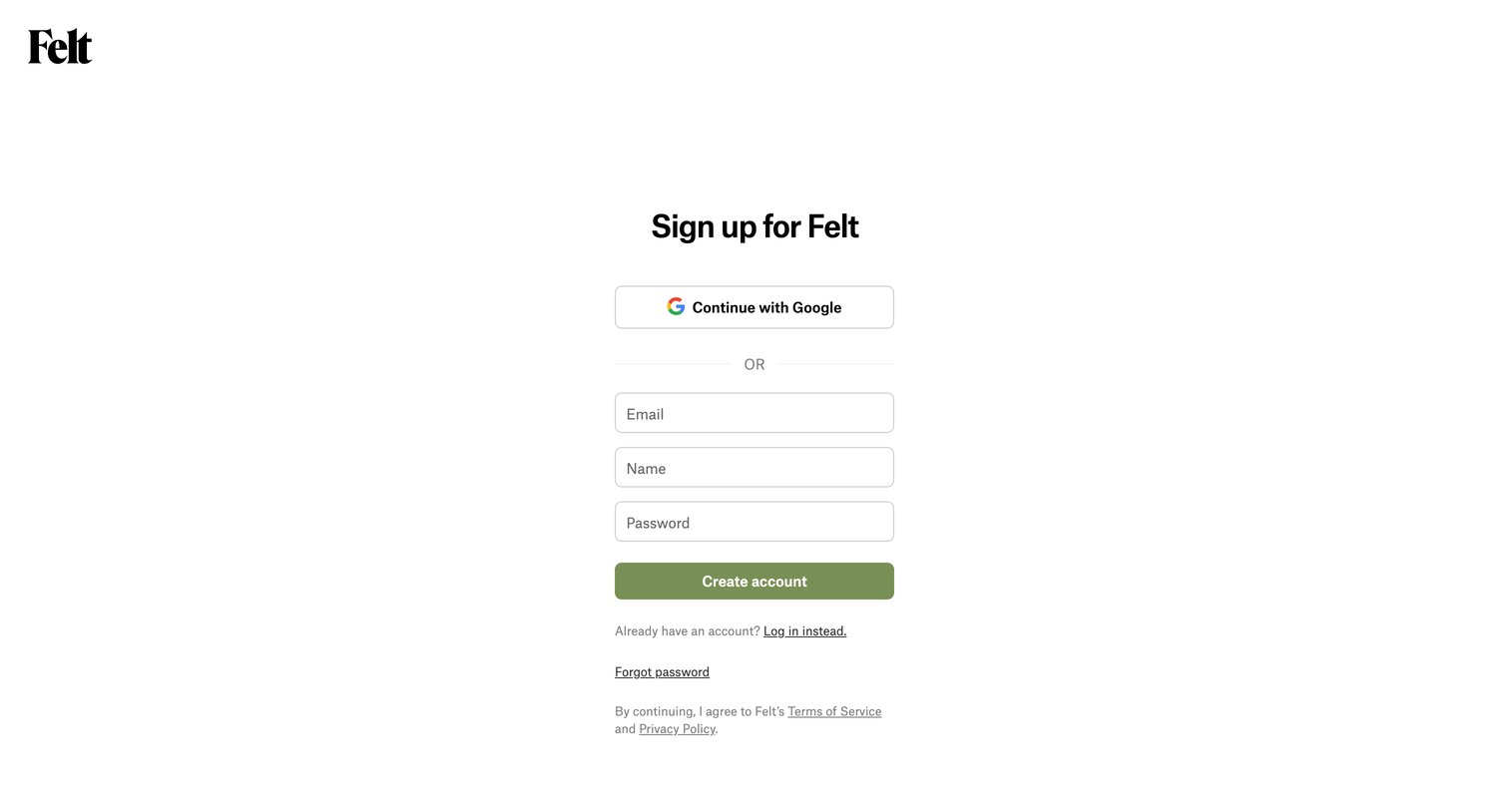
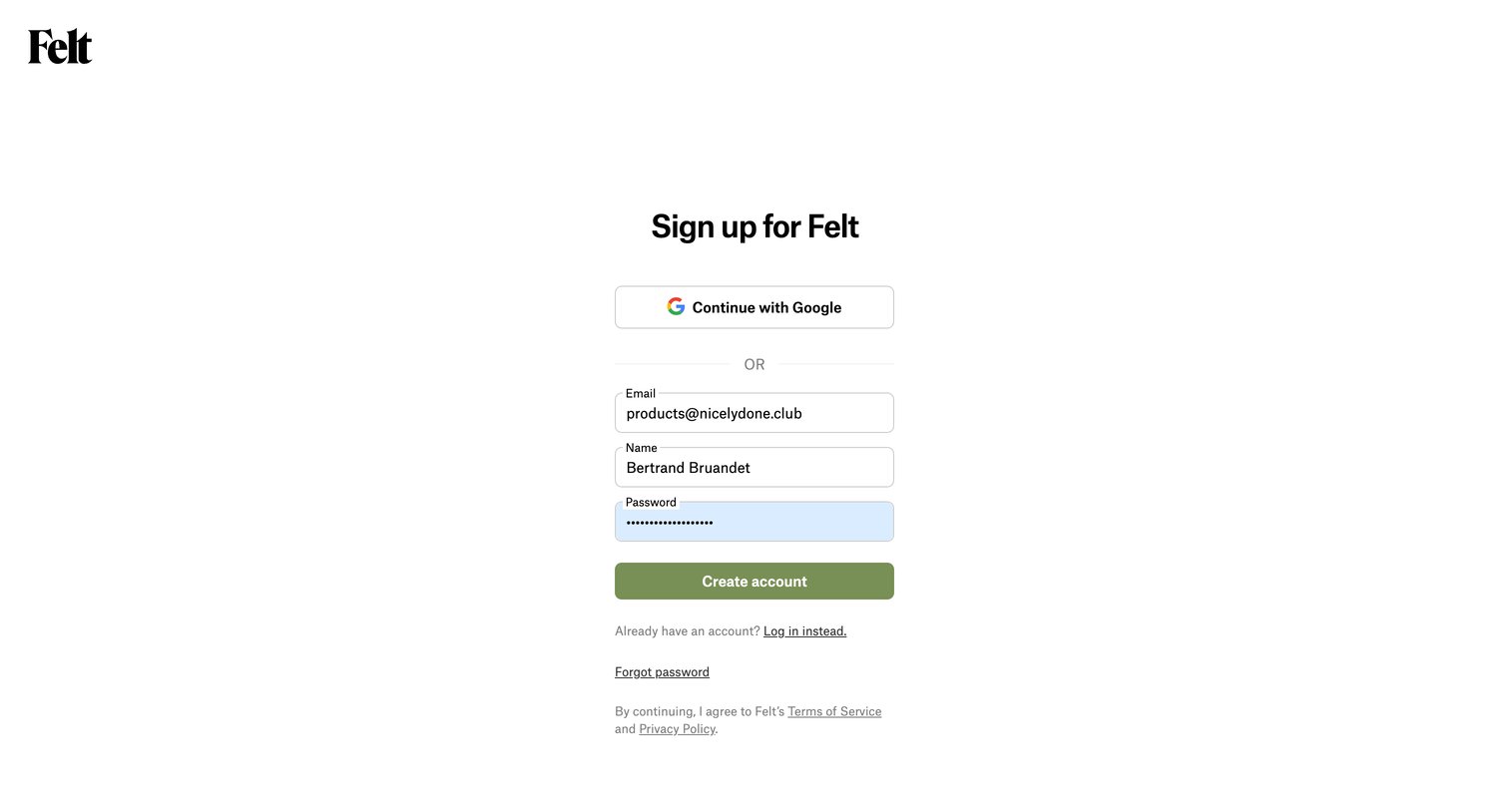
Signup screen where the user creates an account using Google or by providing an email, name, and password.

Felt screen
Felt logo
Felt

Signup screen where the user creates an account using Google or by providing their email, name, and a password.

Felt screen
Felt logo
Felt

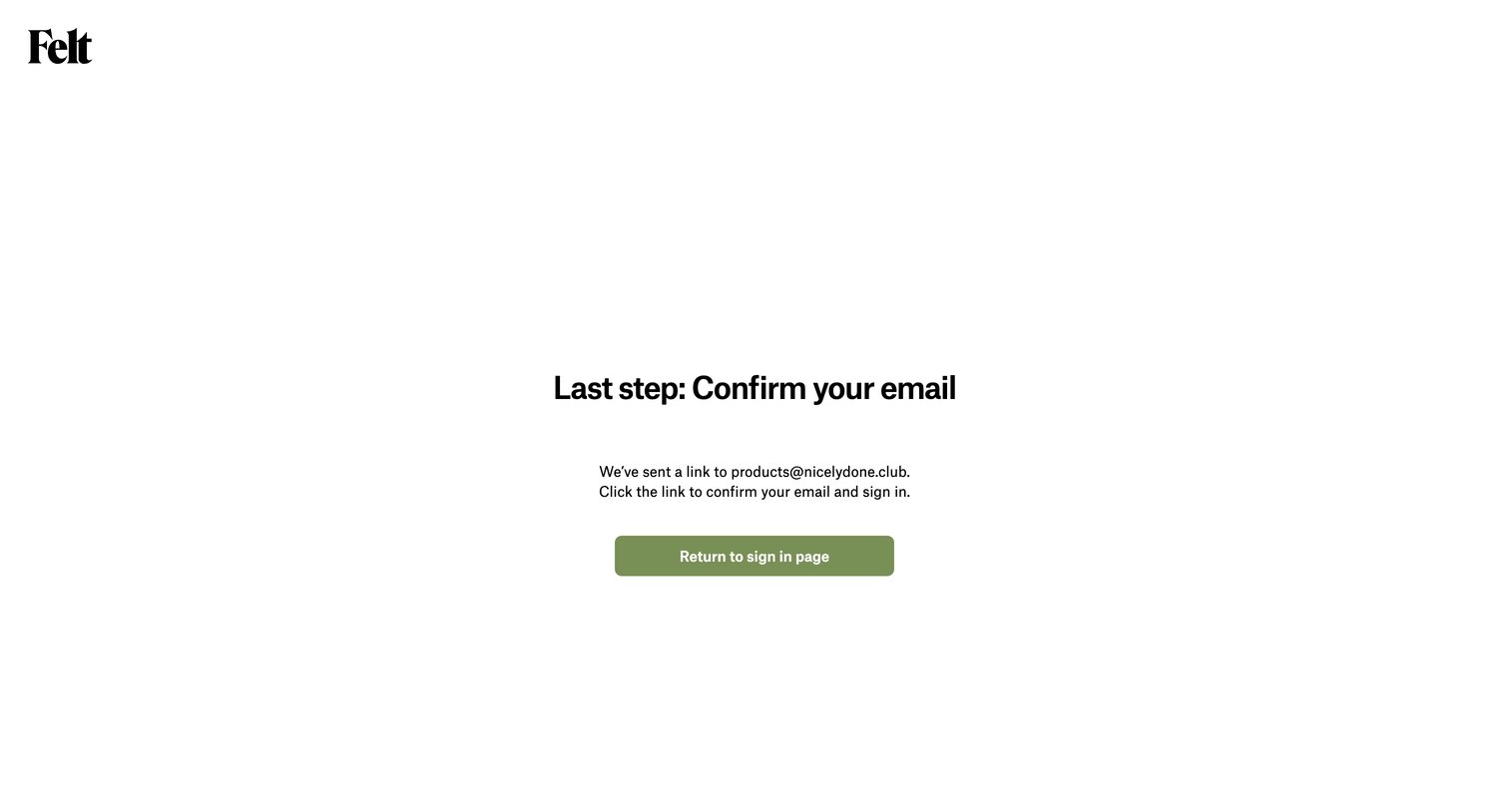
Verification screen where the user is instructed to check their email for a confirmation link to complete sign-in.
Felt - Tutorial Learn to Use Felt — Felt screen
Felt logo
Felt

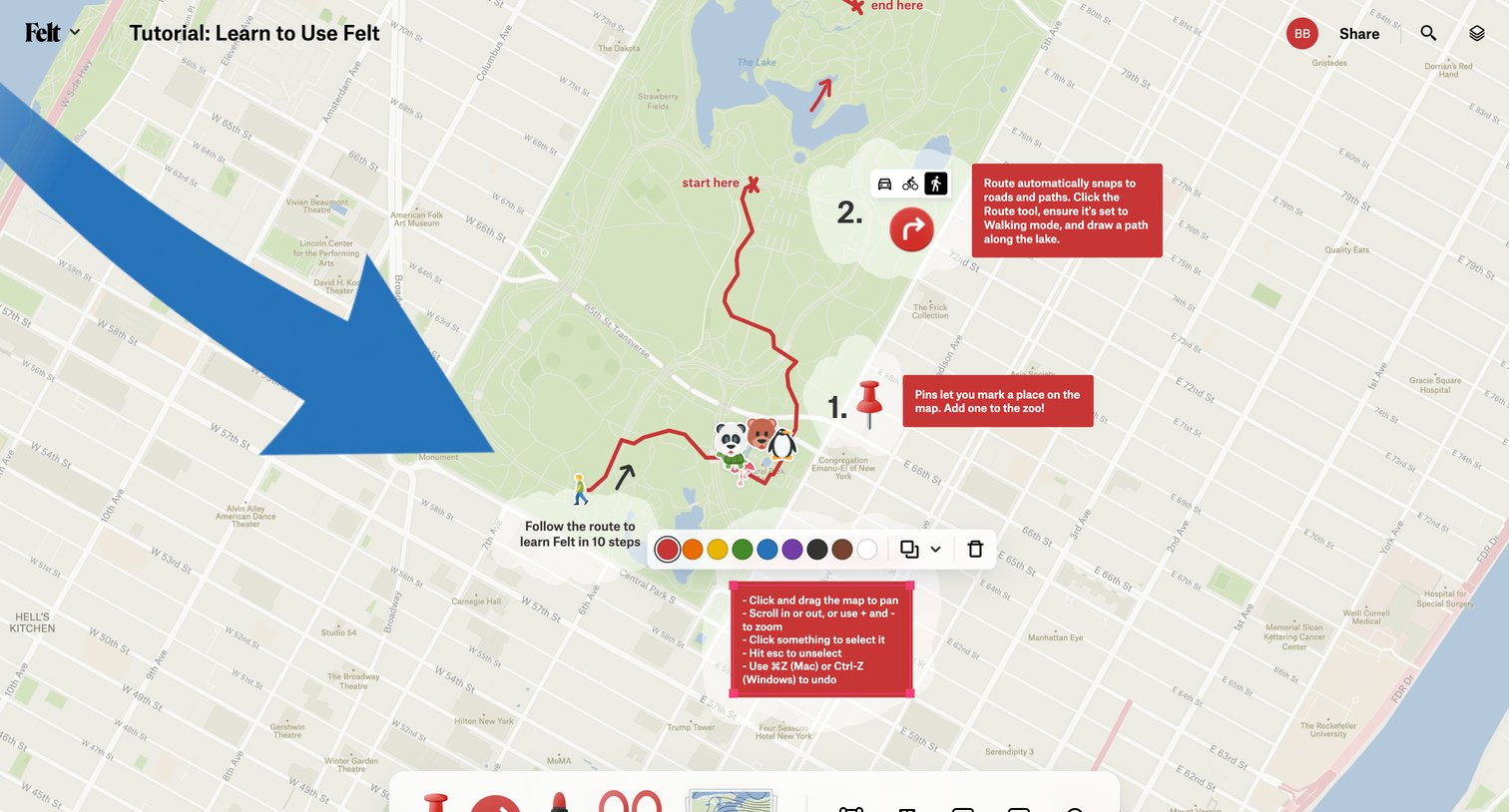
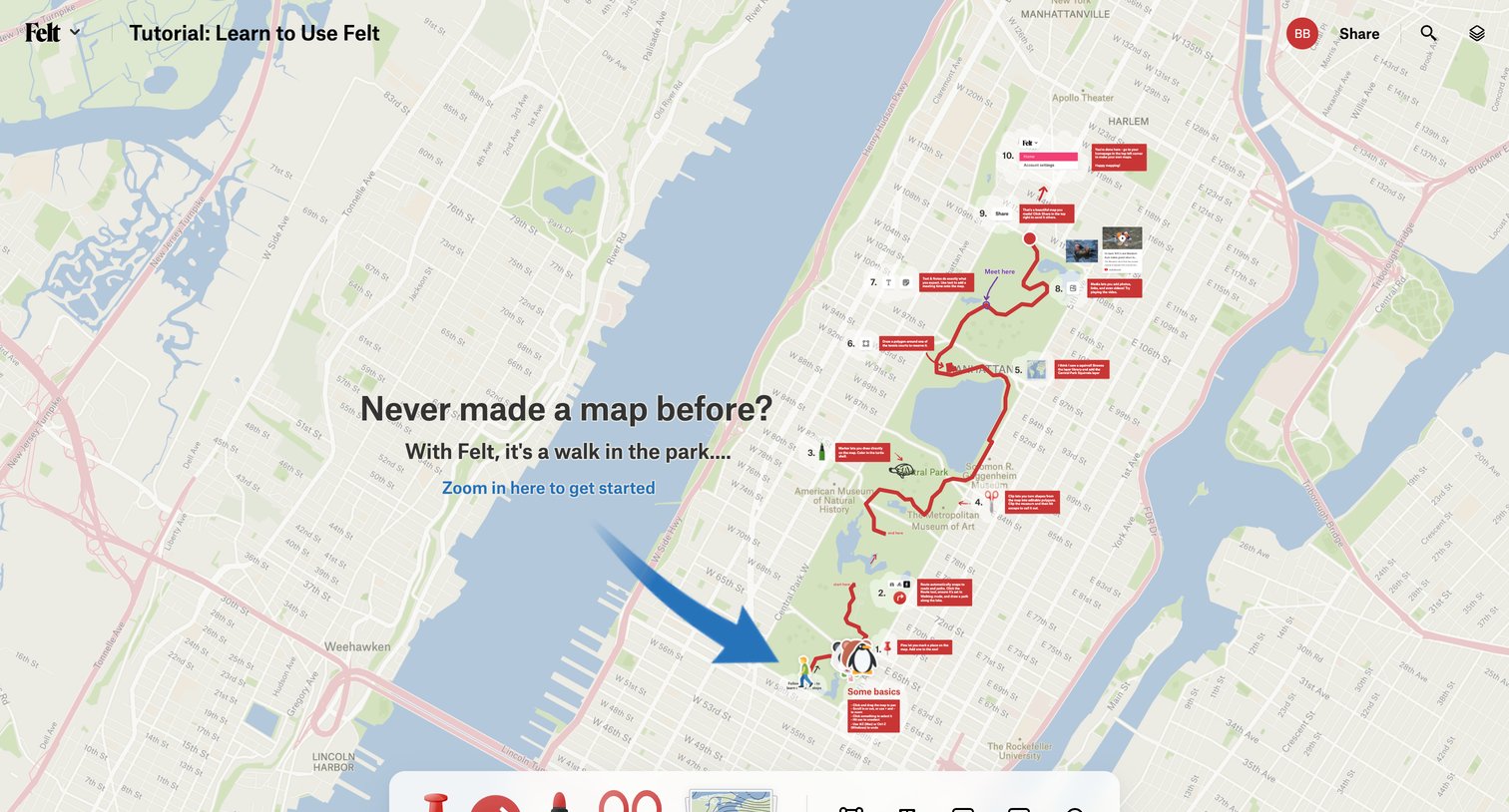
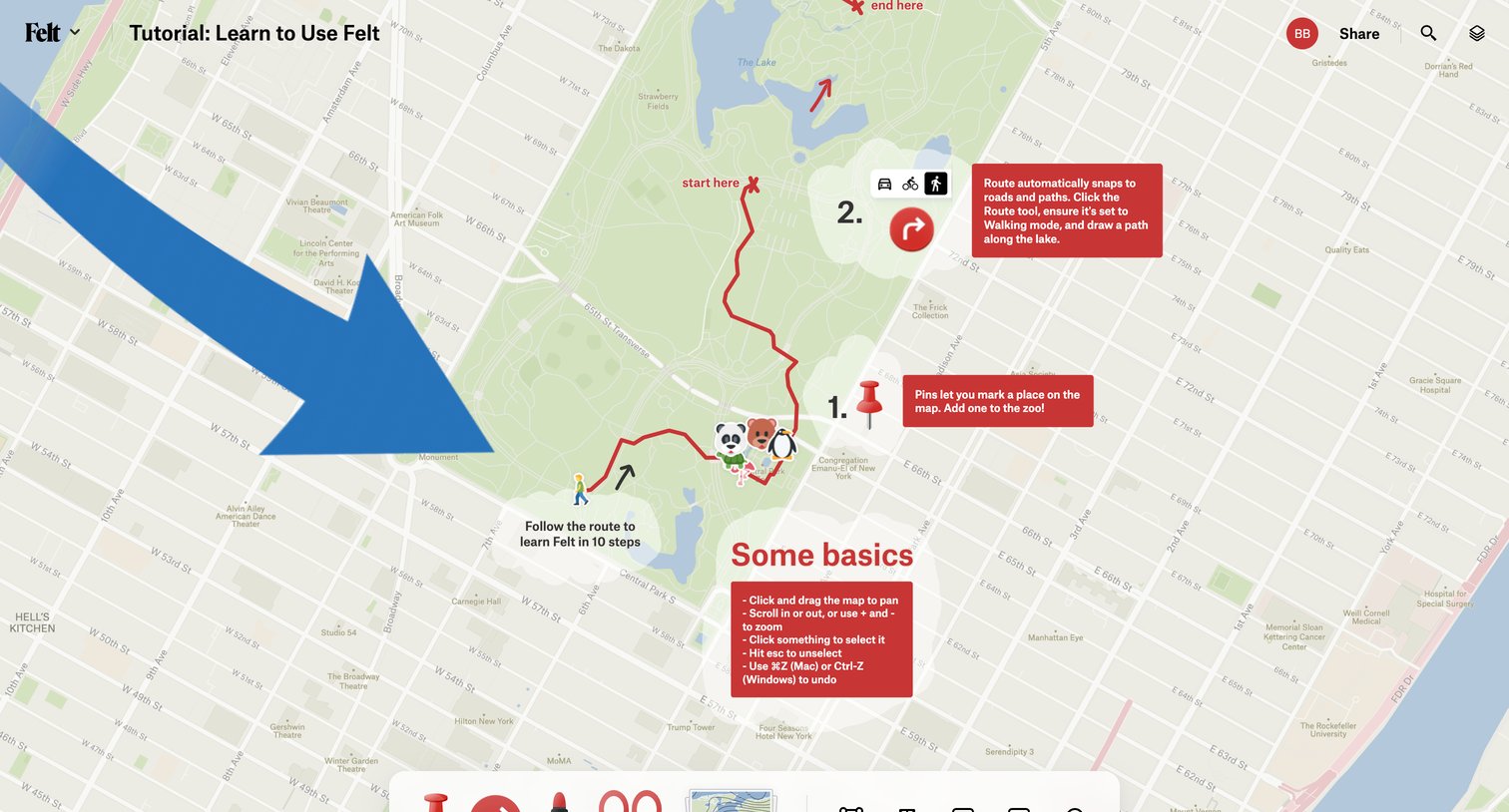
Onboarding screen where the user follows a numbered spatial tour on a map canvas to learn basic editing tools like dropping pins, drawing routes, and adding text.

Felt - Tutorial Learn to Use Felt — Felt screen
Felt logo
Felt

Design editor canvas where the user follows an interactive tutorial to learn basic map tools like pins, routes, and navigation.

Felt - Tutorial Learn to Use Felt — Felt screen
Felt logo
Felt

Map editor interface where the user is following a 10-step tutorial to learn how to use routing, pins, and drawing tools on a map of Central Park.
Felt - Tutorial Learn to Use Felt — Felt screen
Felt logo
Felt

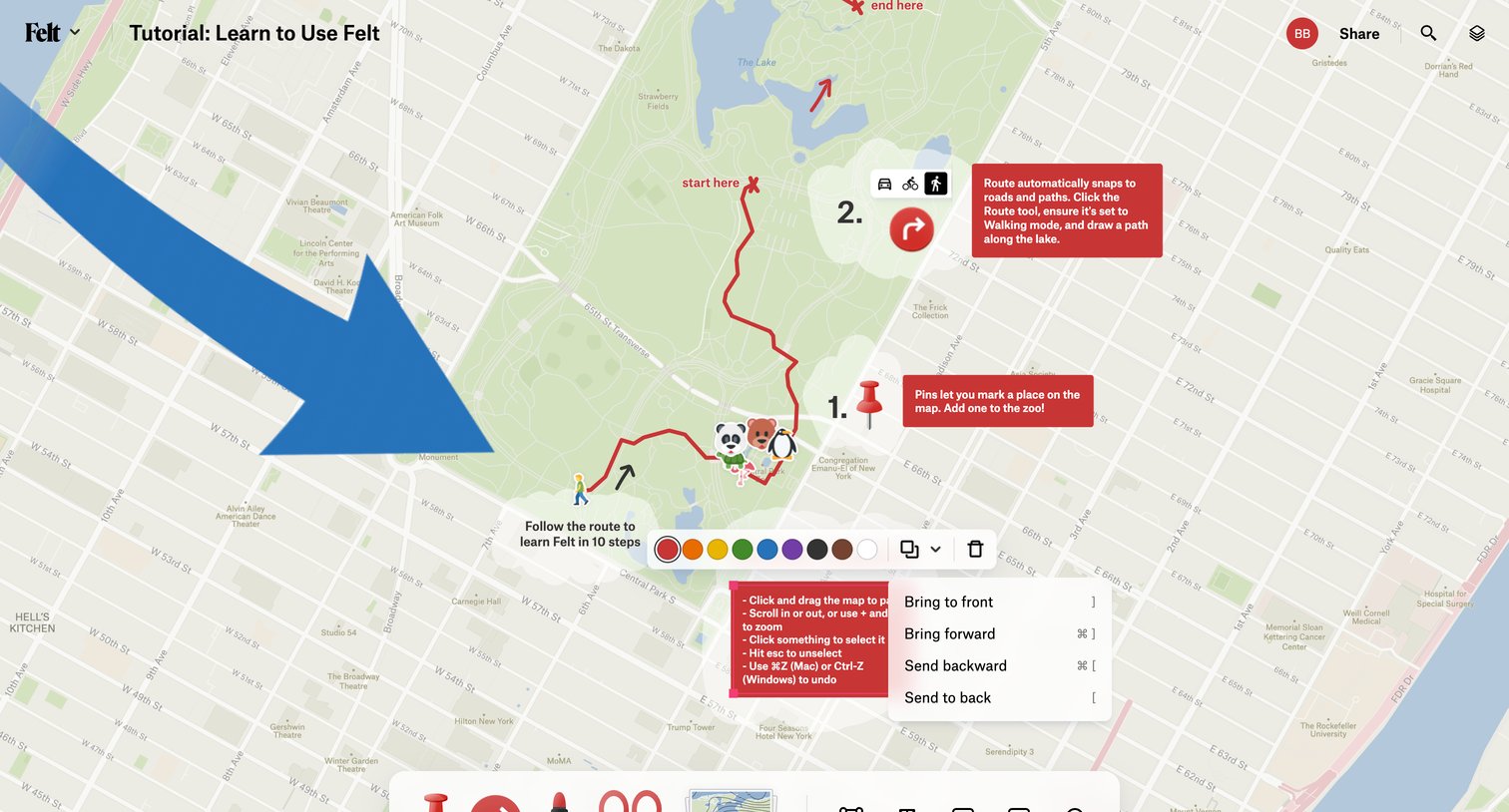
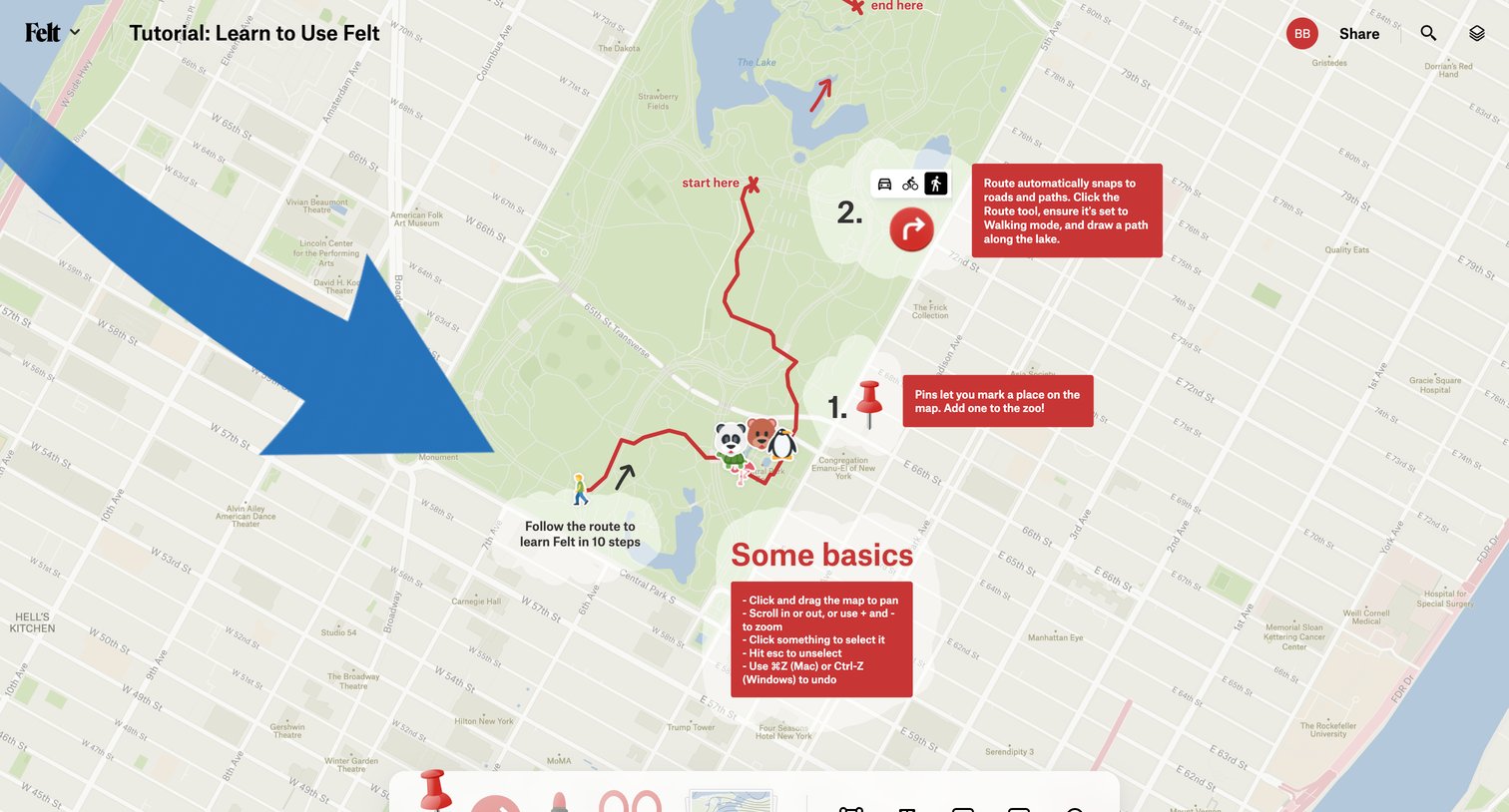
Map editor interface where the user follows a product tour to learn routing, pinning, and drawing tools over a map of Central Park.
Felt - Tutorial Learn to Use Felt — Felt screen
Felt logo
Felt

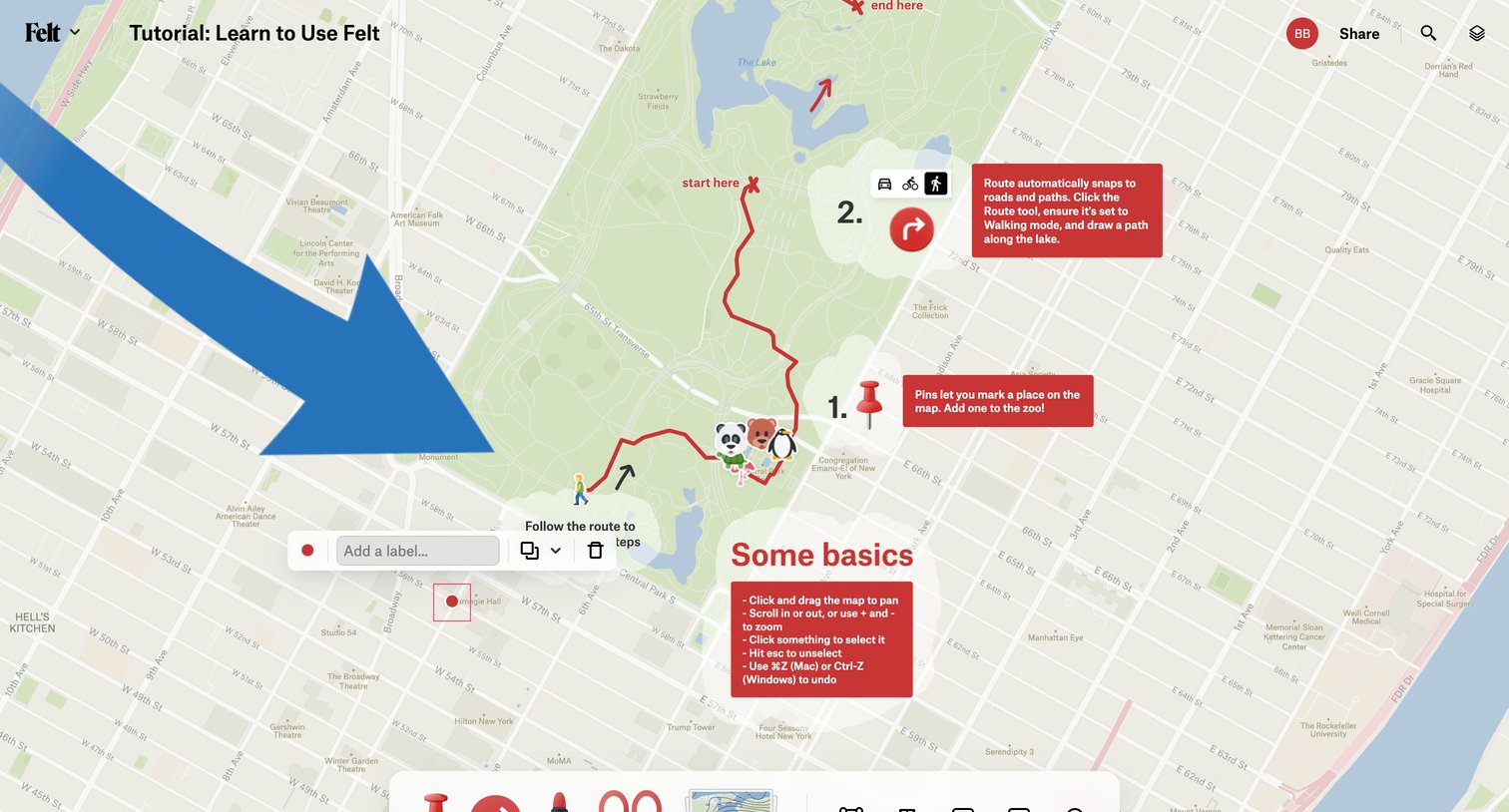
Design editor where the user learns to use map tools like pins and routes via an interactive tutorial overlaid on Central Park.
Felt - Tutorial Learn to Use Felt — Felt screen
Felt logo
Felt

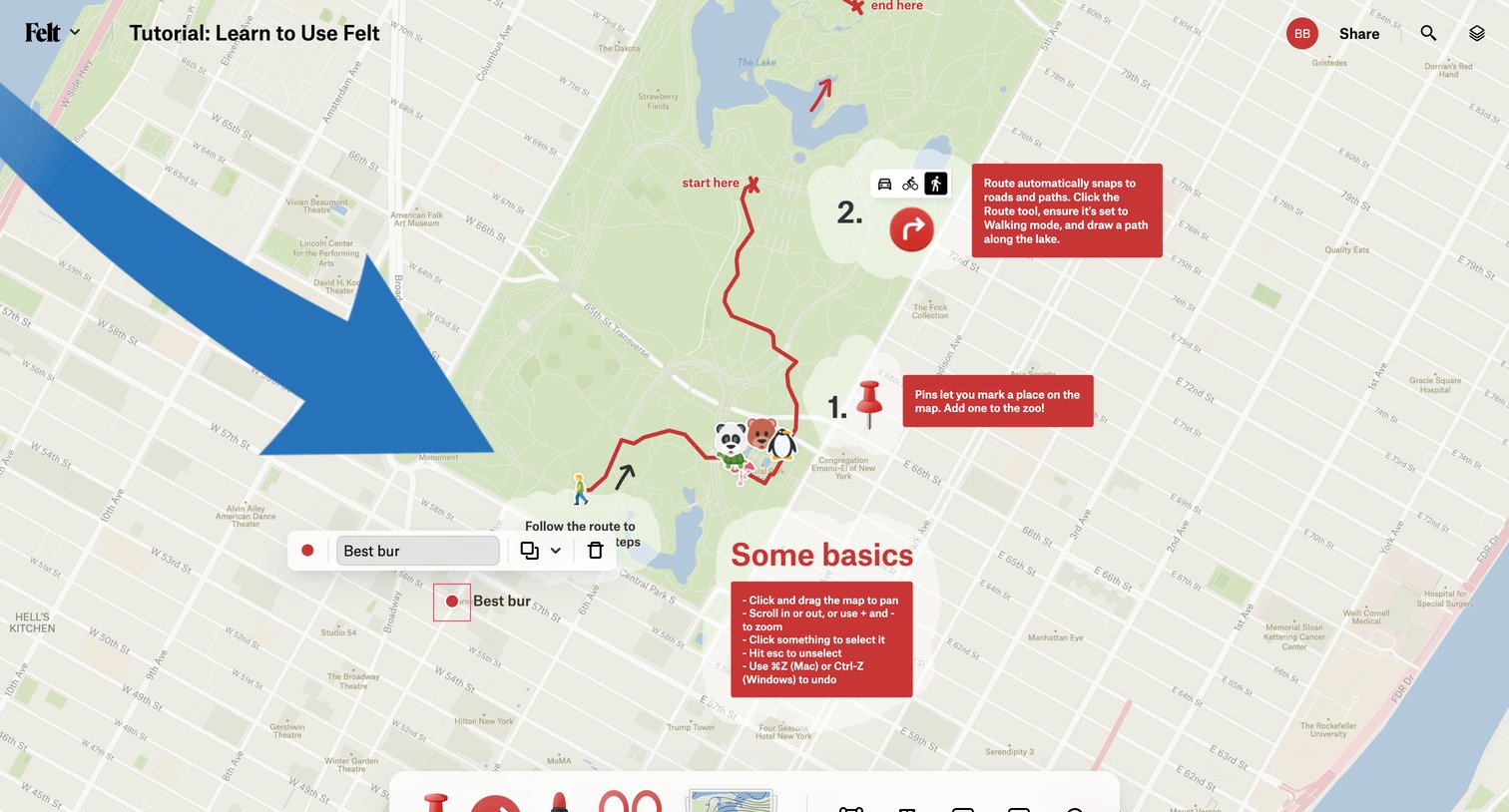
Onboarding product tour where the user learns to draw routes, drop pins, and add labels on a map canvas.

Felt - Tutorial Learn to Use Felt — Felt screen
Felt logo
Felt

Map editor canvas showing an interactive tutorial with drawn routes, pins, and instructional tooltips.

Explore the full SaaS screen library

Upgrade to unlock the full library.

Trusted by the best teams