Skip to content

Felt UI components examples

Browse Felt UI component design examples. Preview individual interface elements and explore related component categories. The best way to make maps on the internet

Explore the examples
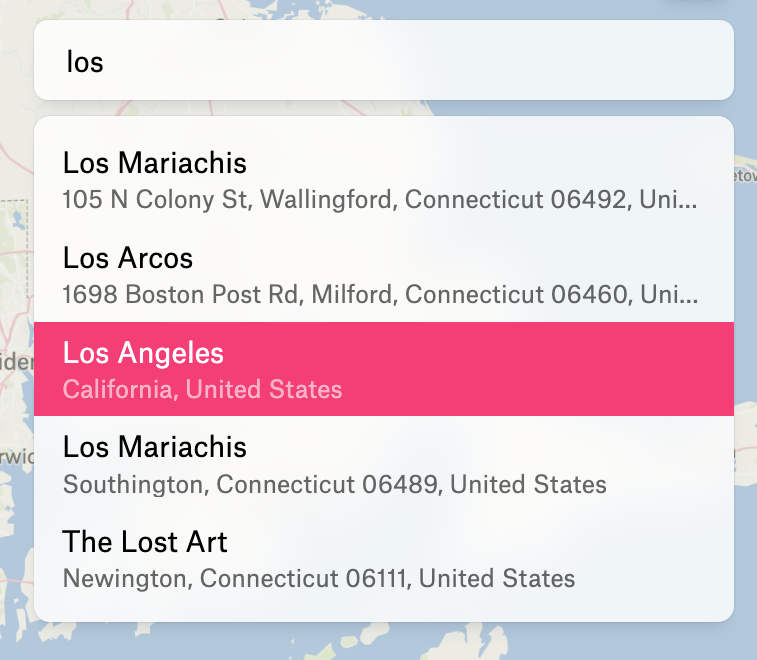
Felt — Input location component
Felt logo
Felt

A search input field with an open dropdown displaying location suggestions based on the typed query. One suggestion is currently highlighted.


Felt — Alert component
Felt logo
Felt

A wide, red alert banner indicating that the application could not find the user's location and prompting them to check their permissions.

Felt — Toolbox component
Felt logo
Felt

A floating horizontal toolbar containing map editing tools. The left side features colorful, skeuomorphic icons for drawing and clipping, while the right side uses simple black outline icons for adding shapes, text, notes, images, and uploading files.

Browse the full component library

Browse the full UI component library.

Trusted by the best teams