Skip to content

Extend product screens examples

Browse Extend screen design examples. Preview the interface screenshots and explore related UI patterns. Document processing infrastructure for AI agents

Explore the examples

Extend - extend screen
Extend logo
Extend

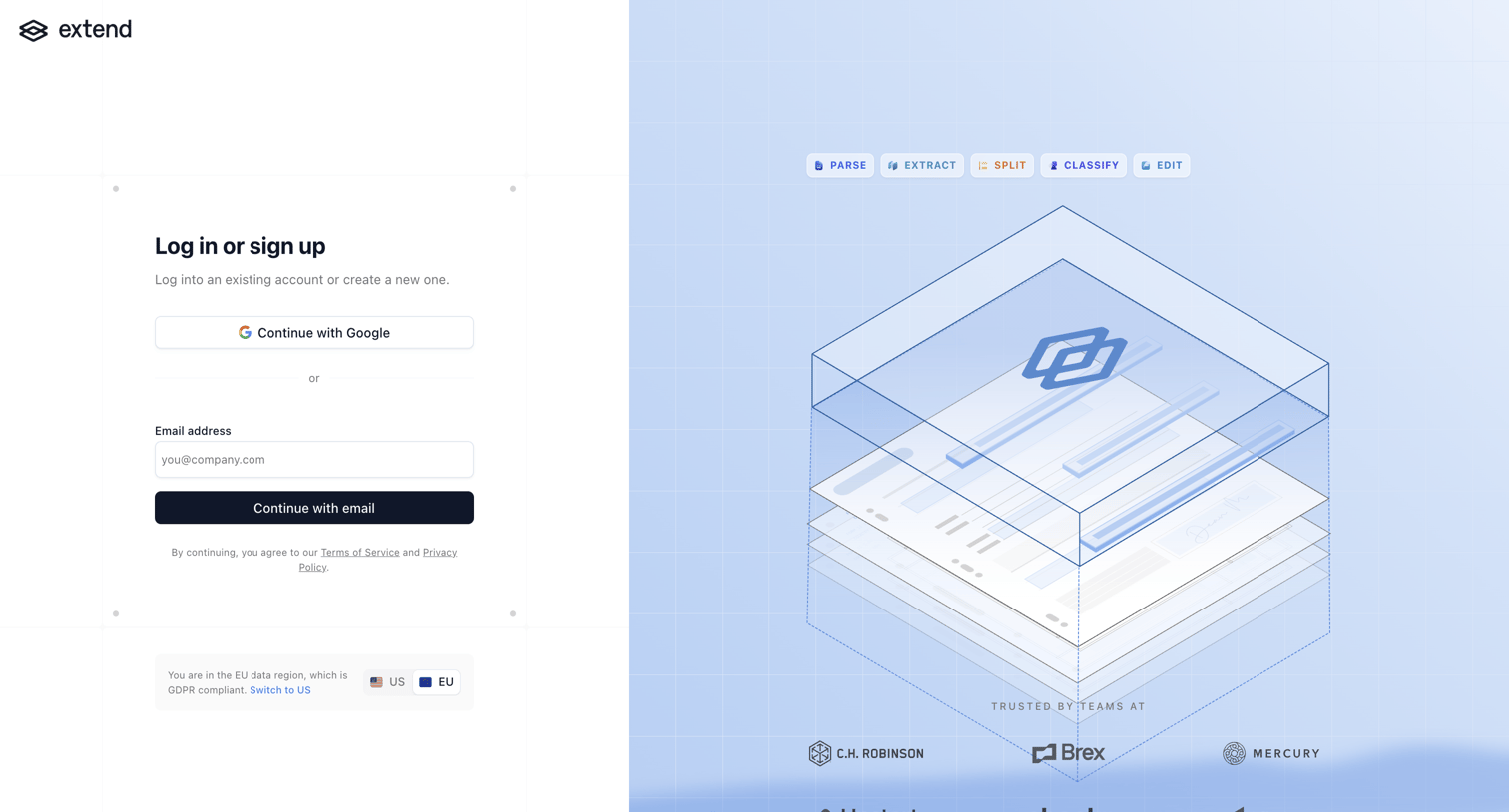
Authentication screen where the user logs in or creates an account using Google or an email address, featuring a data region toggle and social proof.

Extend - extend screen
Extend logo
Extend

Authentication screen where the user can sign in or create an account using Google SSO or an email magic link, with a toggle to switch between US and EU data regions.

Extend - extend screen
Extend logo
Extend

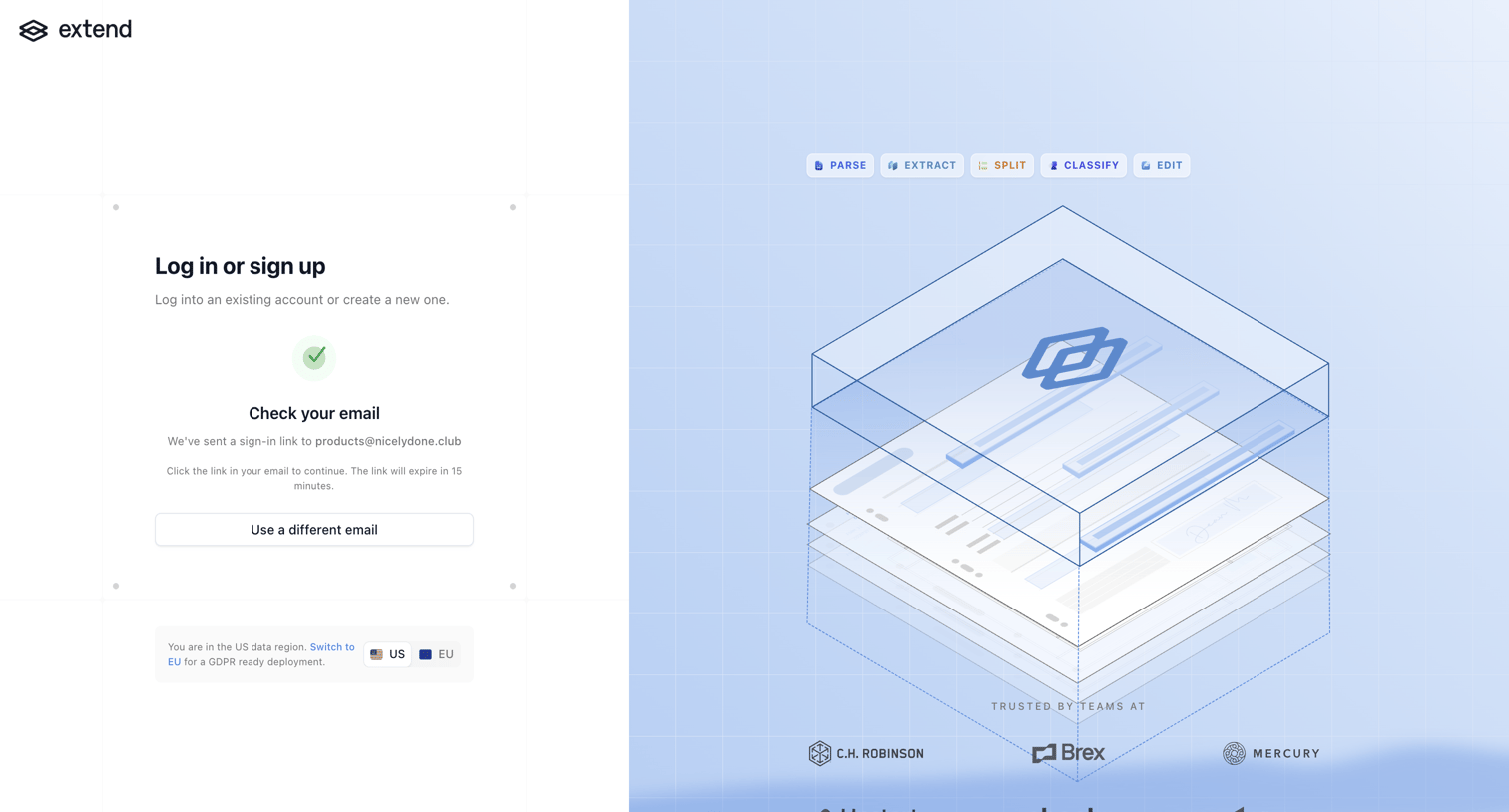
Authentication screen where the user is instructed to check their email for a sign-in link, featuring a data region switcher and social proof logos.
Extend - extend screen
Extend logo
Extend

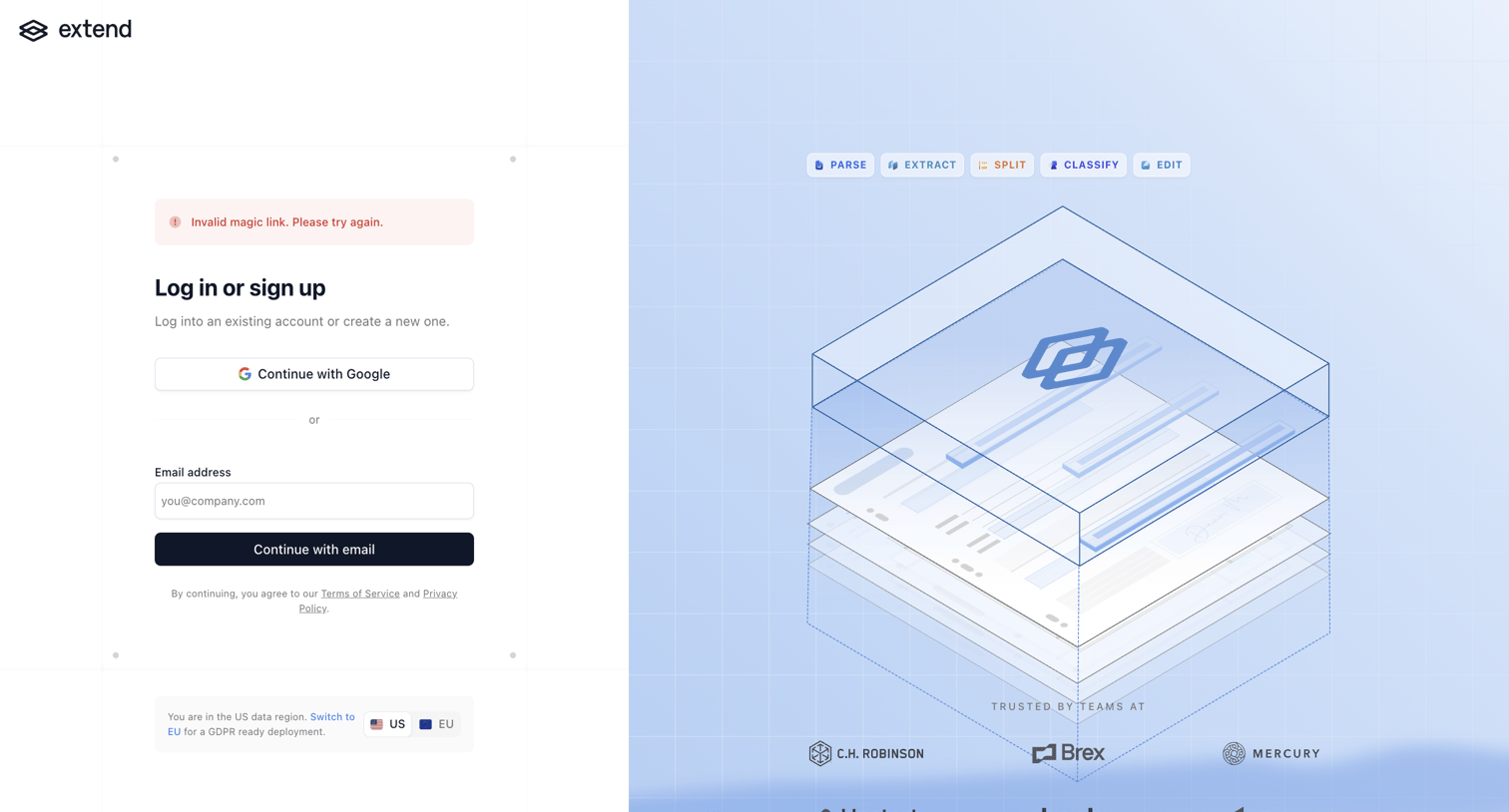
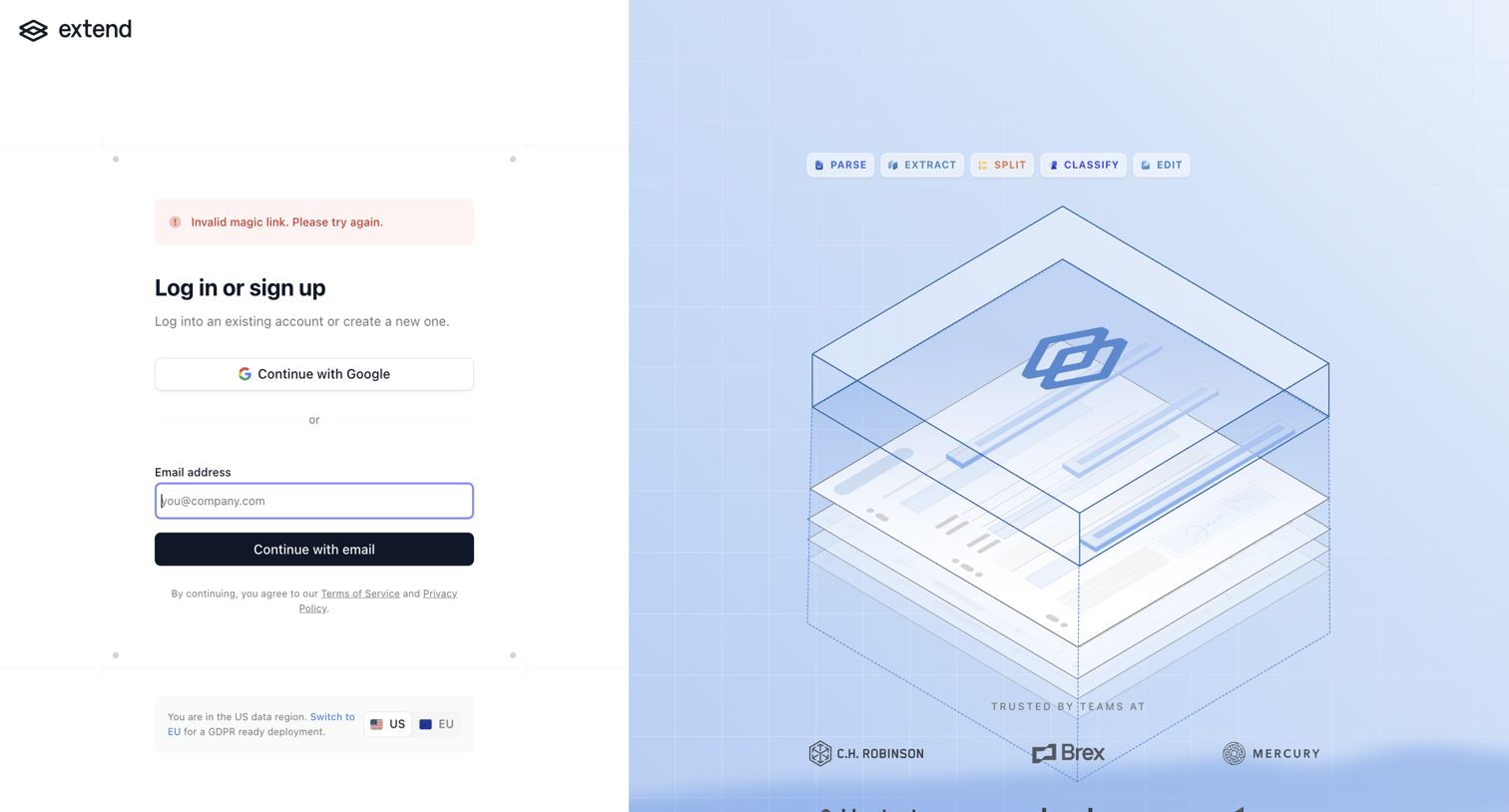
Authentication screen where the user is prompted to log in or sign up via Google or email, displaying an invalid magic link error message, alongside a product illustration and customer logos.

Extend - extend screen
Extend logo
Extend

Authentication screen where the user is prompted to log in or sign up after encountering an invalid magic link error, featuring a region switcher and a social proof illustration.

Extend - extend screen
Extend logo
Extend

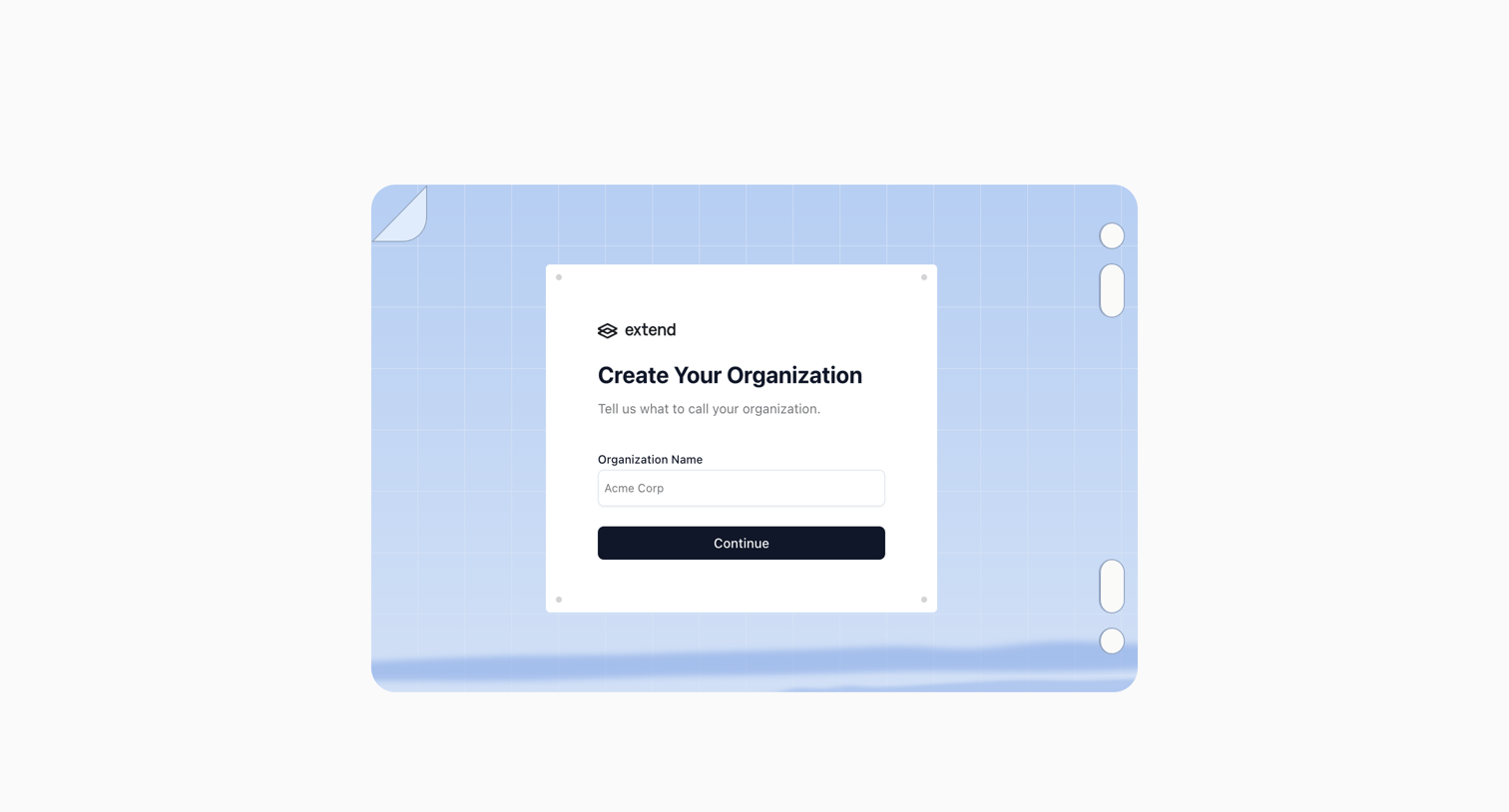
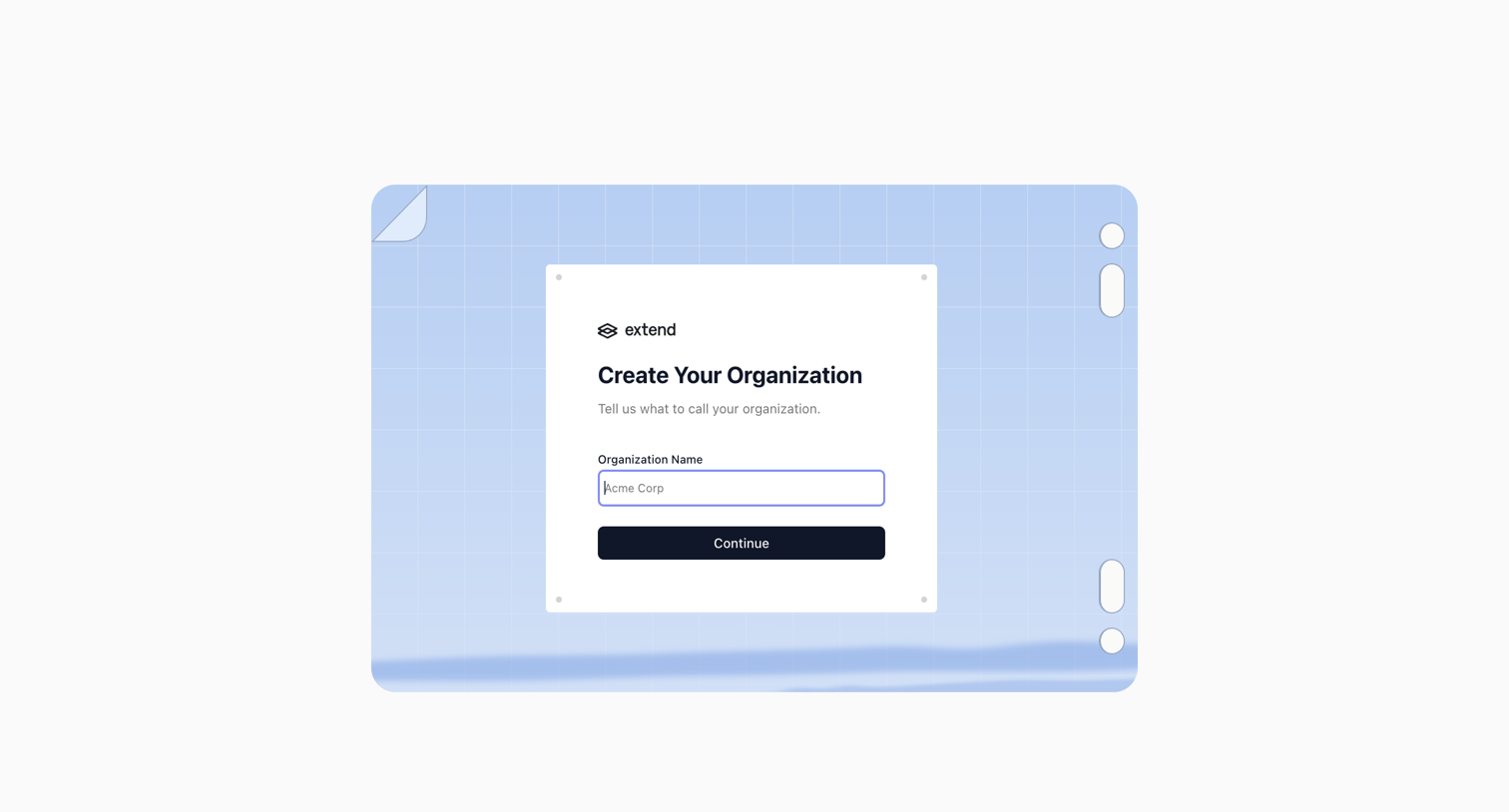
Onboarding step where the user names their organization to create a workspace.
Extend - extend screen
Extend logo
Extend

Onboarding step where the user names their new organization before continuing into the app.
Extend - extend screen
Extend logo
Extend

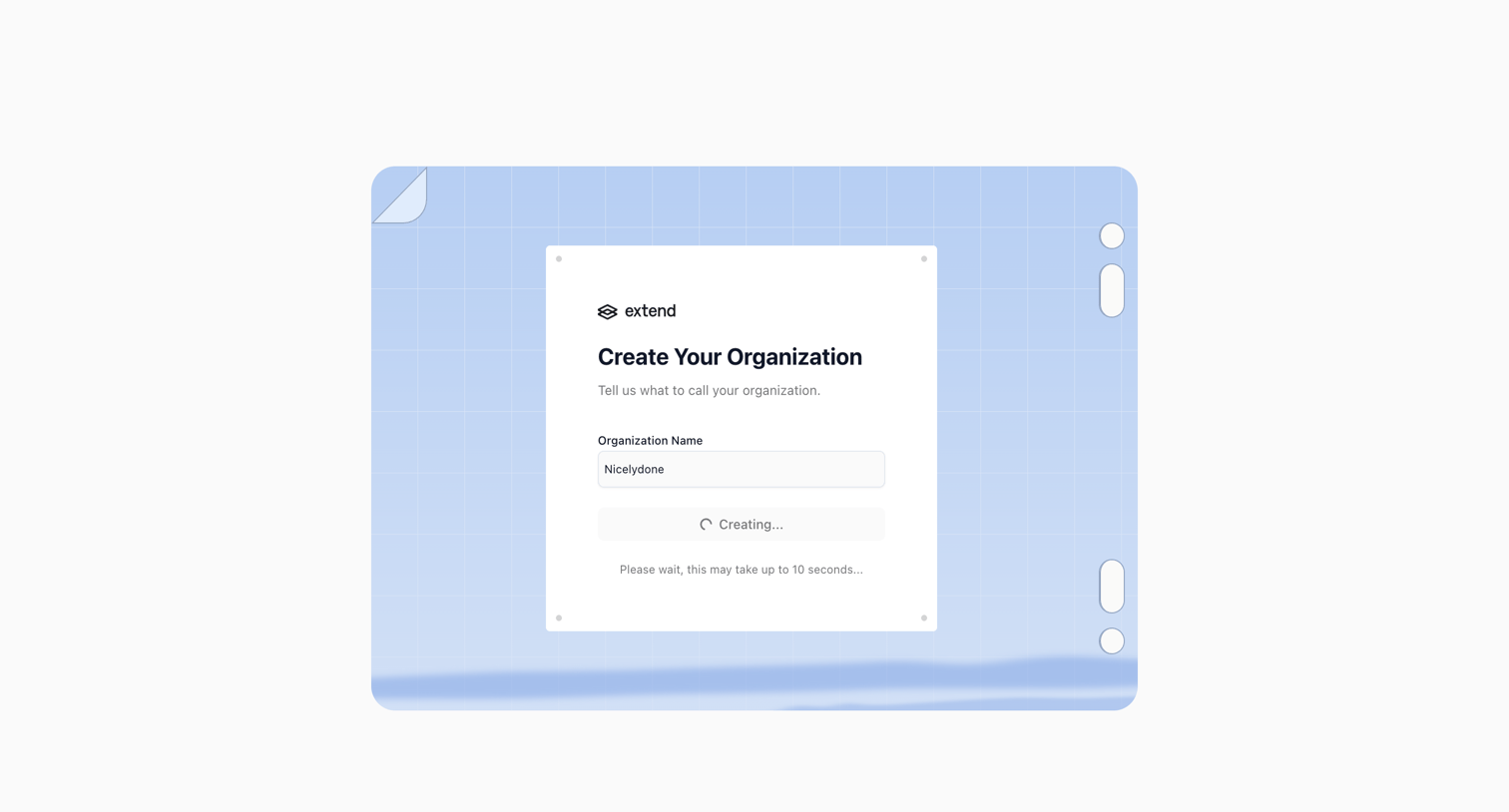
Onboarding step where the user names their organization and waits for it to be created.
Extend - extend screen
Extend logo
Extend

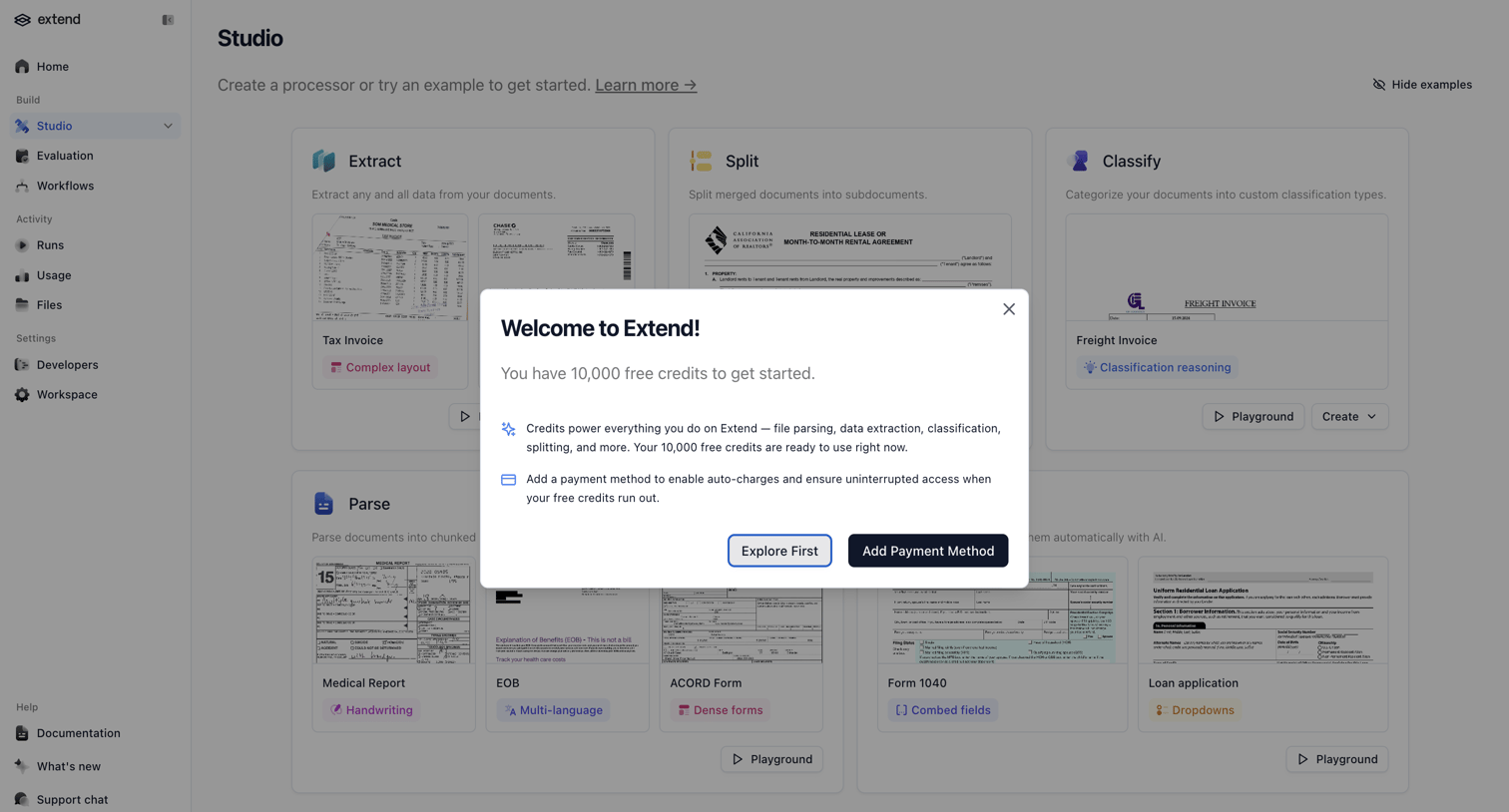
Welcome modal granting the user free credits and prompting them to add a payment method for uninterrupted access.

Extend - extend screen
Extend logo
Extend

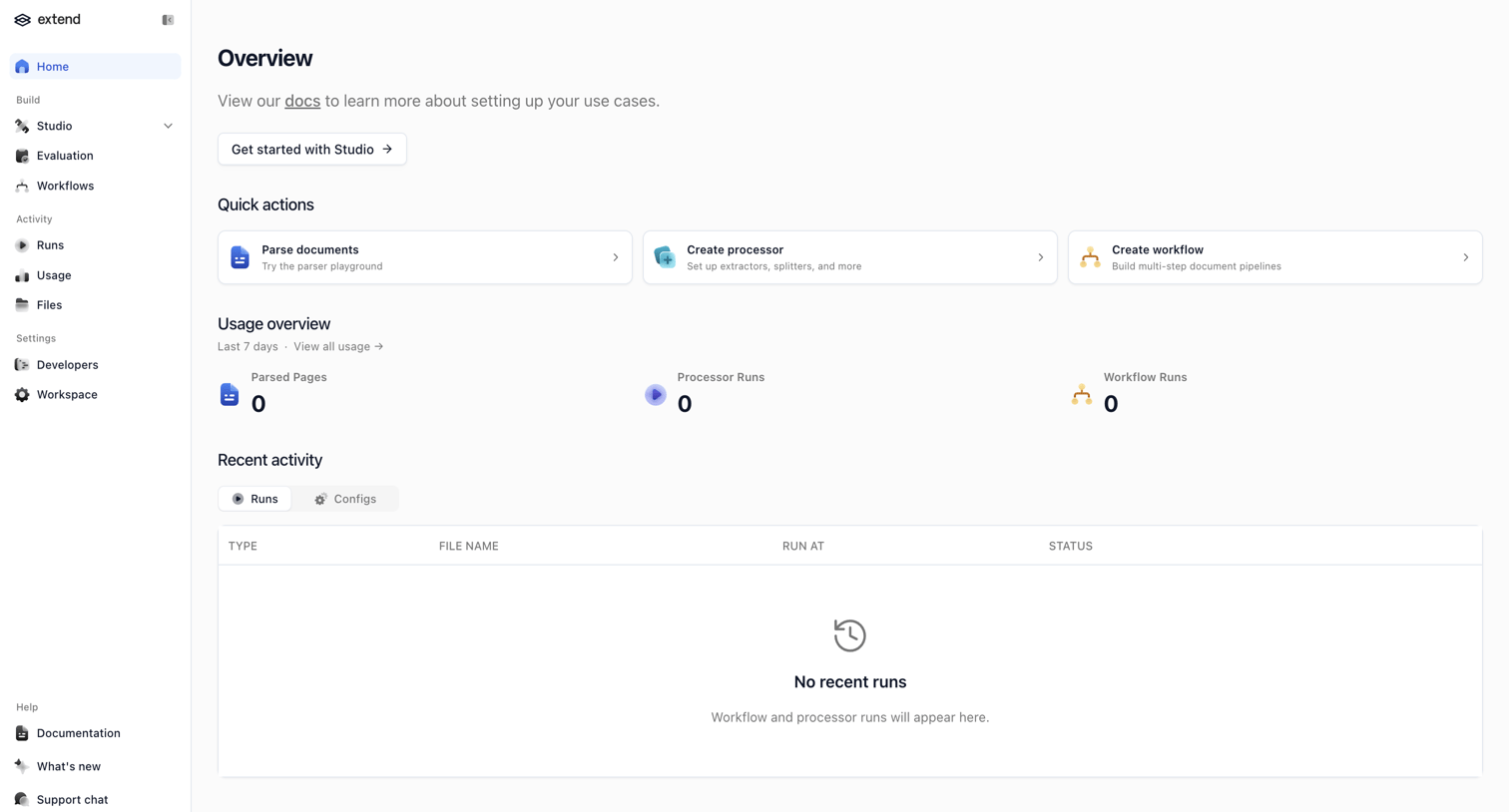
Dashboard start screen where the user can jump into creating document processors and workflows, or view their recent usage and activity.
Extend - extend screen
Extend logo
Extend

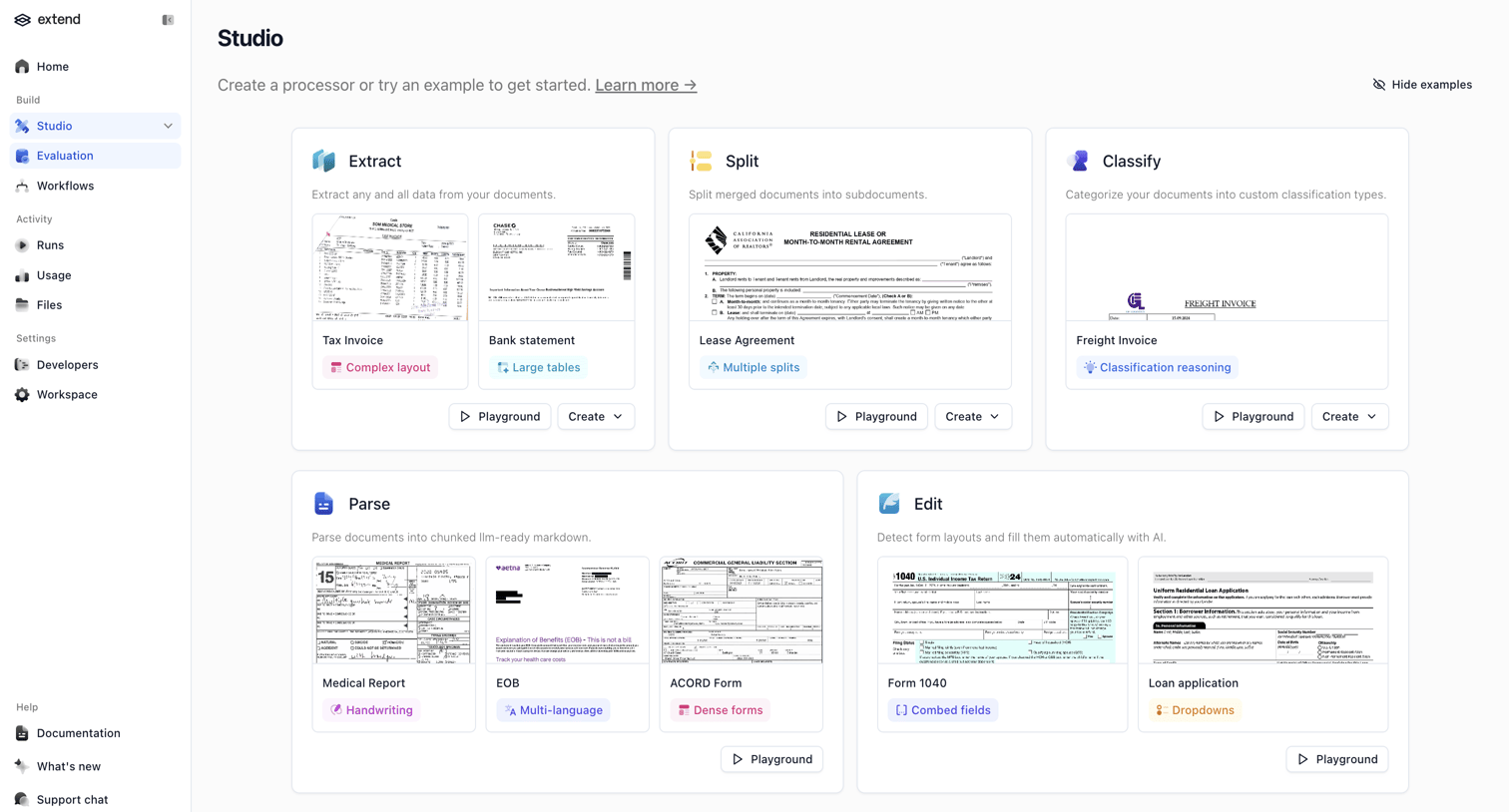
Create page where the user selects a document processing template like Extract, Split, or Classify to start building a new processor.
Extend - extend screen
Extend logo
Extend

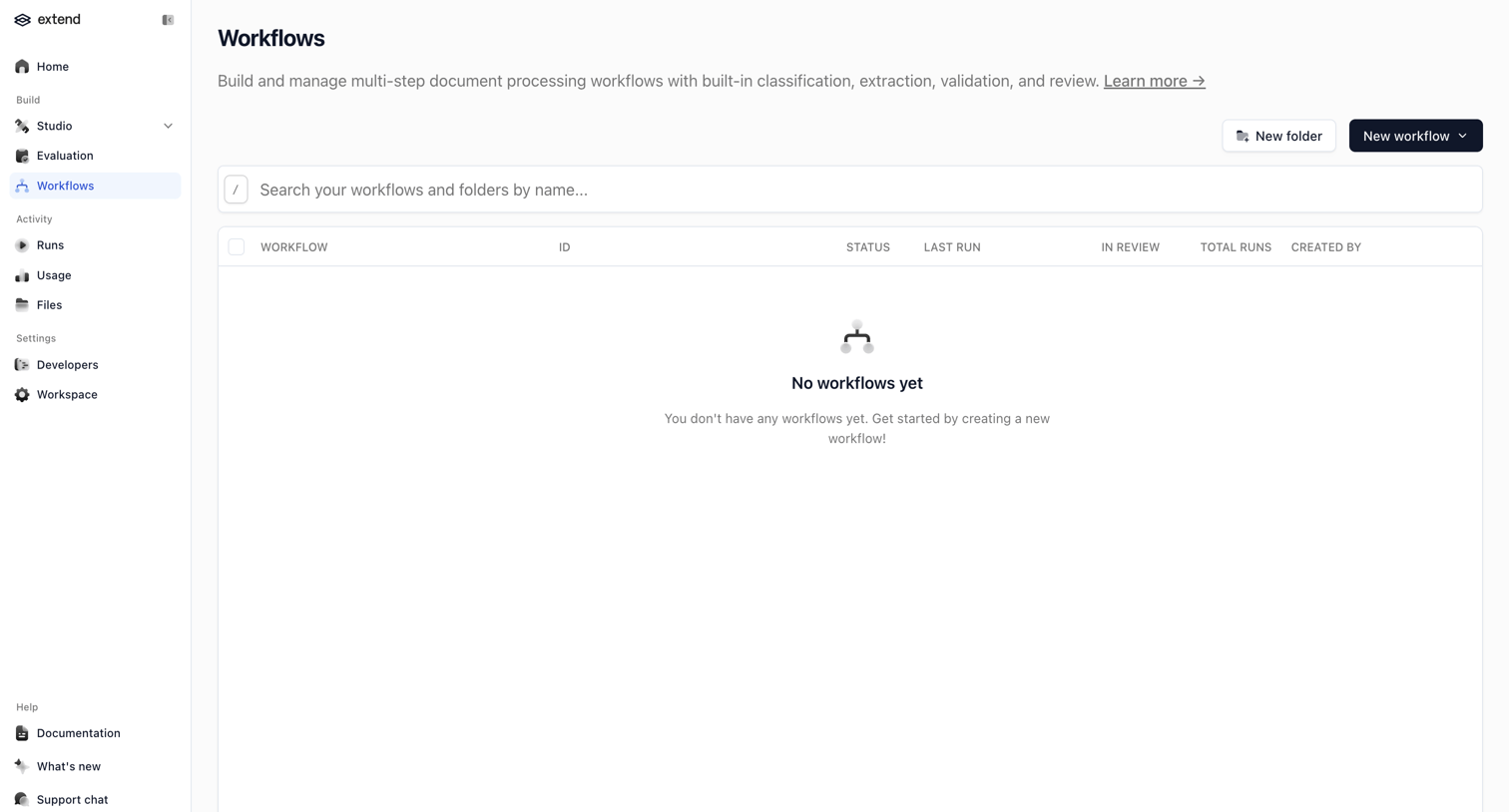
List view where the user manages multi-step document processing workflows, currently showing an empty state with prompts to create a new folder or workflow.

Explore the full SaaS screen library

Upgrade to unlock the full library.

Trusted by the best teams