Skip to content

Enode design examples

Explore Enode UI design examples. One integration, 800+ energy devices

Product screens
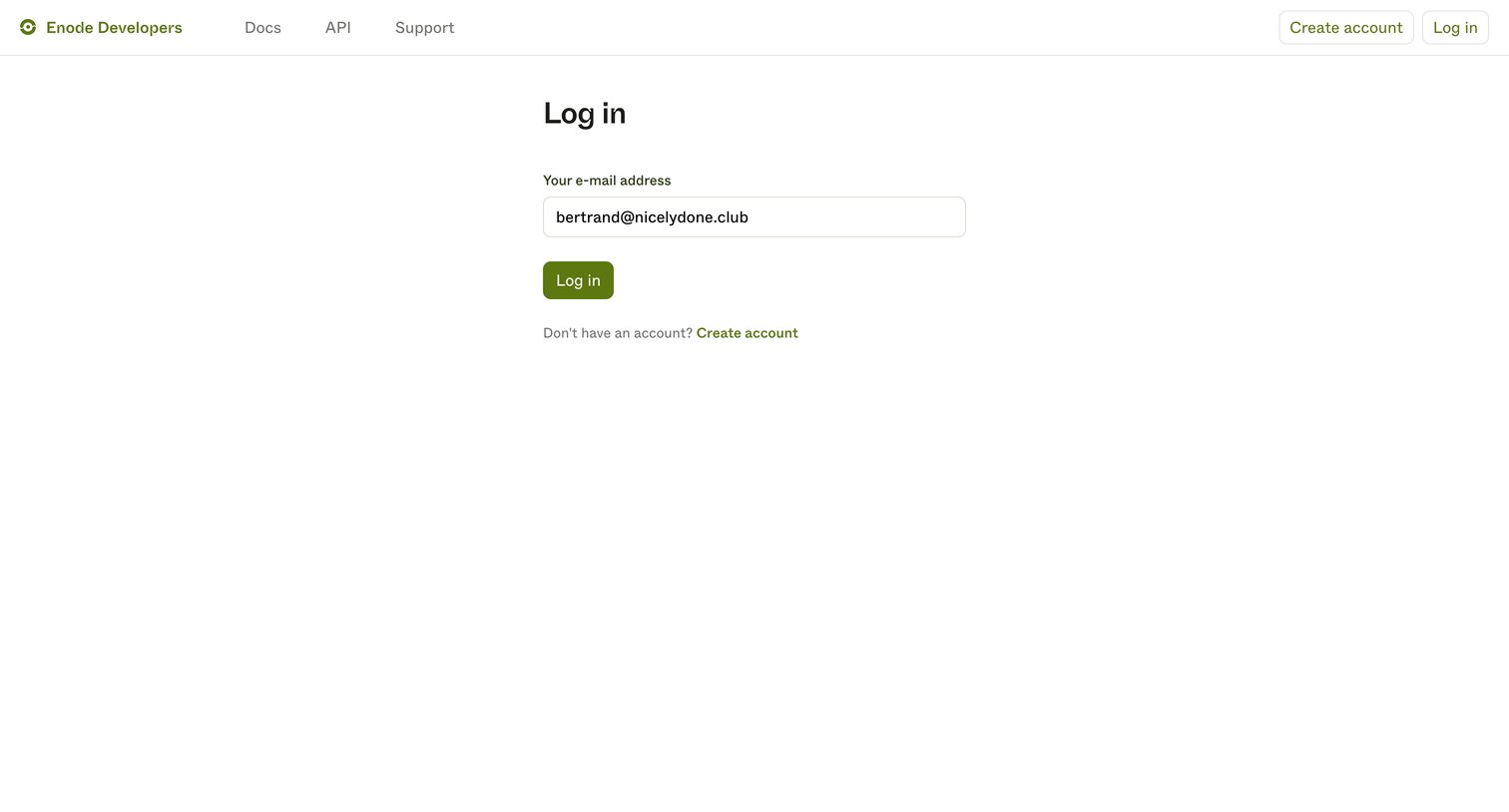
Enode - Log in | Enode Developers screen
Enode logo
Enode

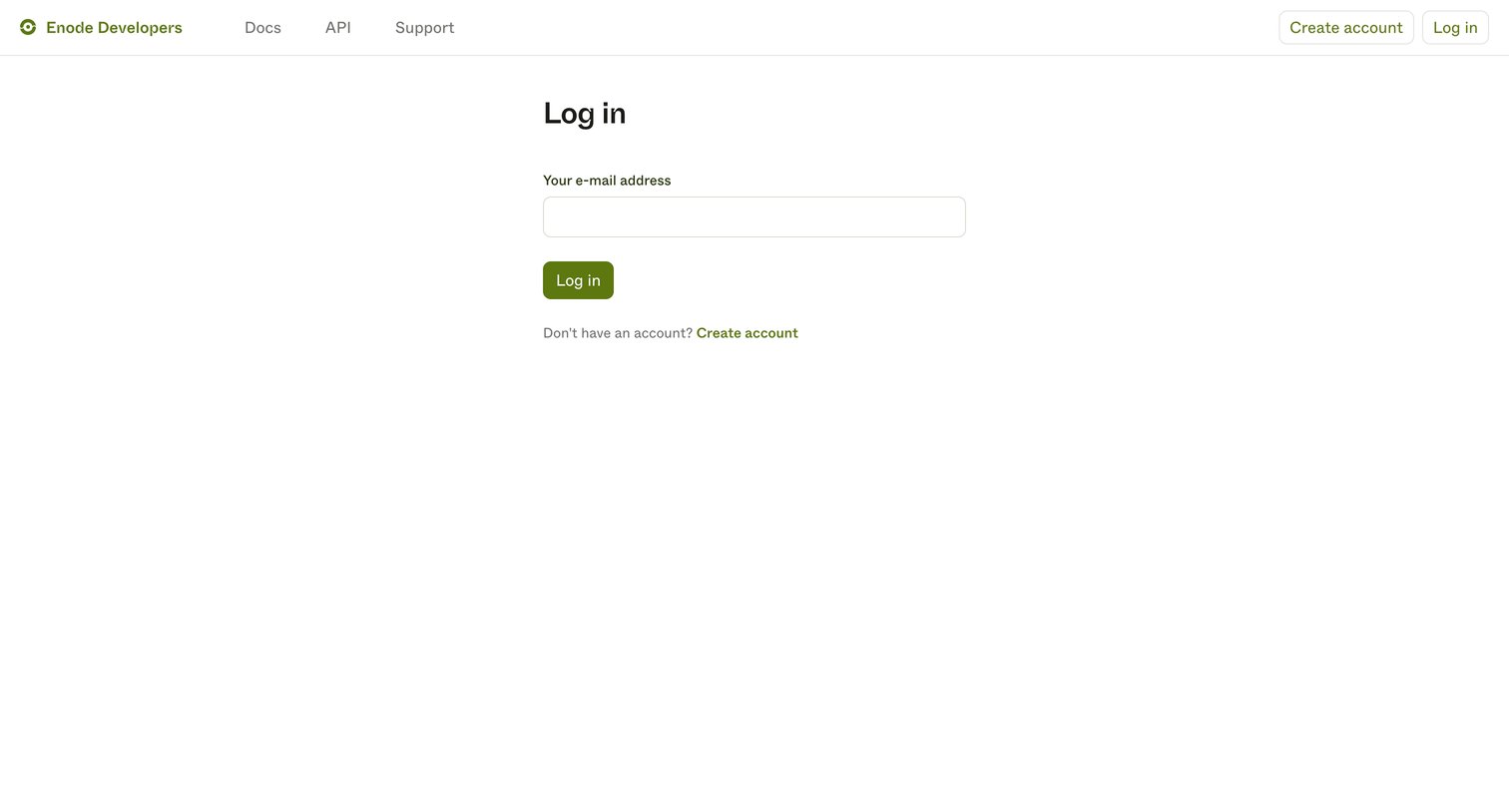
Sign-in screen where the user authenticates to the developer portal by entering their email address.

Enode - Log in | Enode Developers screen
Enode logo
Enode

Sign-in screen where the user enters their email address to access the developer portal.

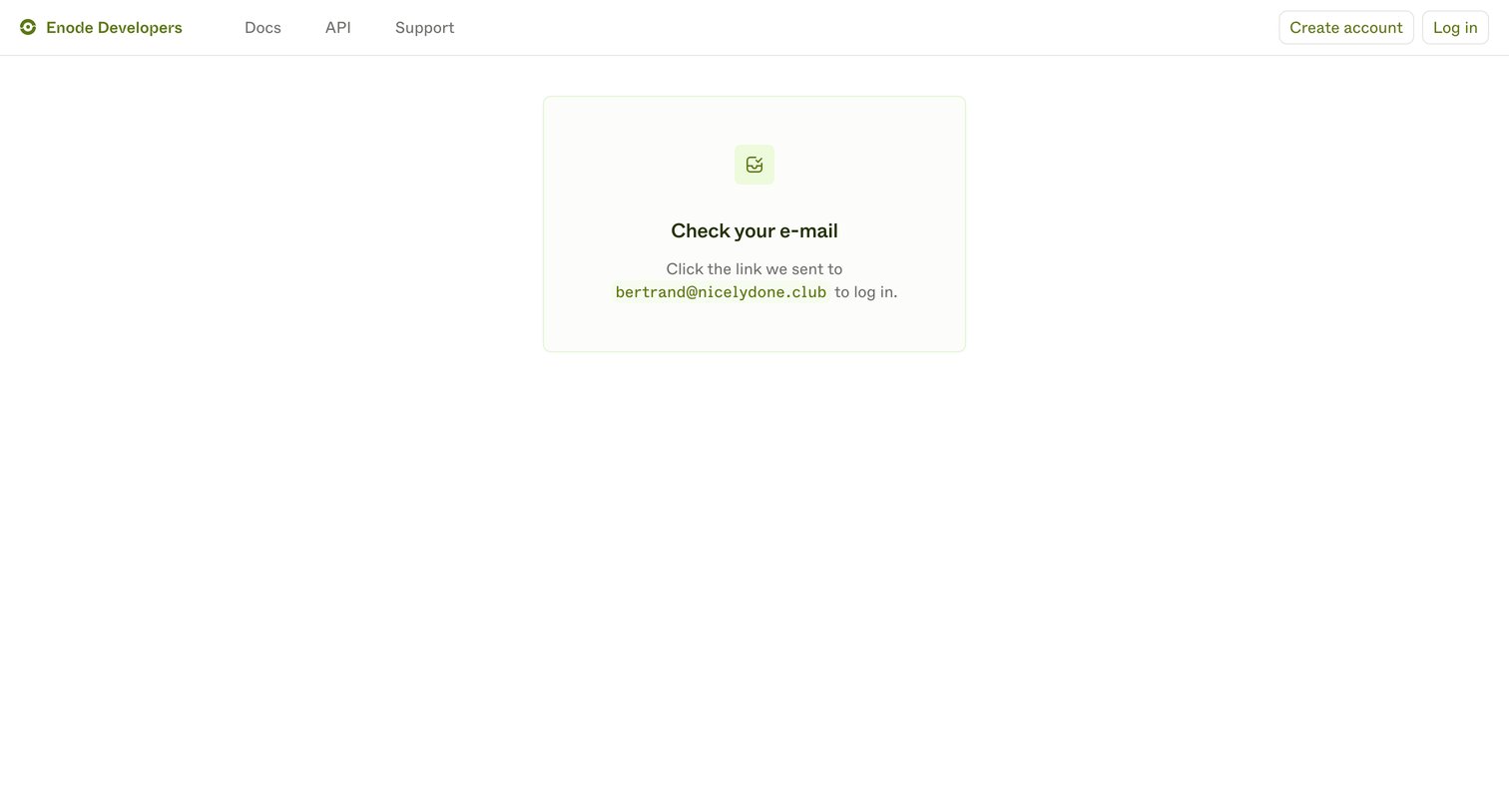
Enode - Enode Developers screen
Enode logo
Enode

Verification screen where the user is instructed to check their email for a login link.
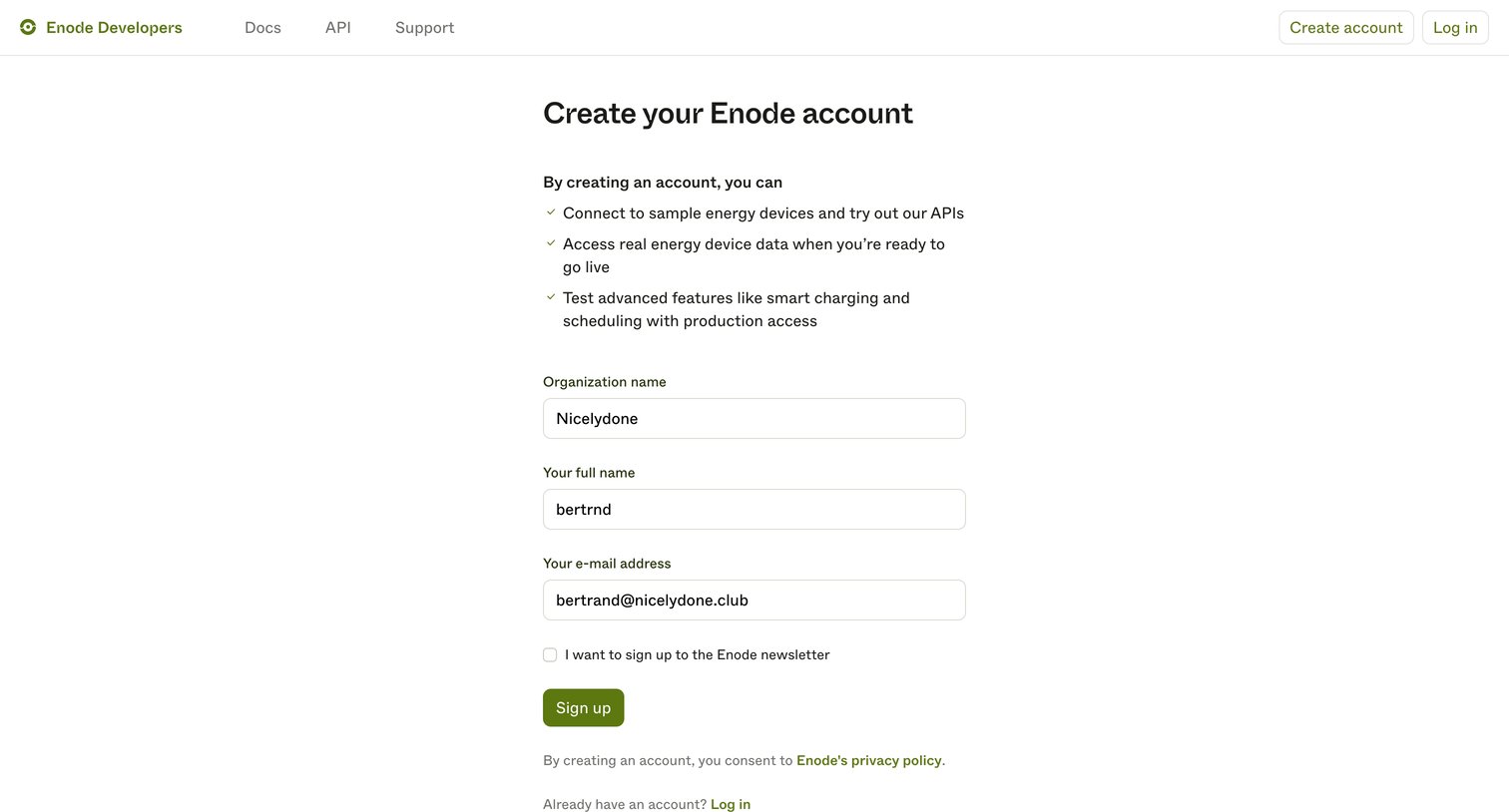
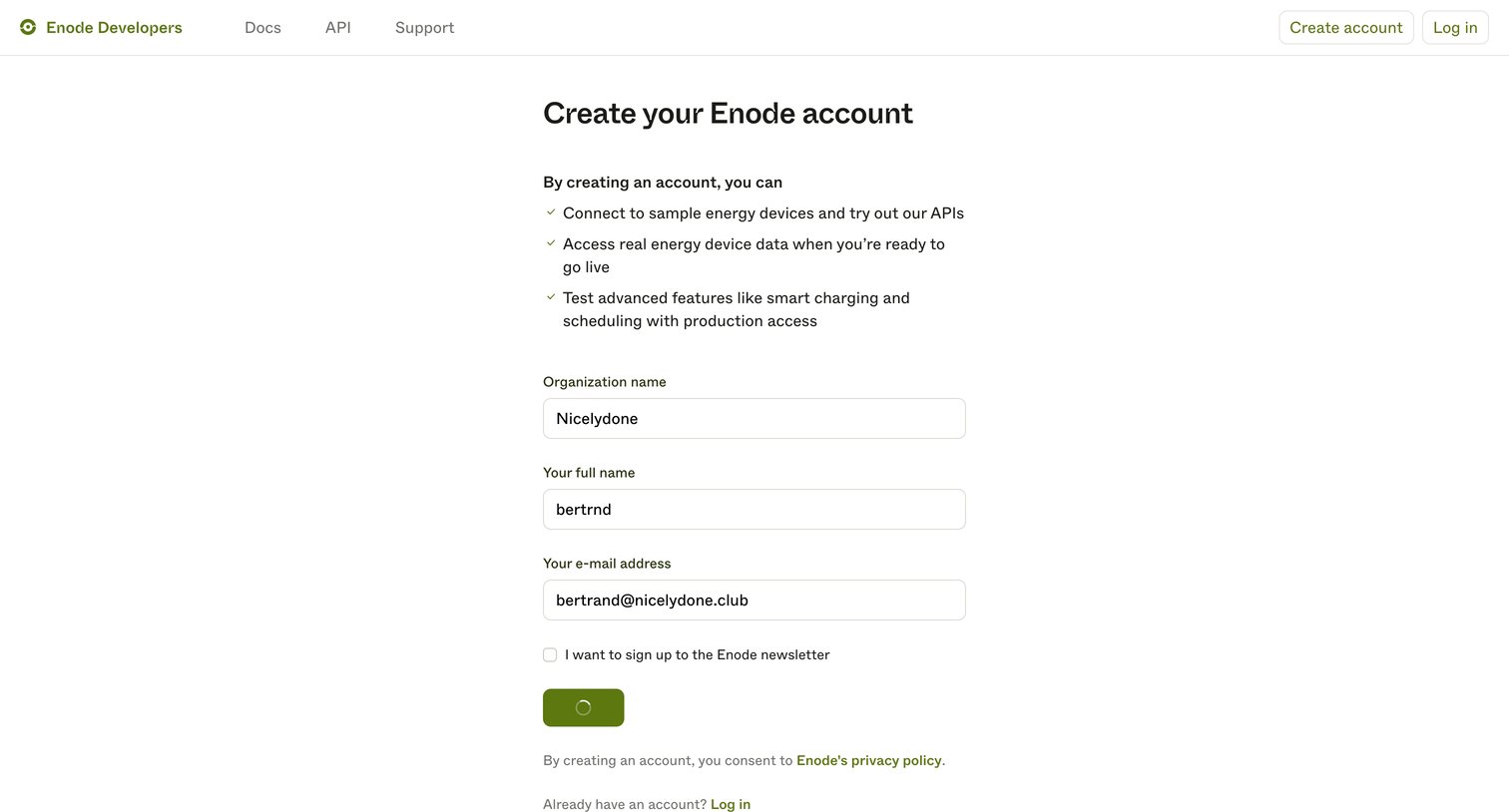
Enode - Create account | Enode Developers screen
Enode logo
Enode

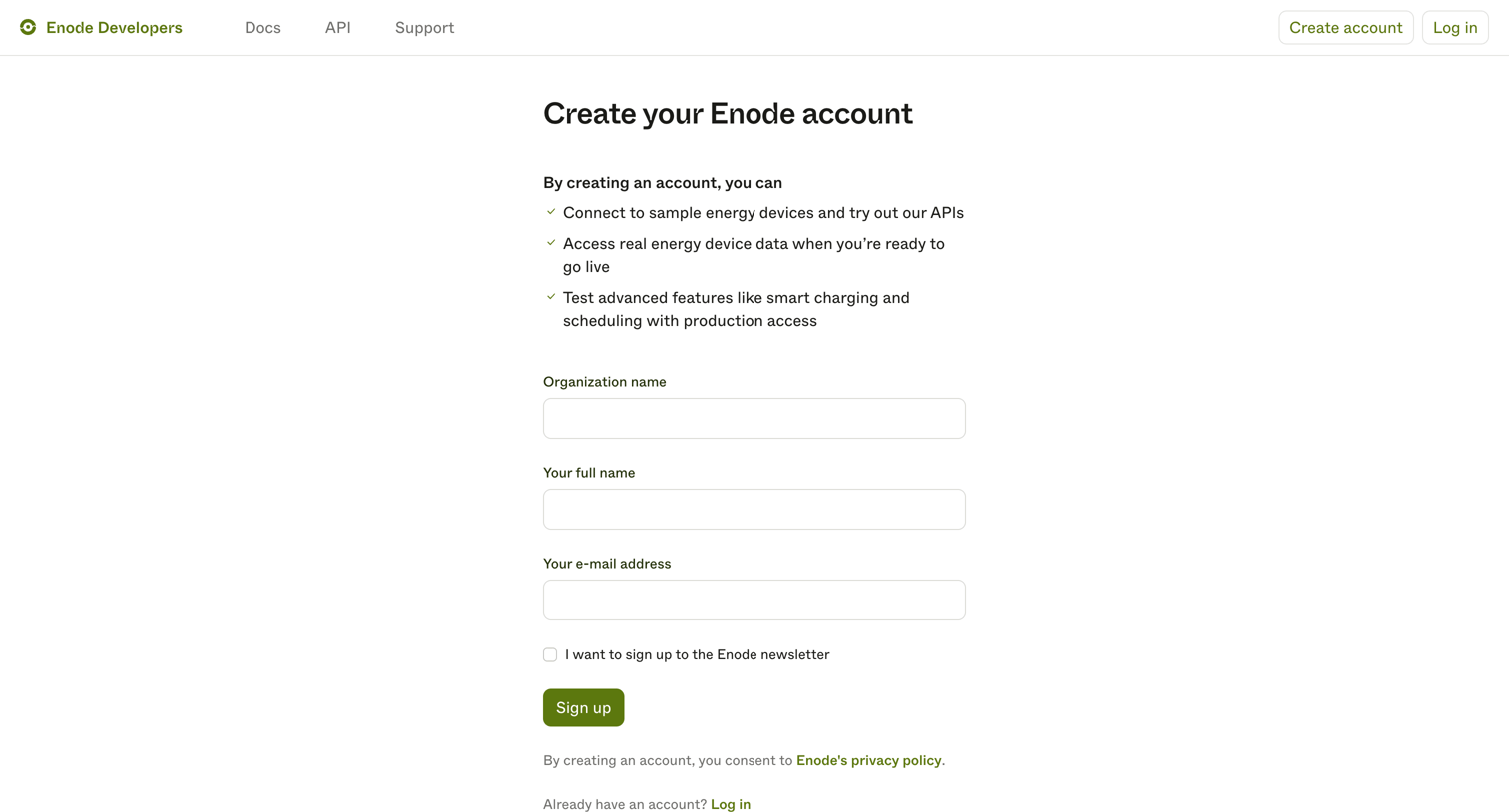
Signup page where the user creates an Enode developer account by providing their organization, name, and email address.

Enode - Create account | Enode Developers screen
Enode logo
Enode

Signup page where developers create an account to access sample energy devices and API data.

Enode - Create account | Enode Developers screen
Enode logo
Enode

Signup page where a developer creates an Enode account by providing their organization name, full name, and email address.

Enode - Enode Developers screen
Enode logo
Enode

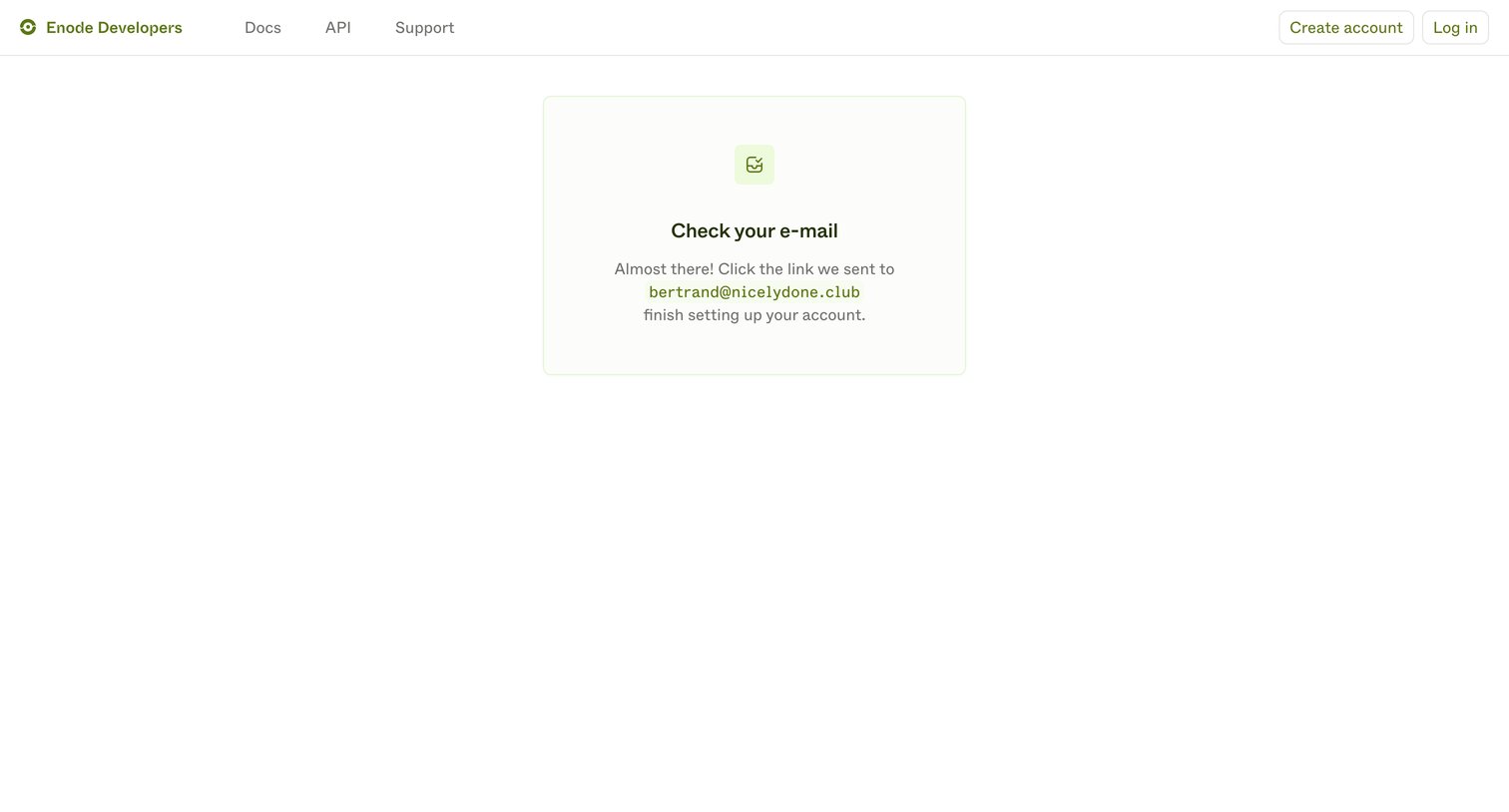
Verification screen where the user is prompted to check their inbox for a link sent to their email address to finish setting up their developer account.
Enode - Enode Developers screen
Enode logo
Enode

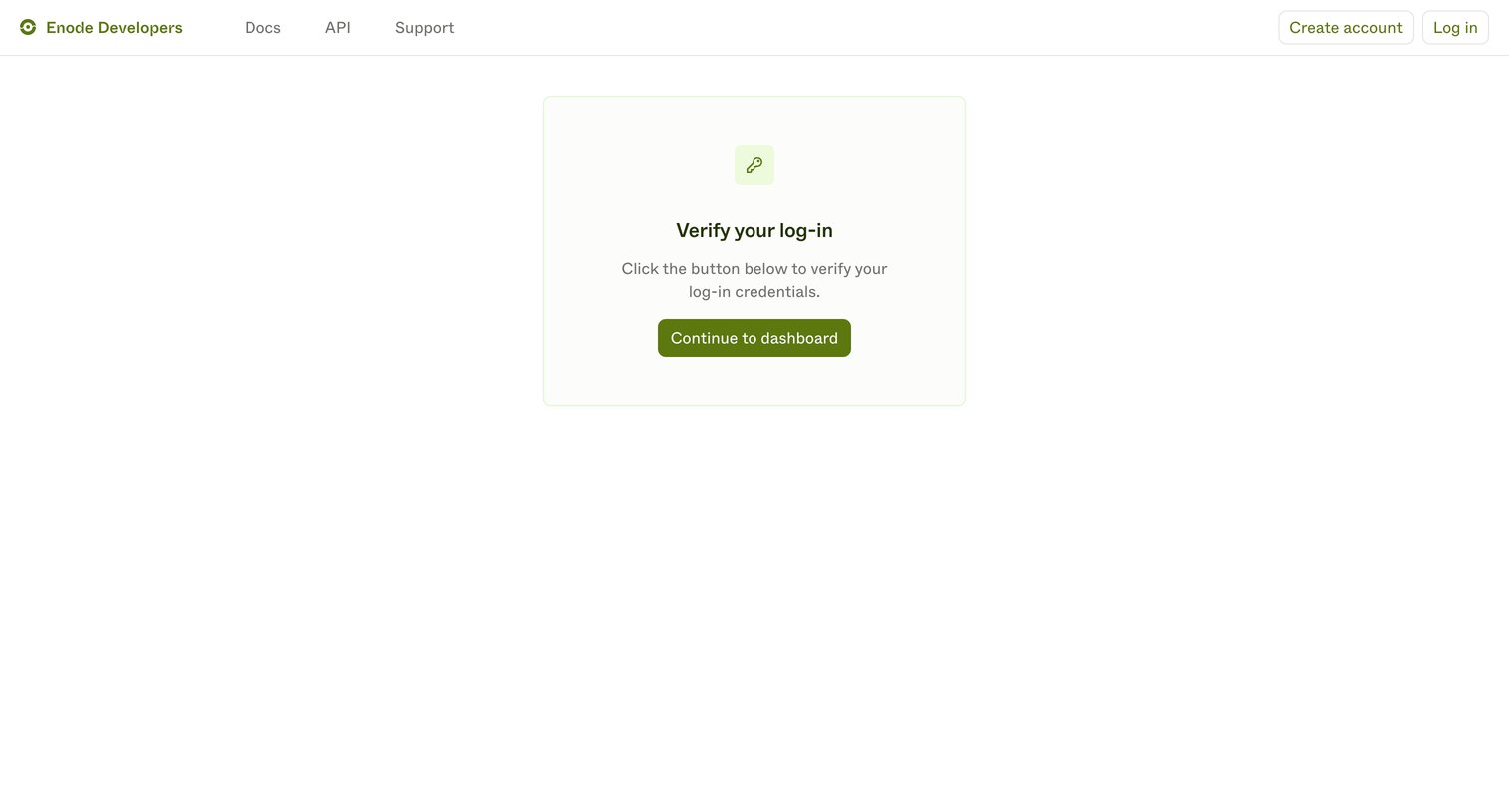
Verification screen where the user confirms their passwordless login to access the developer dashboard.
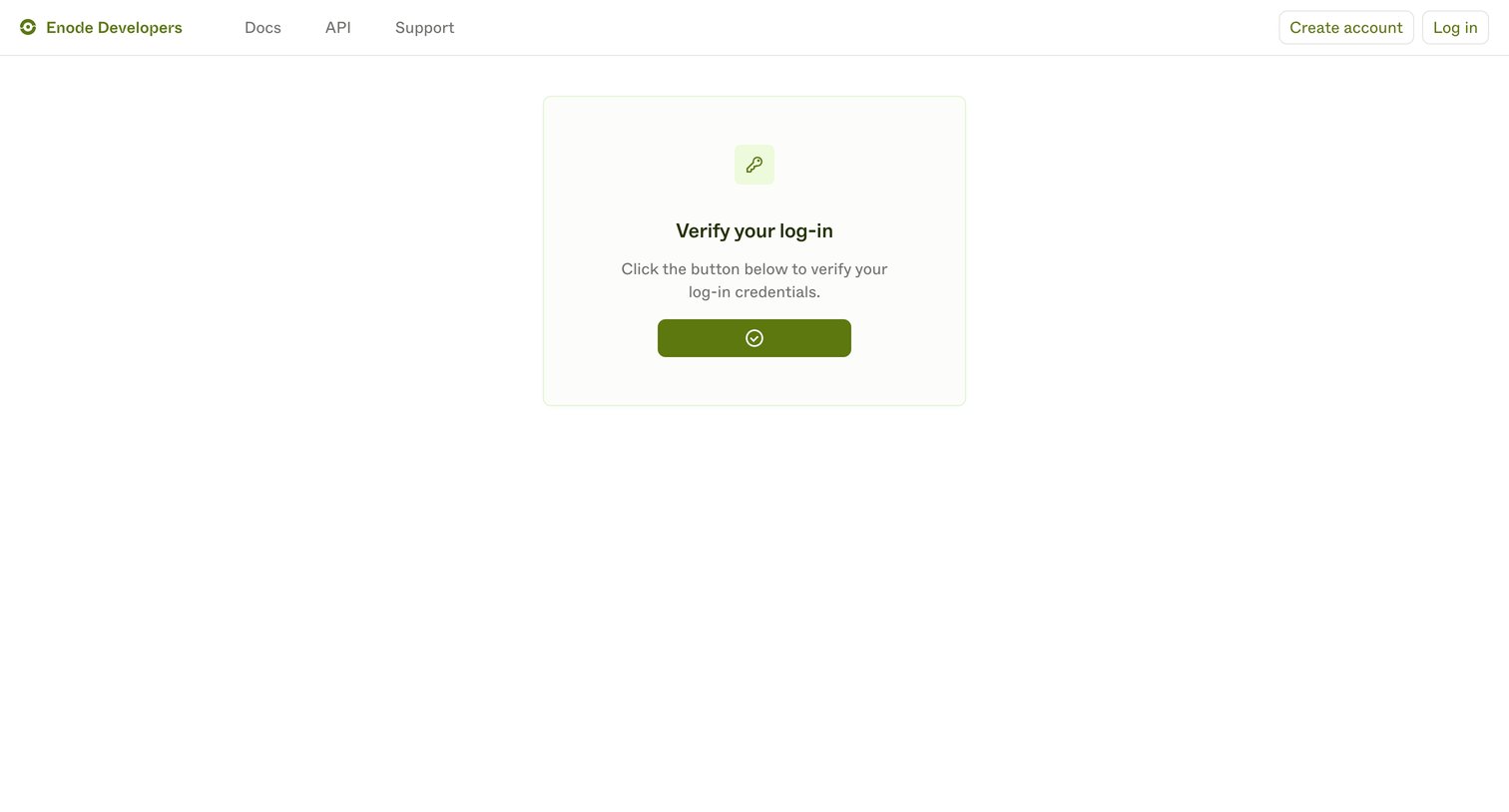
Enode - Enode Developers screen
Enode logo
Enode

Verification screen where the user clicks a button to confirm their magic link login attempt.
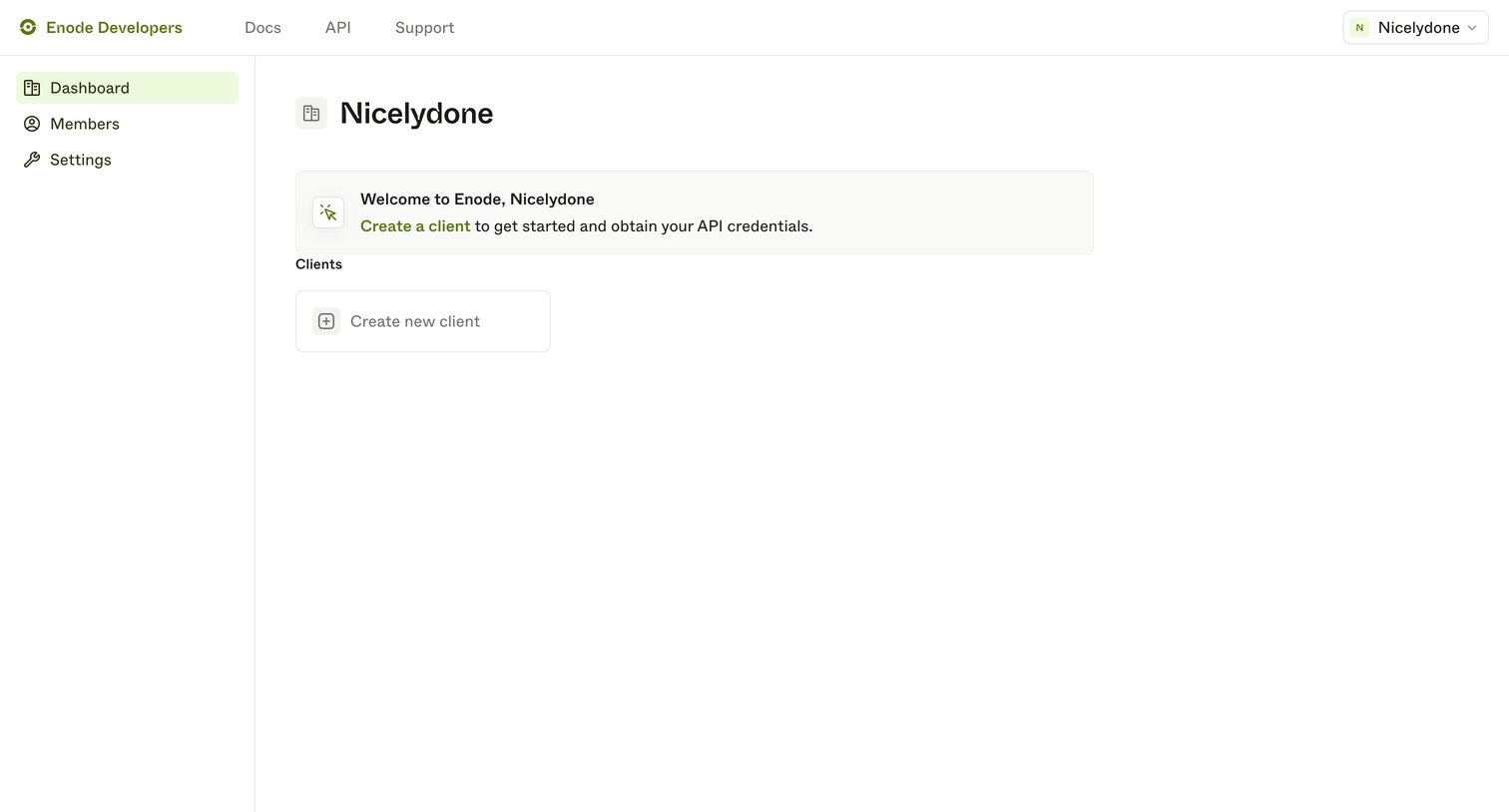
Enode - Enode Developers screen
Enode logo
Enode

Developer dashboard empty state welcoming the user and prompting them to create their first API client.
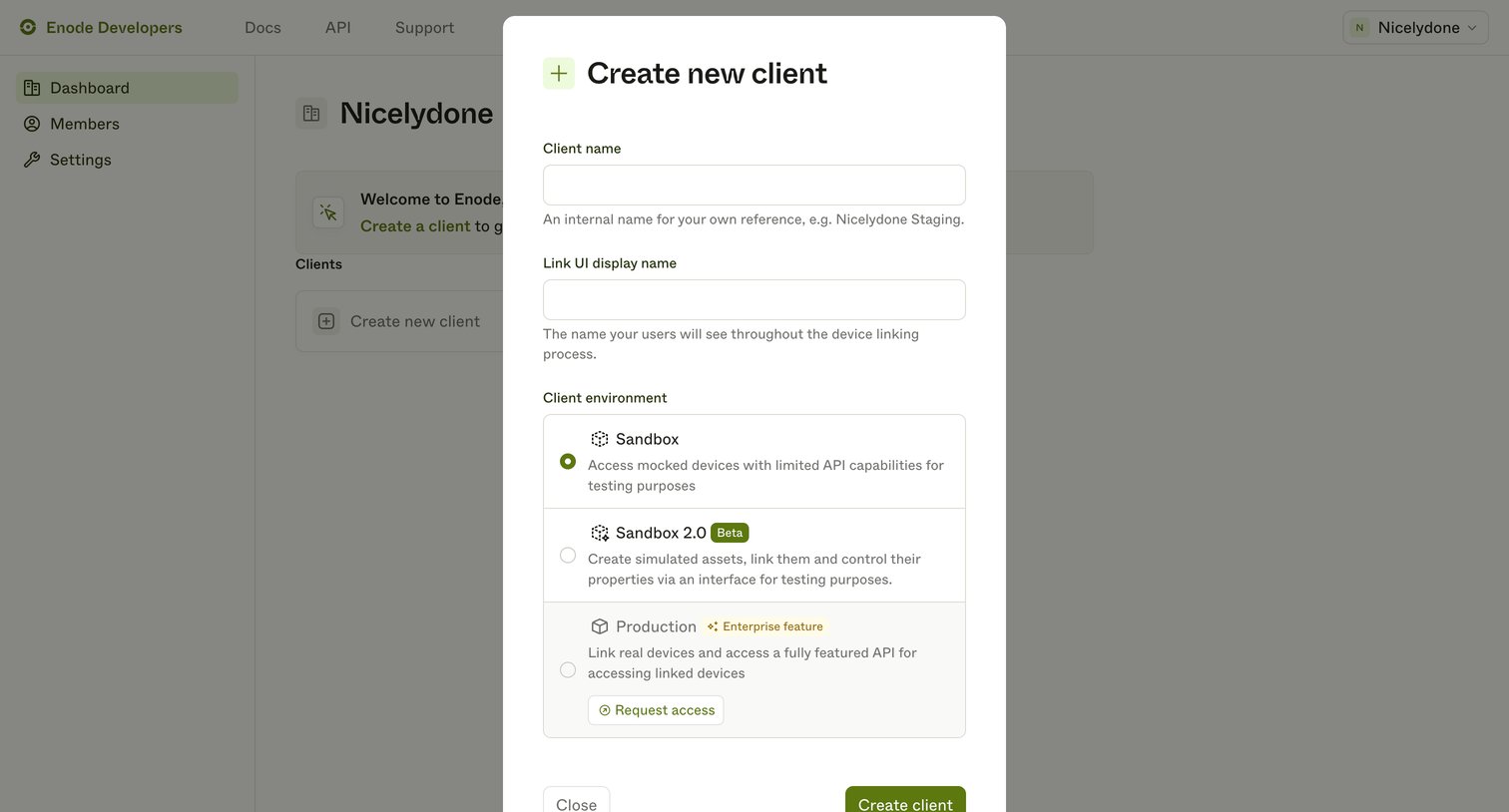
Enode - Enode Developers screen
Enode logo
Enode

Create modal where the user configures a new client by providing an internal name, a public display name, and selecting an environment tier like Sandbox or Production.
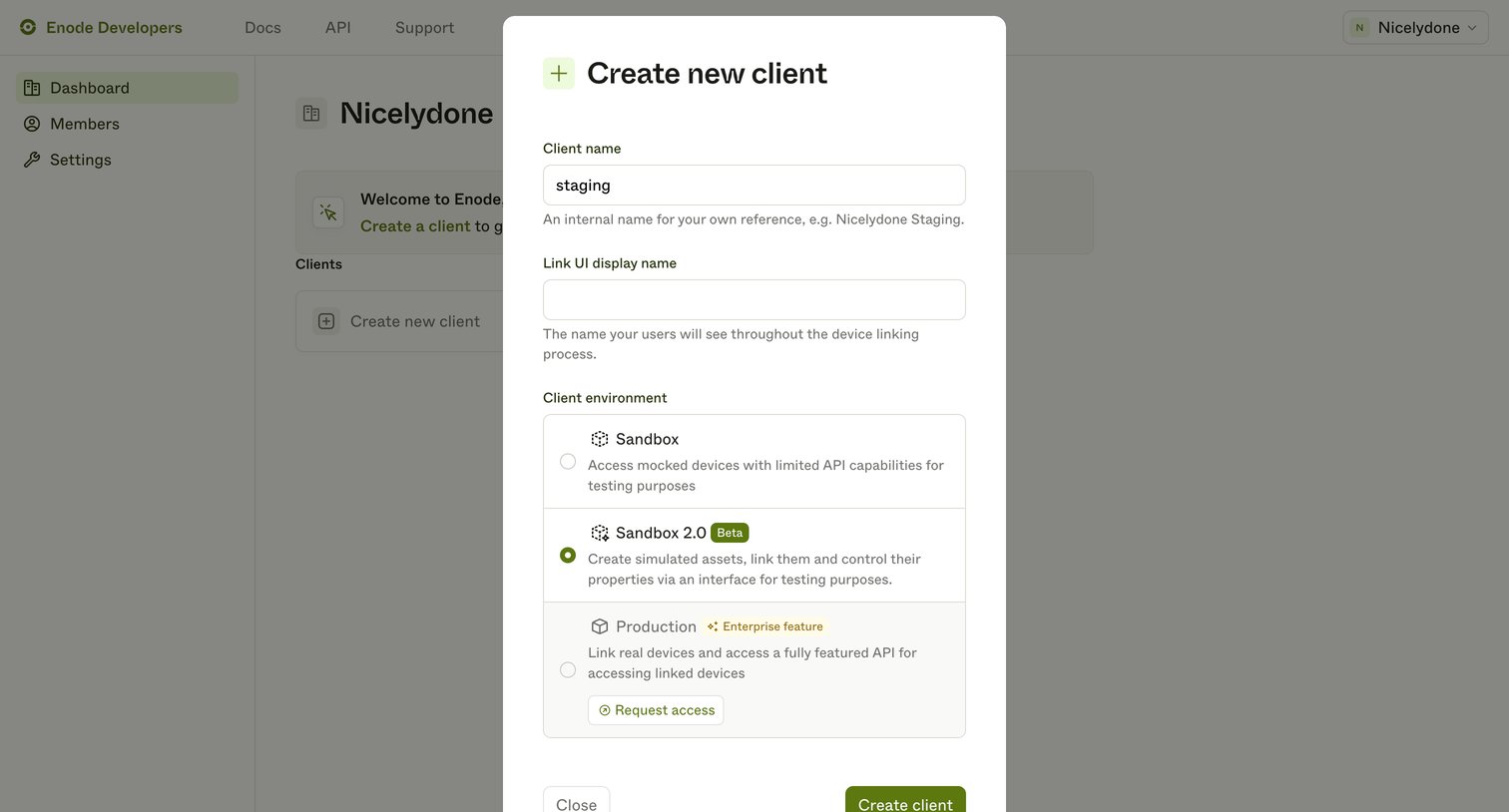
Enode - Enode Developers screen
Enode logo
Enode

Modal where the user creates a new API client by providing an internal name, a display name, and selecting an environment like Sandbox or Production.

Browse the full SaaS app library

Explore real SaaS apps with their product screens, marketing screens, flows, and components.

Trusted by the best teams