Enode UI components examples
Browse Enode UI component design examples. Preview individual interface elements and explore related component categories. One integration, 800+ energy devices
Explore the examples
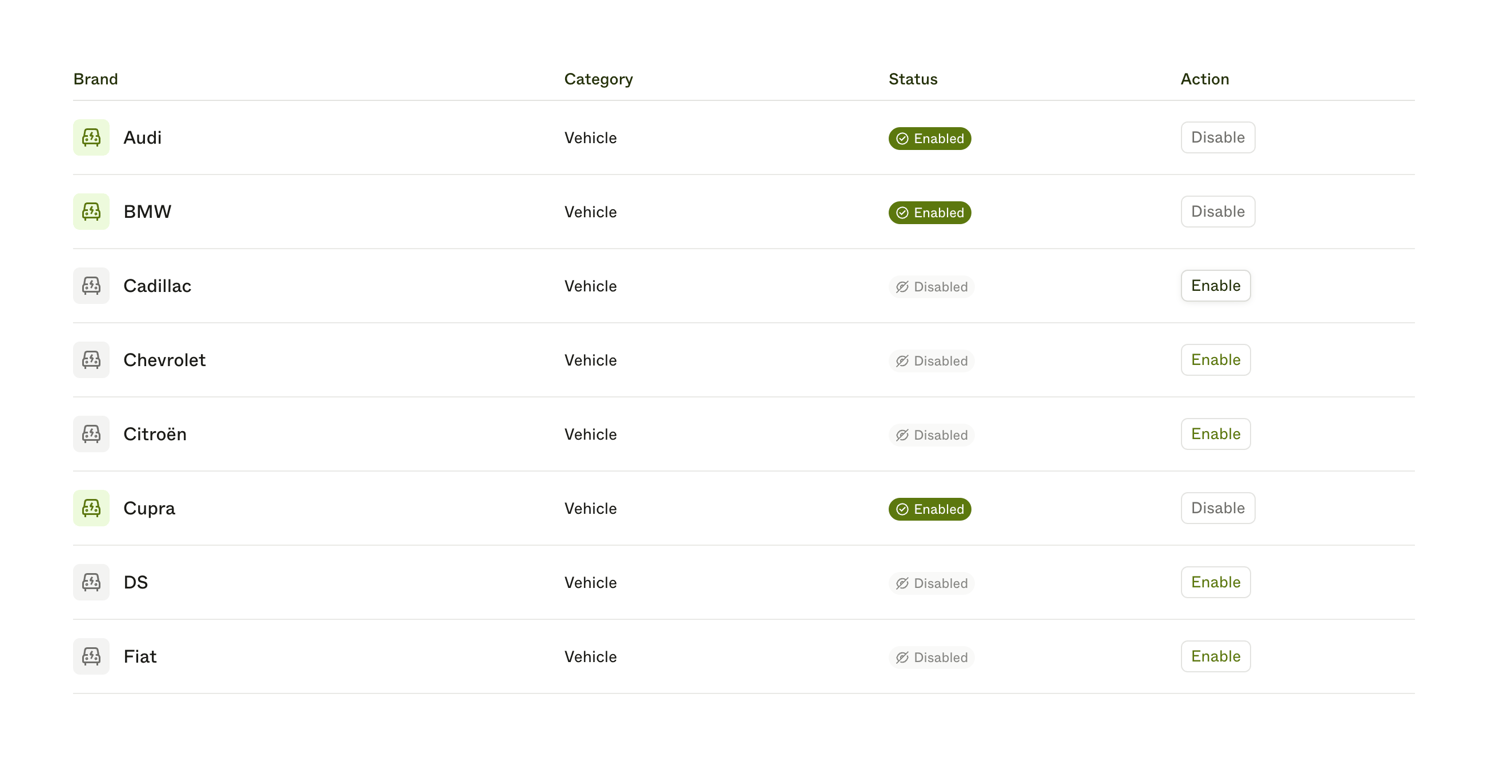
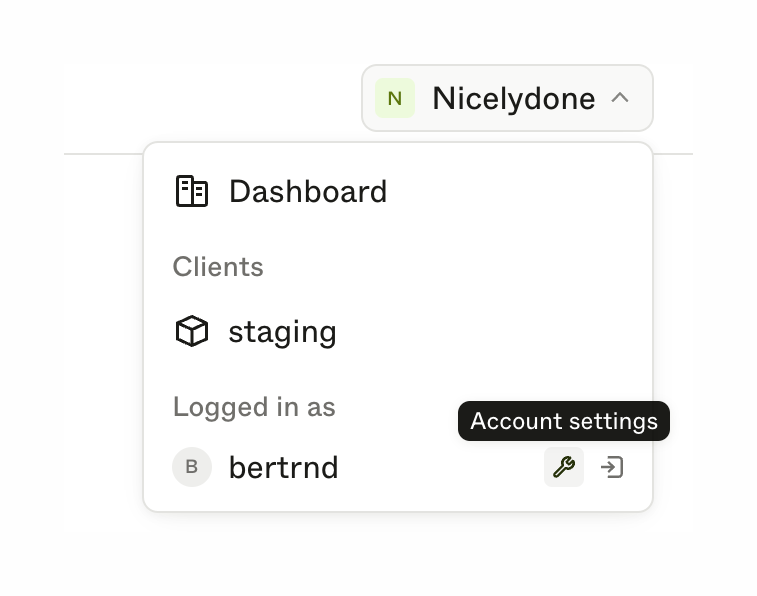

A dropdown menu for switching workspaces and managing account settings. It includes a trigger button showing the current workspace, and a popover menu with links to the dashboard, clients, and user profile with logout and settings actions.

A horizontal row containing a text label and a toggle switch control in its off state.
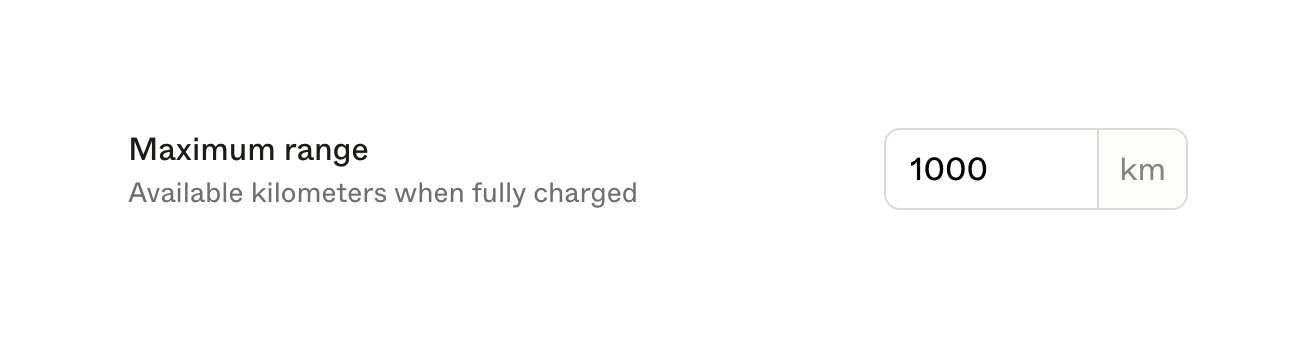
A form field row for setting a maximum range, featuring a label, helper text, and a numeric input field with a 'km' unit suffix.
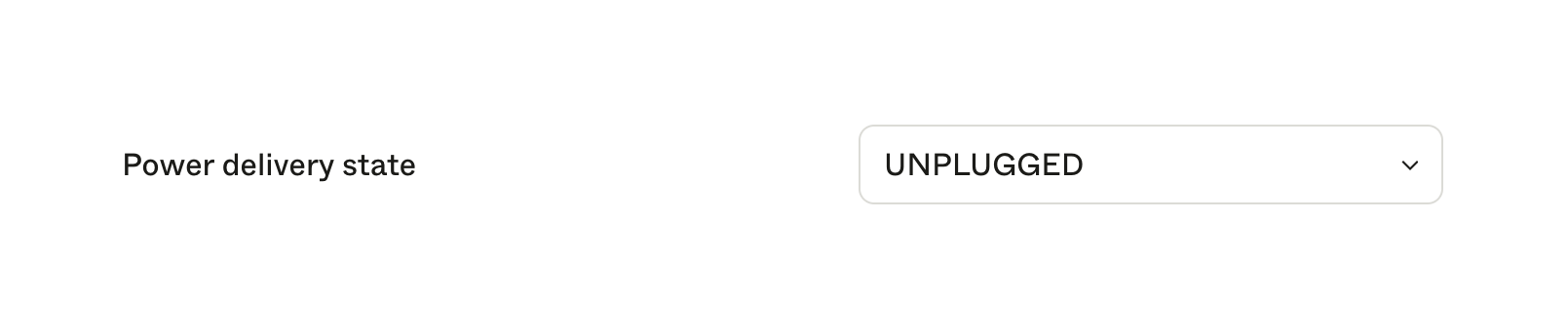
A form row containing a label on the left and a select dropdown on the right, currently showing 'UNPLUGGED'.
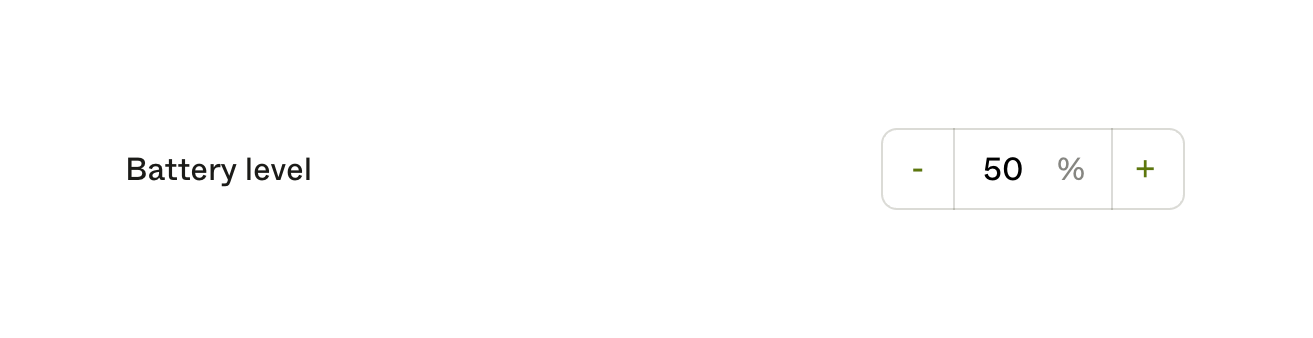
A number input field with a label on the left and minus/plus stepper buttons on the right, displaying a percentage value.
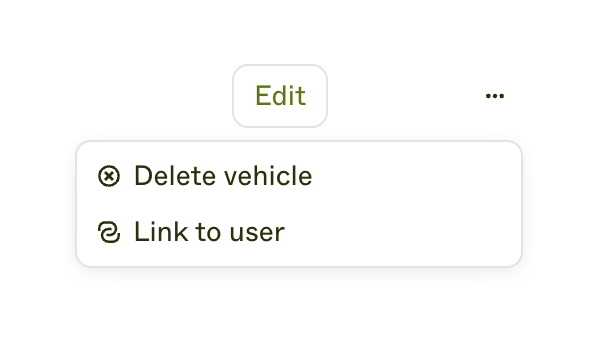
A dropdown menu showing actions for a specific item, triggered by an ellipsis icon next to an Edit button.
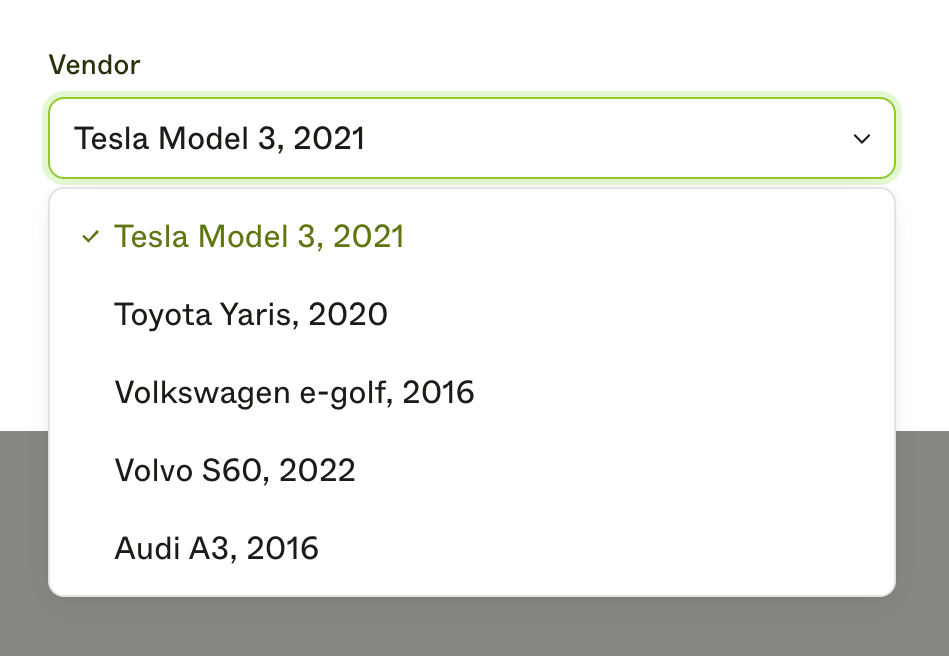
An expanded dropdown menu for selecting a vehicle vendor, showing a list of car models with the first option selected.
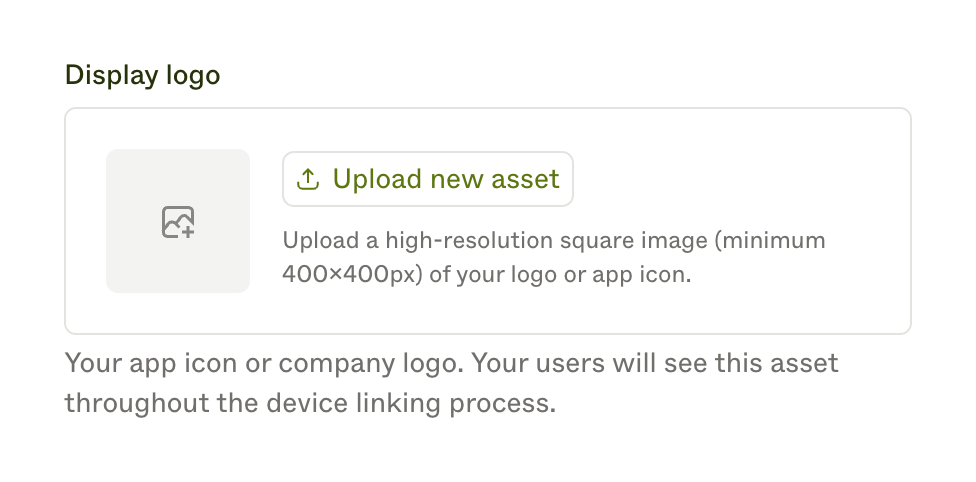
A file upload component specifically designed for uploading a display logo. It includes a placeholder image area, an upload button, and helper text explaining the requirements and purpose of the image.

A vertical sidebar navigation menu with an expanded section and a selected item.
Browse the full component library
Browse the full UI component library.
Trusted by the best teams







