Skip to content

Enode product screens examples

Browse Enode screen design examples. Preview the interface screenshots and explore related UI patterns. One integration, 800+ energy devices

Explore the examples
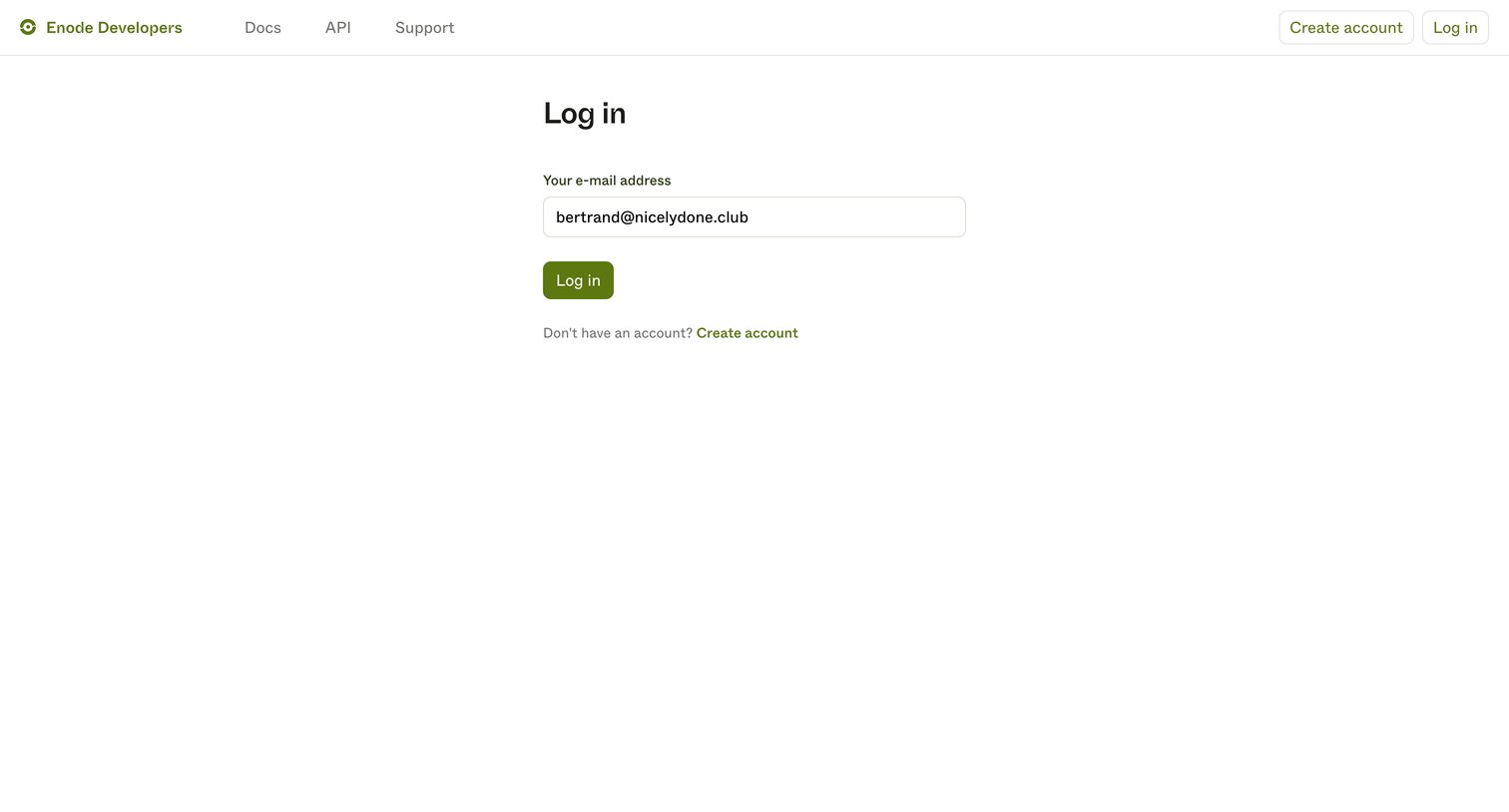
Enode - Log in | Enode Developers screen
Enode logo
Enode

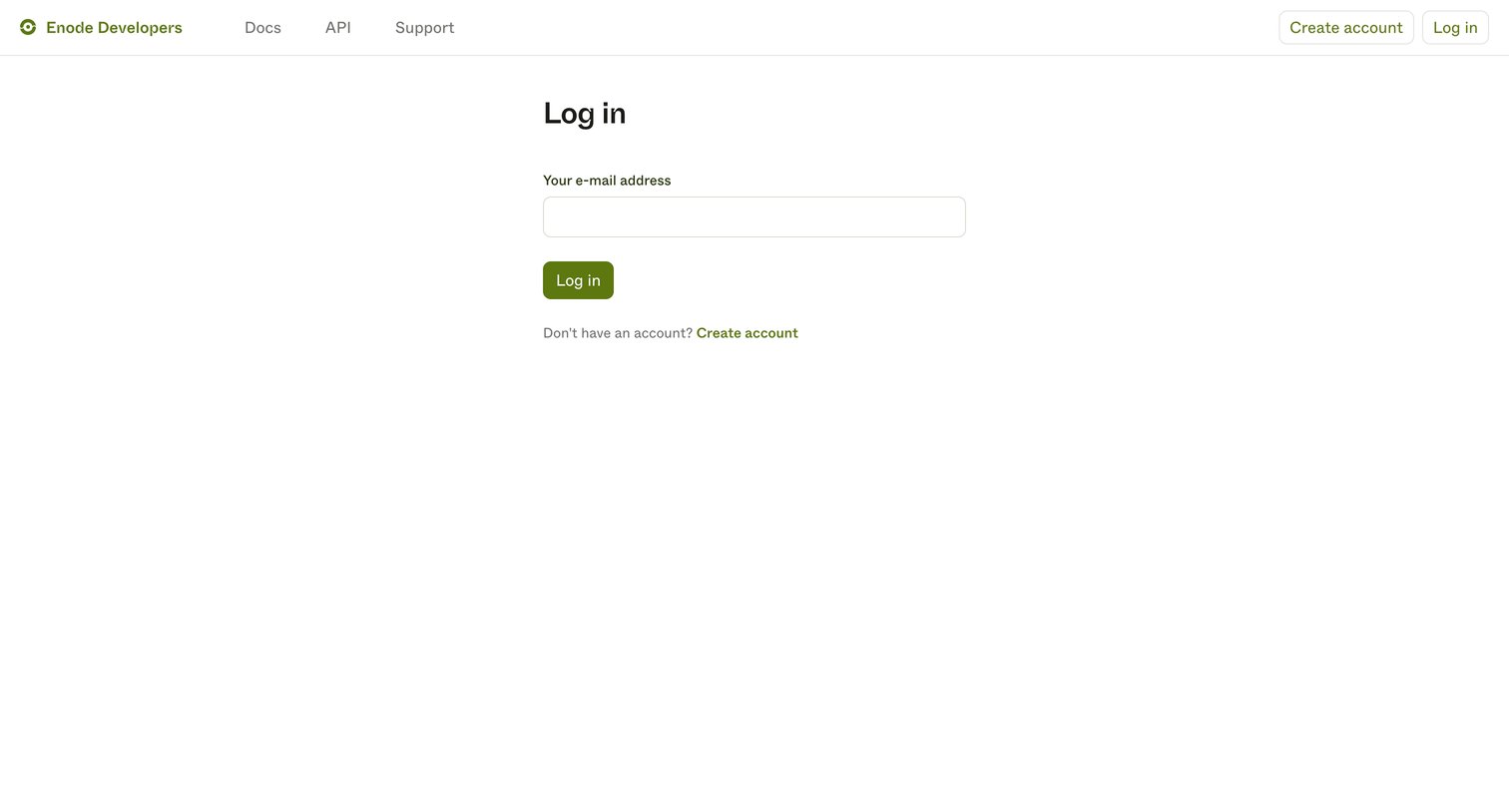
Sign-in screen where the user authenticates to the developer portal by entering their email address.

Enode - Log in | Enode Developers screen
Enode logo
Enode

Sign-in screen where the user enters their email address to access the developer portal.

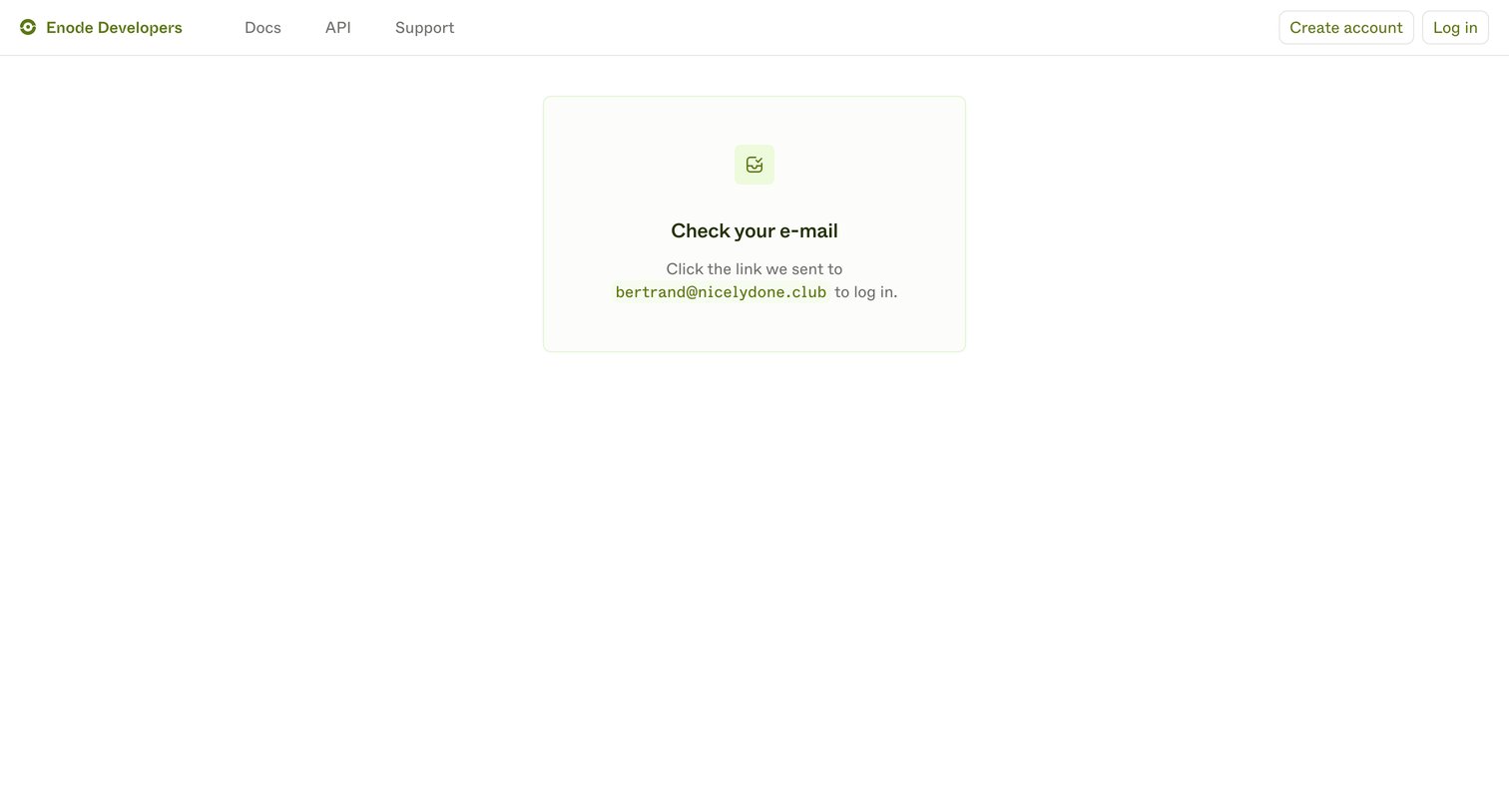
Enode - Enode Developers screen
Enode logo
Enode

Verification screen where the user is instructed to check their email for a login link.
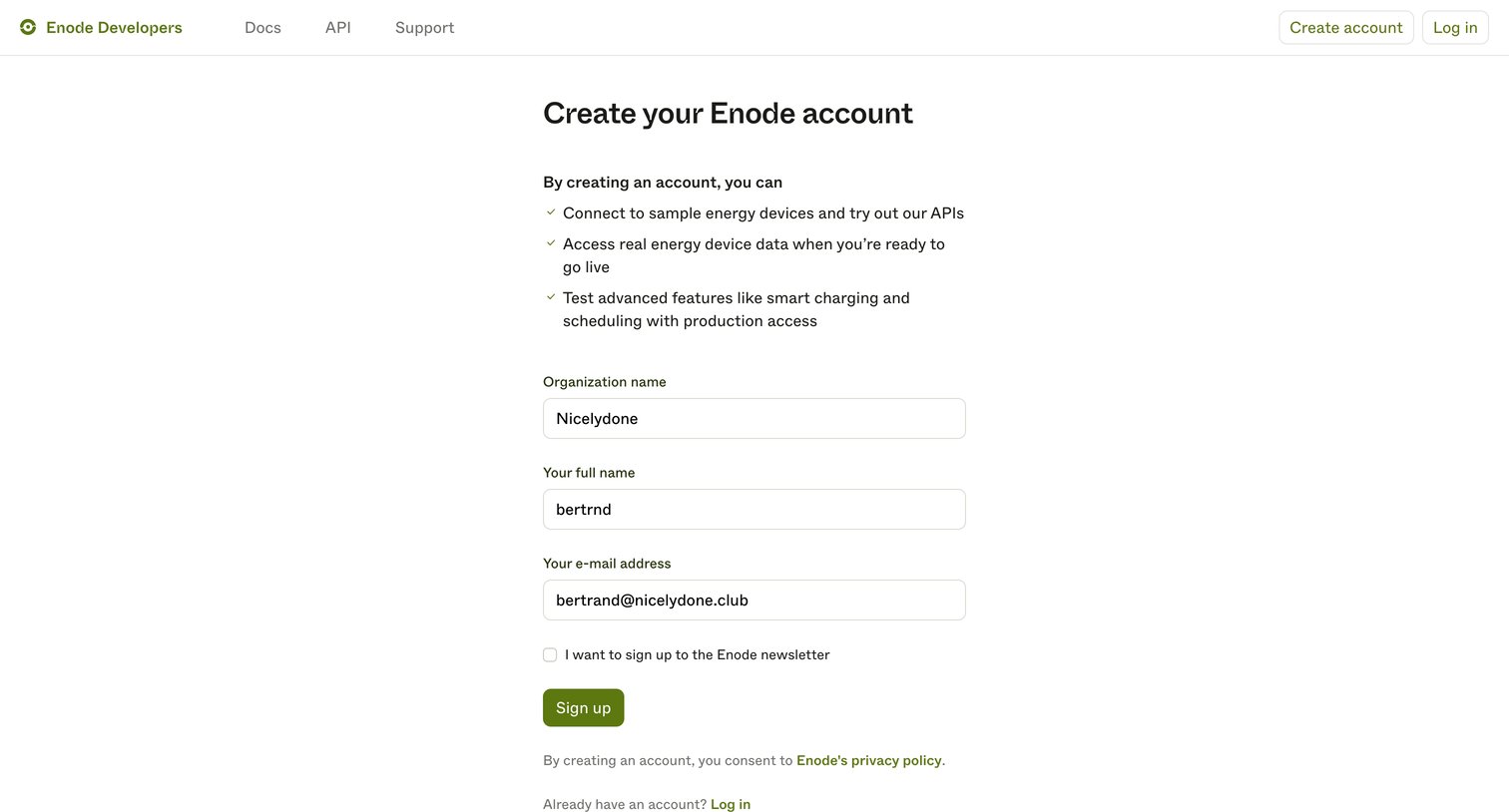
Enode - Create account | Enode Developers screen
Enode logo
Enode

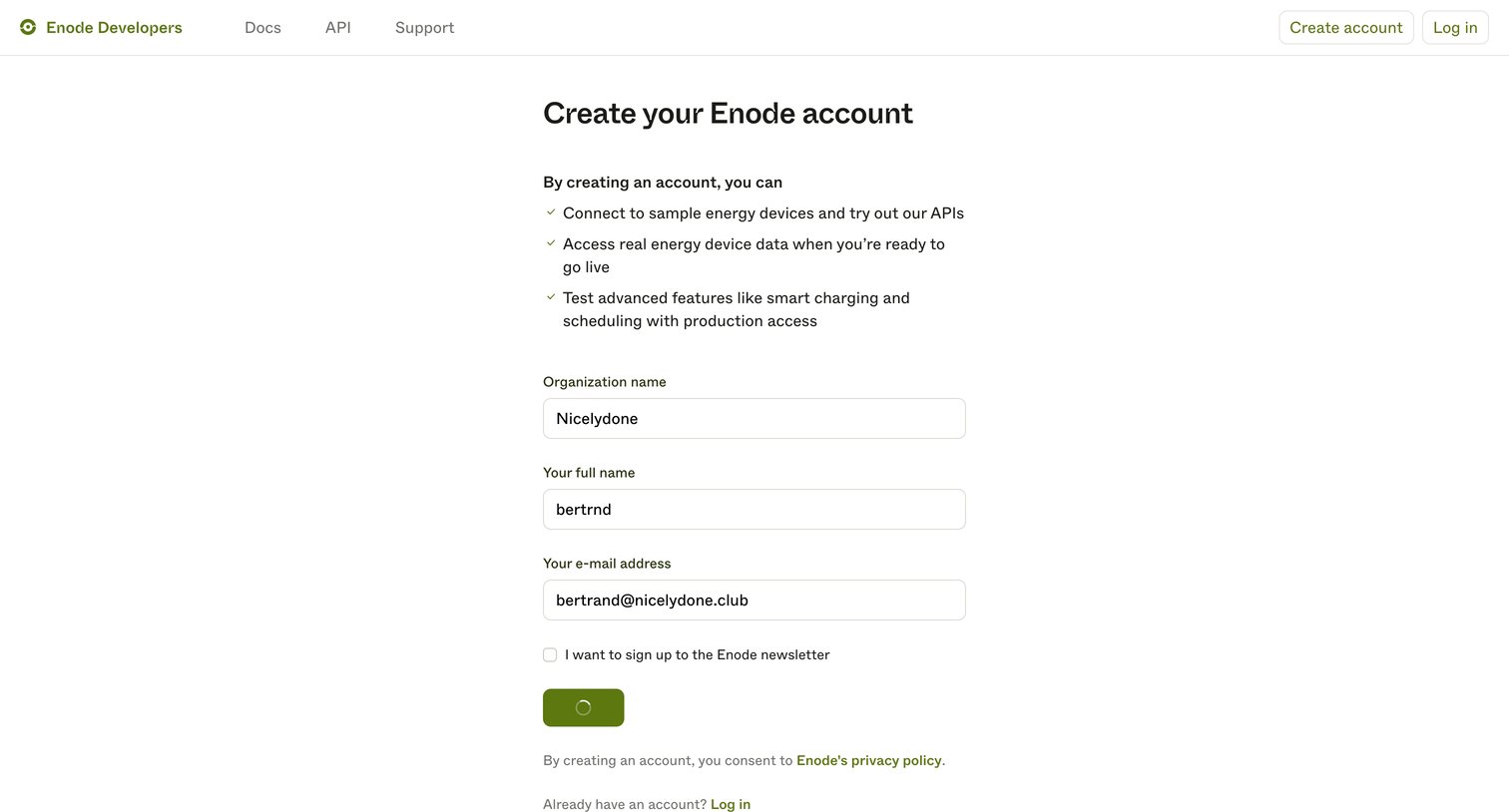
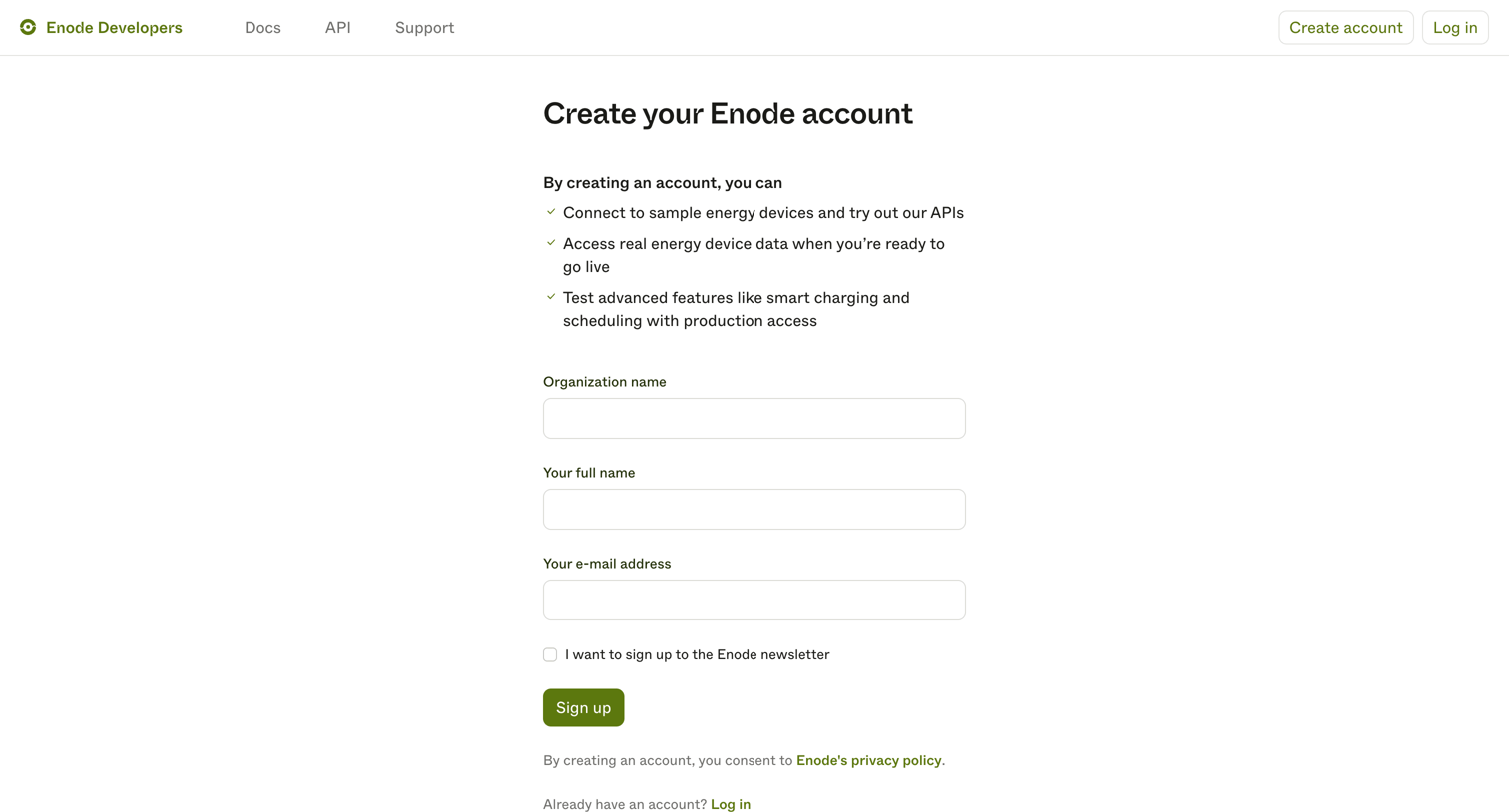
Signup page where the user creates an Enode developer account by providing their organization, name, and email address.

Enode - Create account | Enode Developers screen
Enode logo
Enode

Signup page where developers create an account to access sample energy devices and API data.

Enode - Create account | Enode Developers screen
Enode logo
Enode

Signup page where a developer creates an Enode account by providing their organization name, full name, and email address.

Enode - Enode Developers screen
Enode logo
Enode

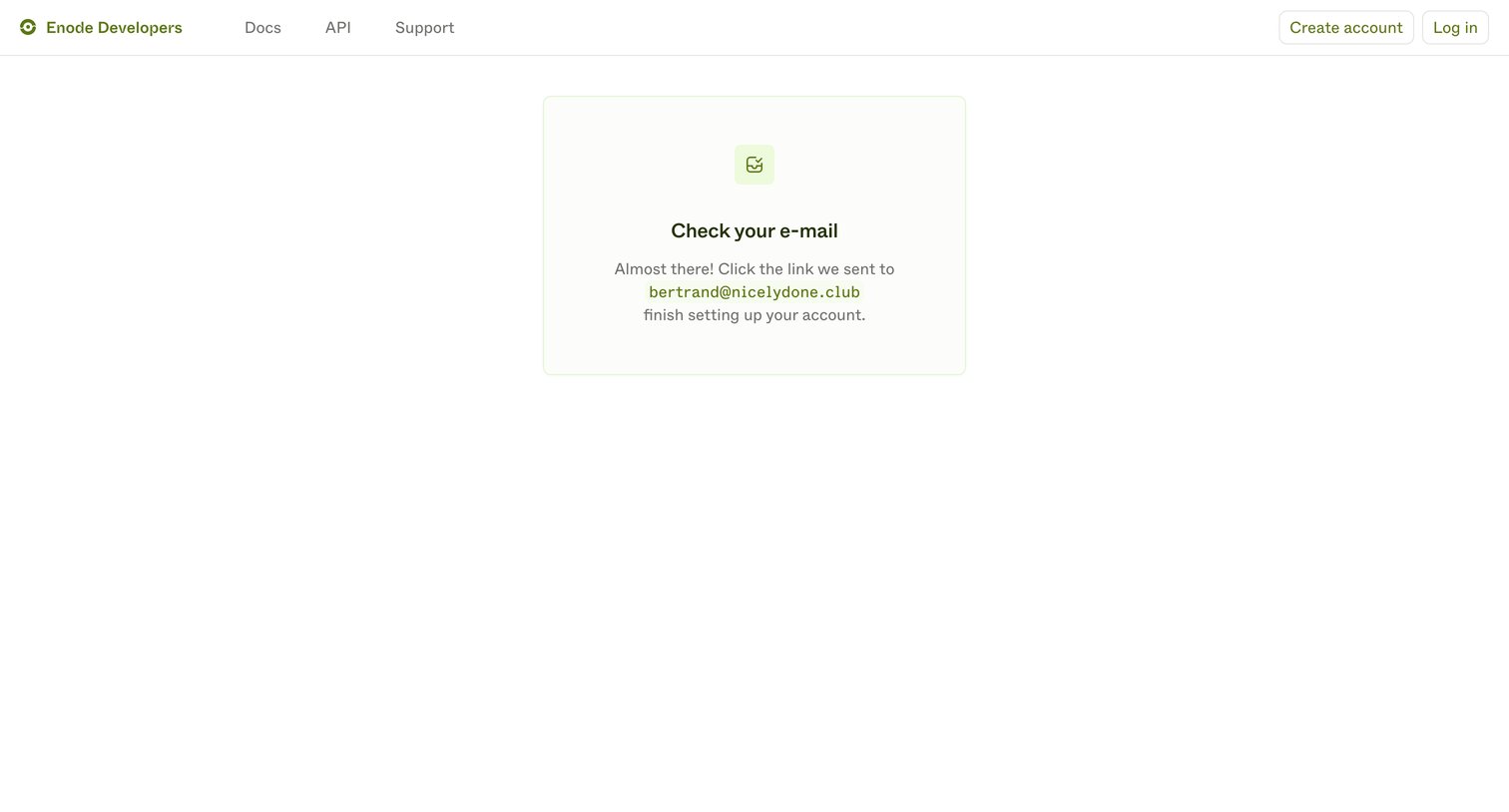
Verification screen where the user is prompted to check their inbox for a link sent to their email address to finish setting up their developer account.
Enode - Enode Developers screen
Enode logo
Enode

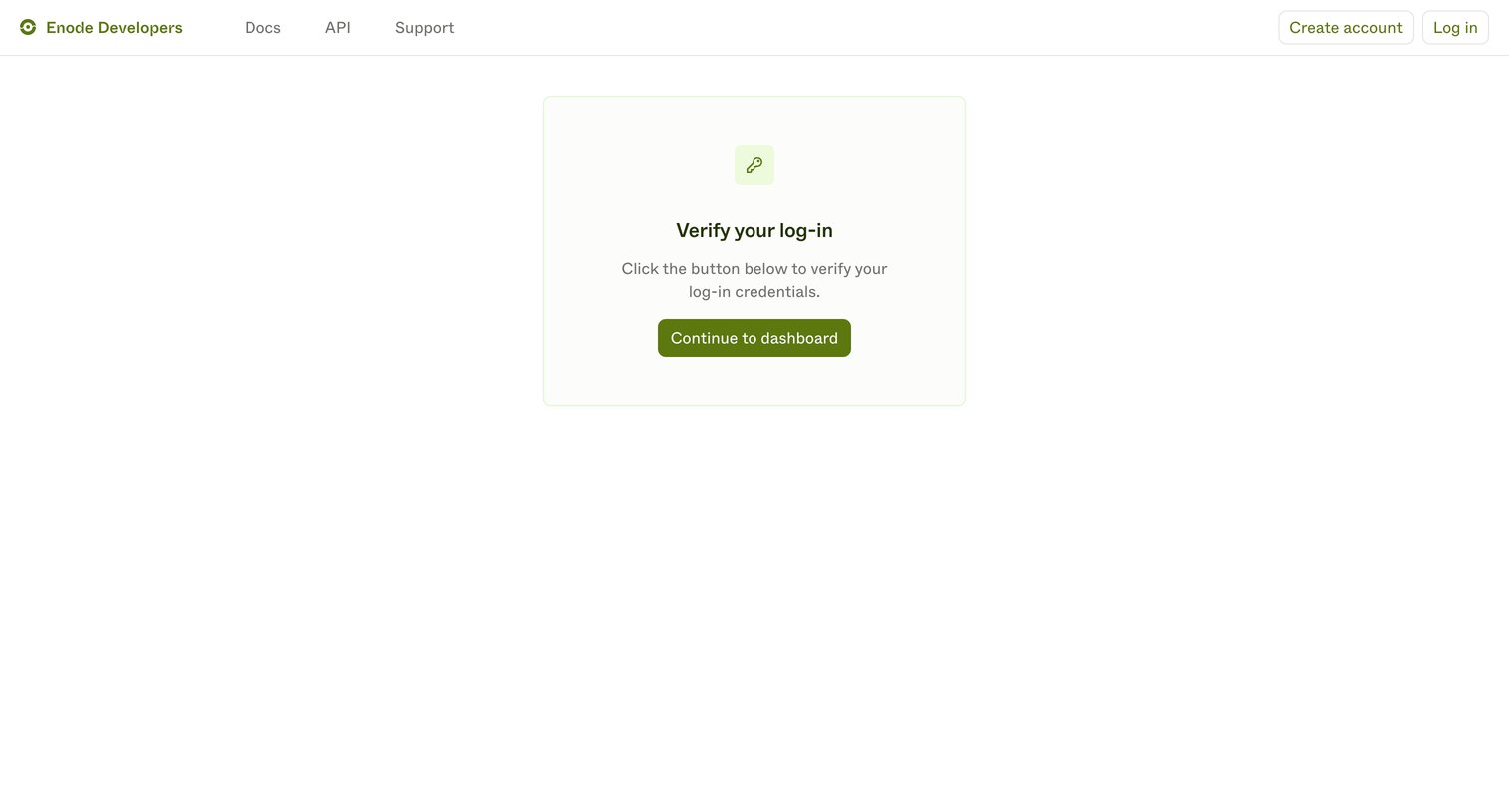
Verification screen where the user confirms their passwordless login to access the developer dashboard.
Enode - Enode Developers screen
Enode logo
Enode

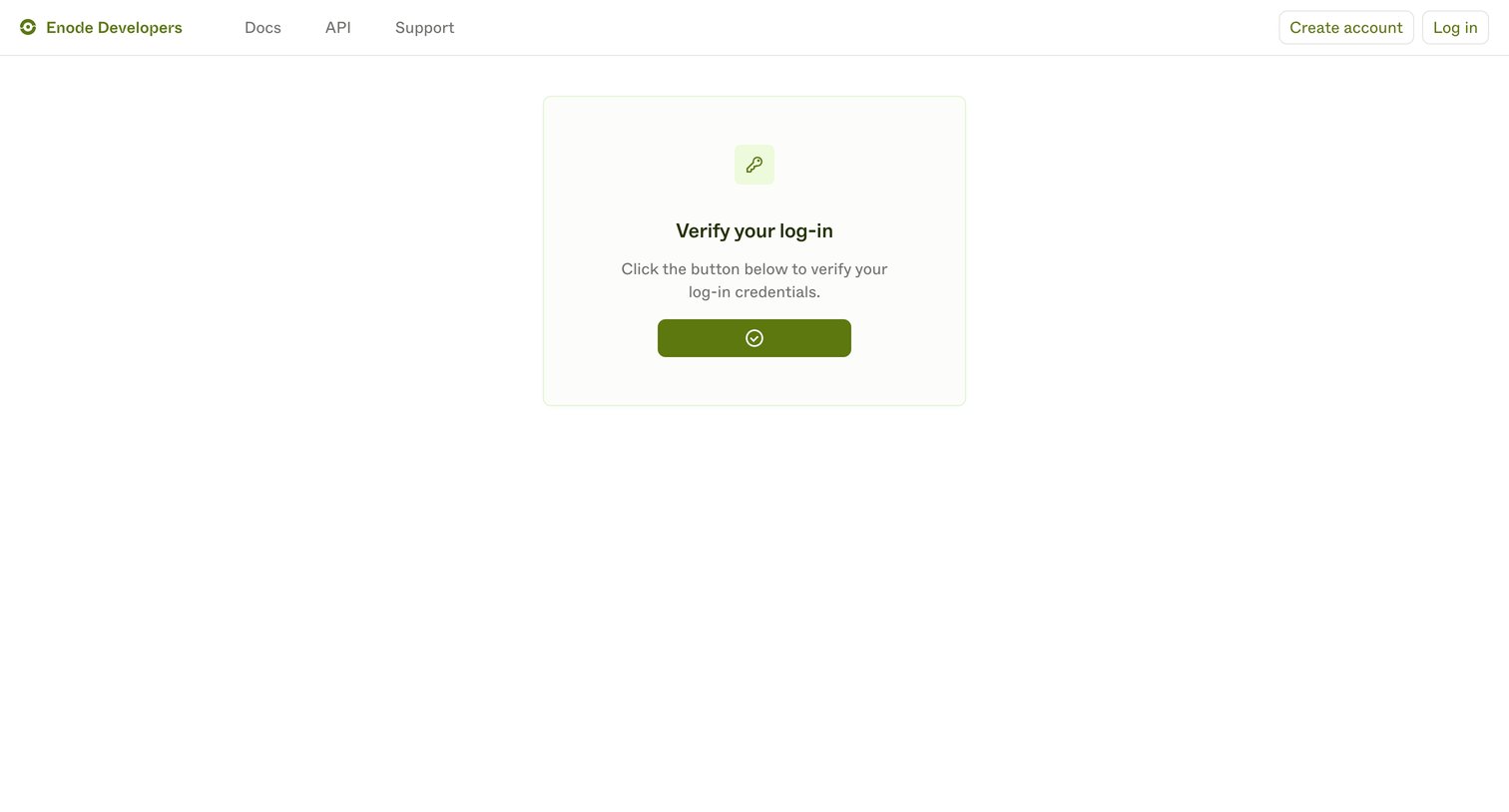
Verification screen where the user clicks a button to confirm their magic link login attempt.
Enode - Enode Developers screen
Enode logo
Enode

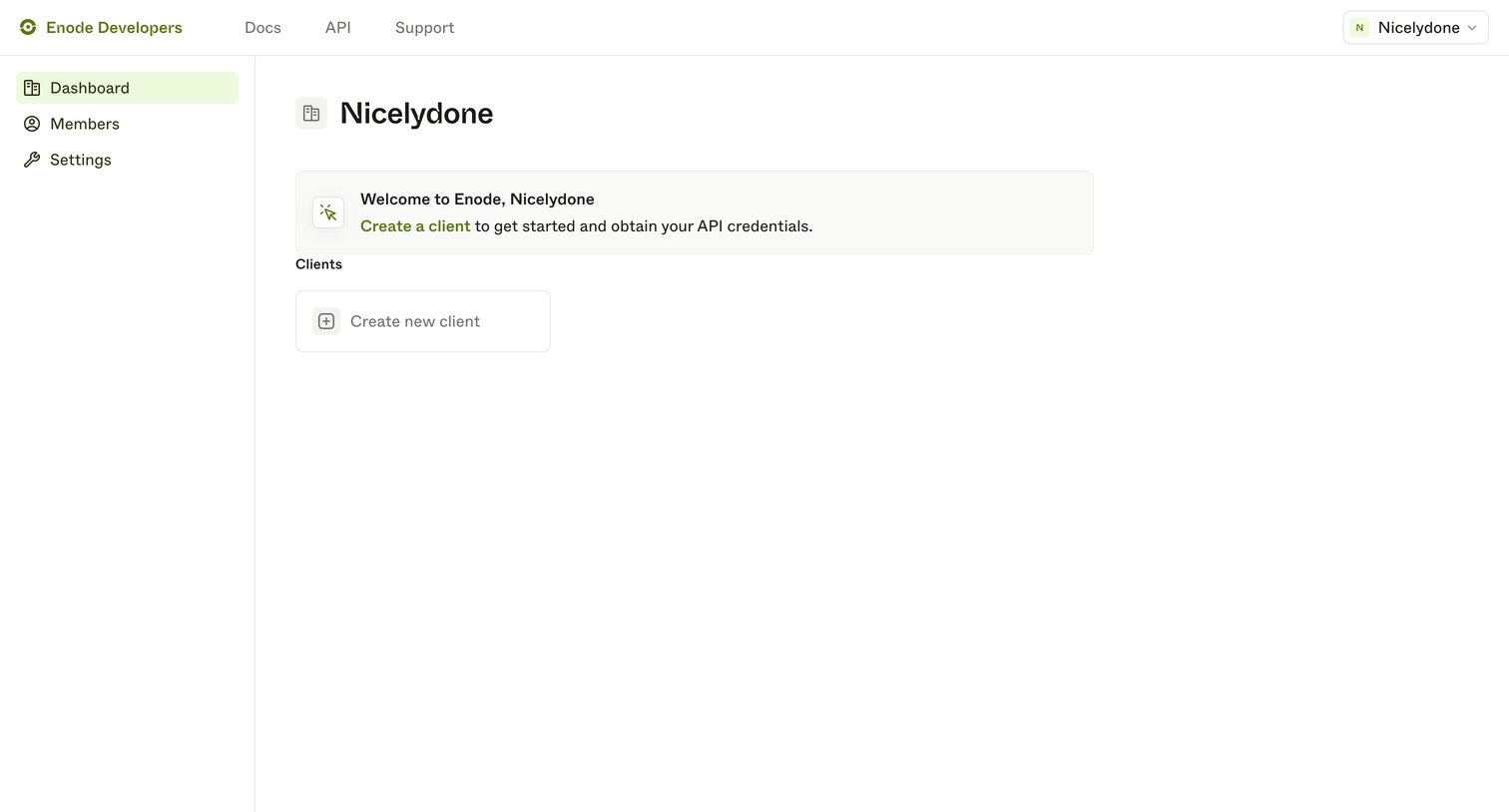
Developer dashboard empty state welcoming the user and prompting them to create their first API client.
Enode - Enode Developers screen
Enode logo
Enode

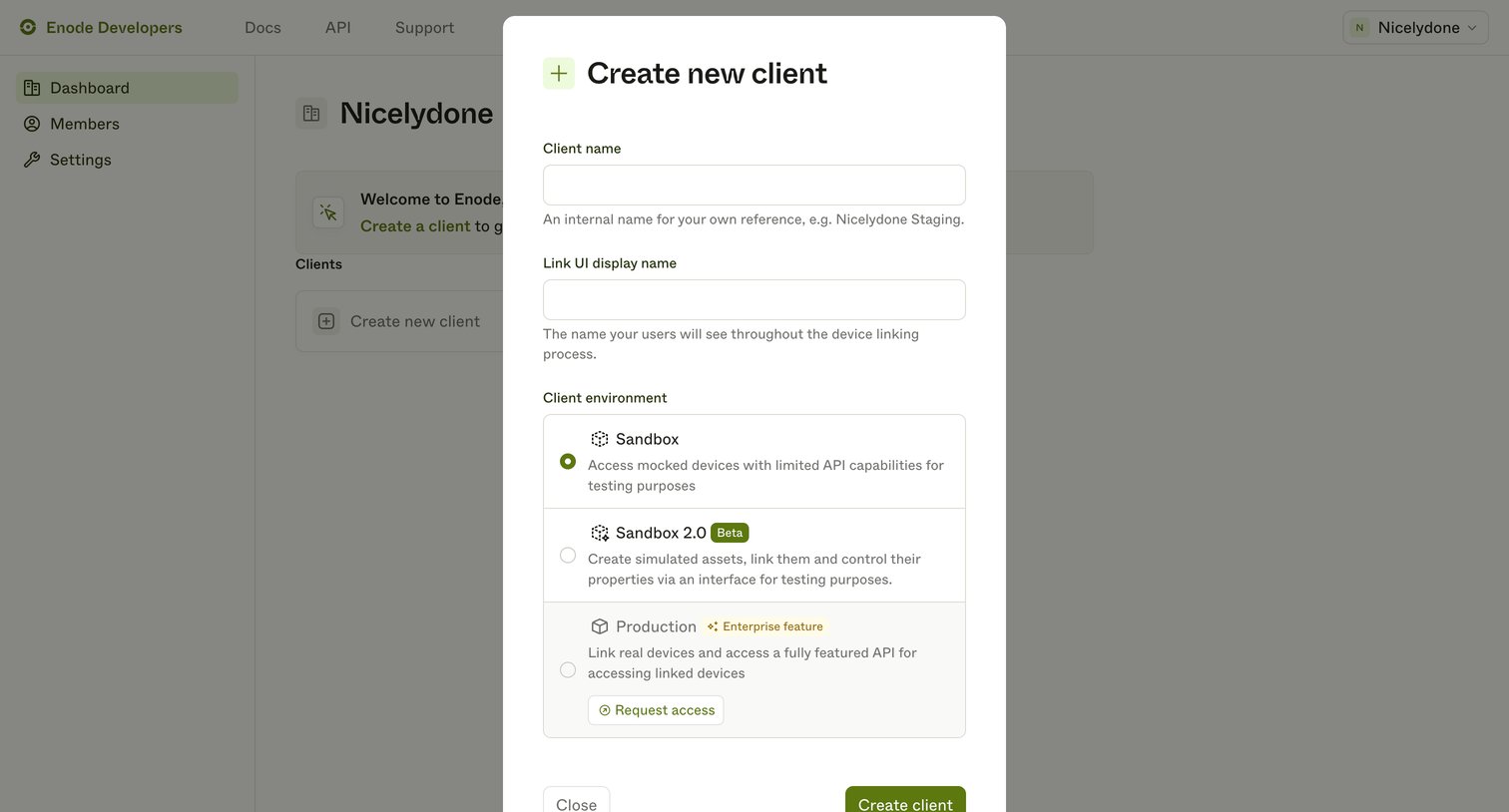
Create modal where the user configures a new client by providing an internal name, a public display name, and selecting an environment tier like Sandbox or Production.
Enode - Enode Developers screen
Enode logo
Enode

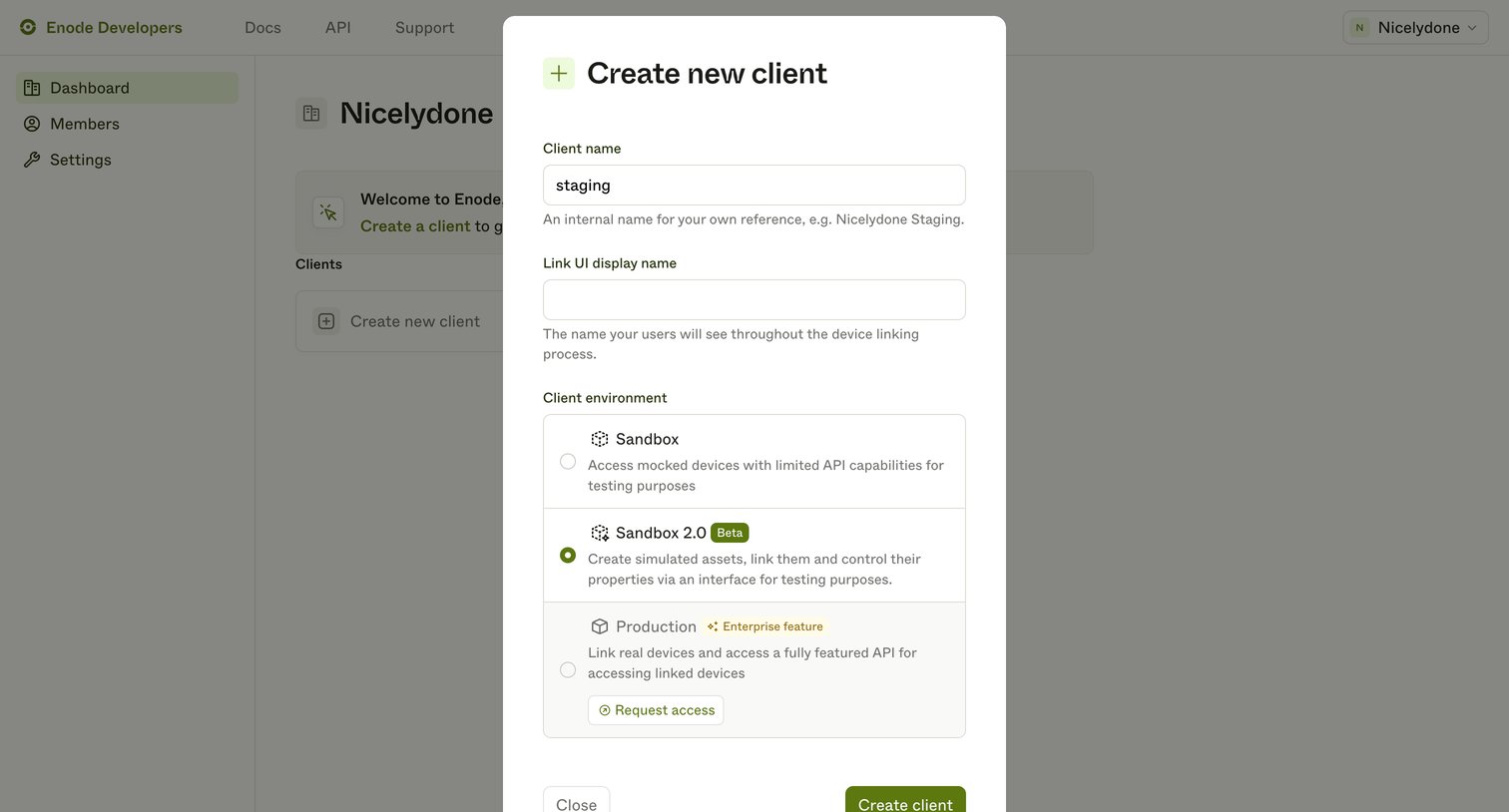
Modal where the user creates a new API client by providing an internal name, a display name, and selecting an environment like Sandbox or Production.

Explore the full SaaS screen library

Upgrade to unlock the full library.

Trusted by the best teams