Dyte product screens examples
Browse Dyte screen design examples. Preview the interface screenshots and explore related UI patterns. Build powerful live experiences in your product
Explore the examples
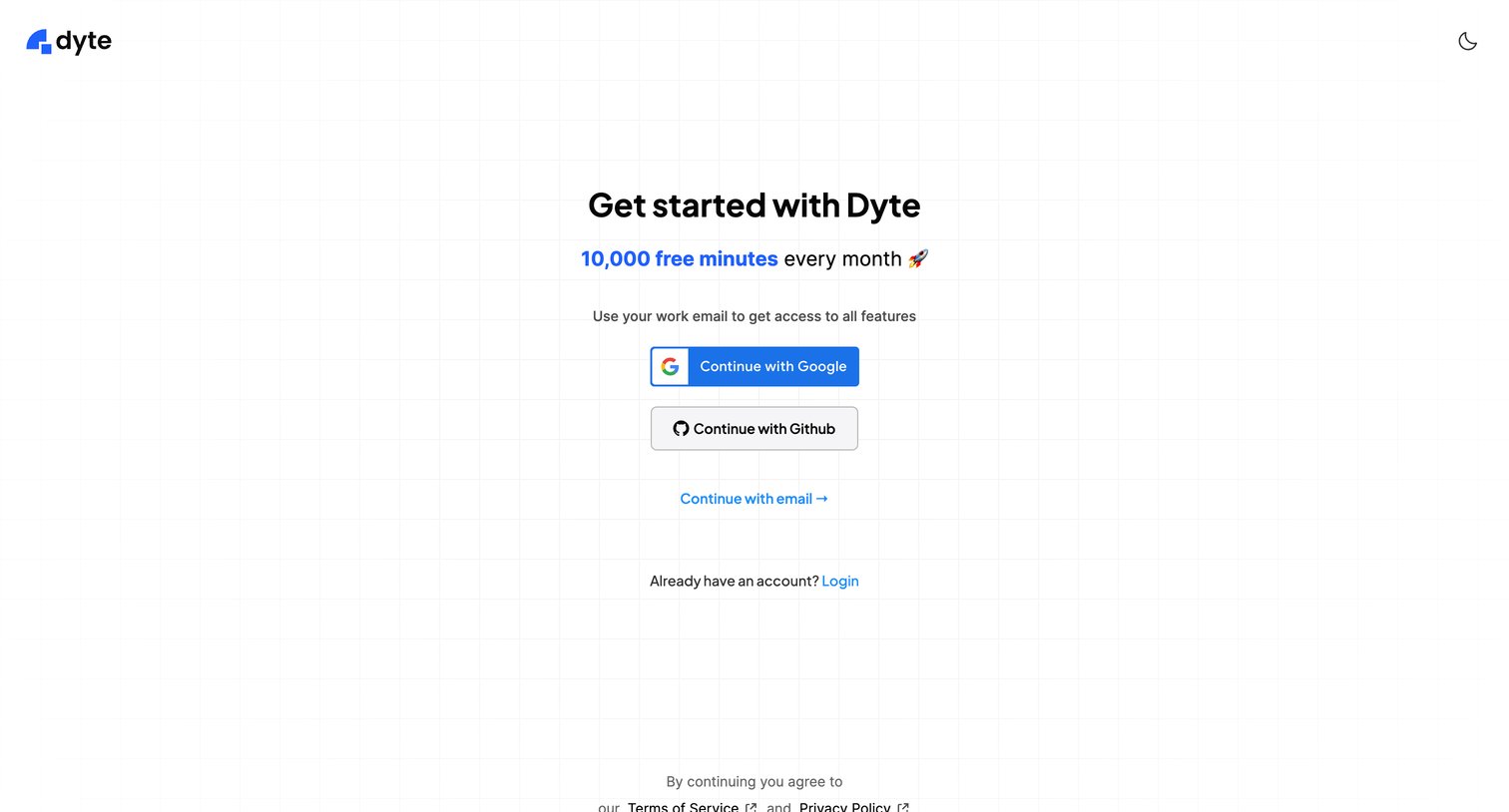

Signup screen where the user can create an account using Google, GitHub, or their work email to access a free tier.
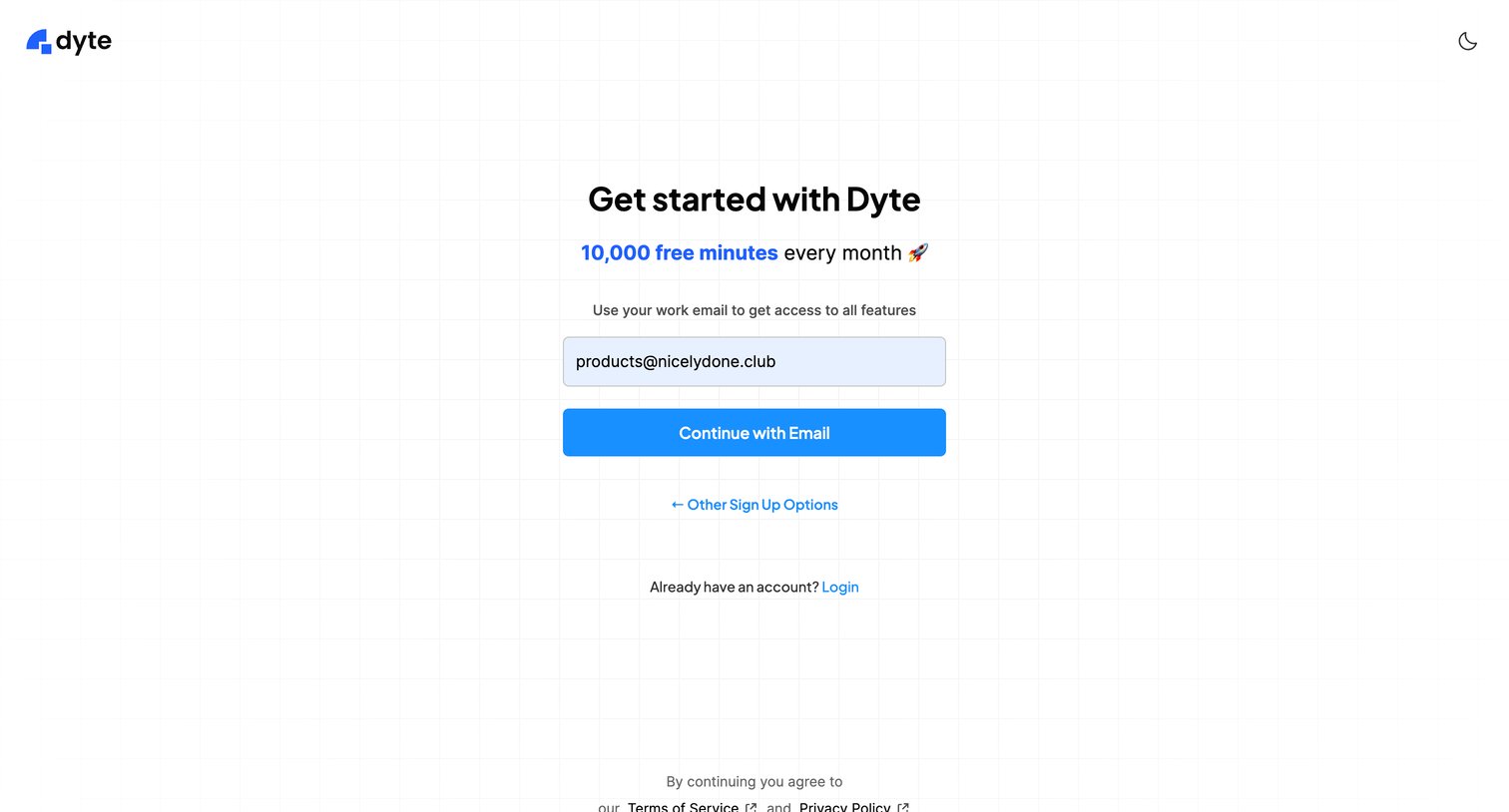
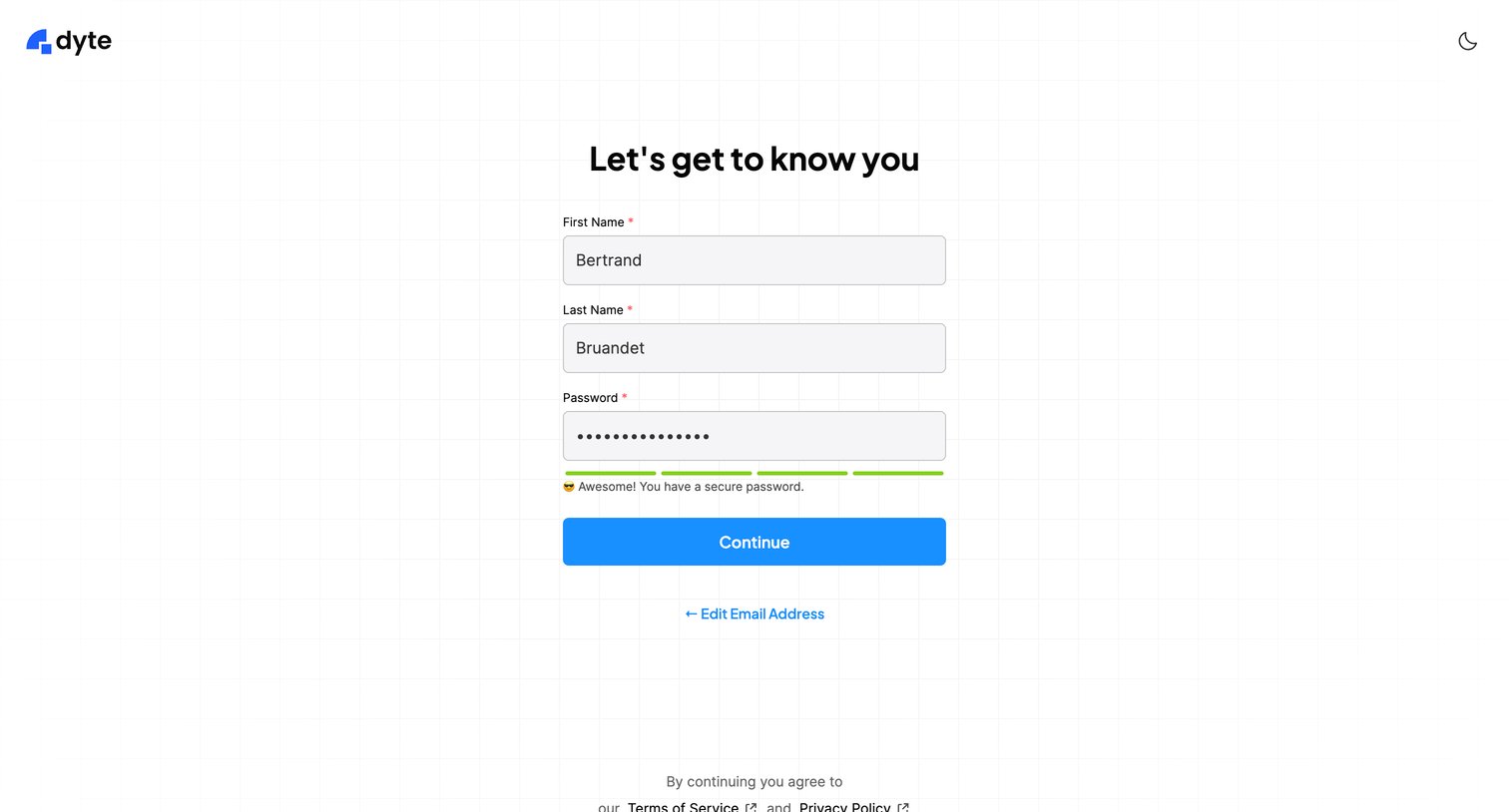
Signup step where the user enters their first name, last name, and a secure password to complete account creation.
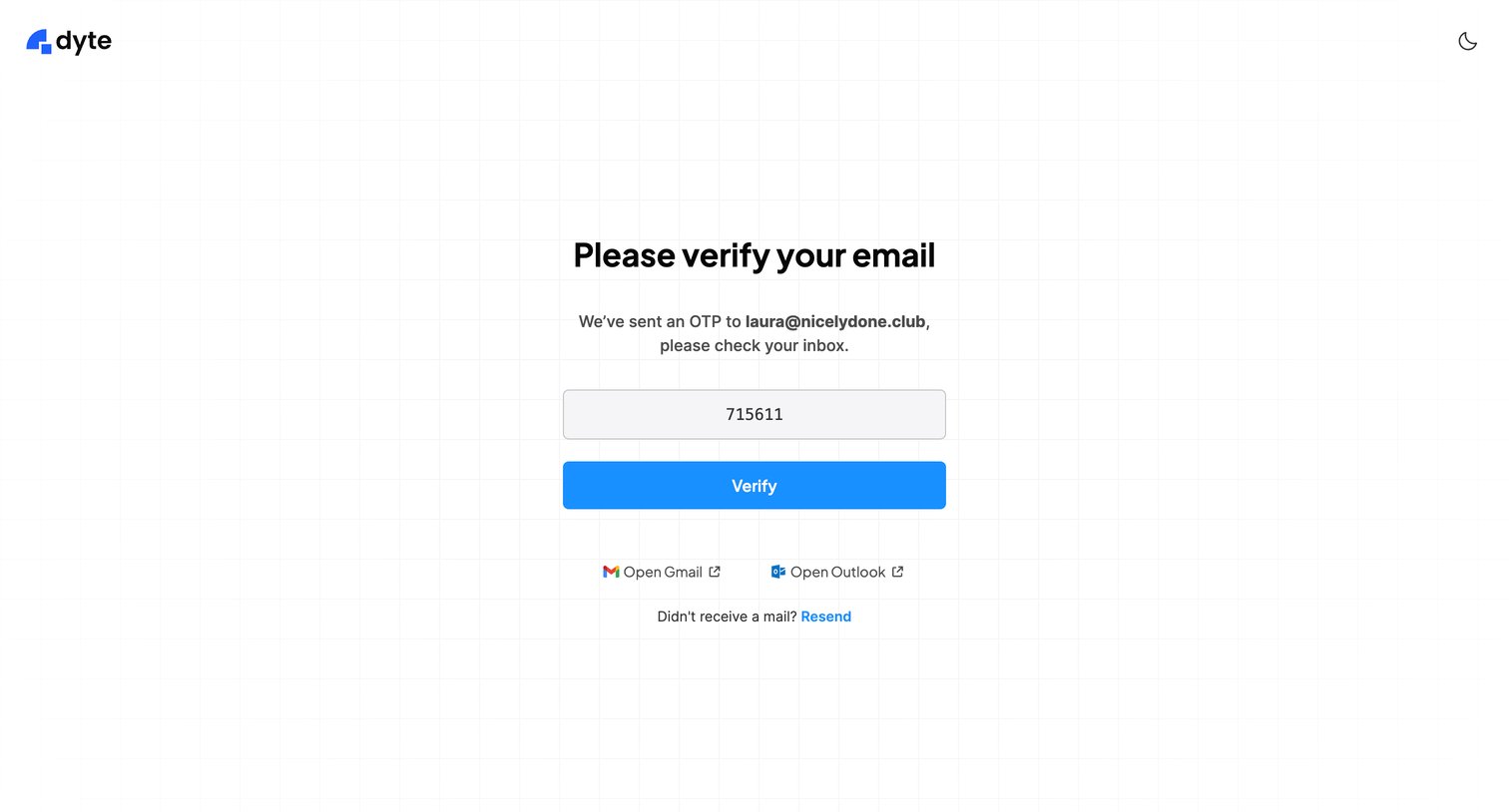
Verification screen where the user enters a 6-digit OTP sent to their email to authenticate, with quick links to open Gmail or Outlook.
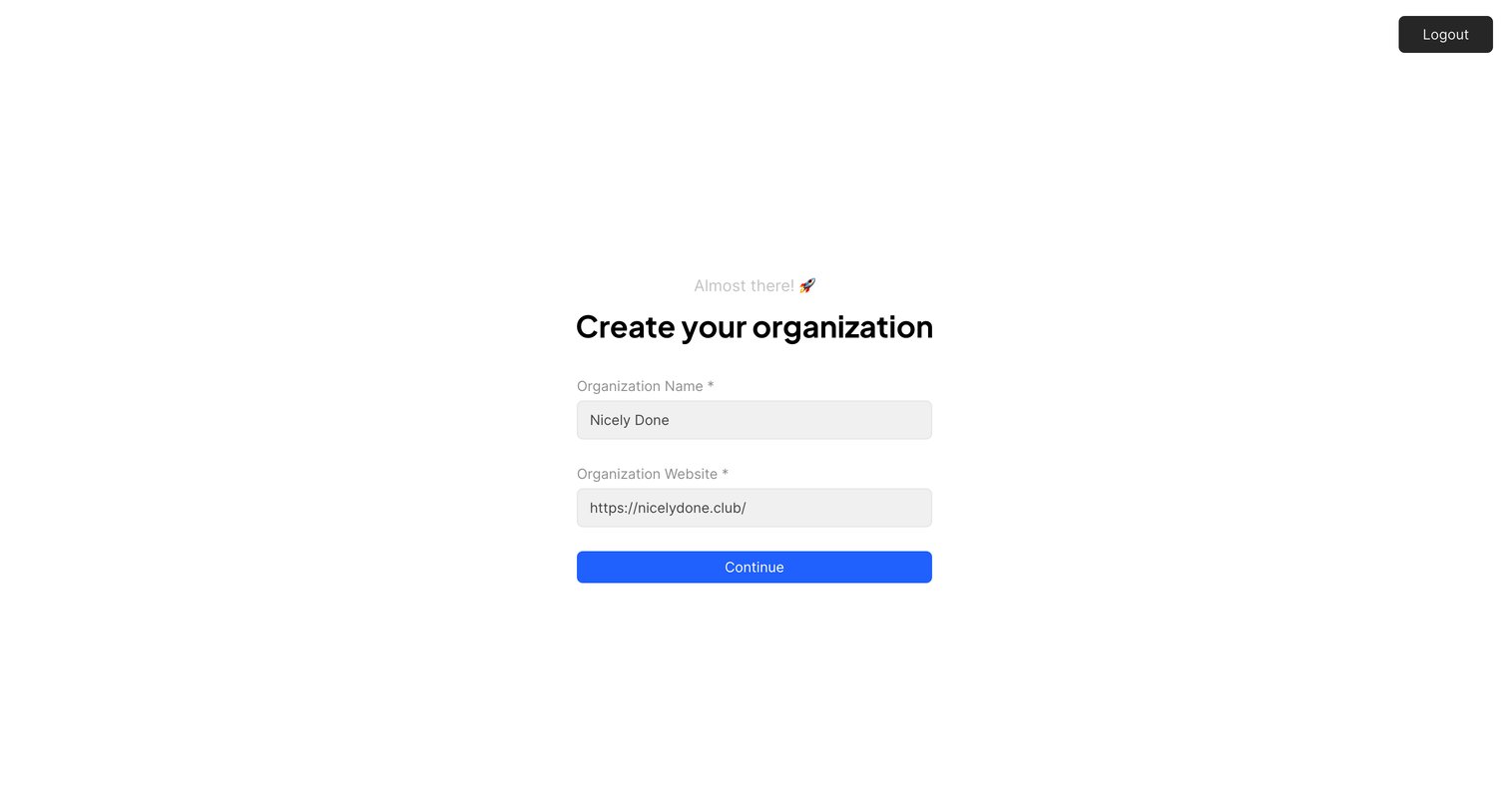
Onboarding step where the user names their organization and provides a website URL to continue.
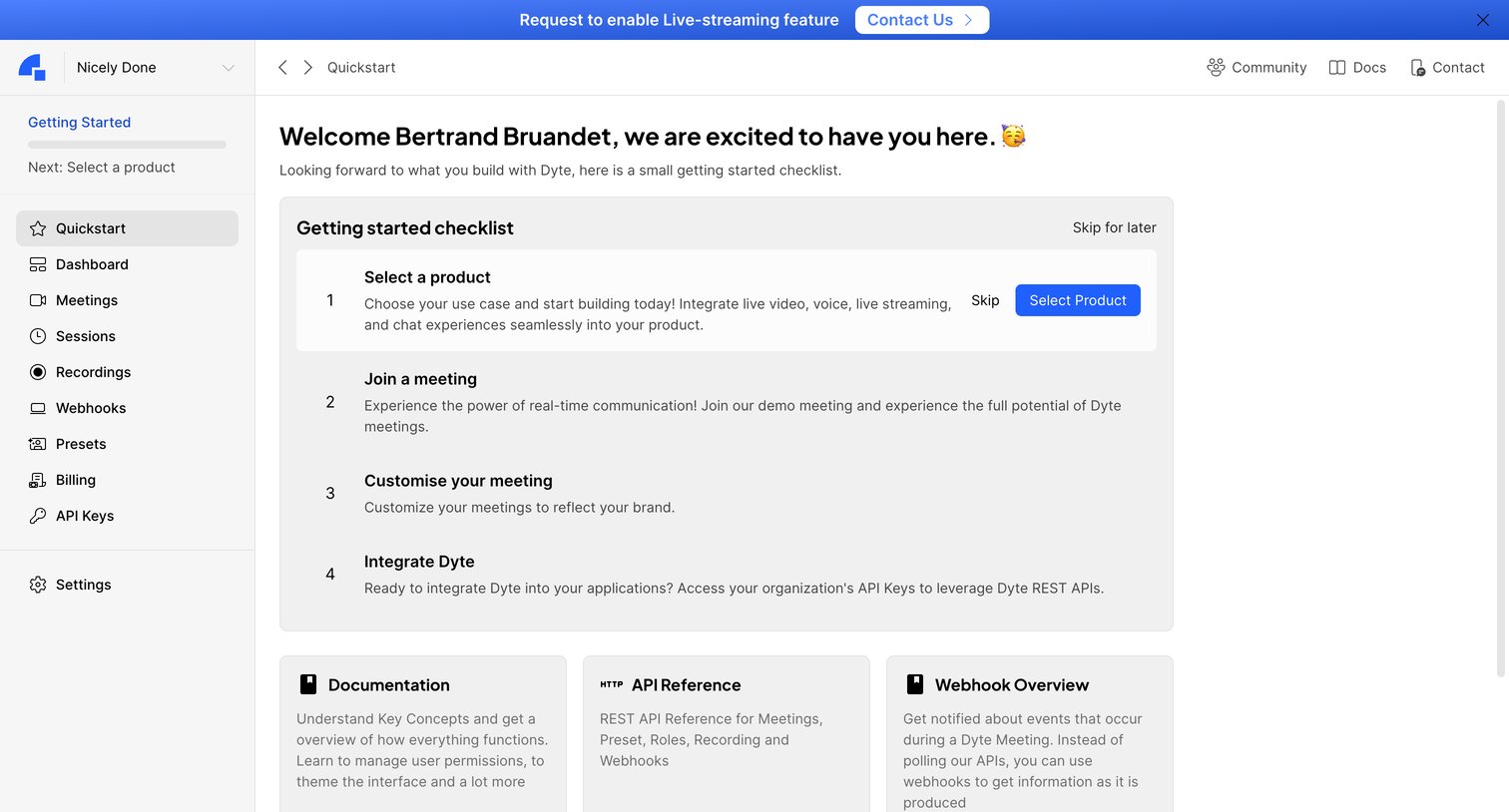
Dashboard featuring a getting started checklist that prompts the user to select a product, join a meeting, and integrate APIs, alongside quick links to documentation.
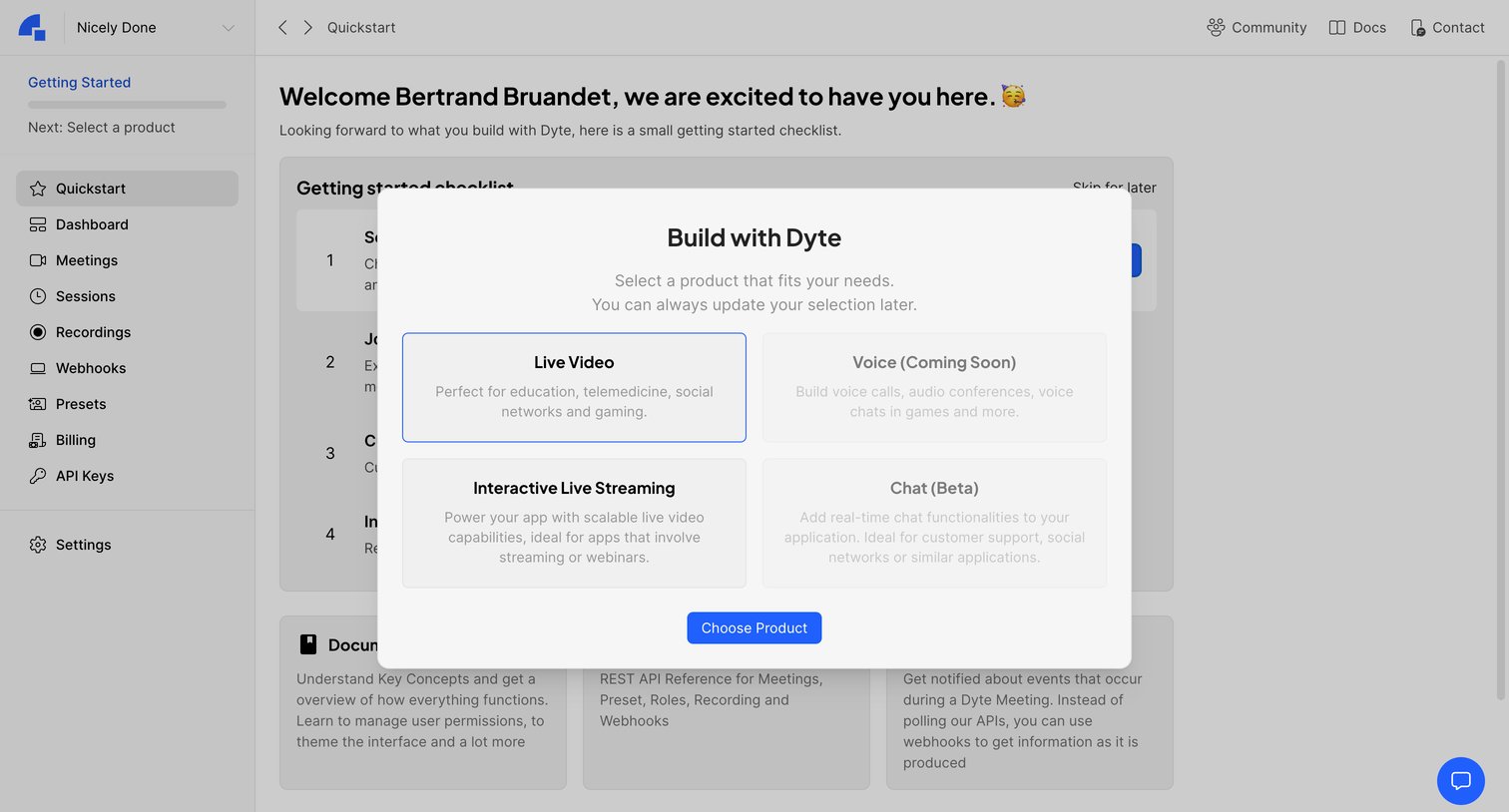
Onboarding screen where the user selects the primary product they want to build, such as Live Video or Interactive Live Streaming, before proceeding to their checklist.
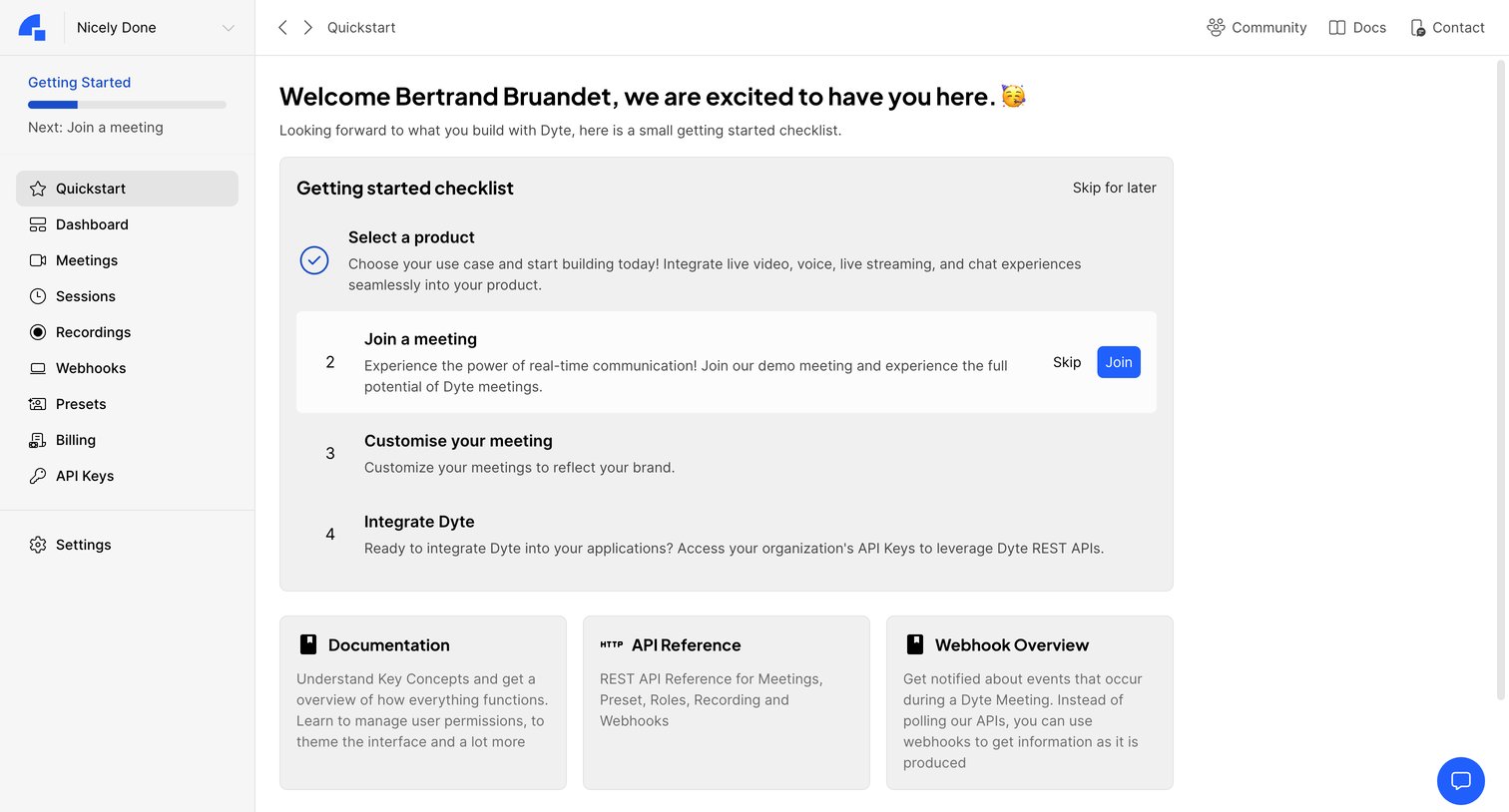
Onboarding screen featuring a getting started checklist with steps to join a demo meeting and integrate APIs, alongside quick links to documentation and webhooks.
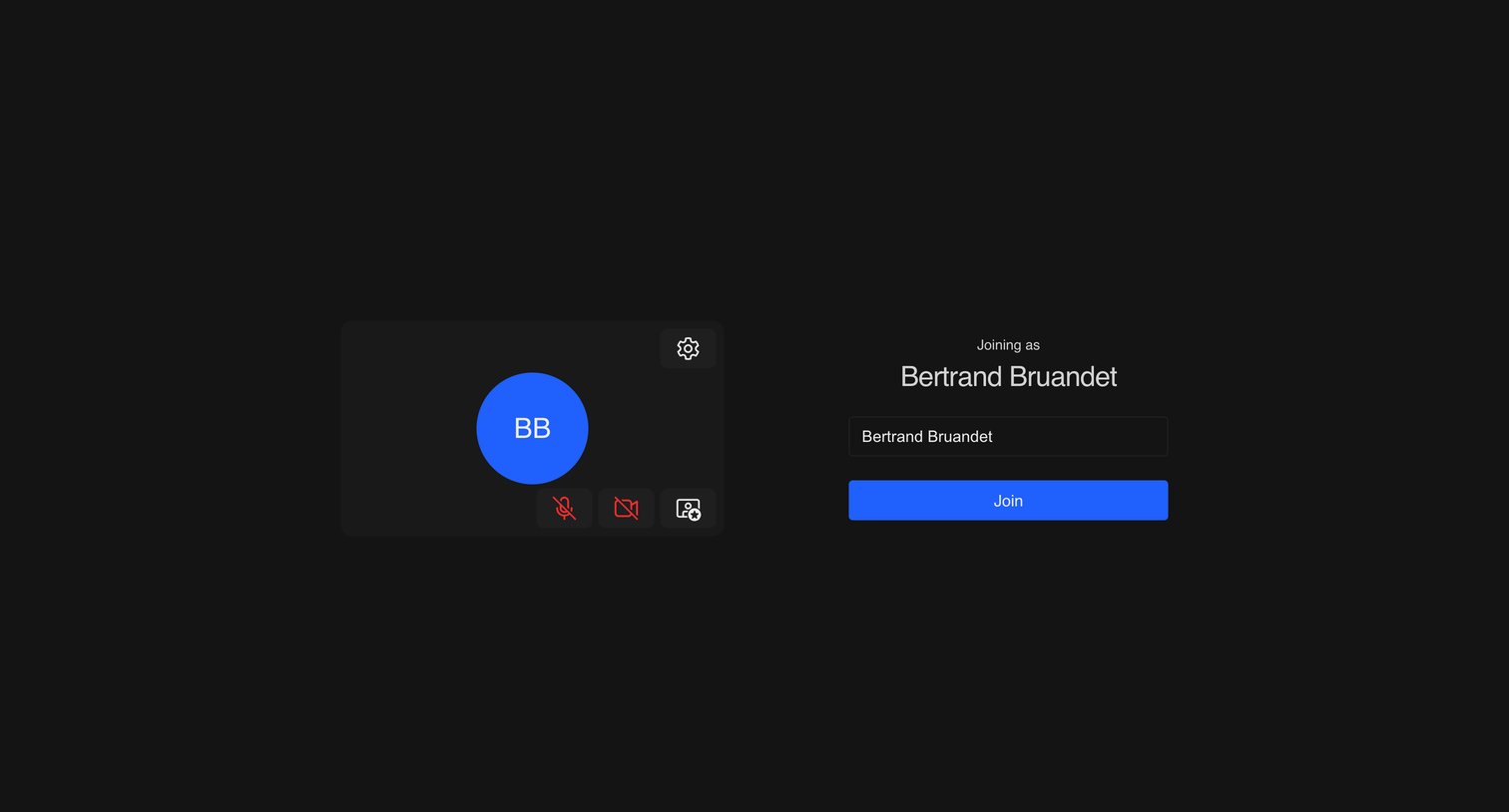
Pre-join screen for a video meeting where the user can preview their video, toggle their microphone and camera, and confirm their display name before joining.
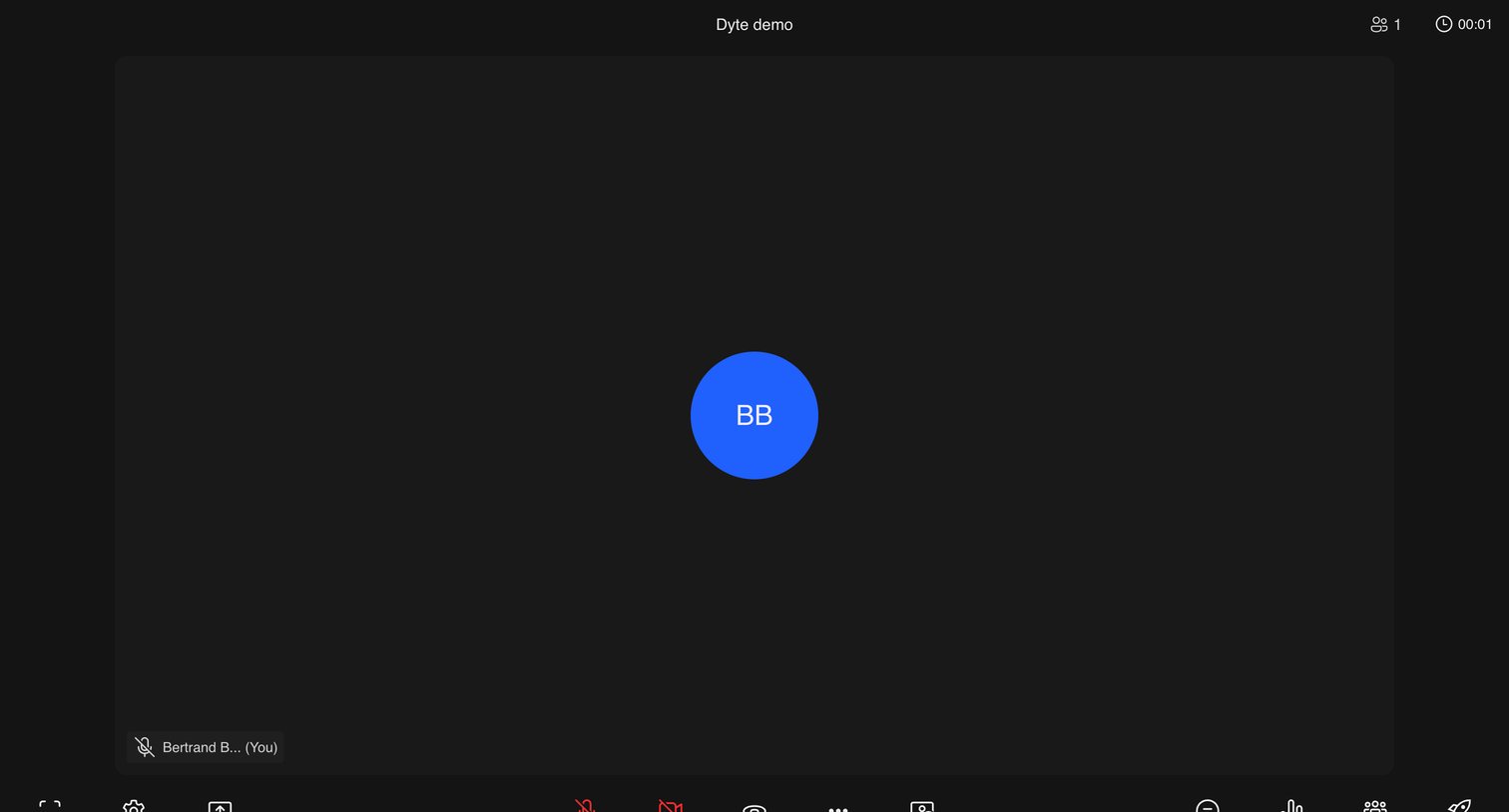
Video meeting interface where the user is currently the only participant, featuring a central avatar and a bottom toolbar with controls for audio, video, screen sharing, and chat.
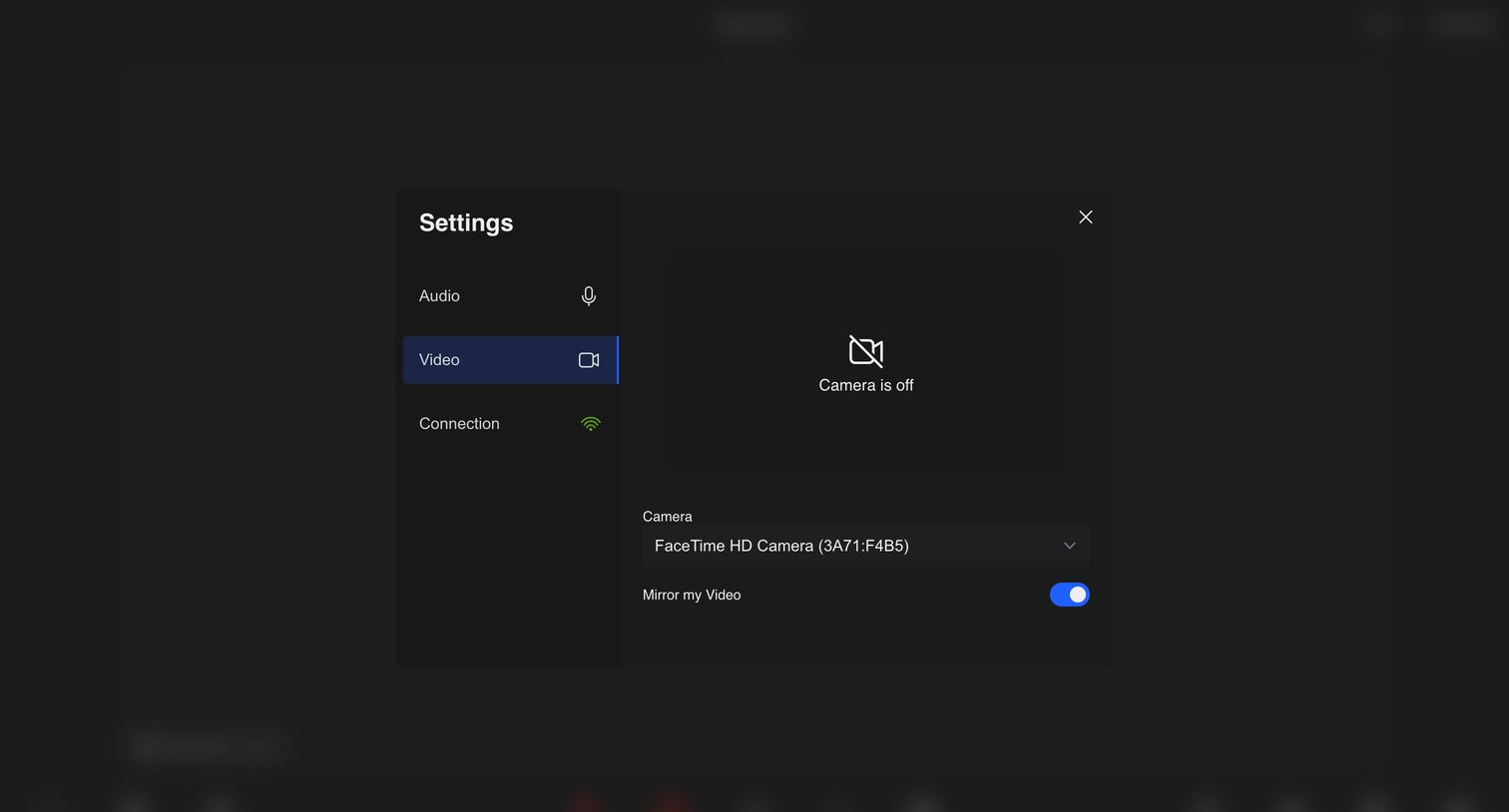
Settings modal where the user configures their video input device and toggles video mirroring.
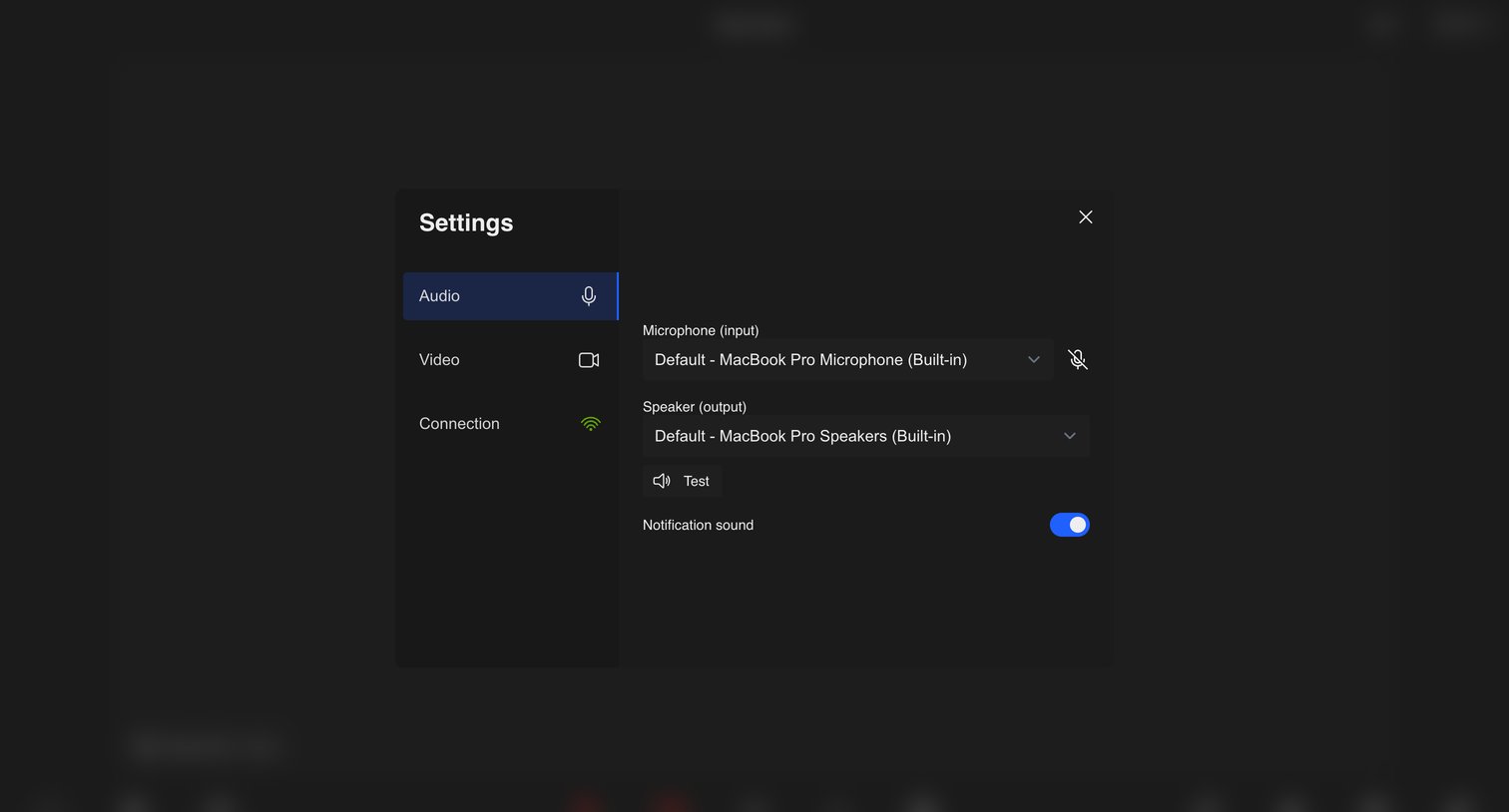
Settings modal where the user configures their audio input and output devices and toggles notification sounds for a video meeting.
Explore the full SaaS screen library
Upgrade to unlock the full library.
Trusted by the best teams







