Skip to content

Dyte UI components examples

Browse Dyte UI component design examples. Preview individual interface elements and explore related component categories. Build powerful live experiences in your product

Explore the examples
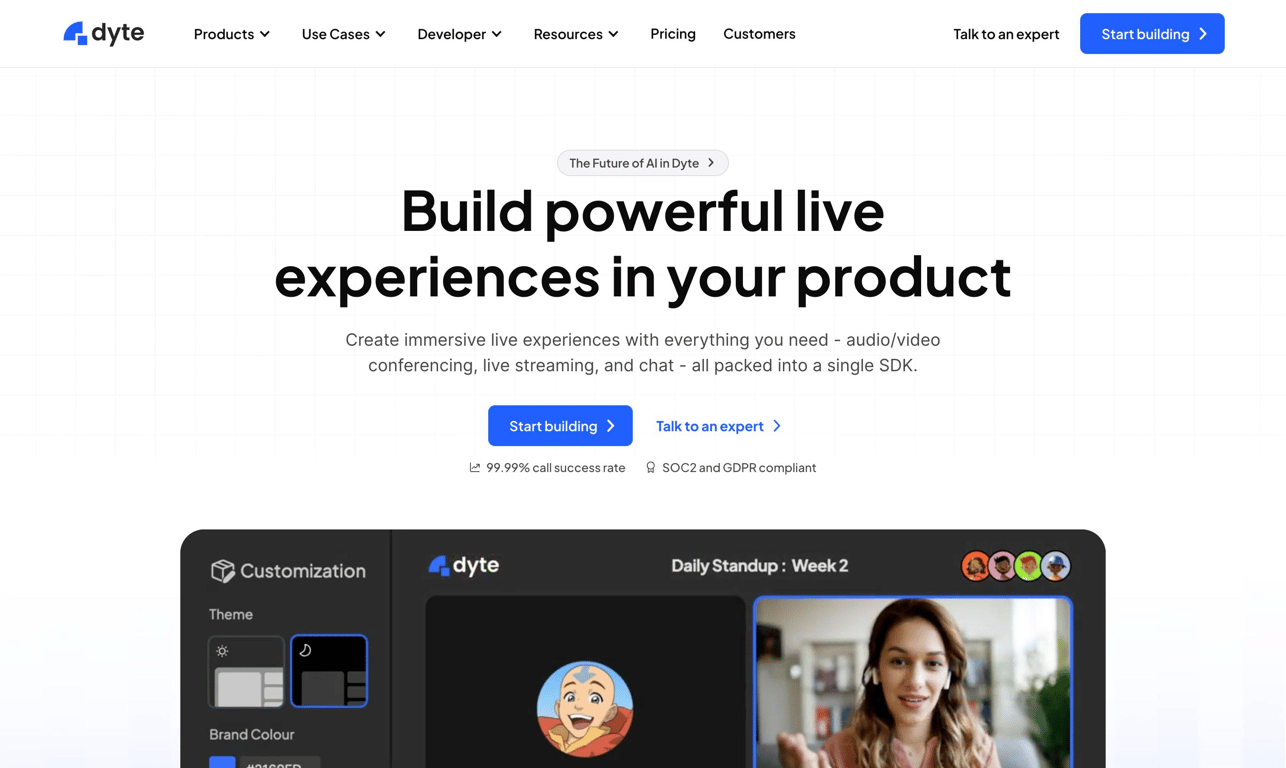
Dyte — Hero section component
Dyte logo
Dyte

A hero section featuring a prominent headline, subheadline, call-to-action buttons, and a product preview image, situated below a top navigation bar.
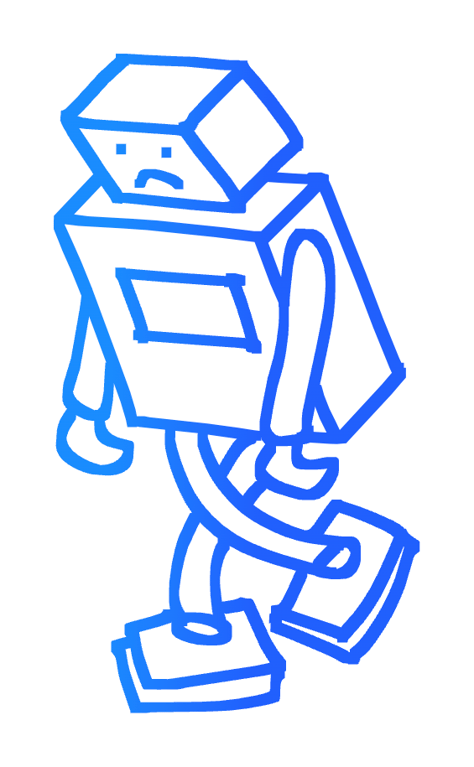
Dyte — Illustration component
Dyte logo
Dyte

A blue line drawing of a robot

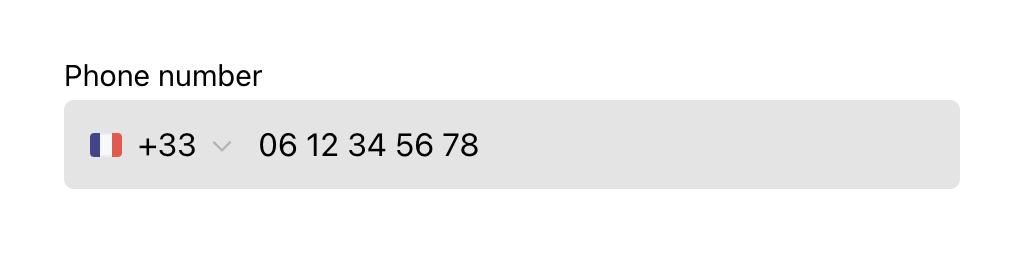
Dyte — Input phone number component
Dyte logo
Dyte

A phone number input field with a country code dropdown.

Dyte — Illustration component
Dyte logo
Dyte

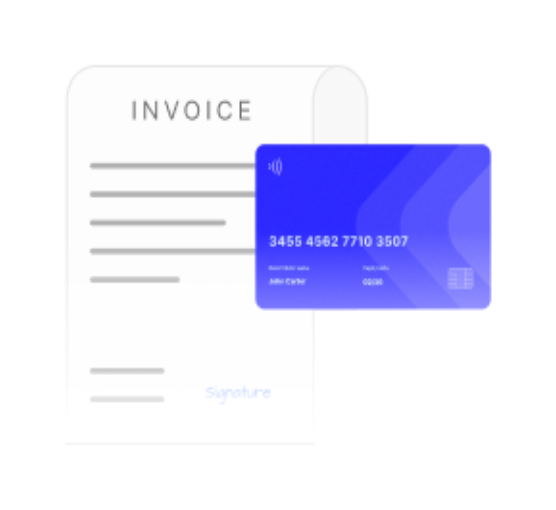
An illustration of an invoice and a credit card.

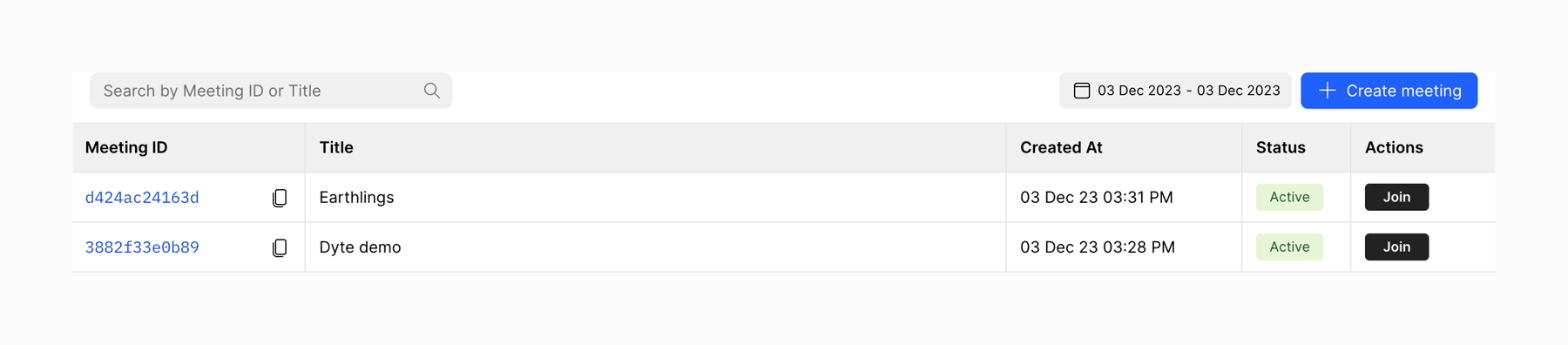
Dyte — Table component
Dyte logo
Dyte

A table displaying meeting information.

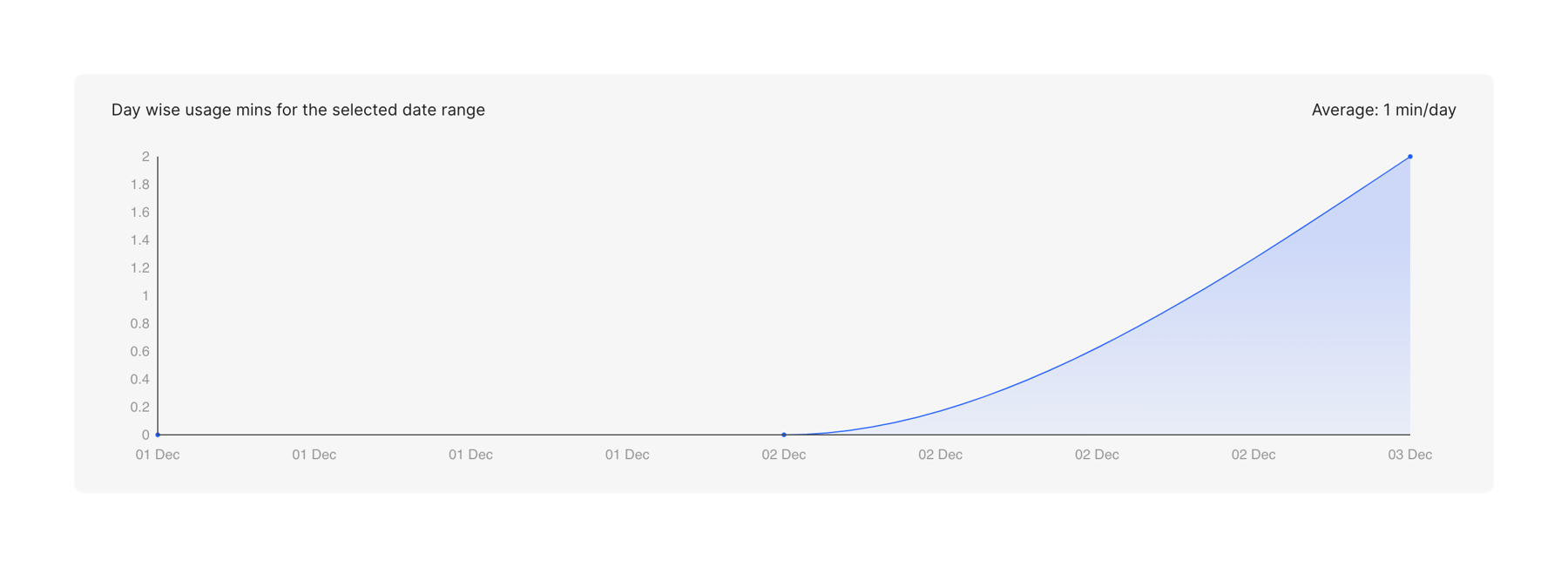
Dyte — Charts component
Dyte logo
Dyte

A line chart showing daily usage over a period of time.

Dyte — Toggle/Switch component
Dyte logo
Dyte

A toggle switch for notification sound settings.

Browse the full component library

Browse the full UI component library.

Trusted by the best teams