
Cushion design examples
Explore Cushion UI design examples. Peace of mind for freelancers
Product screens
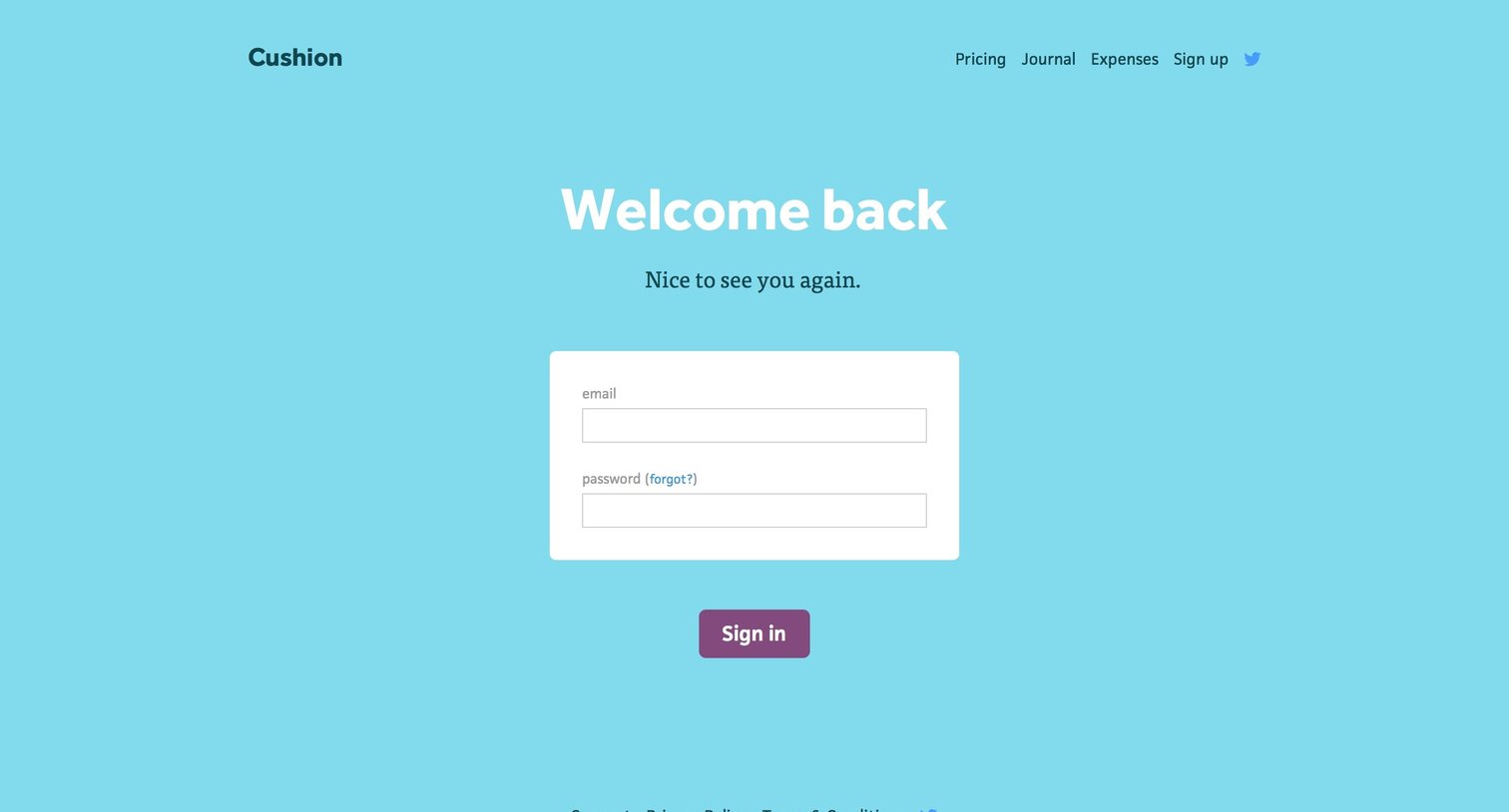
Sign-in screen where the user authenticates with their email and password, featuring top navigation links to pricing and a sign-up option.
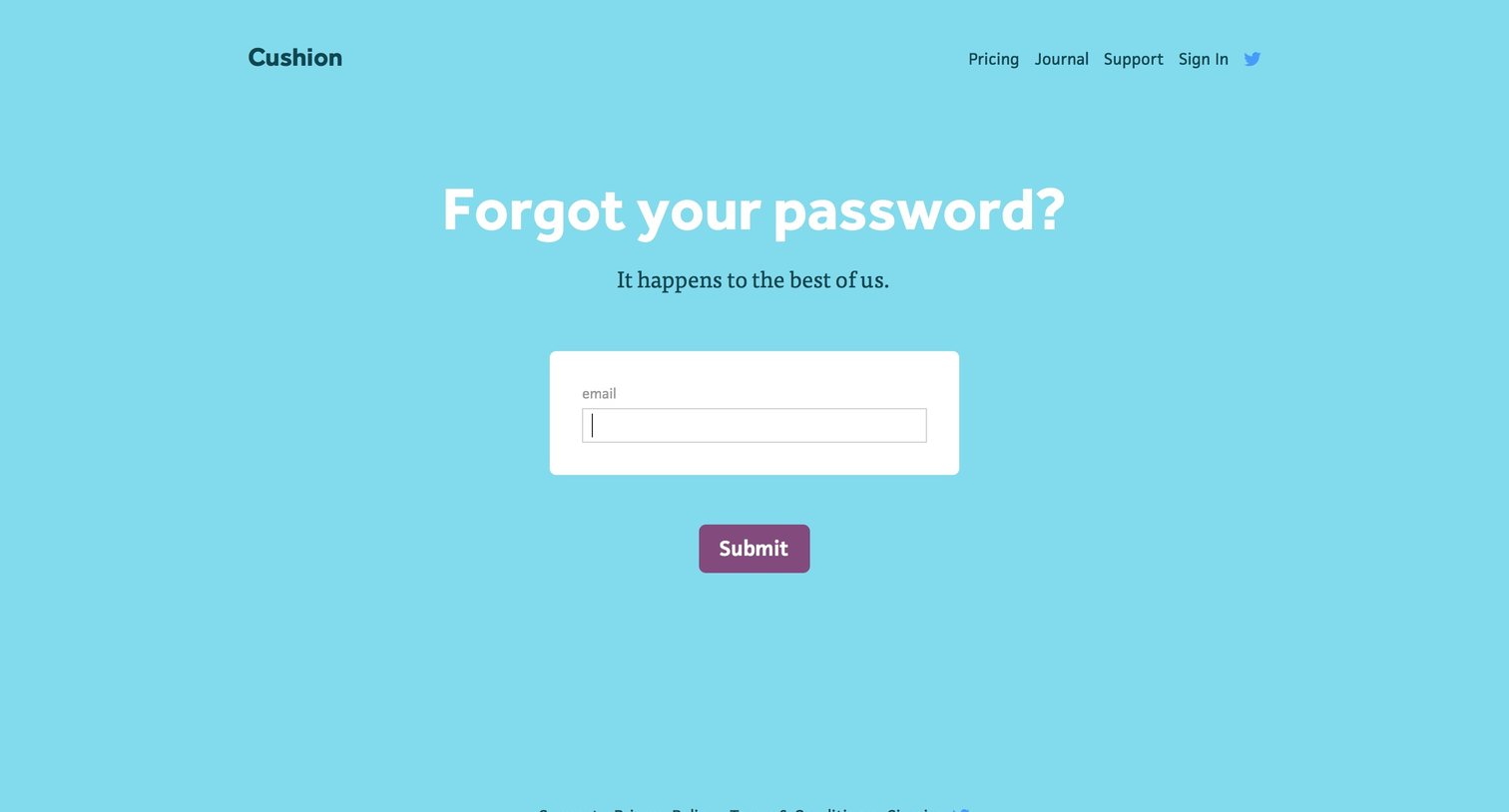
Password recovery screen where the user enters their email address to request a reset link.
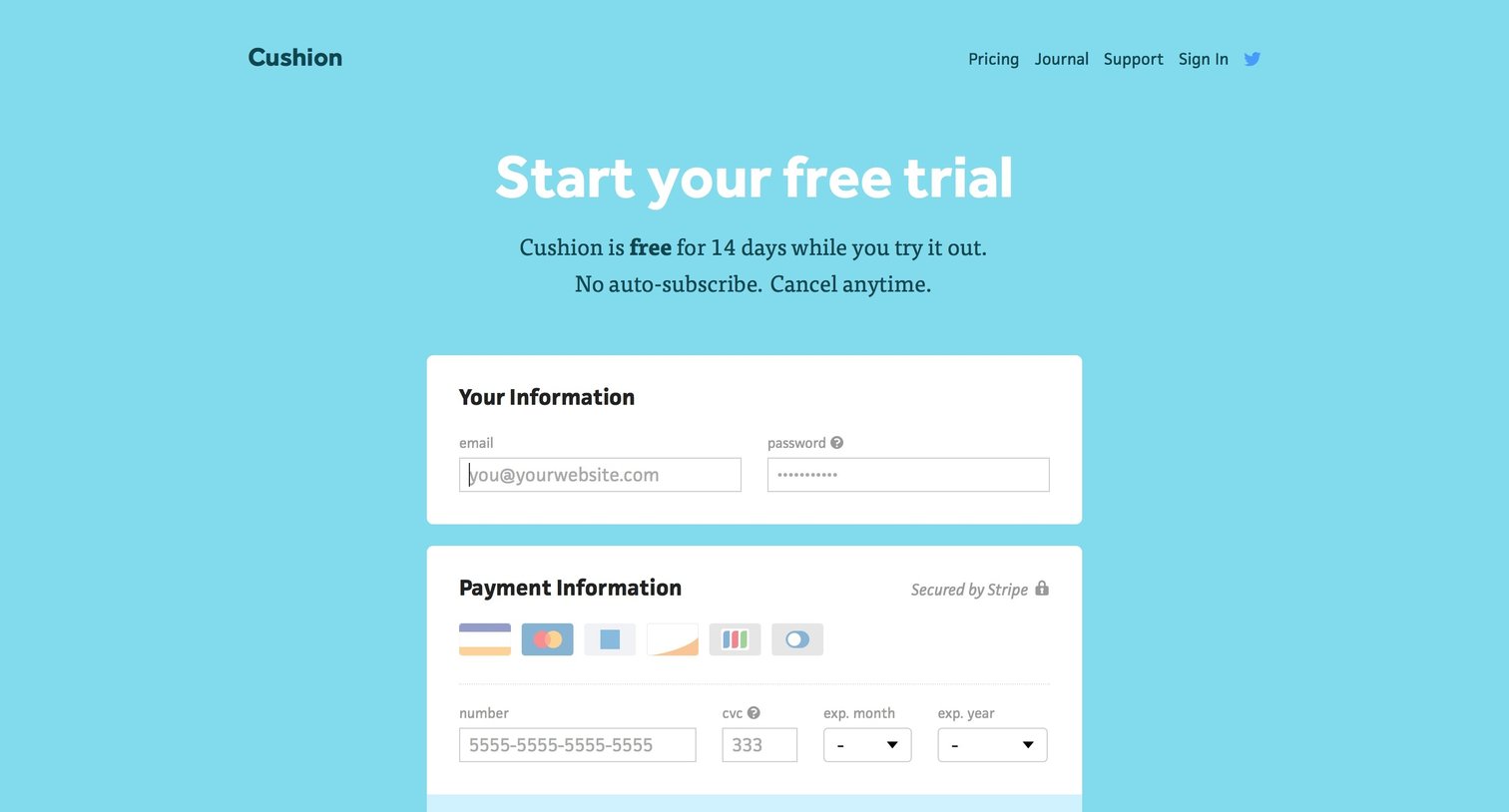
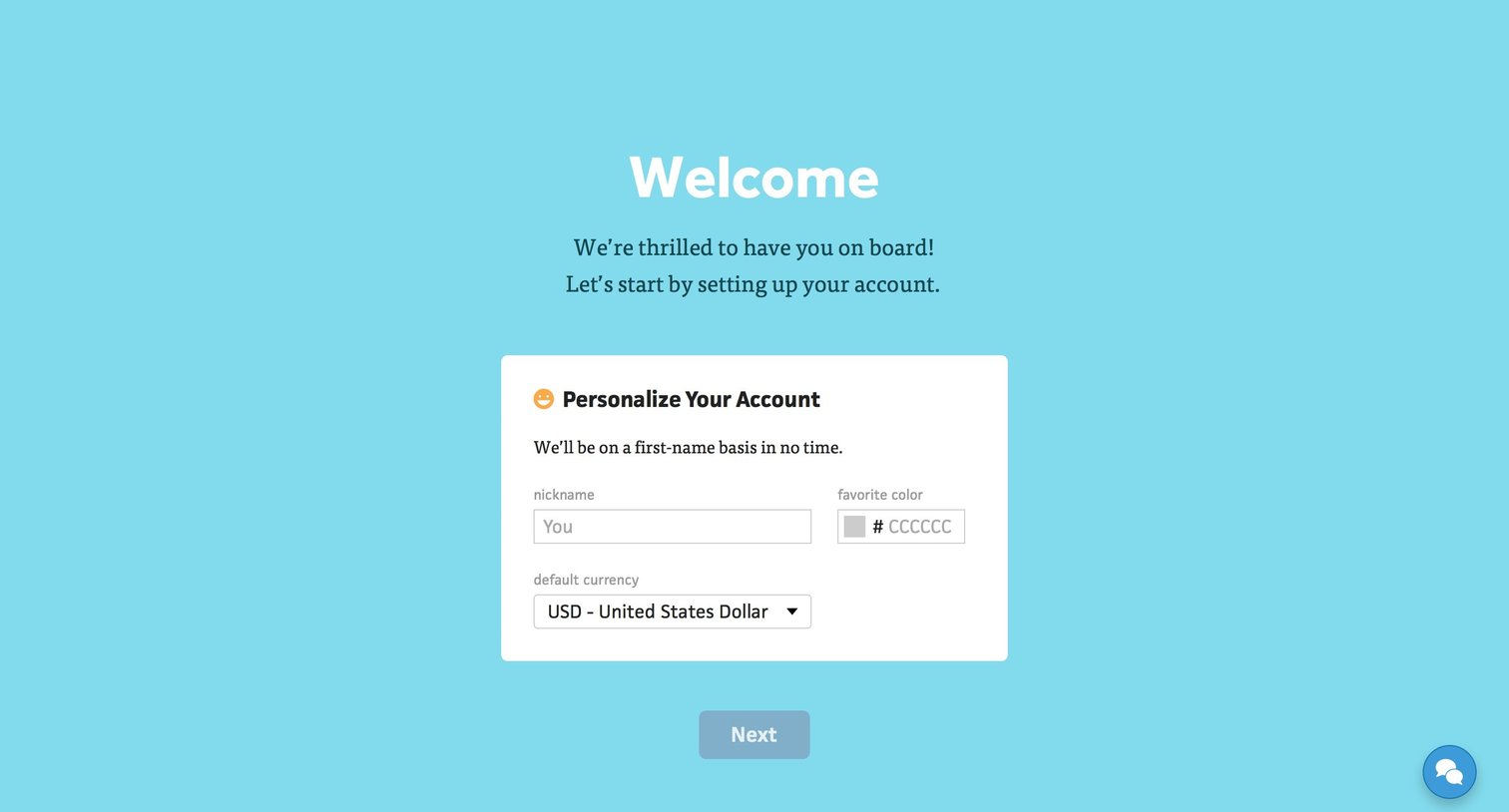
Onboarding step where the user personalizes their account by entering a nickname, favorite color, and default currency.
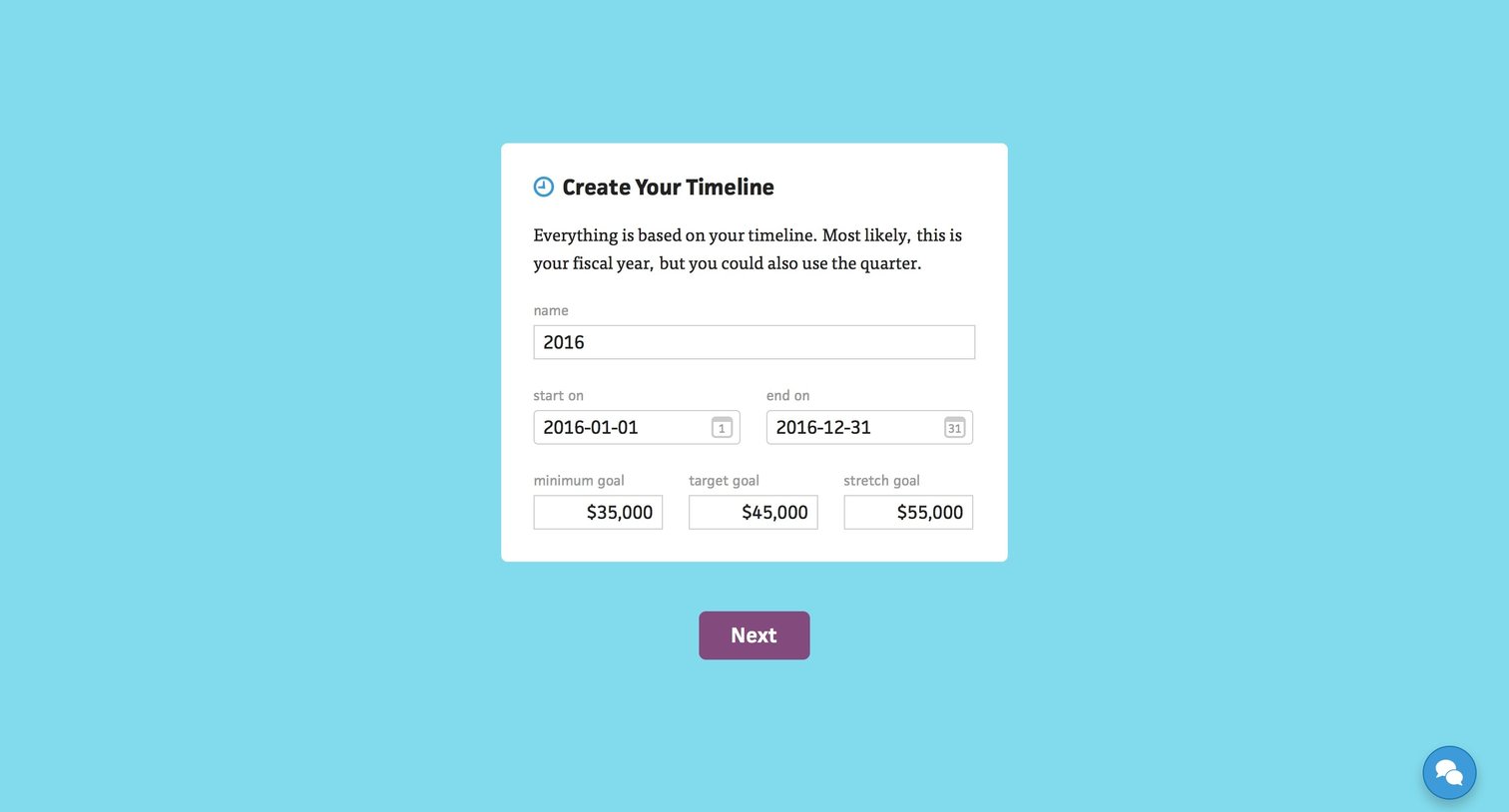
Onboarding step where the user configures their timeline by setting a name, start and end dates, and financial goals for the period.
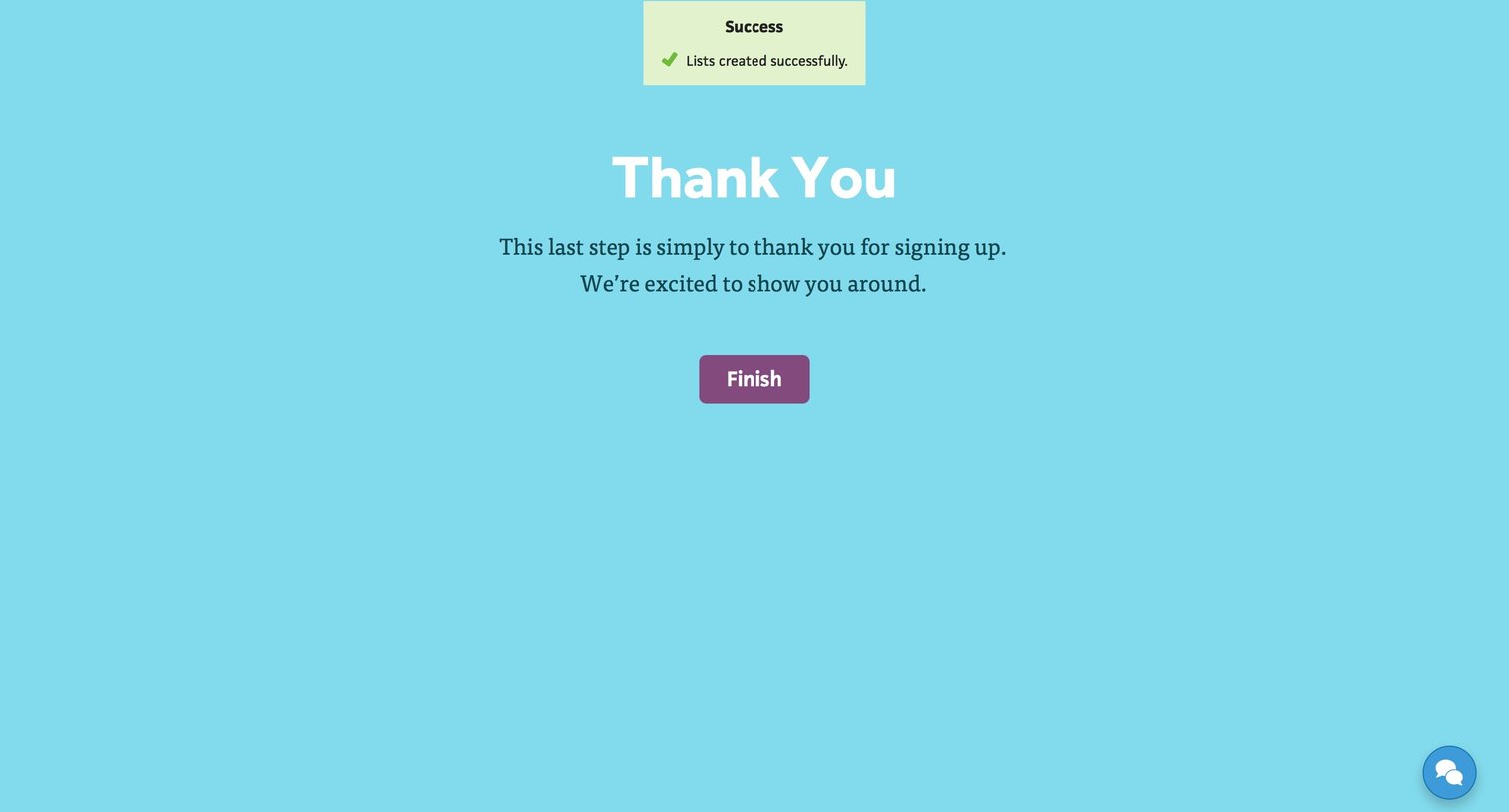
Onboarding completion screen where a success toast confirms list creation and a final finish button welcomes the user.
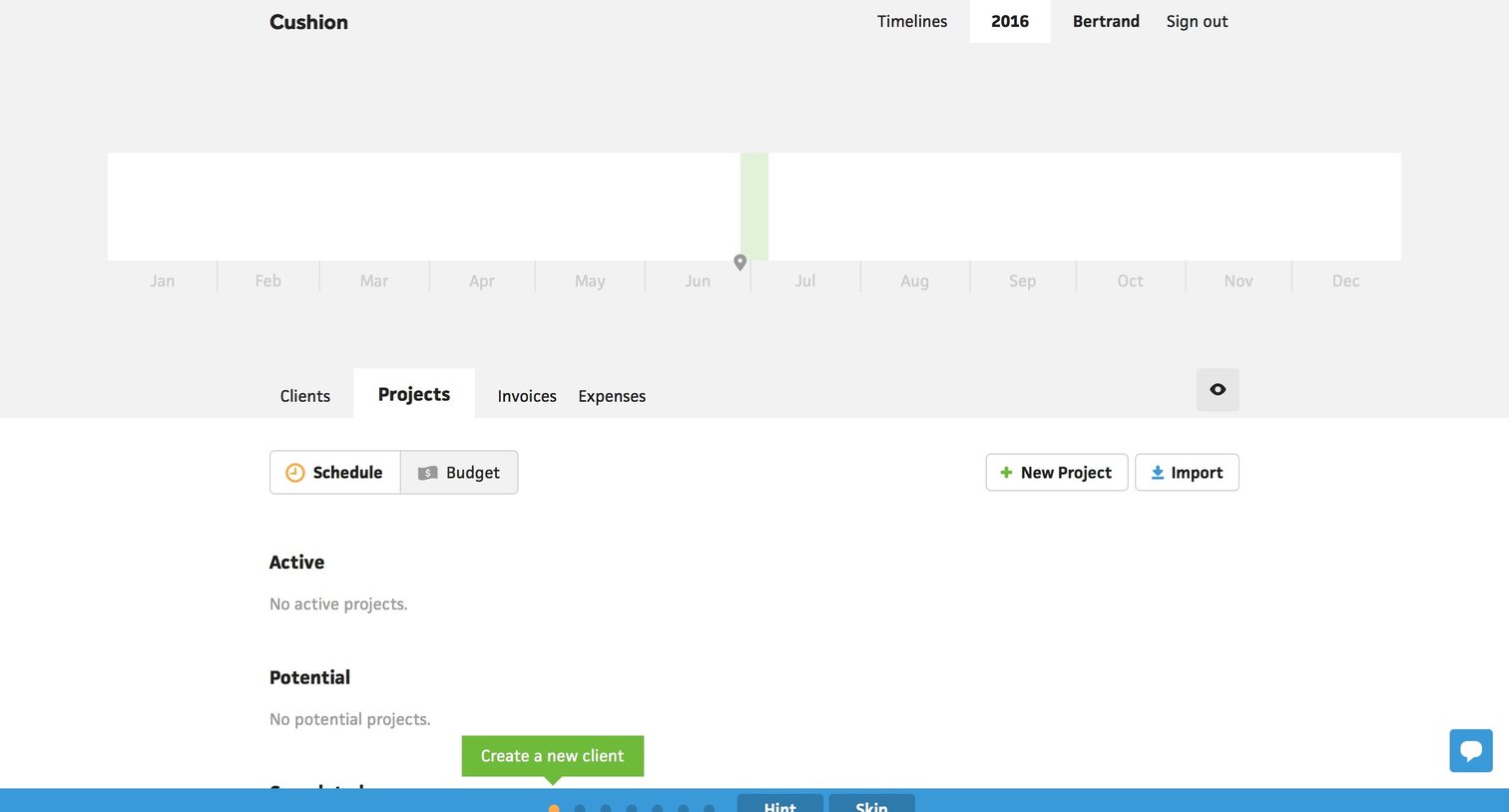
List view for managing projects, currently showing an empty state with an active product tour highlighting the next steps.
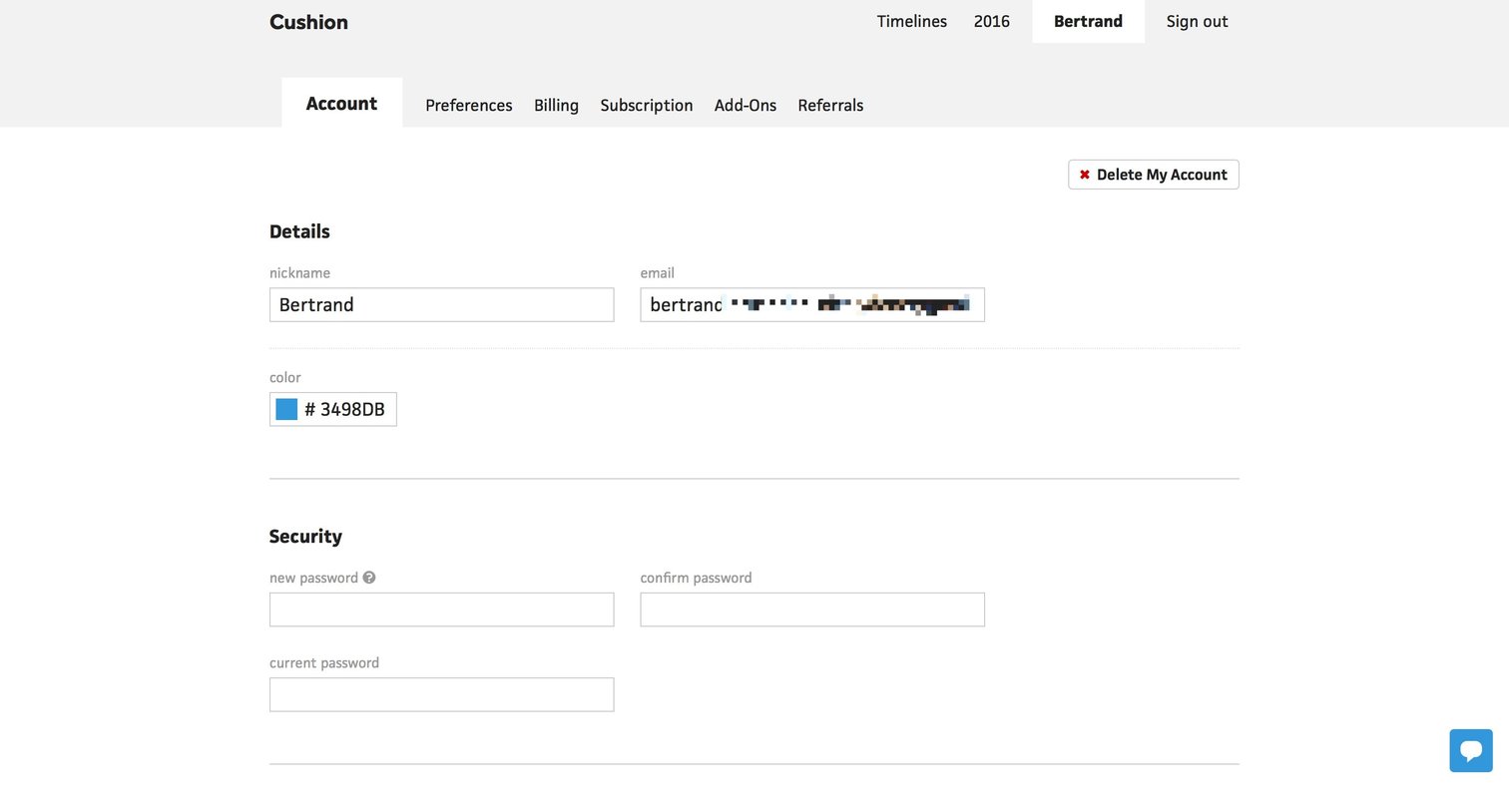
Settings page where the user updates their profile details, changes their password, and can download a data backup or delete their account.
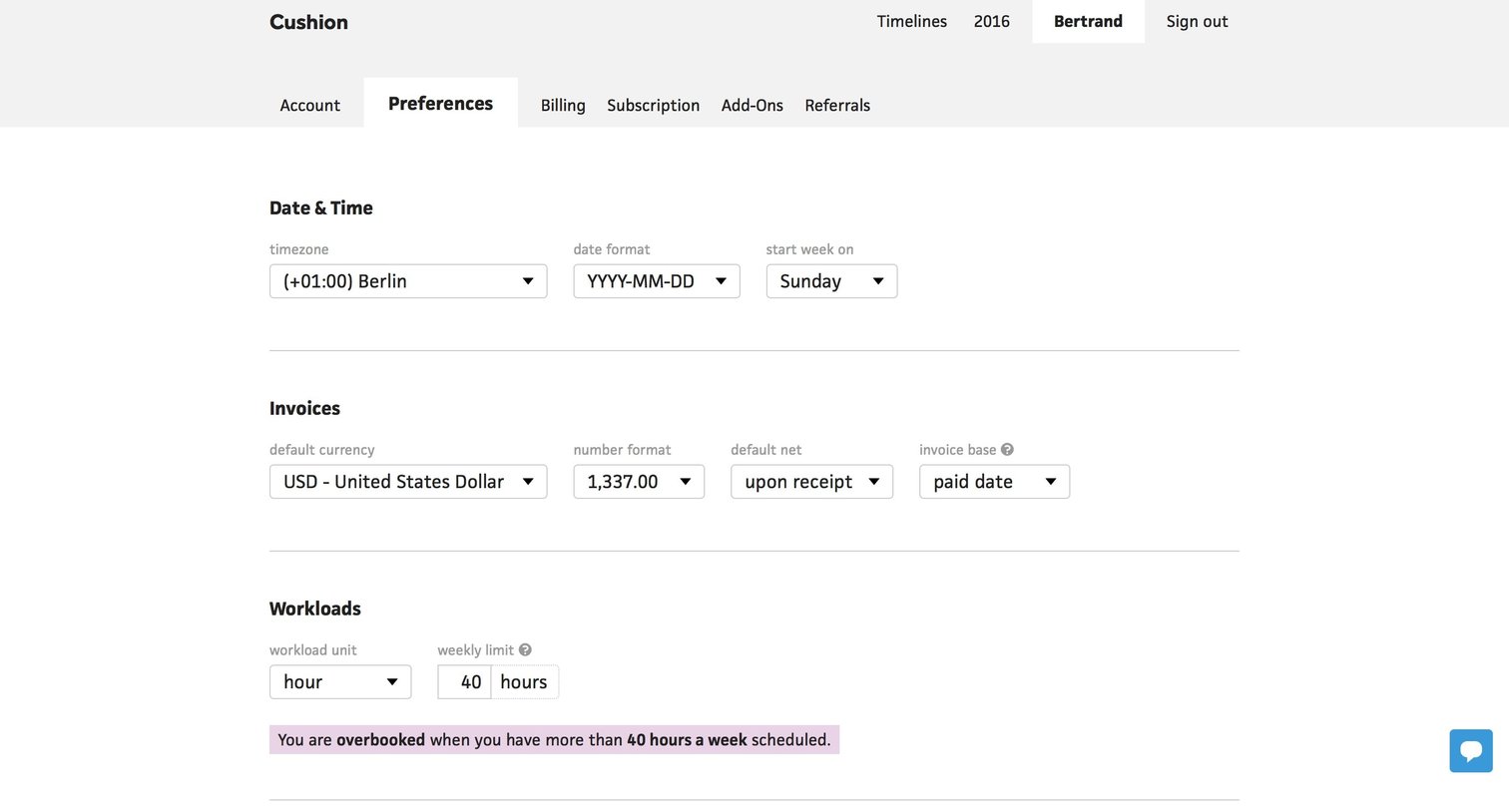
User settings Project management Settings Form Configuration
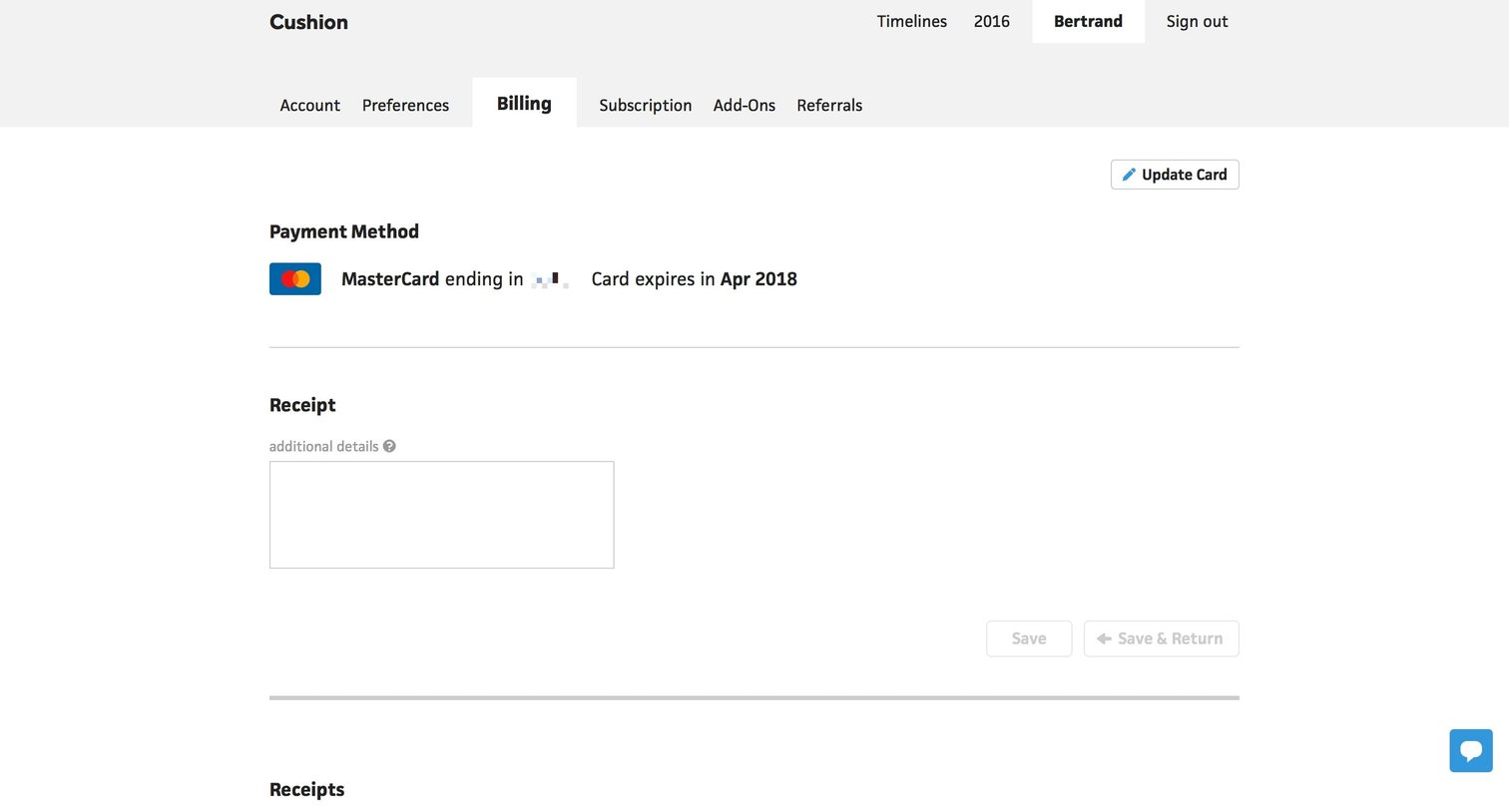
Settings page where the user manages their active payment method, updates their credit card, and configures additional details for their receipts.
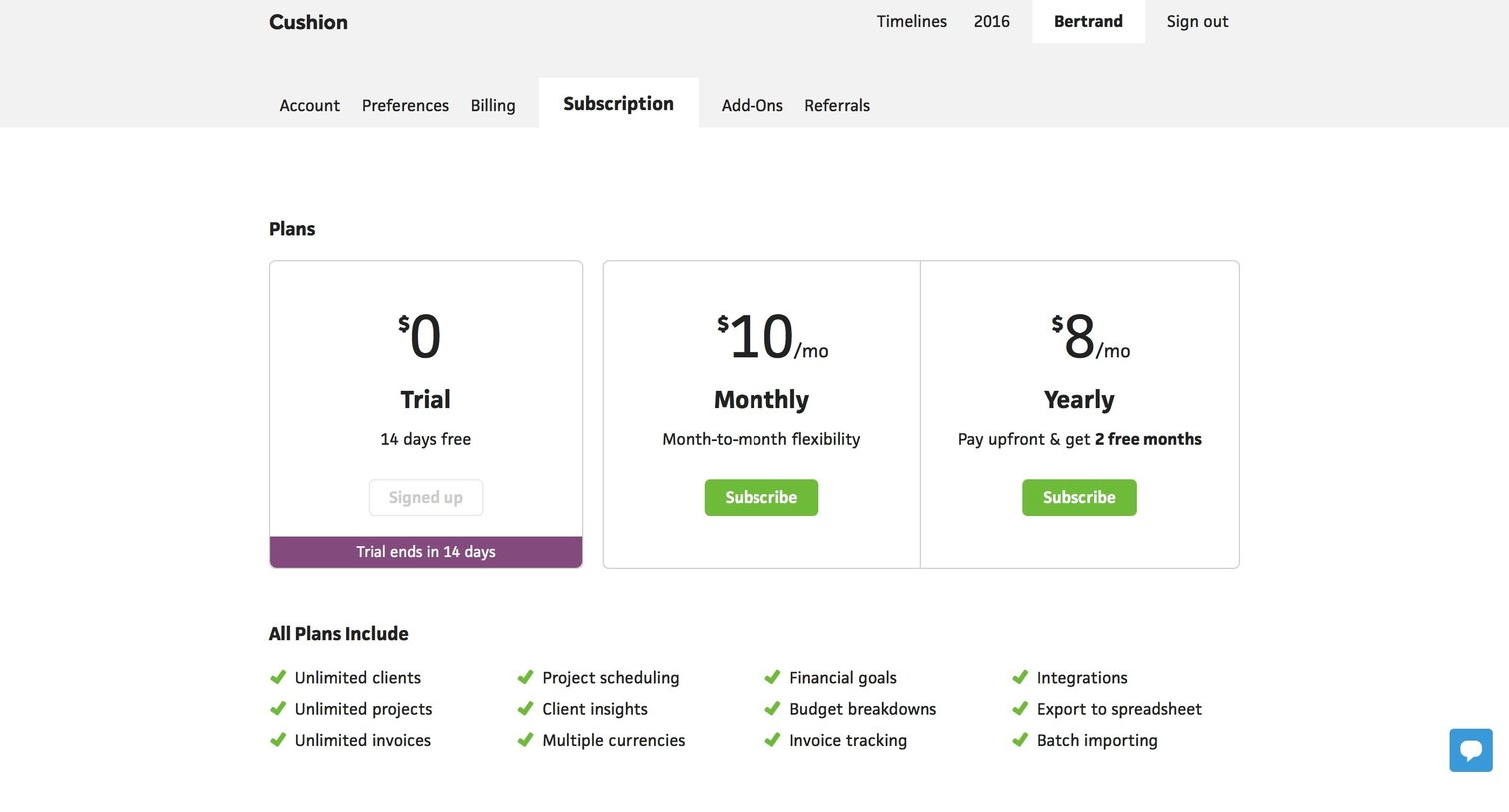
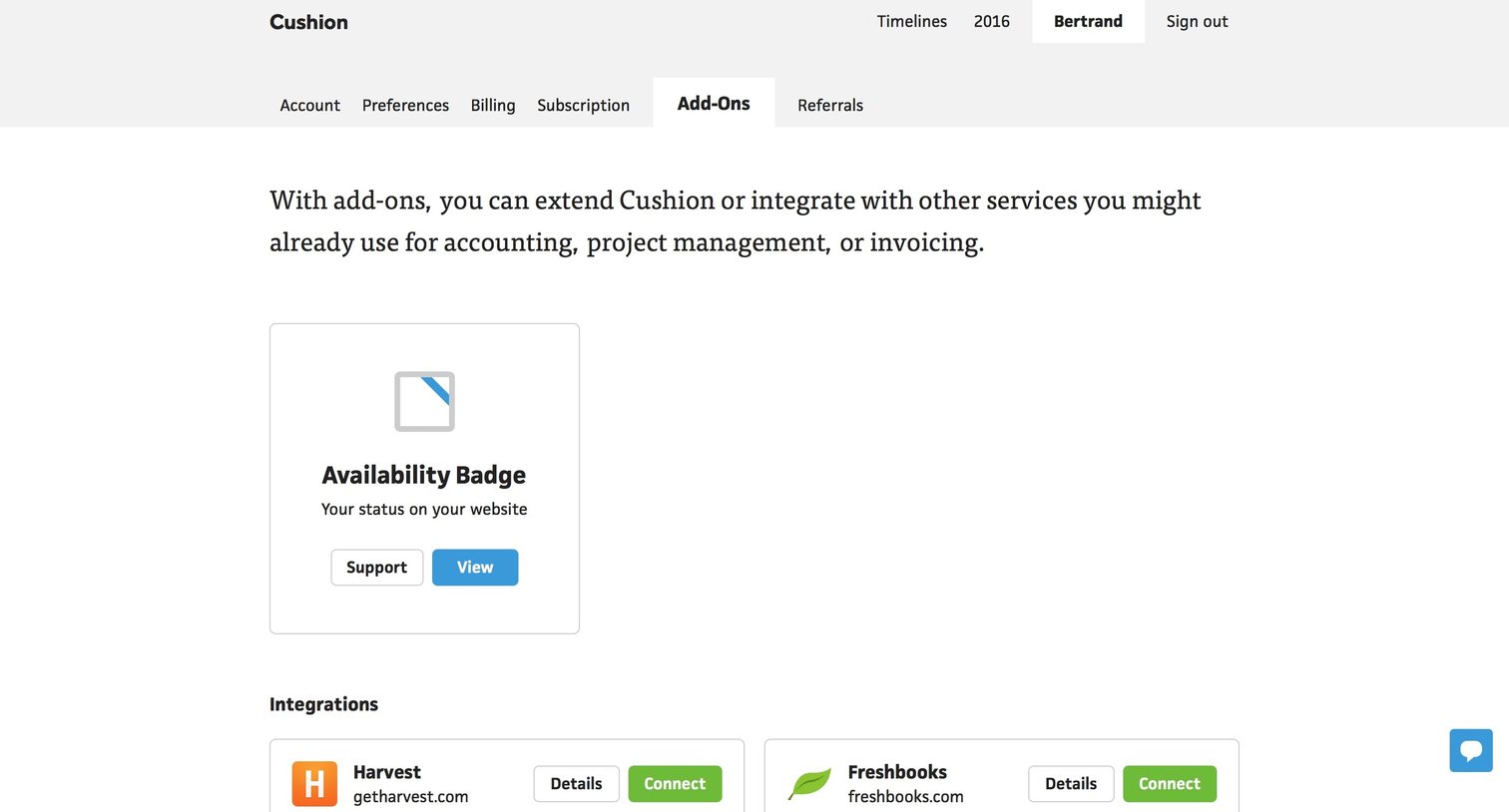
Settings page where the user can view and connect third-party integrations like Harvest and Xero, and manage add-ons like an availability badge.
Browse the full SaaS app library
Explore real SaaS apps with their product screens, marketing screens, flows, and components.
Trusted by the best teams







