Coolors product screens examples
Browse Coolors screen design examples. Preview the interface screenshots and explore related UI patterns. The super fast color schemes generator
Explore the examples
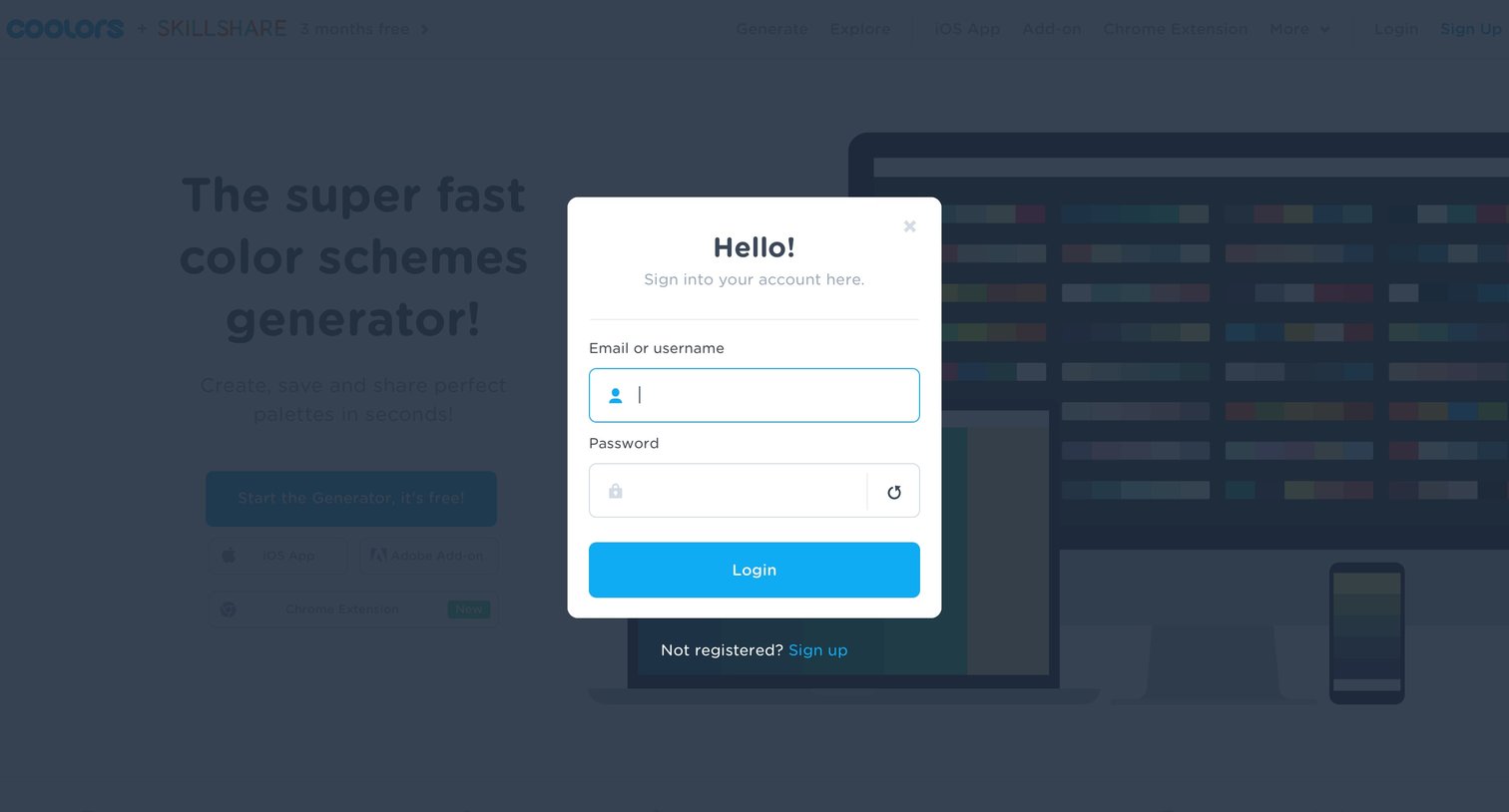
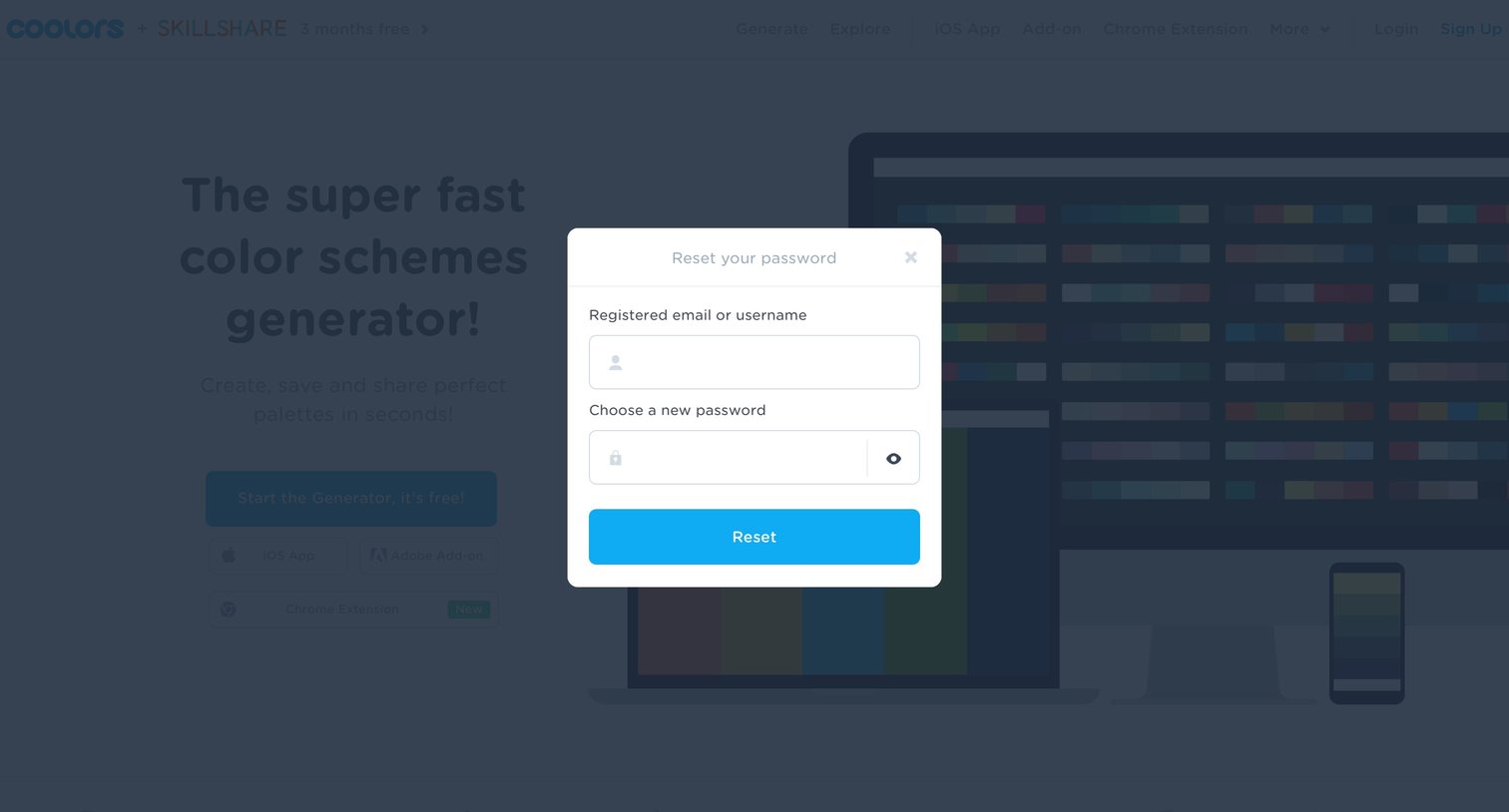
Authentication overlay where the user enters their registered email or username and chooses a new password to regain access.
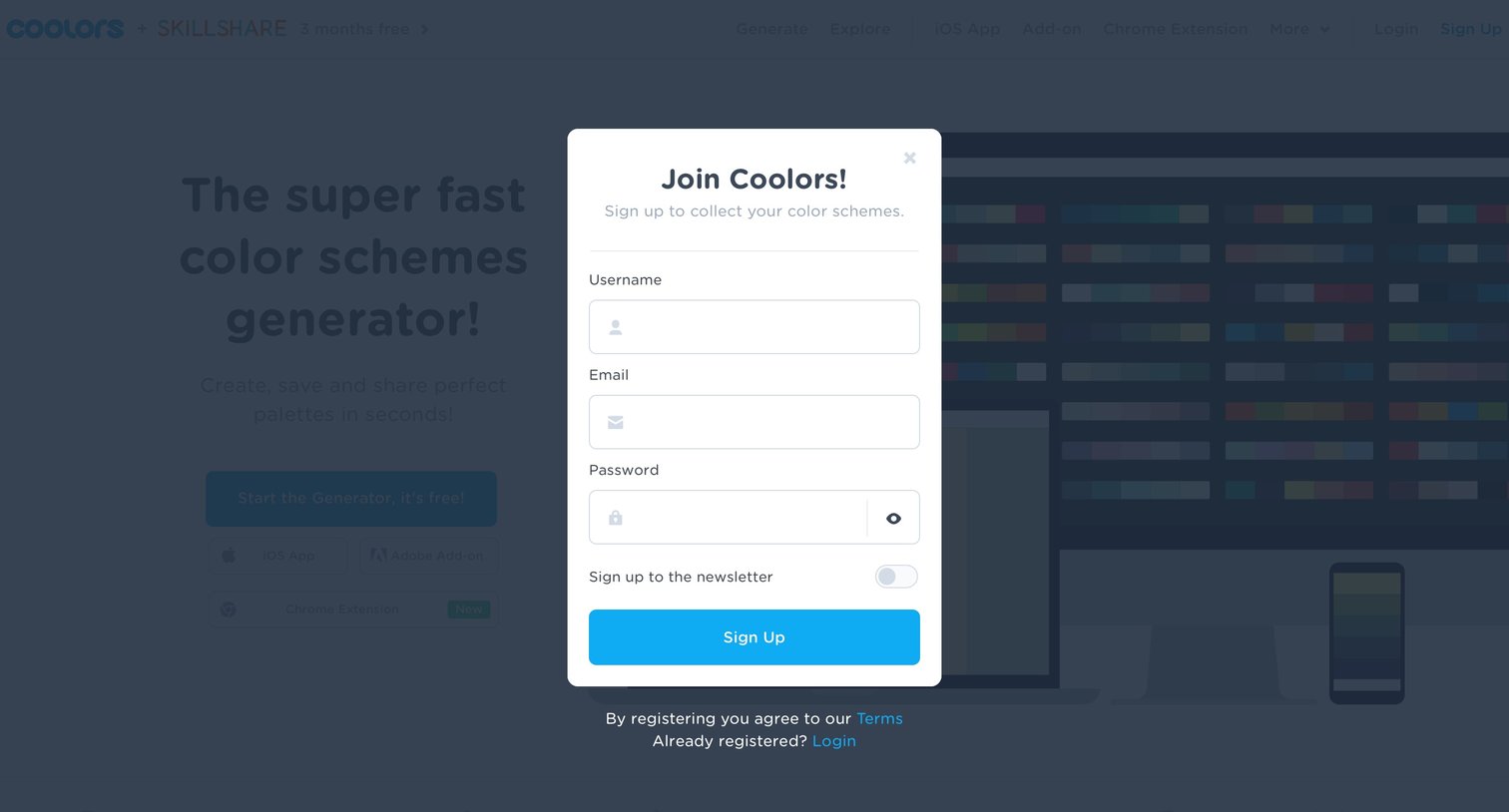
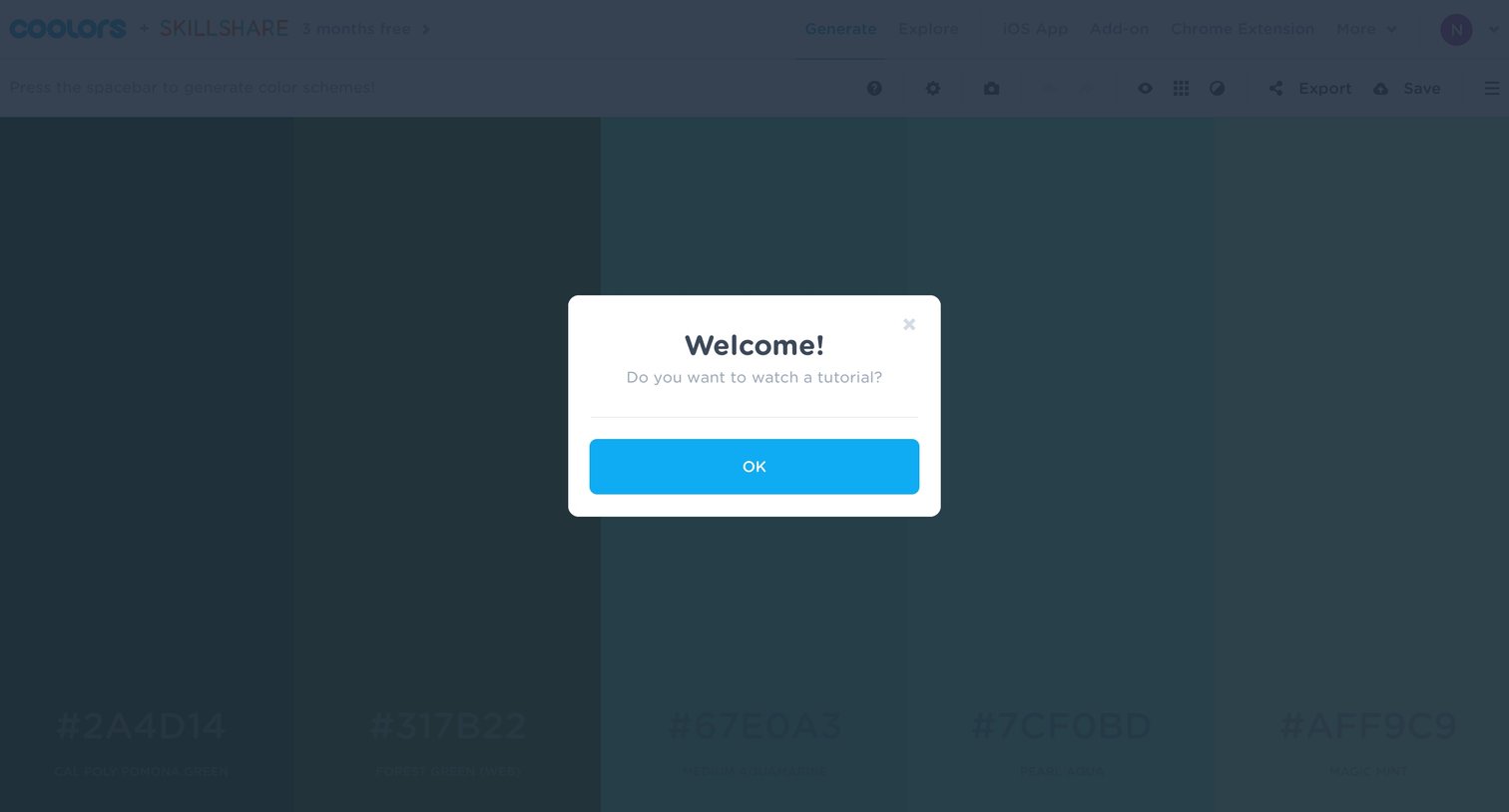
Design editor where a welcome modal prompts the user to watch a tutorial before generating color schemes.
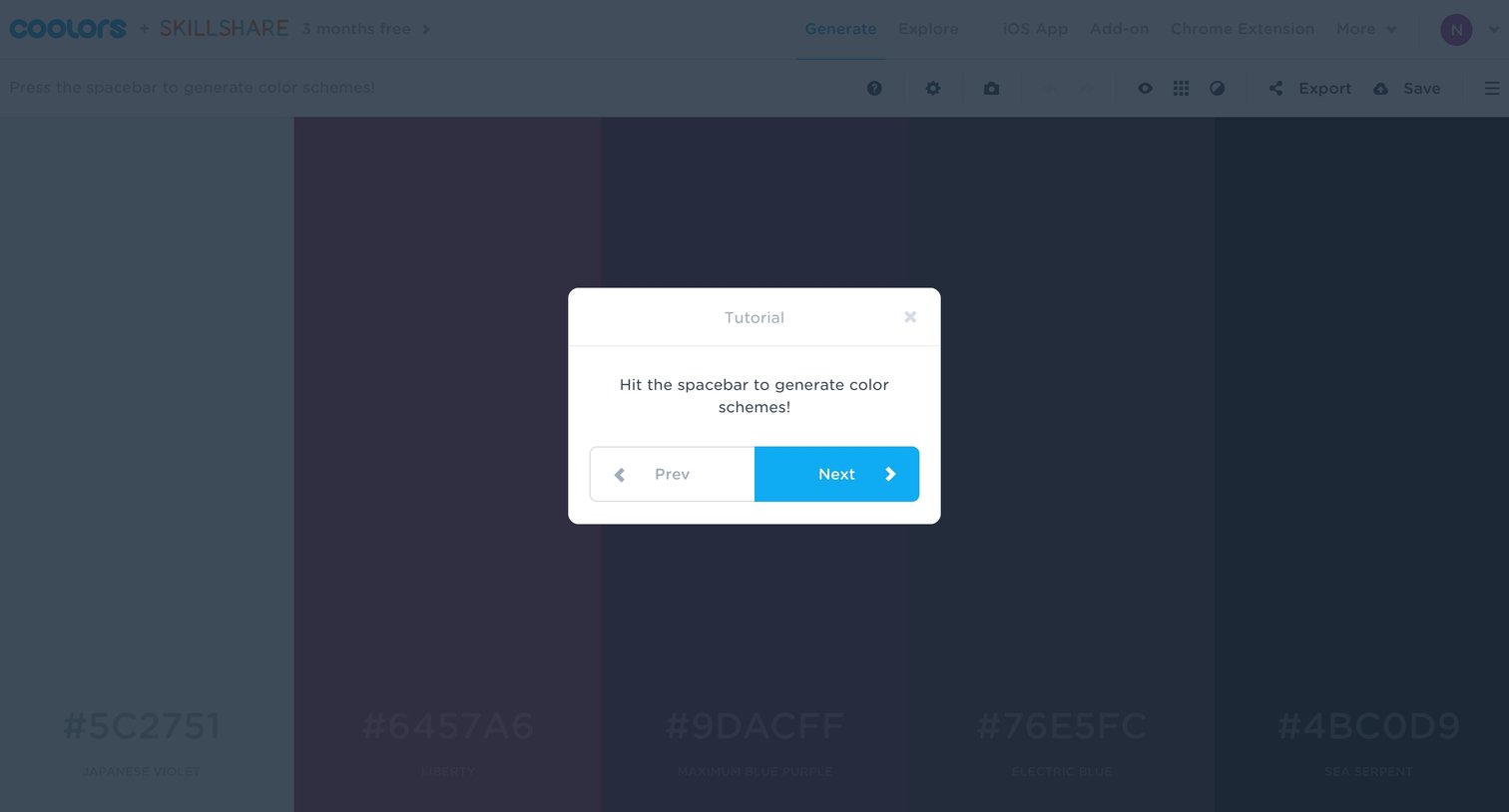
Design editor where a tutorial modal instructs the user to hit the spacebar to generate color schemes over a five-column color palette.
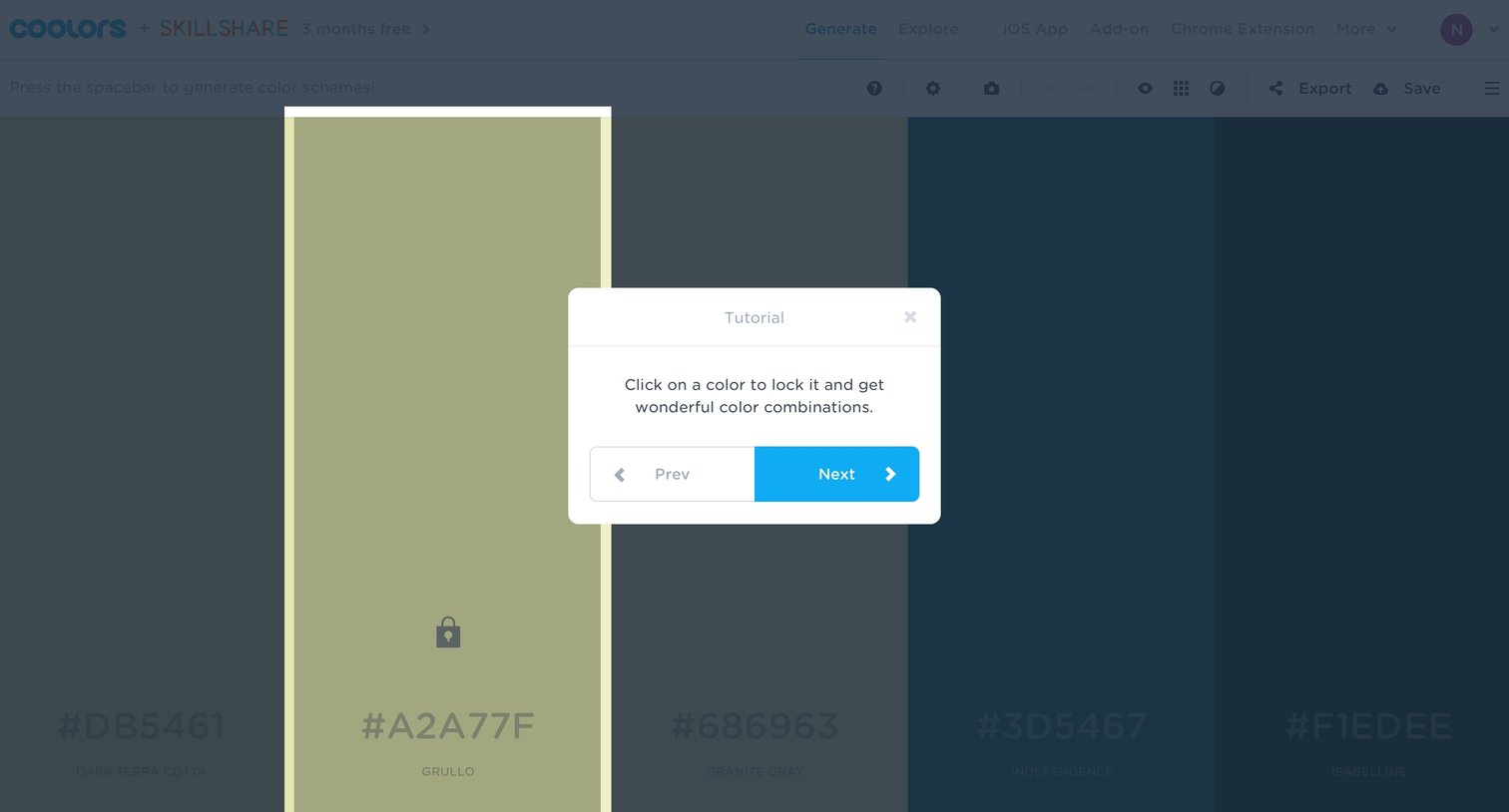
Design editor where a tutorial modal explains how to lock colors by clicking on them to generate combinations.
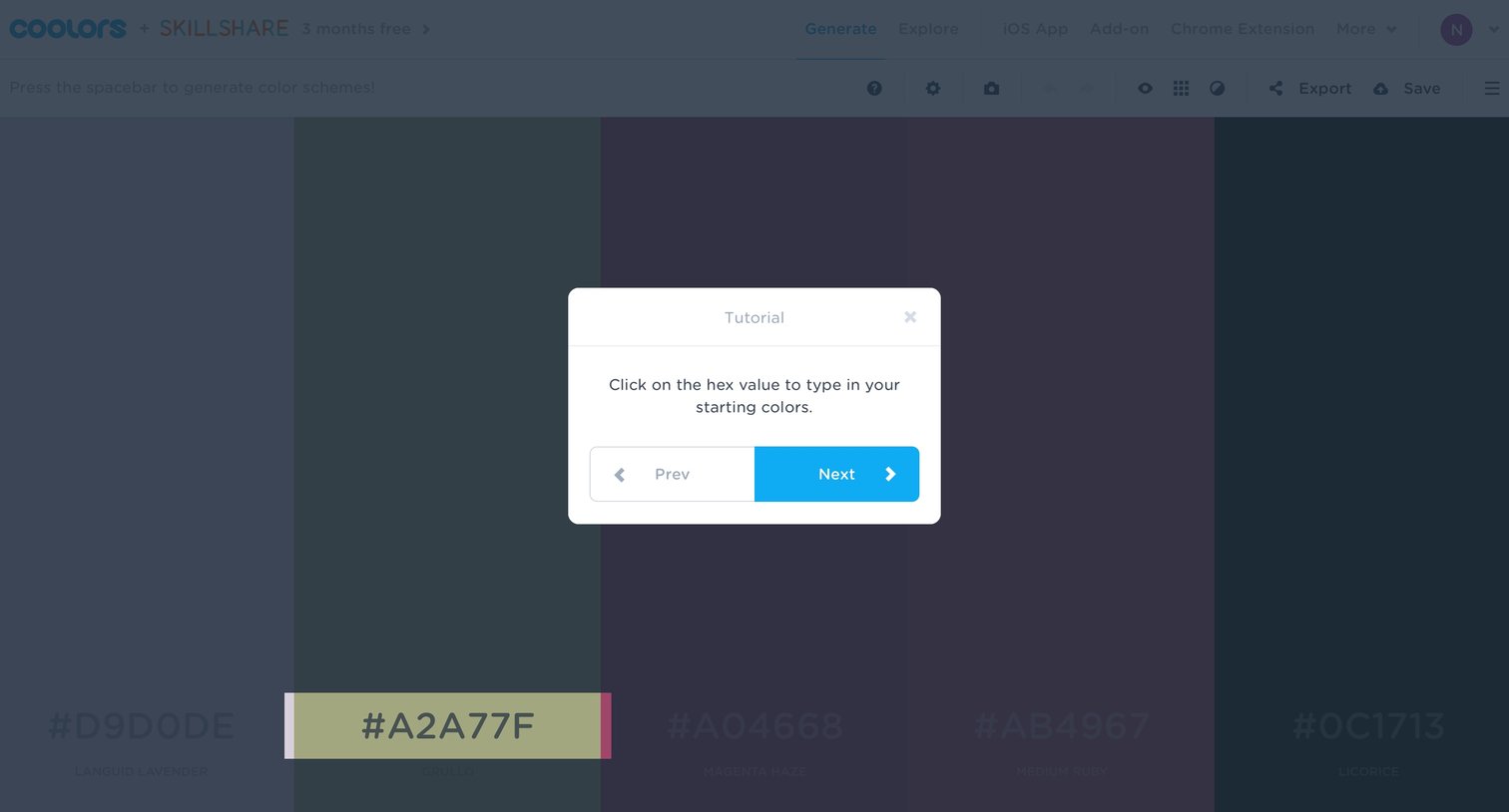
Onboarding screen where a tutorial modal instructs the user to click a hex value to type in starting colors, while highlighting a specific color swatch in the background.
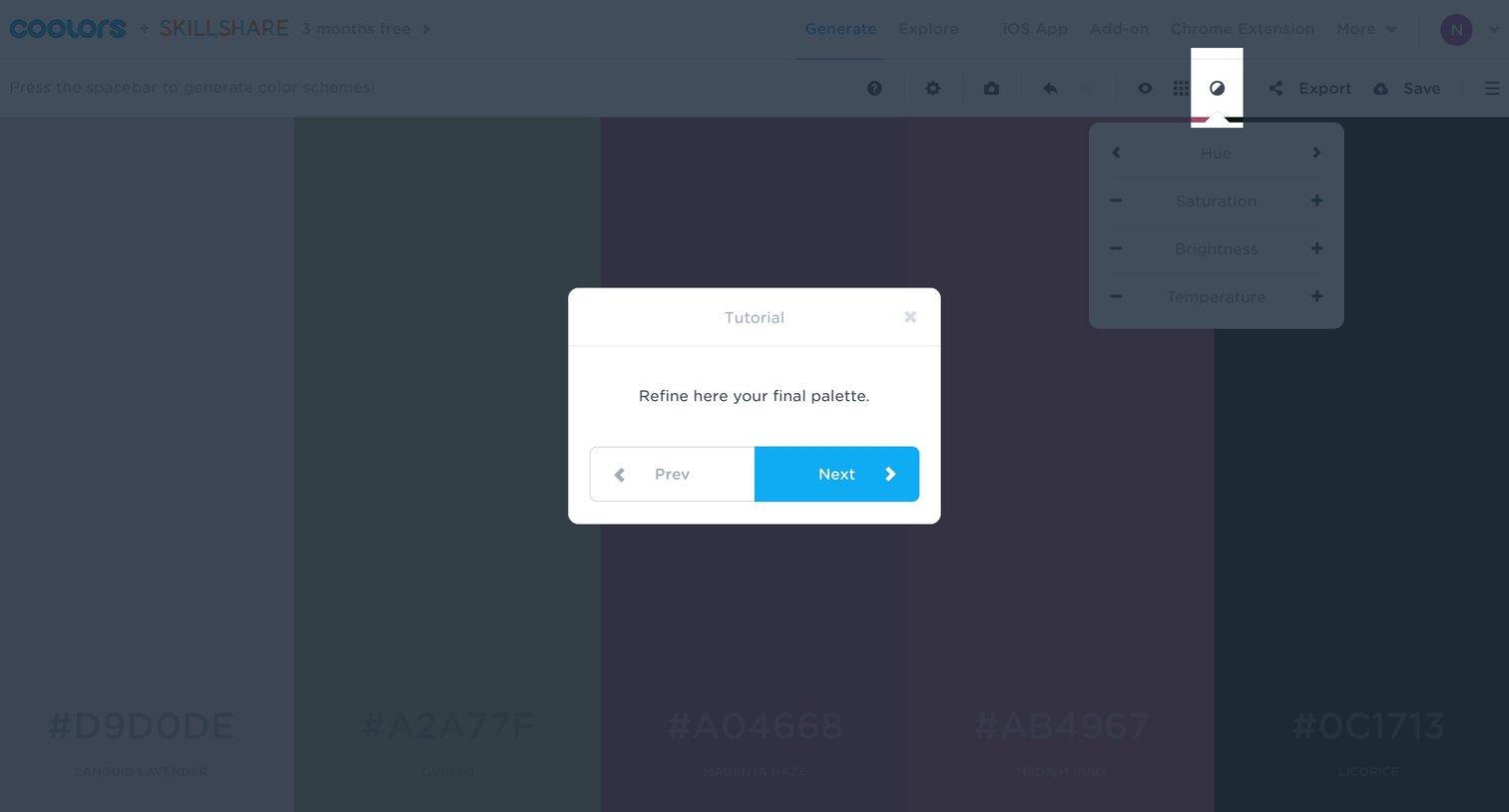
Design editor where a product tour modal explains how to refine the generated color palette.
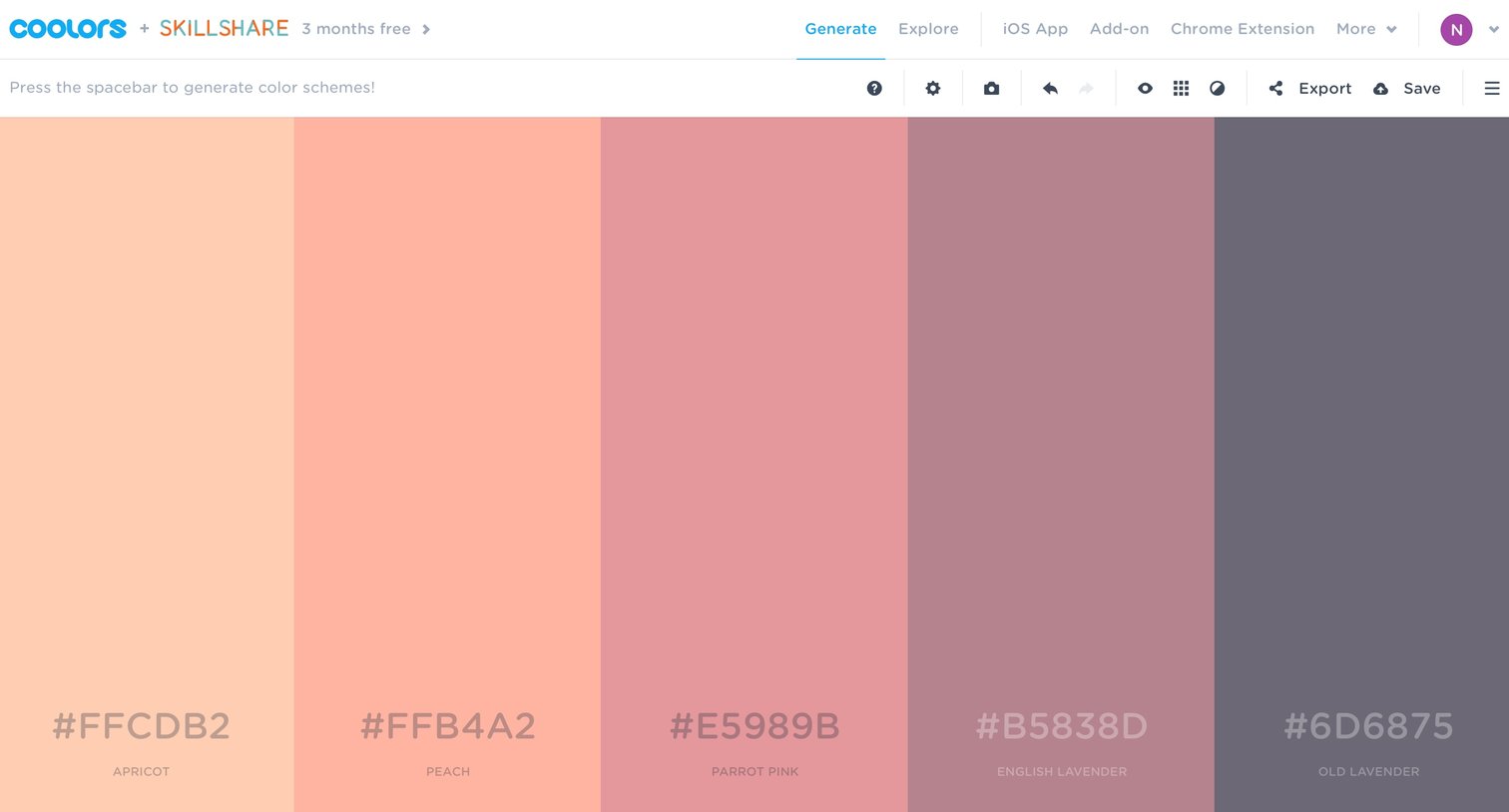
Design editor where the user generates, views, and exports a five-color palette.
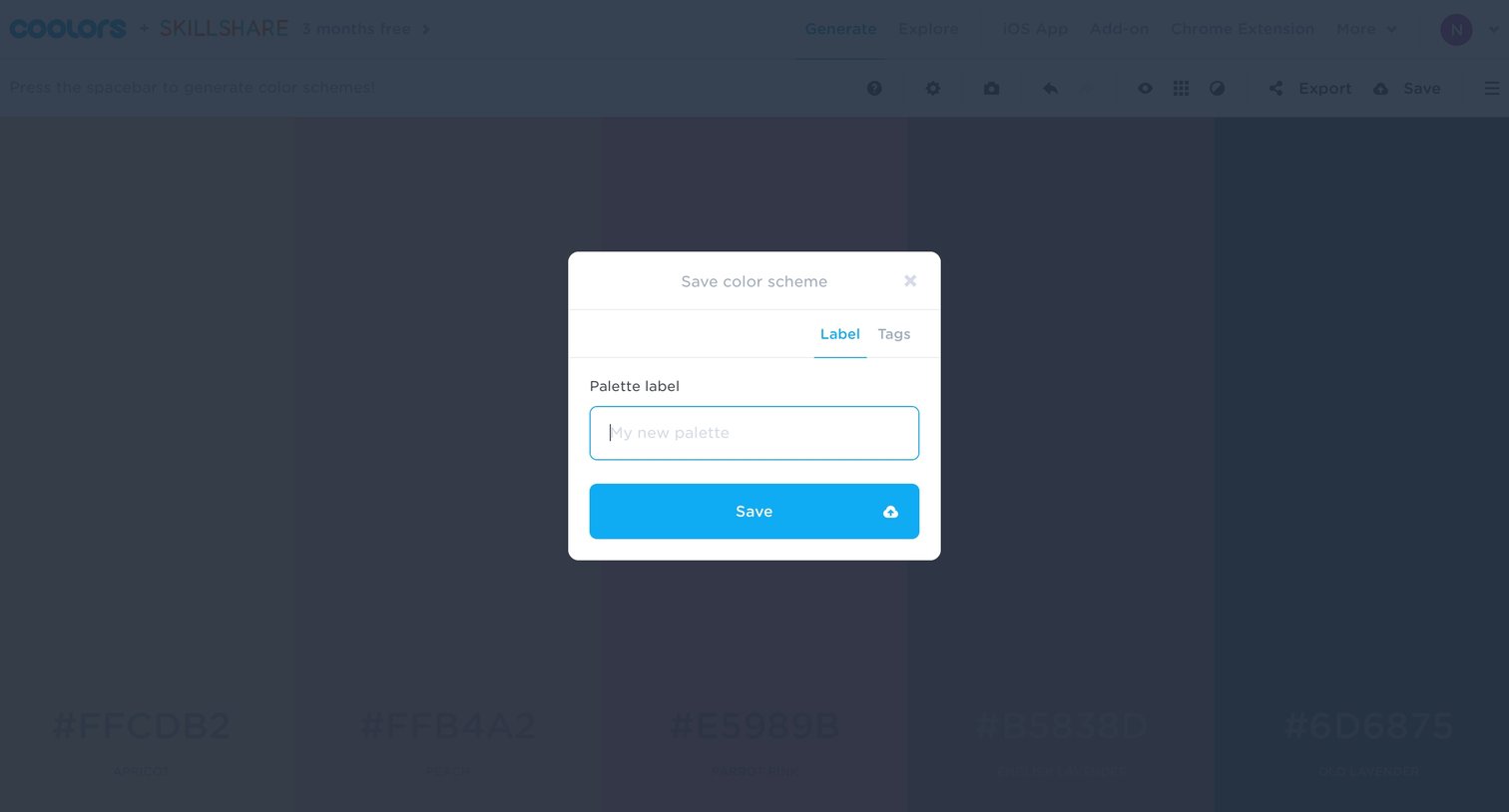
Design editor where the user saves a generated color scheme by providing a palette label in a modal.
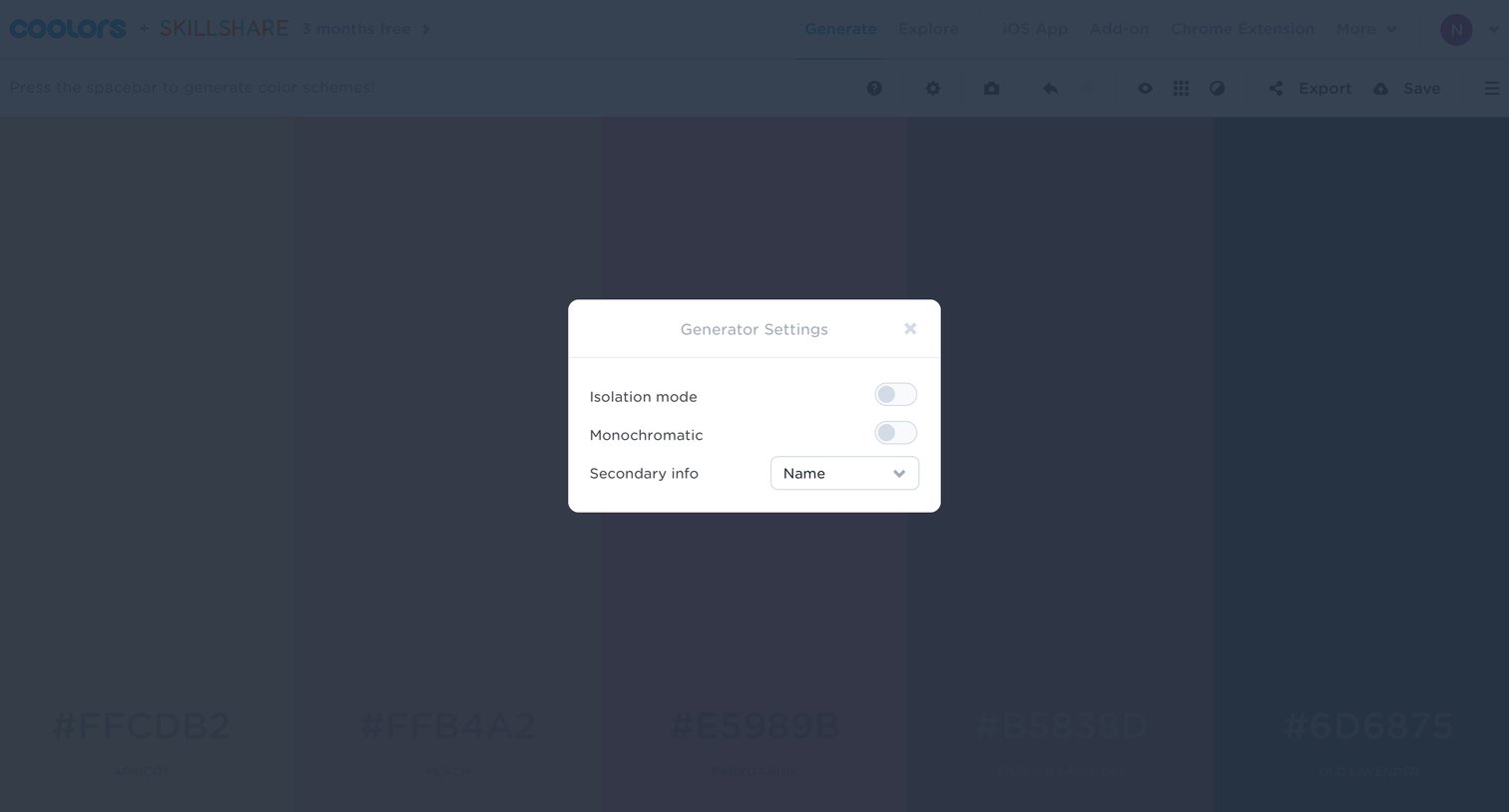
Design editor where the user configures color generation settings like isolation mode and monochromatic generation via a modal overlay.
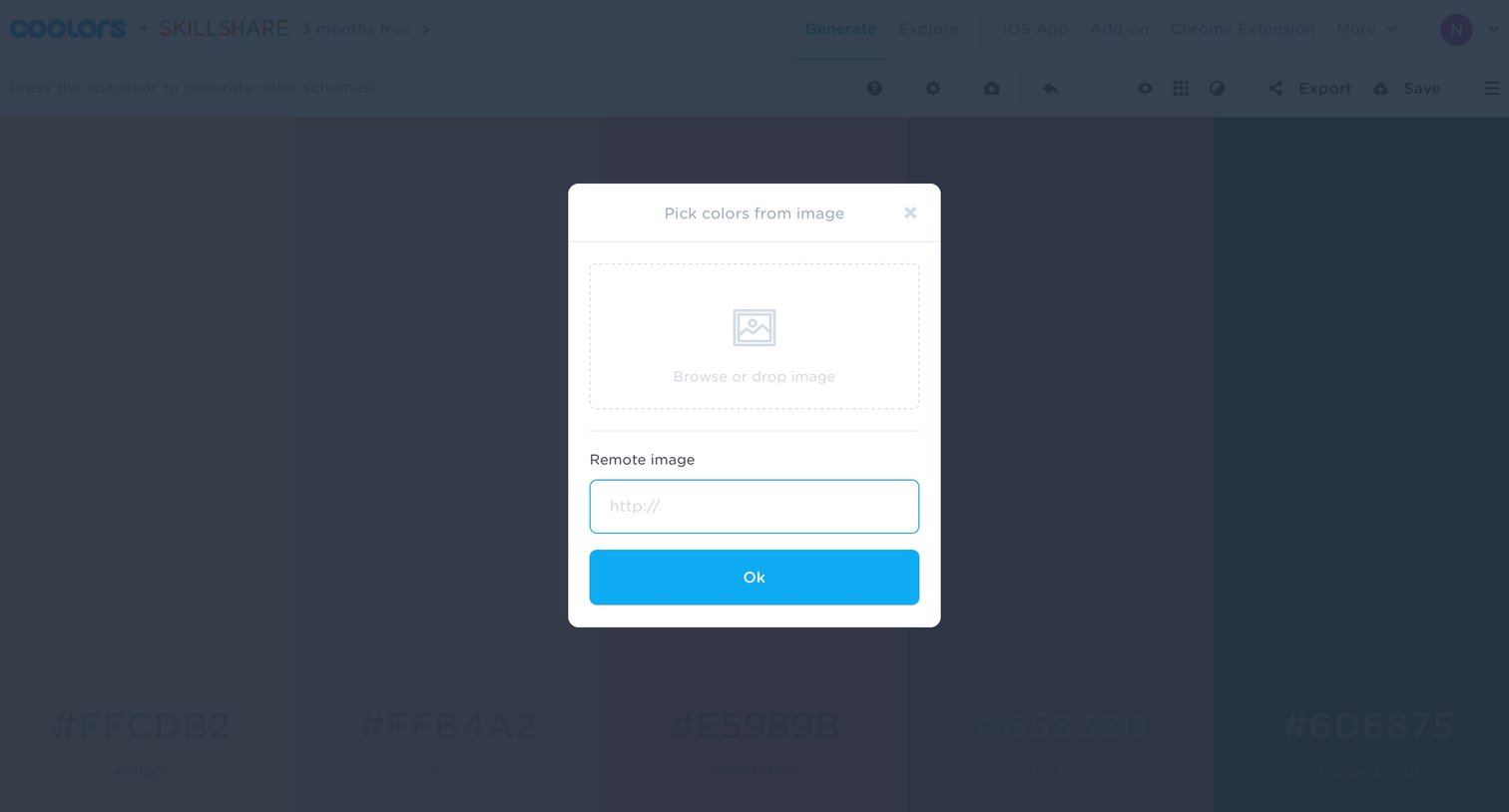
Design editor where the user can upload an image or enter a URL to extract a color palette.
Explore the full SaaS screen library
Upgrade to unlock the full library.
Trusted by the best teams







