Clew design examples
Explore Clew UI design examples. Search all your tools from one place
Product screens
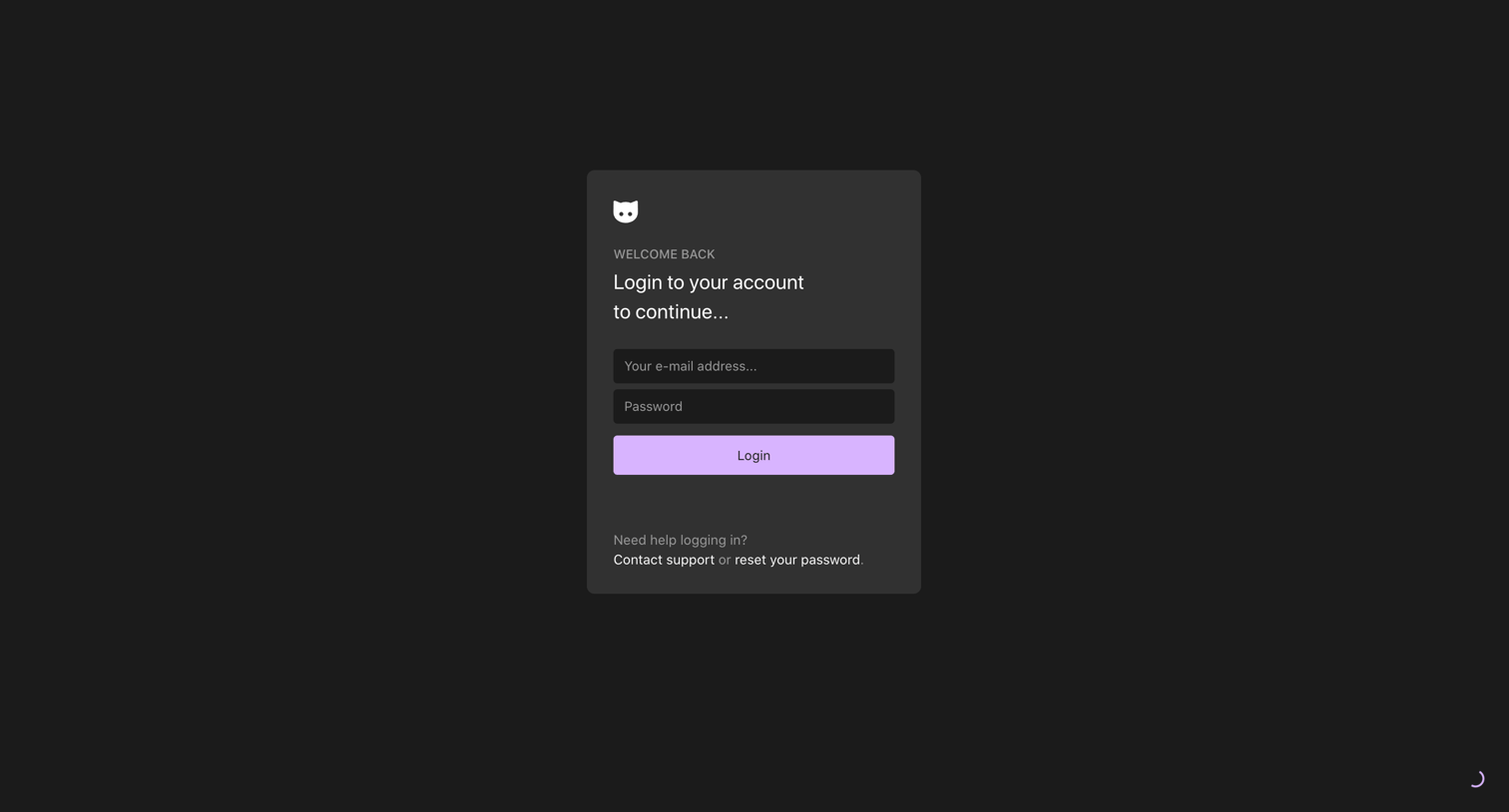

Sign-in screen where the user authenticates with their email address and password, with options to contact support or reset their password.
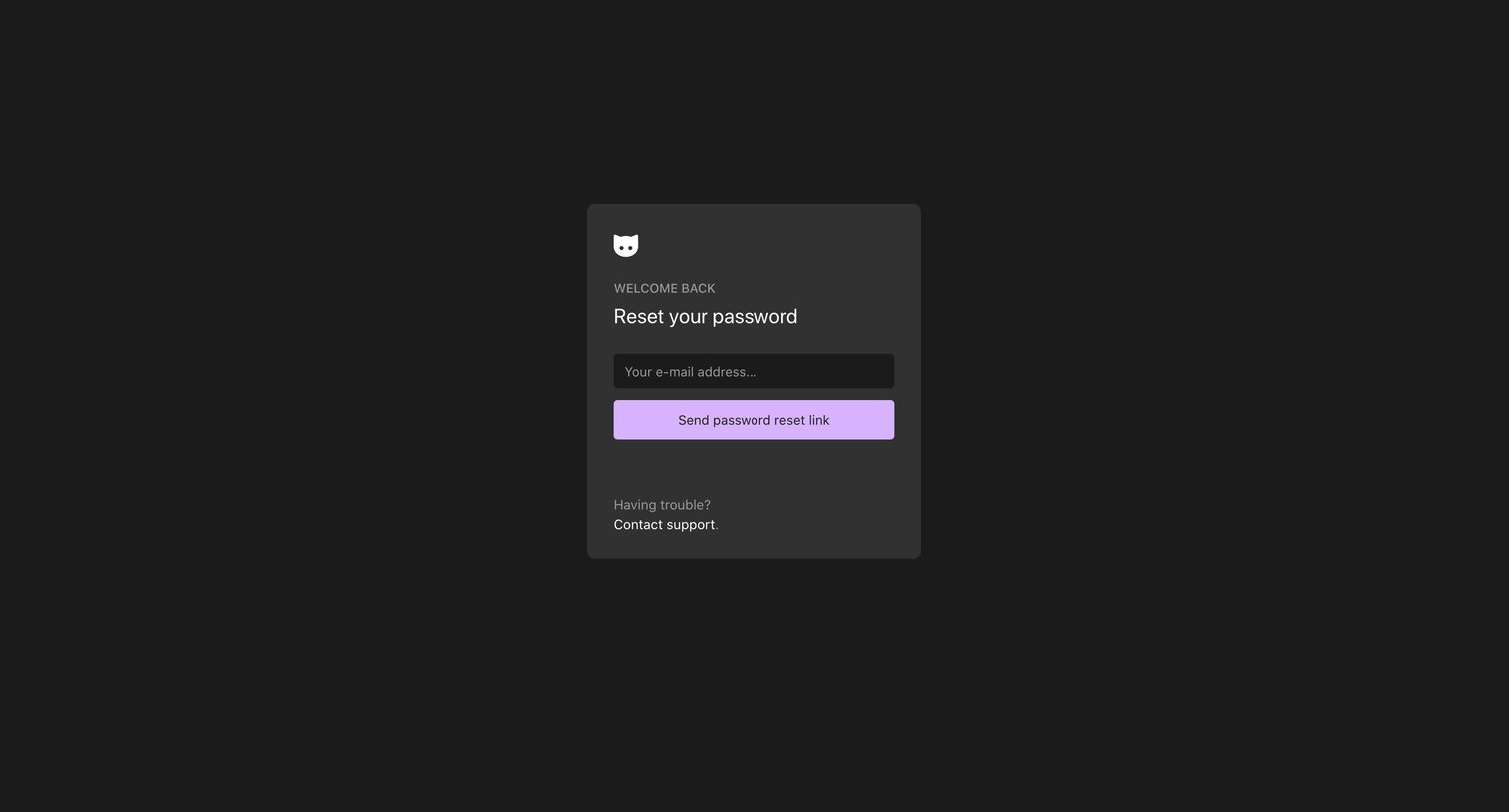
Password recovery screen where the user enters their email address to receive a reset link.
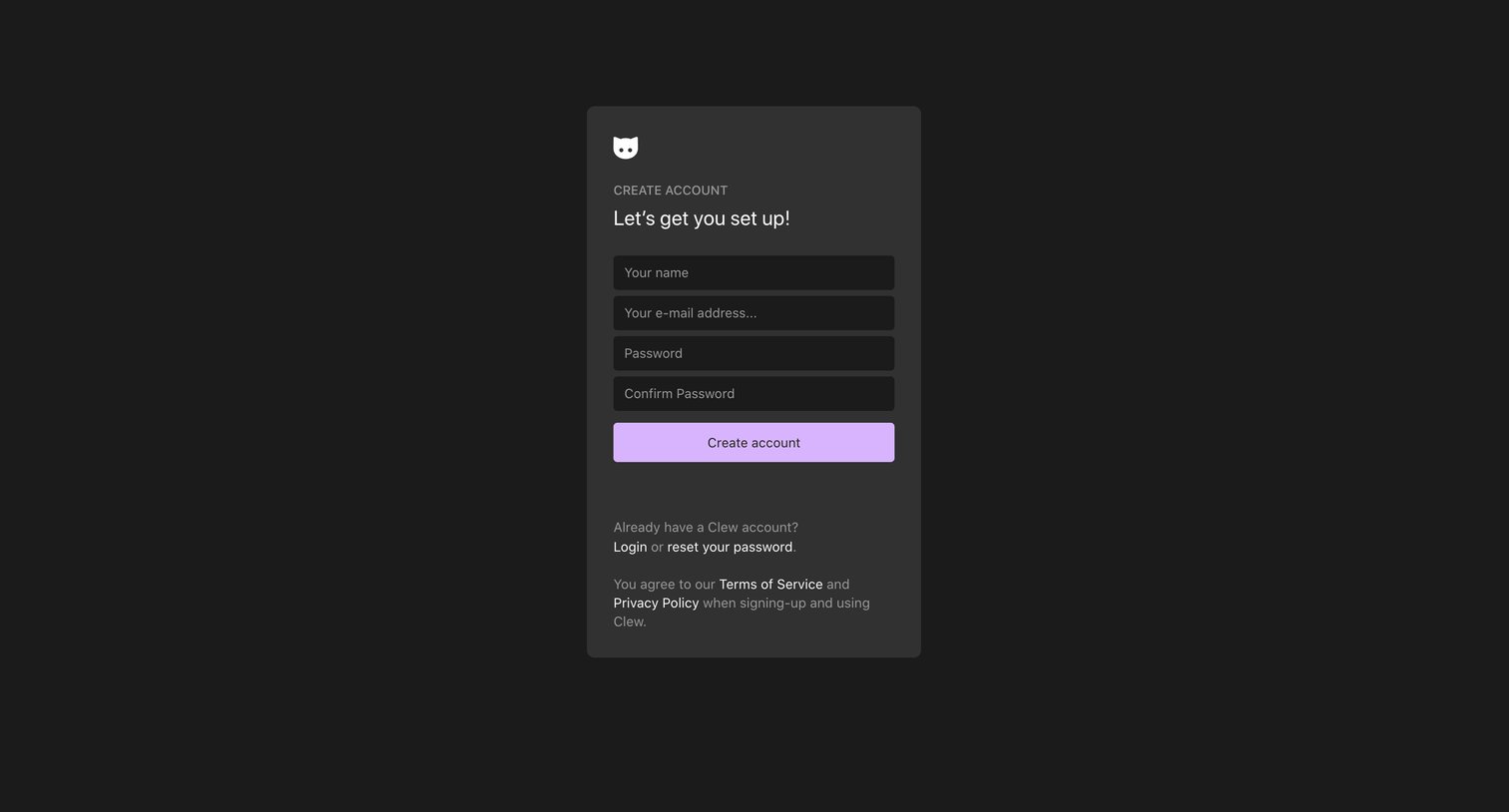
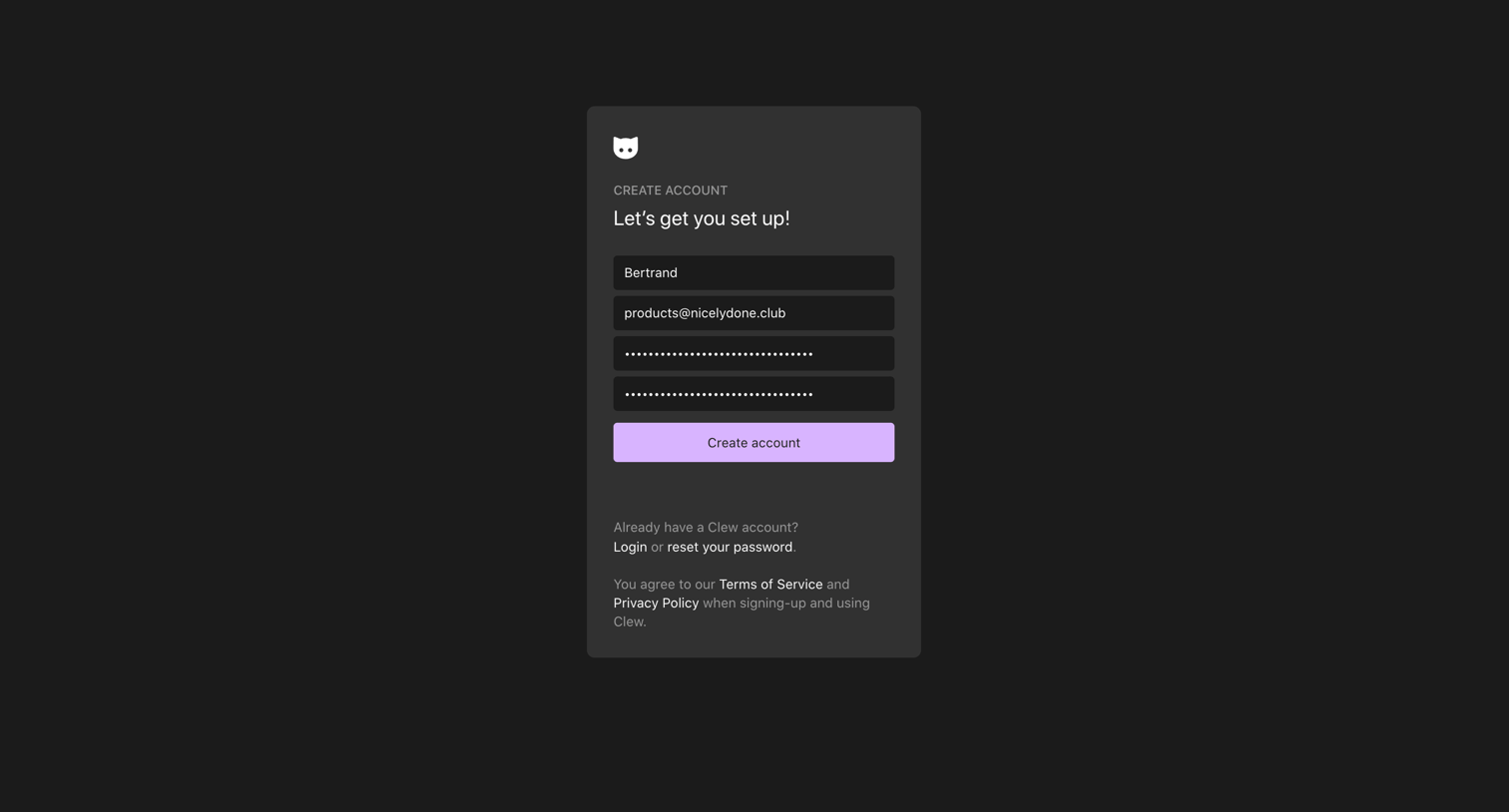

Onboarding step where the user creates a unique username to make their profile discoverable.
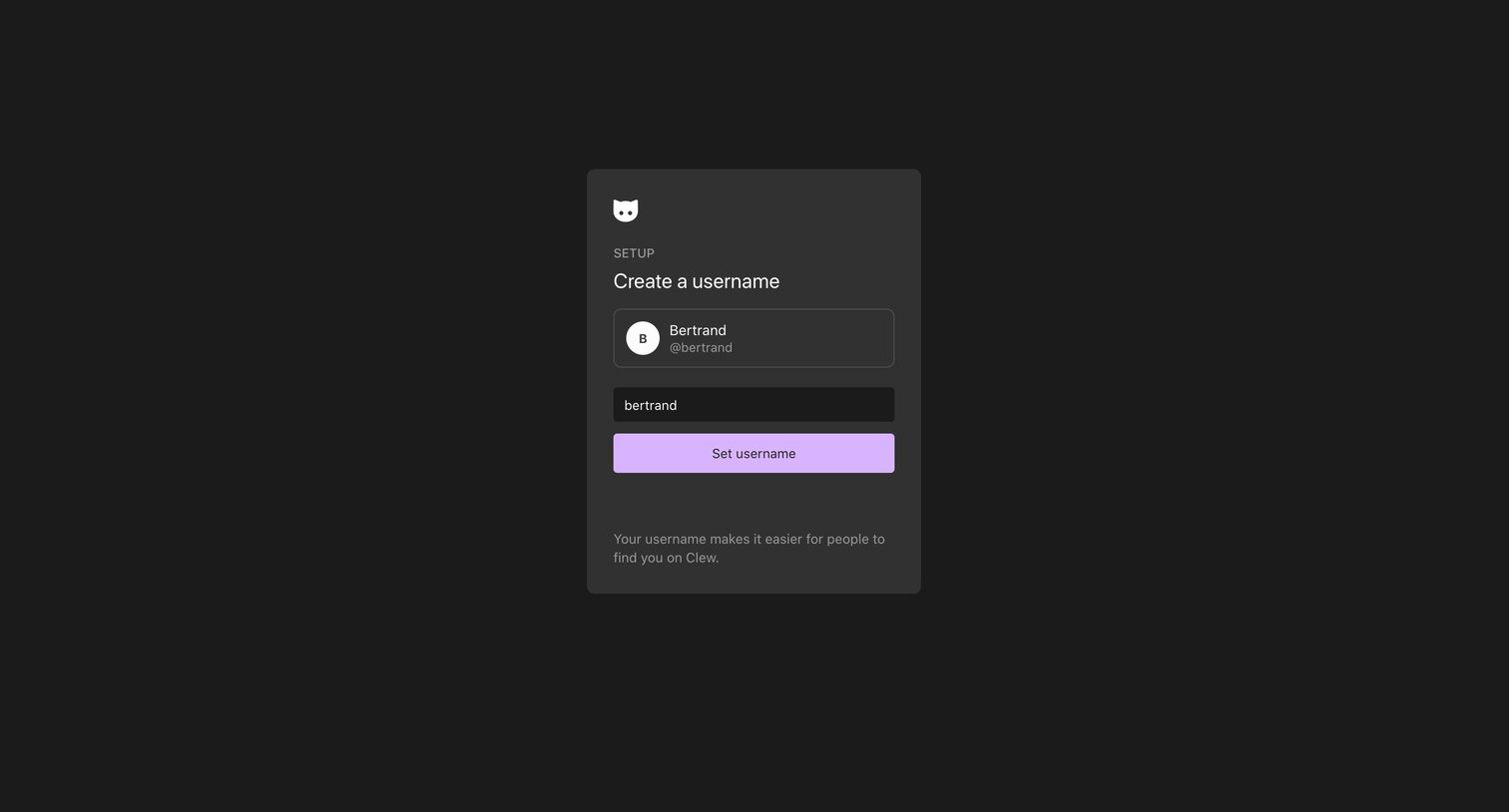
Onboarding step where the user creates a username to help others find them on the platform.
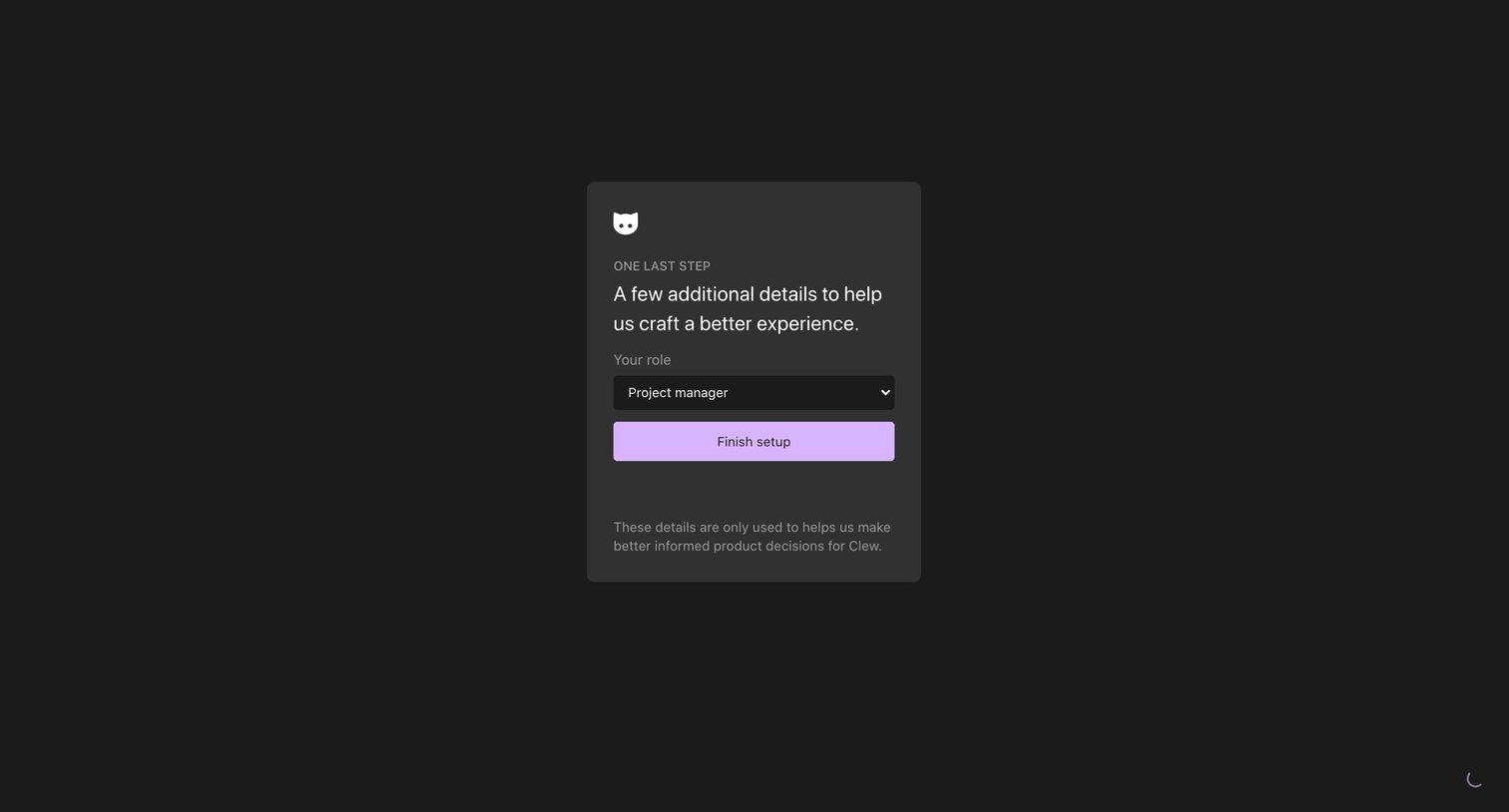
Onboarding step where the user selects their role, such as Project manager, to finish account setup.
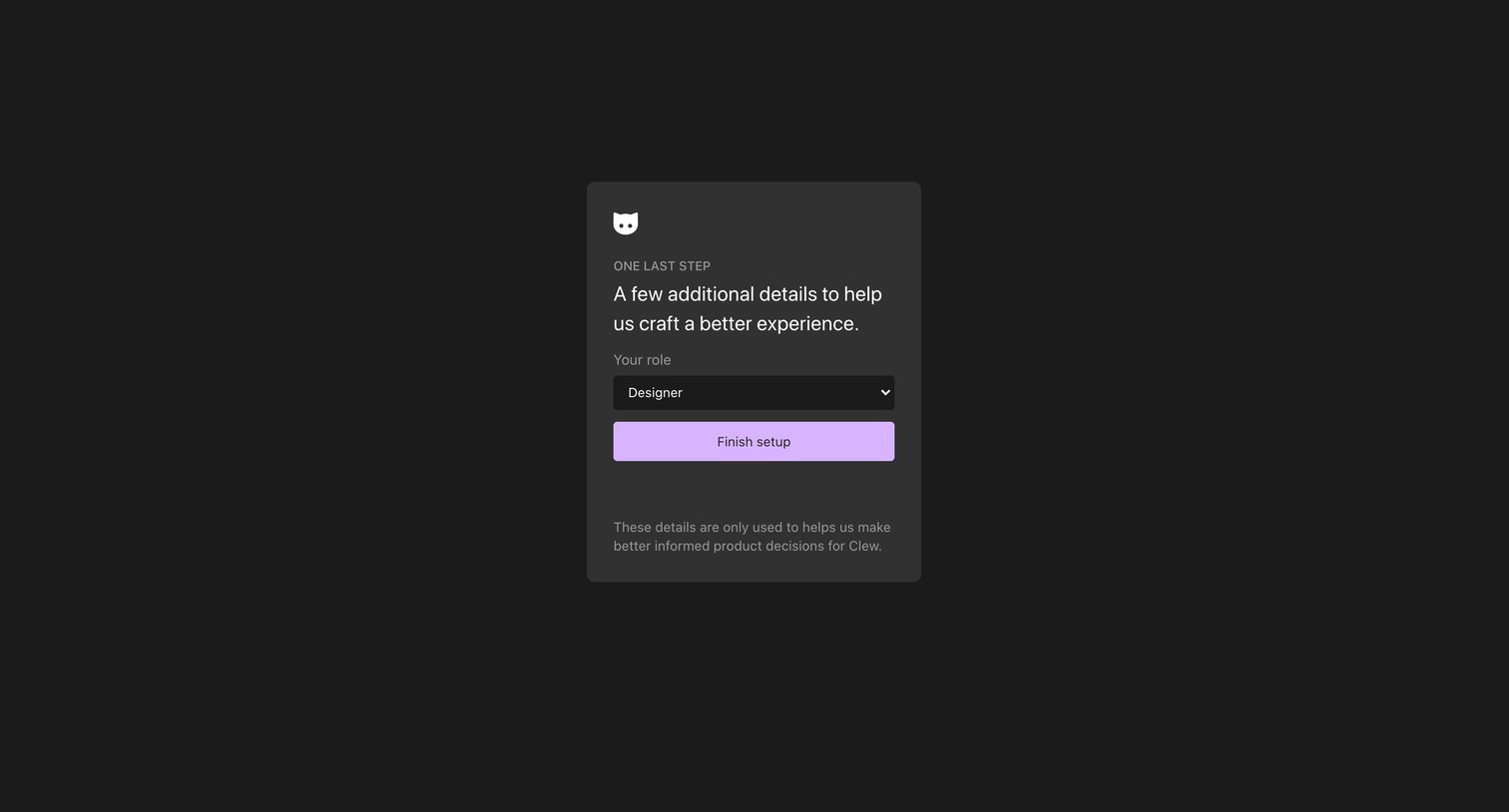
Onboarding step where the user selects their role from a dropdown to finish account setup.
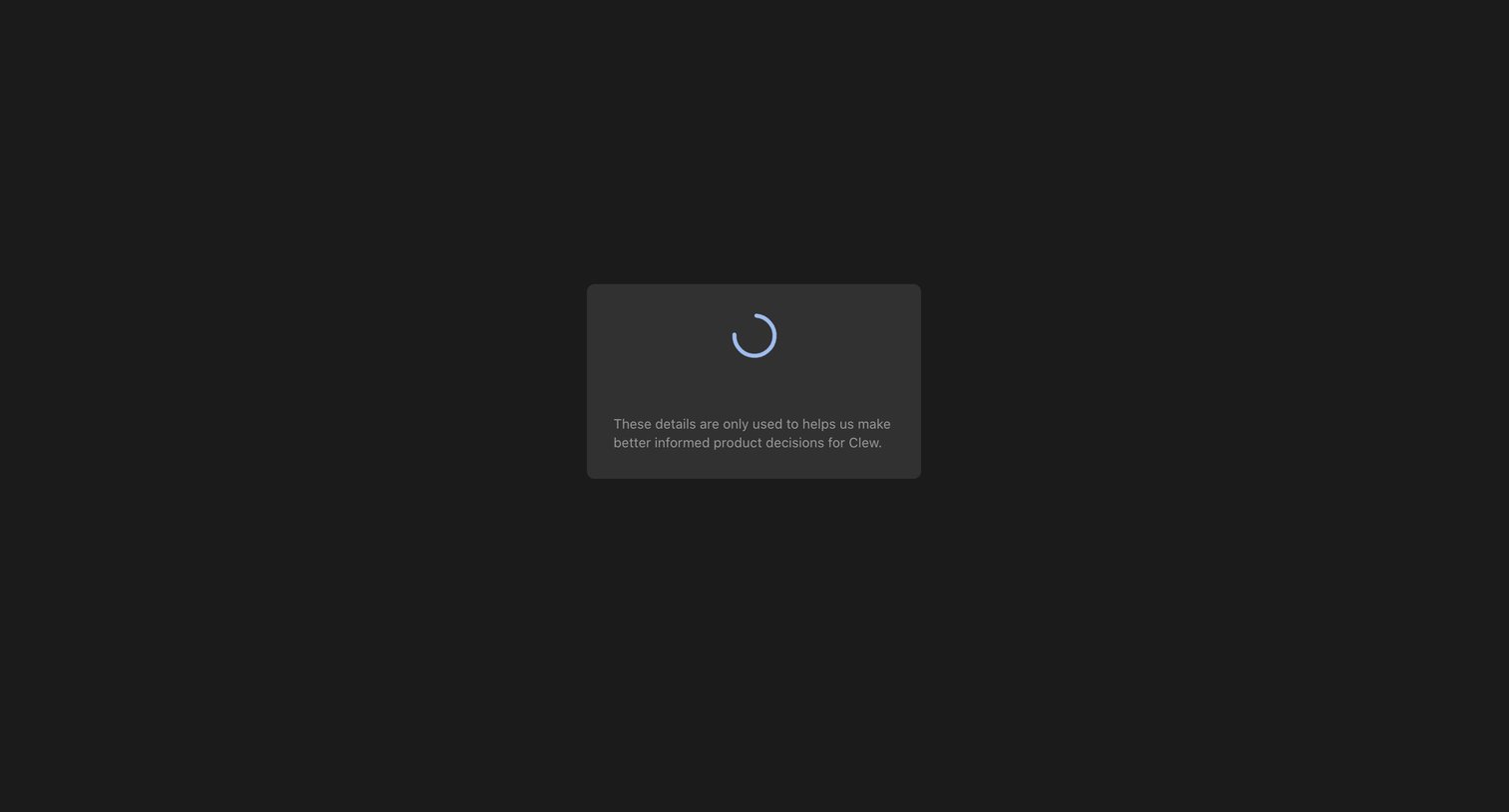
Onboarding step where the system is loading, displaying a spinner and a brief explanation about how data is used to inform product decisions.
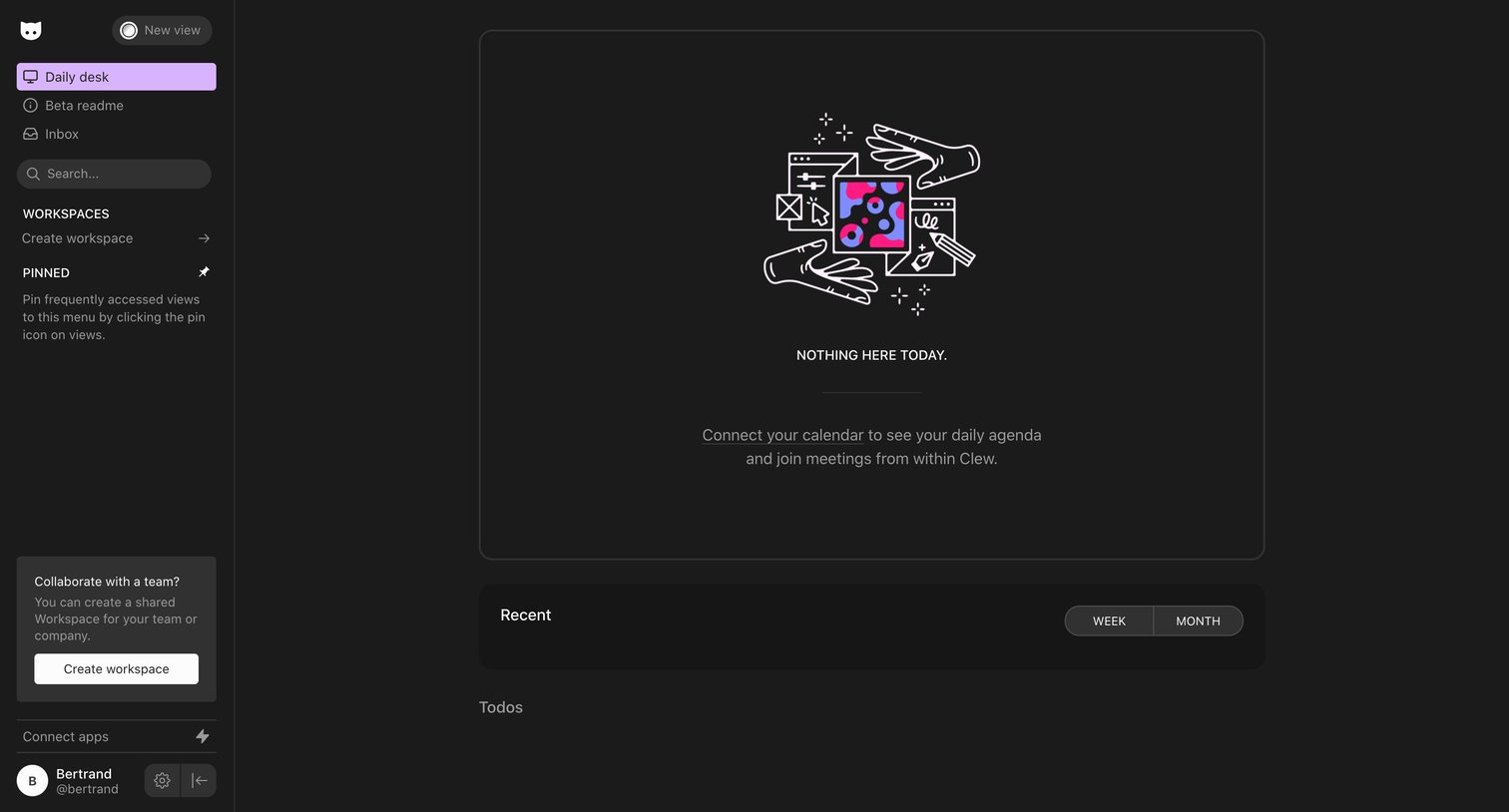
Home view where the user is prompted to connect their calendar to populate their daily agenda and recent items.
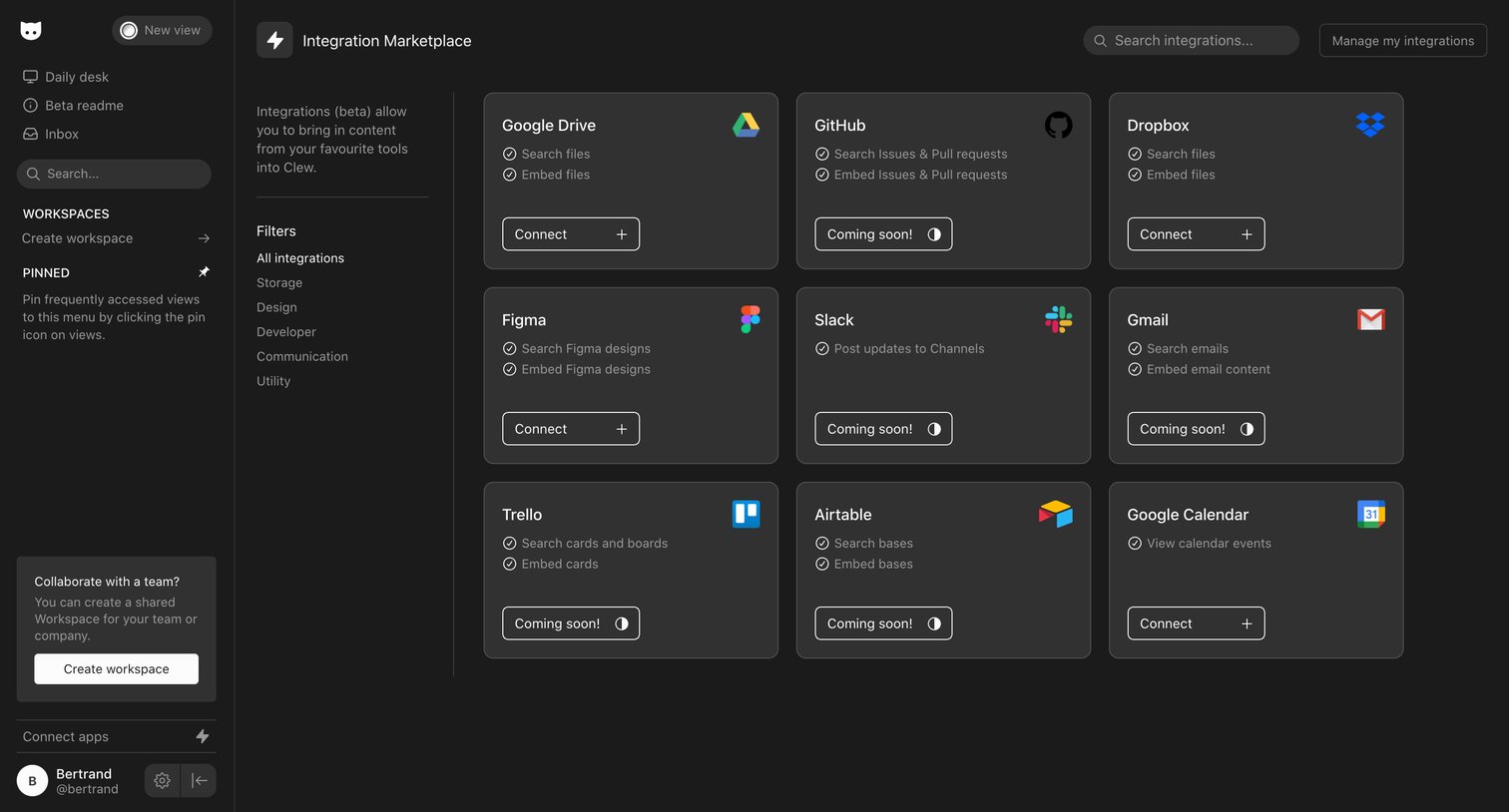
Settings page where the user browses and filters a marketplace of third-party integrations to connect to their workspace.
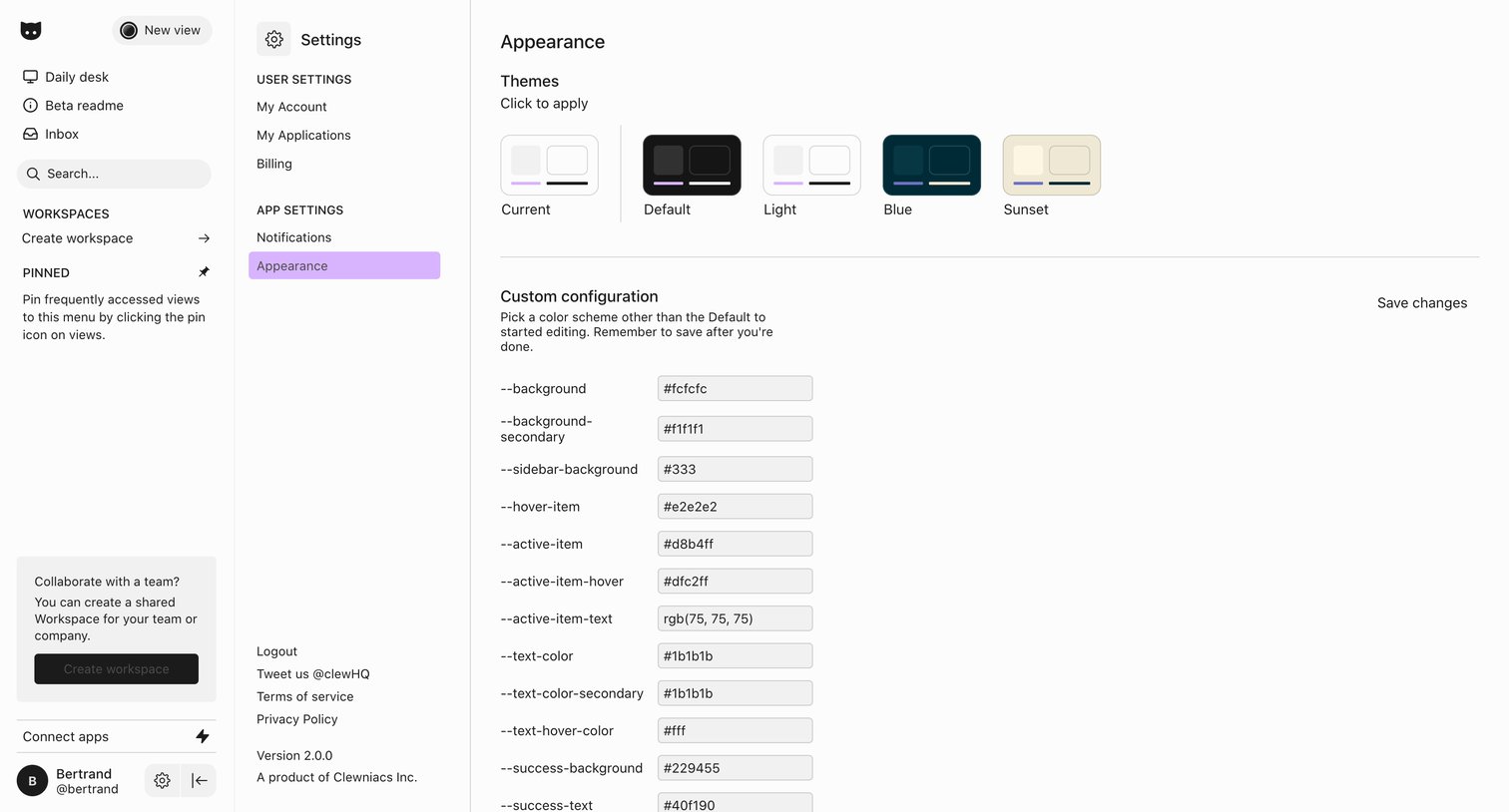
Settings page where the user can select a preset theme or customize specific CSS color variables via hex codes.
Browse the full SaaS app library
Explore real SaaS apps with their product screens, marketing screens, flows, and components.
Trusted by the best teams







