Clearbit design examples
Explore Clearbit UI design examples. B2b lead data enrichment, qualification & scoring
Product screens


Signin page where the user authenticates with email and password, featuring a side panel promoting HubSpot form conversion features.
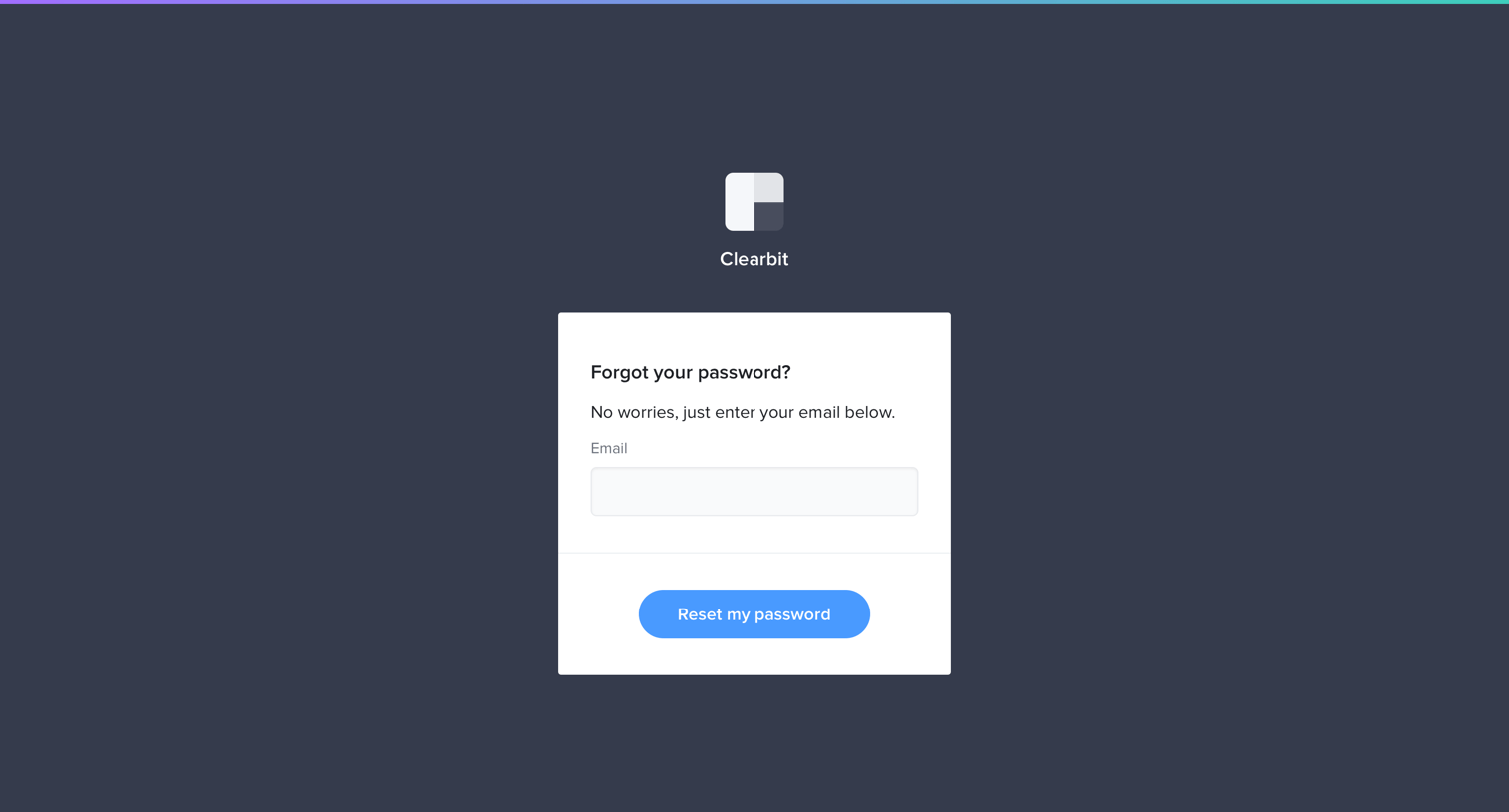
Password recovery screen where the user enters their email address to request a reset link.


Signup screen where the user enters their personal and company details, with a popover highlighting that fields were pre-filled via data enrichment.

Verification screen where the user enters a code texted to their phone to confirm their identity and complete signup.

Dashboard getting-started view where the user can choose to install free browser extensions or connect to data enrichment APIs.
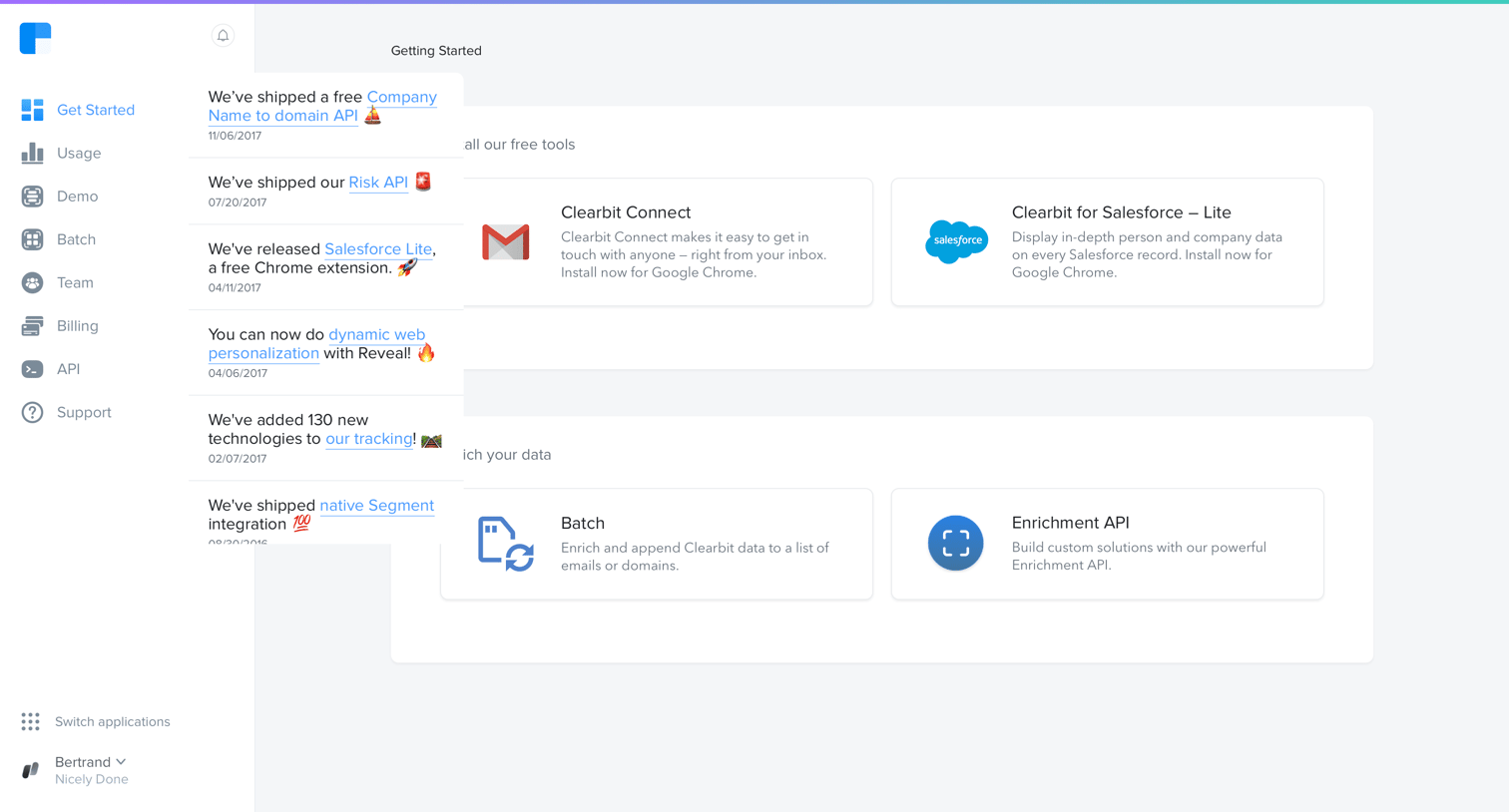
Dashboard getting started page where the user can install free tools like Clearbit Connect and Salesforce Lite, or access enrichment APIs.

Onboarding dashboard where the user can install free tools like Clearbit Connect or Salesforce Lite, and explore data enrichment APIs.
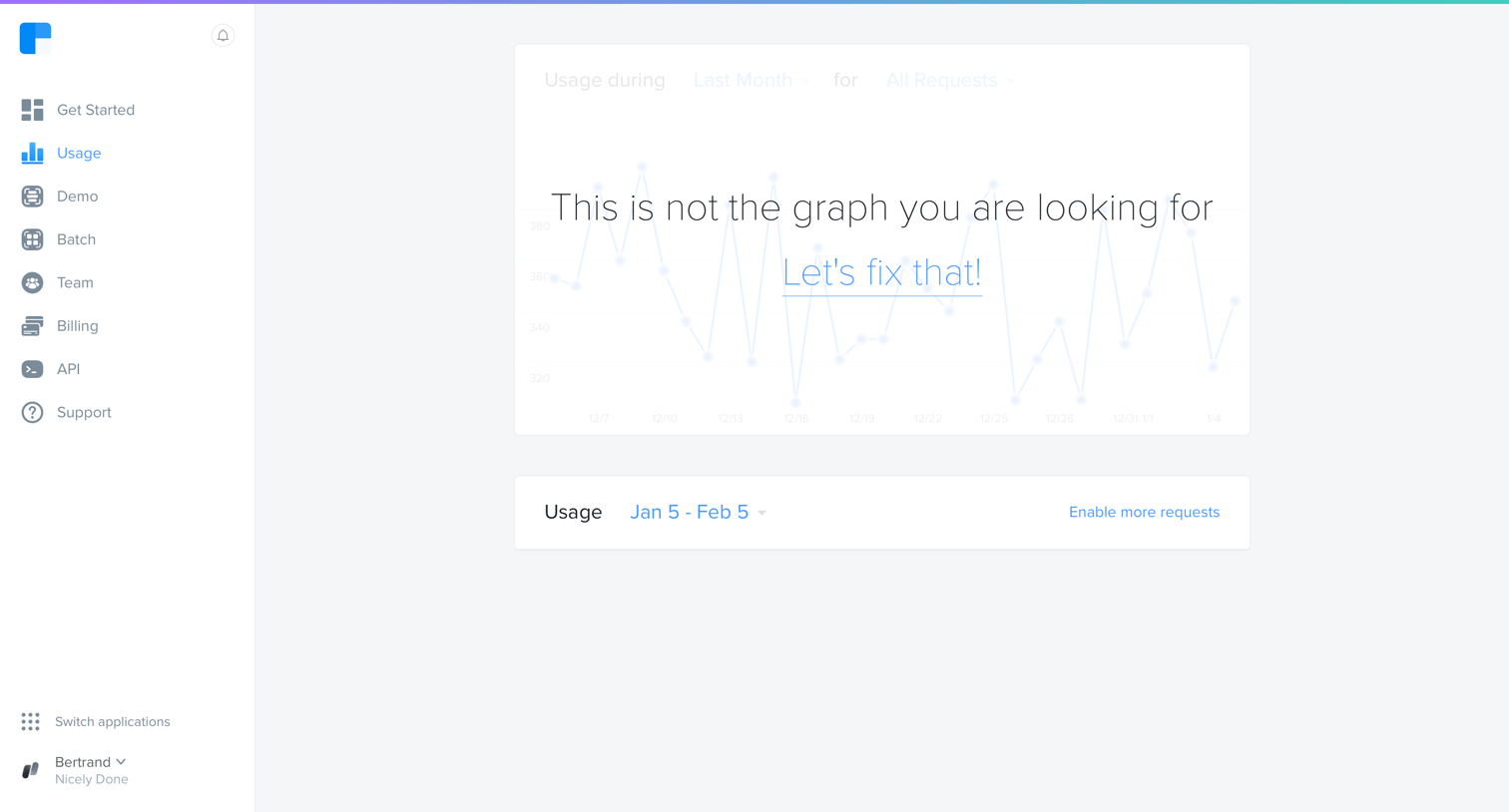
Dashboard showing an empty state for API usage with a prompt to fix the missing data and an option to enable more requests.
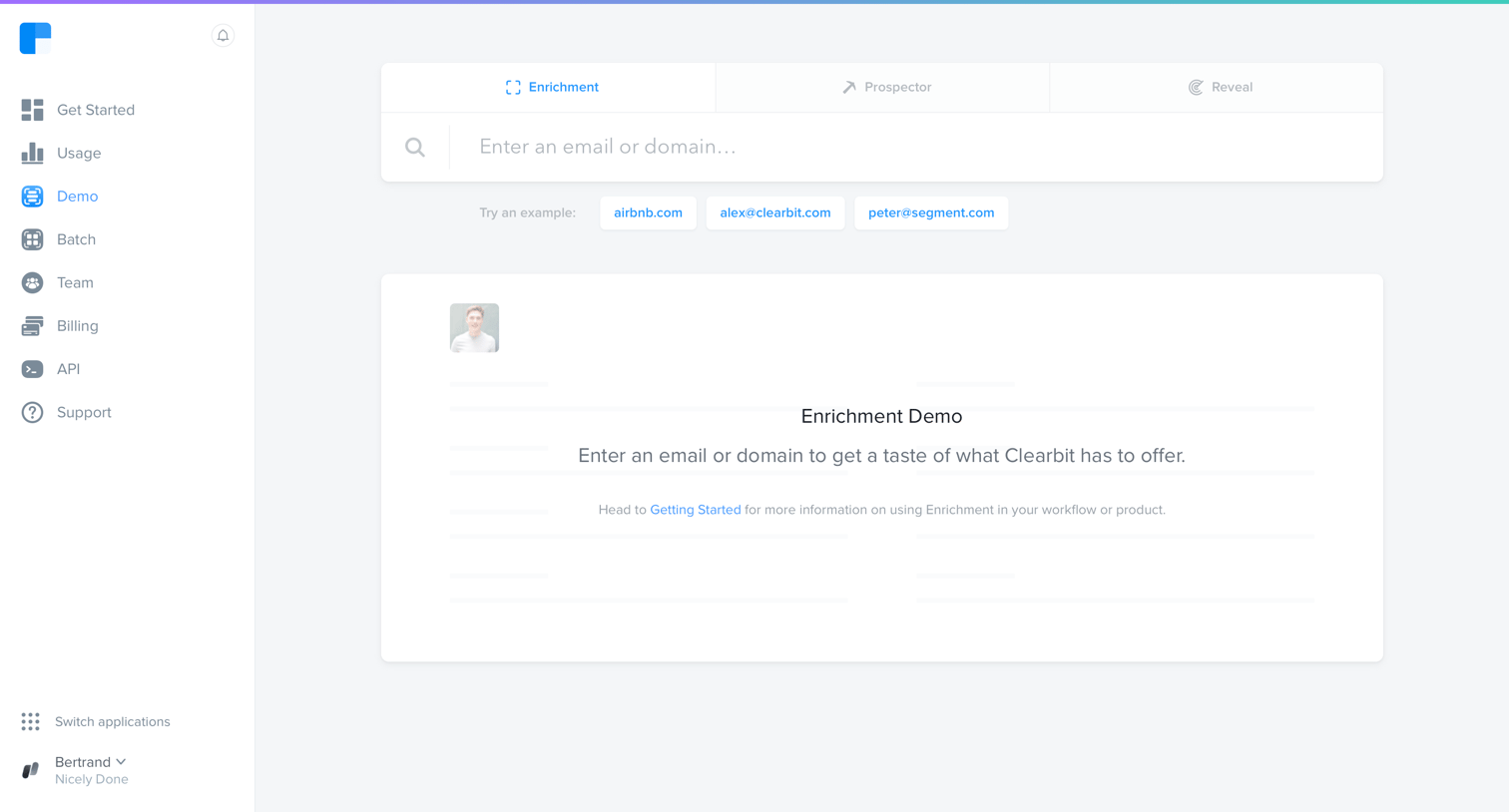
Search page where the user can look up an email or domain to test the data enrichment capabilities, currently showing an empty state with suggested example queries.
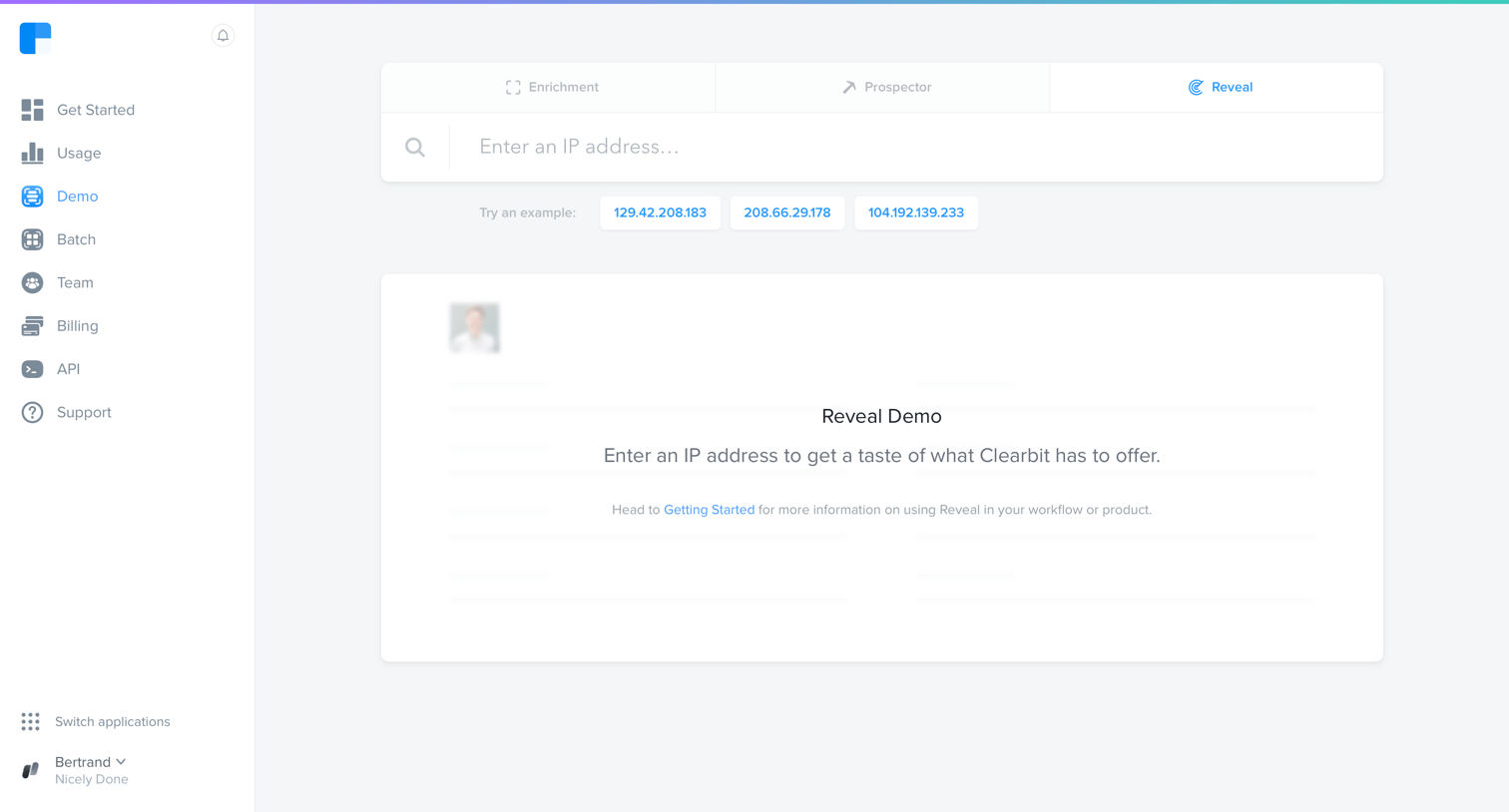
Search interface where the user can enter an IP address to test the Reveal data enrichment feature, with clickable example IPs provided.

Search results page where the user views enriched company data, including location, description, and tags, for a queried domain.
Browse the full SaaS app library
Explore real SaaS apps with their product screens, marketing screens, flows, and components.
Trusted by the best teams







