Circle product screens examples
Browse Circle screen design examples. Preview the interface screenshots and explore related UI patterns. The modern community platform for creators
Explore the examples
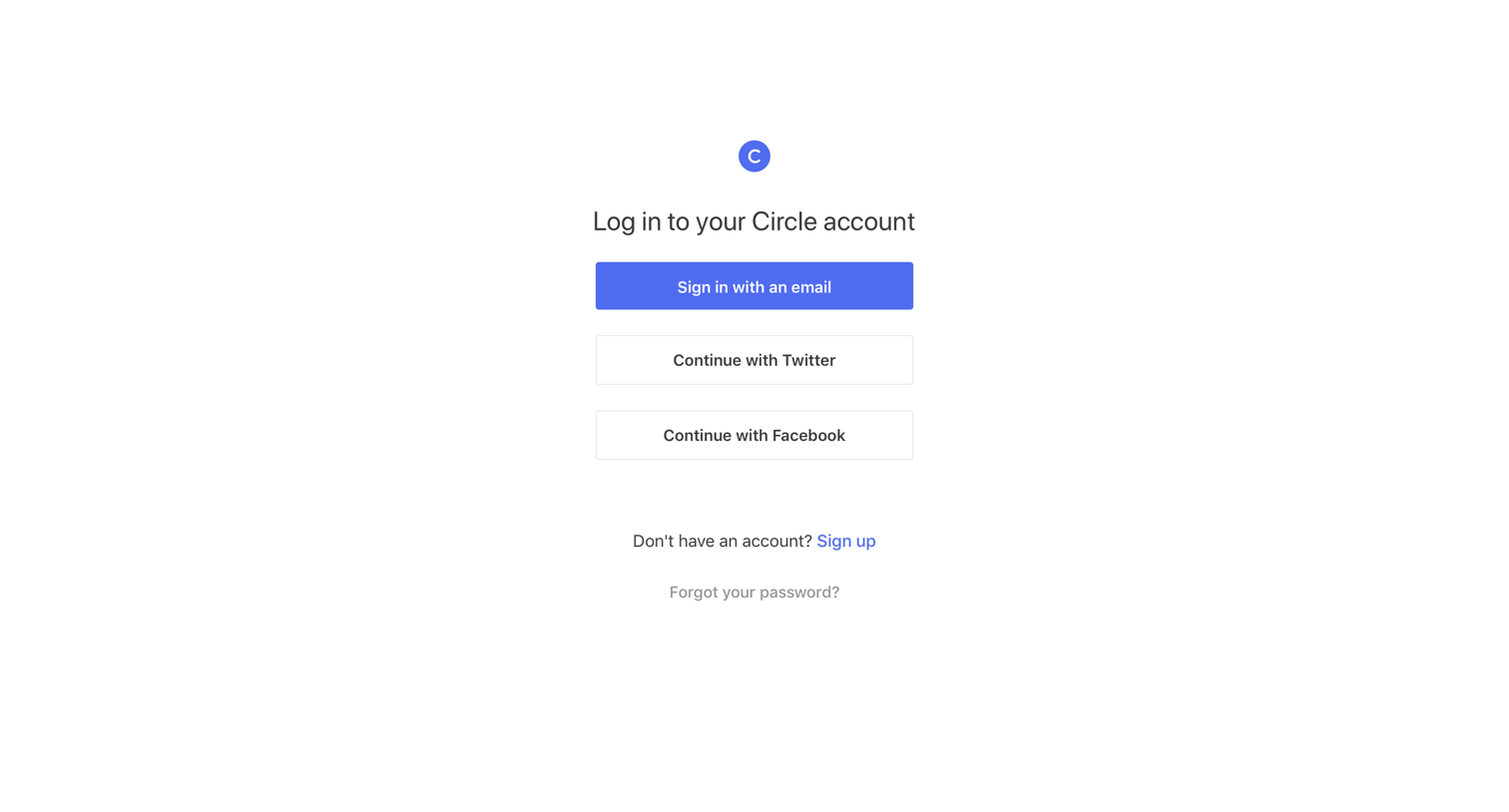


Password recovery screen where the user enters their email address to request a reset link.
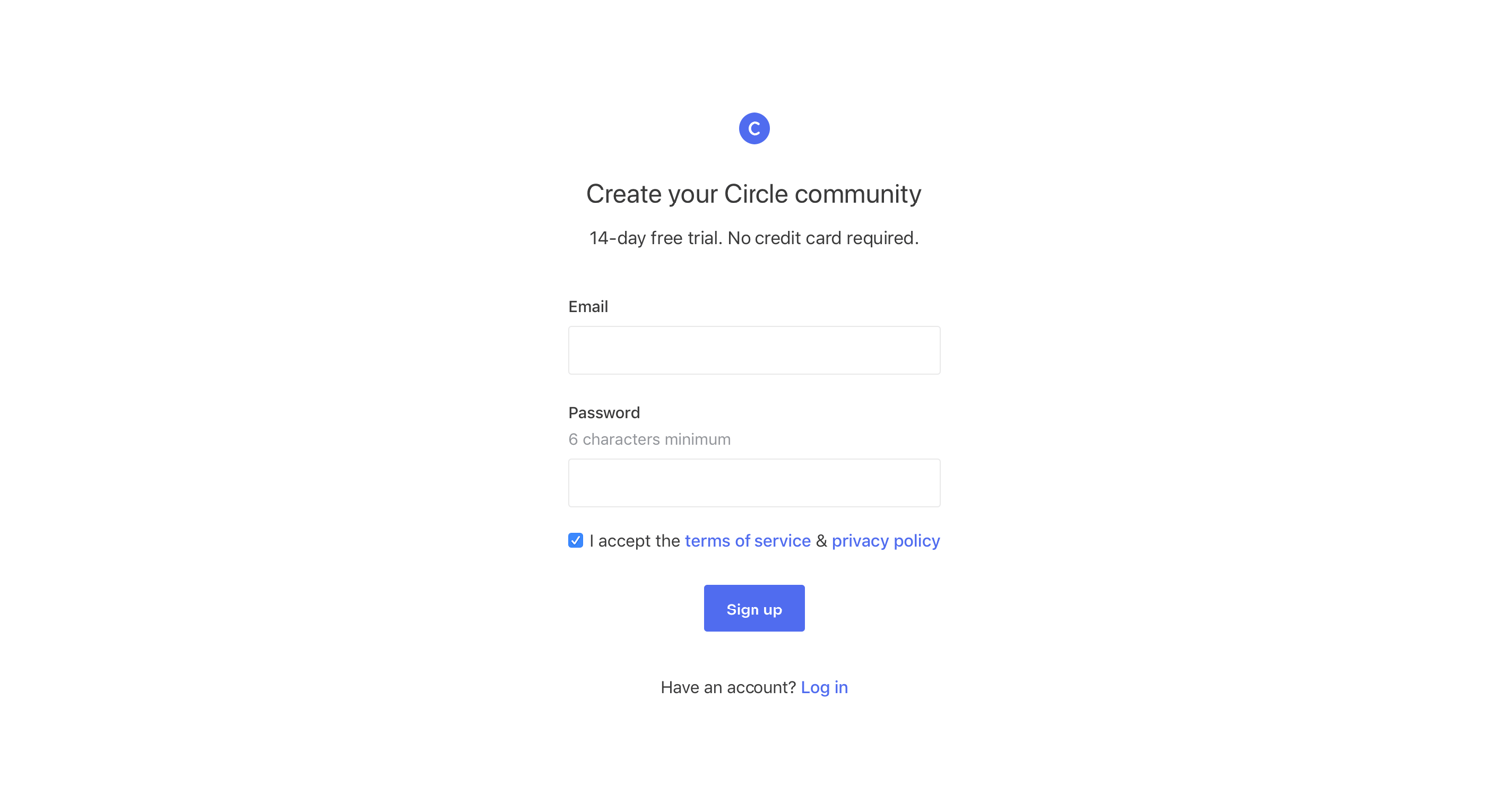

Onboarding step where the user creates their profile by adding a photo, display name, headline, bio, location, and social links.

Onboarding step where the user creates their community by configuring its name, custom URL, privacy toggle, and brand assets like color and logos.

Creation screen where the user sets up a new community by configuring its name, custom URL, privacy settings, and branding elements.
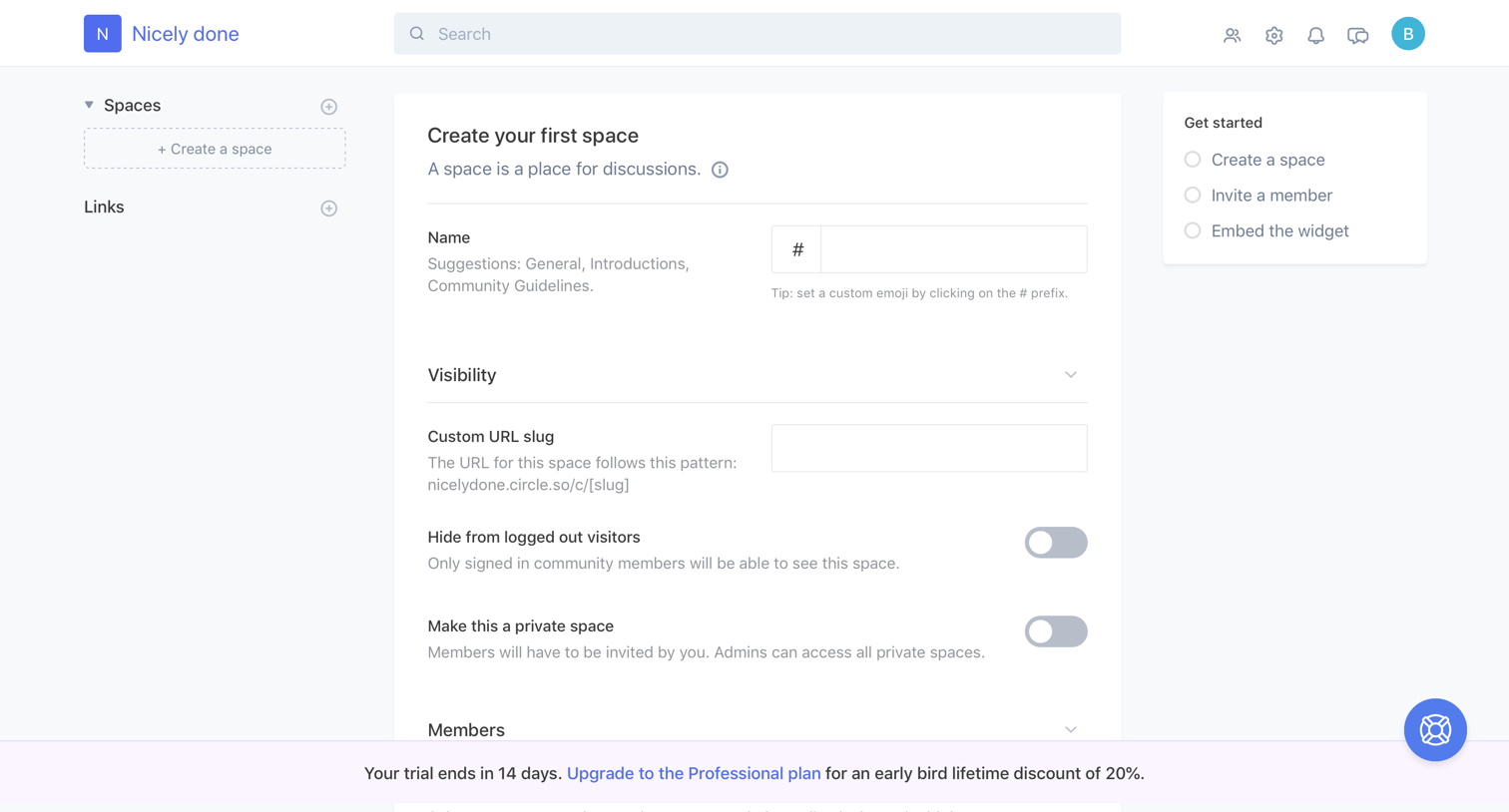
Create page where the user configures a new community space with a name, custom URL, visibility toggles, member invitations, and layout preferences.
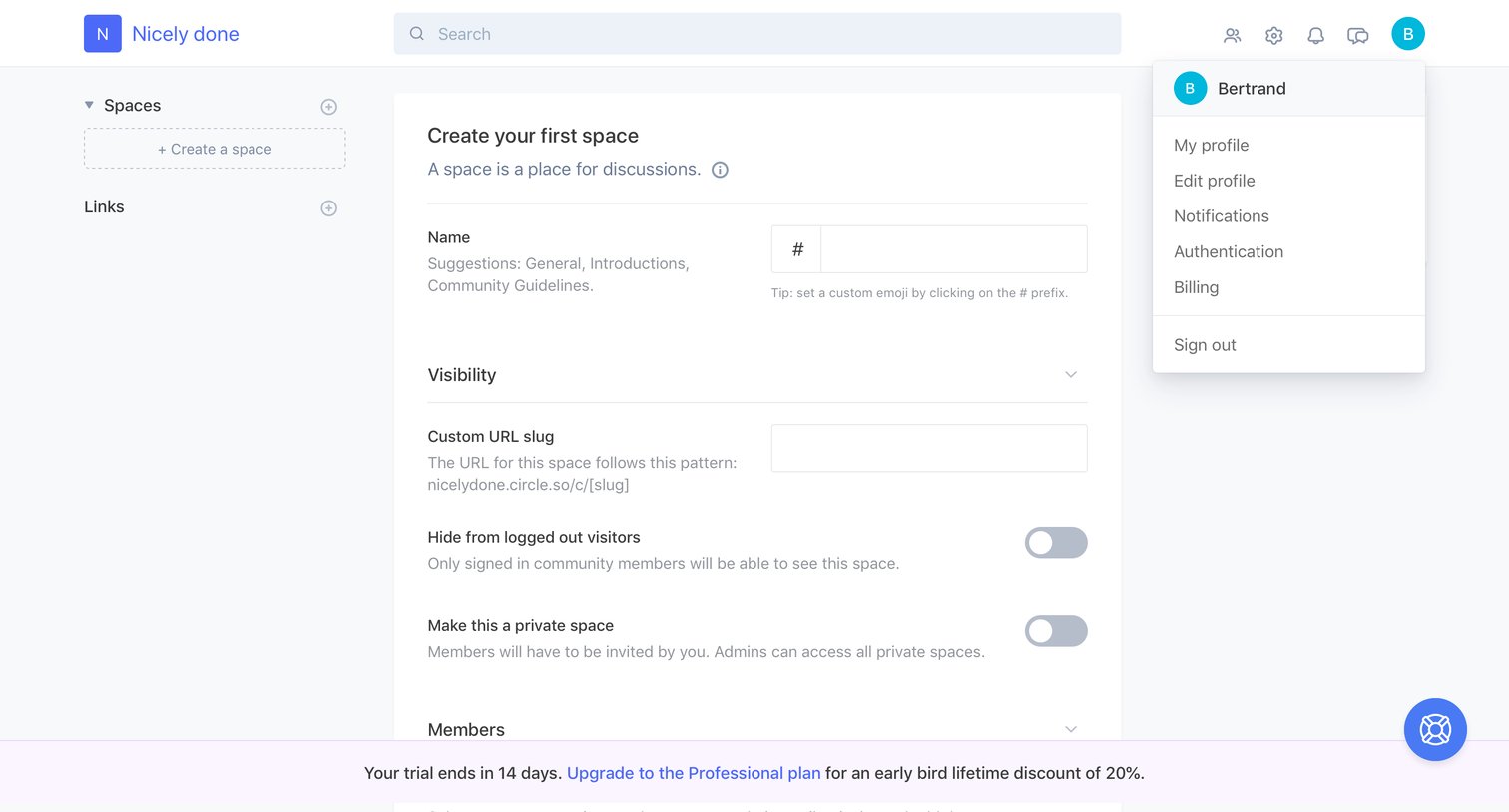
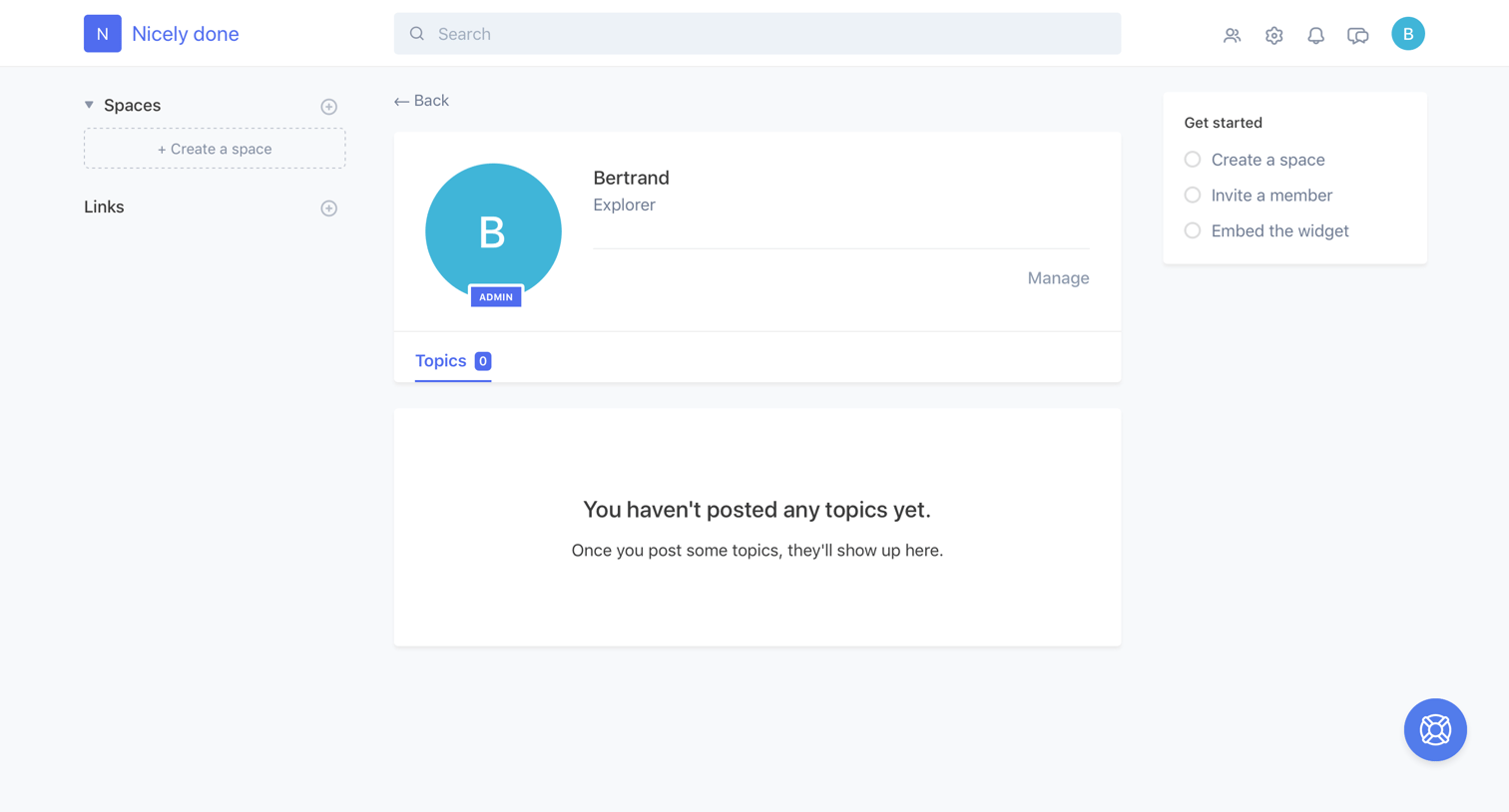
Detail page where the user views a member's profile, showing their role and an empty topics feed, alongside a getting-started checklist.
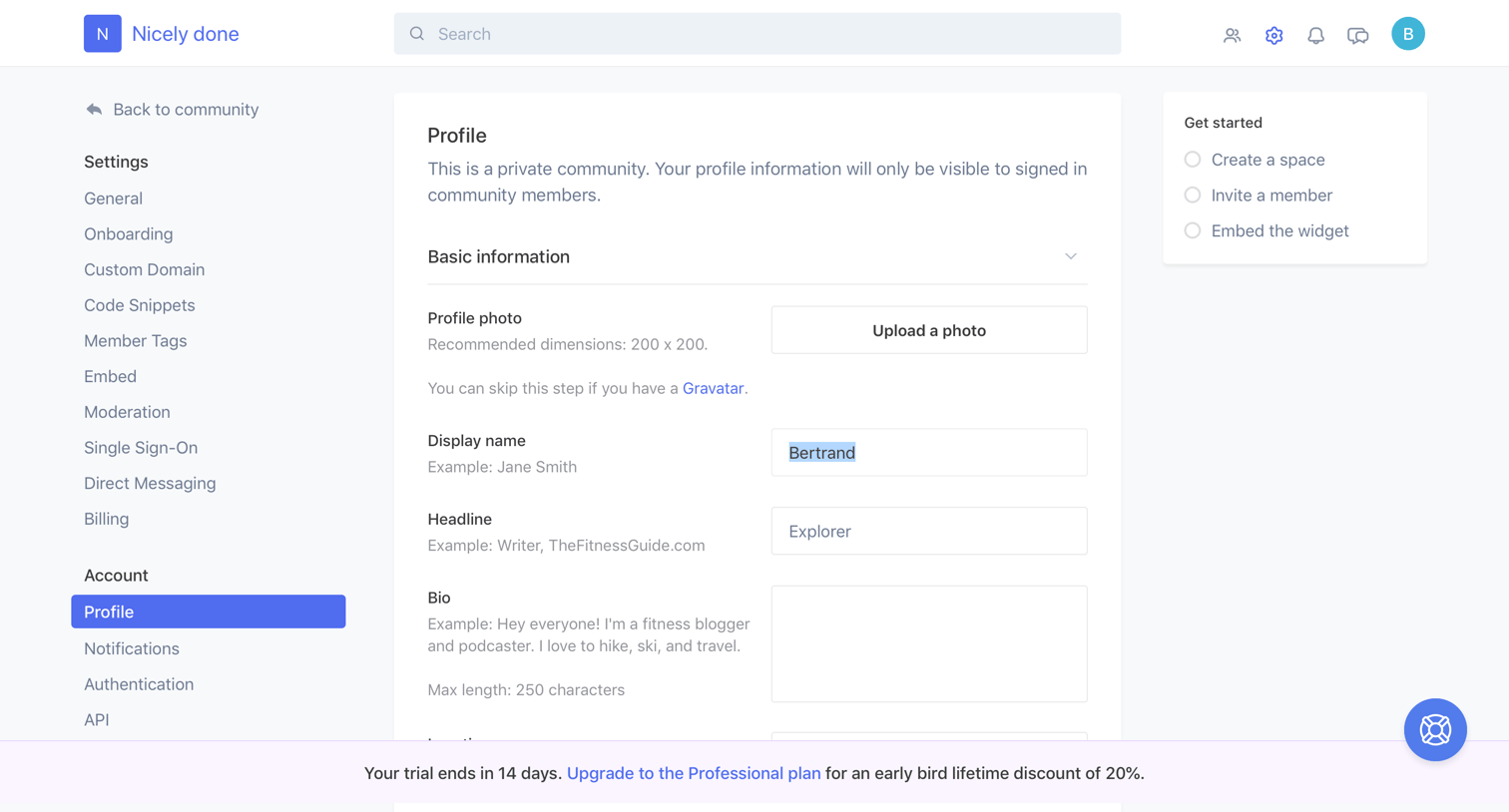

Settings page where the user configures general community details like name, URL, visibility, branding, and default spaces.

Settings page where the admin configures the onboarding experience for new community members, including invitation emails and popups.
Explore the full SaaS screen library
Upgrade to unlock the full library.
Trusted by the best teams







