Buy Me a Coffee product screens examples
Browse Buy Me a Coffee screen design examples. Preview the interface screenshots and explore related UI patterns. A supporter is worth a thousand followers
Explore the examples
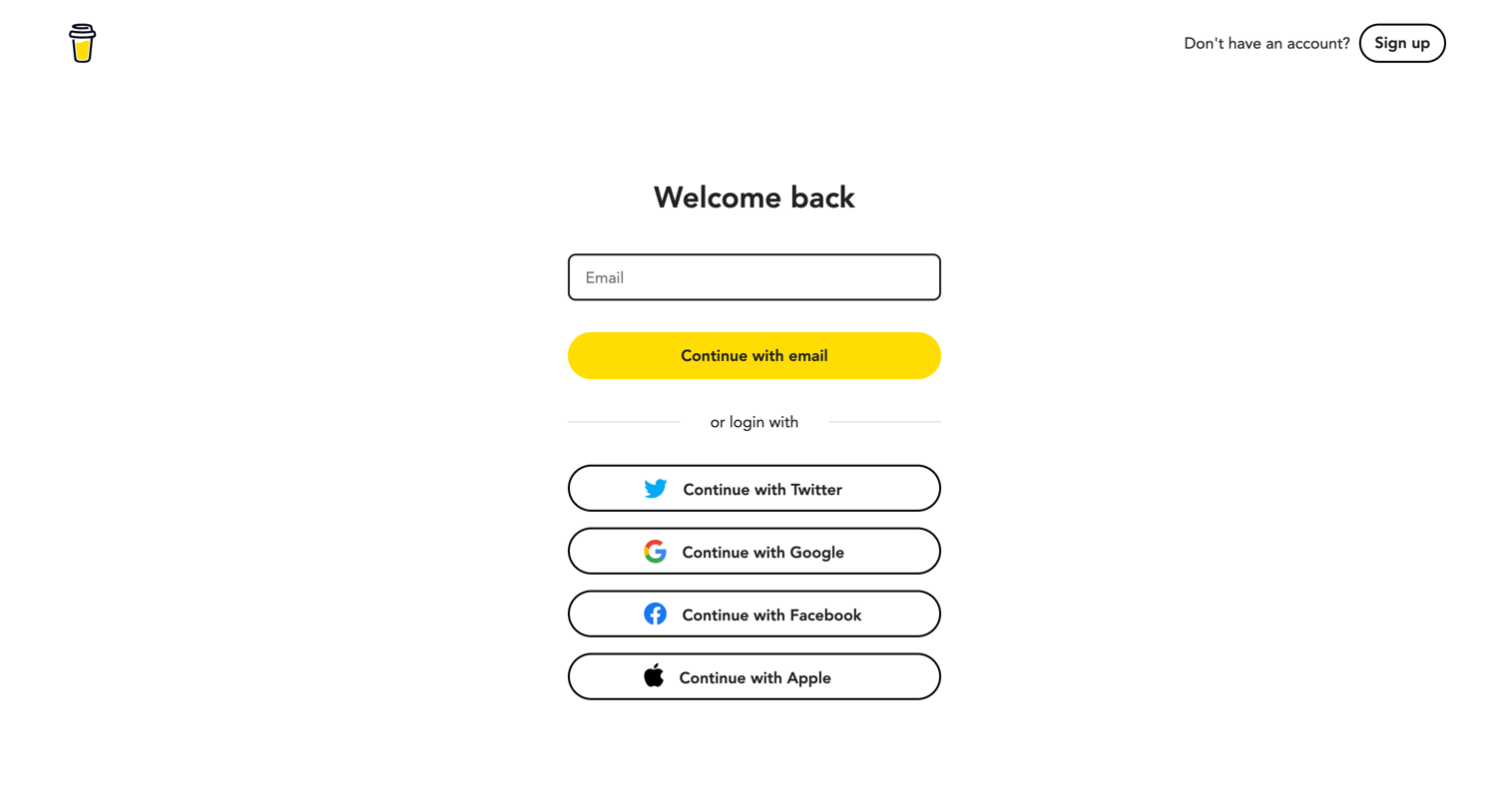

Sign-in screen where the user authenticates via an email magic link or through social providers like Twitter, Google, Facebook, and Apple.
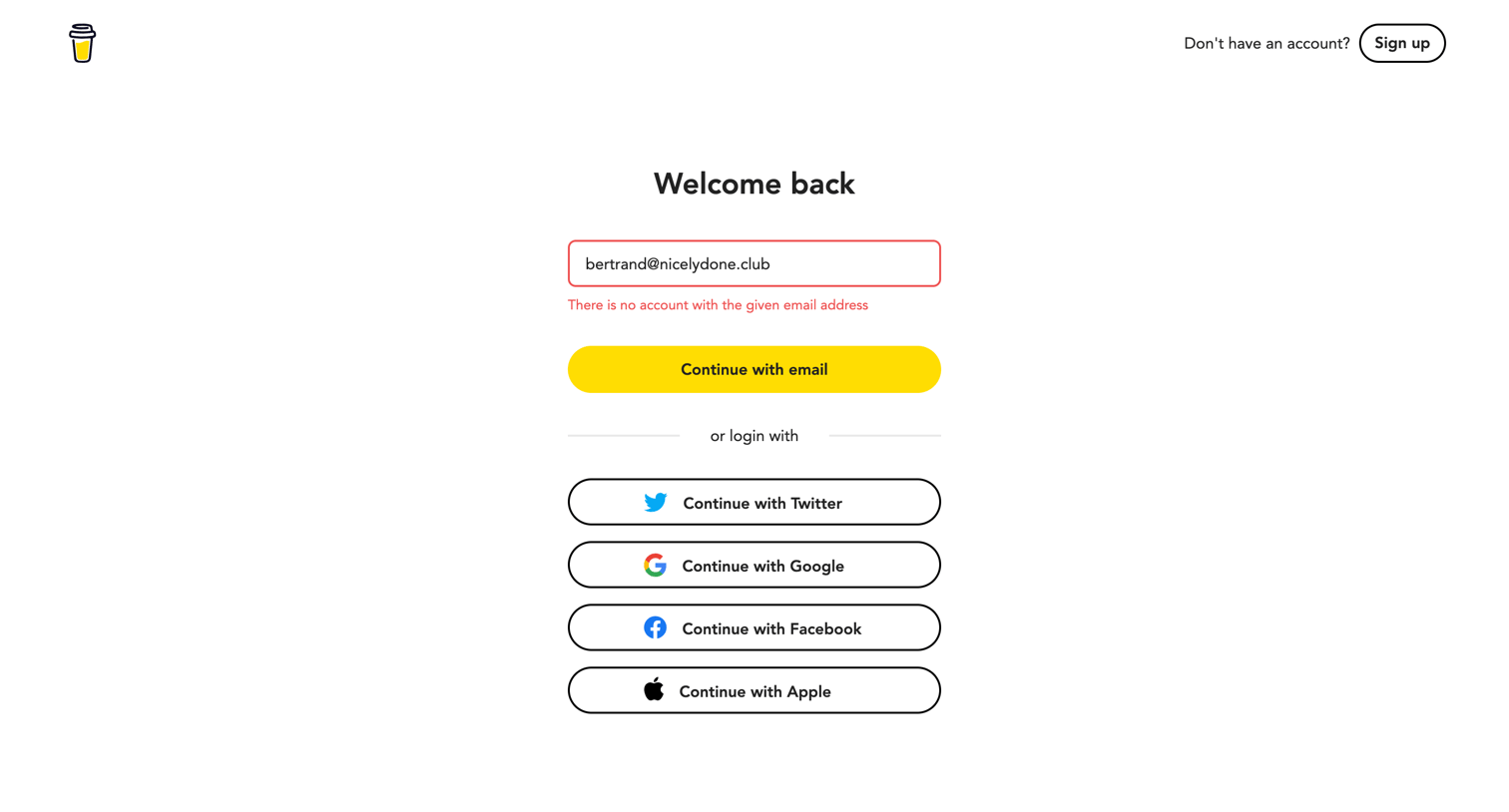
Sign-in screen showing an error message for an unregistered email address, with alternative login options via Twitter, Google, Facebook, and Apple.
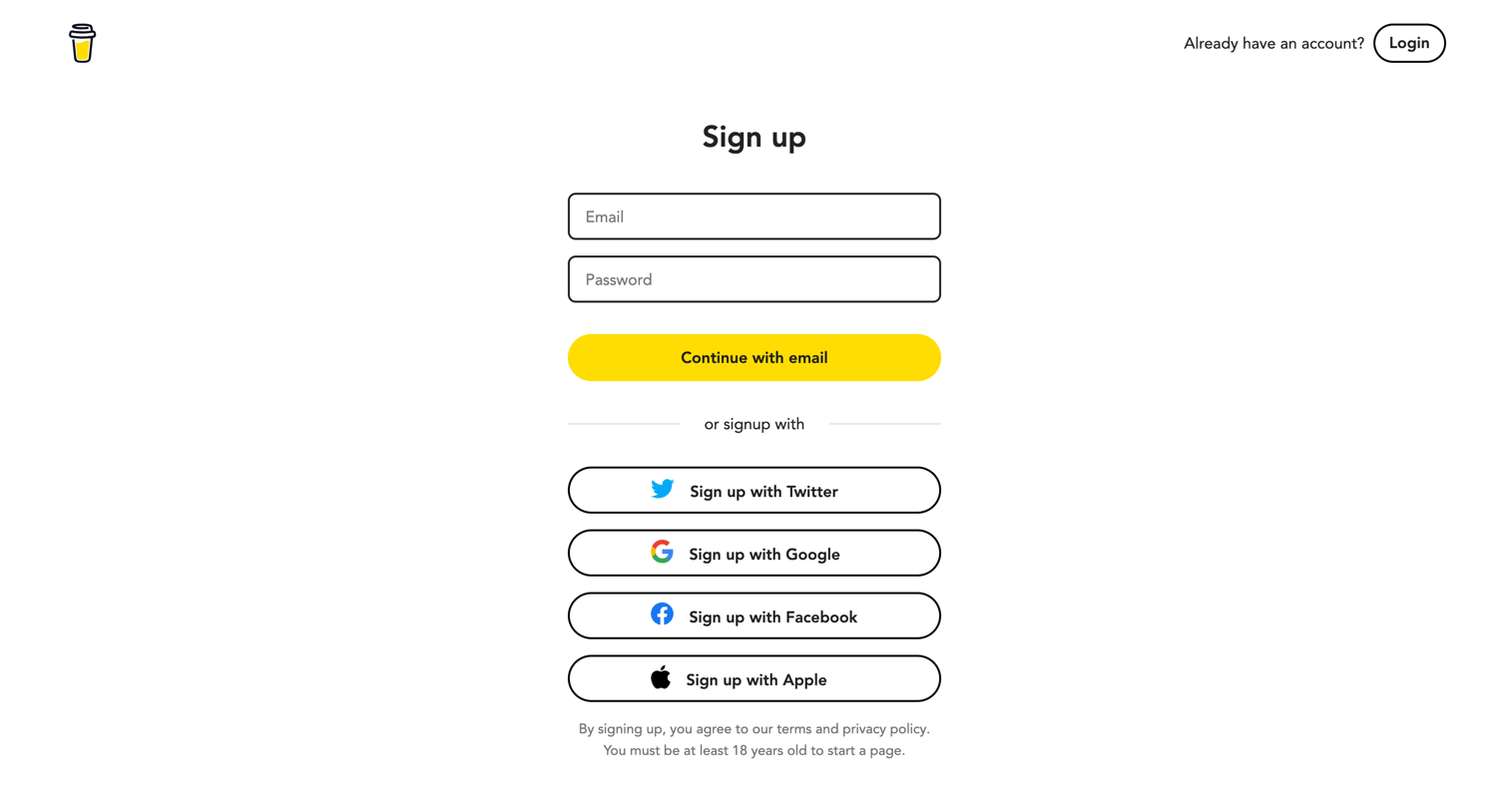
Signup screen where the user creates an account using email and password or authenticates via Twitter, Google, Facebook, or Apple.
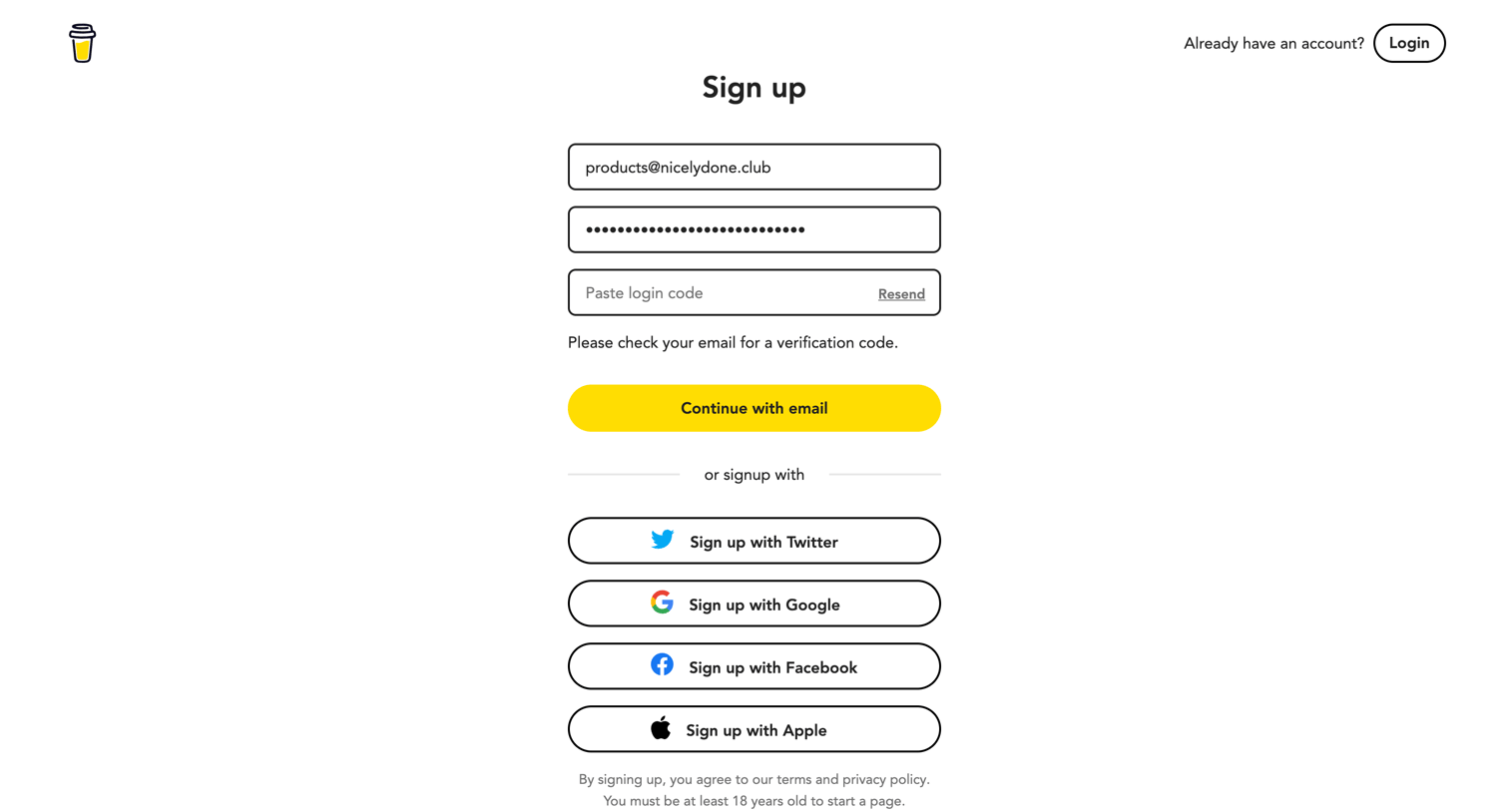
Signup page where the user enters their email and password, verifies a login code, or authenticates via Twitter, Google, Facebook, or Apple.
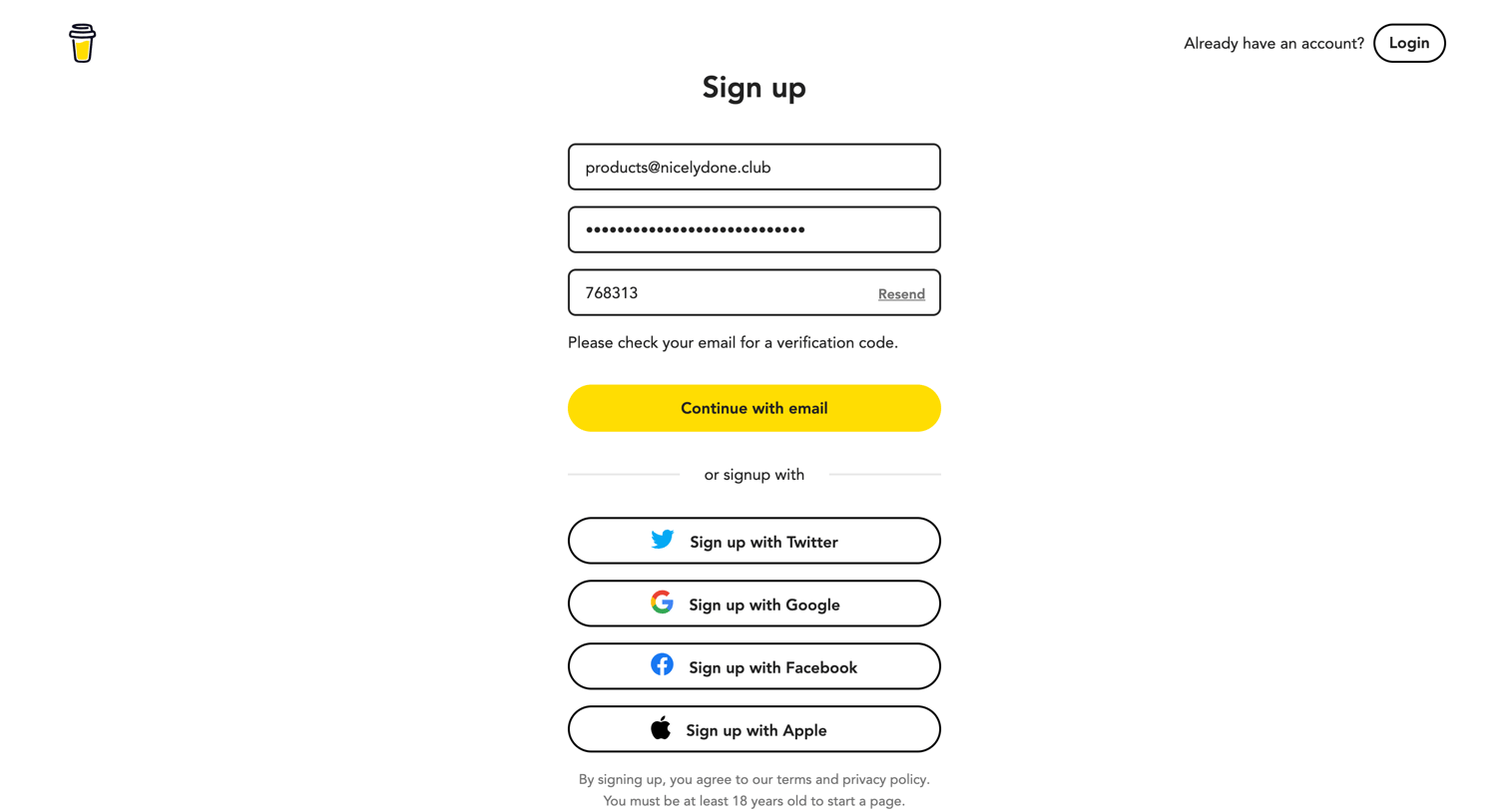
Signup screen where the user enters their email, password, and a verification code sent to their email, with options to authenticate via Twitter, Google, Facebook, or Apple.

Onboarding step where the user completes their creator profile by adding a photo, name, custom Buy Me a Coffee link, bio, and website.
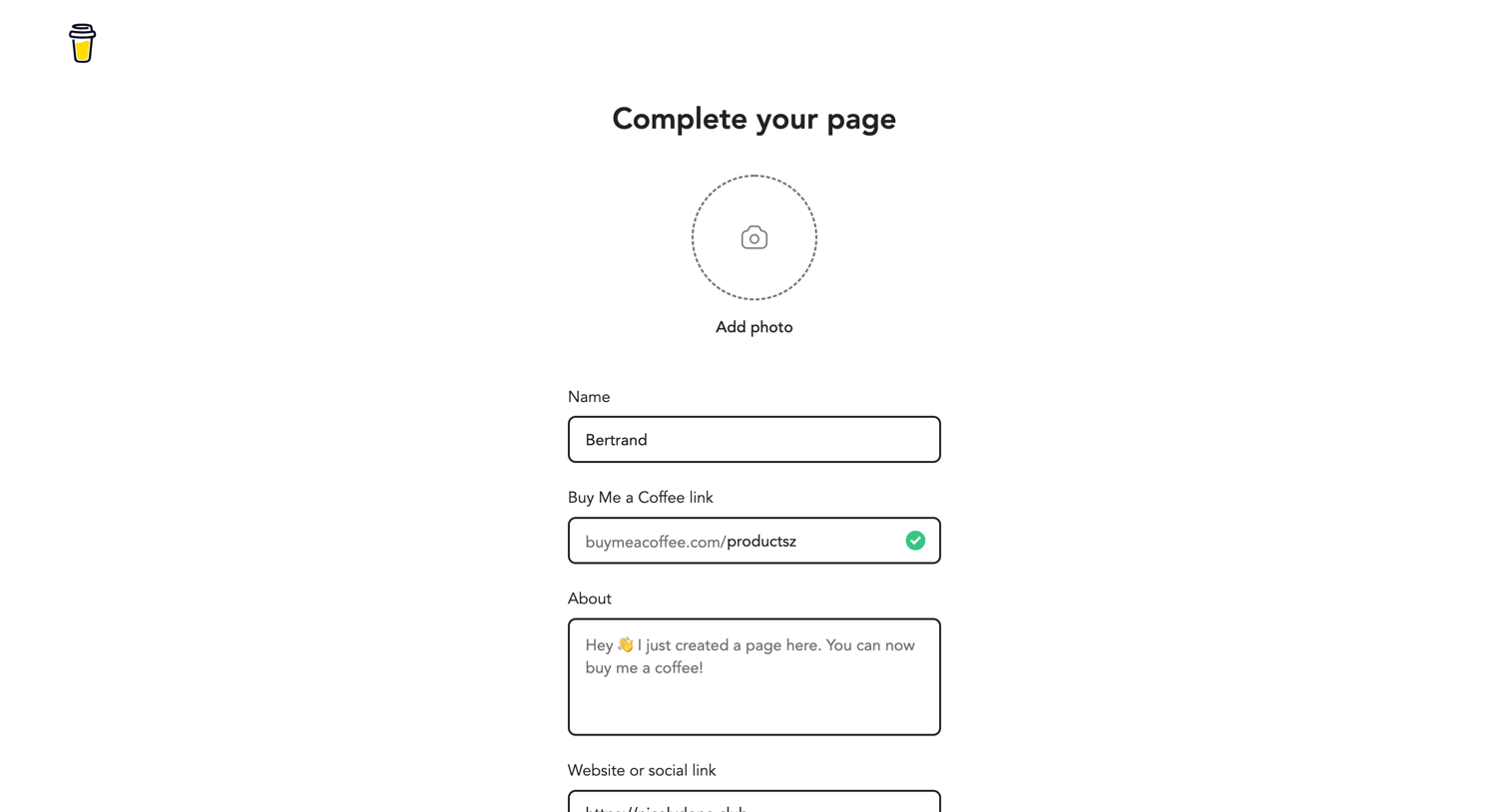
Onboarding step where the user sets their display name, custom URL, bio, and social link.
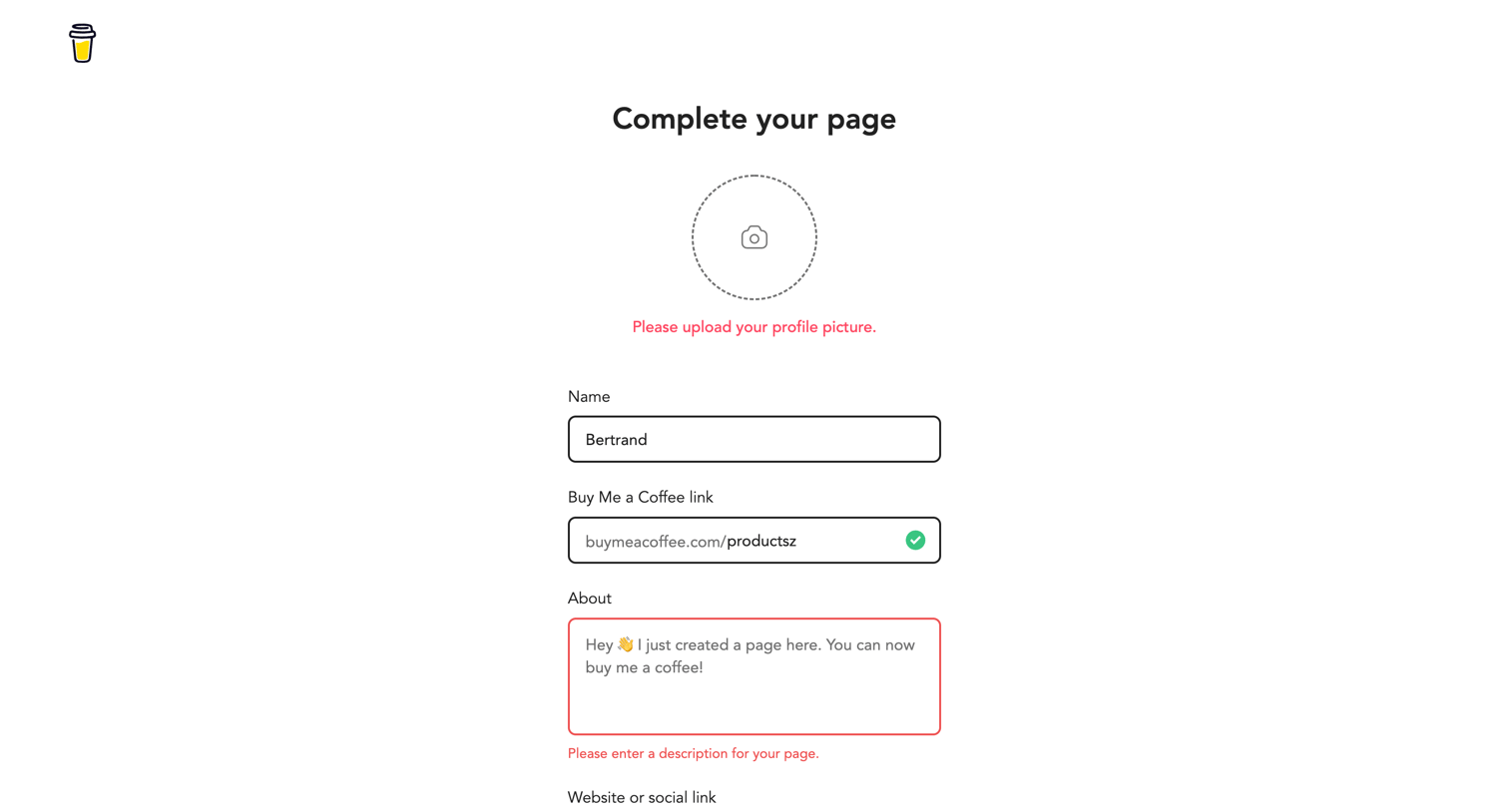
Onboarding step where the user completes their page by uploading a profile picture, setting a custom URL, and adding a description, currently showing validation errors.
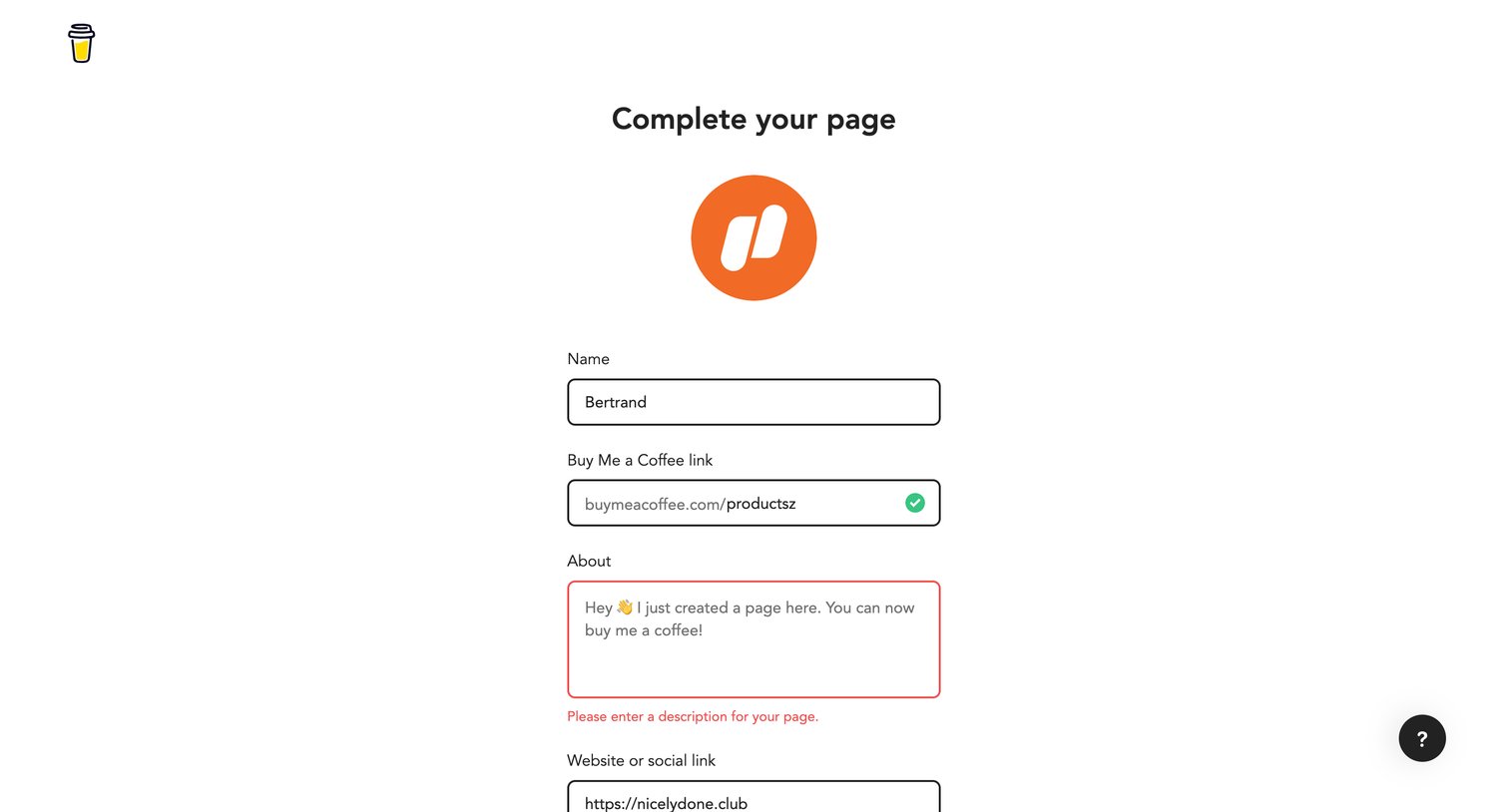
Onboarding step where the user completes their creator profile by entering a name, custom URL, description, and website link, currently showing a validation error.
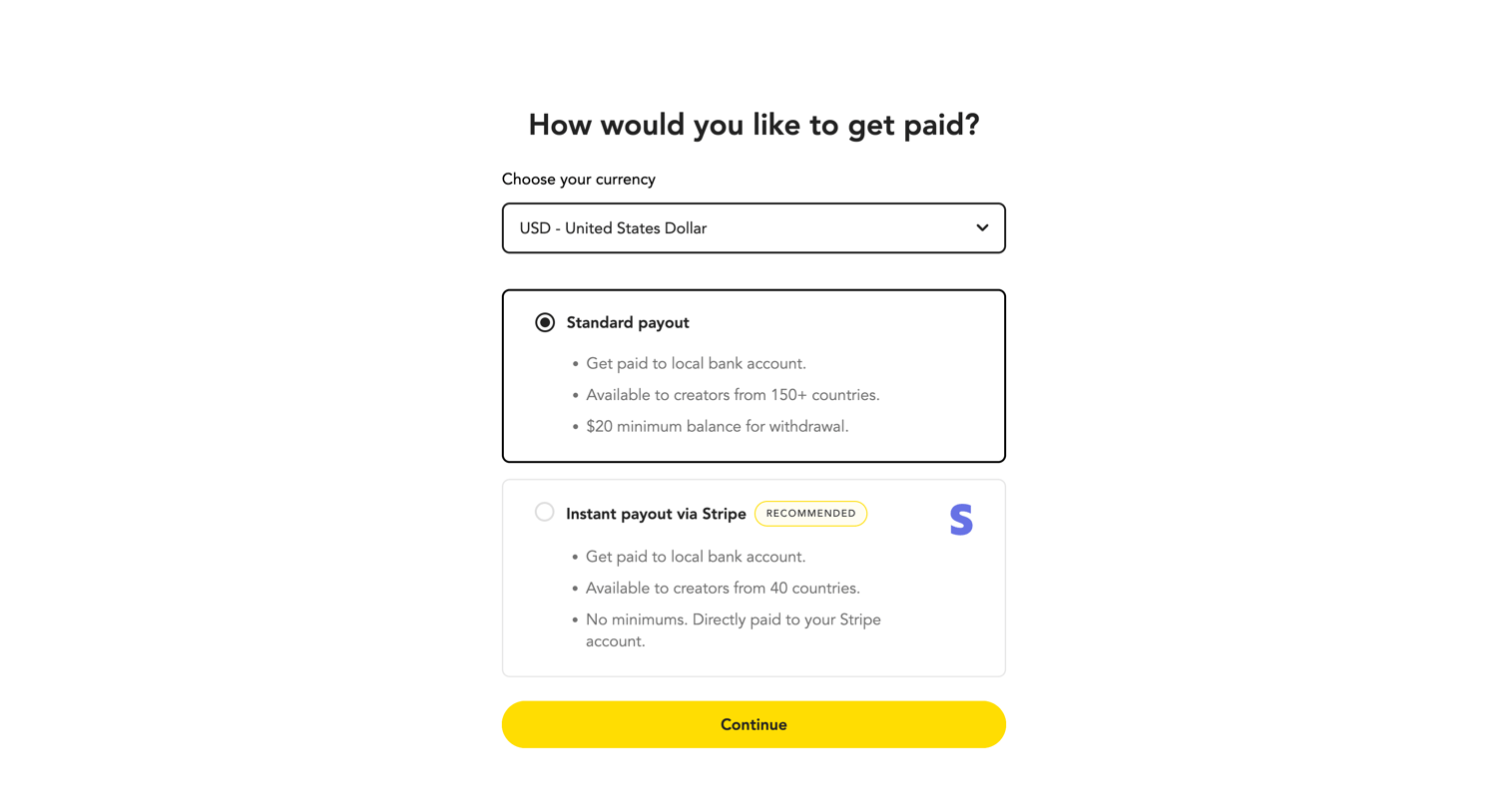
Onboarding step where the user selects their preferred currency and chooses between standard or instant Stripe payouts.
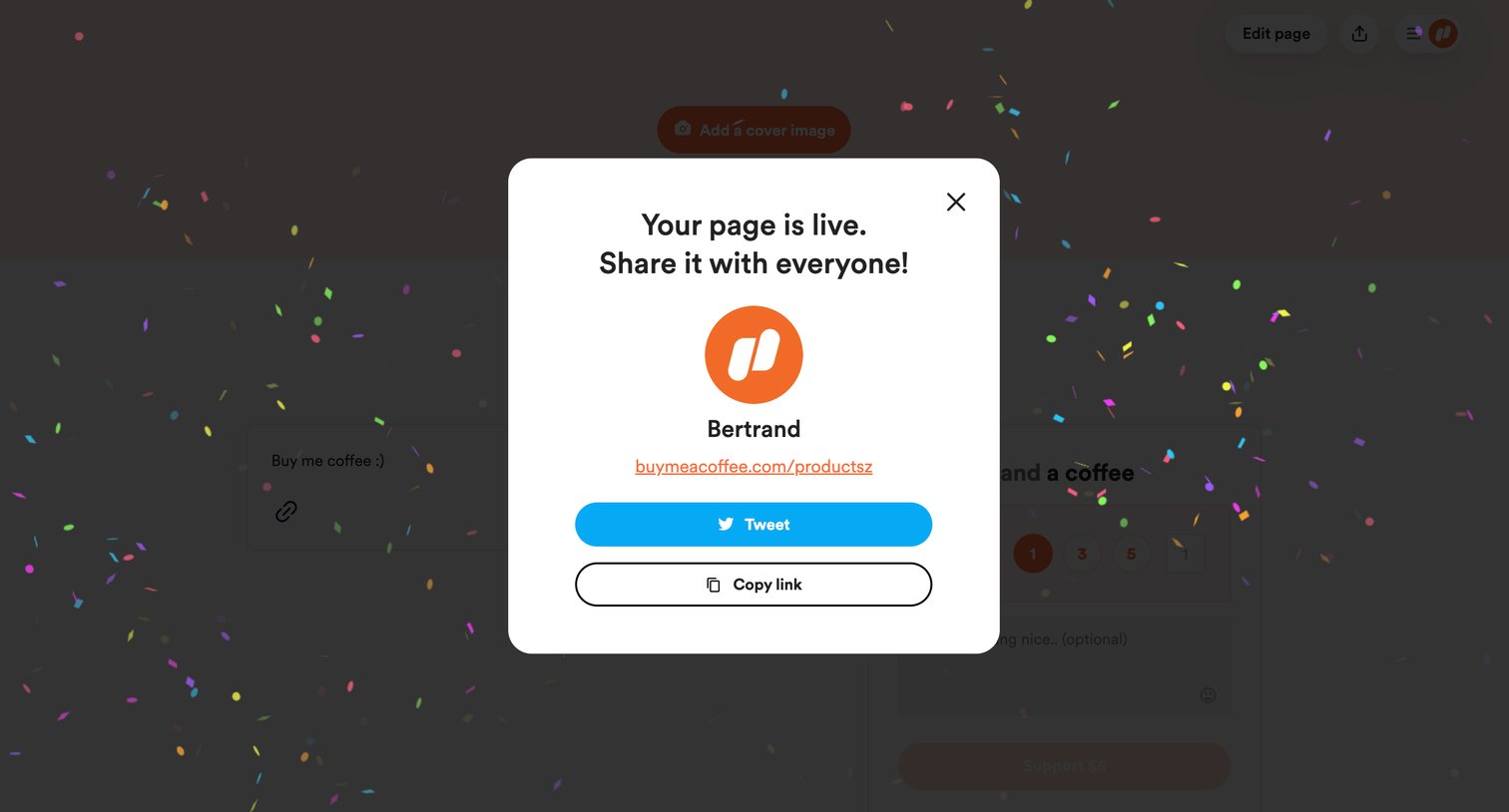
Success modal confirming a creator's page is live, prompting them to share it via Twitter or copy the link, with celebratory confetti in the background.
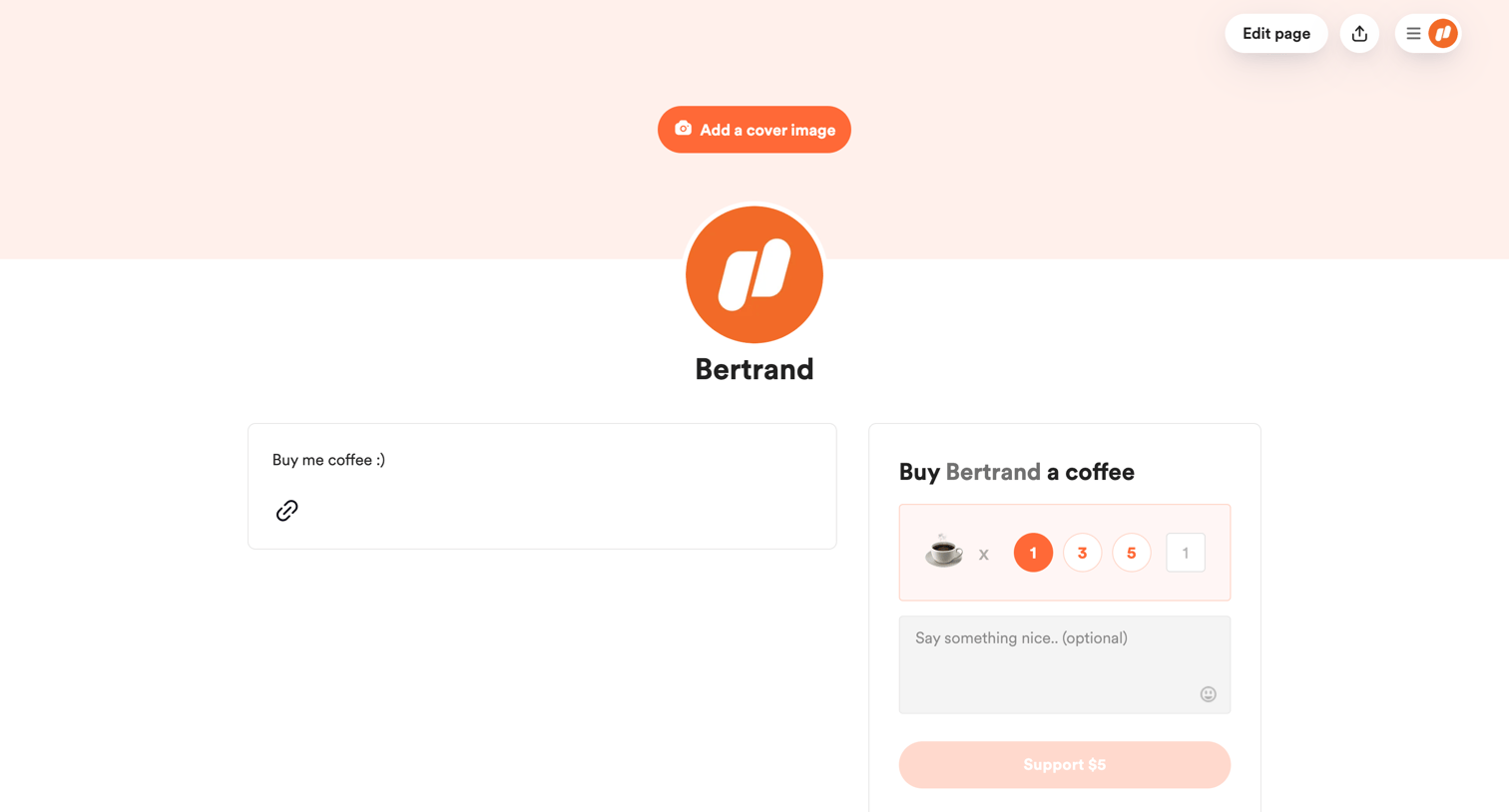
Creator profile page where visitors can buy the creator a coffee by selecting a multiplier and leaving an optional message, while the logged-in creator sees options to edit the page and add a cover image.
Explore the full SaaS screen library
Upgrade to unlock the full library.
Trusted by the best teams







