Bonsai product screens examples
Browse Bonsai screen design examples. Preview the interface screenshots and explore related UI patterns. One platform to streamline your entire business
Explore the examples
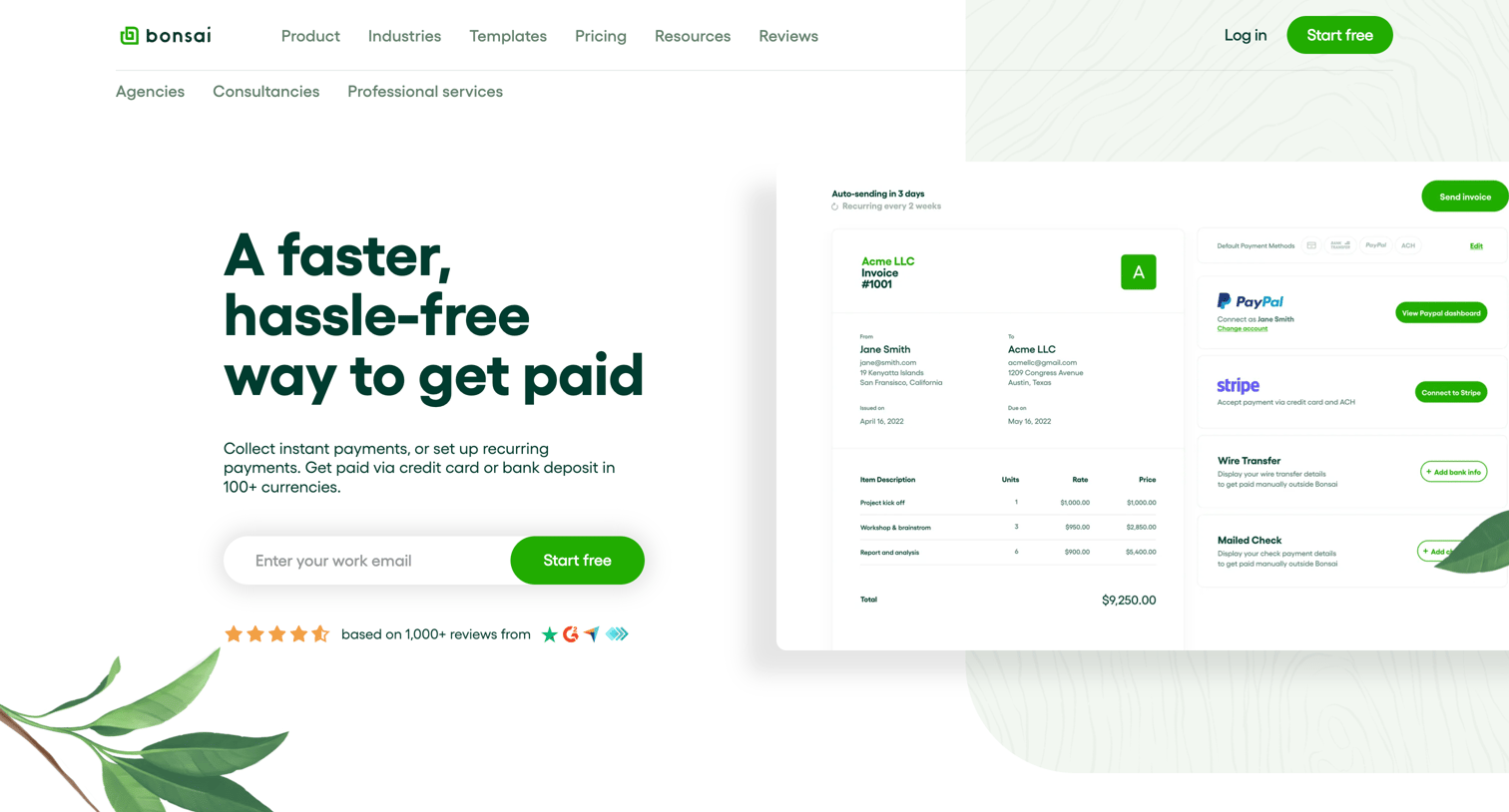
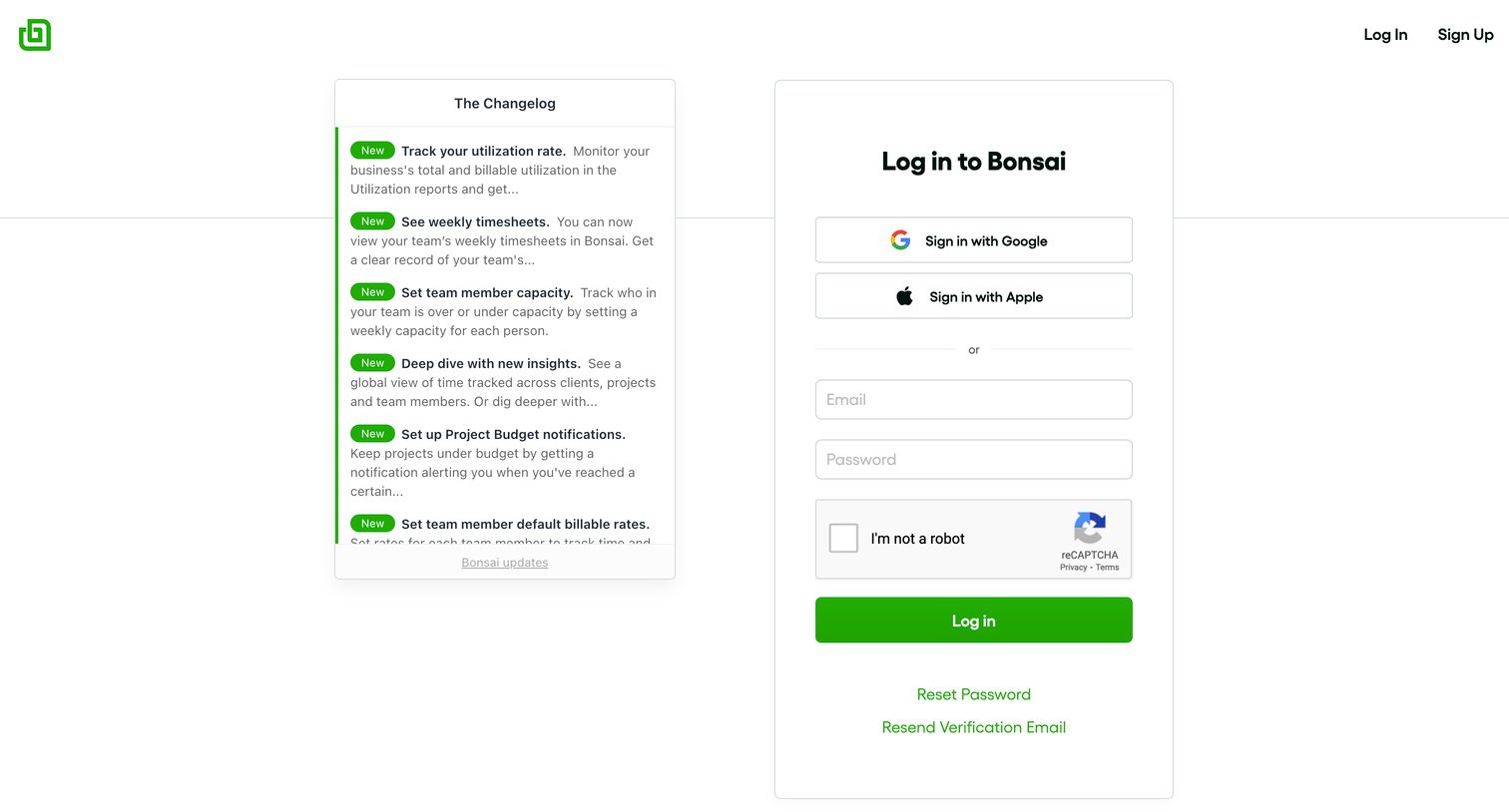

Sign-in screen where the user authenticates with Google, Apple, or email, alongside a changelog of recent product updates.
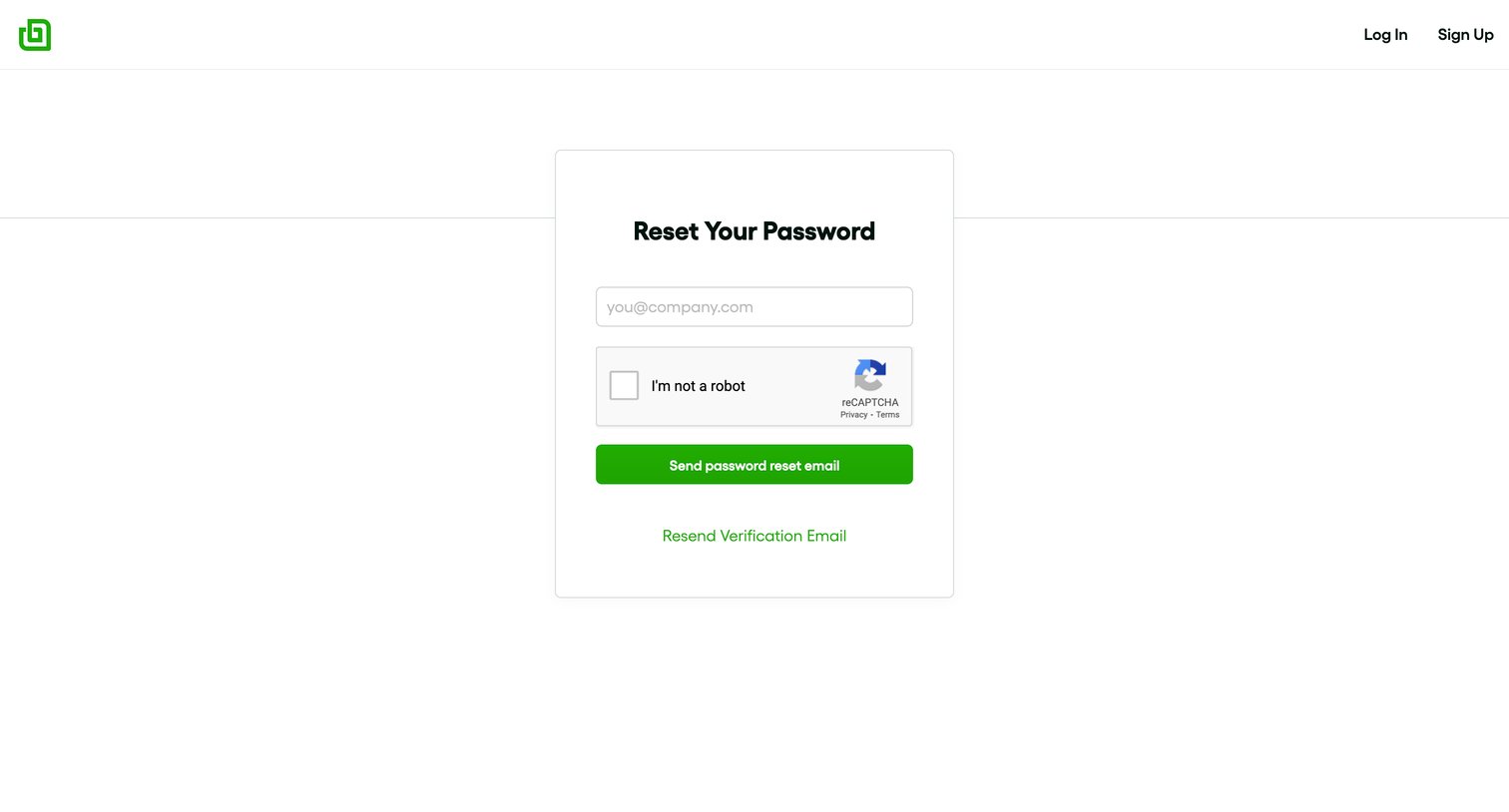
Password recovery screen where the user enters their email address and completes a captcha to receive a reset link, with an option to resend a verification email.
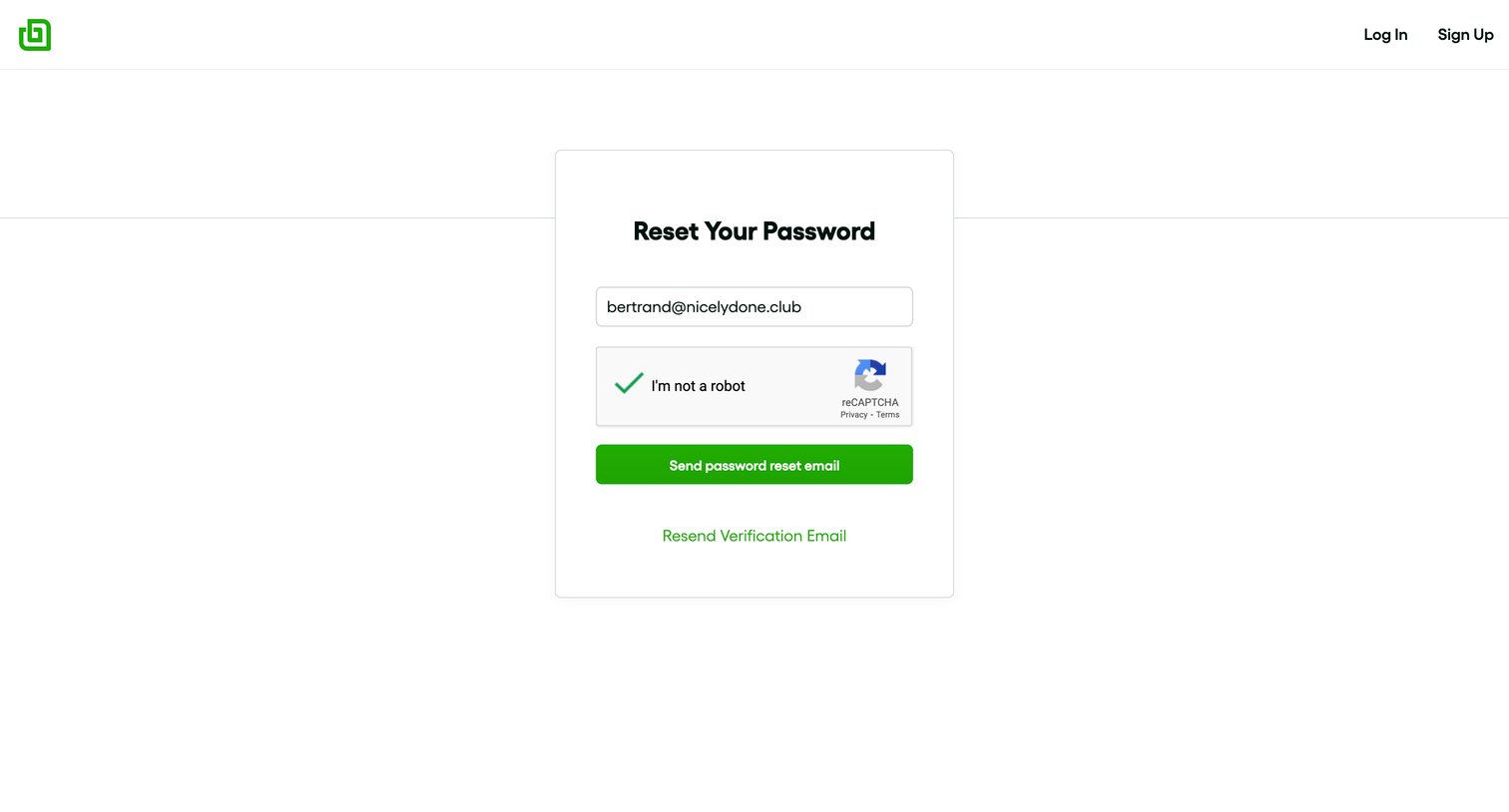
Password recovery screen where the user confirms their pre-filled email address and completes a reCAPTCHA to receive a reset link.
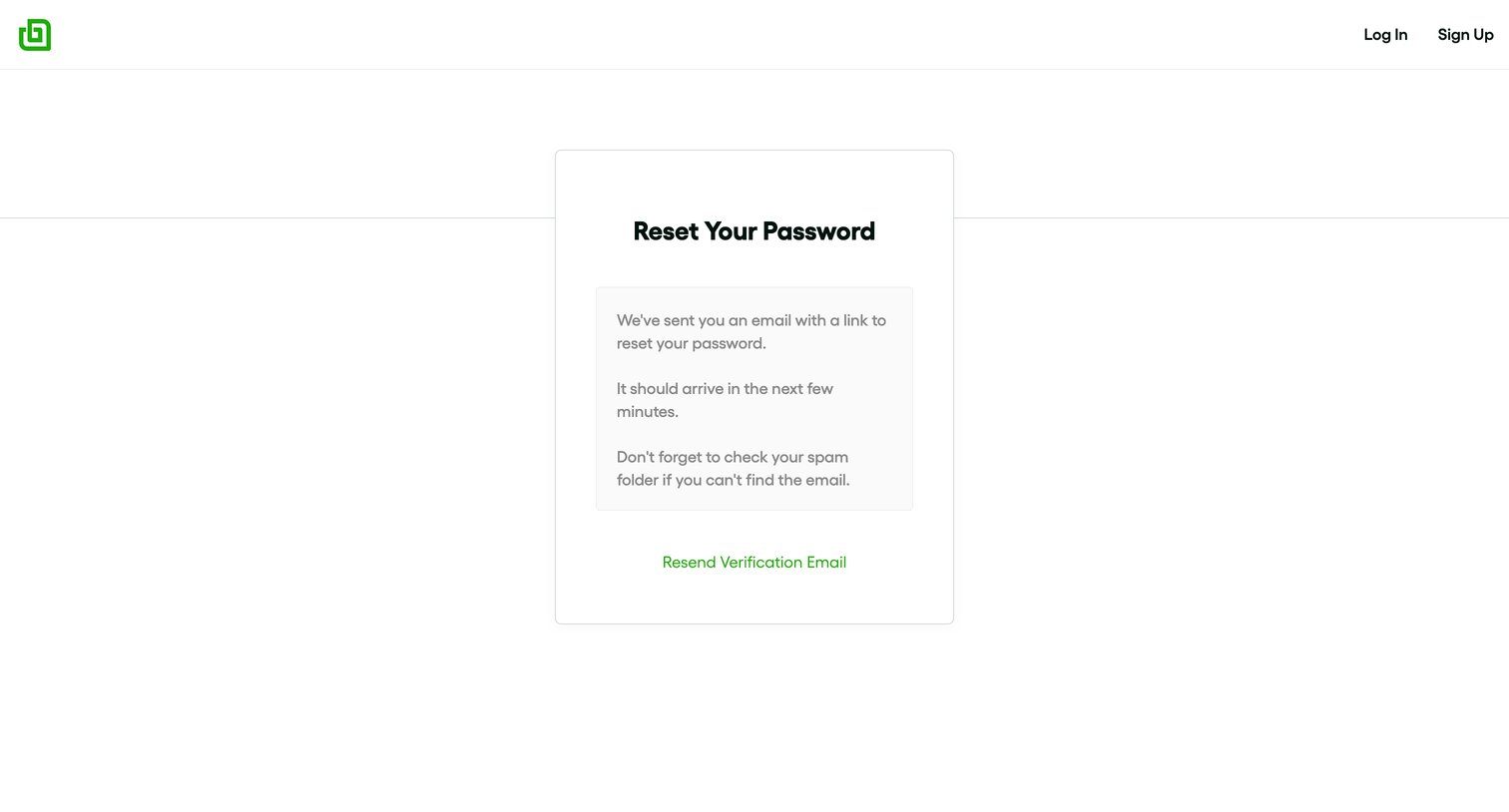
Password recovery confirmation screen instructing the user to check their email for a reset link, with an option to resend it.
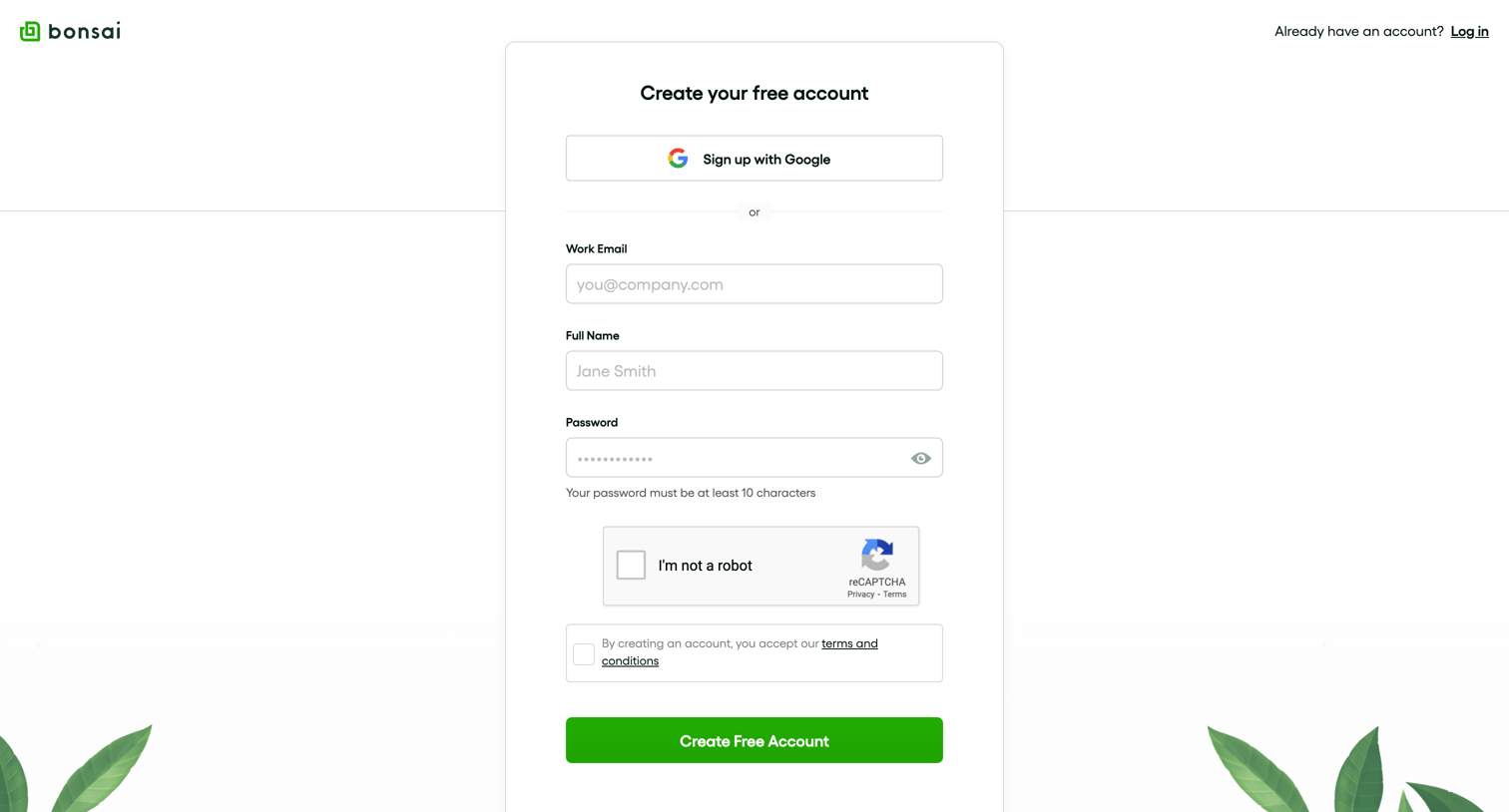
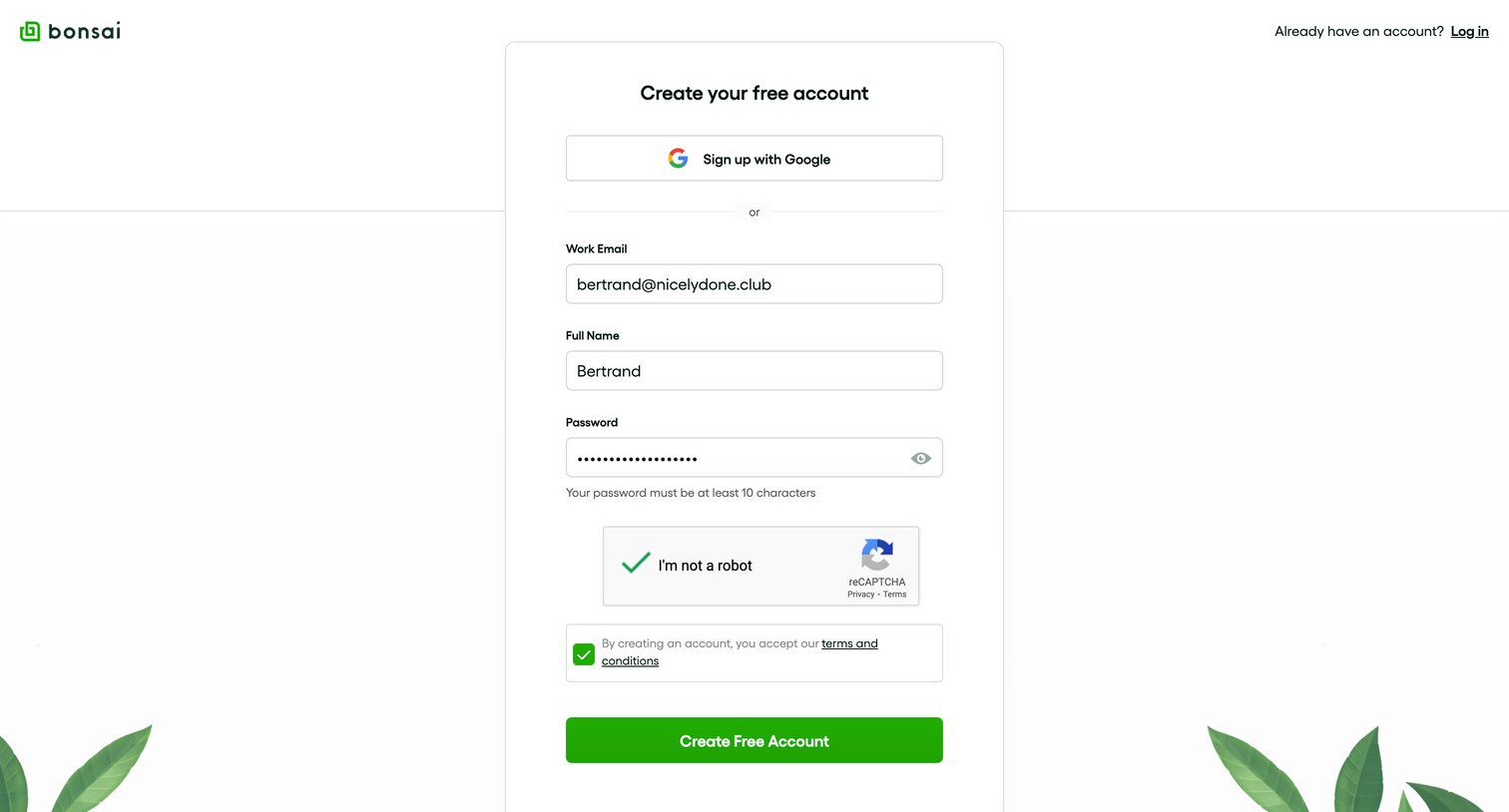
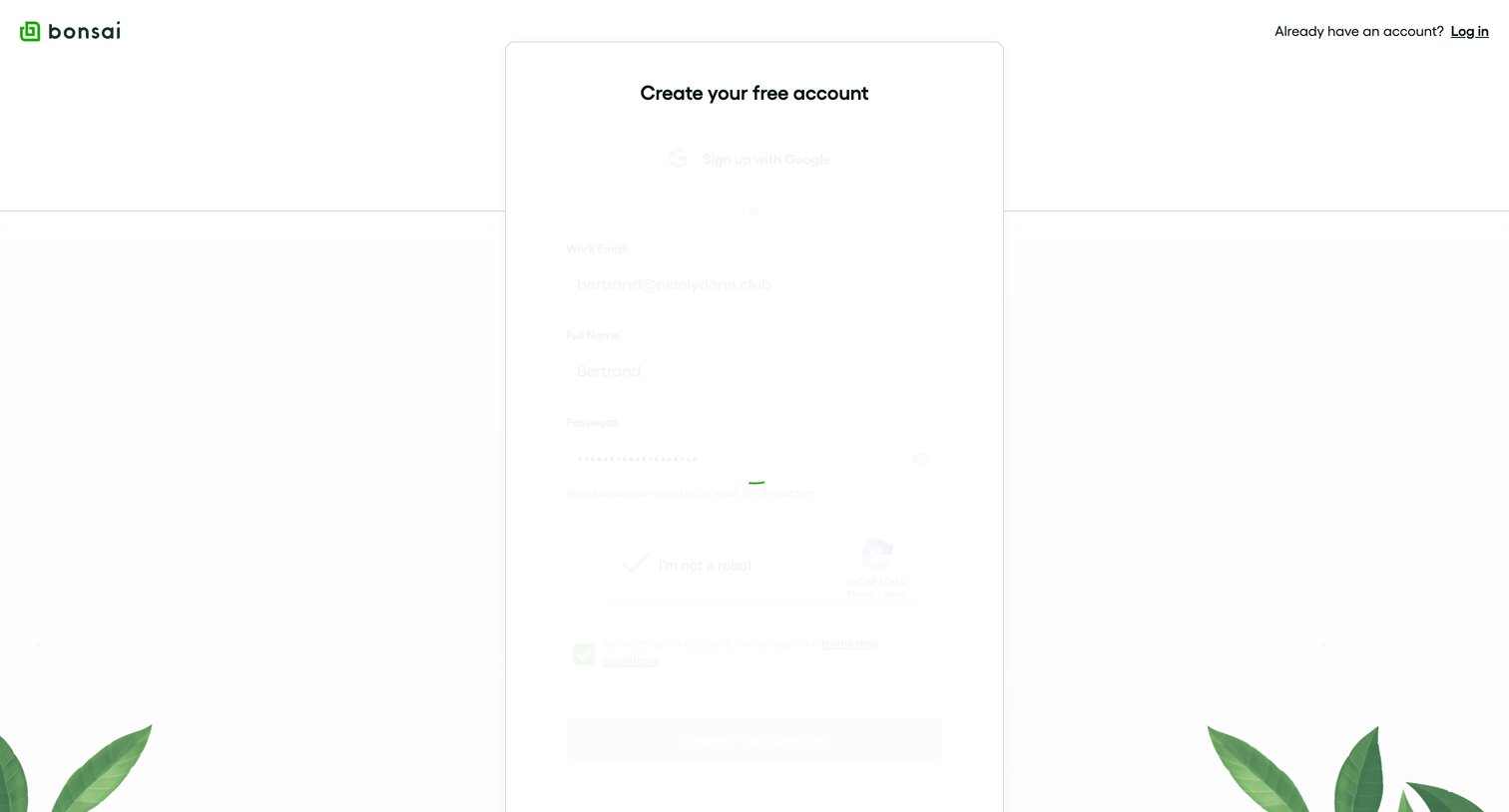
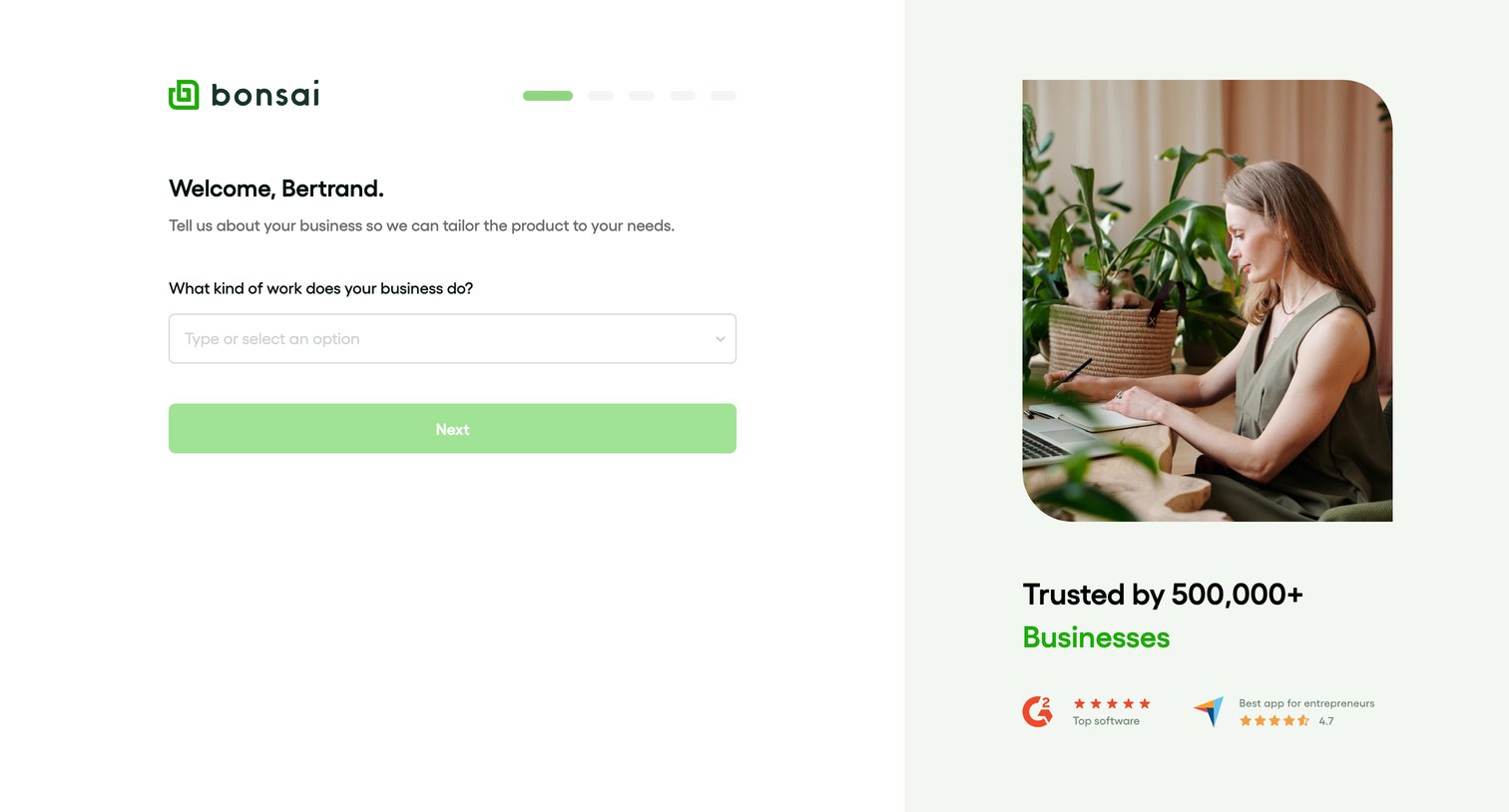
Onboarding step where the user selects their business type from a combobox to tailor the product experience.
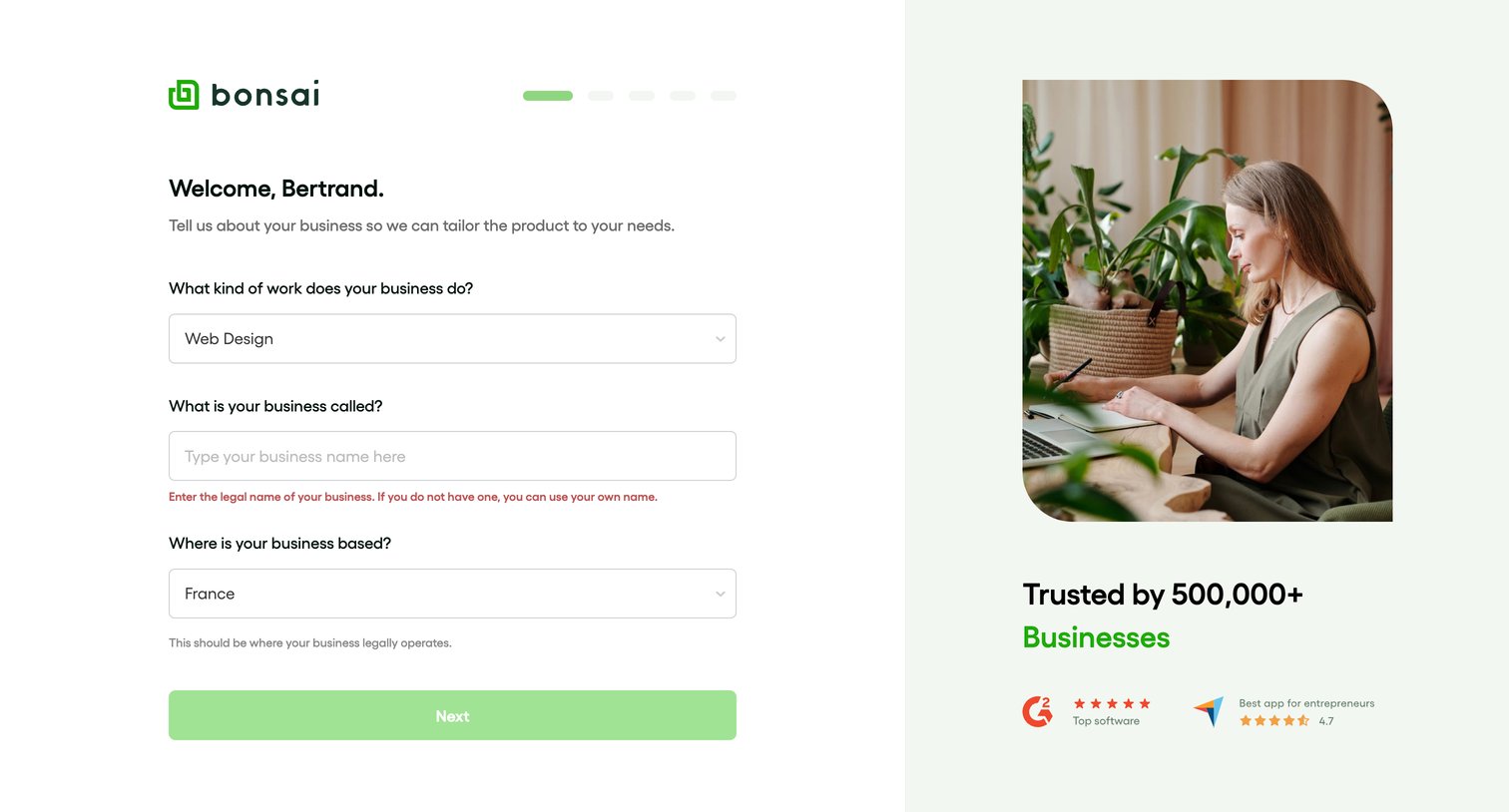
Onboarding step where the user sets their business industry, name, and location alongside a social proof panel.
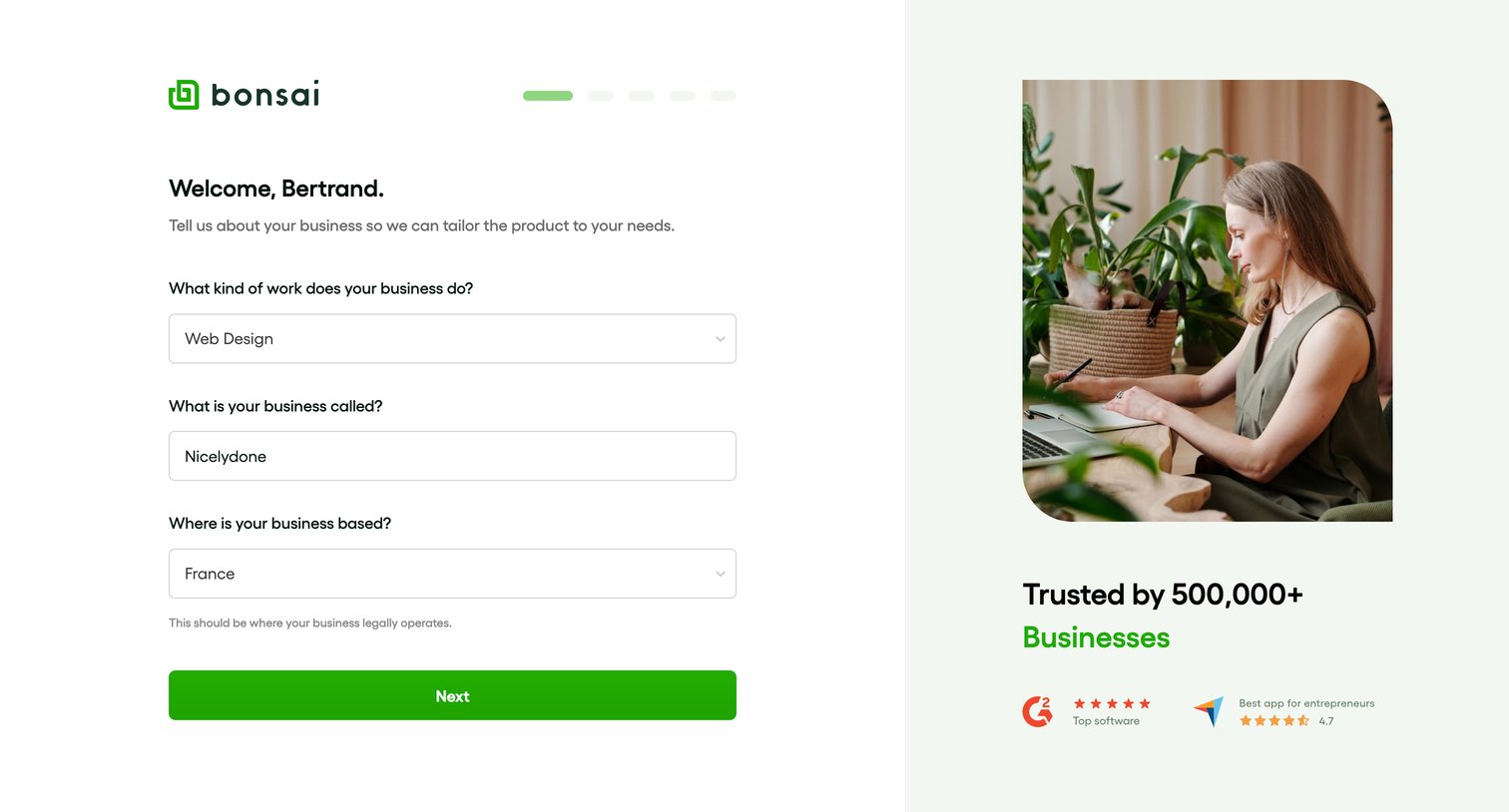
Onboarding step where the user provides their business type, name, and location to tailor their workspace.
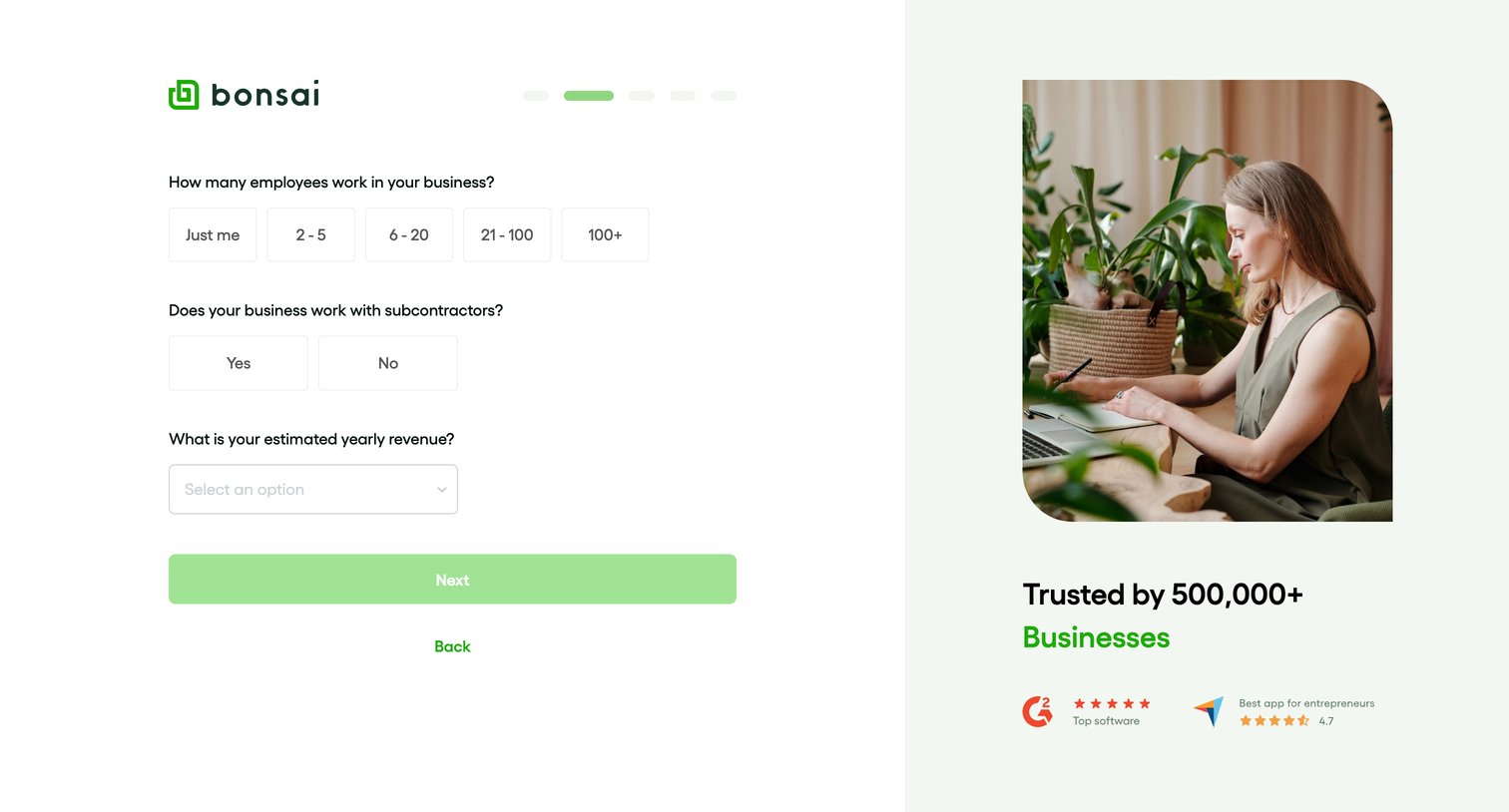
Onboarding step where the user specifies their employee count, subcontractor usage, and estimated yearly revenue.
Explore the full SaaS screen library
Upgrade to unlock the full library.
Trusted by the best teams







