Balsa product screens examples
Browse Balsa screen design examples. Preview the interface screenshots and explore related UI patterns. Move Fast, Together
Explore the examples
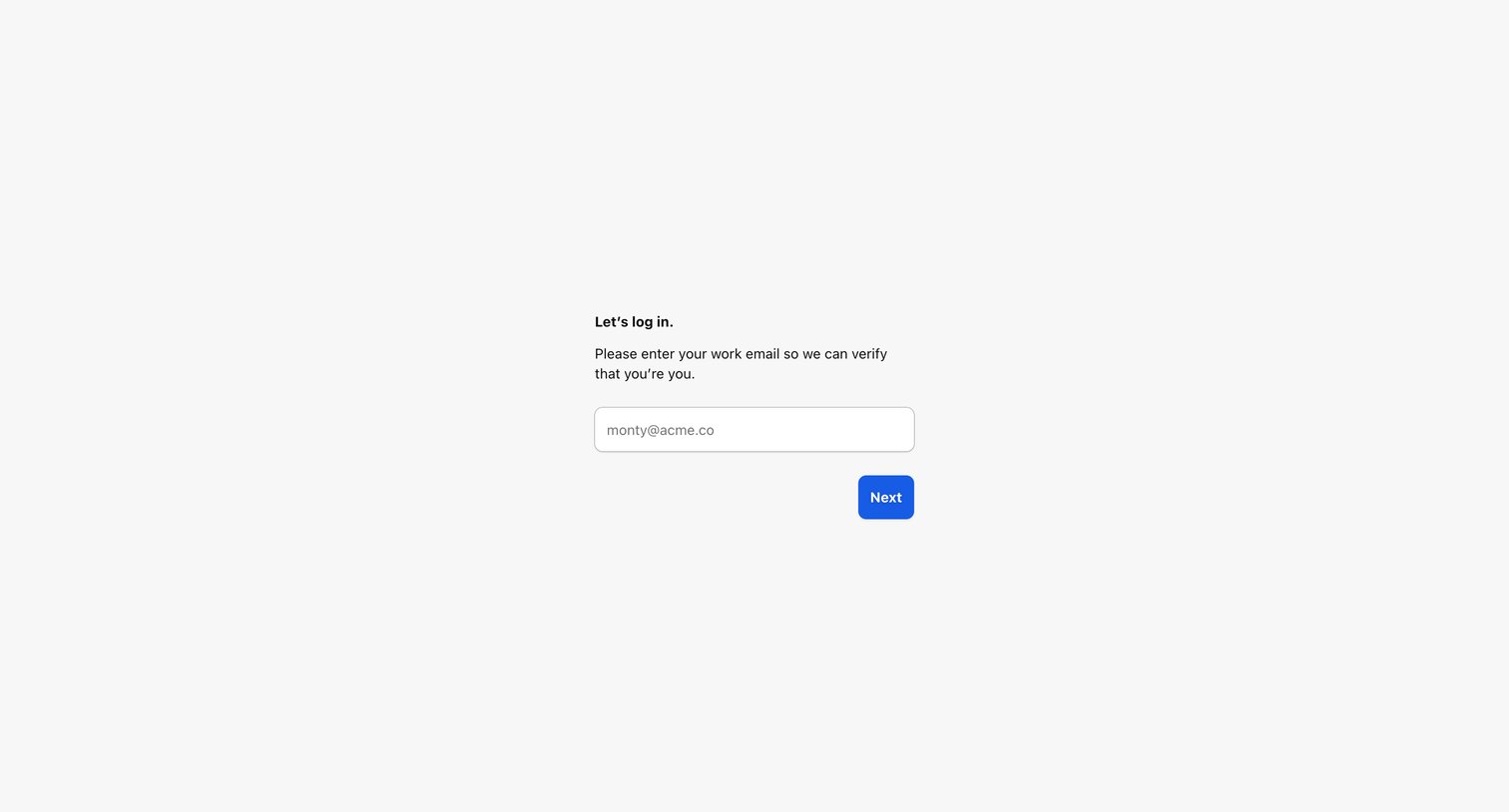
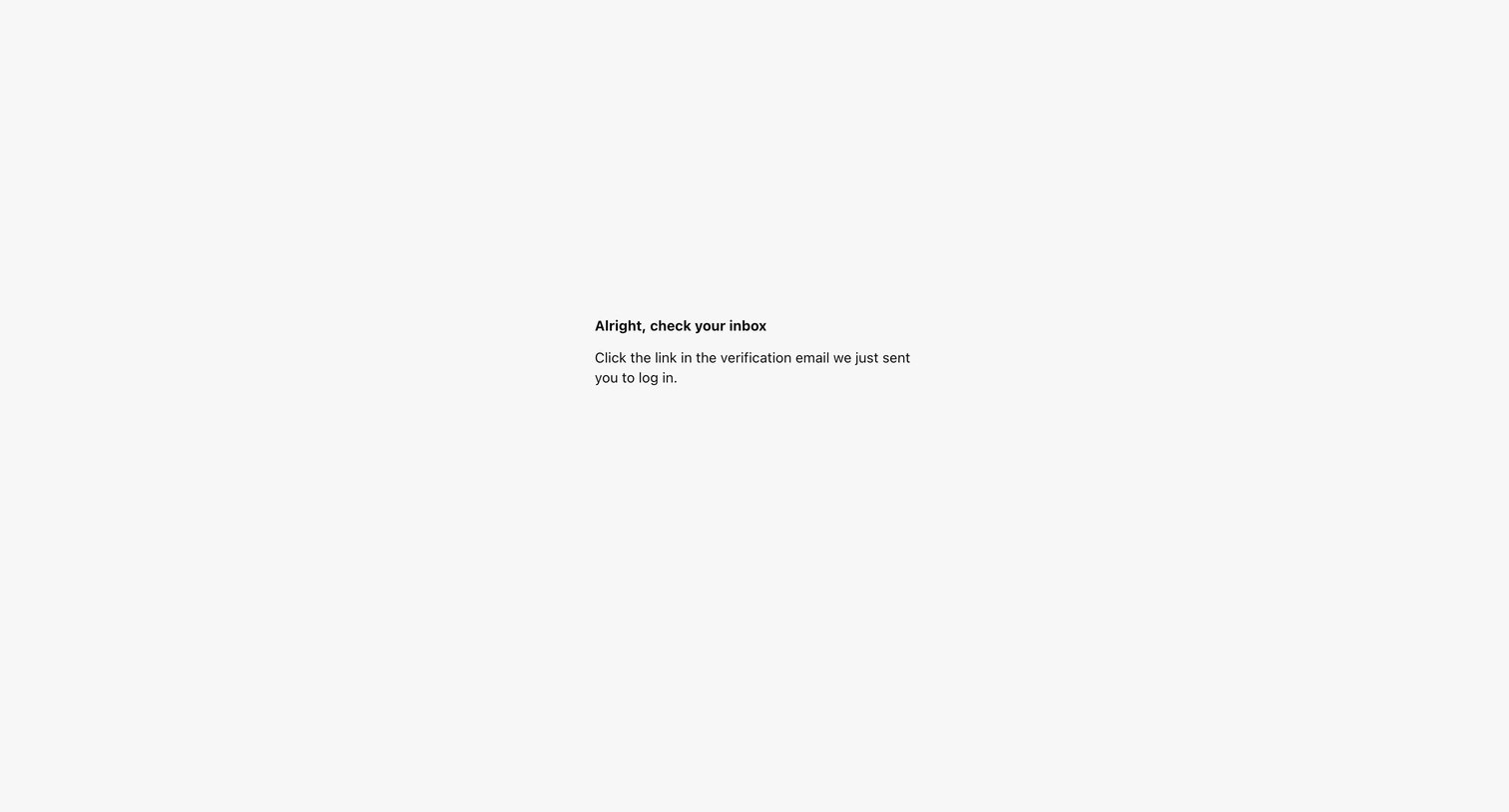

Verification screen instructing the user to check their email for a magic link to complete the login process.
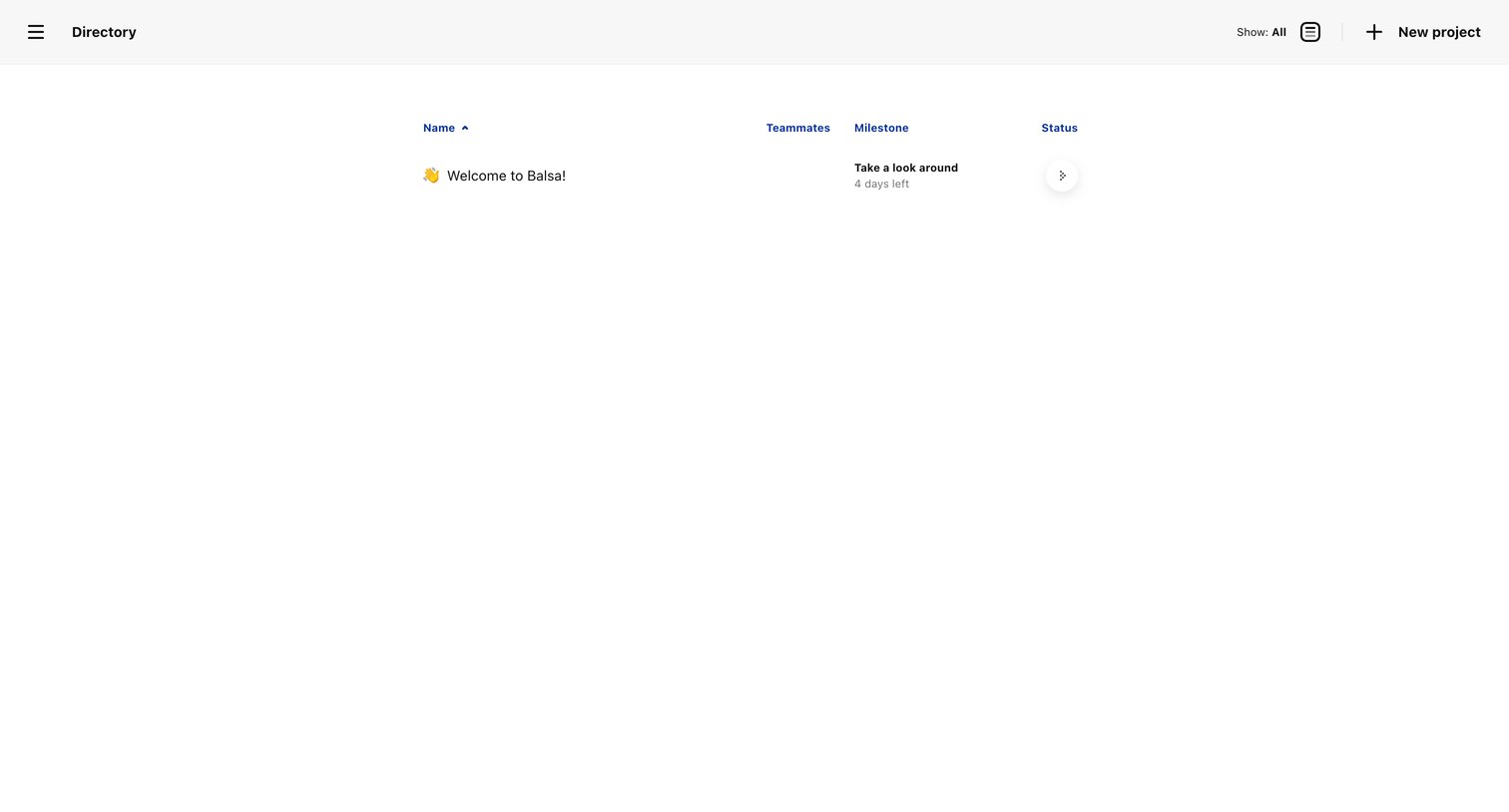
Directory list view where the user browses projects with columns for teammates, milestones, and status, and can create a new project.
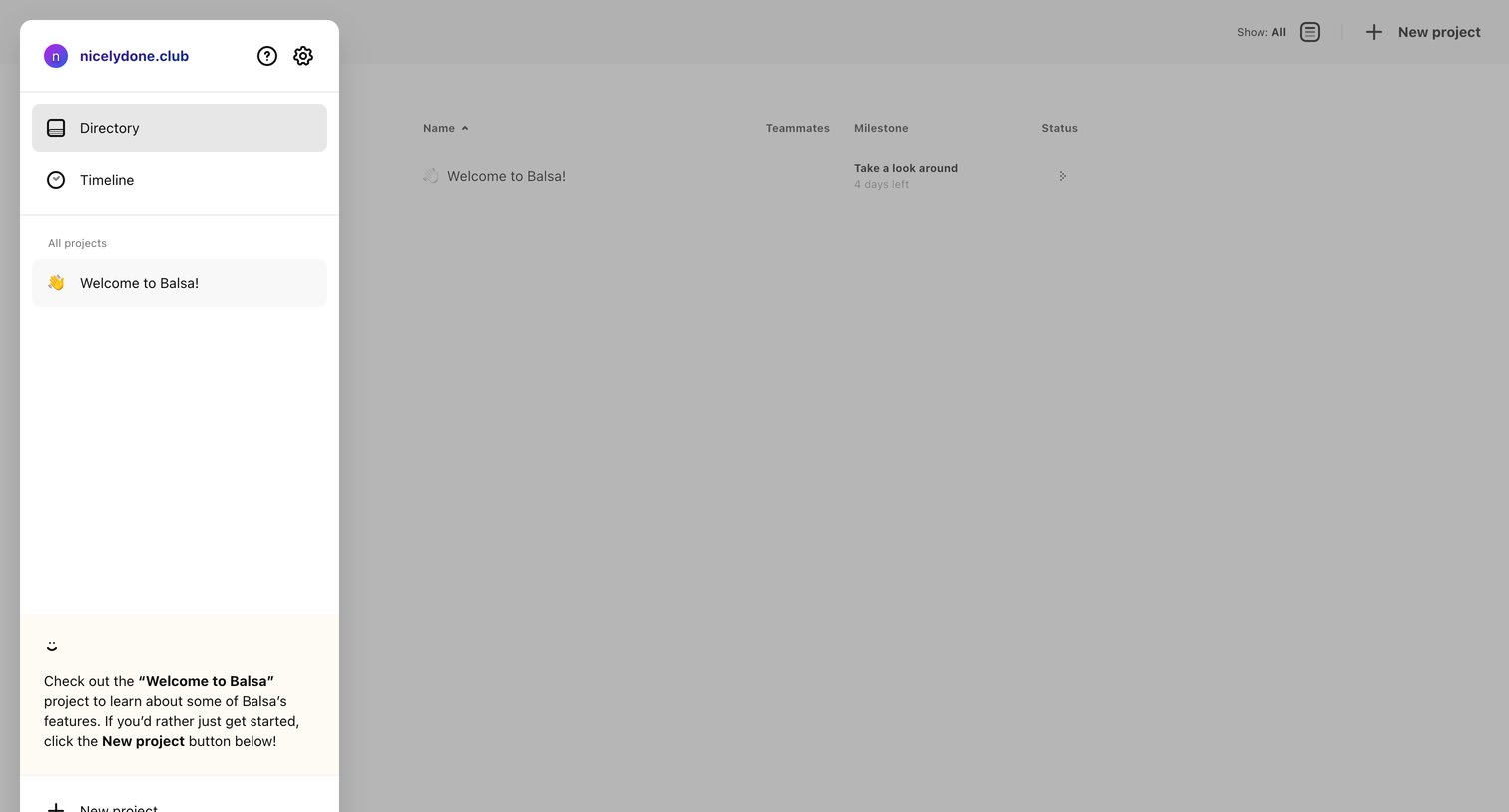
App home page where the user views a directory of their projects, tracks milestones, and can create a new project.
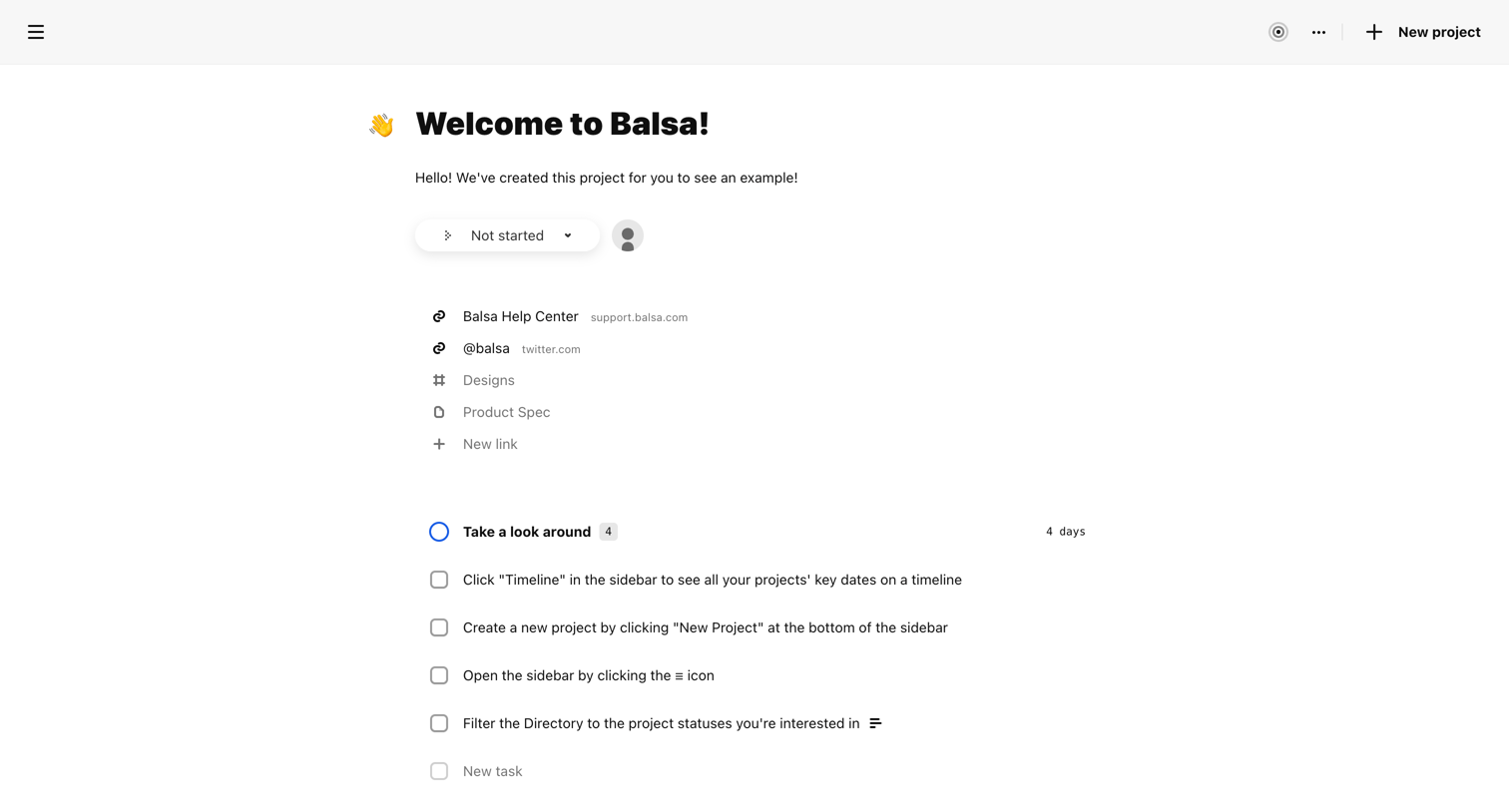
Detail page for an example onboarding project containing helpful links, instructional task lists, and milestones to orient the user.
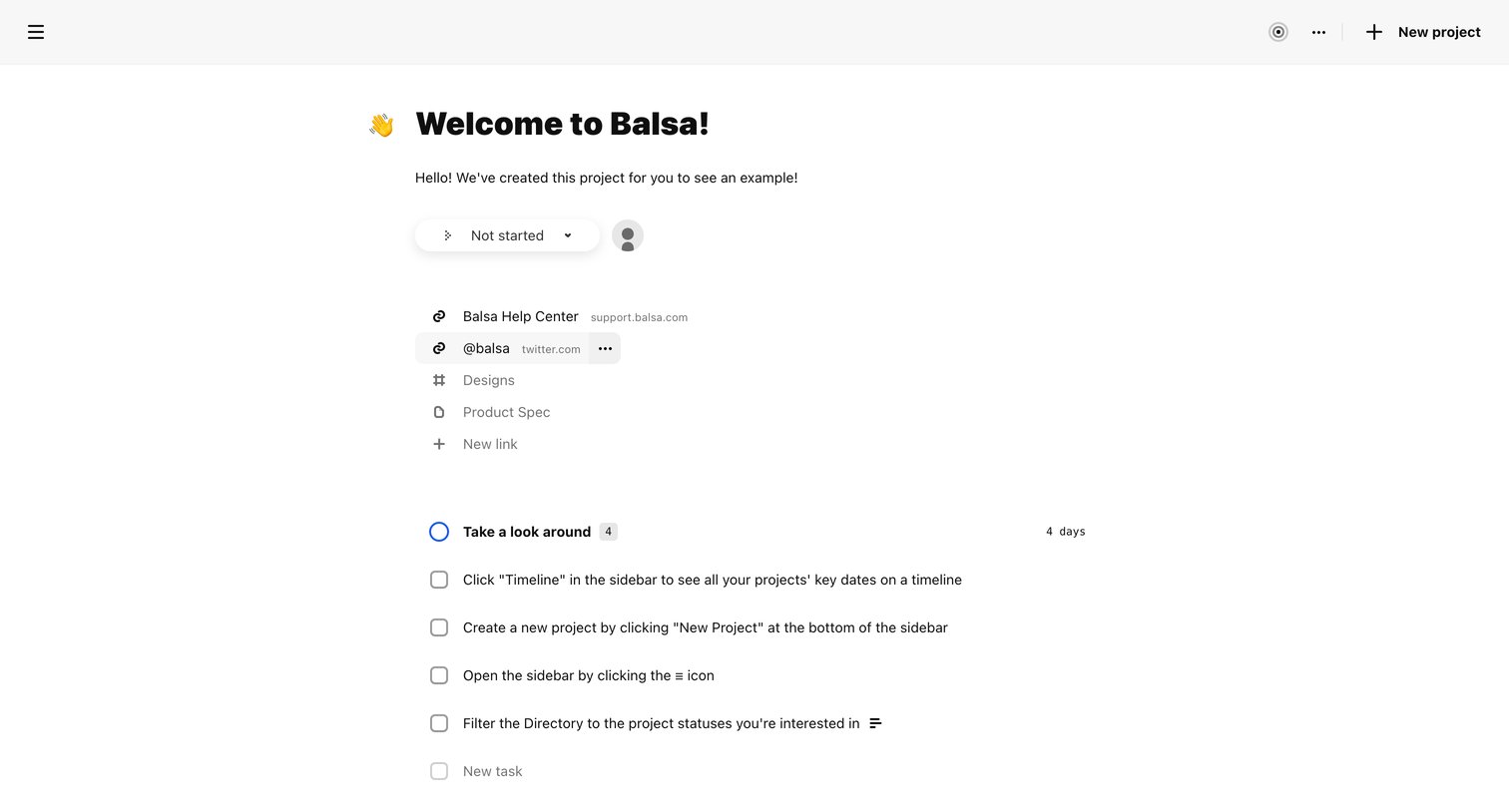
Detail page for a welcome project where the user can review onboarding tasks, change the project status, and access helpful resource links.
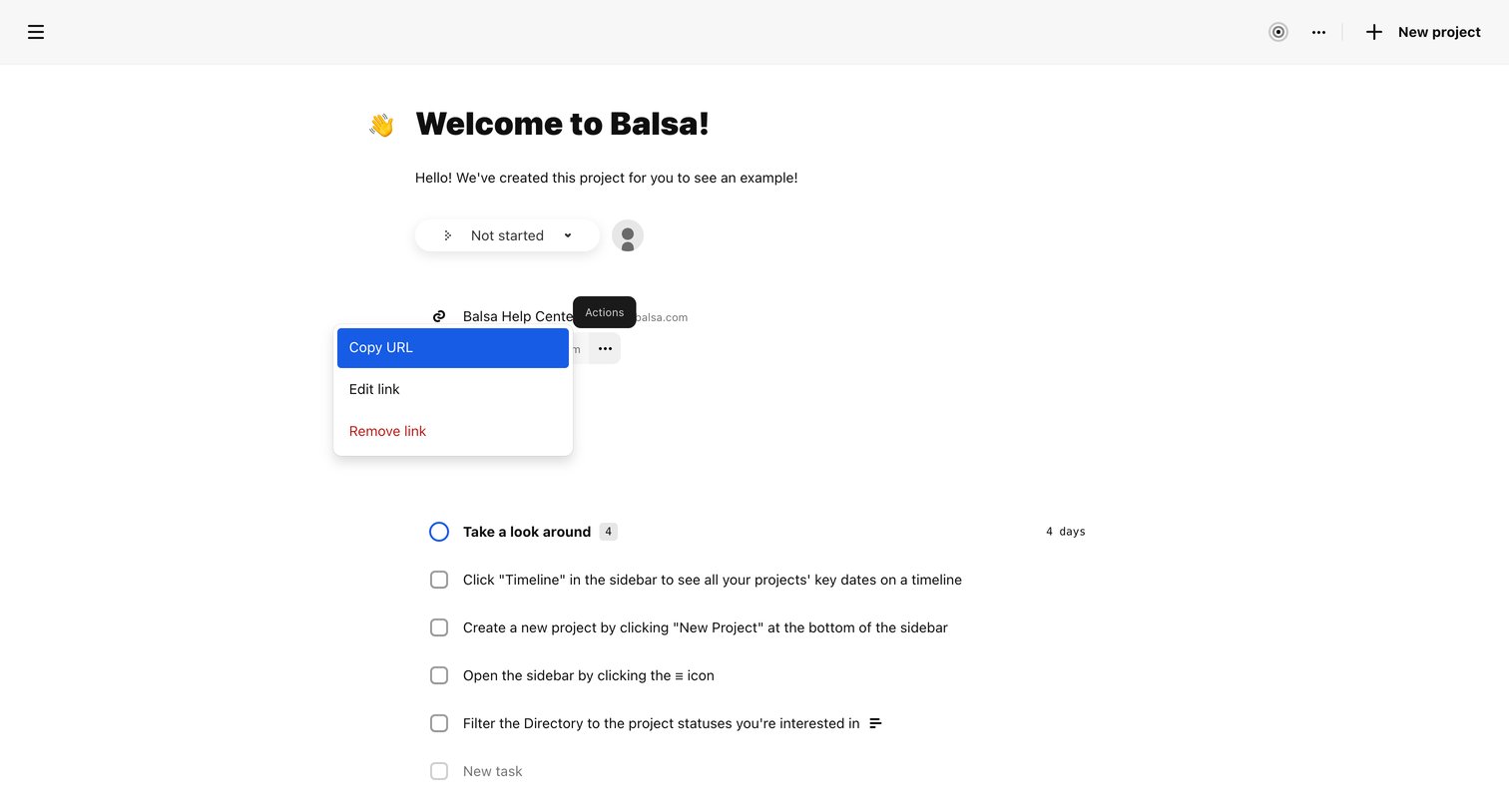
Project detail page where the user views a welcome project containing a list of onboarding tasks and attached links, with a link action menu currently open.
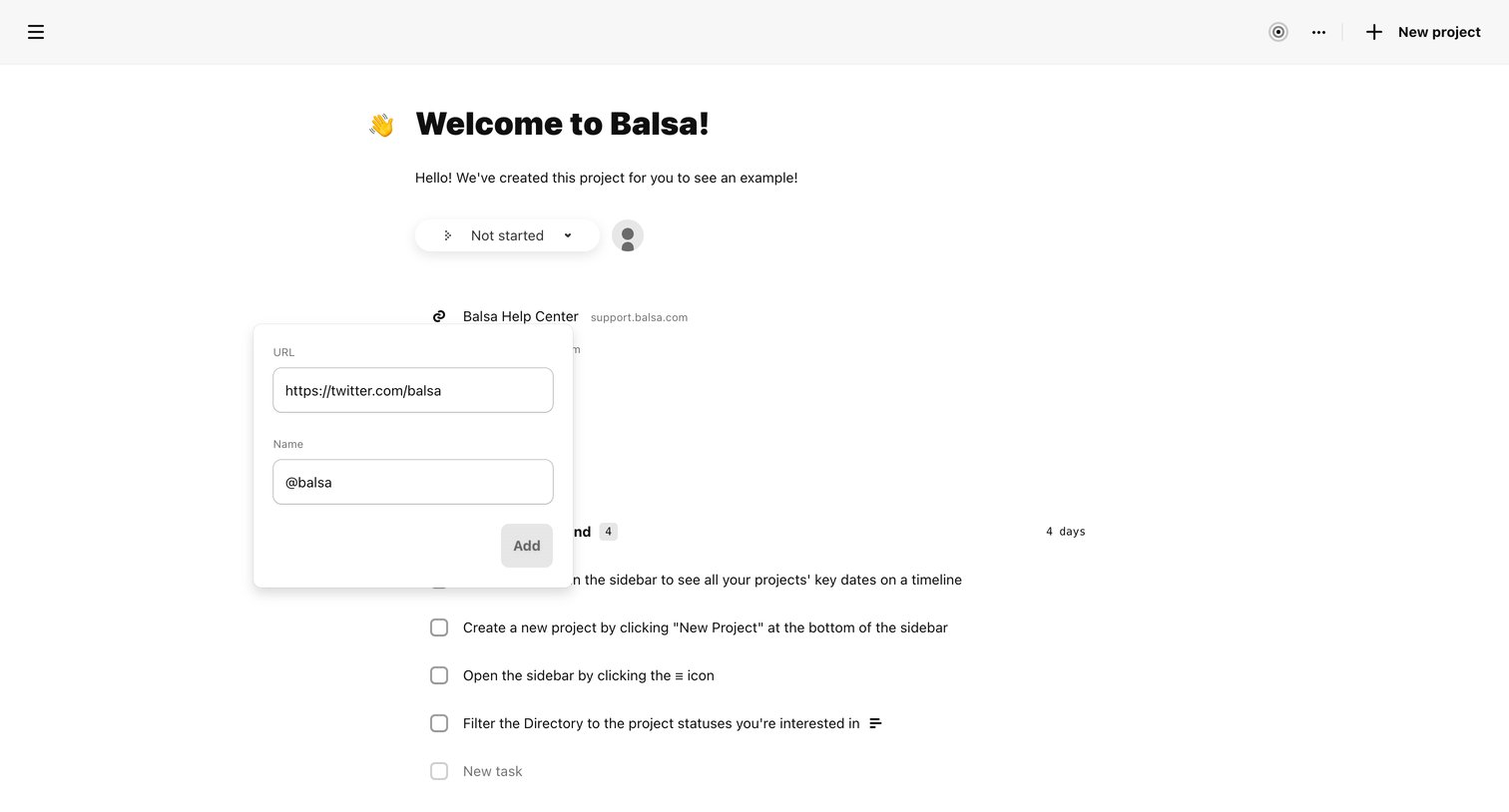
Project detail page where the user is adding a new URL link via an inline popover form.
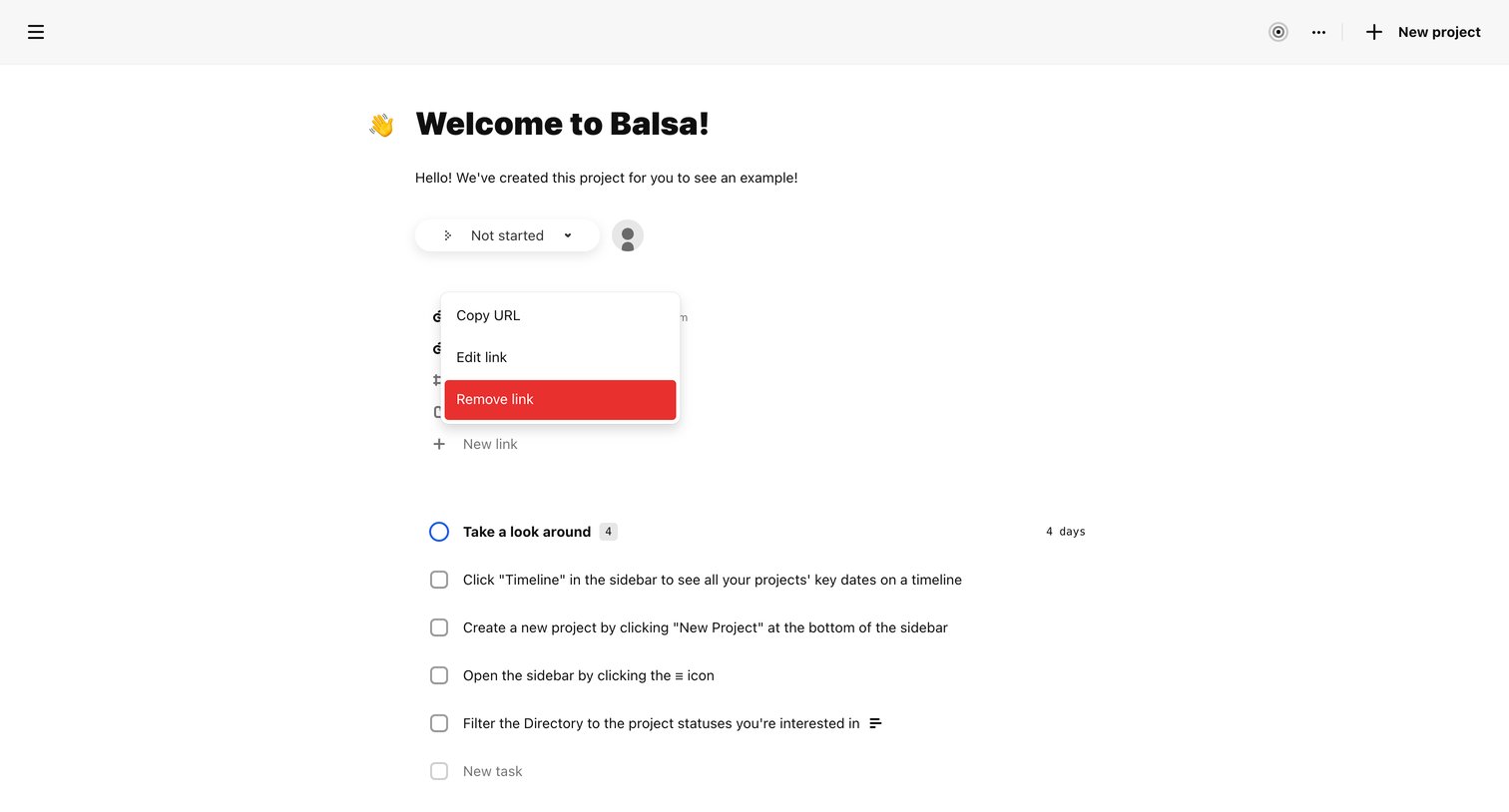
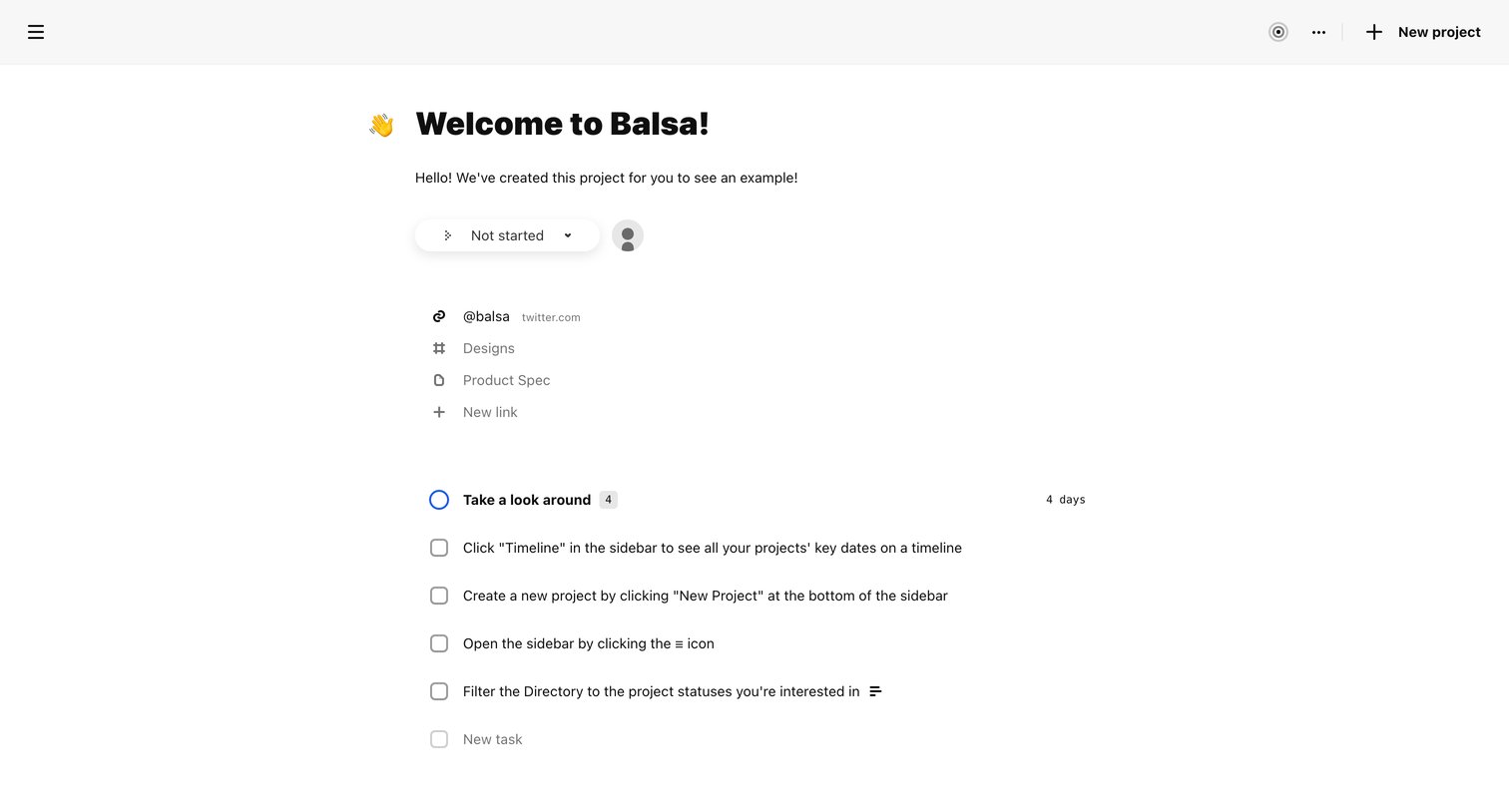
Detail page for an example project where the user can update the status, view related links, and complete a checklist of onboarding tasks.
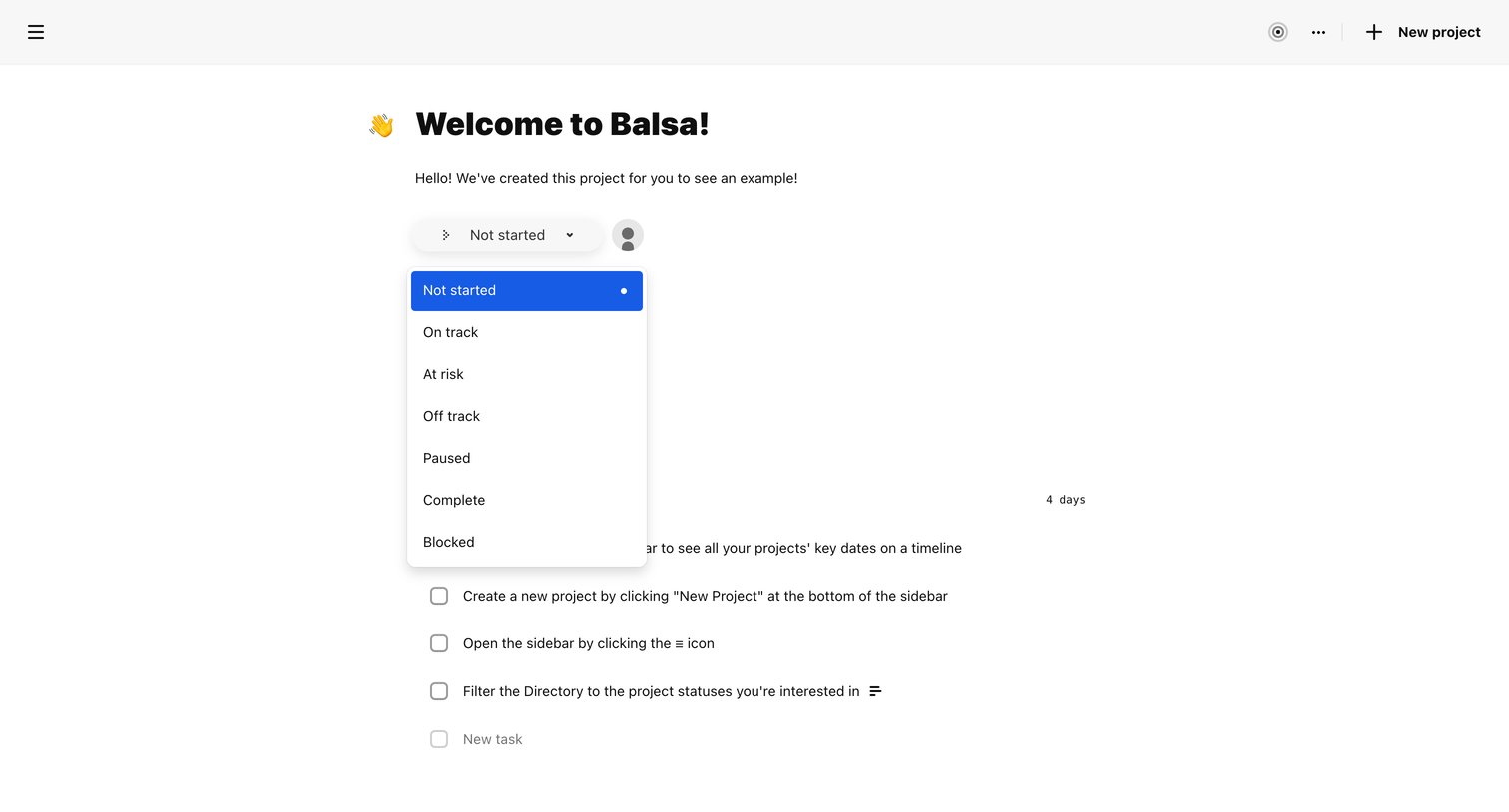
Project detail page where the user views an onboarding example, changes the project status via an open dropdown, and interacts with a task list.
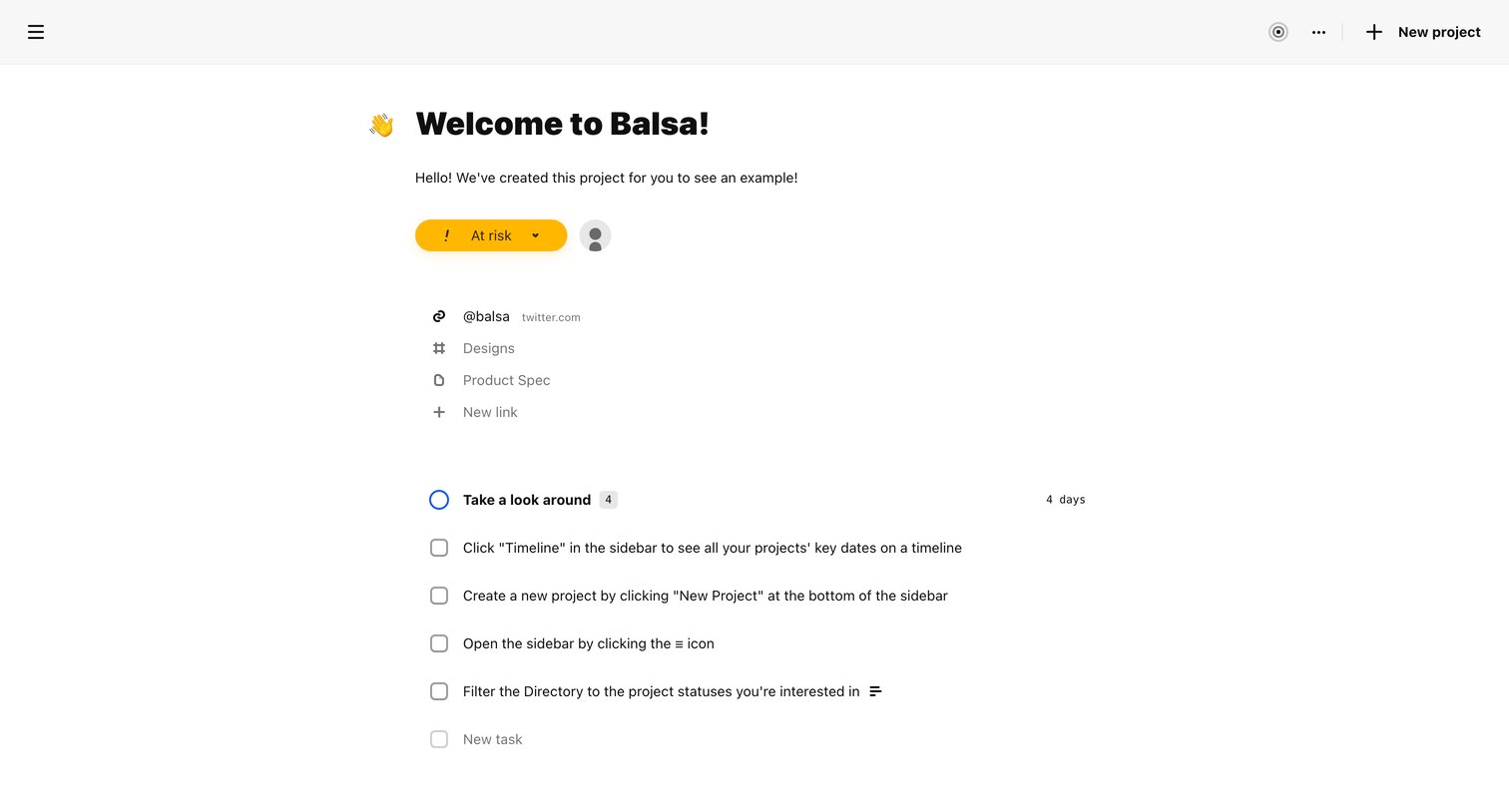
Detail page for an onboarding project where the user can view attached links, update the project status, and check off a list of introductory tasks.
Explore the full SaaS screen library
Upgrade to unlock the full library.
Trusted by the best teams







