Skip to content

Artsy product screens examples

Browse Artsy screen design examples. Preview the interface screenshots and explore related UI patterns. Making the art world accessible to anyone with an internet connection

Explore the examples
Artsy - Sign in screen
Artsy logo
Artsy

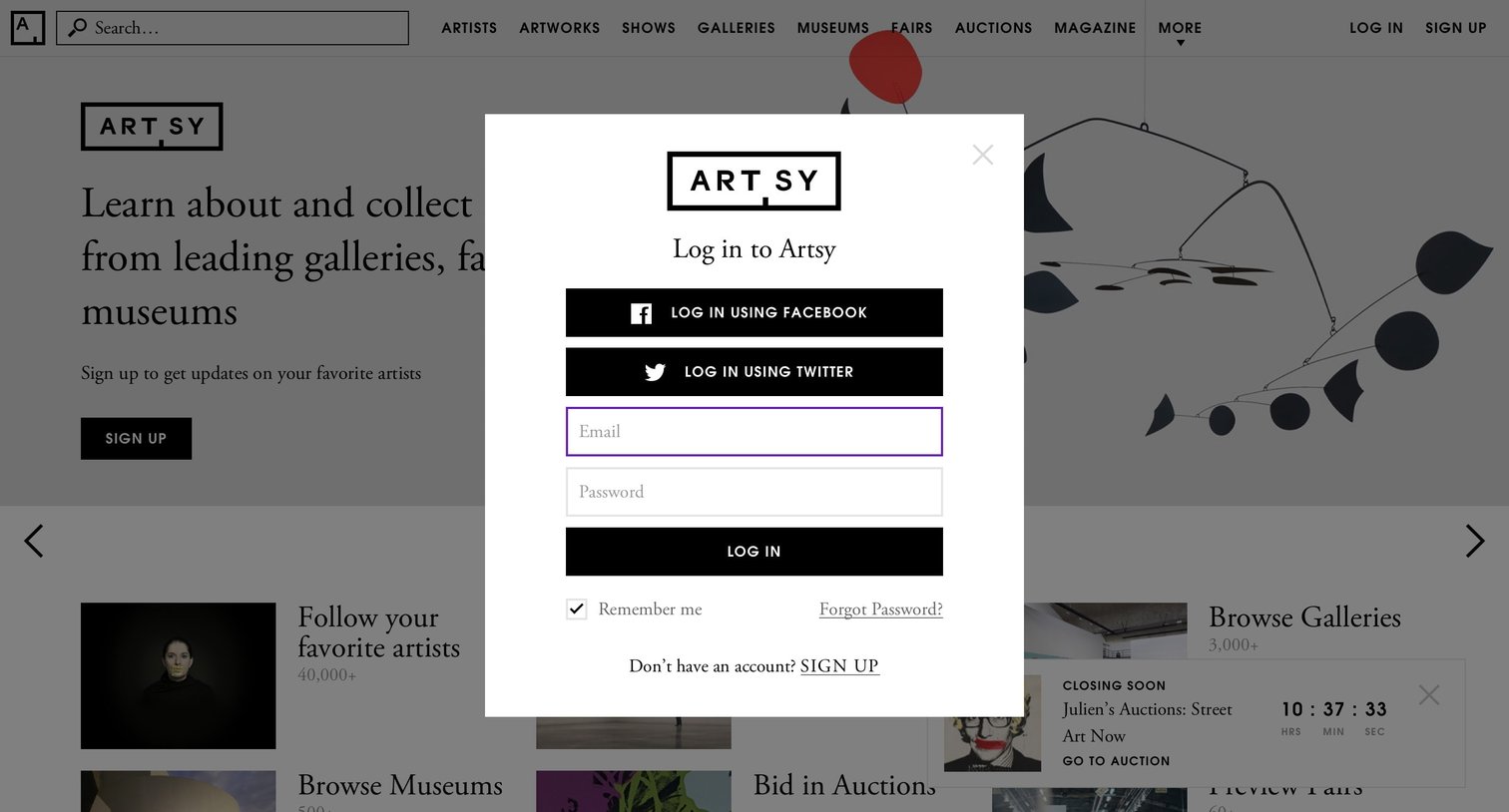
Sign-in screen where the user authenticates with Facebook, Twitter, or an email and password.

Artsy - Password reset screen
Artsy logo
Artsy

Password recovery modal where the user enters their email to receive reset instructions.
Artsy - Sign up screen
Artsy logo
Artsy

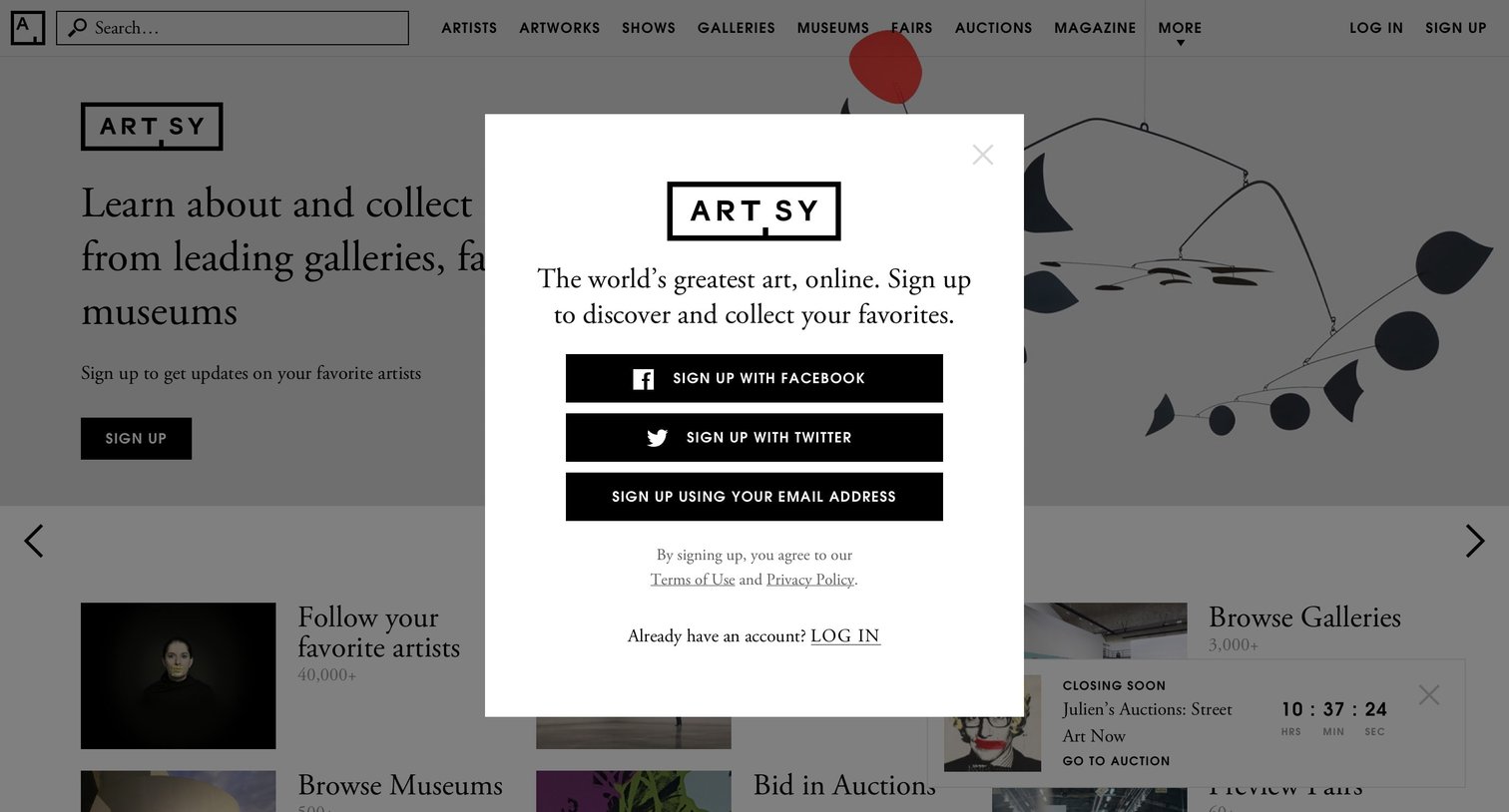
Signup screen presented as a modal overlay on the homepage, offering authentication via Facebook, Twitter, or email.

Artsy - Sign up screen
Artsy logo
Artsy

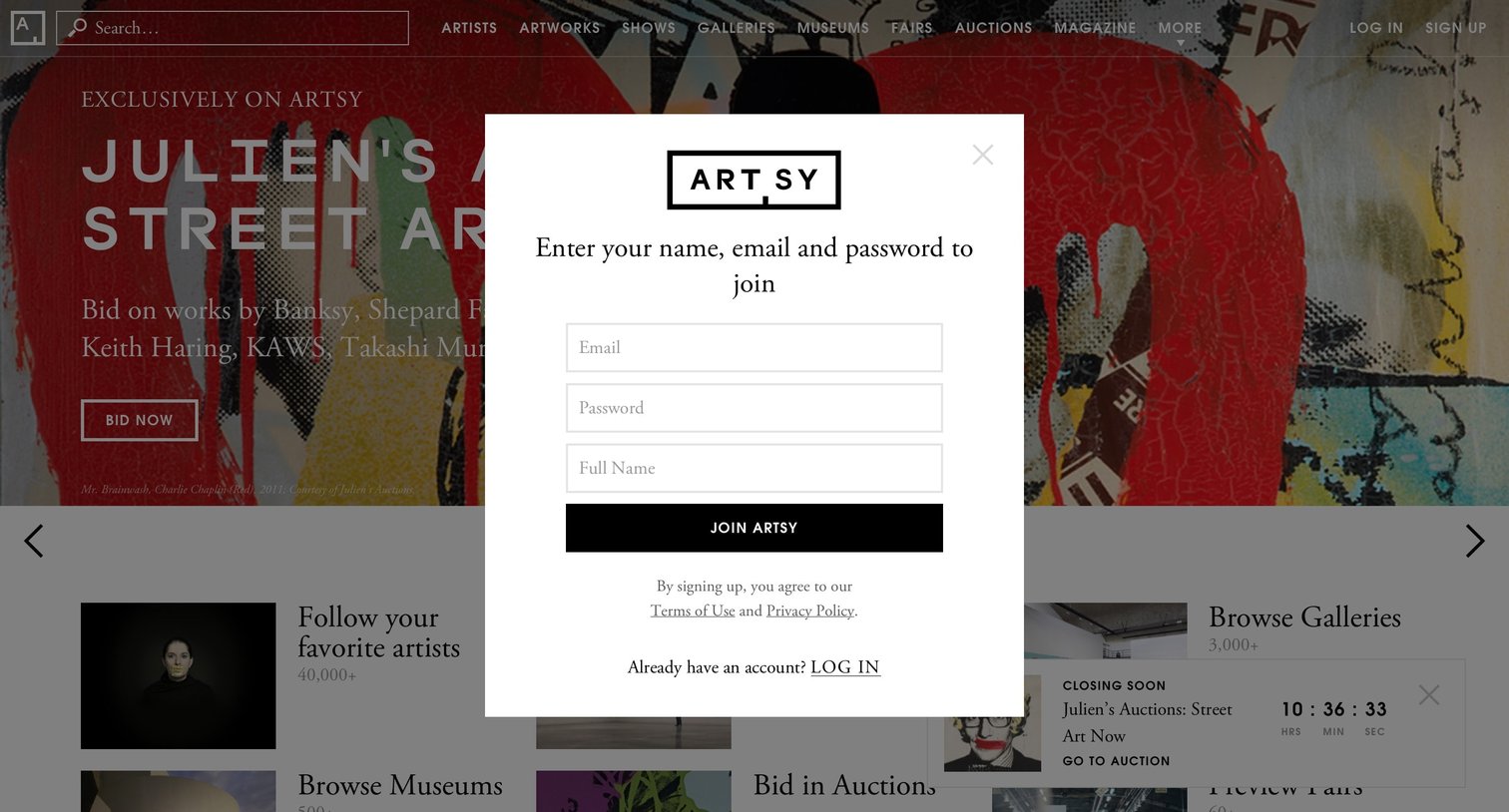
Signup modal where the user enters their email, password, and full name to create an Artsy account.

Artsy - Onboarding screen
Artsy logo
Artsy

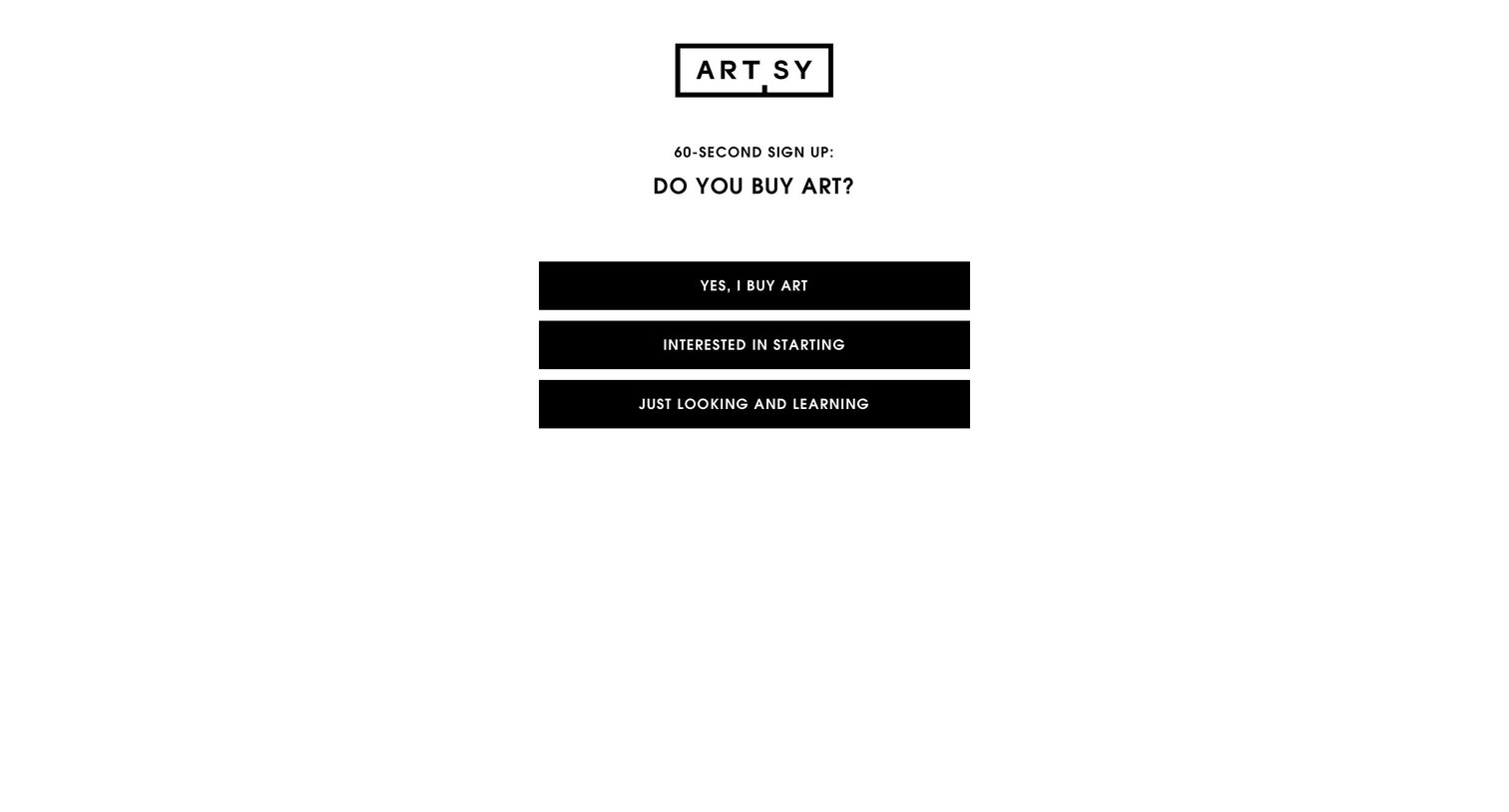
Signup step where the user selects their experience level with buying art to personalize their onboarding.

Artsy - Onboarding screen
Artsy logo
Artsy

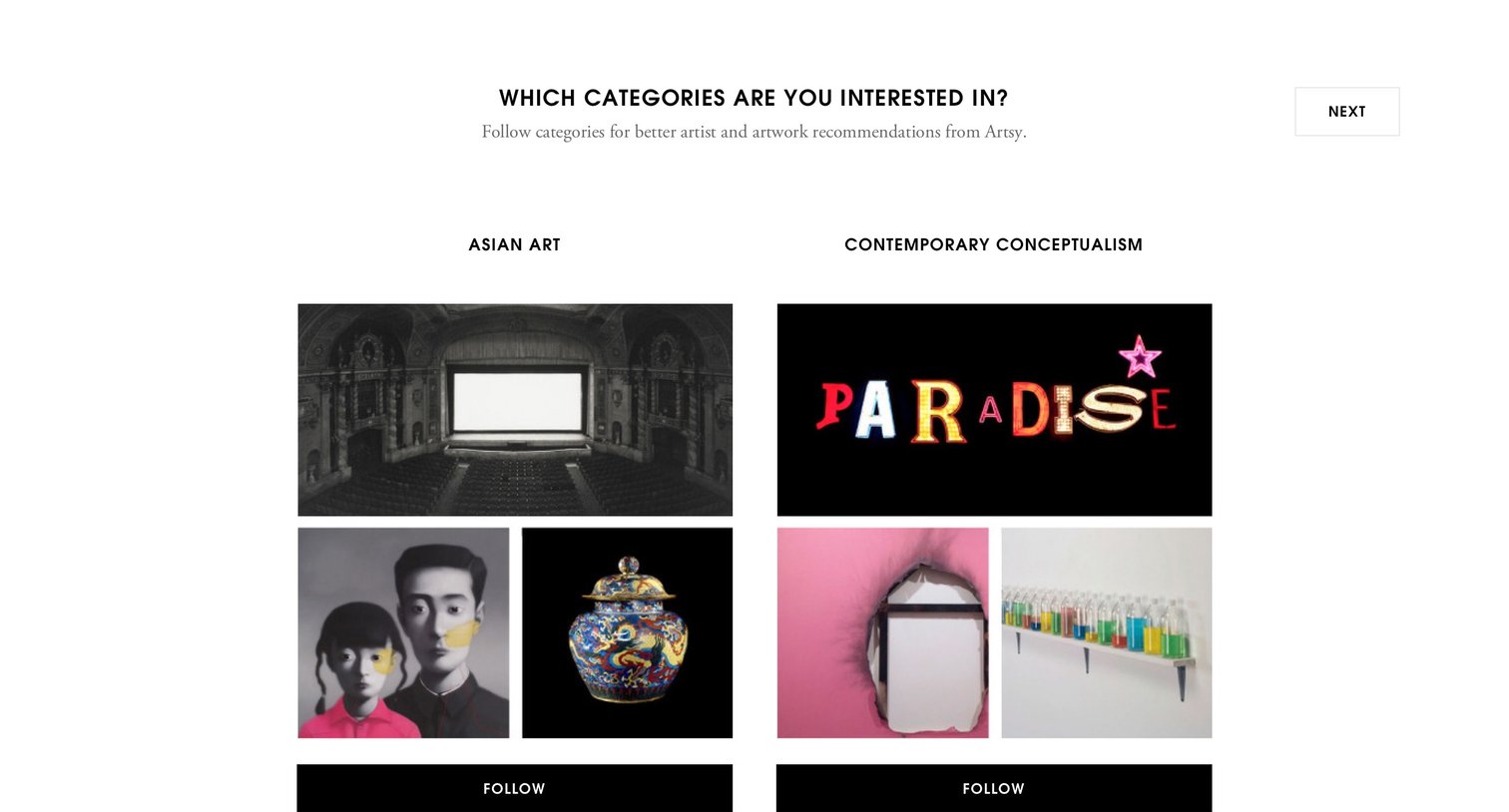
Onboarding step where the user selects art categories like Asian Art, Minimalism, and Photography to follow for better recommendations.

Artsy - Onboarding screen
Artsy logo
Artsy

Onboarding step where the user selects their favorite artworks from a masonry grid to personalize their feed.

Artsy - Onboarding screen
Artsy logo
Artsy

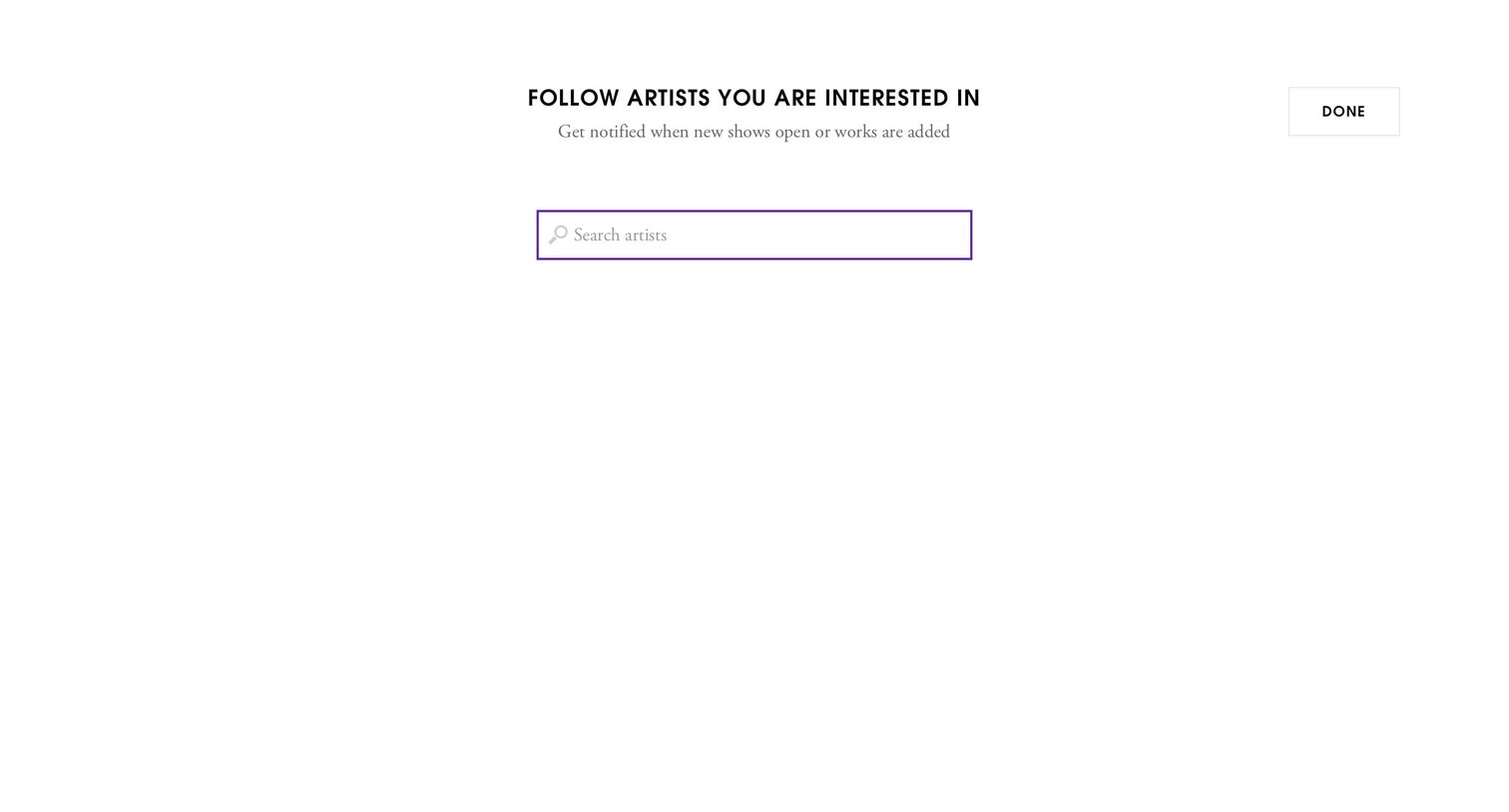
Onboarding step where the user searches for and follows artists to get notified about new shows or works.

Artsy - Onboarding screen
Artsy logo
Artsy

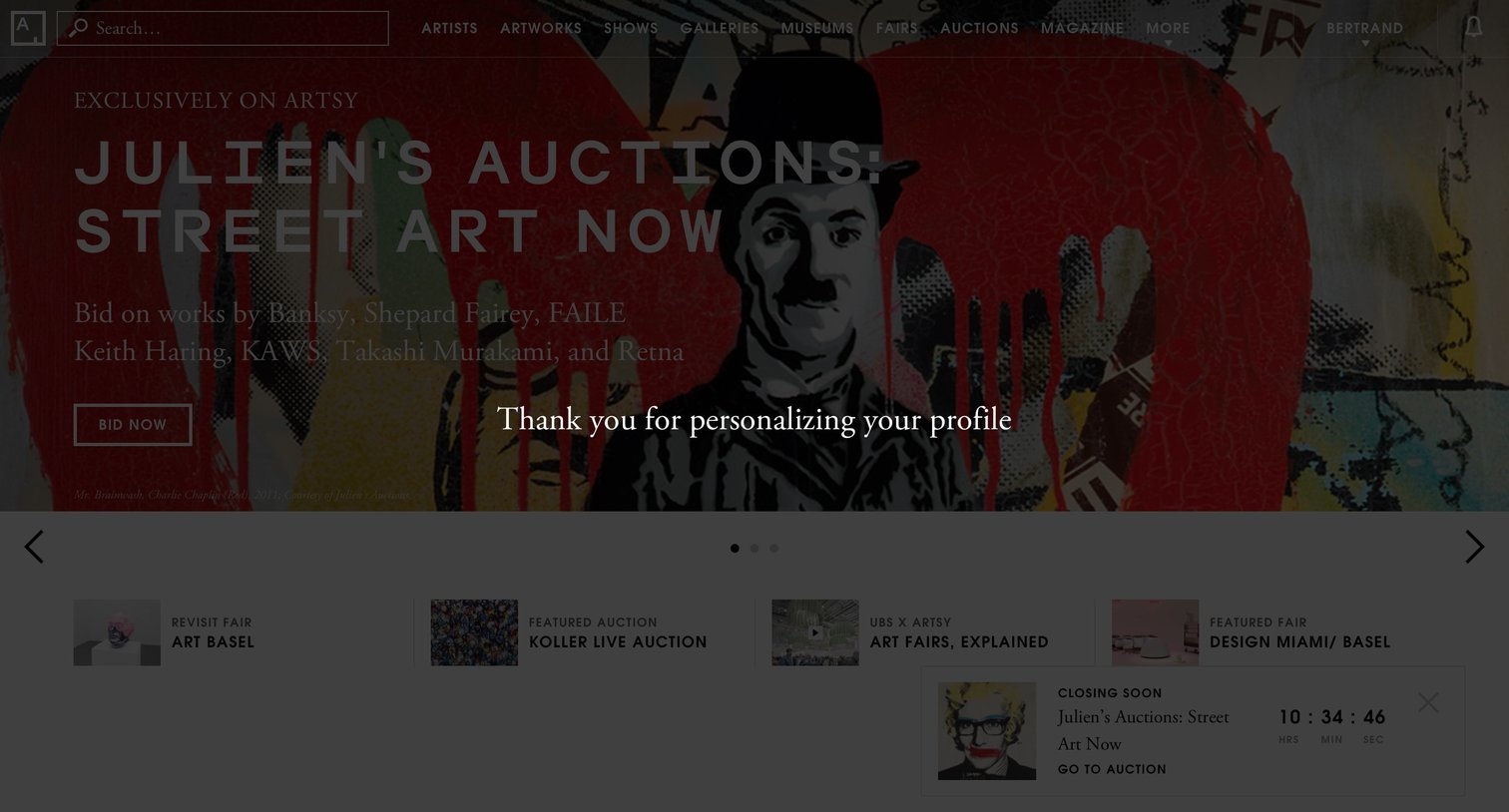
App home page where the user sees a featured auction hero with a success message for personalizing their profile, followed by a carousel of featured fairs and auctions.

Artsy - Settings screen
Artsy logo
Artsy

User profile section where the collector reviews their saved artworks, followed artists, and followed categories.

Artsy - Settings screen
Artsy logo
Artsy

Settings page where the user configures their collector profile, including location, profession, budget, and followed artists.

Artsy - Settings screen
Artsy logo
Artsy

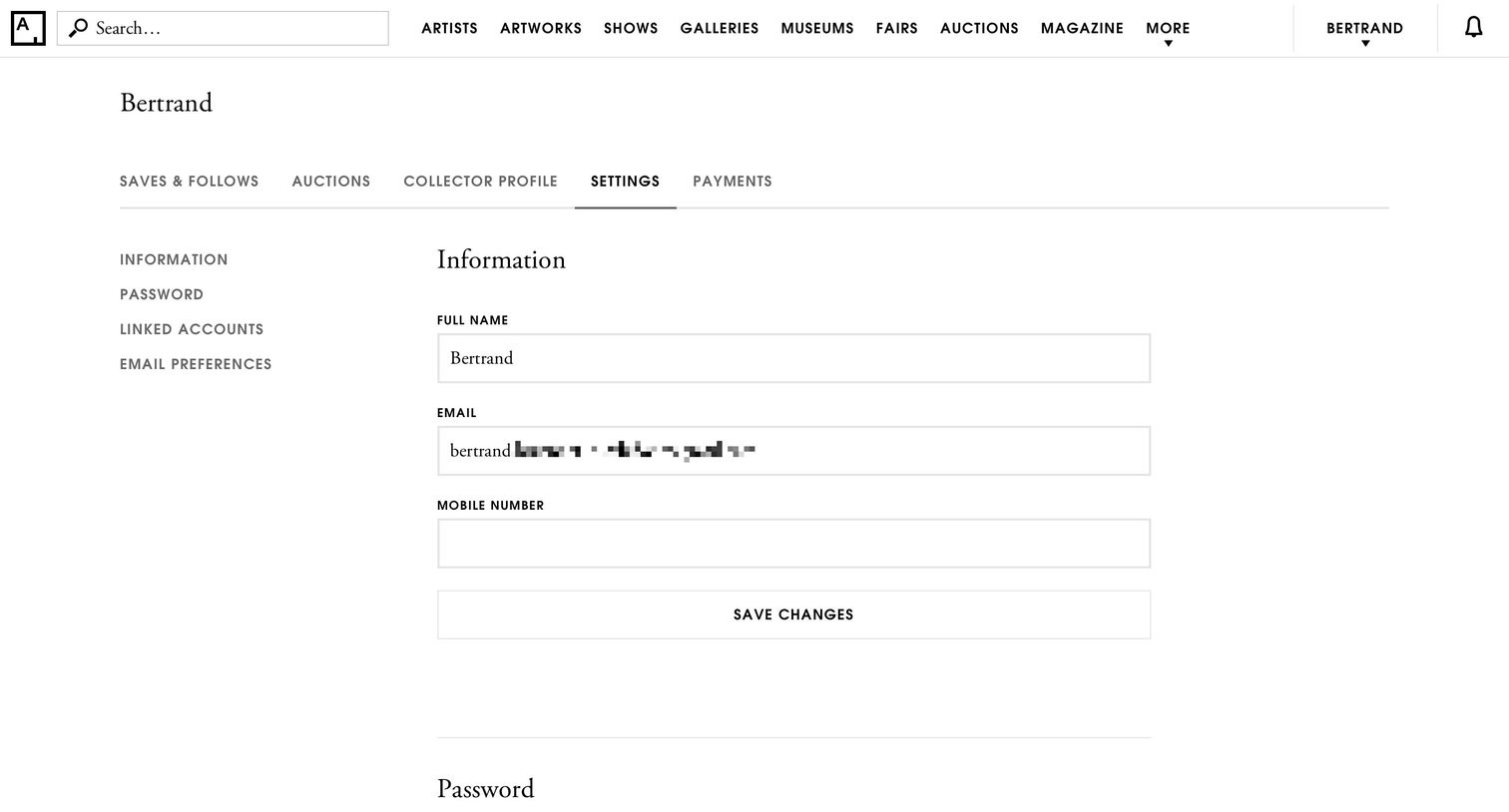
Settings page where the user manages their personal information, password, linked social accounts, and email notification preferences.

Explore the full SaaS screen library

Upgrade to unlock the full library.

Trusted by the best teams