
Zapier design examples
Explore Zapier UI design examples. Connect Your Apps and Automate Workflows
Product screens

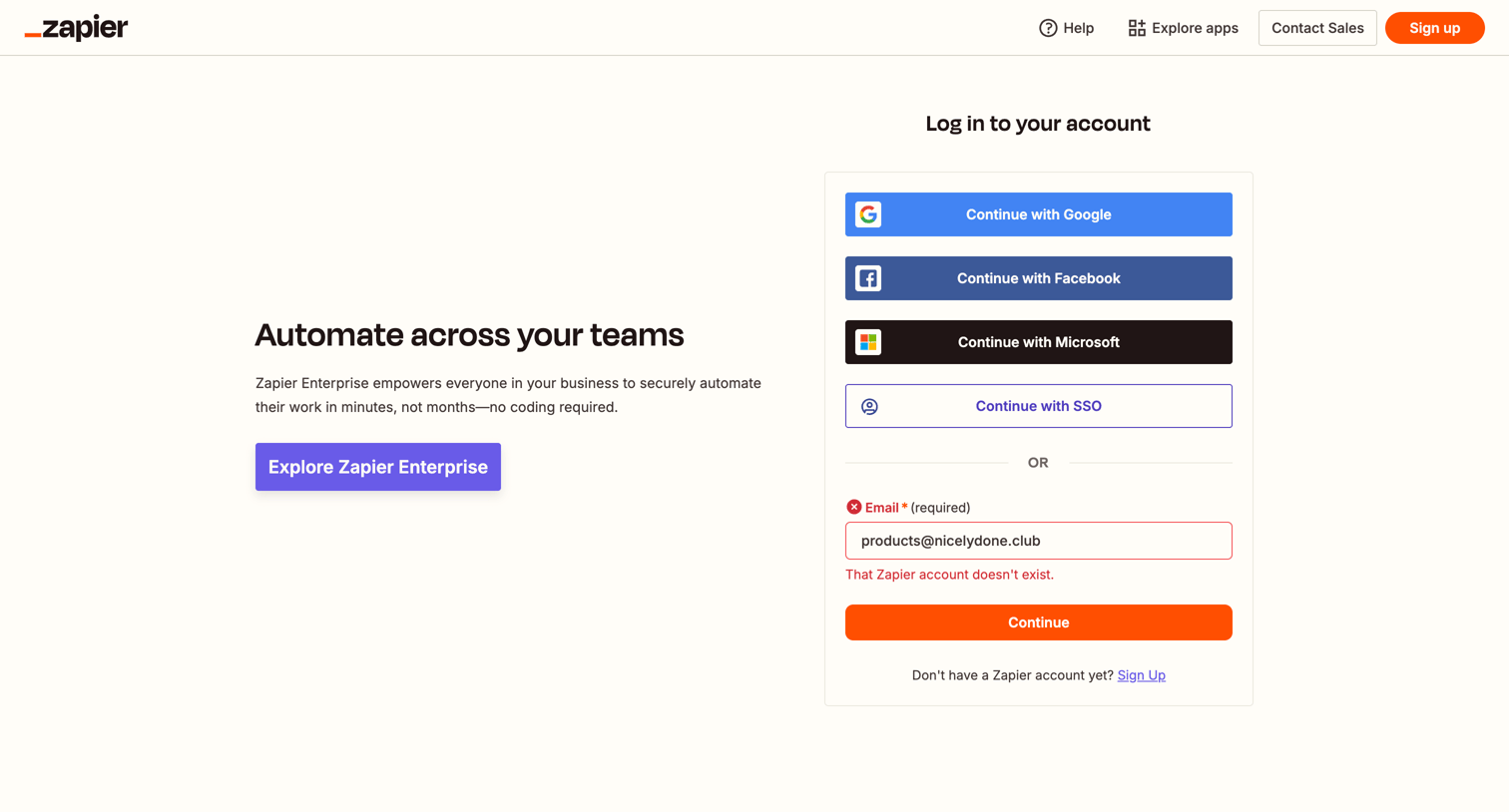
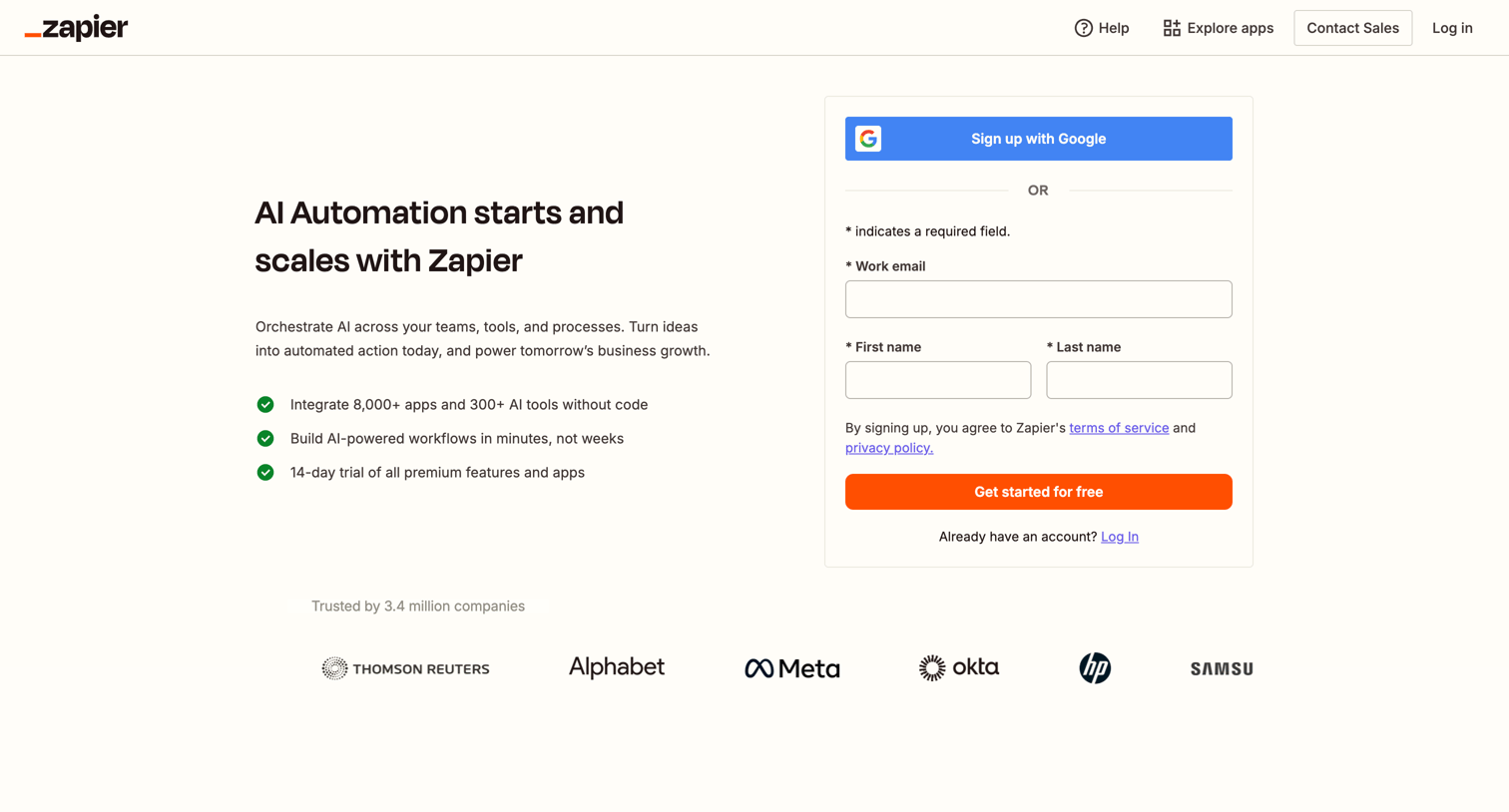
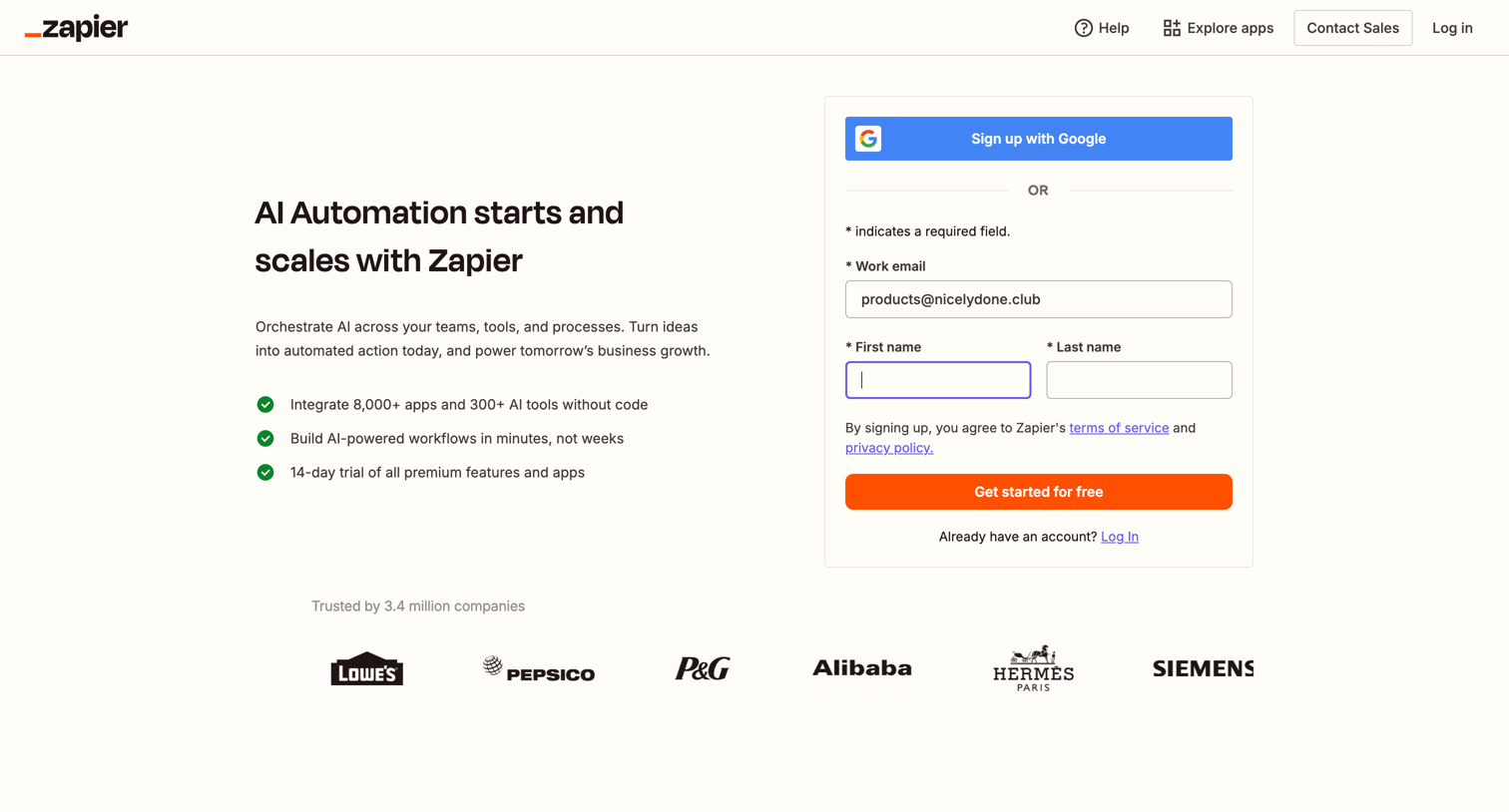
Signup page where the user can create an account using Google or by entering their work email and name, alongside a list of product benefits and a customer logo wall.
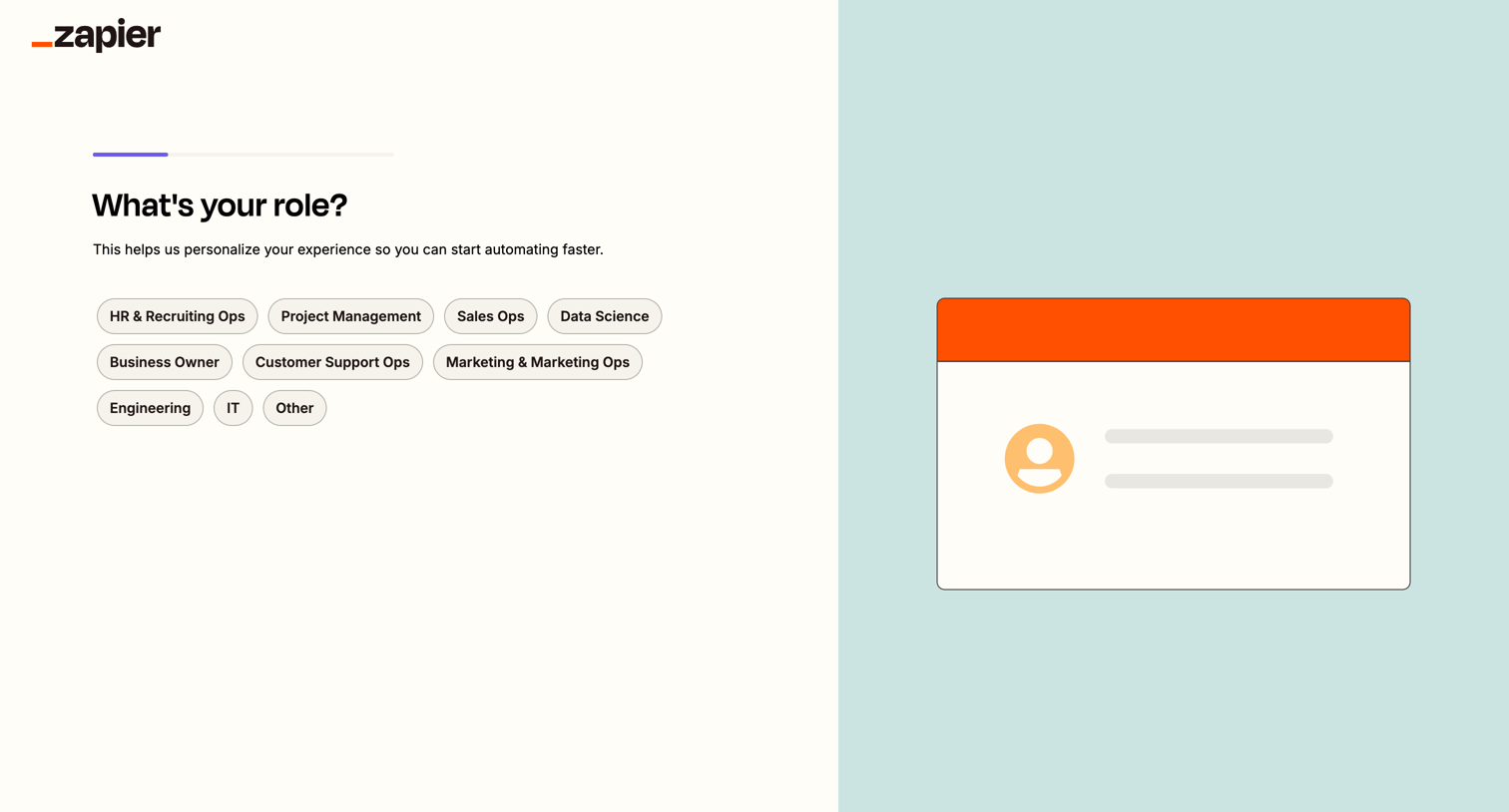
Onboarding step where the user selects their role from a list of options like HR, Sales Ops, or Engineering to personalize their experience.
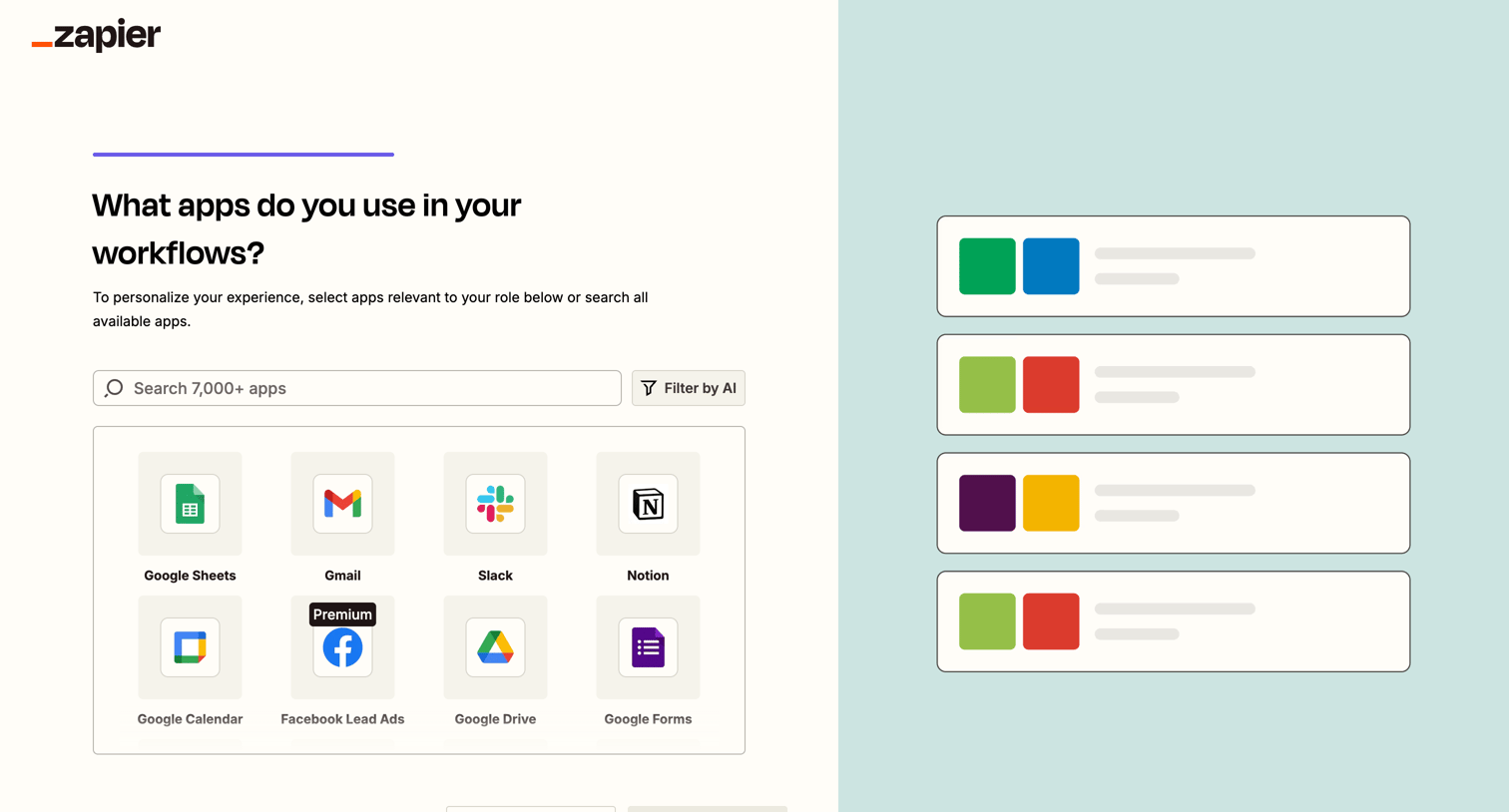
Onboarding step where the user selects the apps they use in their workflows from a searchable grid, with an option to filter by AI.
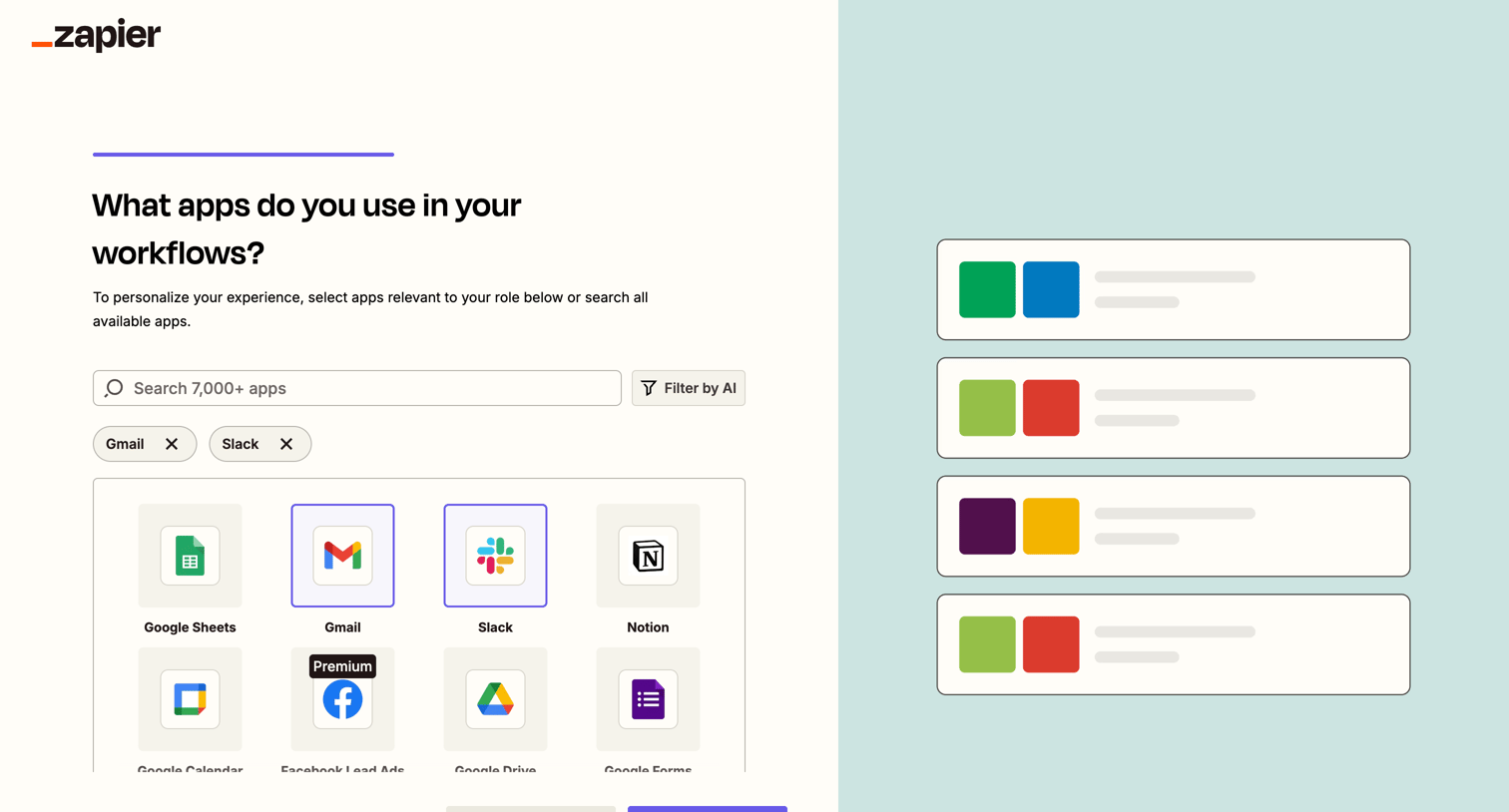
Onboarding step where the user selects the apps they use in their workflows from a searchable grid, with an option to filter by AI.
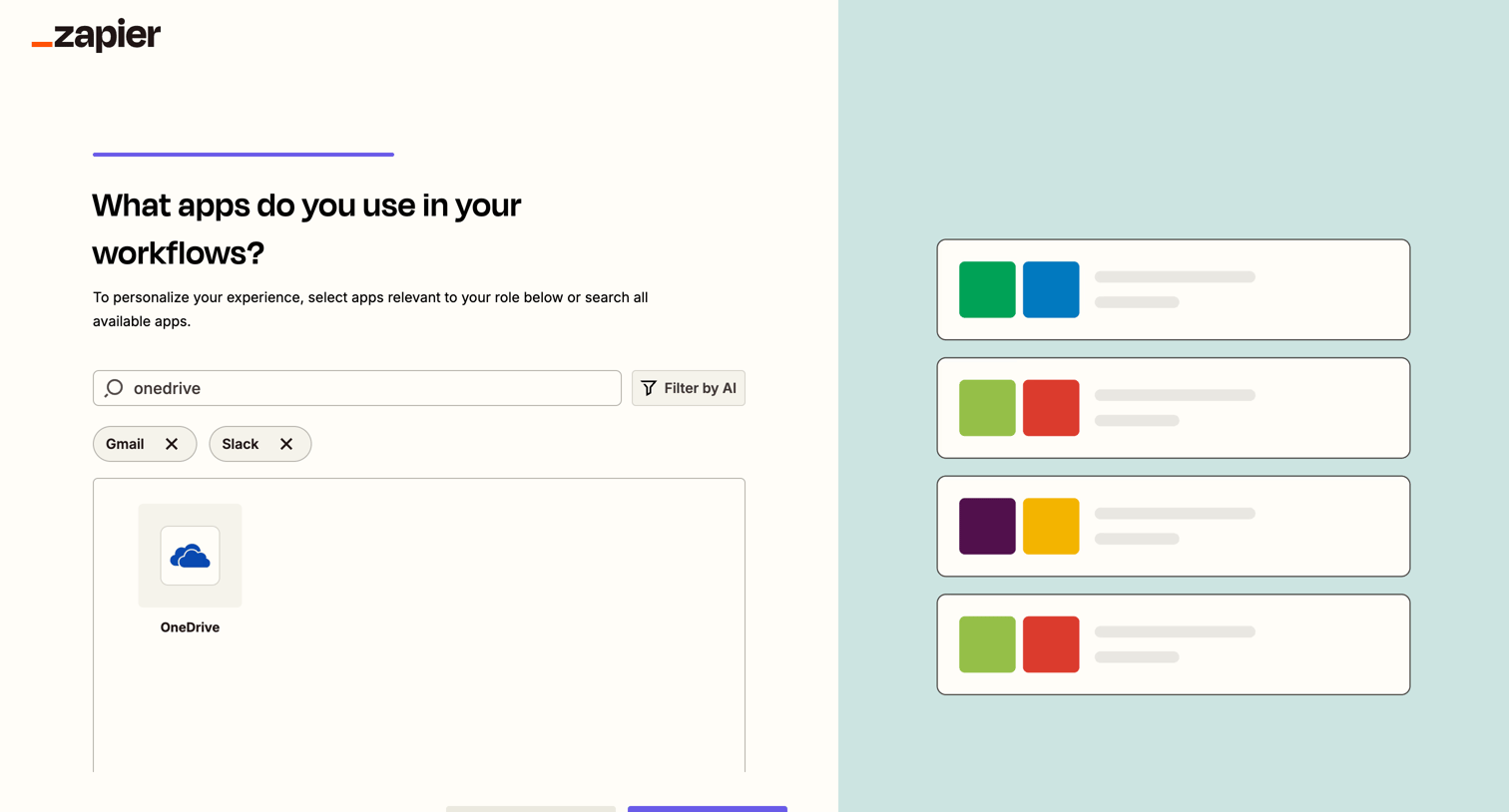
Onboarding step where the user searches for and selects apps like OneDrive, Gmail, and Slack to personalize their workflow experience, featuring an AI filter option.
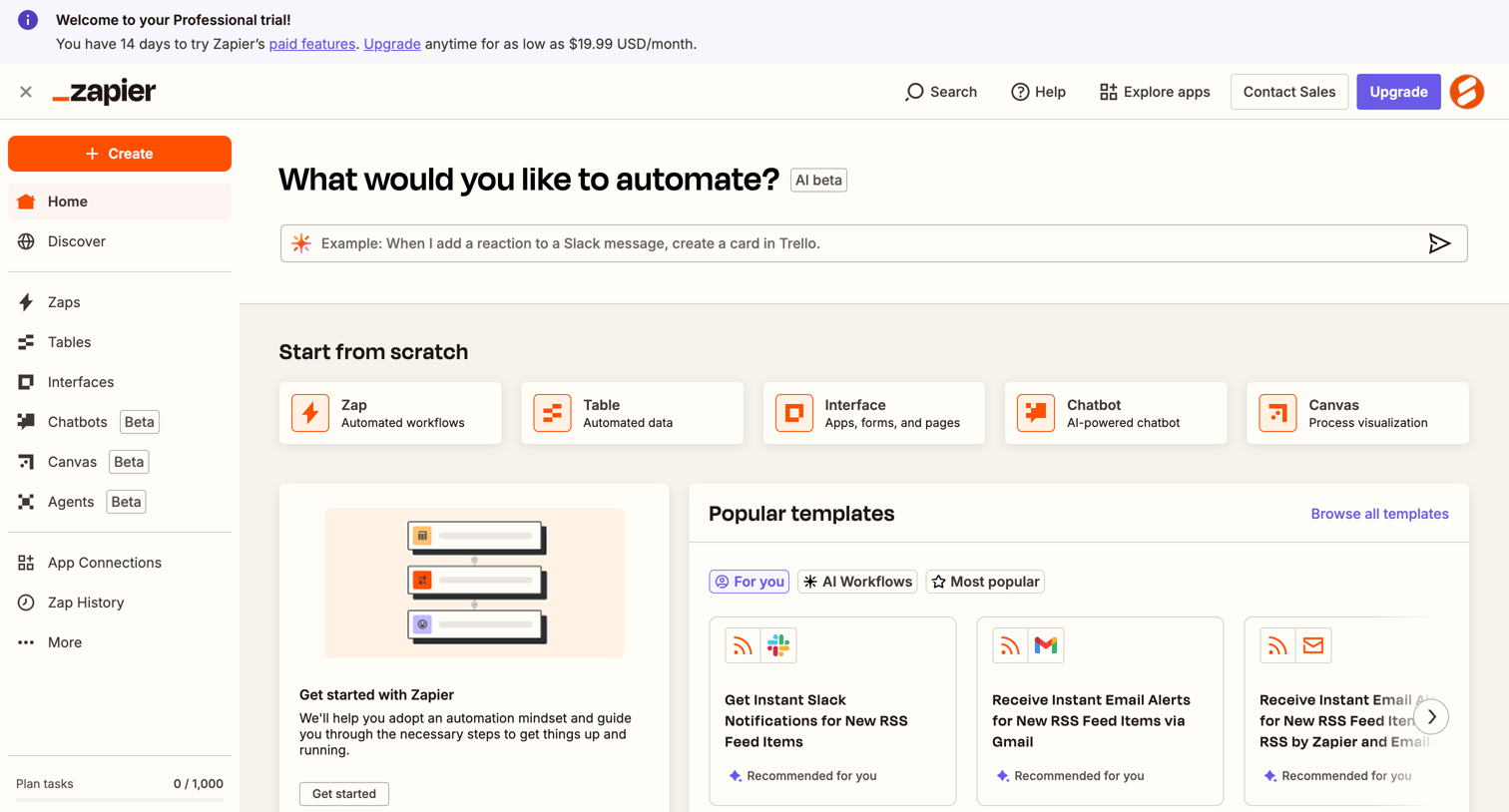
Home screen where the user can start automating by typing an AI prompt, creating from scratch, or browsing popular templates.
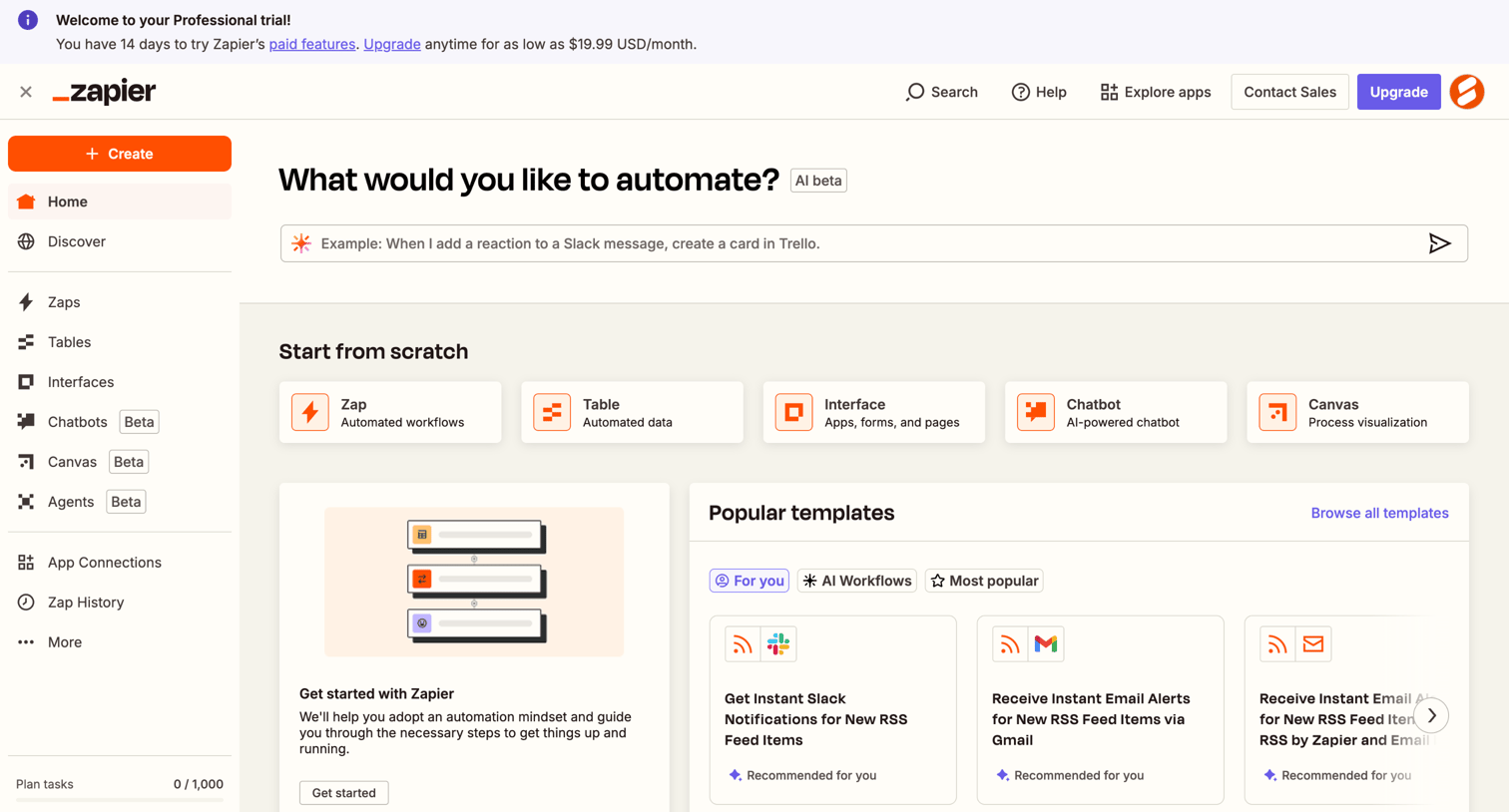
Home dashboard where the user can start building an automation by typing an AI prompt, selecting a blank canvas, or browsing popular templates.
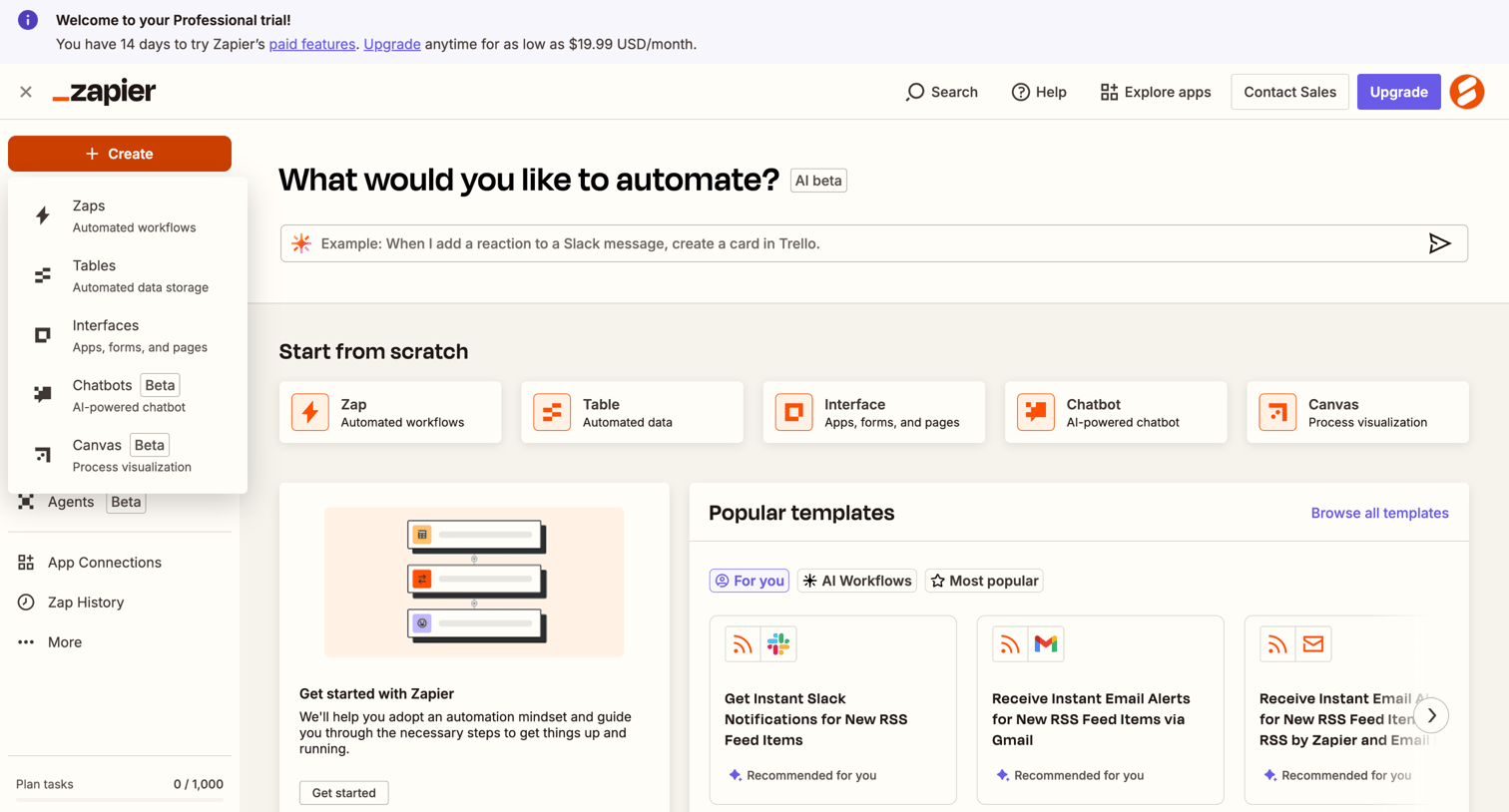
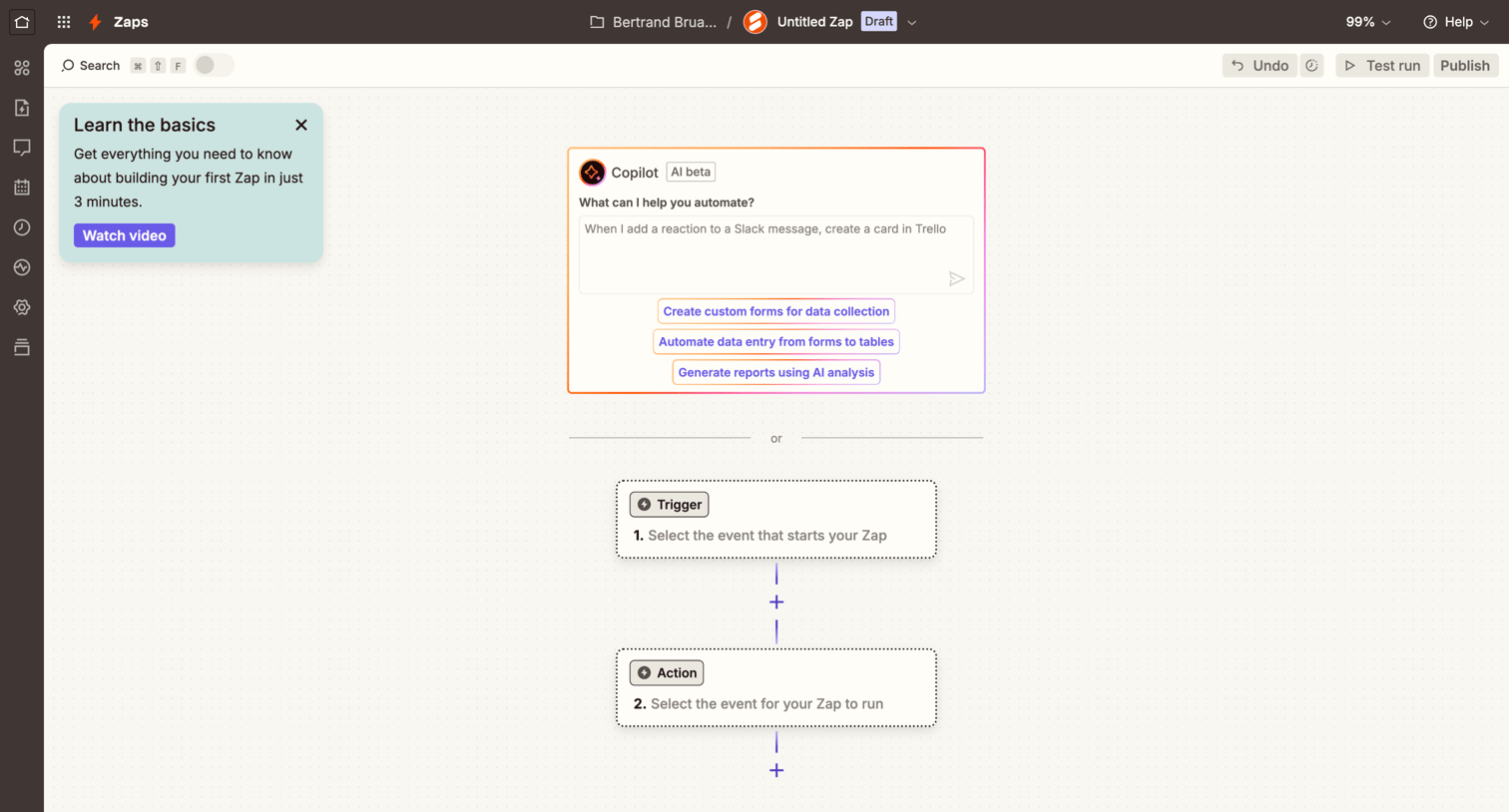
Design editor where the user starts building a new automation either by typing a prompt into the AI Copilot or manually selecting a trigger.
Browse the full SaaS app library
Explore real SaaS apps with their product screens, marketing screens, flows, and components.
Trusted by the best teams







