Skip to content
Intercom logo

Intercom design examples

Explore Intercom UI design examples. A fundamentally new way to communicate with your customers

Product screens
Intercom | The easiest way to see and talk to your users from Intercom
Intercom logo
Intercom

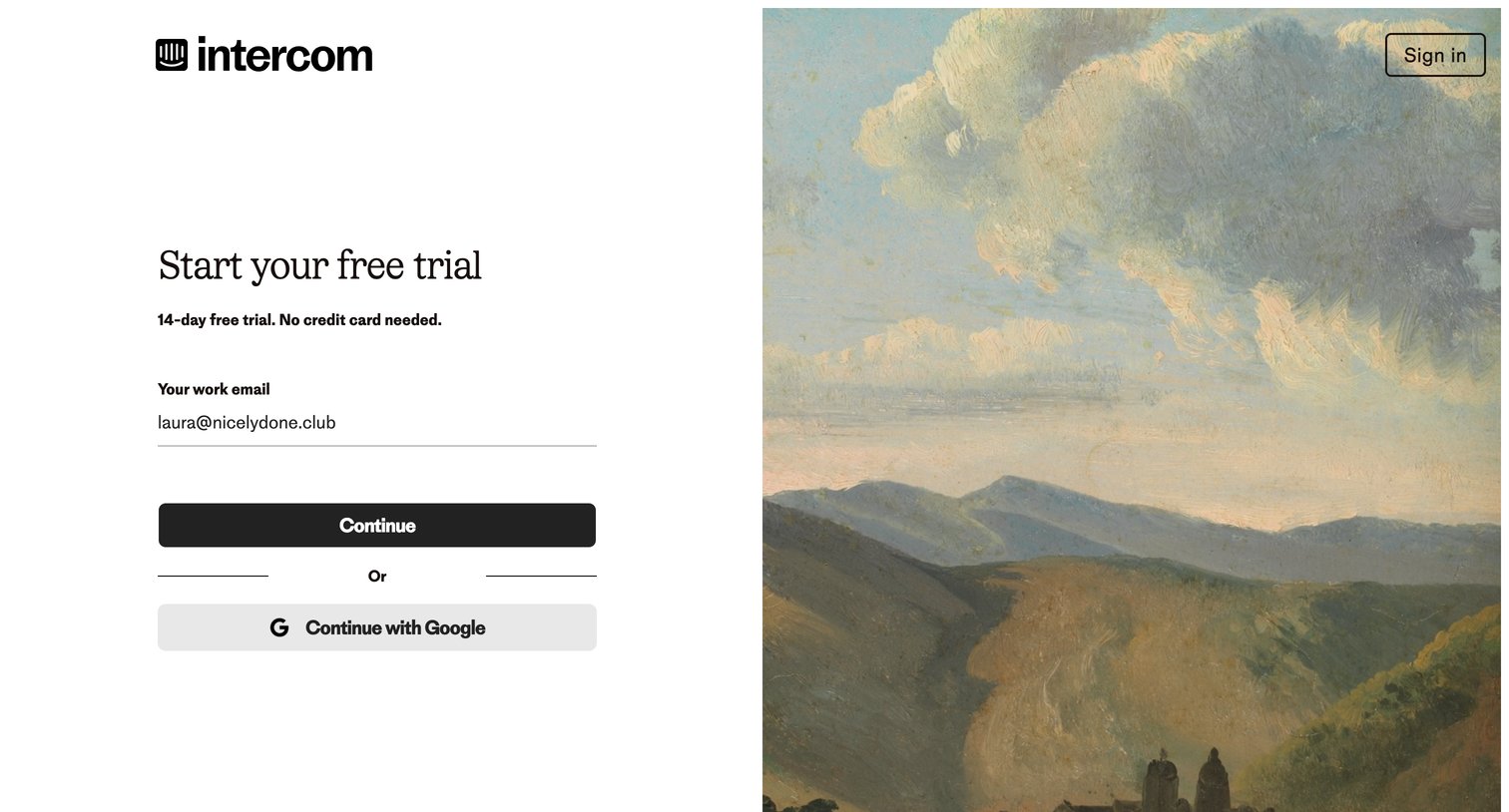
Signup screen where the user can start a 14-day free trial by entering their work email or continuing with Google.

Intercom | The easiest way to see and talk to your users from Intercom
Intercom logo
Intercom

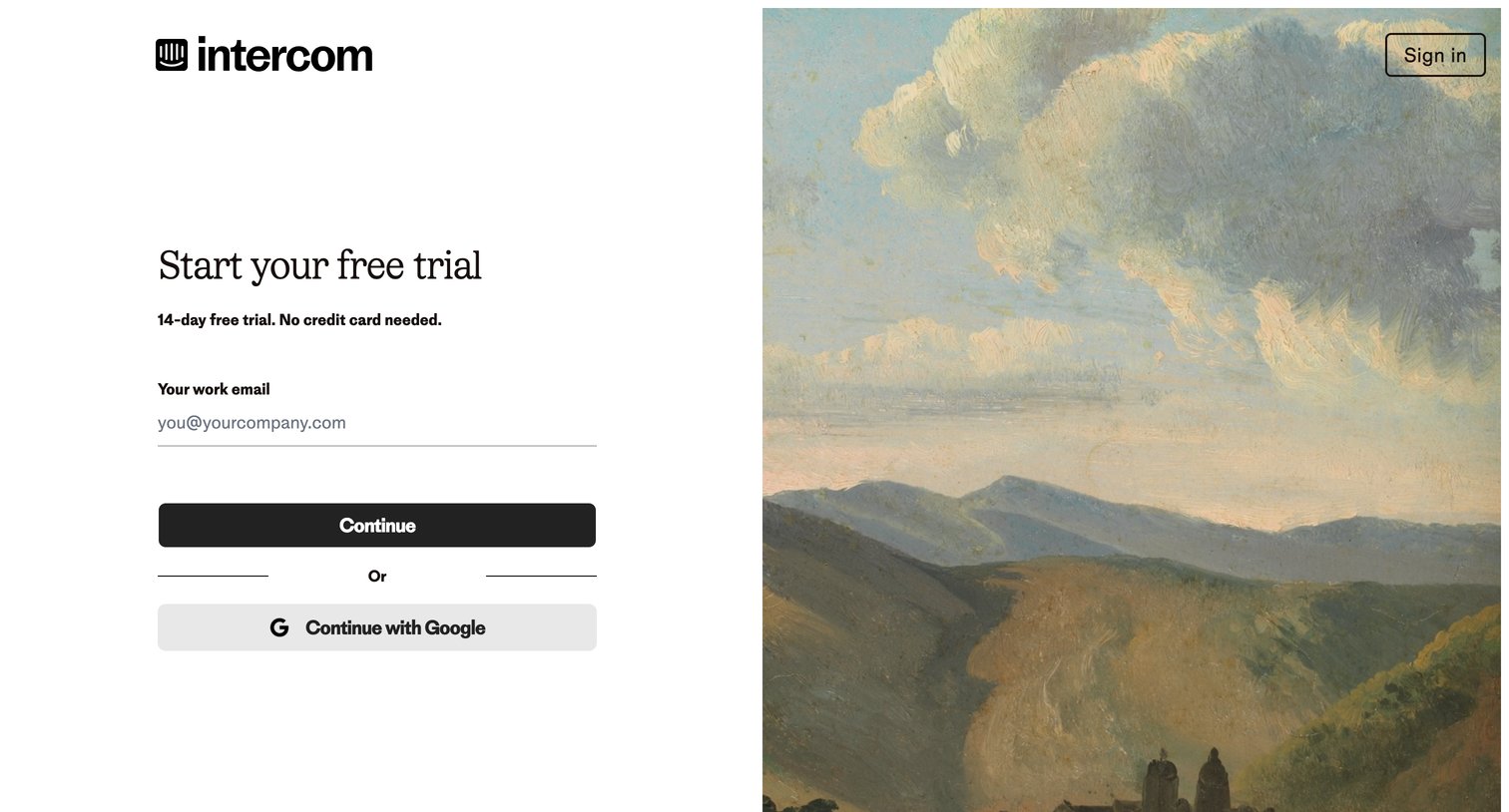
Signup page where the user starts a 14-day free trial by entering their work email or authenticating with Google.
Intercom | The easiest way to see and talk to your users from Intercom
Intercom logo
Intercom

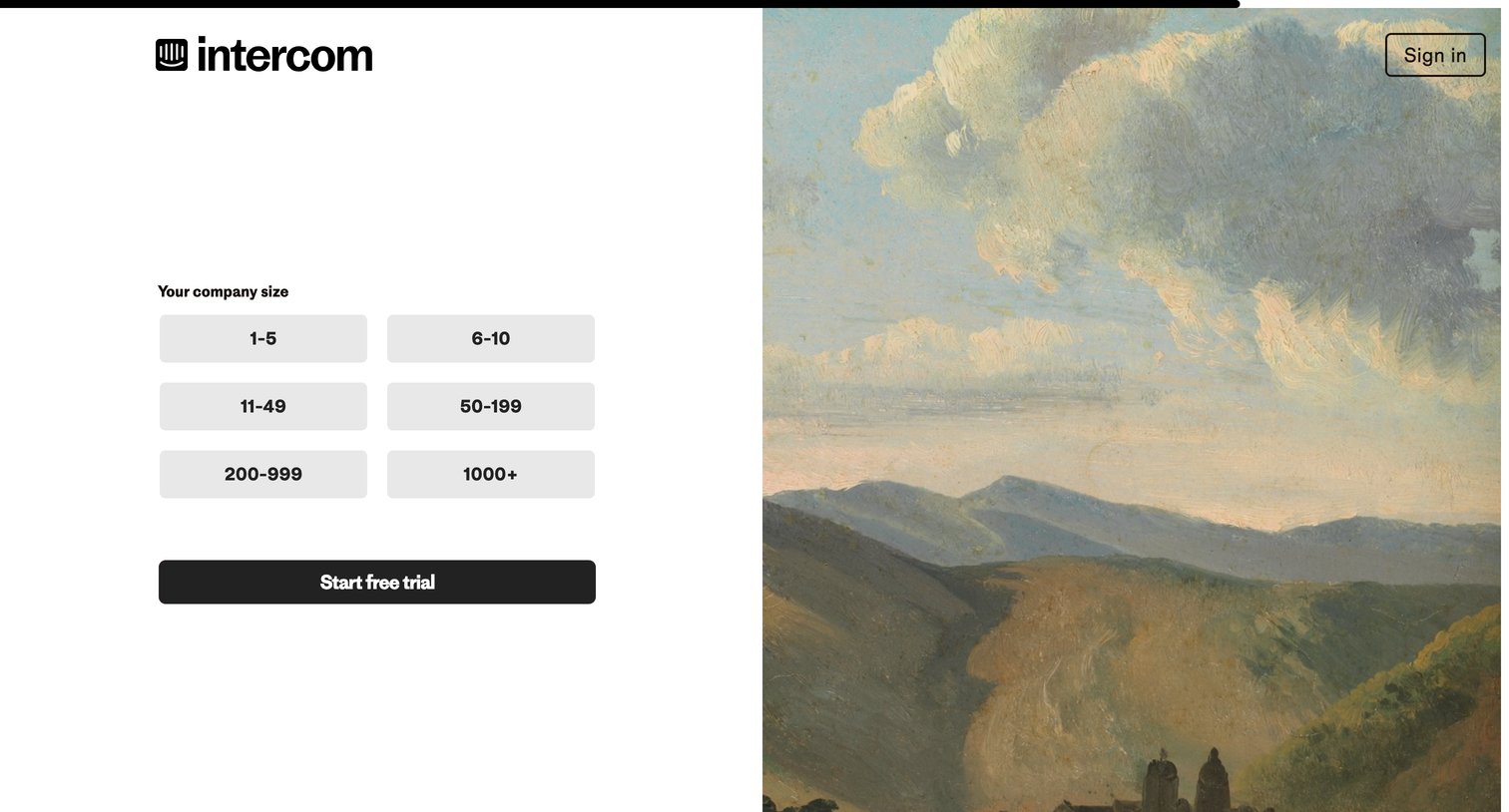
Signup step where the user selects their company size from a grid of options to start a free trial.

Intercom | The easiest way to see and talk to your users from Intercom
Intercom logo
Intercom

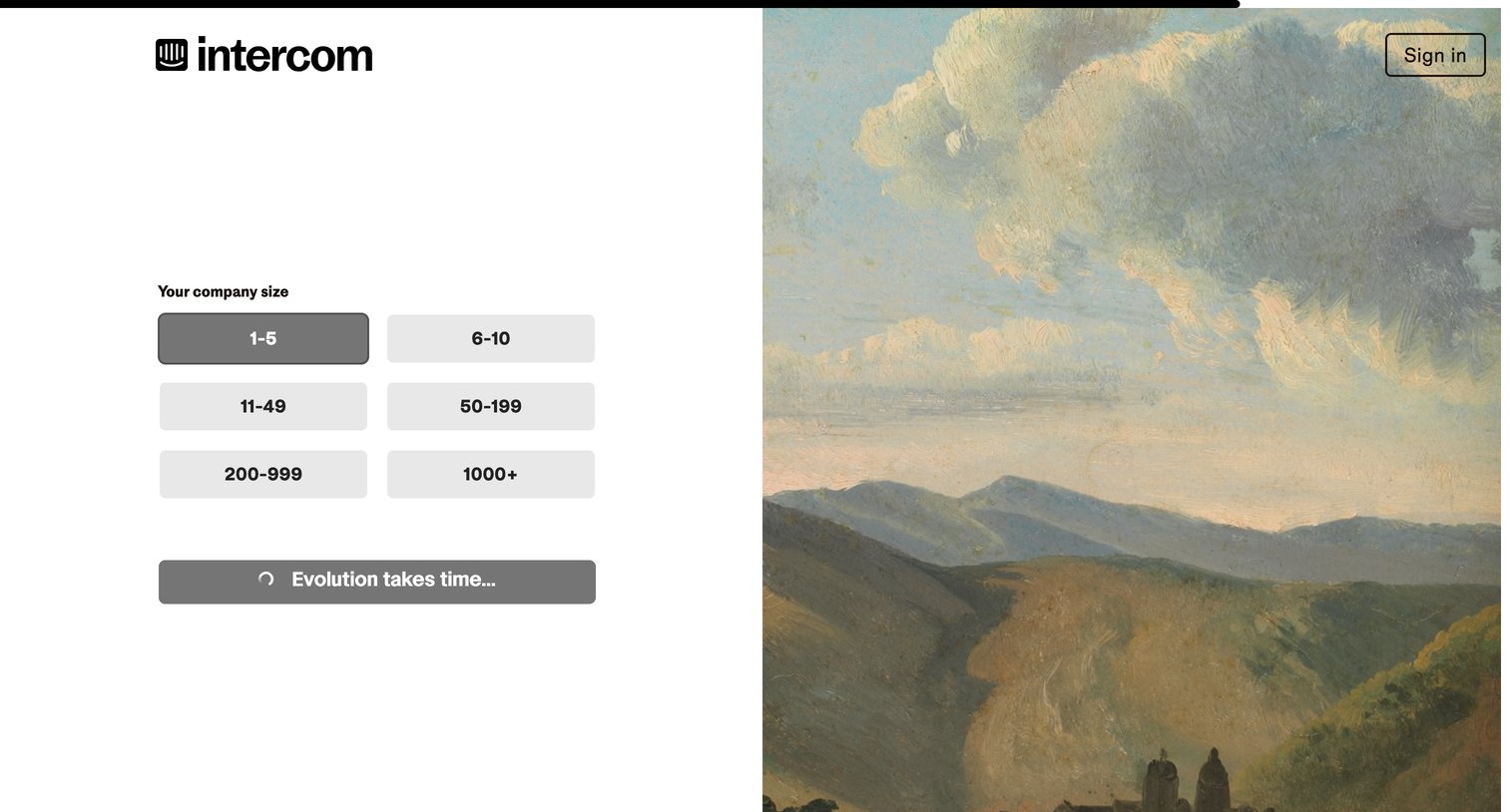
Signup step where the user selects their company size from a grid of options while a loading state processes their selection.
Intercom | The easiest way to see and talk to your users from Intercom
Intercom logo
Intercom

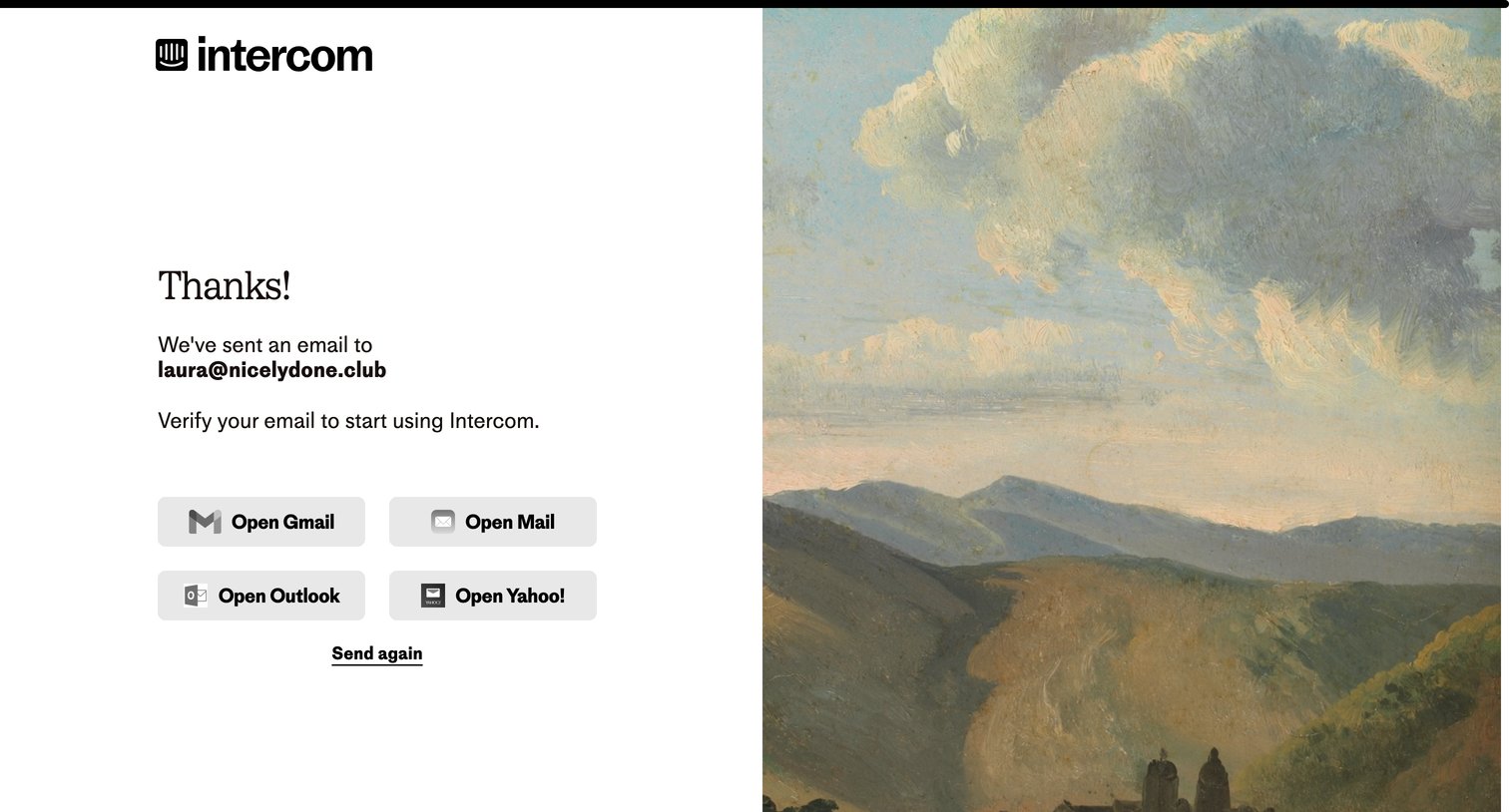
Verification screen where the user is prompted to check their email, offering a grid of quick links to open popular email clients or an option to resend the link.
Intercom from Intercom
Intercom logo
Intercom

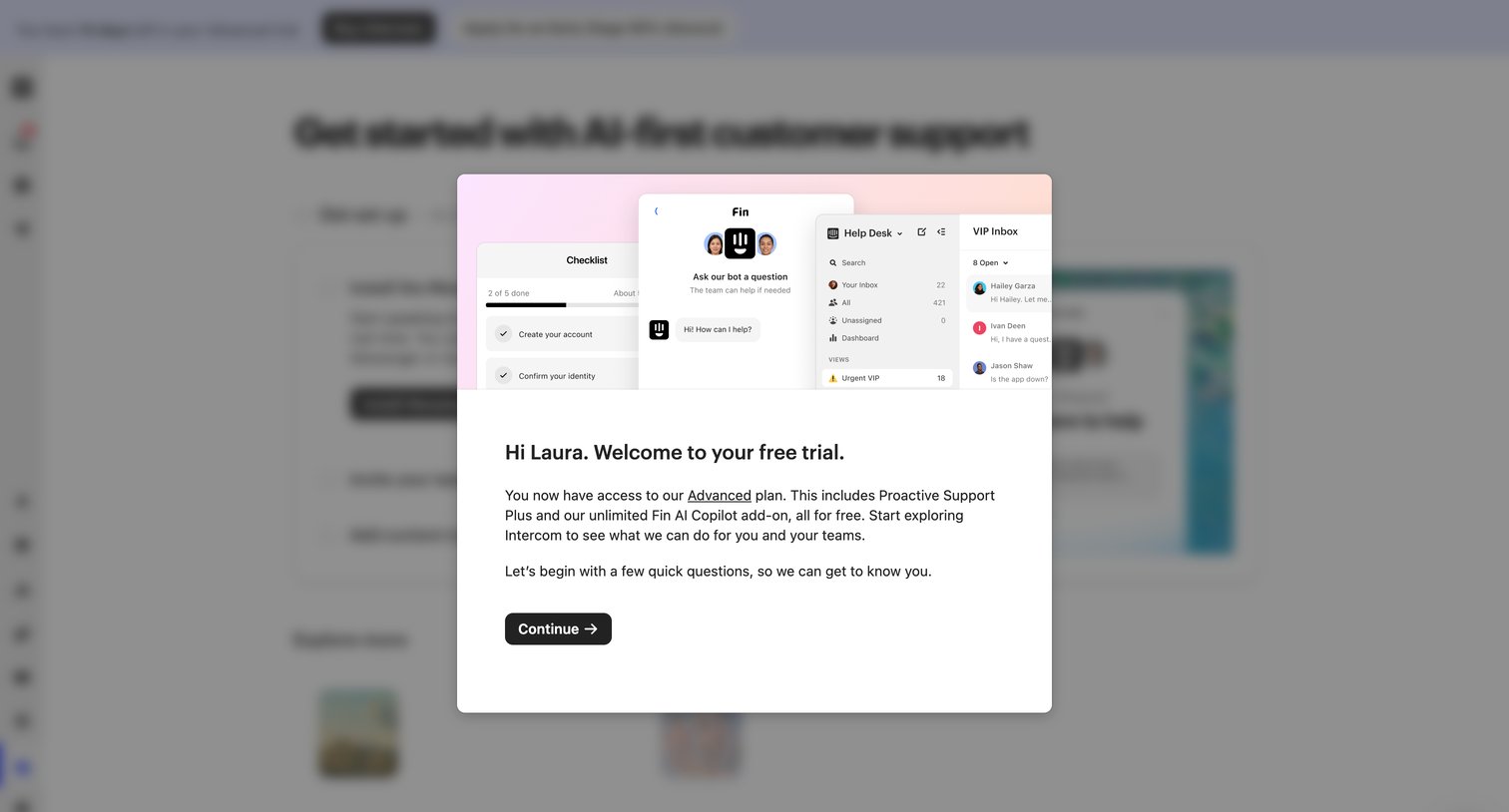
Onboarding screen featuring a welcome modal that confirms the user's free trial of the Advanced plan and prompts them to begin a quick setup questionnaire.

Intercom from Intercom
Intercom logo
Intercom

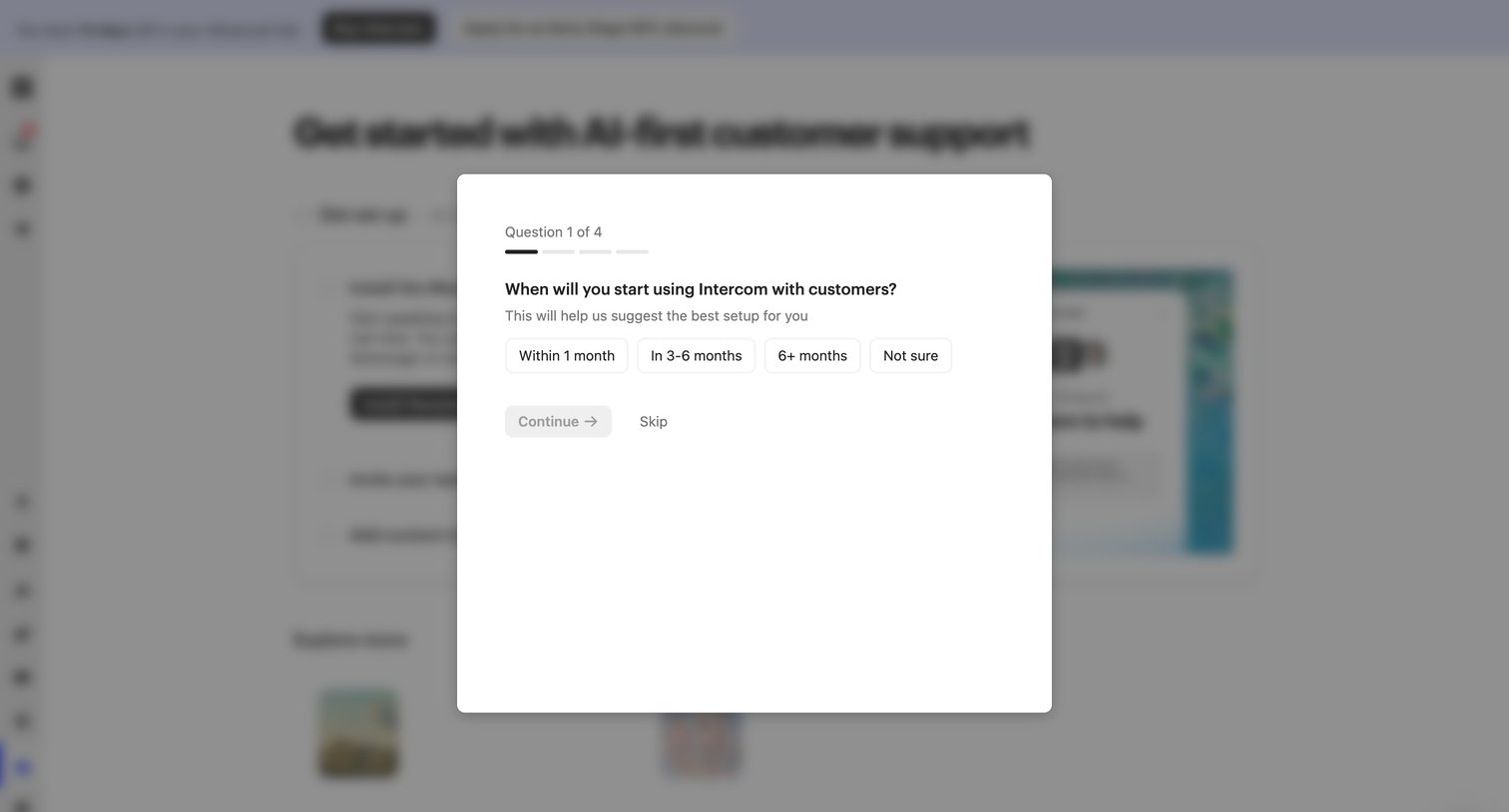
Onboarding step where the user answers a questionnaire about their timeline for using the product to personalize their setup.
Intercom from Intercom
Intercom logo
Intercom

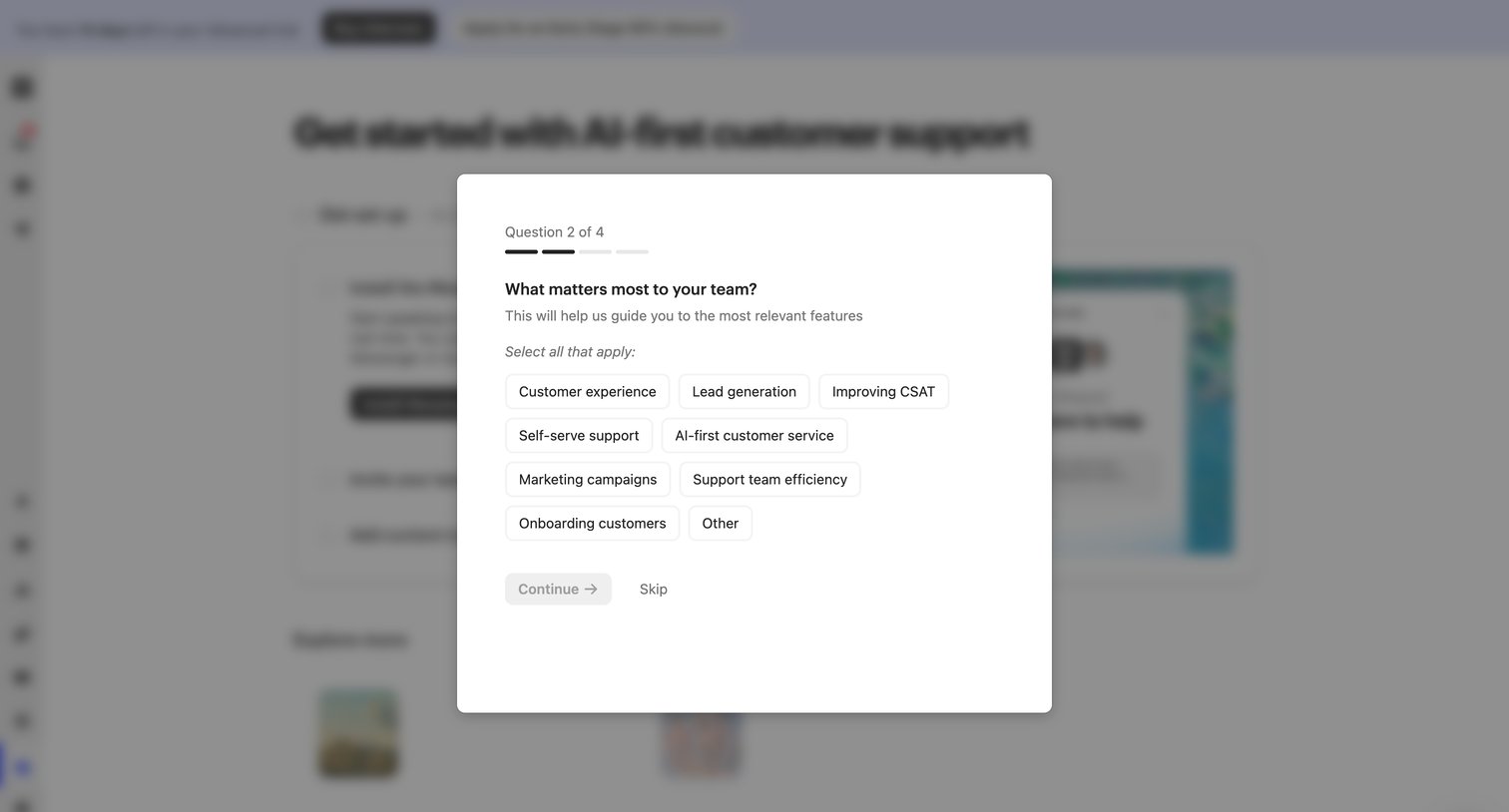
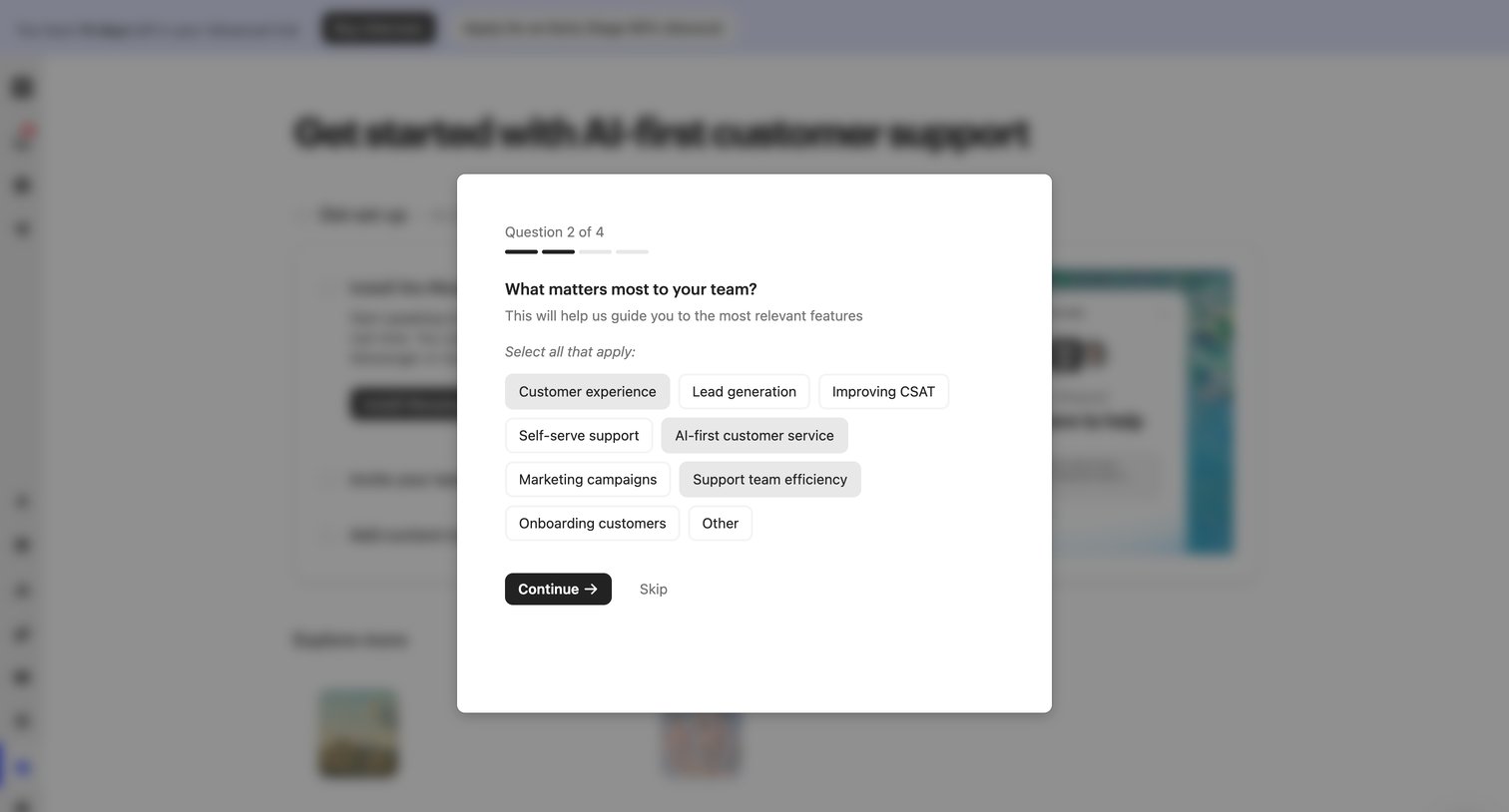
Onboarding step where the user selects their team's primary goals, such as customer experience or lead generation, to customize their workspace setup.
Intercom from Intercom
Intercom logo
Intercom

Onboarding step where the user selects their team's primary goals, such as customer experience or lead generation, to customize their workspace.
Intercom from Intercom
Intercom logo
Intercom

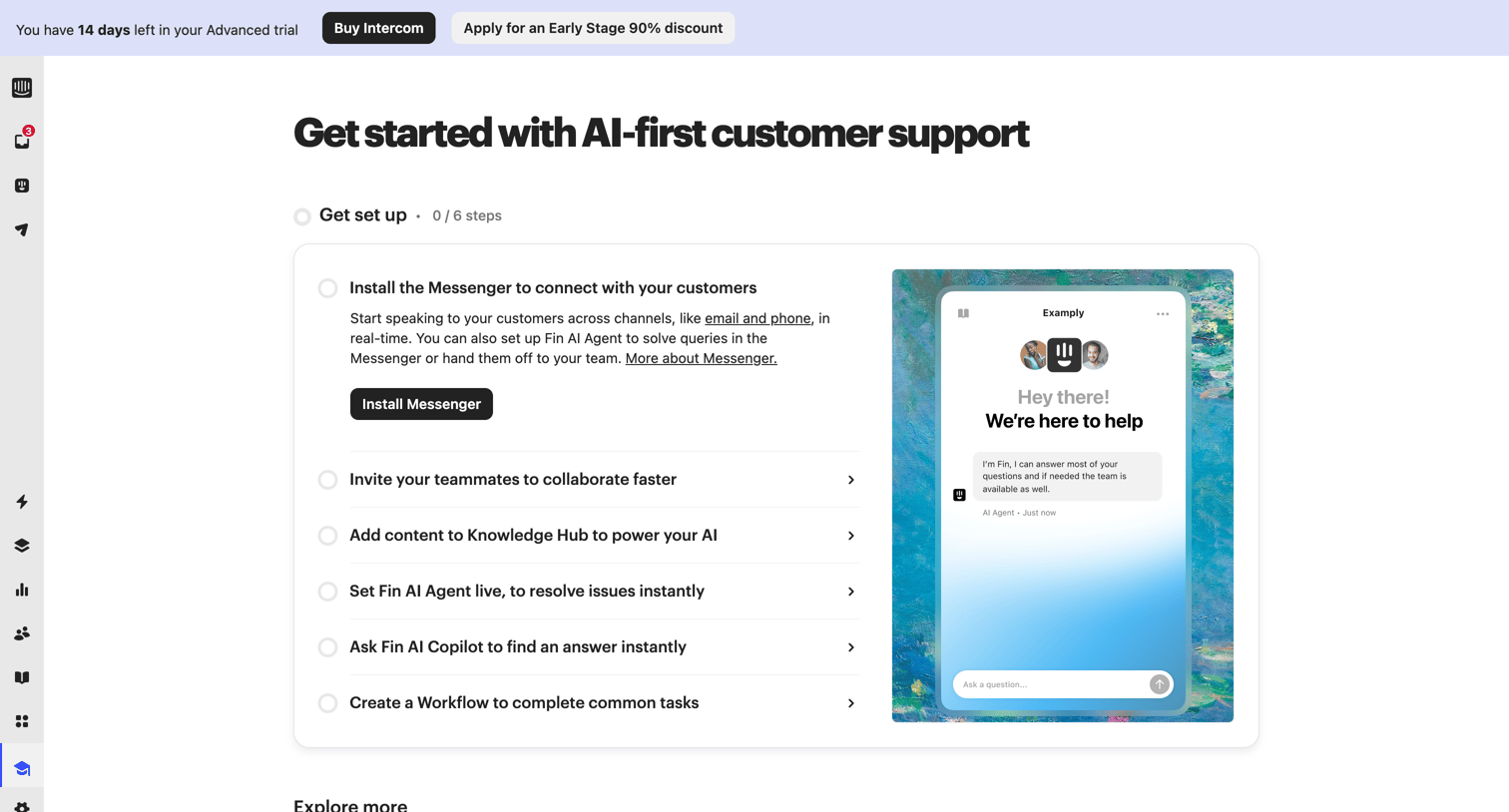
Onboarding page where the user follows a step-by-step checklist to install the messenger, invite teammates, and set up AI features, with a trial countdown banner at the top.
Intercom | The easiest way to see and talk to your users from Intercom
Intercom logo
Intercom

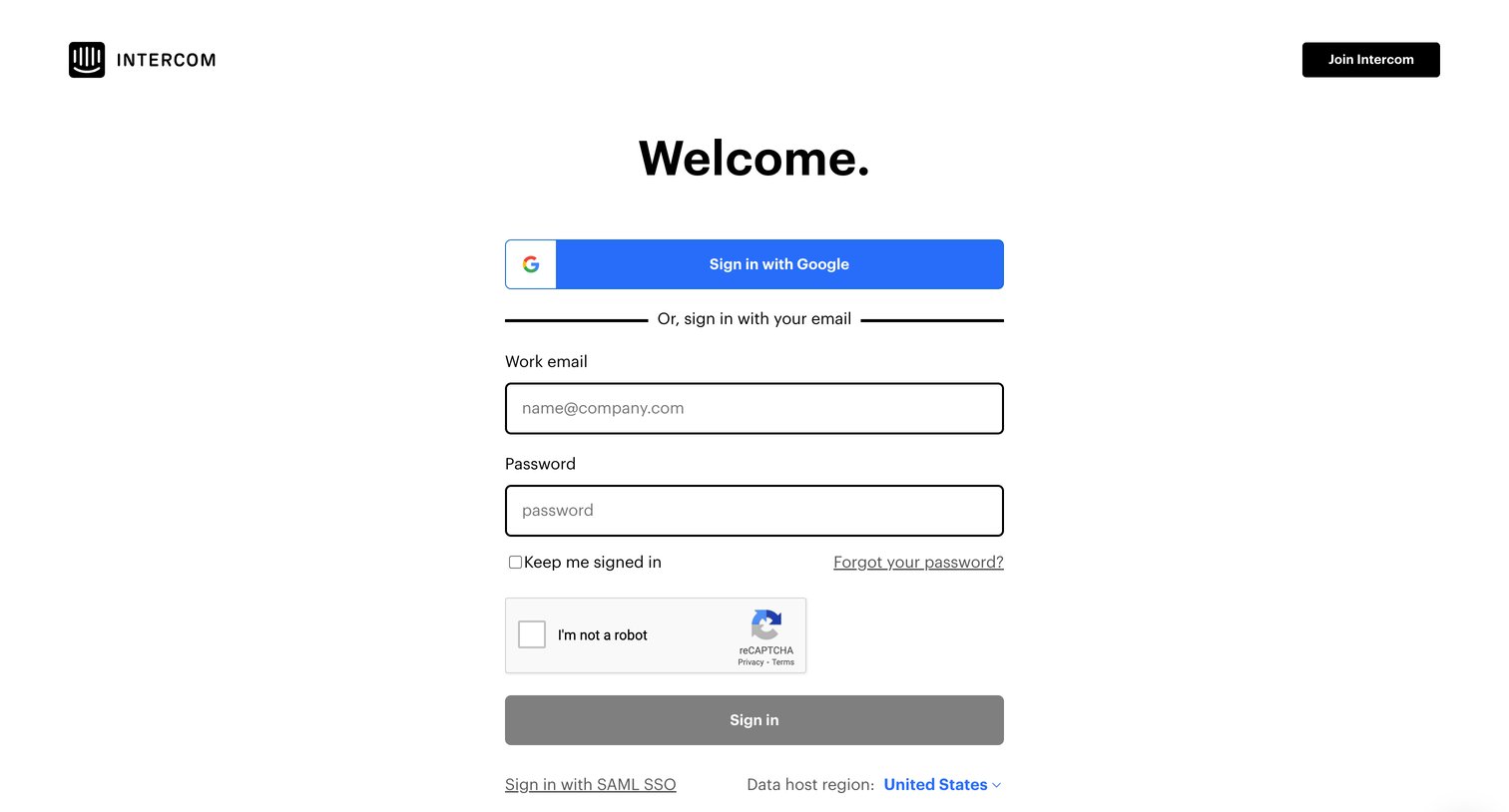
Sign-in screen where the user authenticates with Google, email and password, or SAML SSO, and can select their data host region.

Intercom | The easiest way to see and talk to your users from Intercom
Intercom logo
Intercom

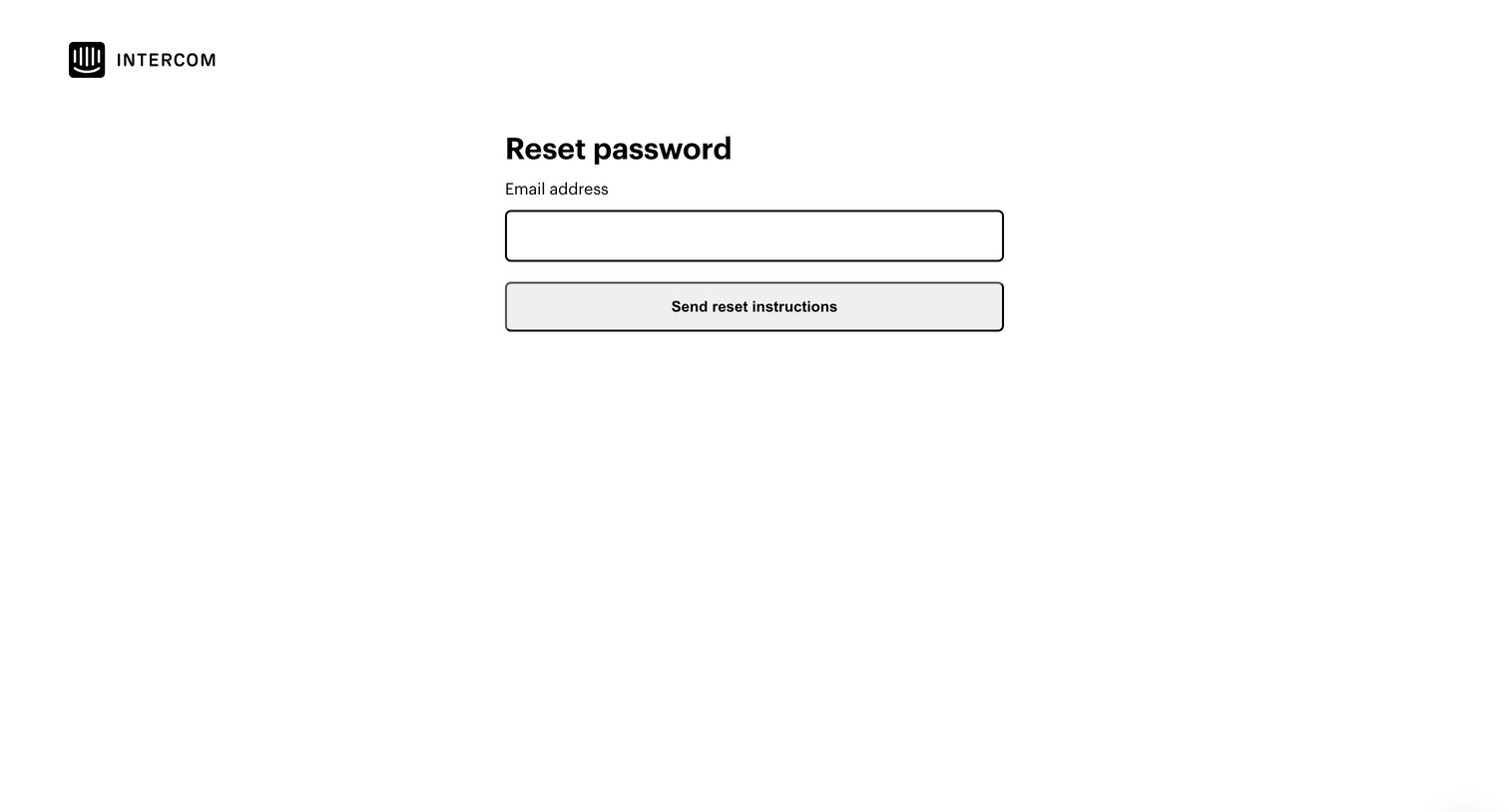
Password recovery screen where the user enters their email address to receive reset instructions.

Browse the full SaaS app library

Explore real SaaS apps with their product screens, marketing screens, flows, and components.

Trusted by the best teams