Intercom marketing pages examples
Explore Intercom website design examples. Preview marketing pages and browse related SaaS page designs. A fundamentally new way to communicate with your customers
Explore the examples


Landing page for an AI-first customer service platform featuring a product carousel, an open letter from the CEO, role-based feature highlights, a bento grid of customer testimonials, and a G2 competitor comparison chart.
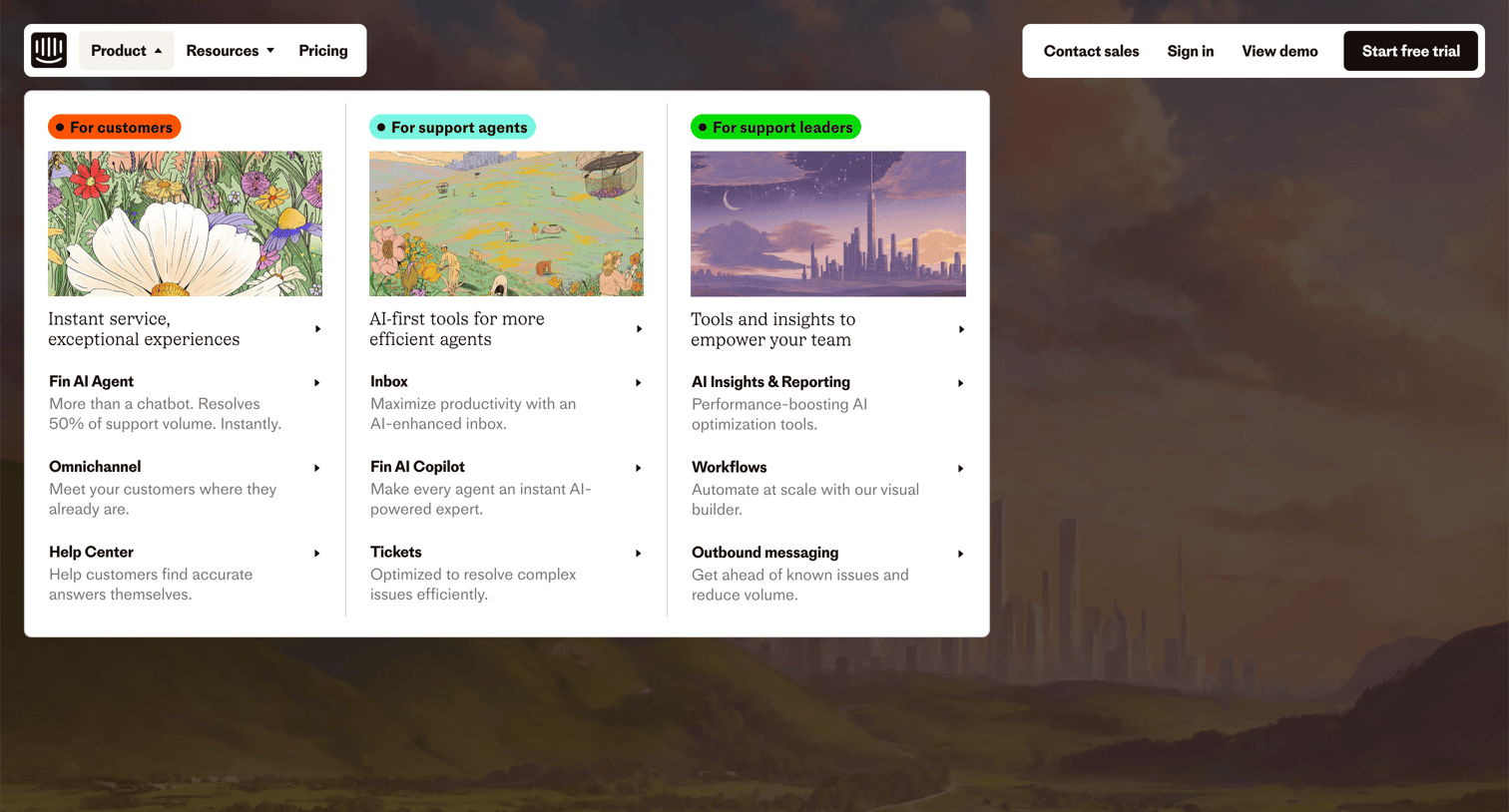
Landing page where the user opens the product navigation menu to explore solutions categorized for customers, support agents, and leaders.
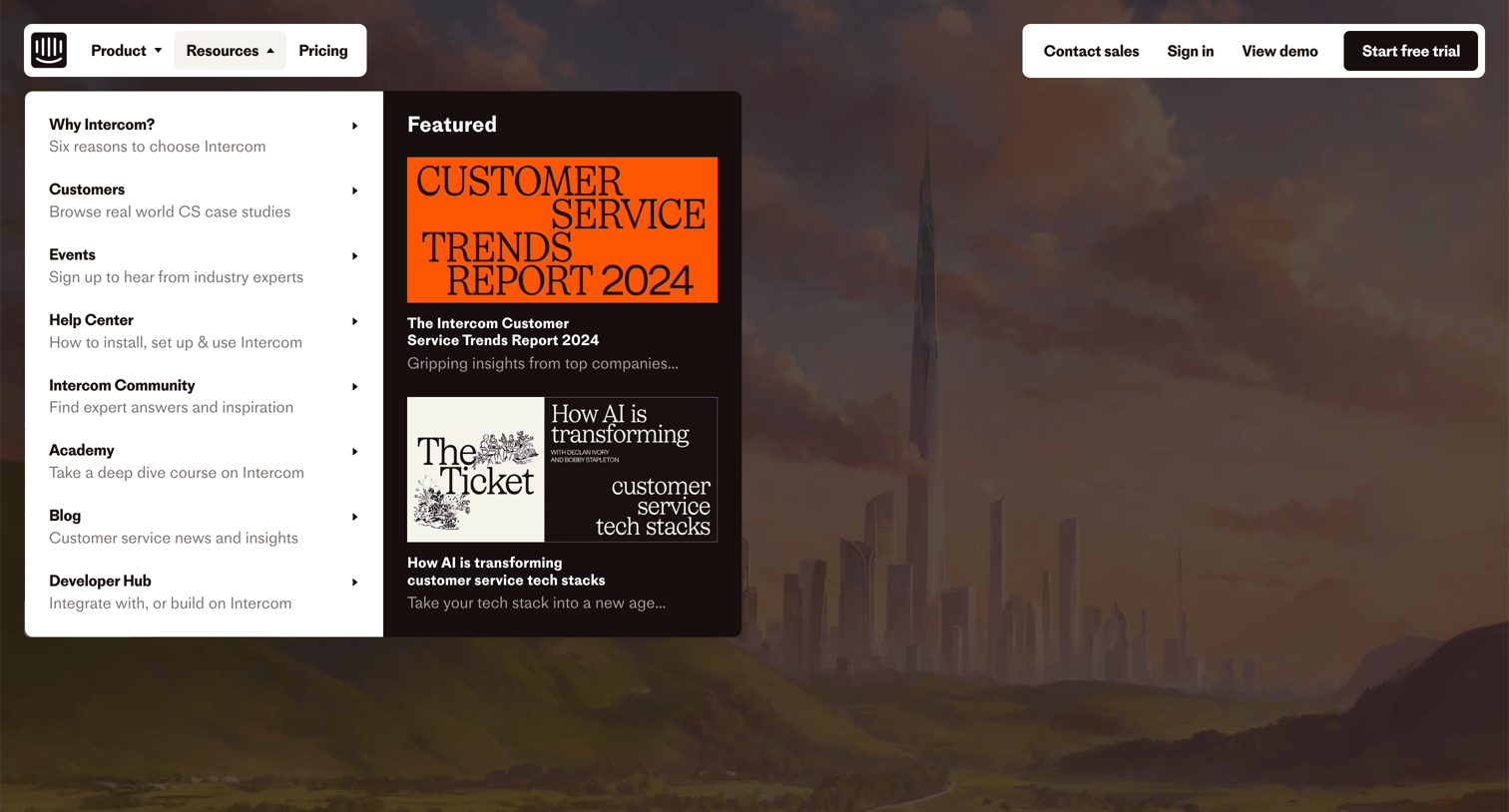
Landing page where the user opens the resources mega-menu to browse links like customer stories, events, and featured reports.
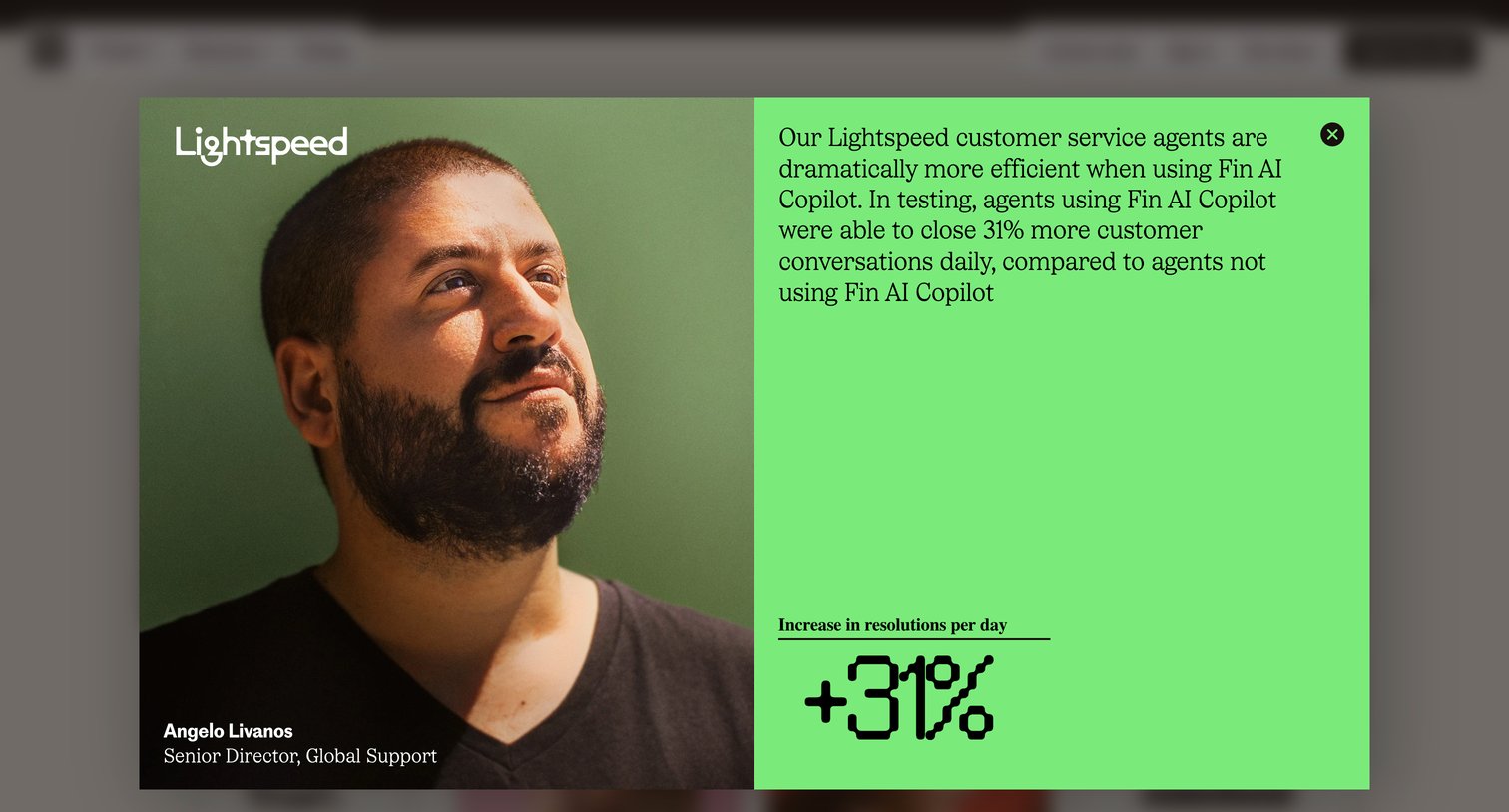
Landing page where a modal overlay highlights a customer testimonial from Lightspeed regarding increased resolution rates using Fin AI Copilot.
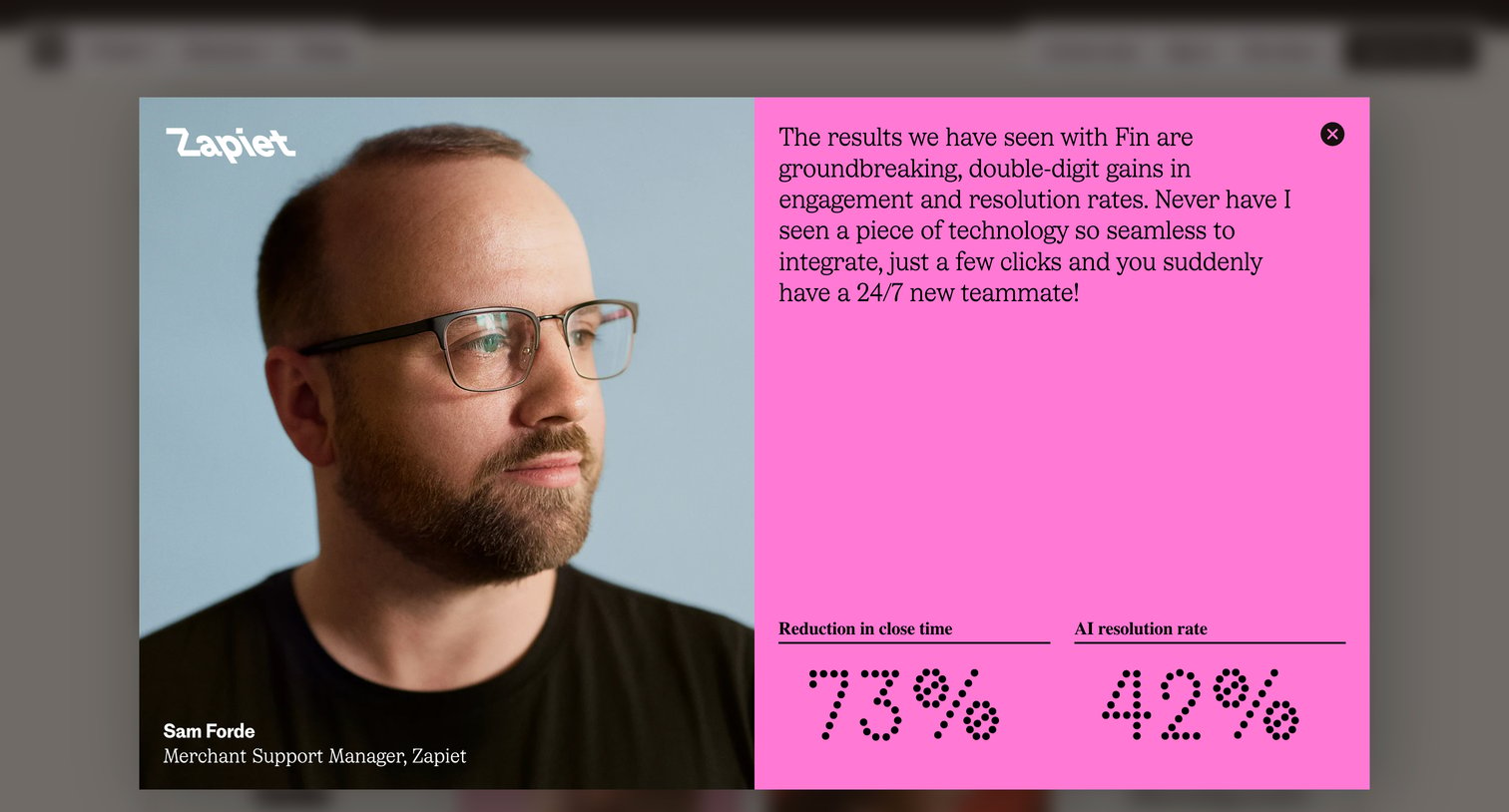
Landing page where a modal overlay displays a customer testimonial from Zapiet, featuring a quote and key performance metrics for an AI product.
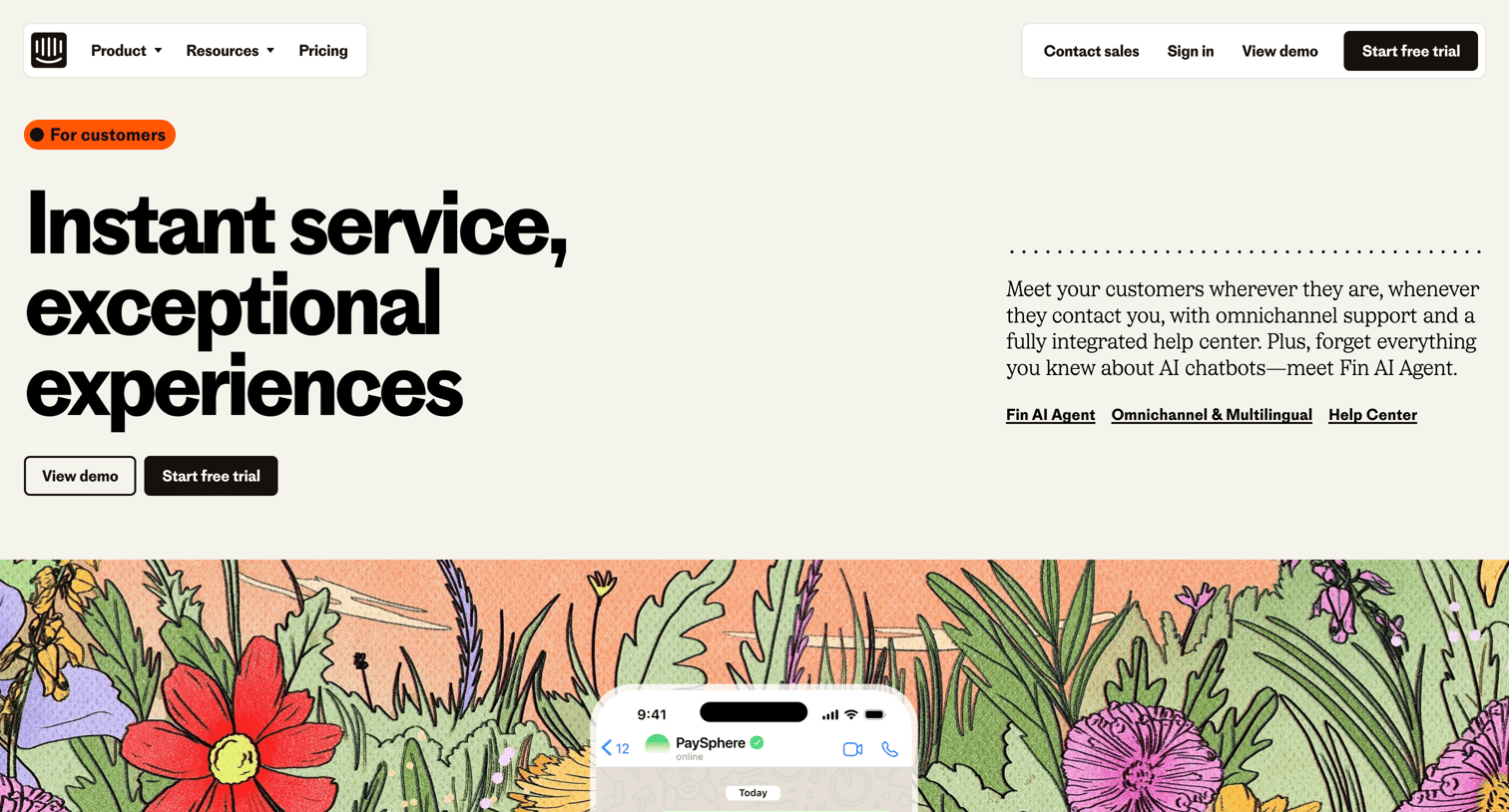
Use case page detailing the customer support platform, highlighting the Fin AI agent, omnichannel inbox, and help center features alongside customer testimonials.
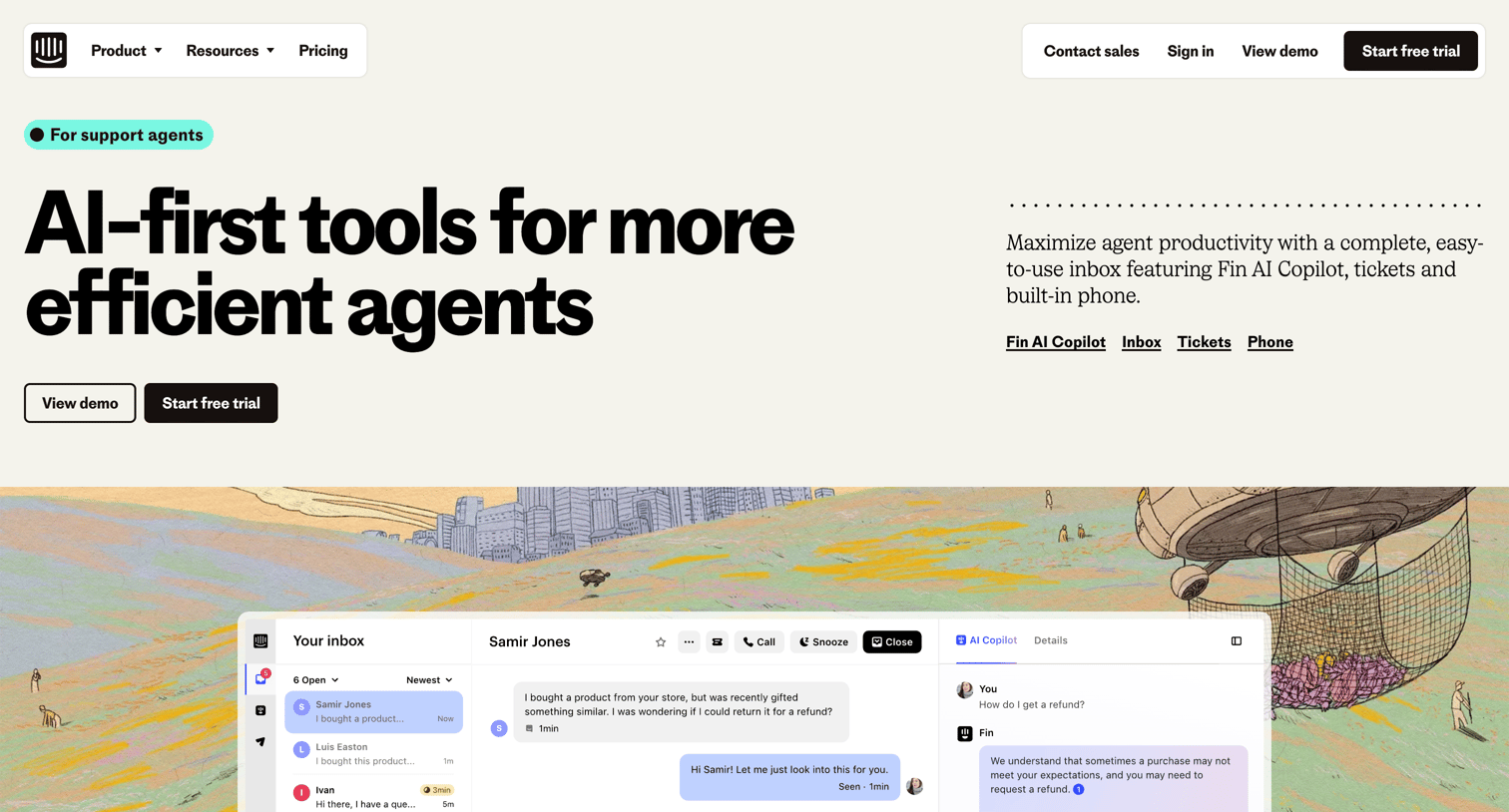
Marketing use case page for support agents detailing AI-first tools like Fin AI Copilot, an enhanced inbox, tickets, and phone capabilities, featuring product screenshots, feature grids, and customer testimonials.
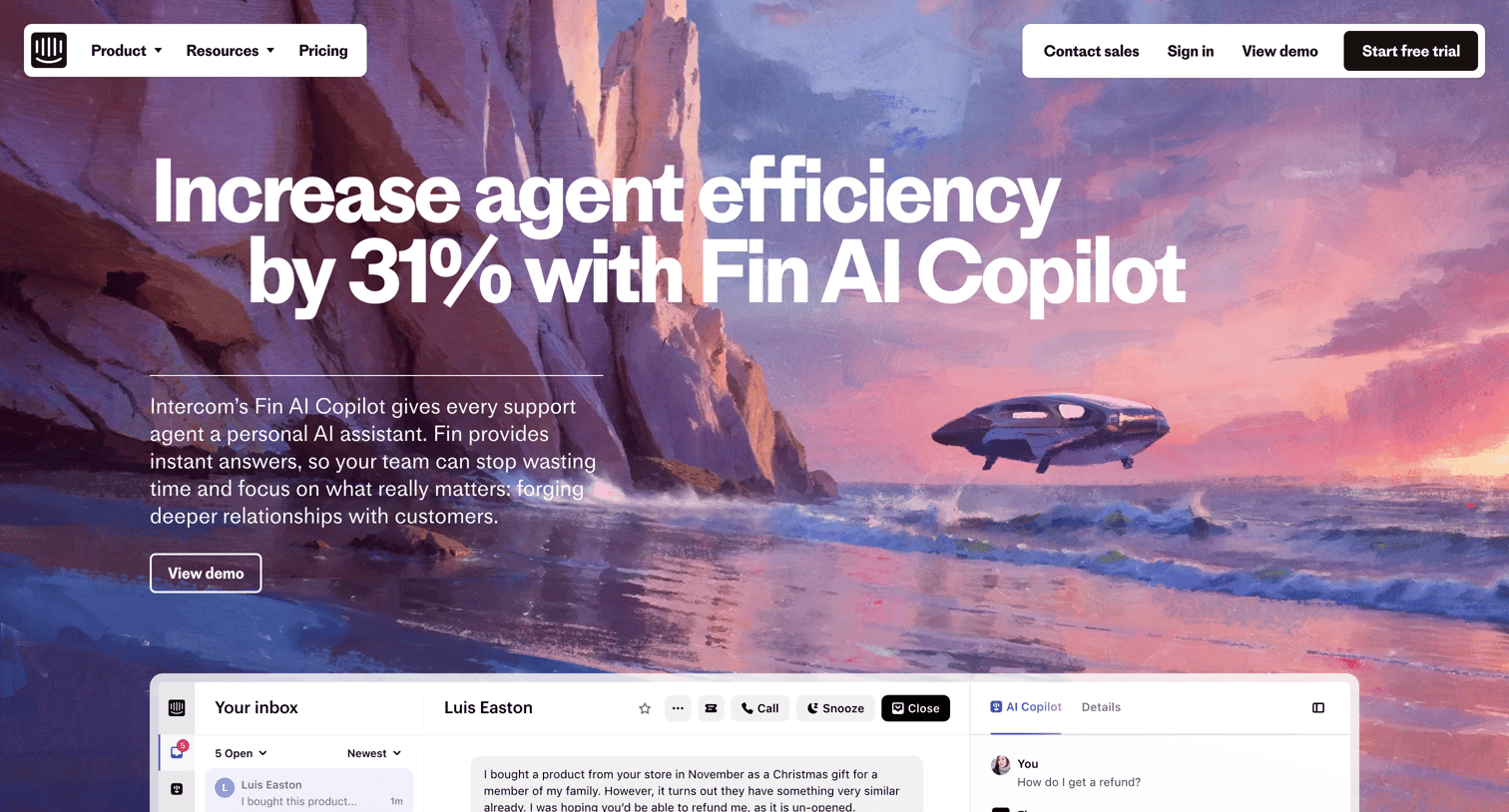
Feature page for an AI support copilot detailing its capabilities like answering queries from history, syncing content sources, and providing agent training, culminating in a demo CTA.
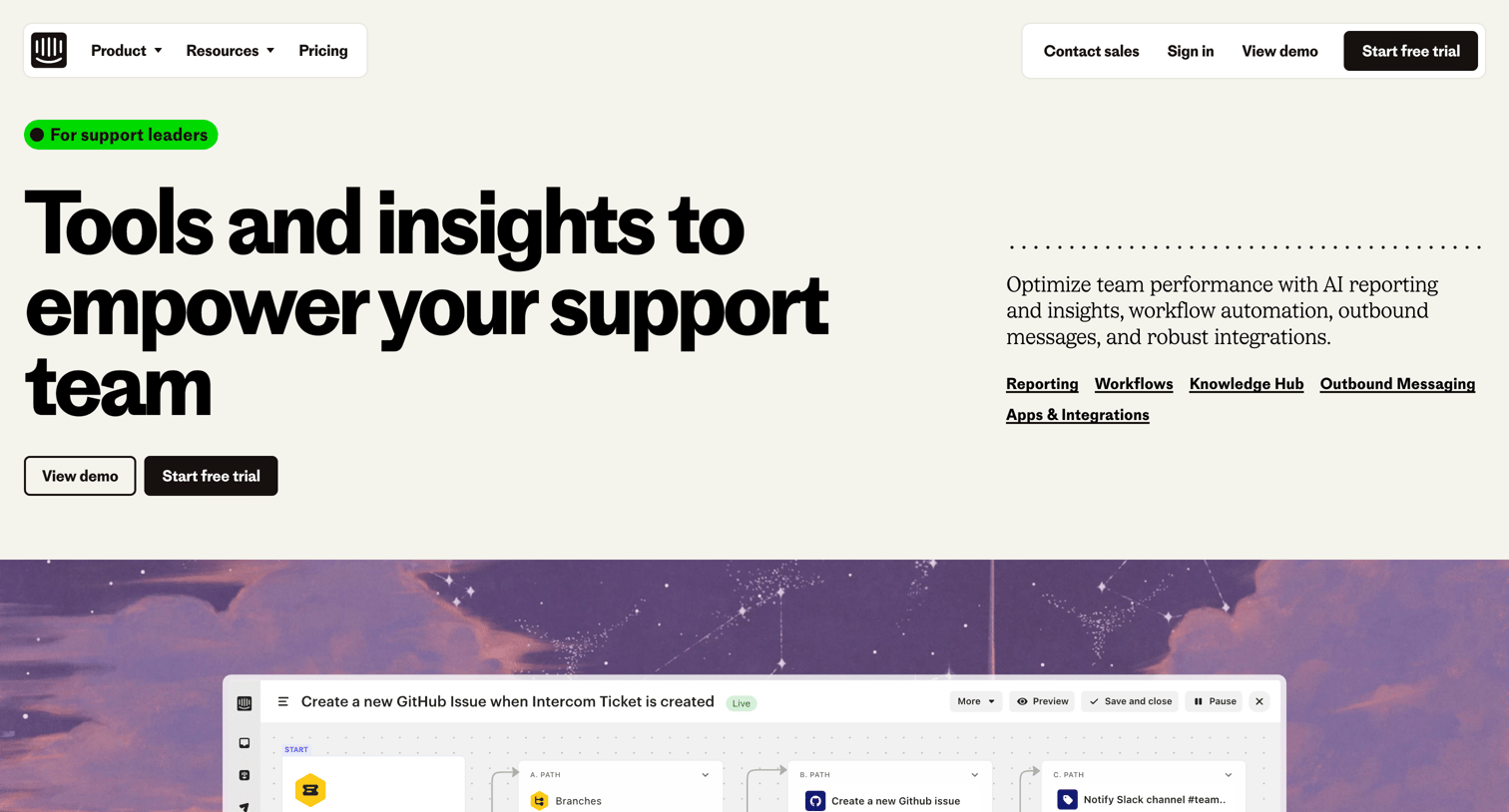
Marketing page detailing features for support leaders, including AI reporting, workflow automation, knowledge hub management, and outbound messaging, supported by product screenshots and customer testimonials.
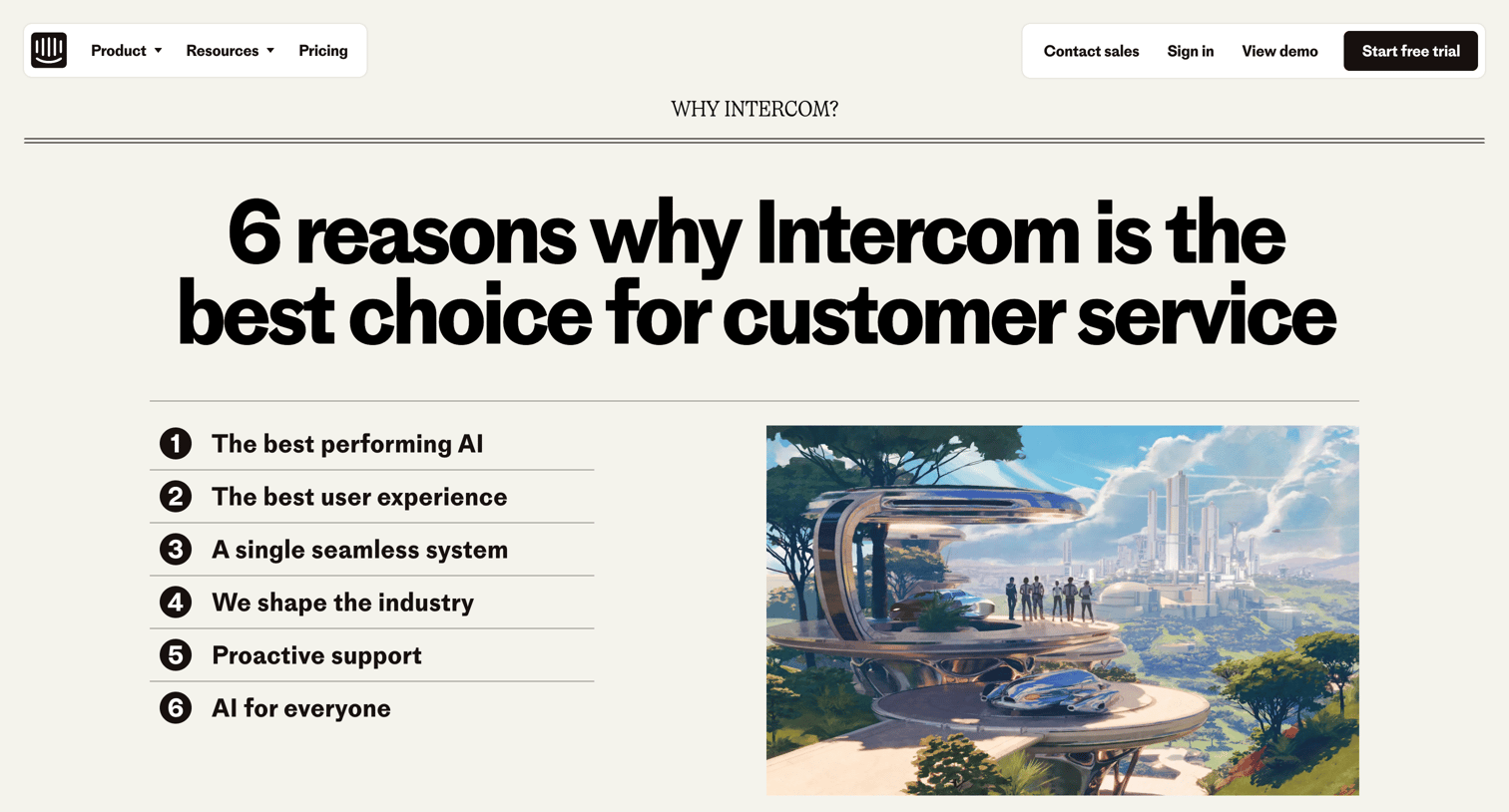
Marketing page detailing six reasons to choose Intercom for customer service, featuring comparisons with Zendesk, customer testimonials, and a timeline of shipped AI features.
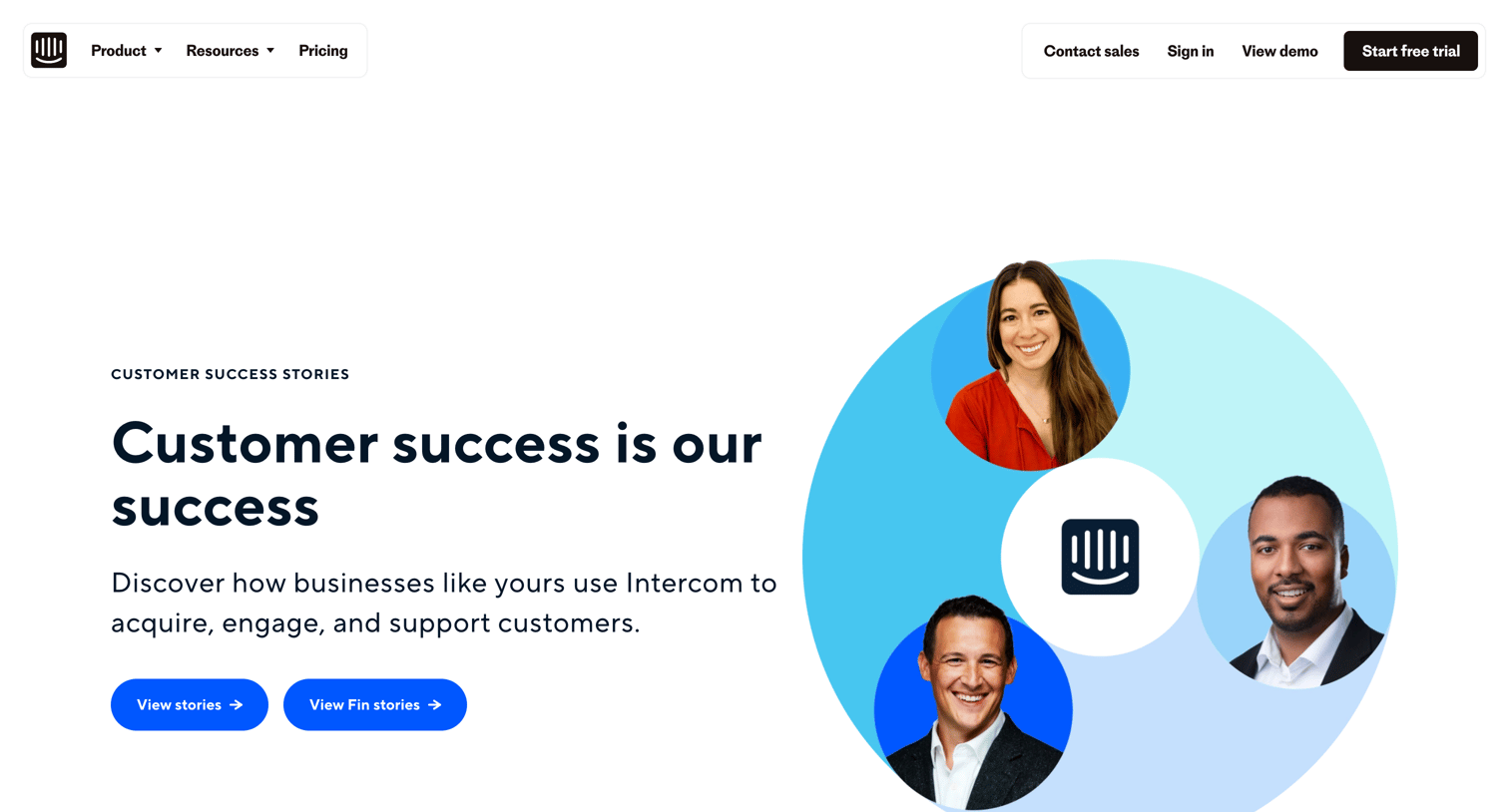
Customer stories index page where the user can browse case studies, filter by industry and solution, and read testimonials.
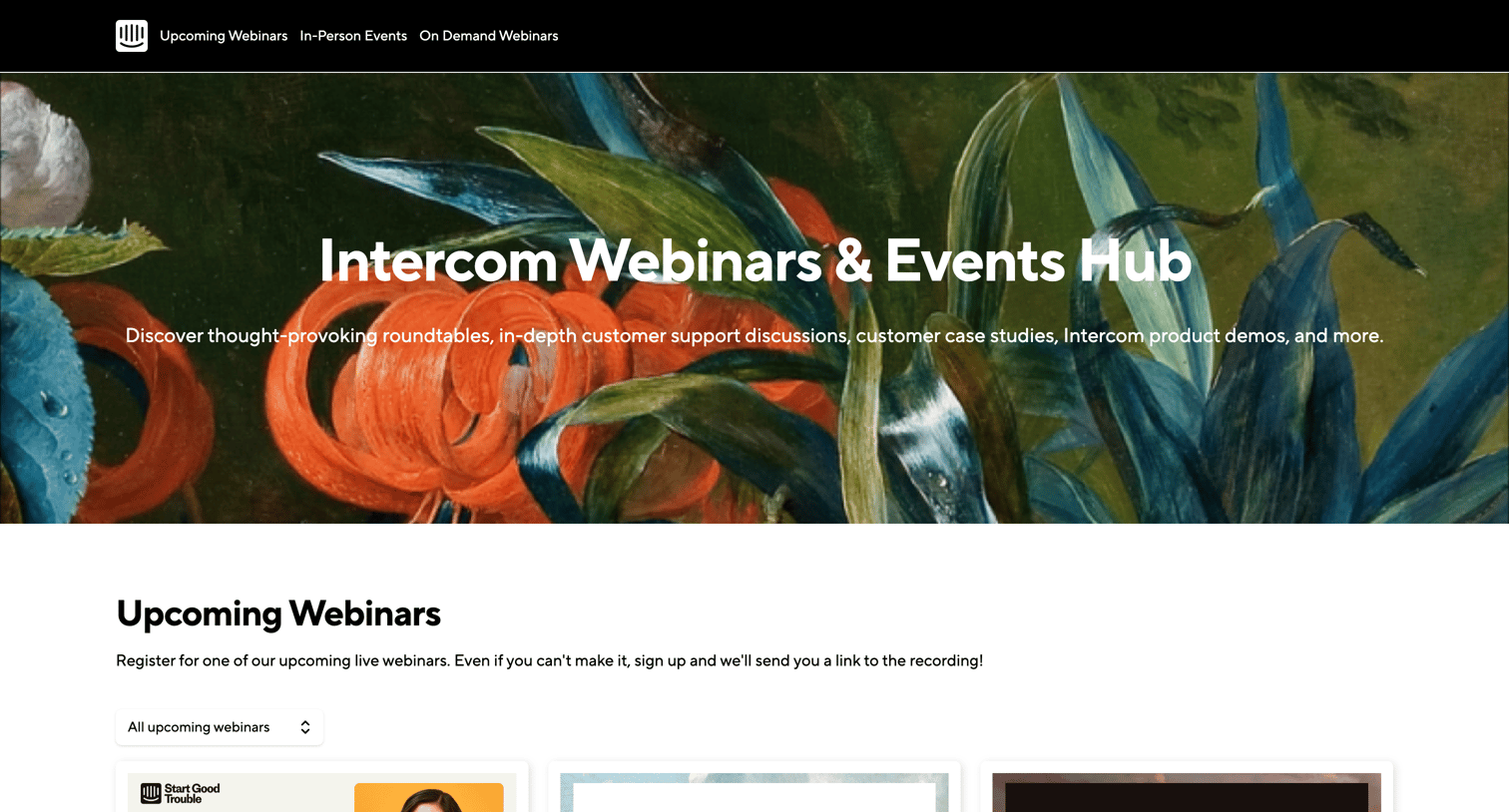
Events hub page where the user can browse and register for upcoming webinars, in-person events, and watch on-demand recordings.
Explore the full SaaS screen library
Upgrade to unlock the full library.
Trusted by the best teams







