Skip to content
Fable logo

Fable design examples

Explore Fable UI design examples. Stories for everyone

Product screens
A Modern Day Book Club App for Social Reading | Fable from Fable
Fable logo
Fable

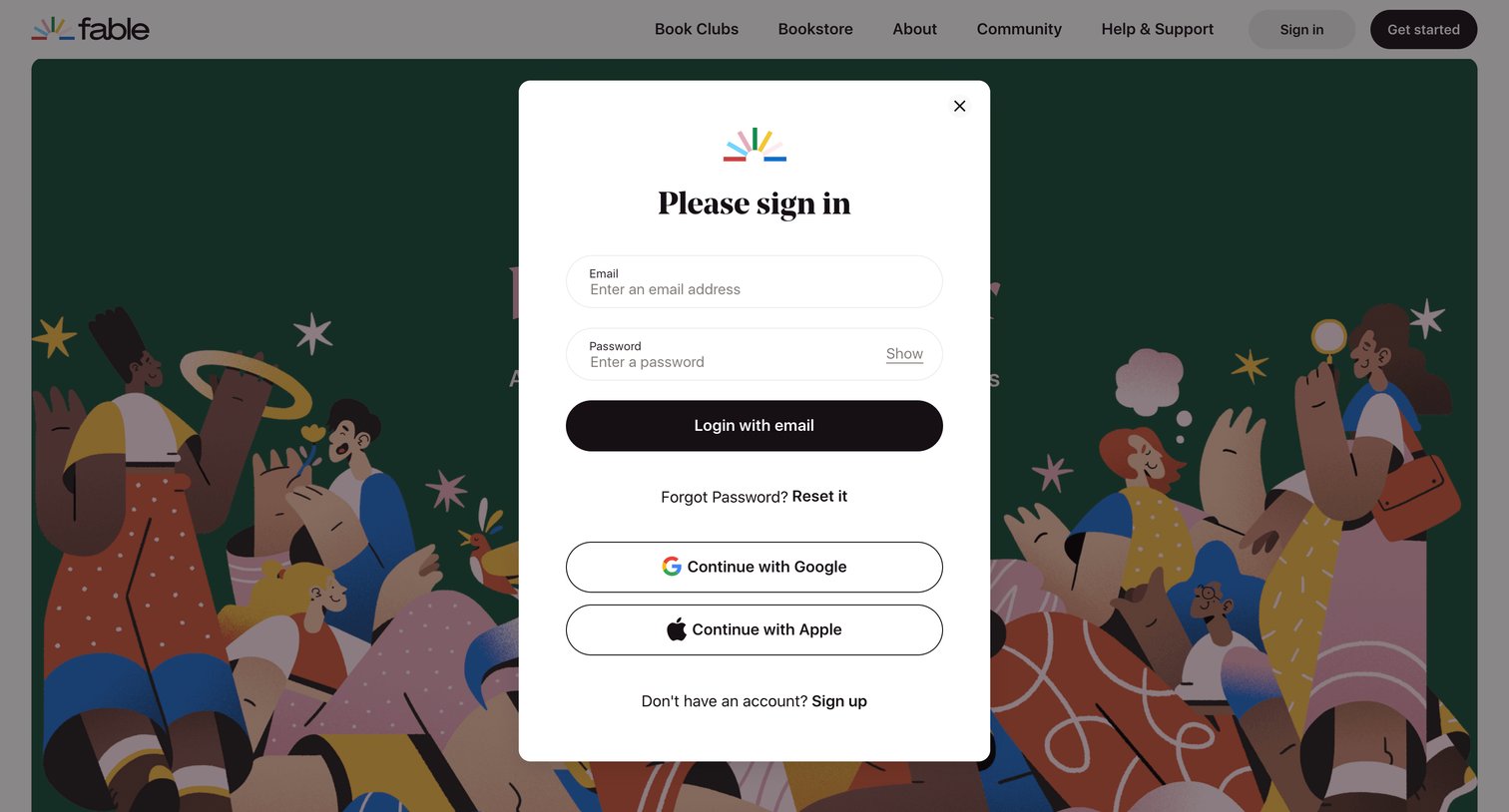
Sign-in screen where the user authenticates with email and password, or via Google and Apple single sign-on.
A Modern Day Book Club App for Social Reading | Fable from Fable
Fable logo
Fable

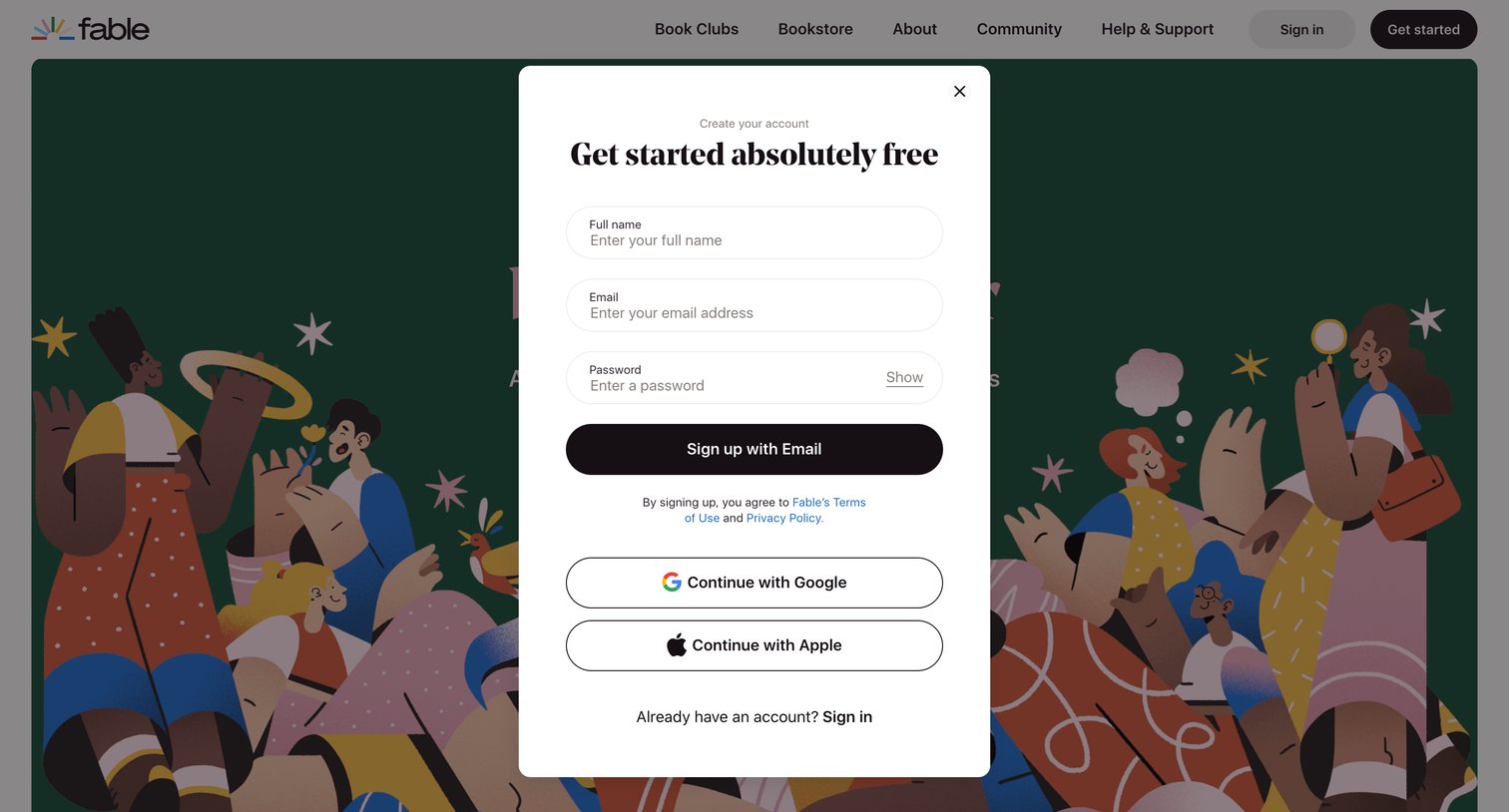
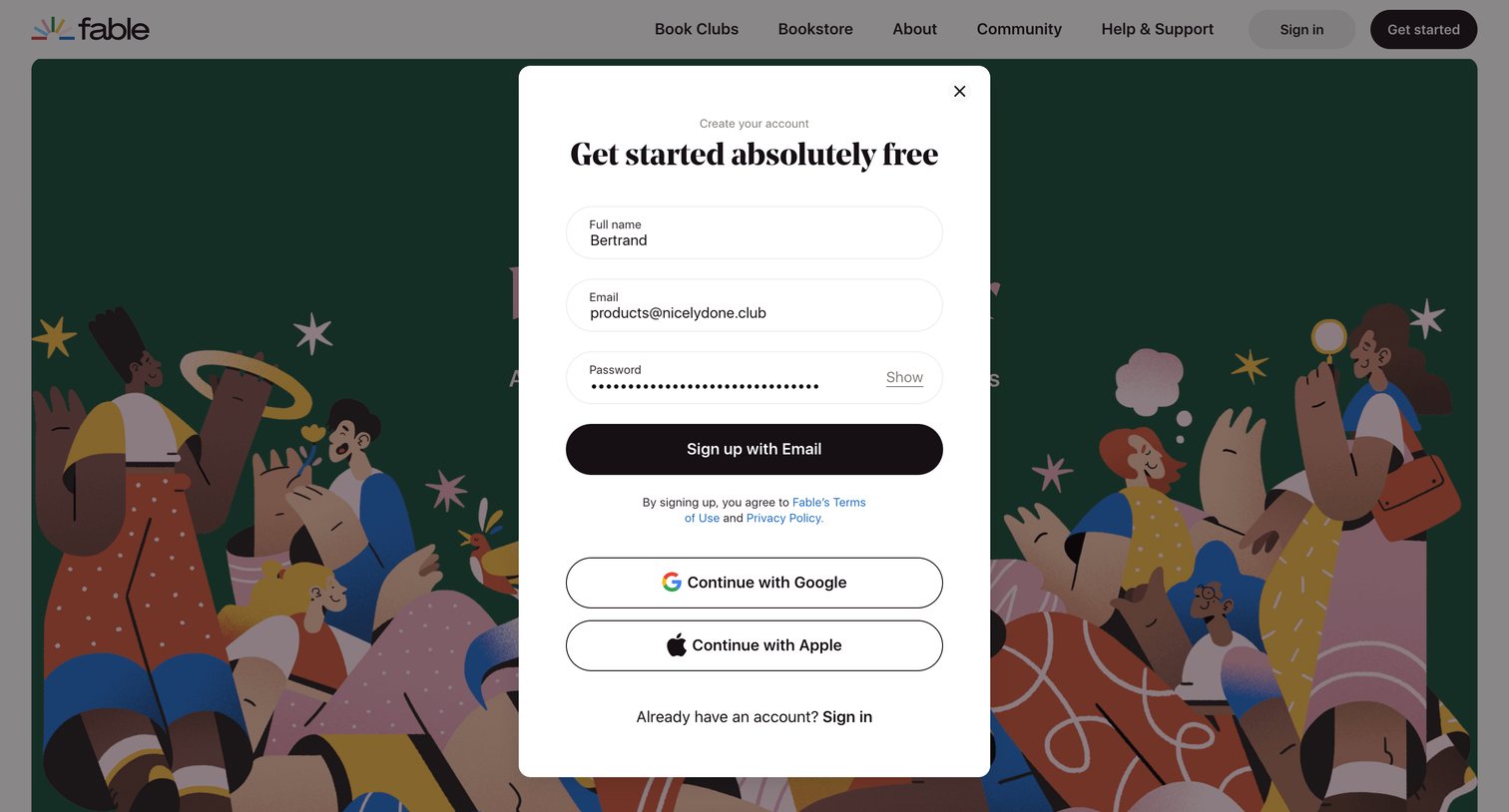
Signup modal where the user creates an account using email and password or authenticates via Google or Apple.

A Modern Day Book Club App for Social Reading | Fable from Fable
Fable logo
Fable

Signup screen where the user creates a free account by providing their name, email, and password, or by authenticating with Google or Apple.
A Modern Day Book Club App for Social Reading | Fable from Fable
Fable logo
Fable

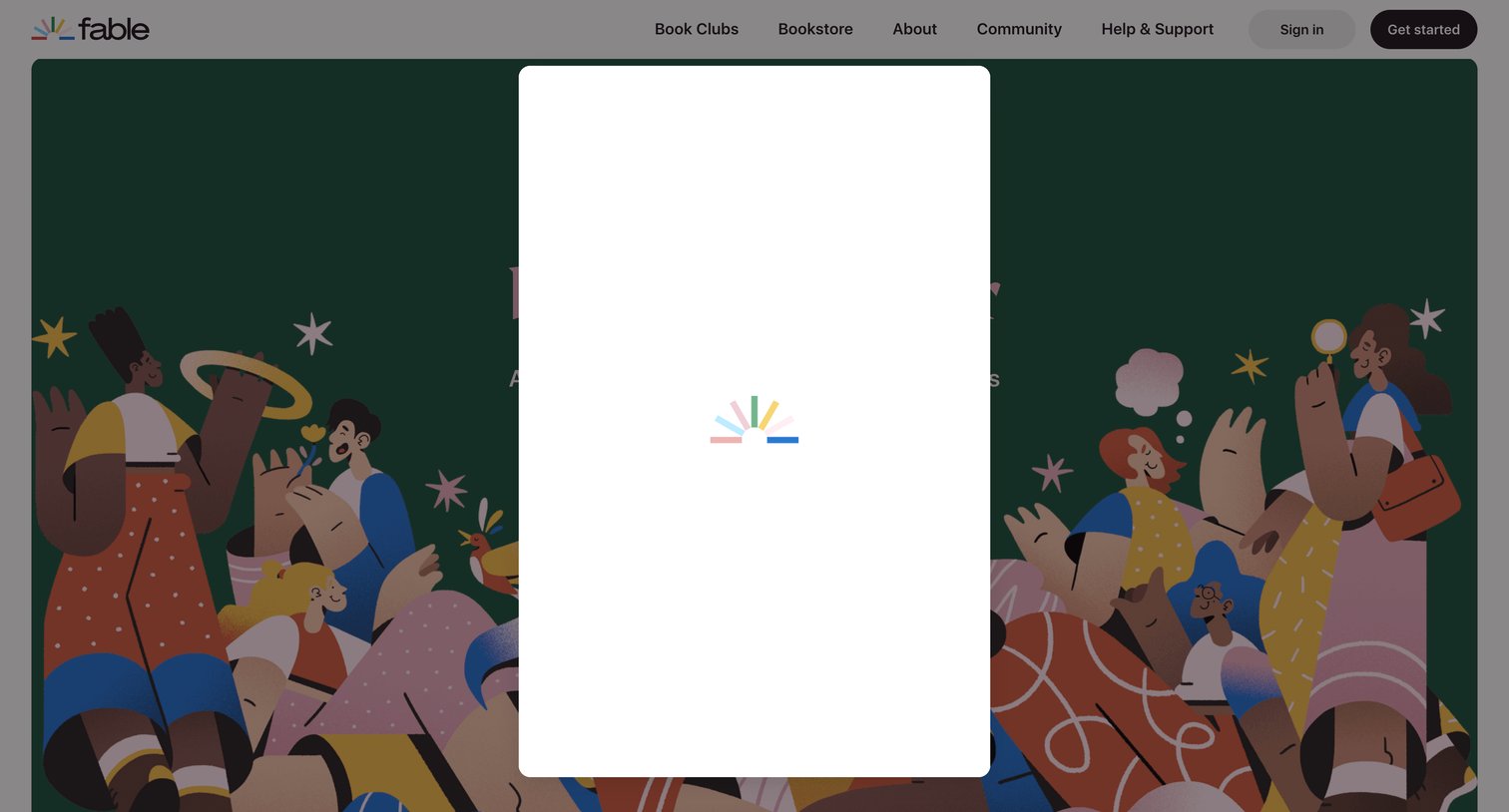
Landing page where a central modal overlay is actively loading content over an illustrated background.
Your Profile - Fable | Stories for everyone from Fable
Fable logo
Fable

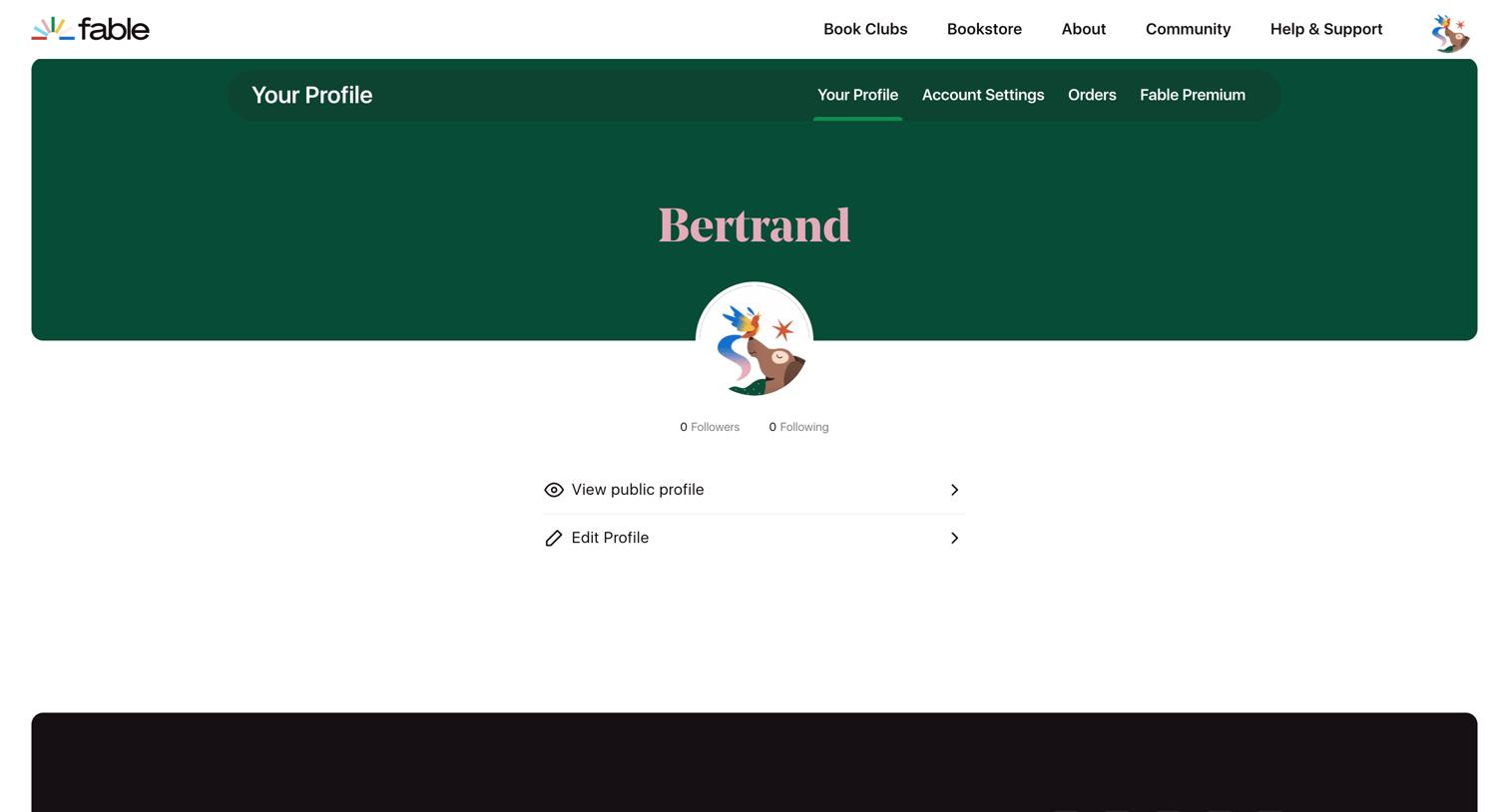
Settings page where the user views their profile details, follower counts, and can navigate to edit their public profile or account settings.

Bertrand - Fable | Stories for everyone from Fable
Fable logo
Fable

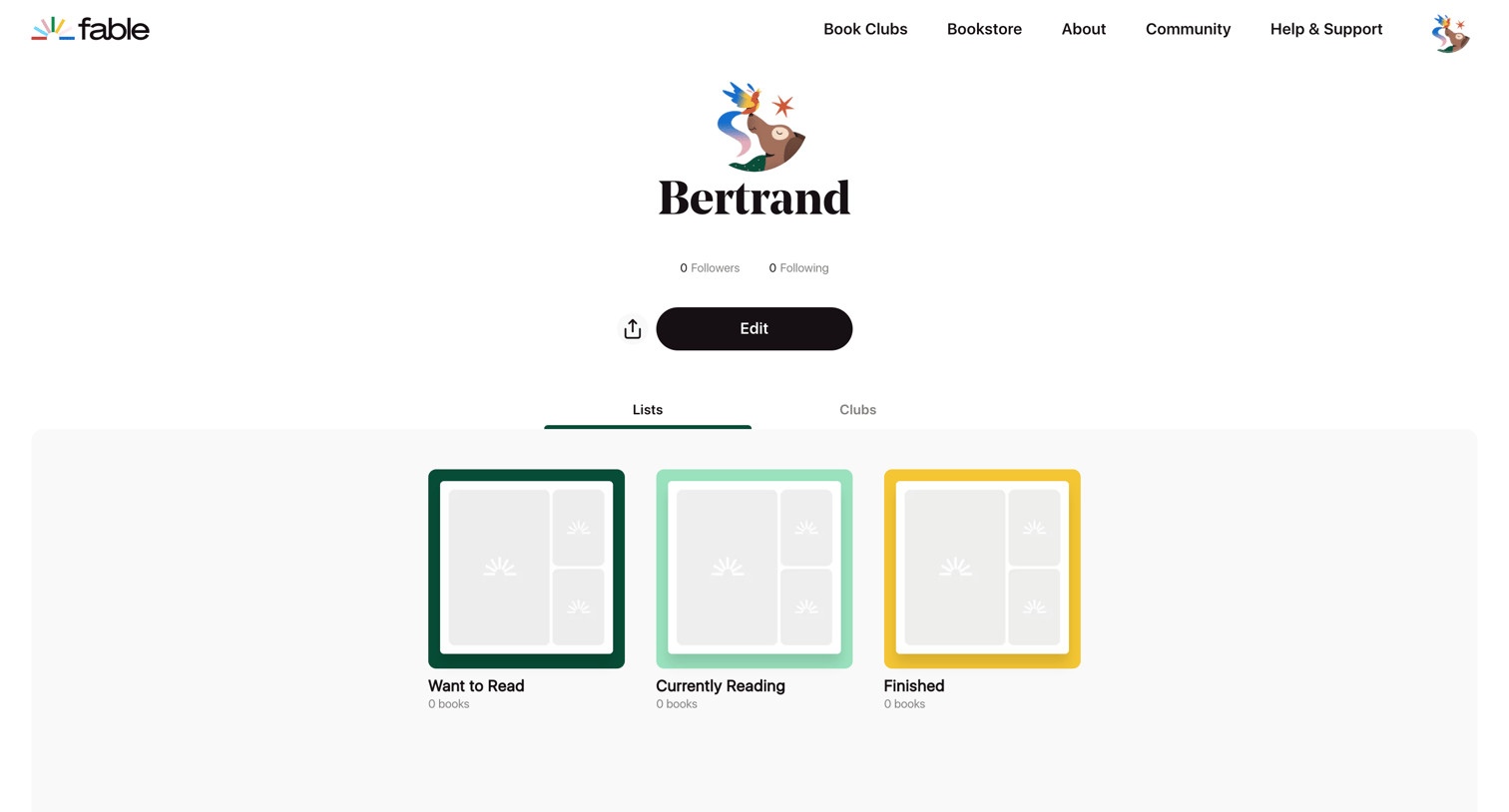
Profile page where the user views their reading lists like 'Want to Read' and 'Finished', with options to edit their profile or share it.

Bertrand - Fable | Stories for everyone from Fable
Fable logo
Fable

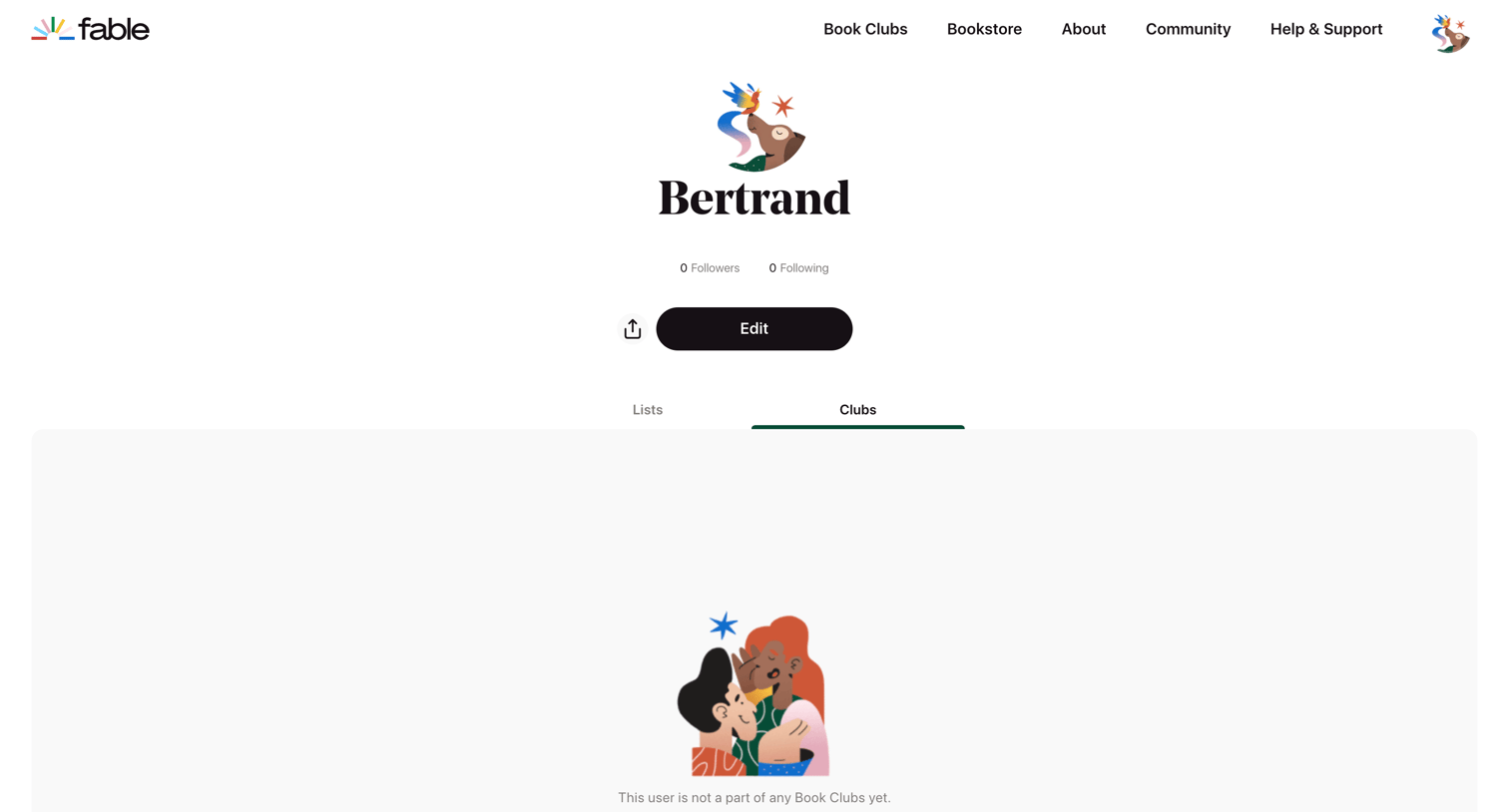
User profile page where the clubs tab shows an empty state prompting the user to discover book clubs to read together.
Bertrand - Fable | Stories for everyone from Fable
Fable logo
Fable

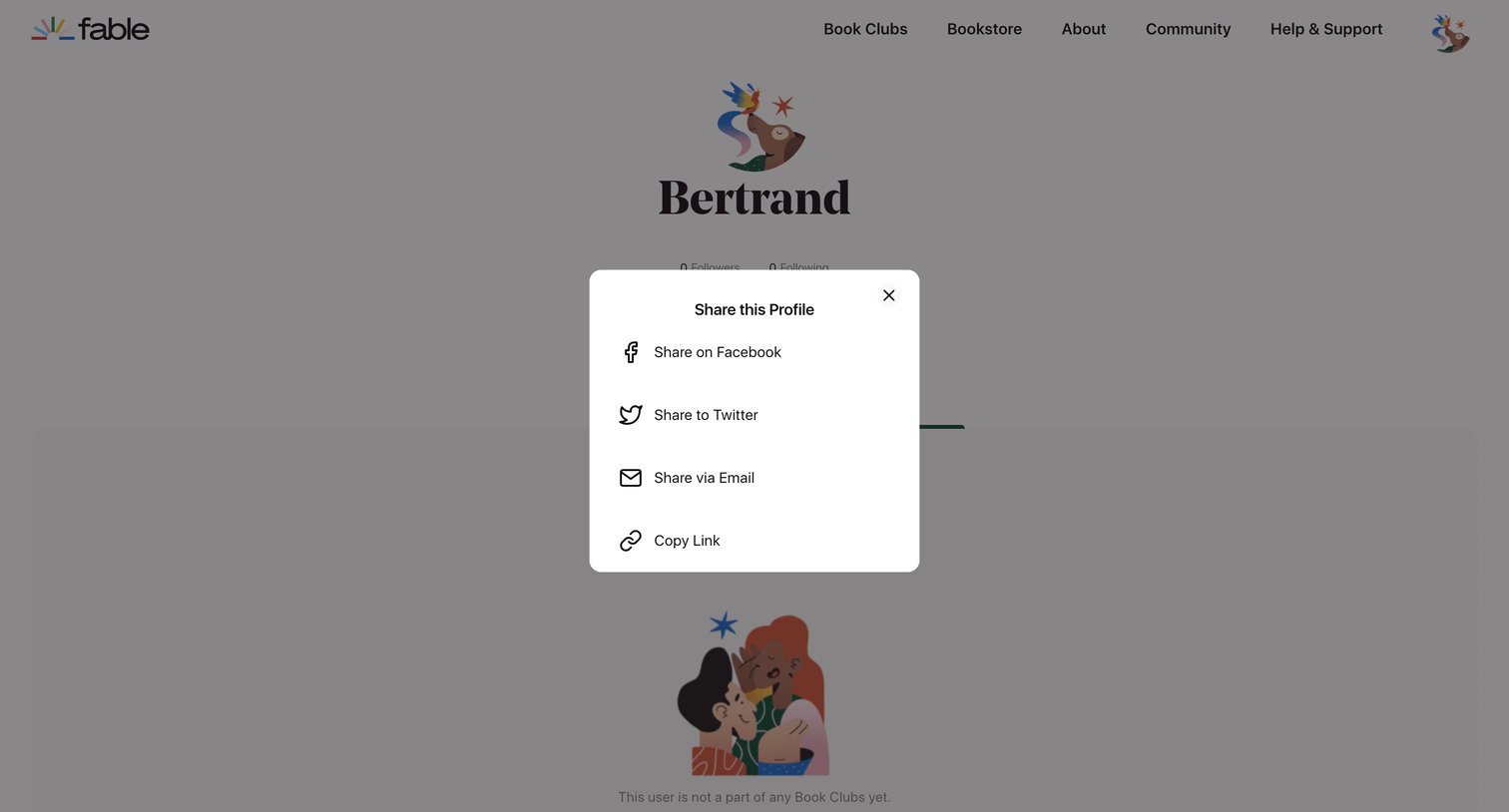
User profile page where a modal is open to share the profile via Facebook, Twitter, email, or by copying a link.

Your Profile - Fable | Stories for everyone from Fable
Fable logo
Fable

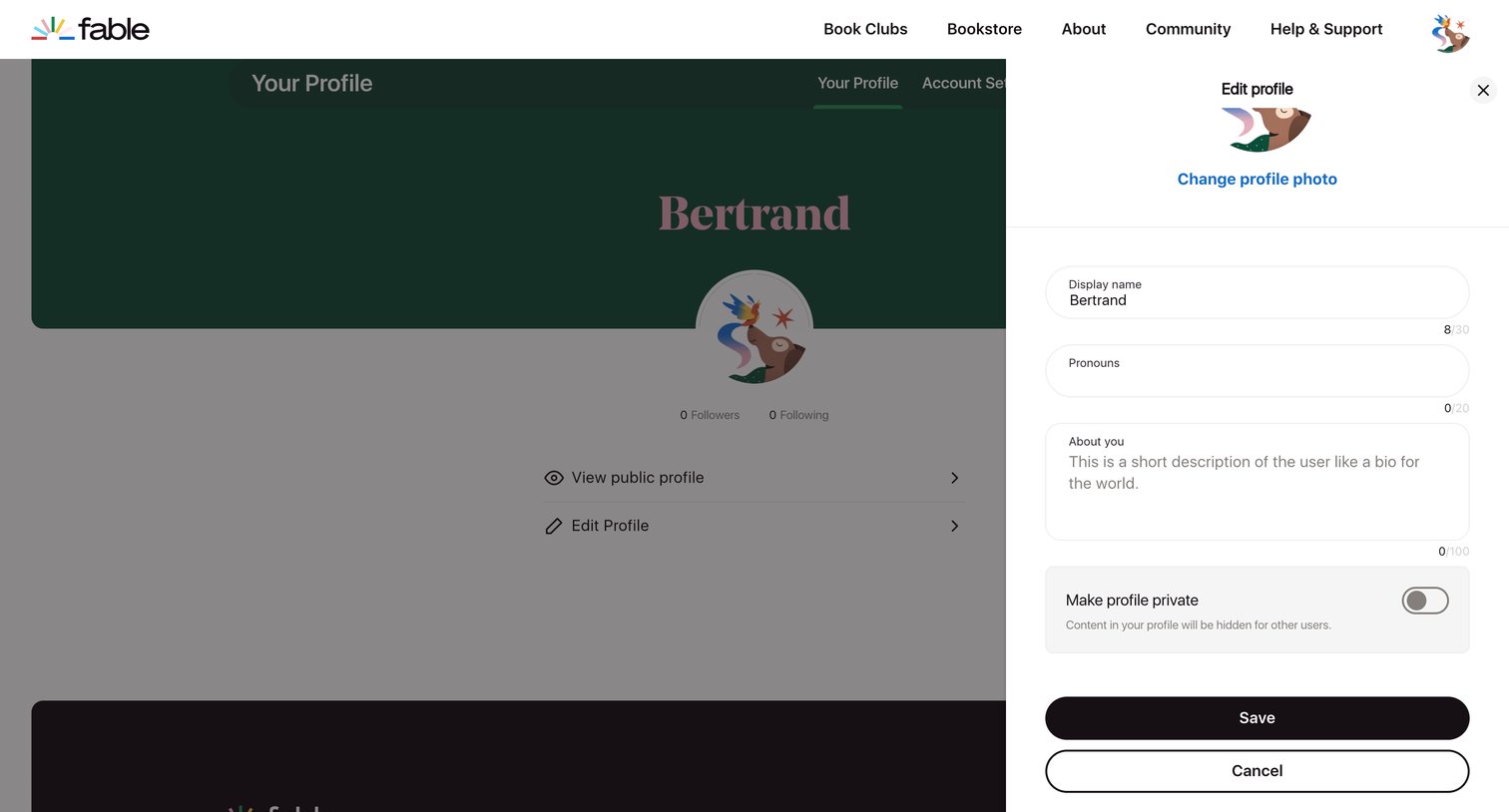
Settings drawer where the user updates their display name, pronouns, bio, and profile privacy.

Account Settings - Fable | Stories for everyone from Fable
Fable logo
Fable

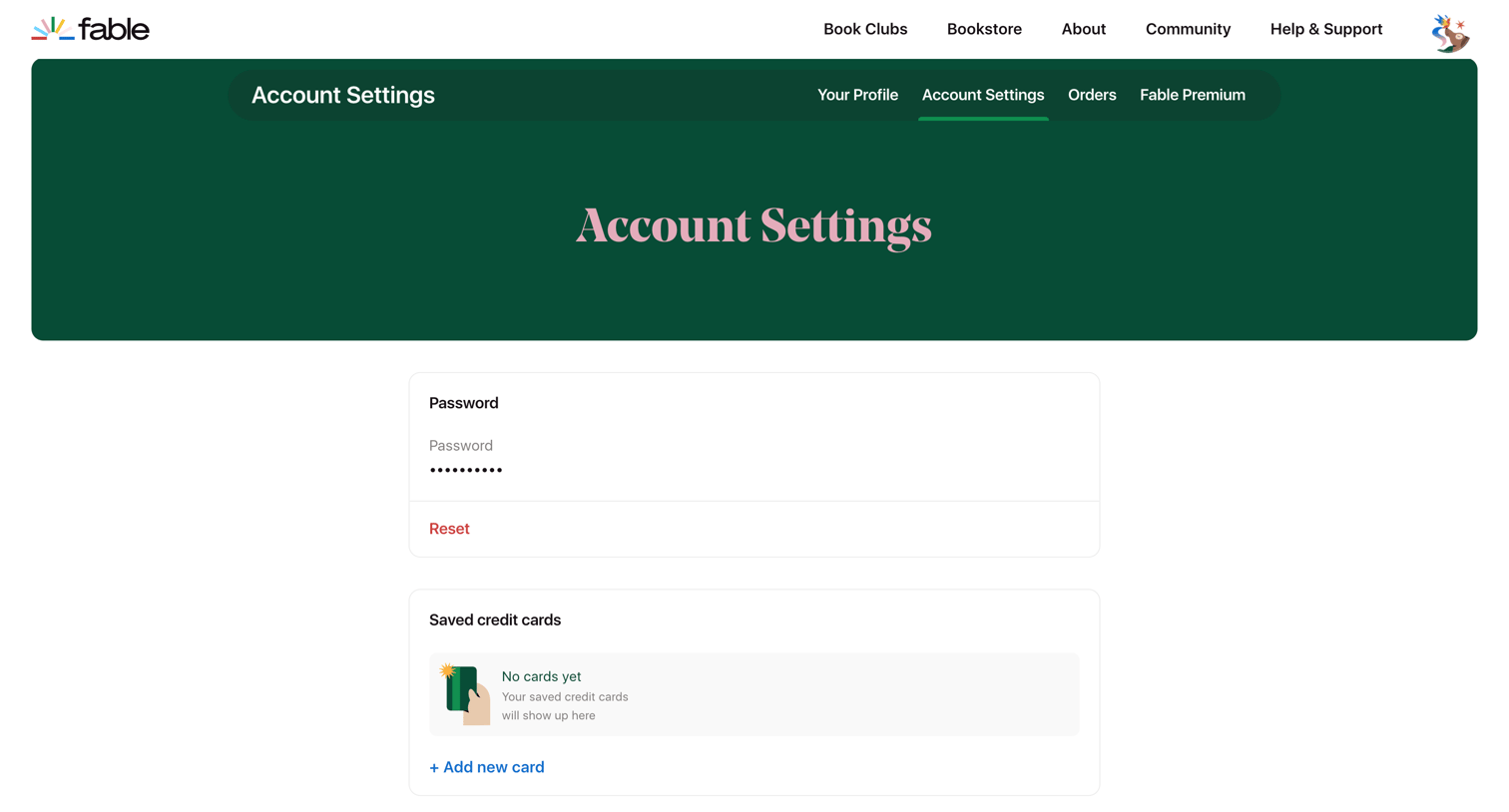
Account settings page where the user can reset their password, manage saved credit cards, and view their subscription status.
Account Settings - Fable | Stories for everyone from Fable
Fable logo
Fable

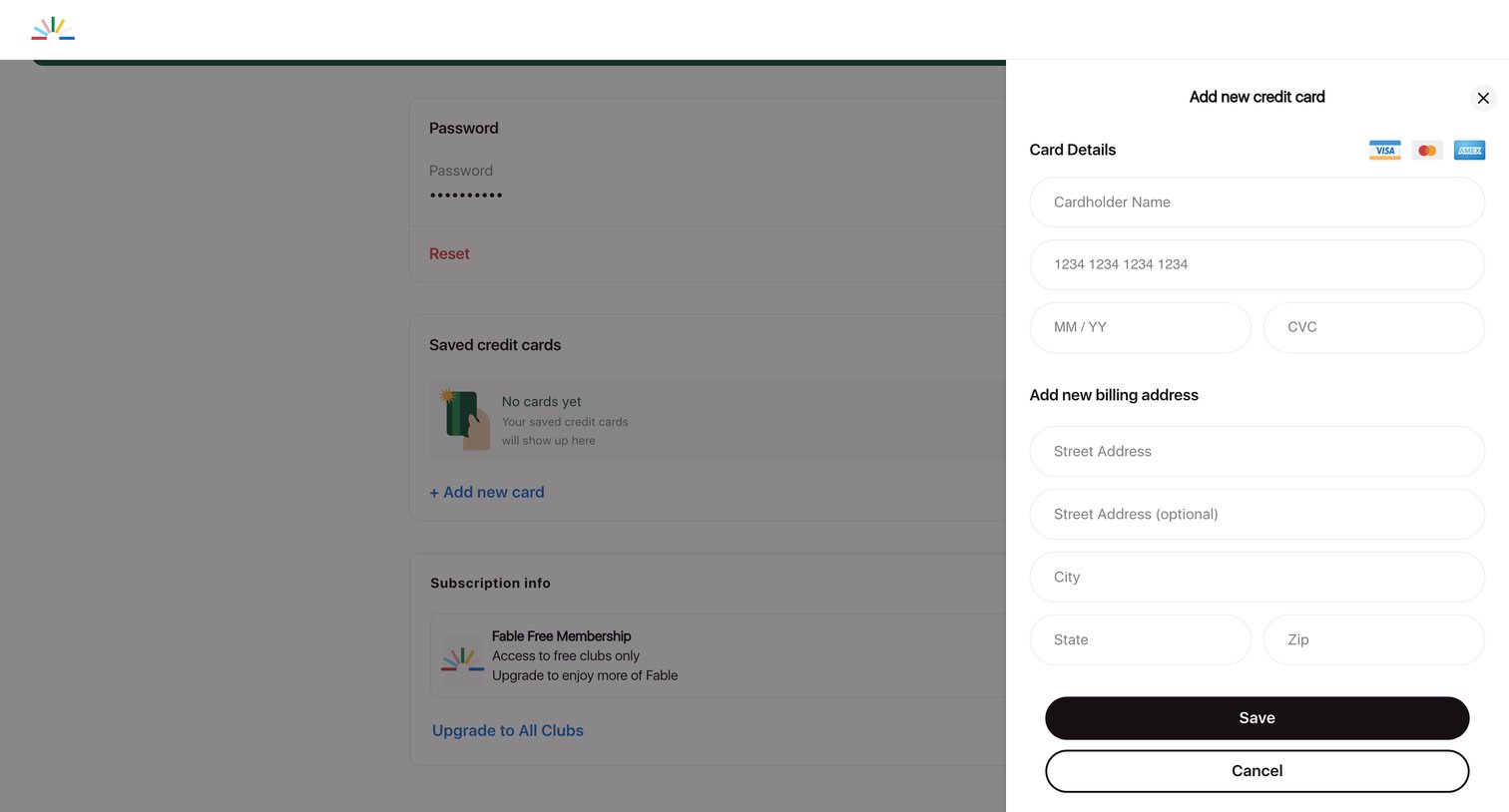
Settings page where the user adds a new credit card and billing address via a side drawer.
Account Settings - Fable | Stories for everyone from Fable
Fable logo
Fable

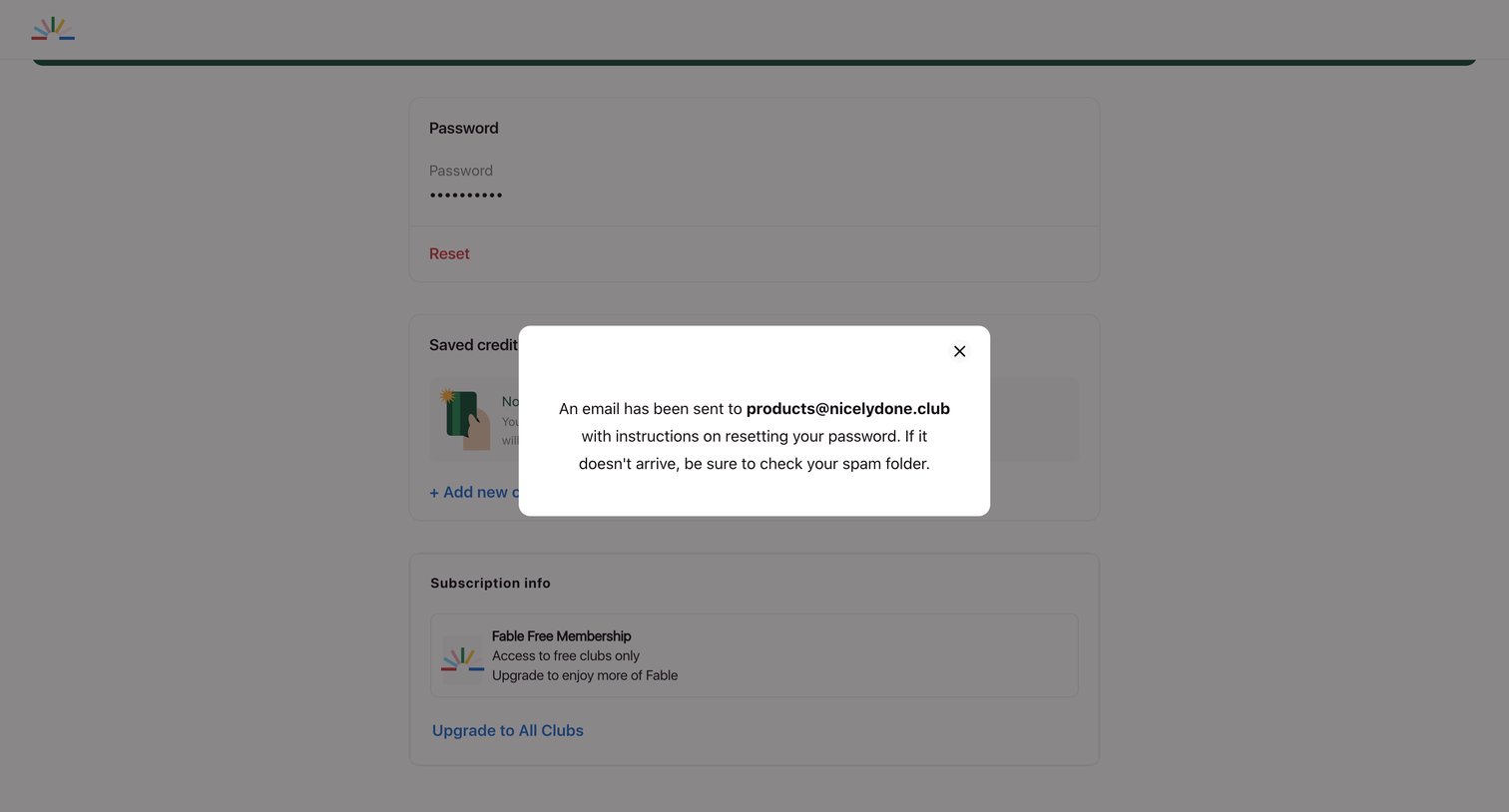
Account settings page where a modal confirms that a password reset email has been sent to the user's address.

Browse the full SaaS app library

Explore real SaaS apps with their product screens, marketing screens, flows, and components.

Trusted by the best teams