
Duolingo design examples
Explore Duolingo UI design examples. Free language education for the world
Product screens
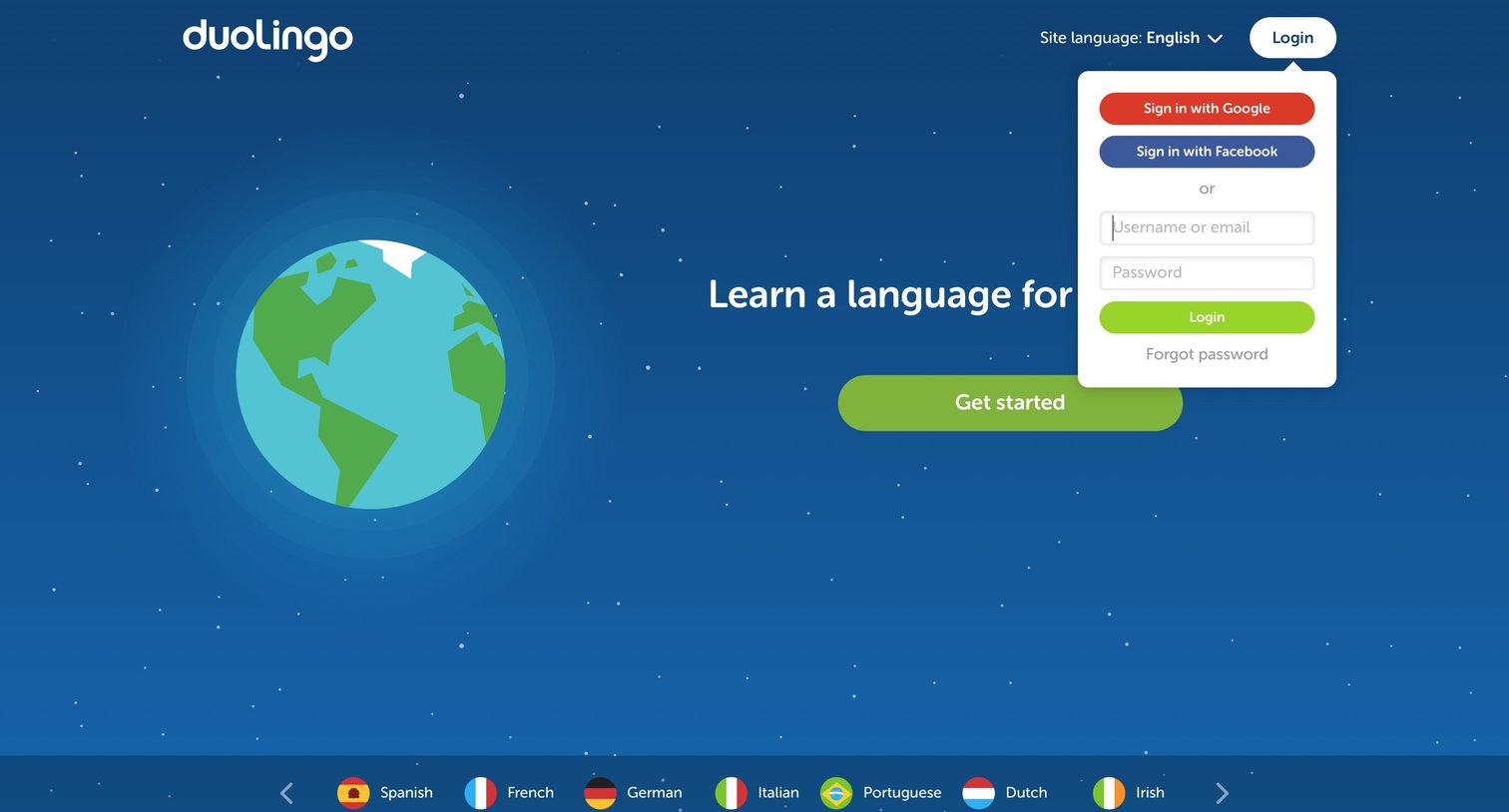
Landing page where a user can start learning a new language or open a popover to sign in via email, Google, or Facebook.
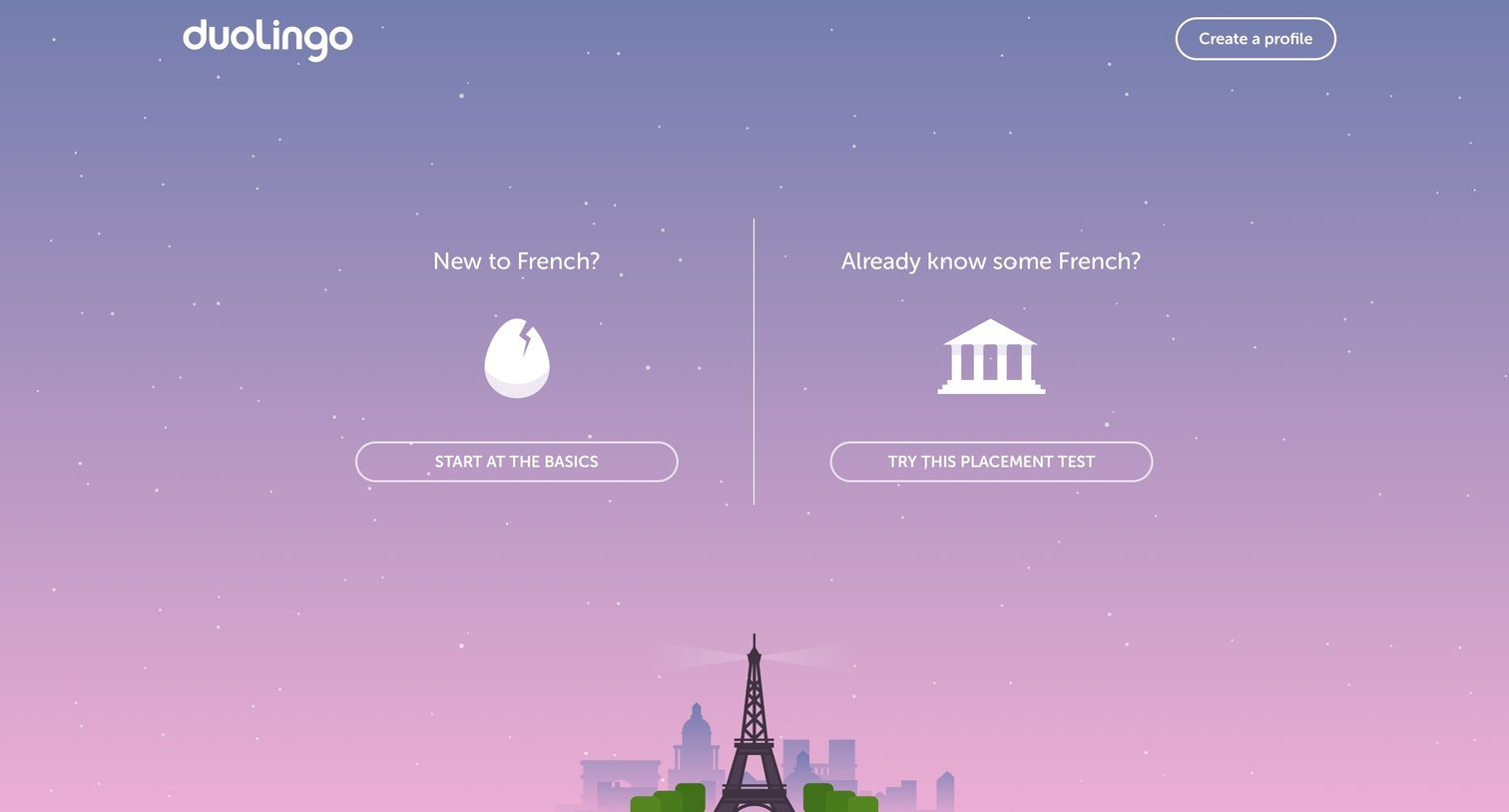
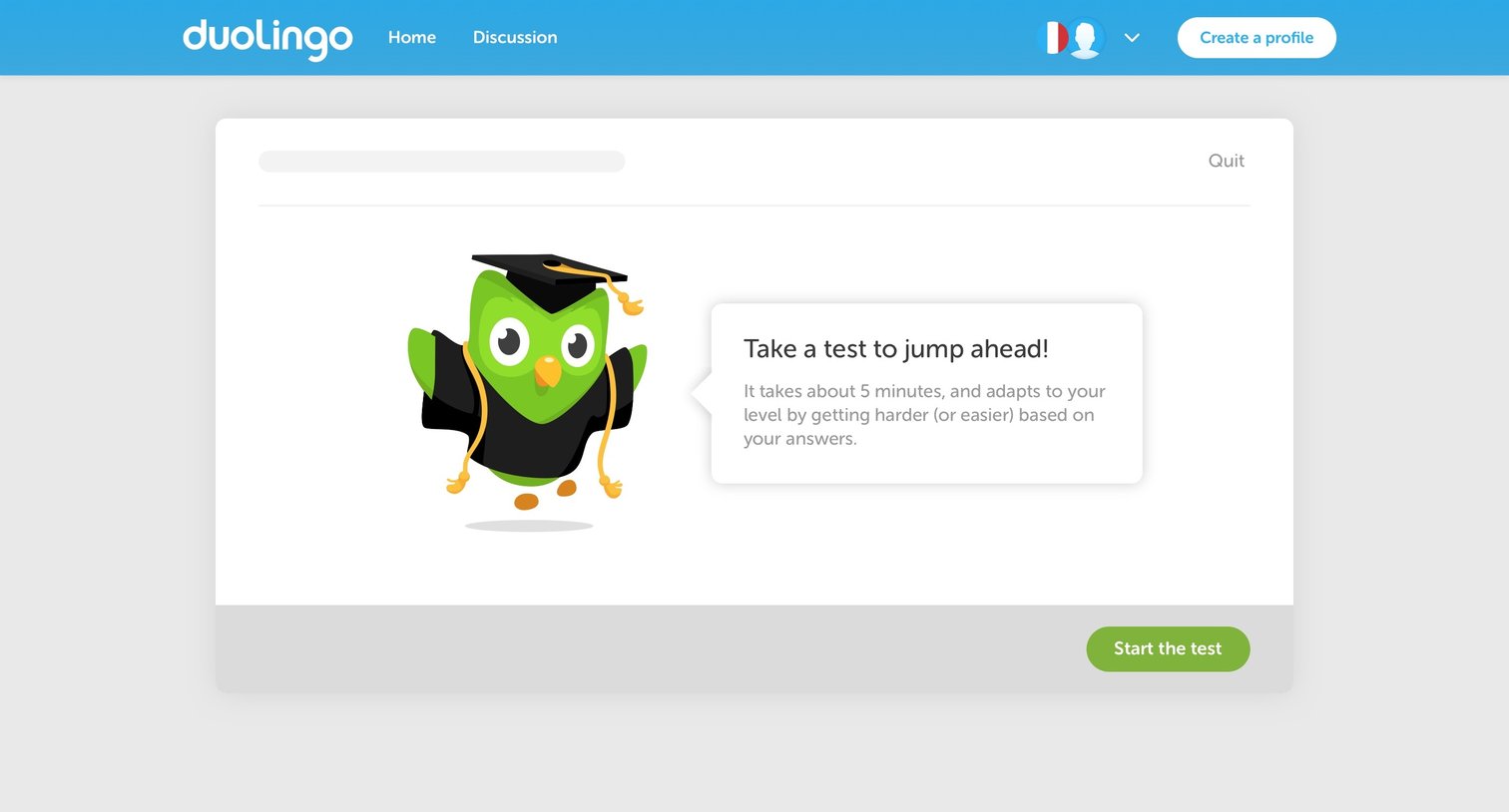
Onboarding screen where the user is prompted to take a placement test to jump ahead in their language learning journey.

Detail page where the user translates the phrase 'Agreed?' into French and receives a green success banner with a prompt to continue.

Onboarding screen in a logged-out state where the user is prompted to choose between starting from basics or taking a placement test, alongside daily goal tracking and profile creation nudges.
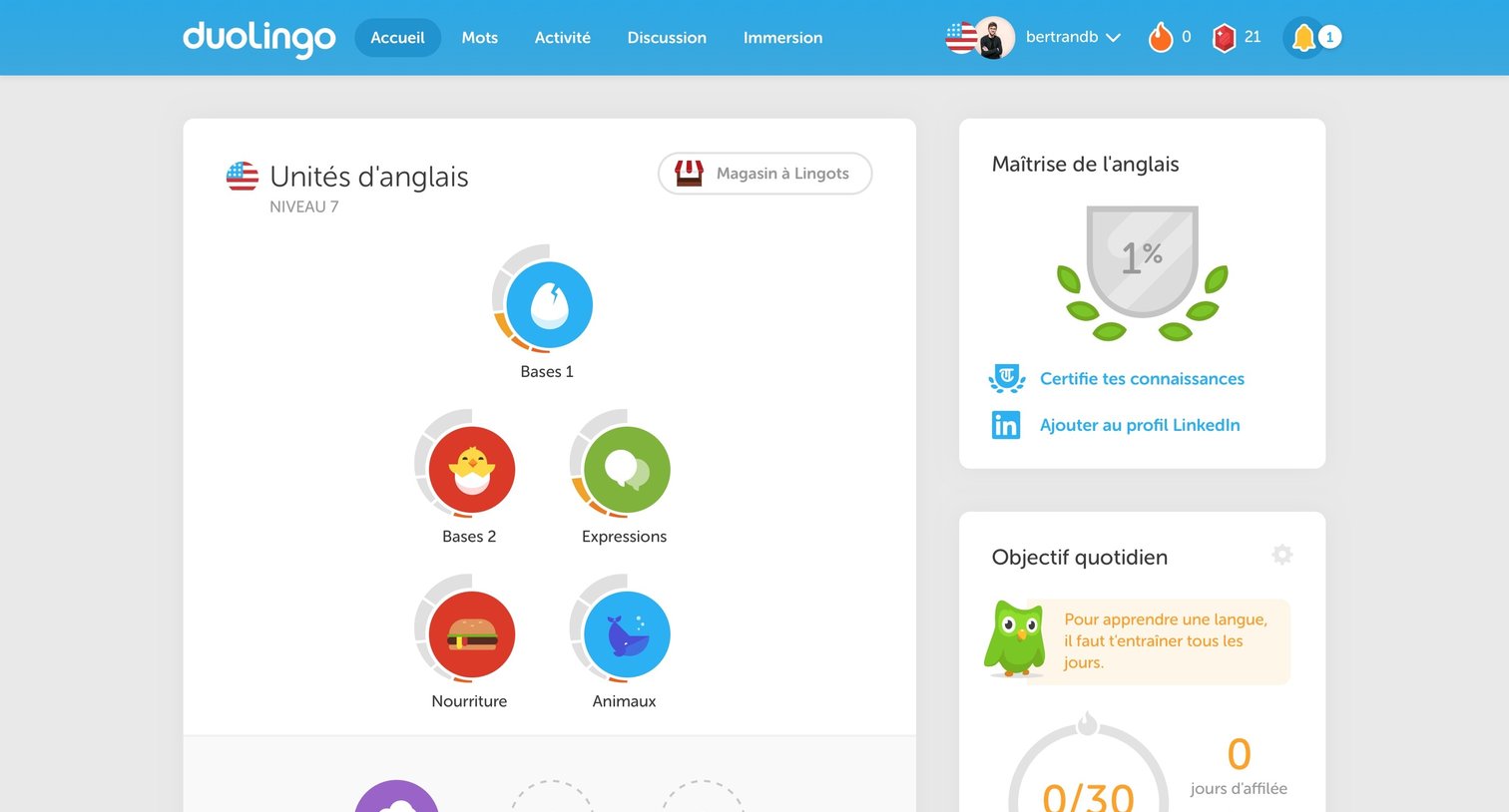
Home screen where the user navigates their language learning path, tracks daily goals, and views a weekly leaderboard.


User profile page displaying an activity timeline, language learning progress, and a friends list.

Settings page where the user configures their account details like username, email, audio preferences, and profile picture.

Settings page where the user can connect their account to a classroom by entering a teacher's email address to share their learning progress.
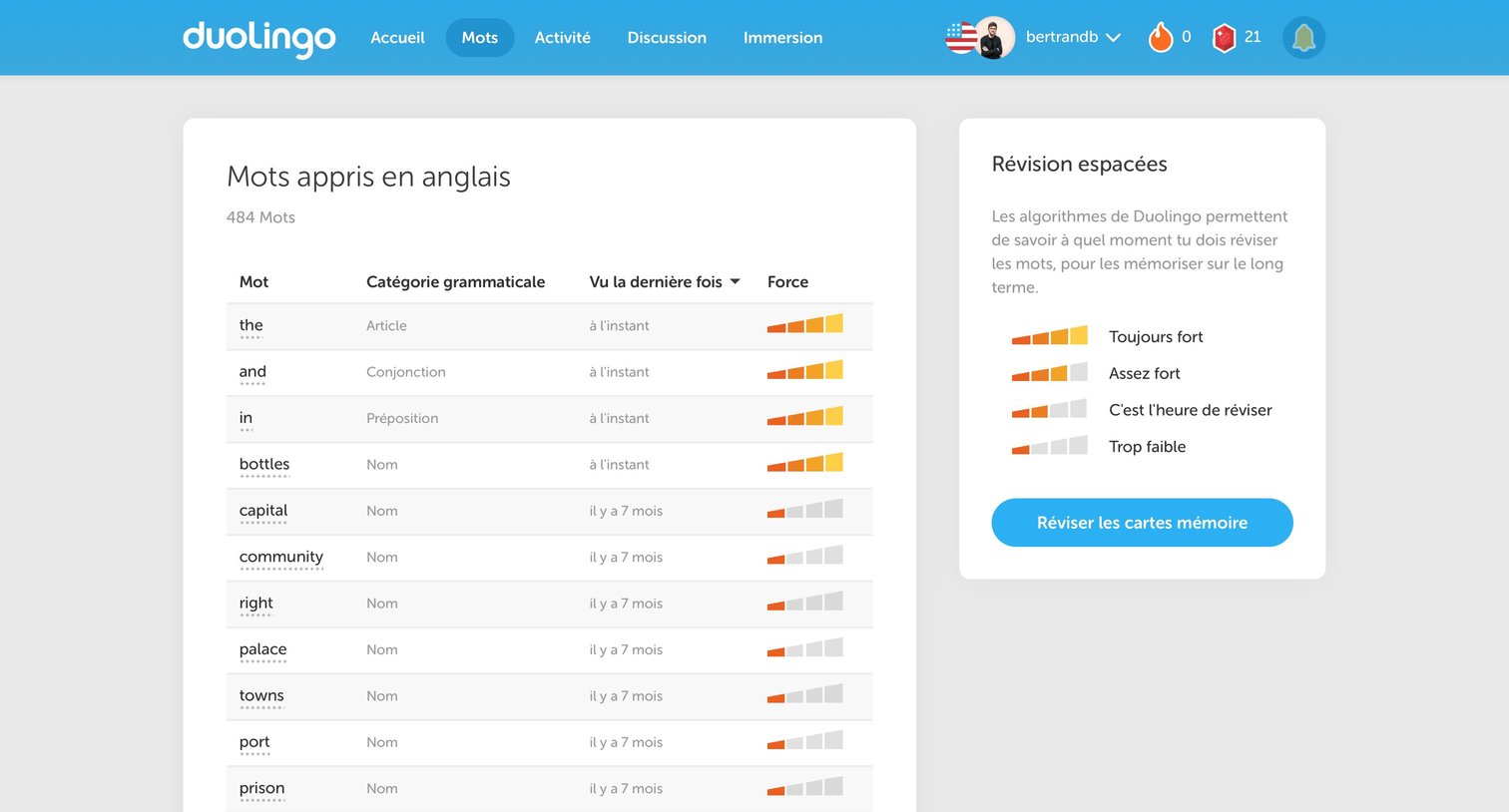
List view showing words learned in English with their grammatical category, last seen date, and memory strength, alongside a prompt to review flashcards.
Browse the full SaaS app library
Explore real SaaS apps with their product screens, marketing screens, flows, and components.
Trusted by the best teams







