Designspiration design examples
Explore Designspiration UI design examples. The best creative inspiration from around the world
Product screens
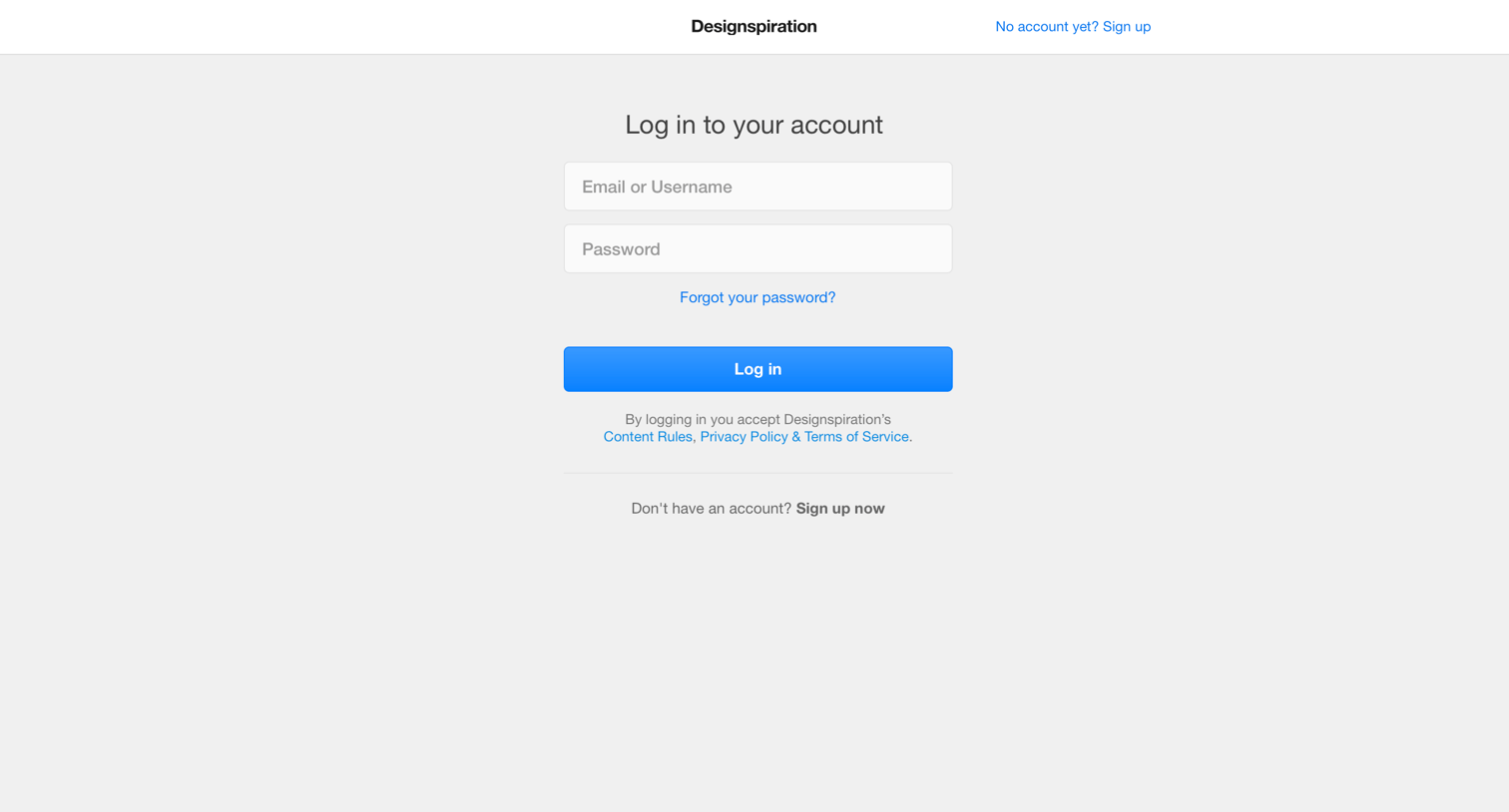

Sign-in screen where the user authenticates with an email or username and password, with links to recover their password or create a new account.
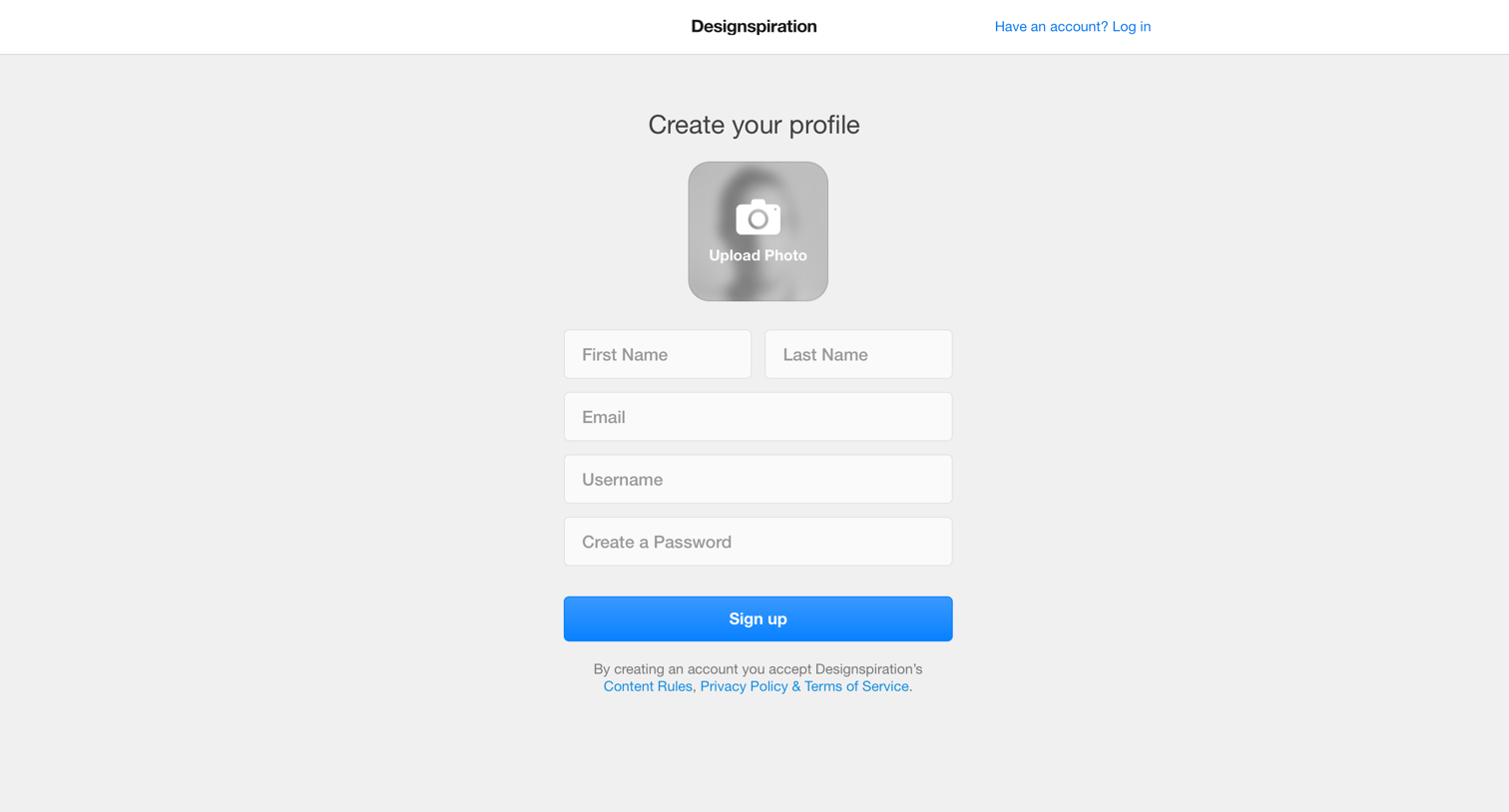
Signup page where the user creates their profile by uploading an avatar photo and entering their name, email, username, and password.
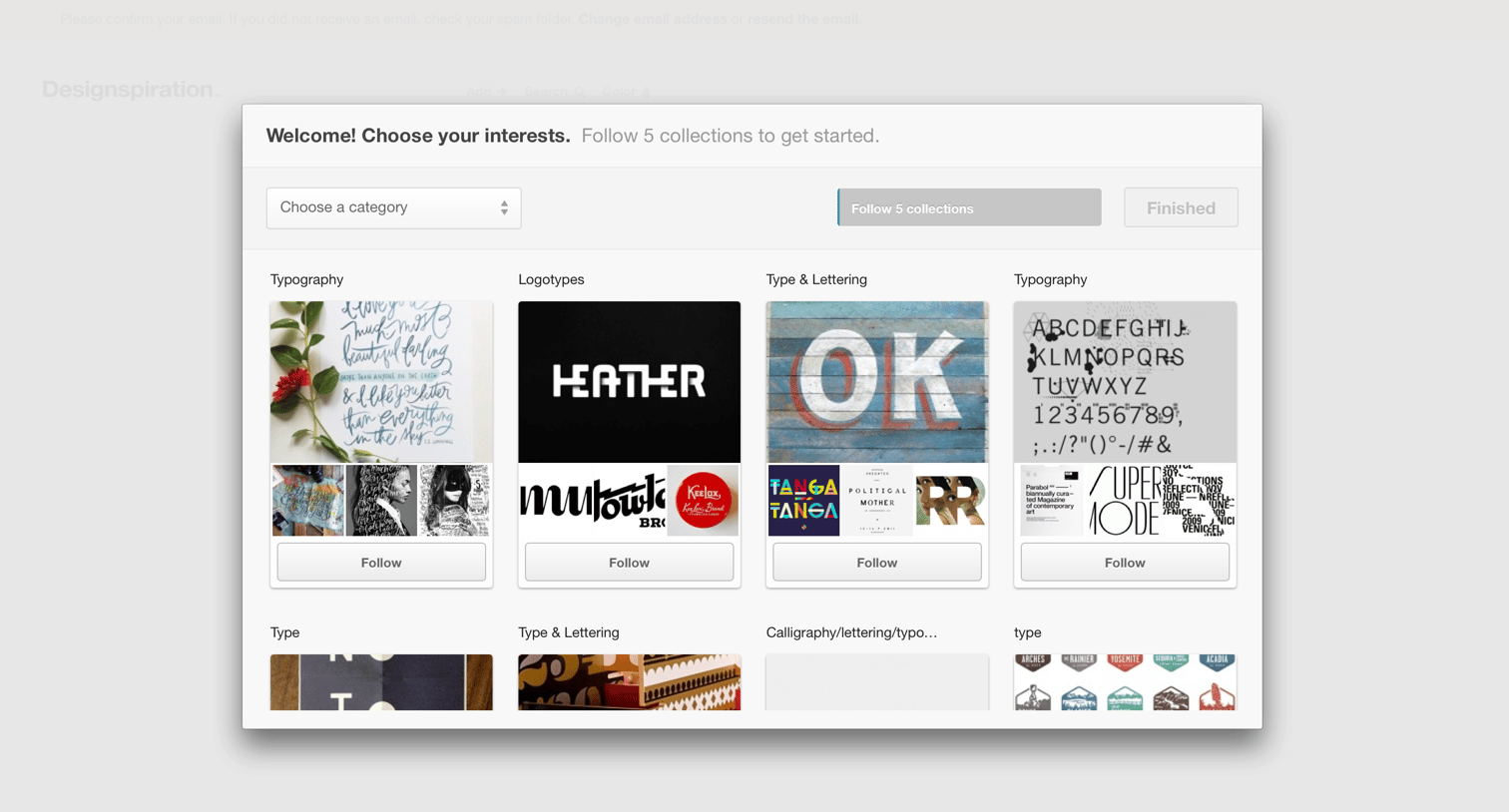
Onboarding step where the user selects at least five design collections like typography and logotypes to follow before finishing setup.
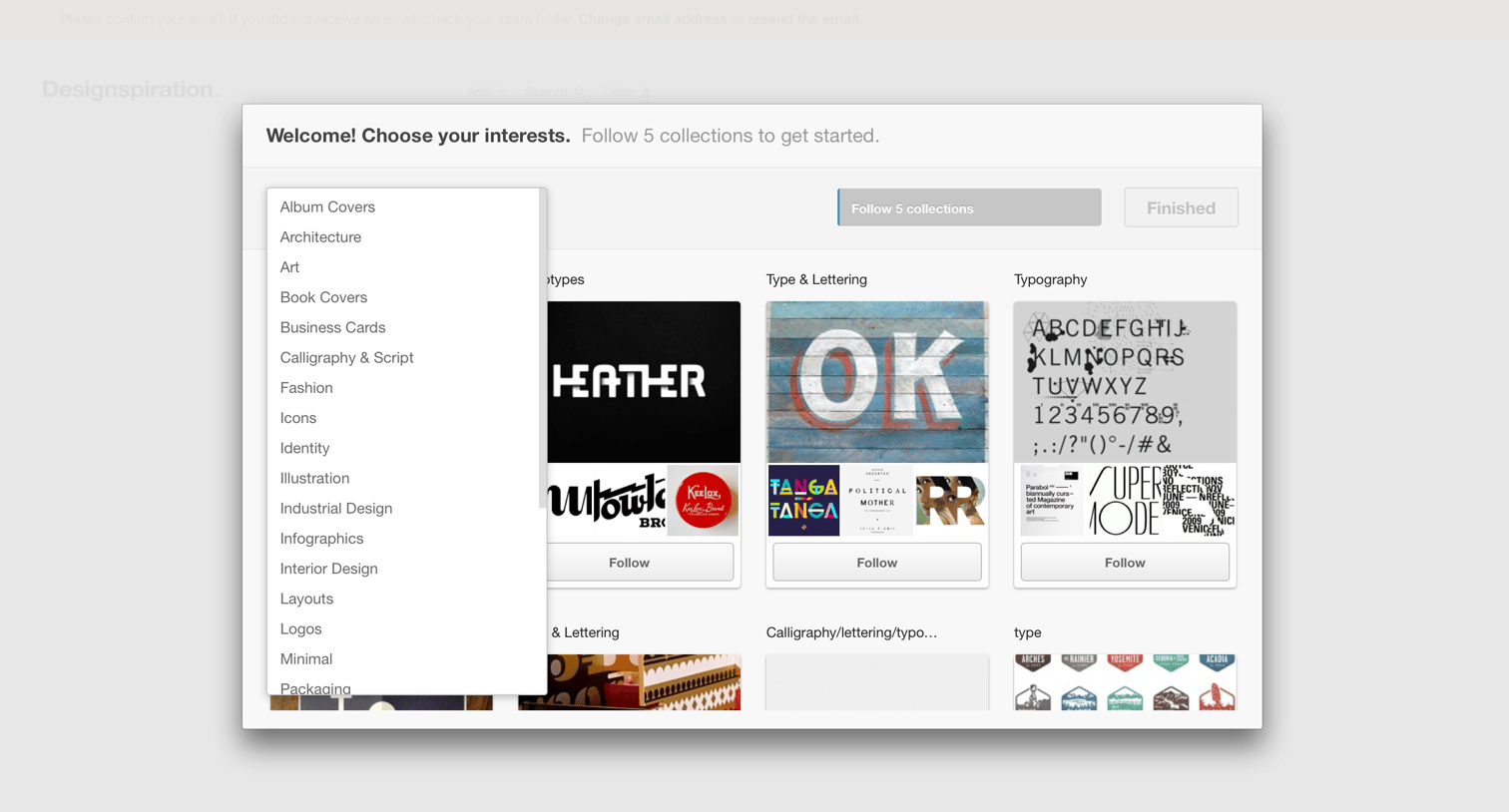
Onboarding step where the user selects their initial interests by following at least 5 collections from categories like Art, Typography, and Architecture.
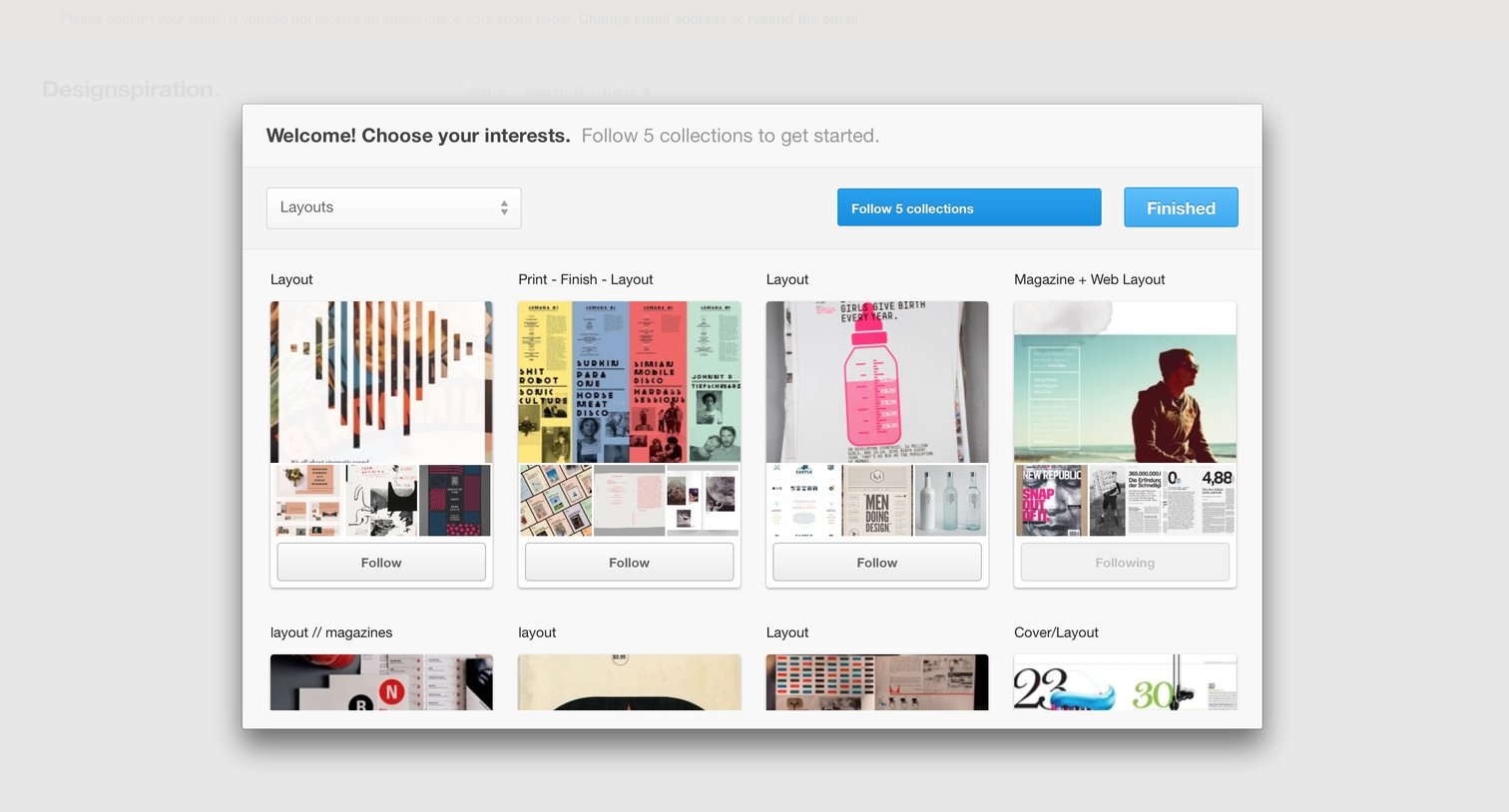
Onboarding step where the user personalizes their feed by following at least five design and layout collections from a grid.
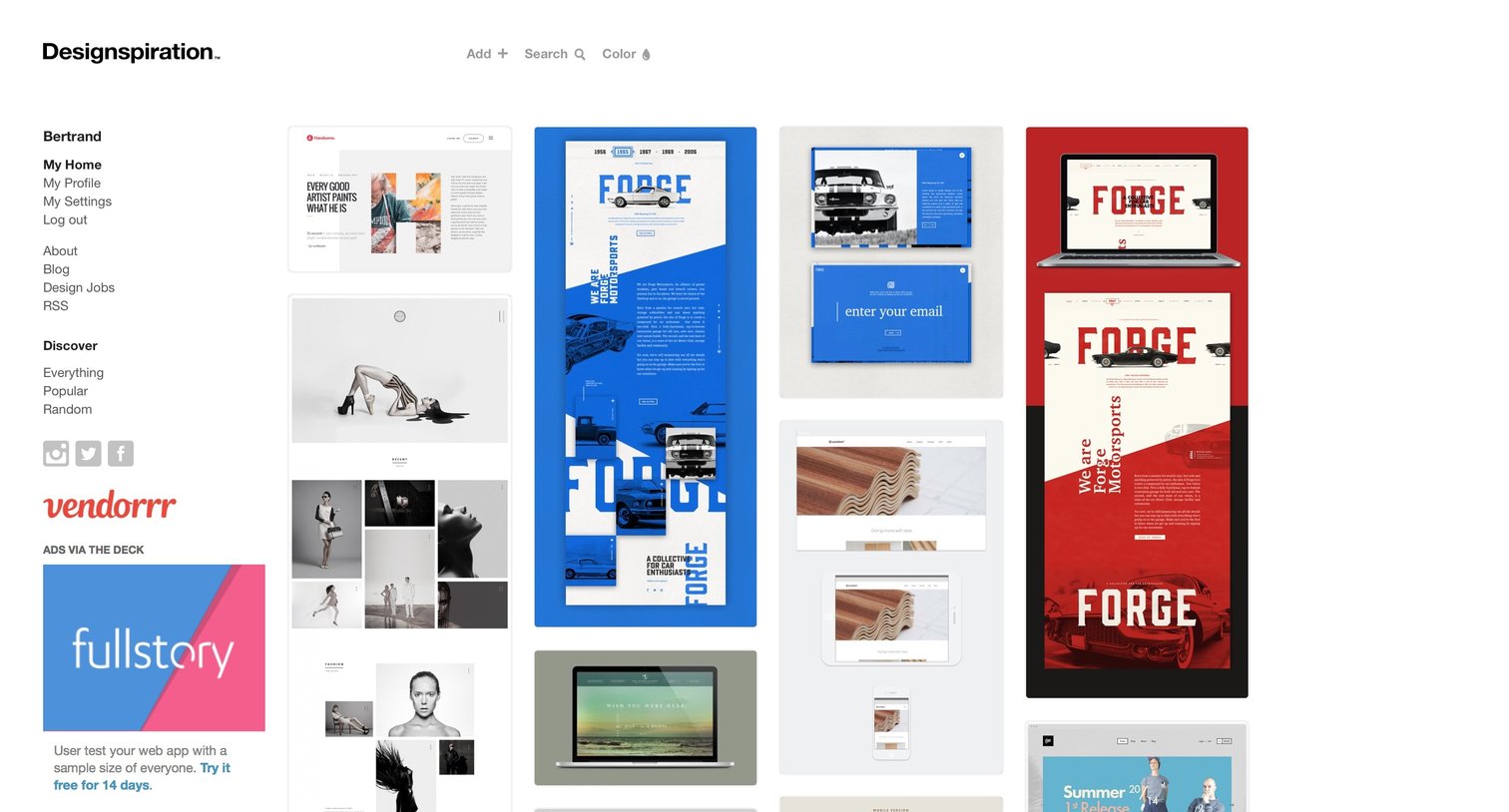
Discovery feed where a logged-in user browses a masonry grid of design inspiration images, with a left sidebar for account navigation and an ad placement.
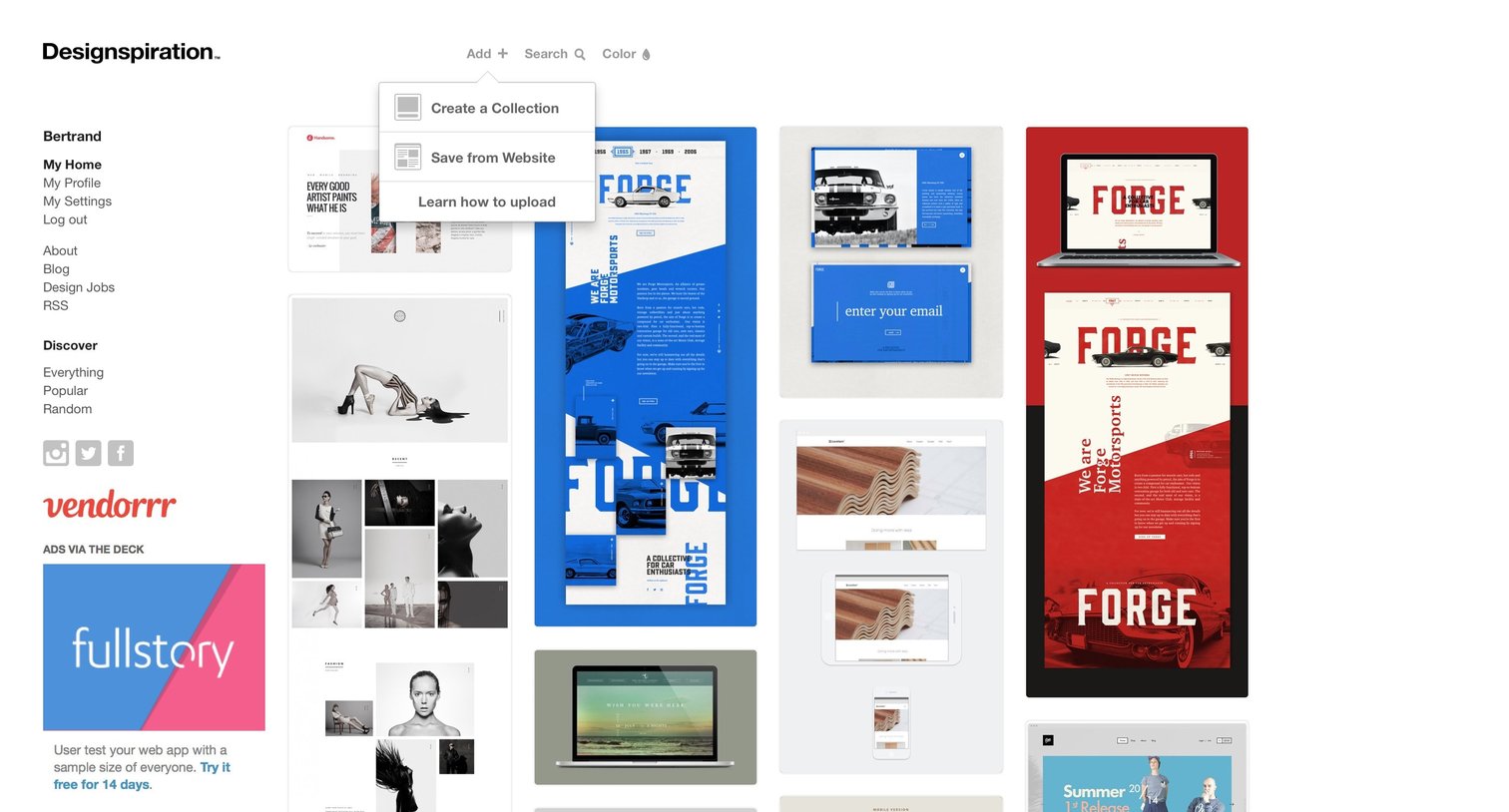
Design Grid
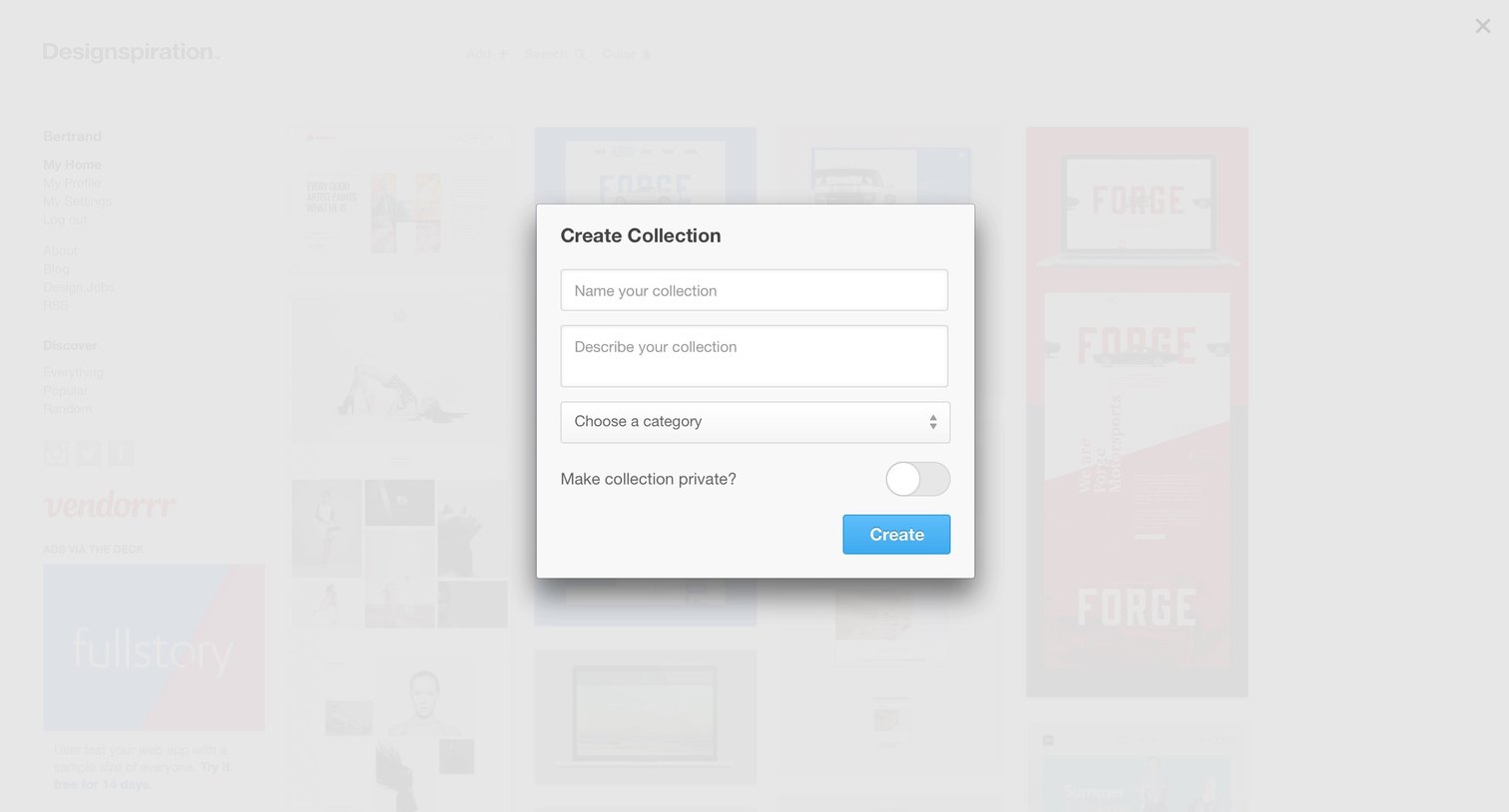
Modal where the user creates a new collection by providing a name, description, category, and privacy setting.
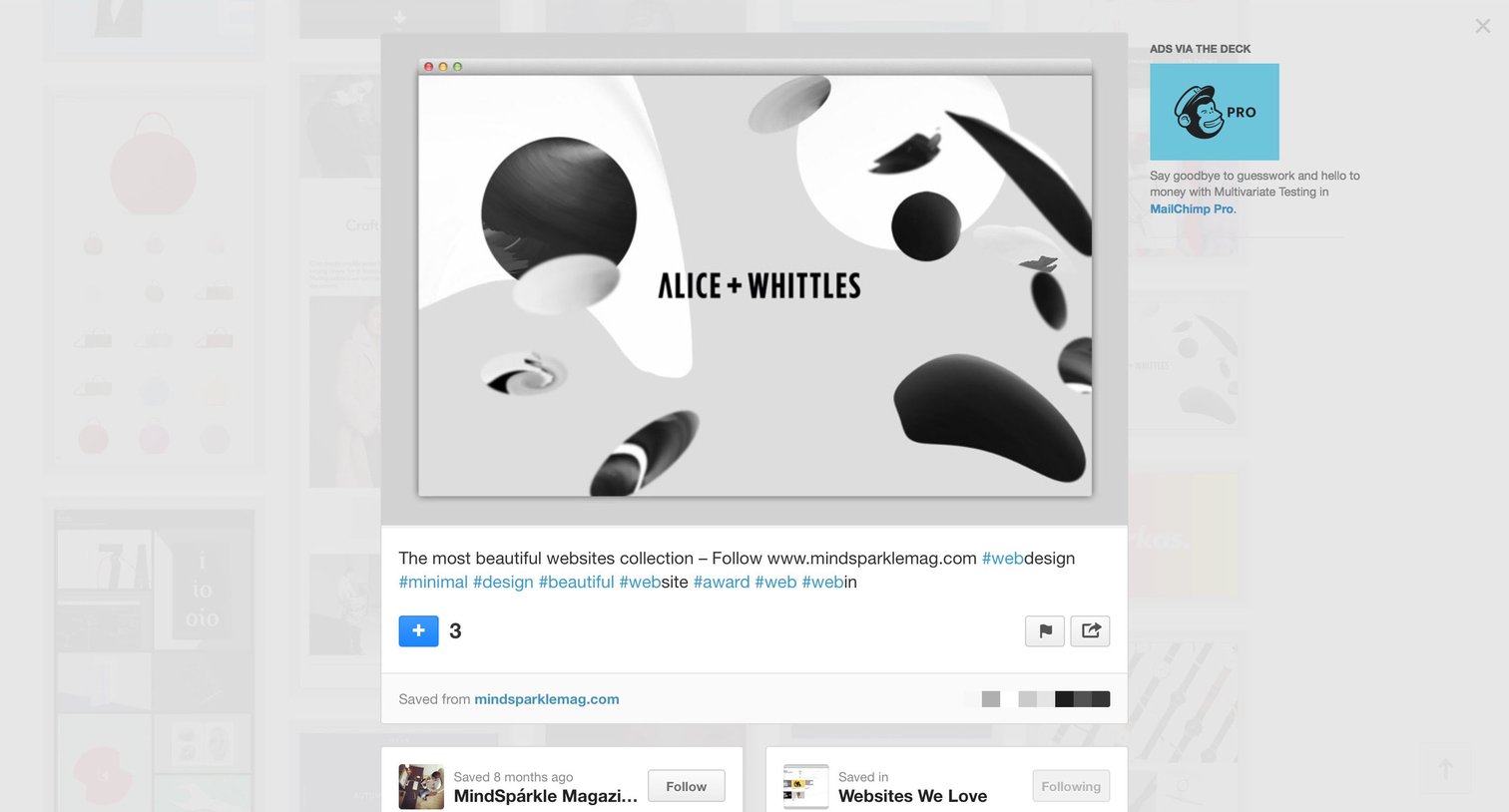
Detail modal where the user views a saved design inspiration post, its extracted color palette, and options to save, share, or follow related collections.
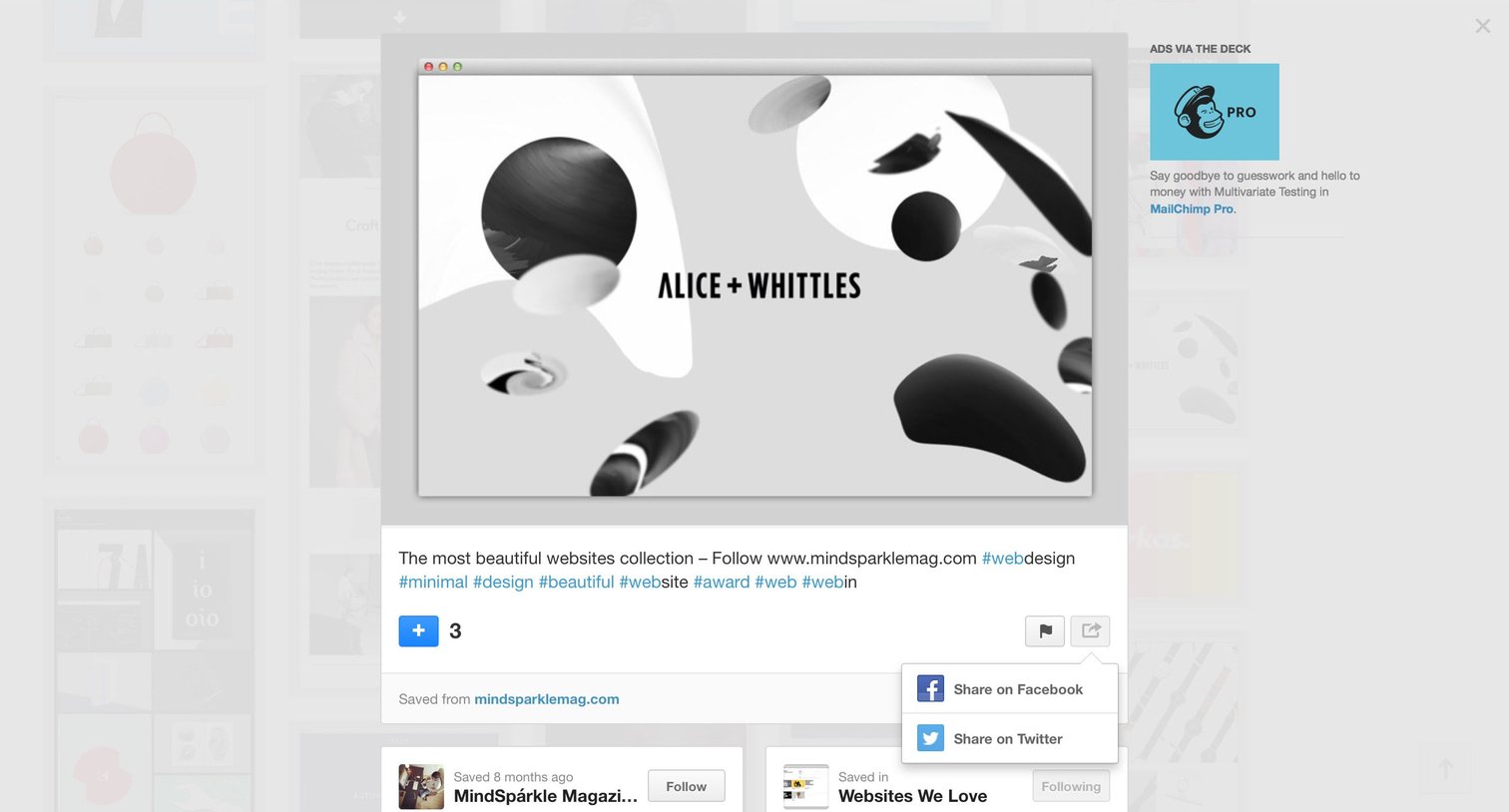
Detail modal showing an inspiration image with its description, tags, and an open share menu, alongside related saved collections.
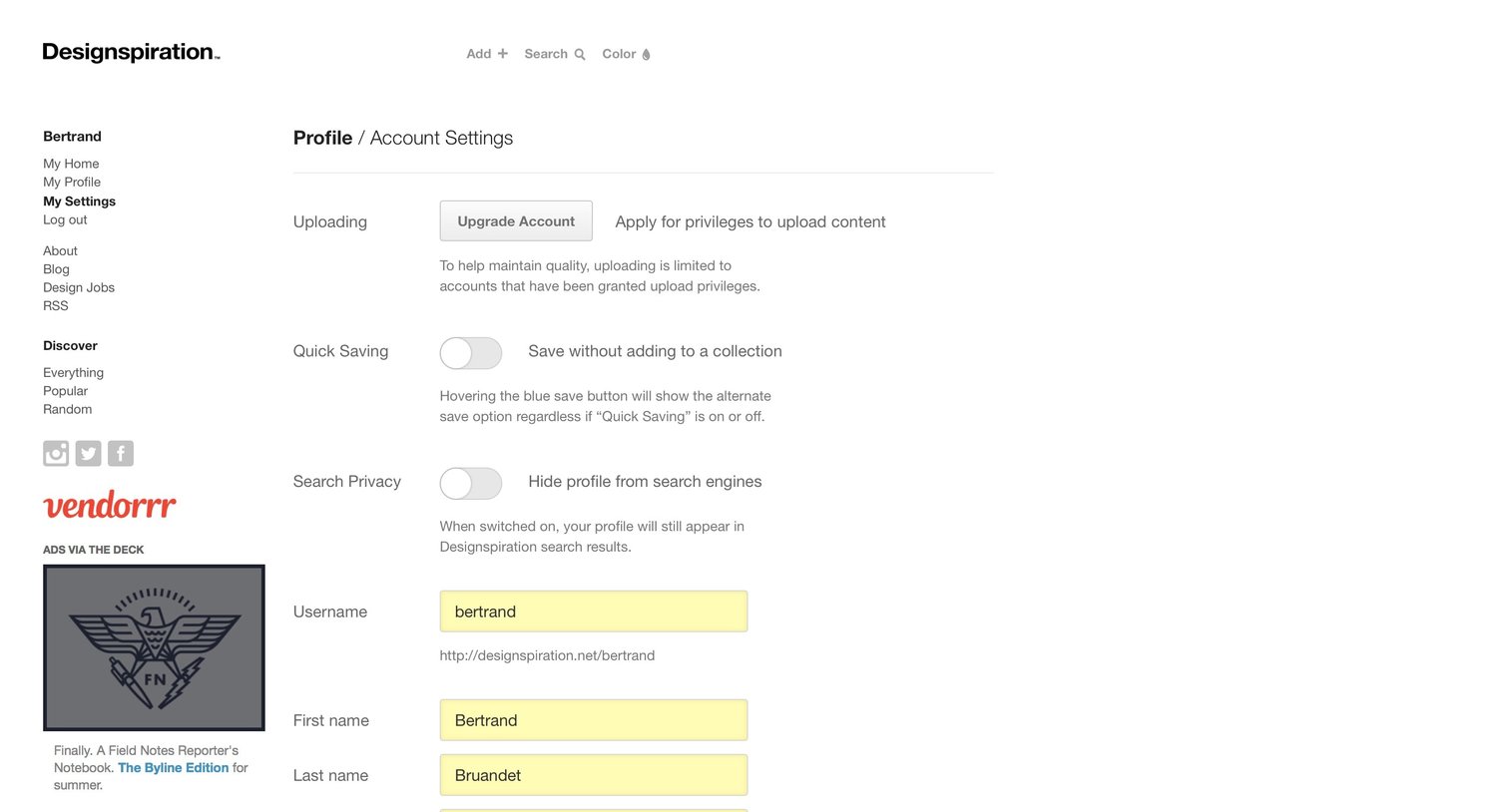
Settings page where the user updates their profile information, privacy toggles, and account credentials.
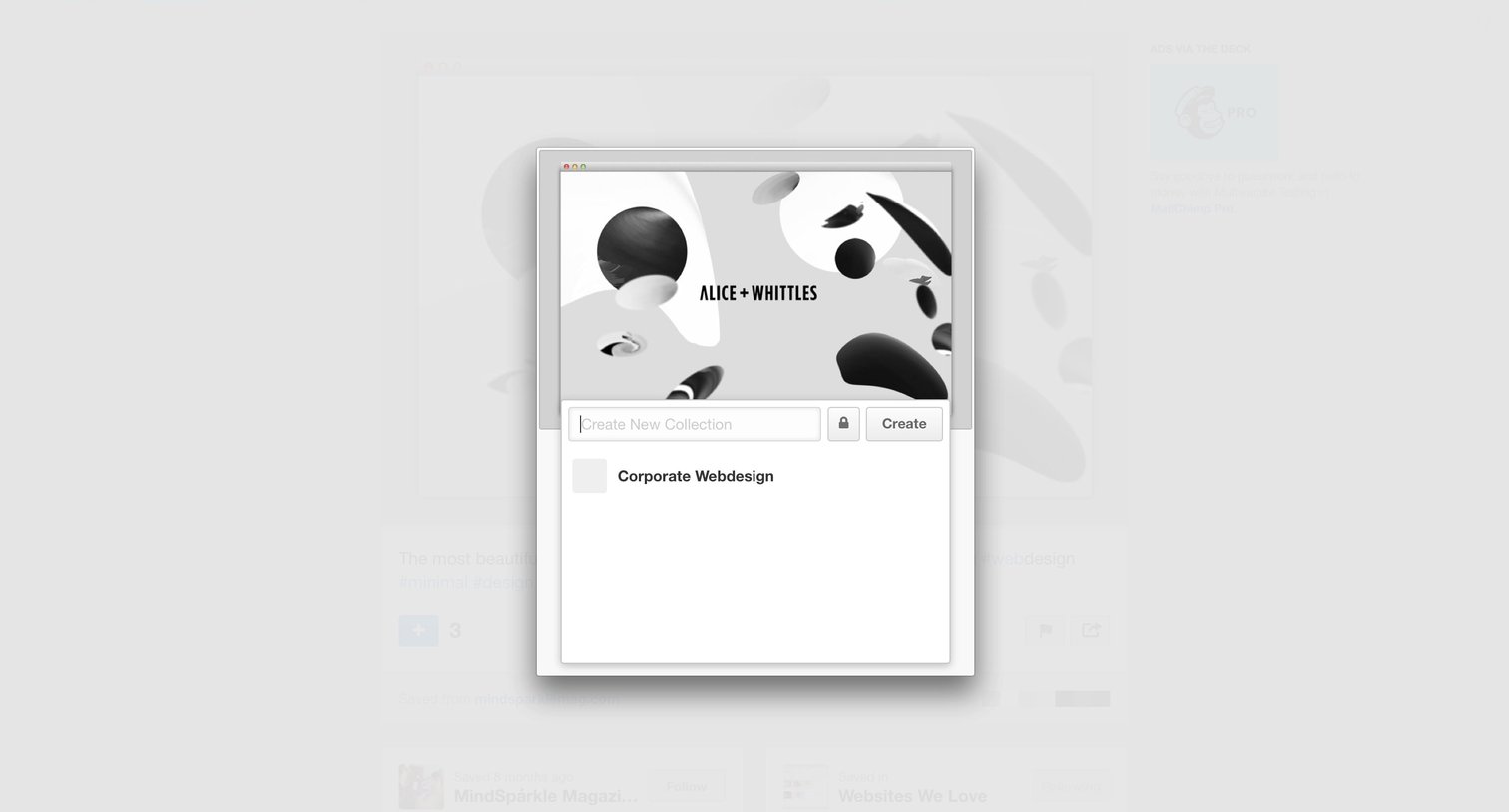
Modal overlay where the user can create a new collection or select an existing one like Corporate Webdesign to save an item.
Browse the full SaaS app library
Explore real SaaS apps with their product screens, marketing screens, flows, and components.
Trusted by the best teams







