Account Settings screen examples
Account Settings screen design examples from SaaS apps. See how SaaS apps organize personal details, preferences, and account controls. Browse layouts that separate everyday changes from sensitive actions such as…
Explore the examples
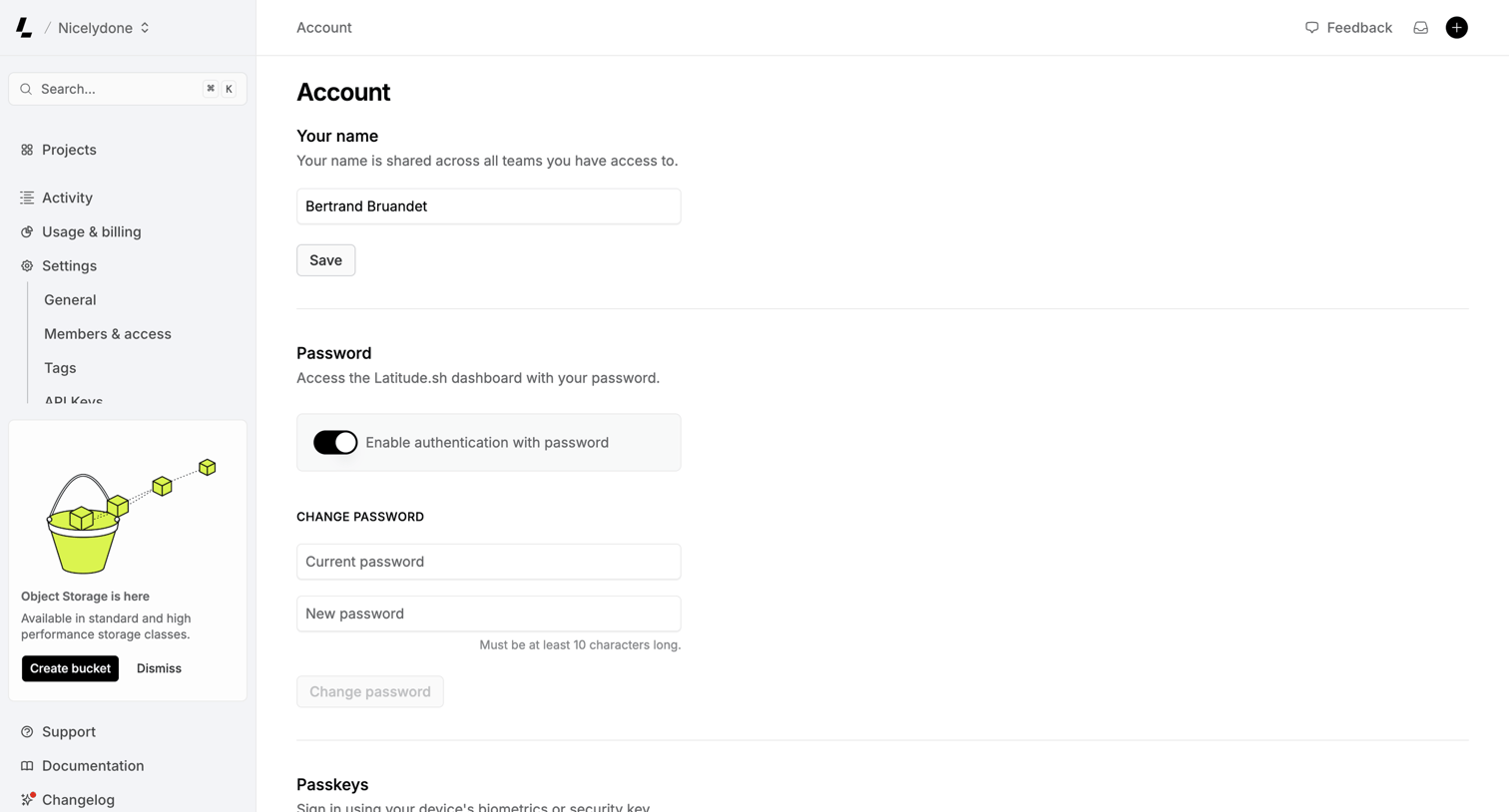

Settings page where the user manages their profile name, password authentication, and passkeys.
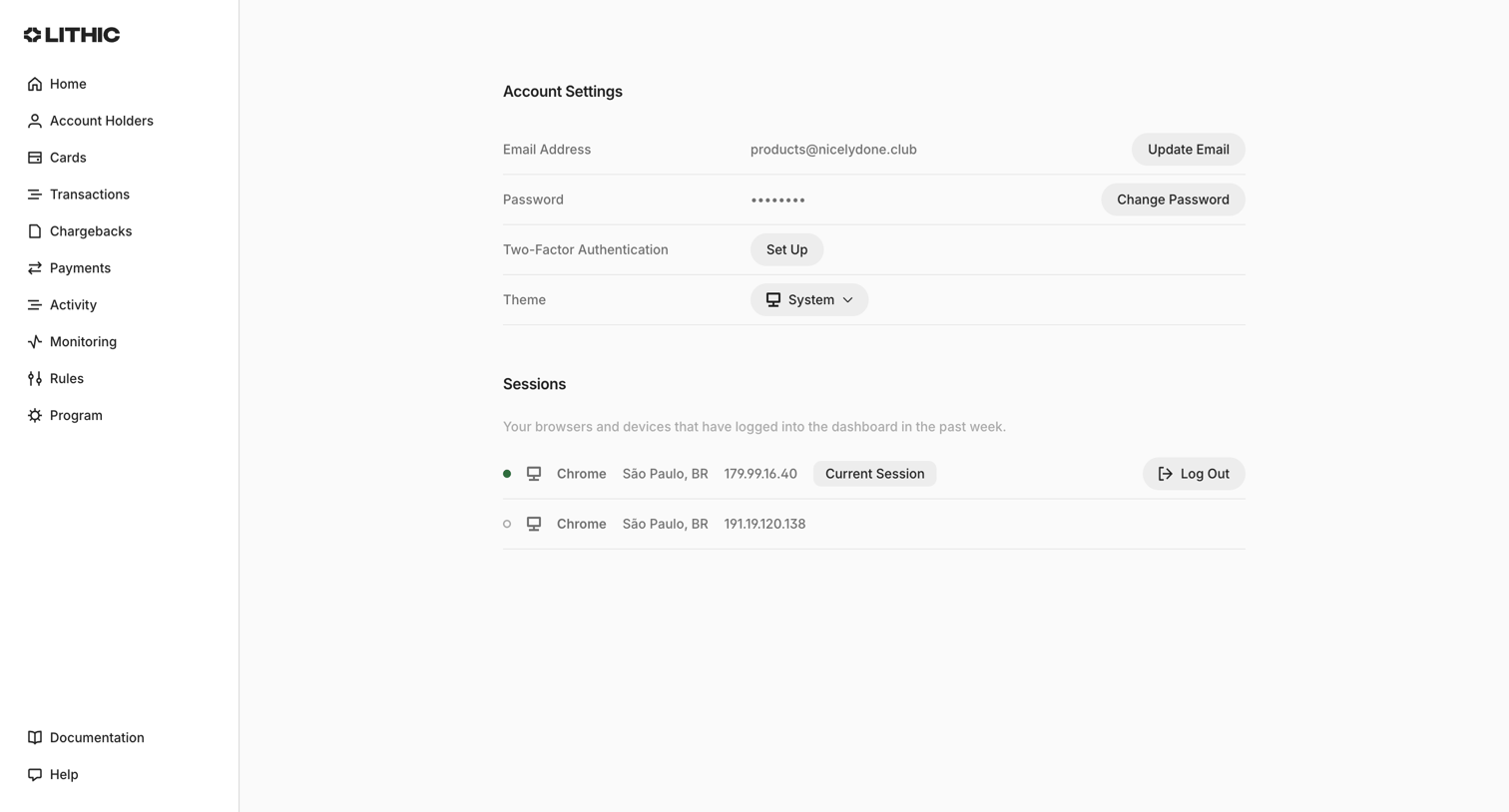

Settings page where the user manages their email, password, two-factor authentication, theme, and active login sessions.
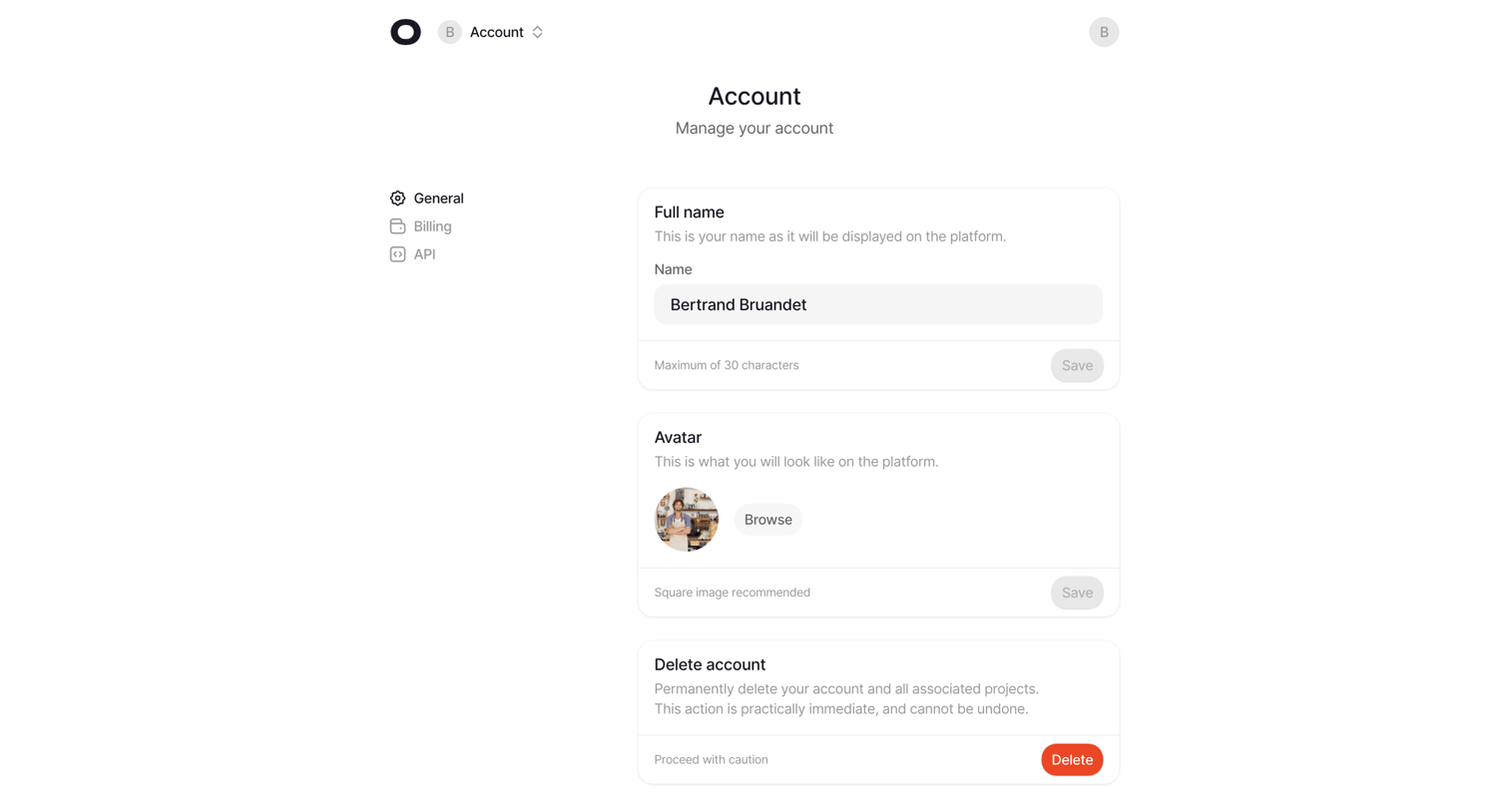

Settings page where the user manages their account profile, including full name, avatar upload, and account deletion.
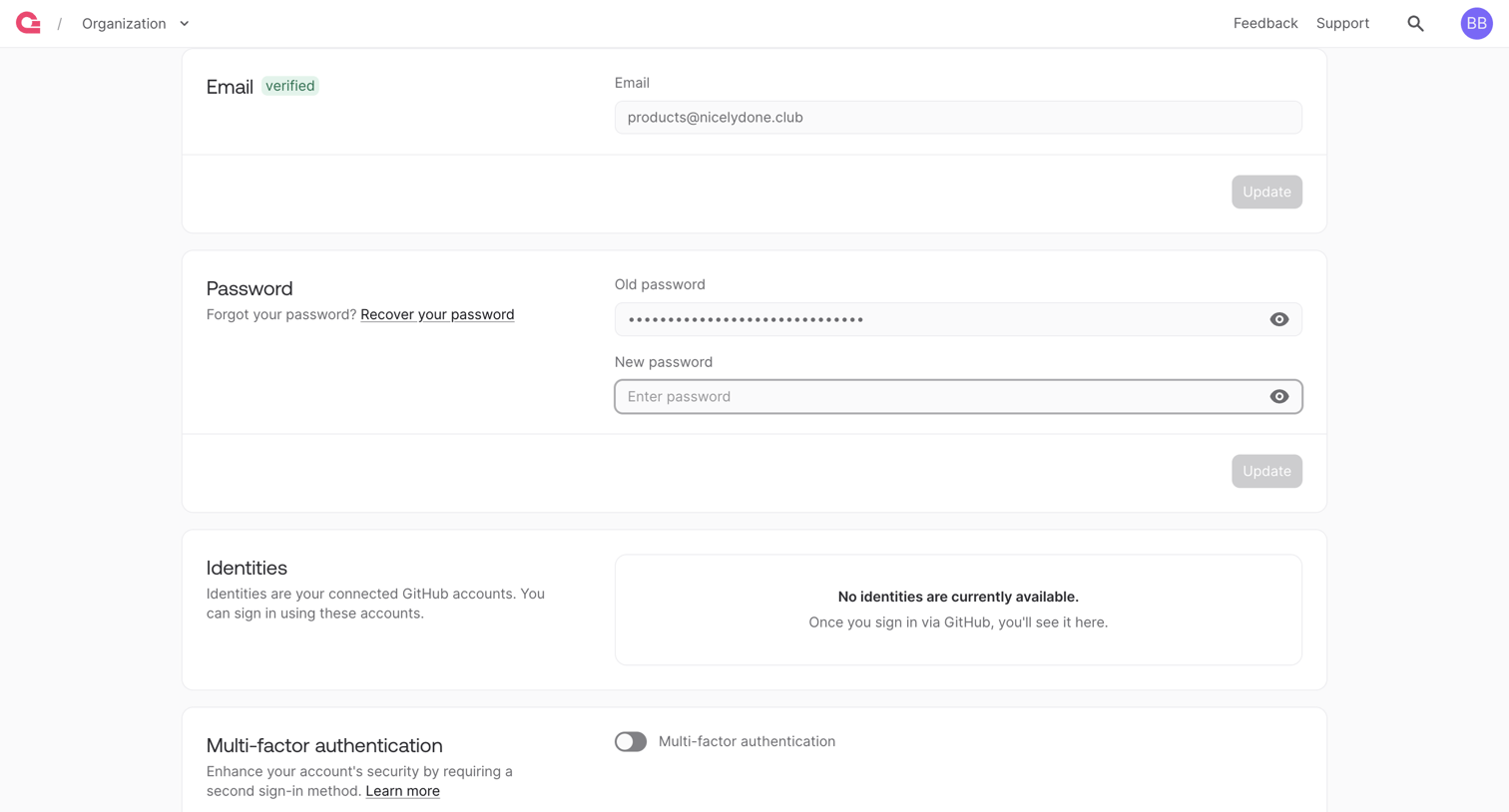

Settings page where the user manages their account email, password, connected identities, and multi-factor authentication.
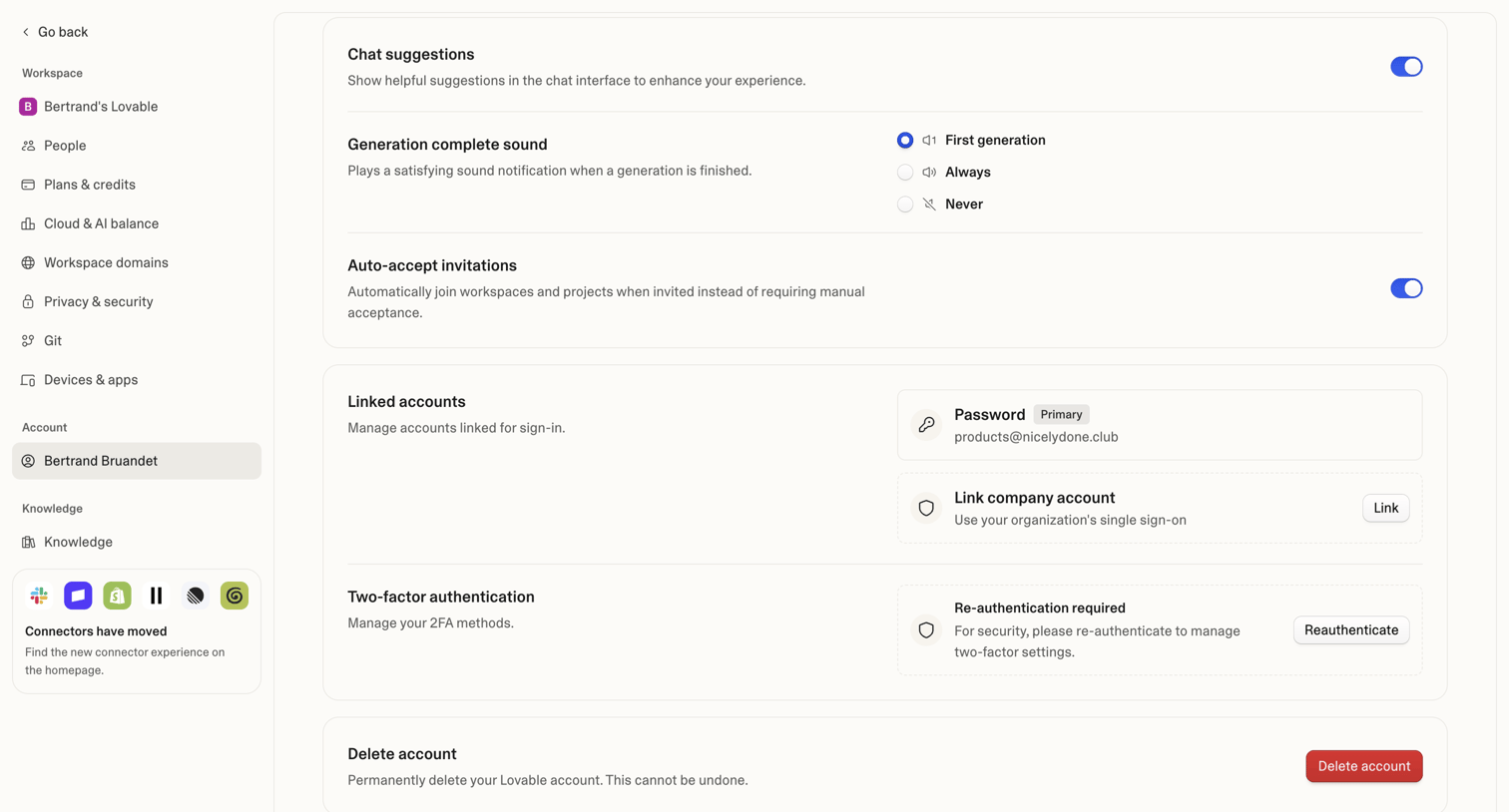

Settings page where the user manages their personal account preferences, linked sign-in methods, two-factor authentication, and account deletion.
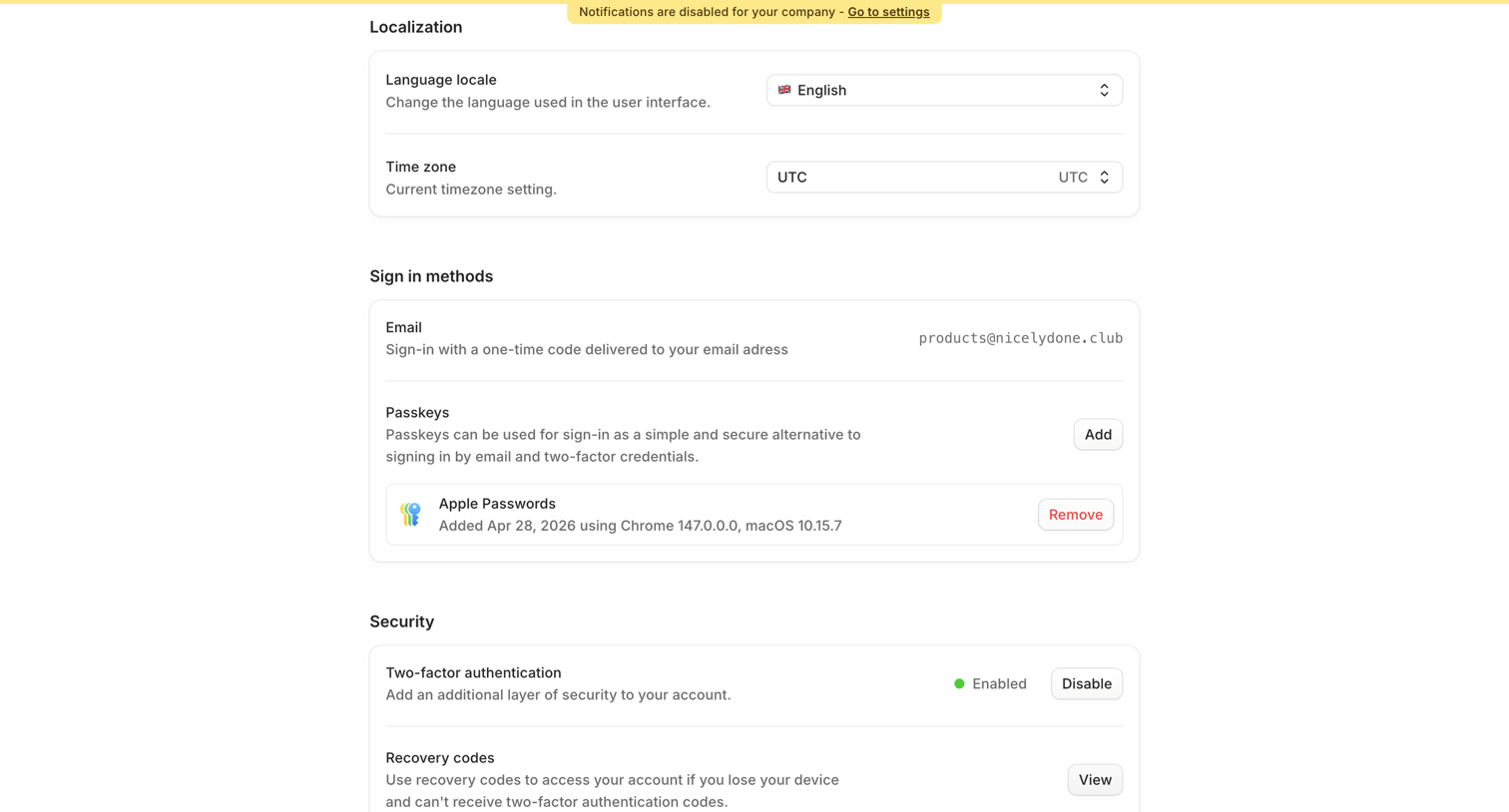

Settings page where the user configures localization, manages sign-in methods like passkeys, and controls security options including two-factor authentication and recovery codes.
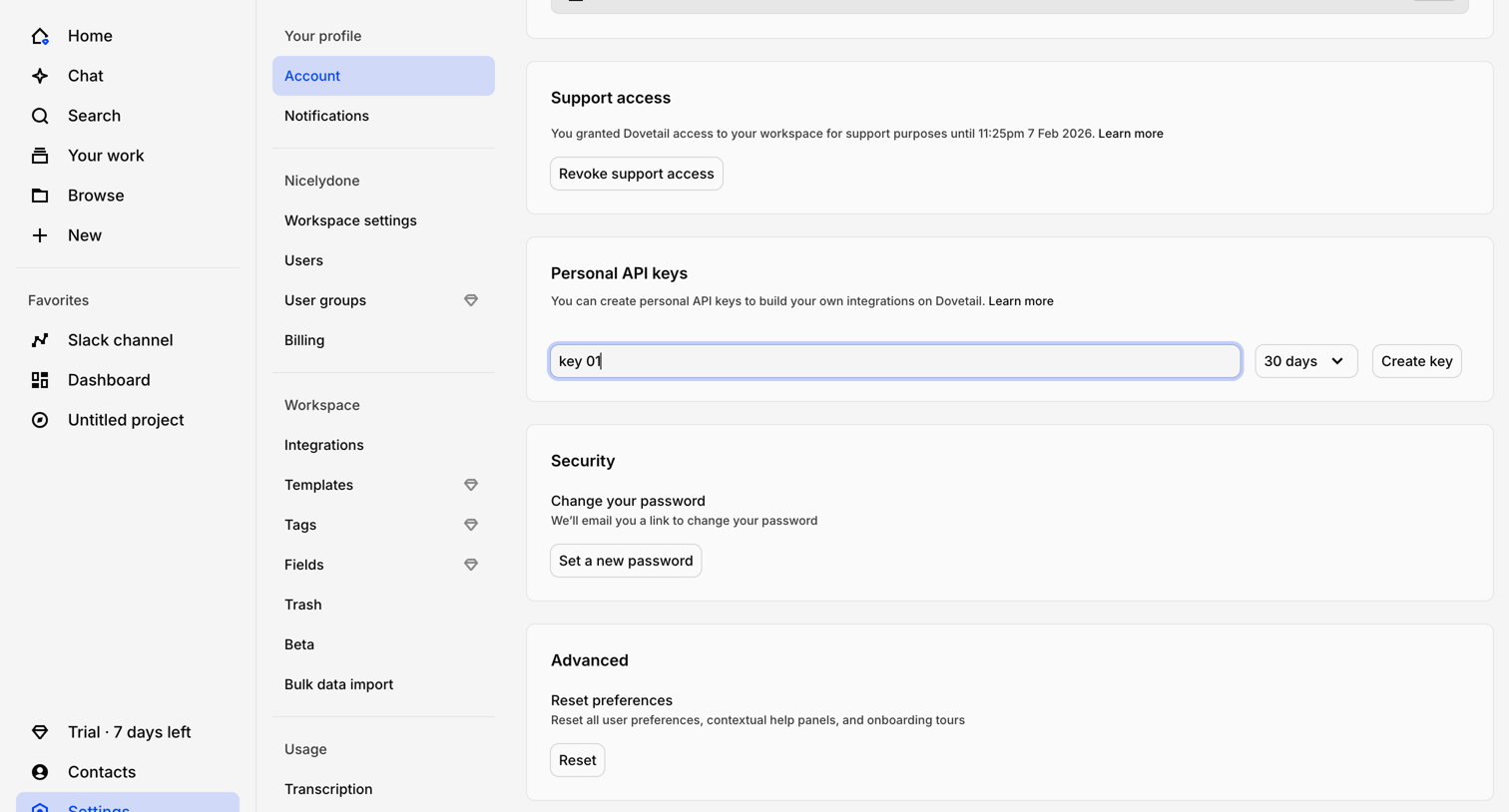

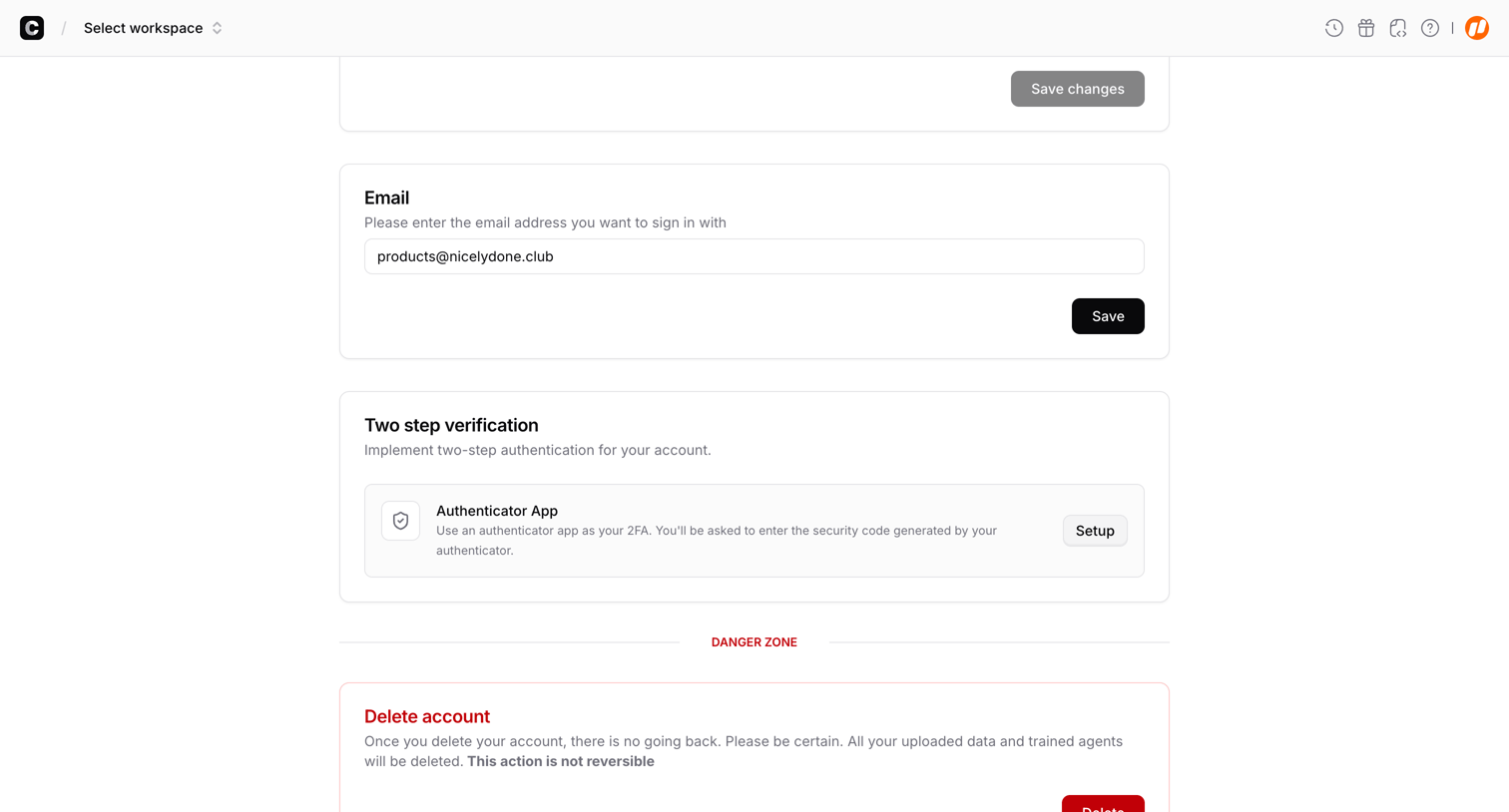

Account settings page where the user can update their email address, set up two-step verification, and delete their account.
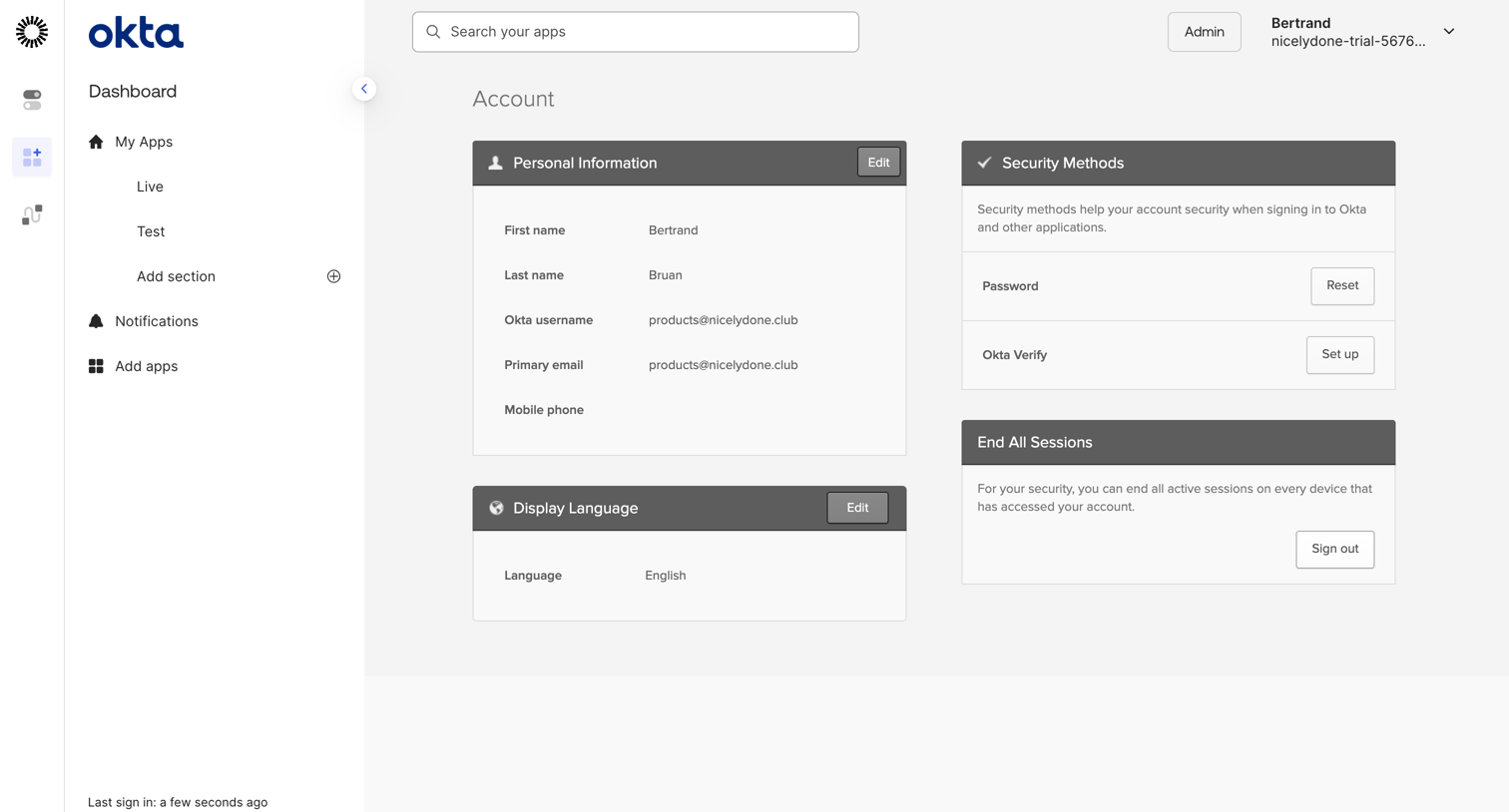

Account settings page where the user manages their personal information, security methods, display language, and active sessions.
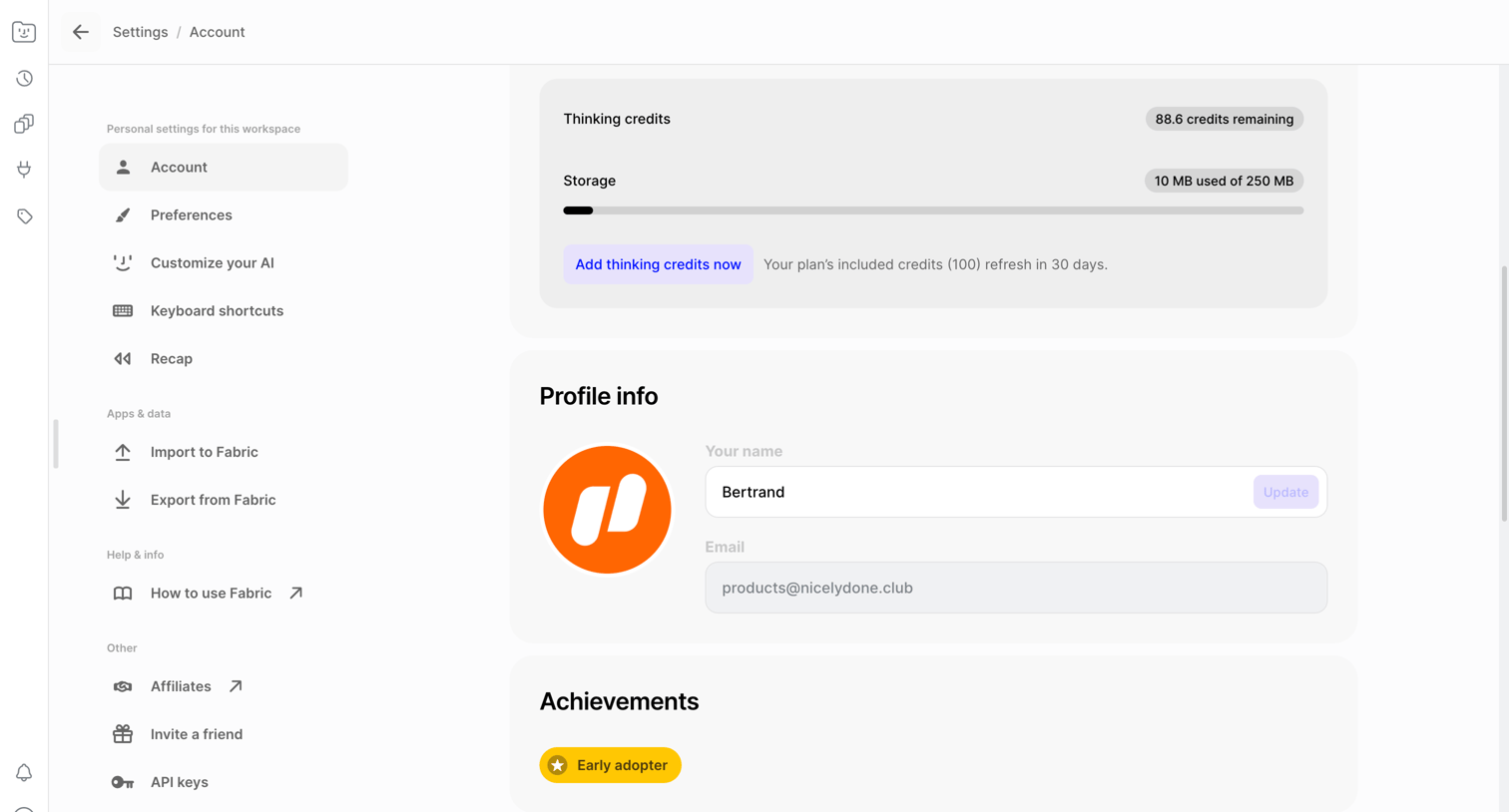

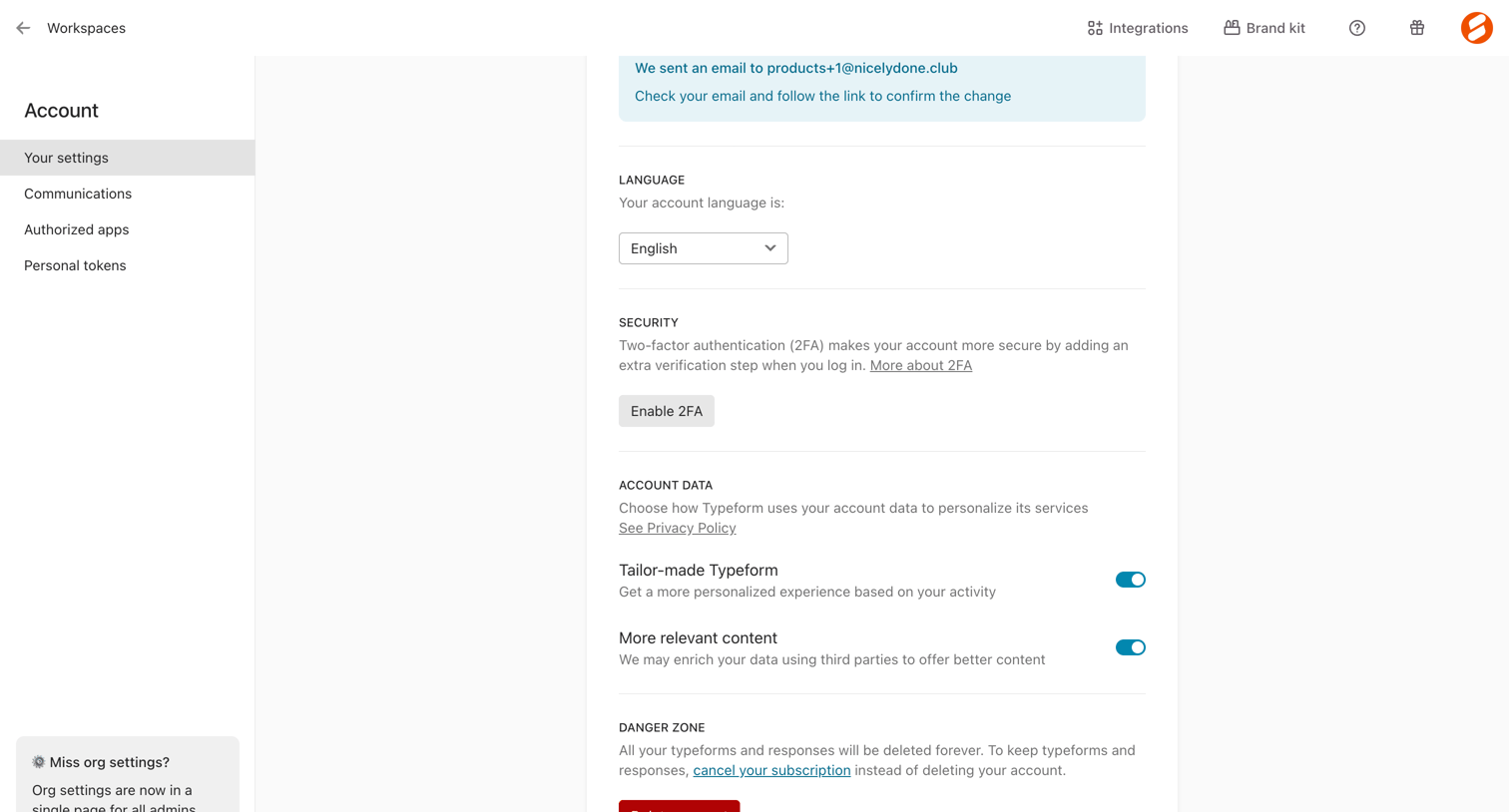

Settings page where the user configures their account language, enables two-factor authentication, manages data personalization preferences, and can delete their account.
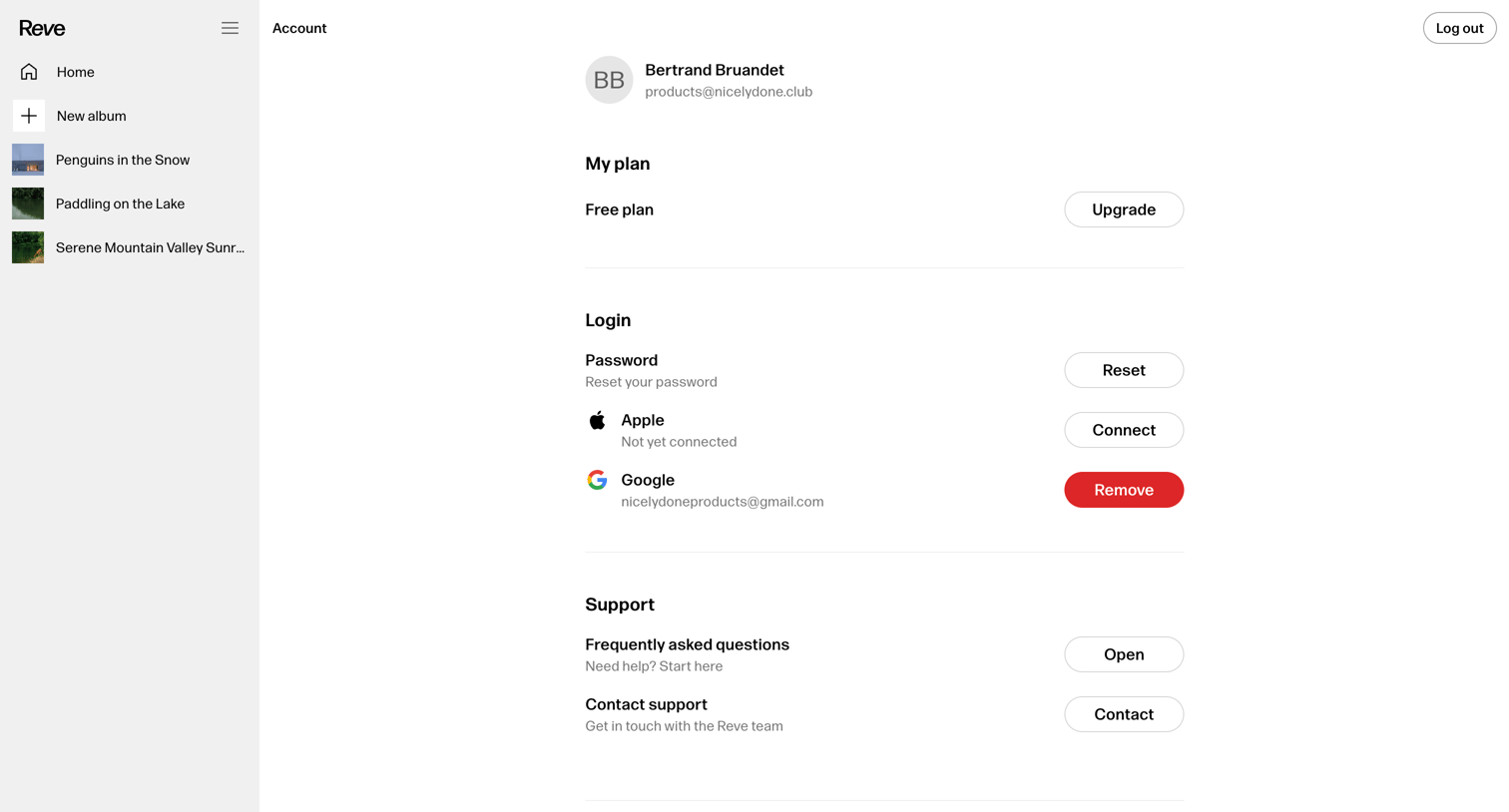

Settings page where the user manages their plan, connected login methods, and accesses support resources.
Explore the full SaaS screen library
Upgrade to unlock the full library.
Trusted by the best teams








About Account Settings
See how SaaS apps organize personal details, preferences, and account controls. Browse layouts that separate everyday changes from sensitive actions such as changing a password or closing an account.