Integrations screen examples
Integrations screen design examples from SaaS apps. See how SaaS apps organize connections to other tools. Explore how integration directories and settings present available services, connection status, and…
Explore the examples
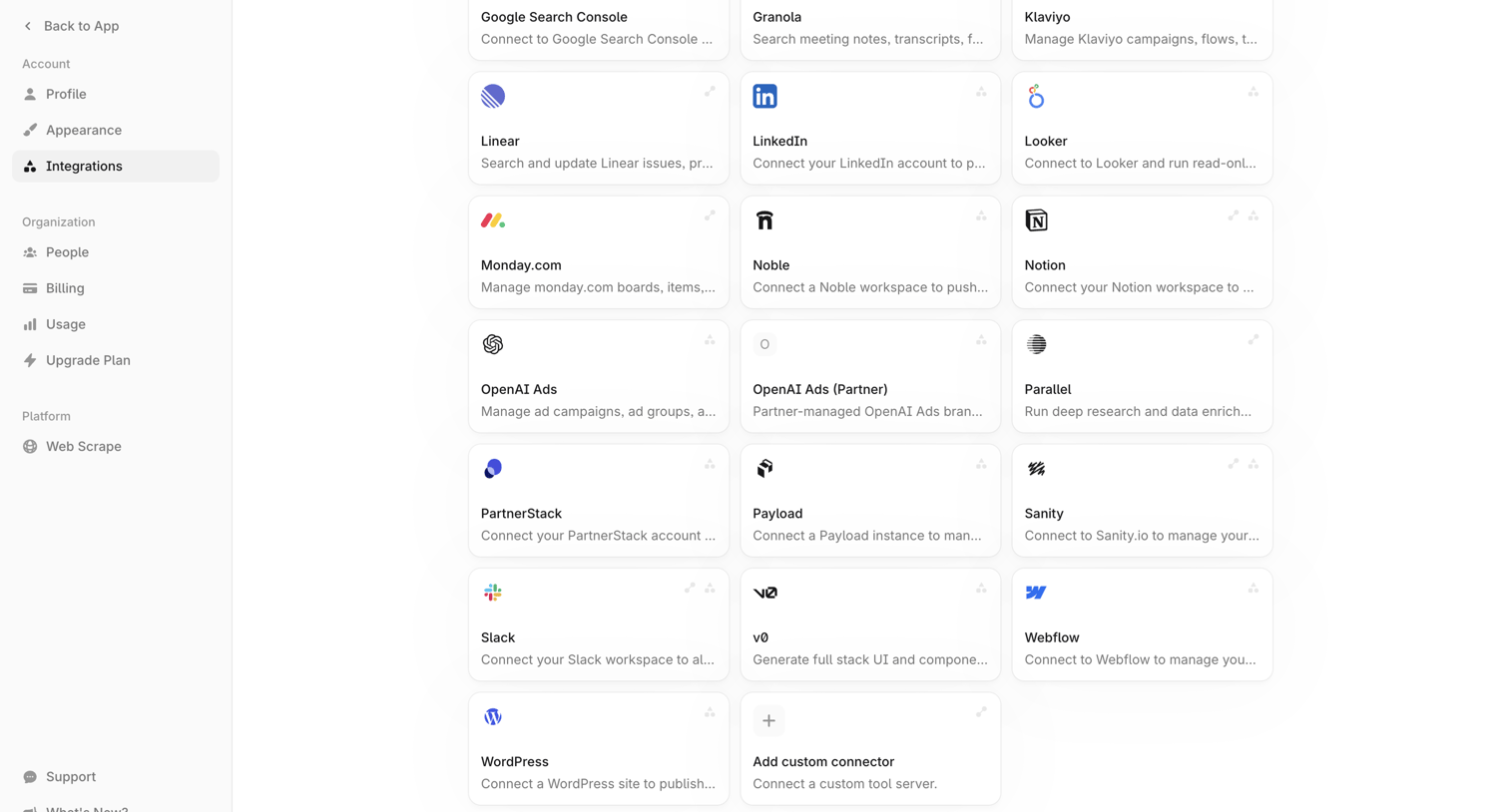

Settings page where the user browses and connects various third-party tools like Linear, LinkedIn, and Slack to their workspace.
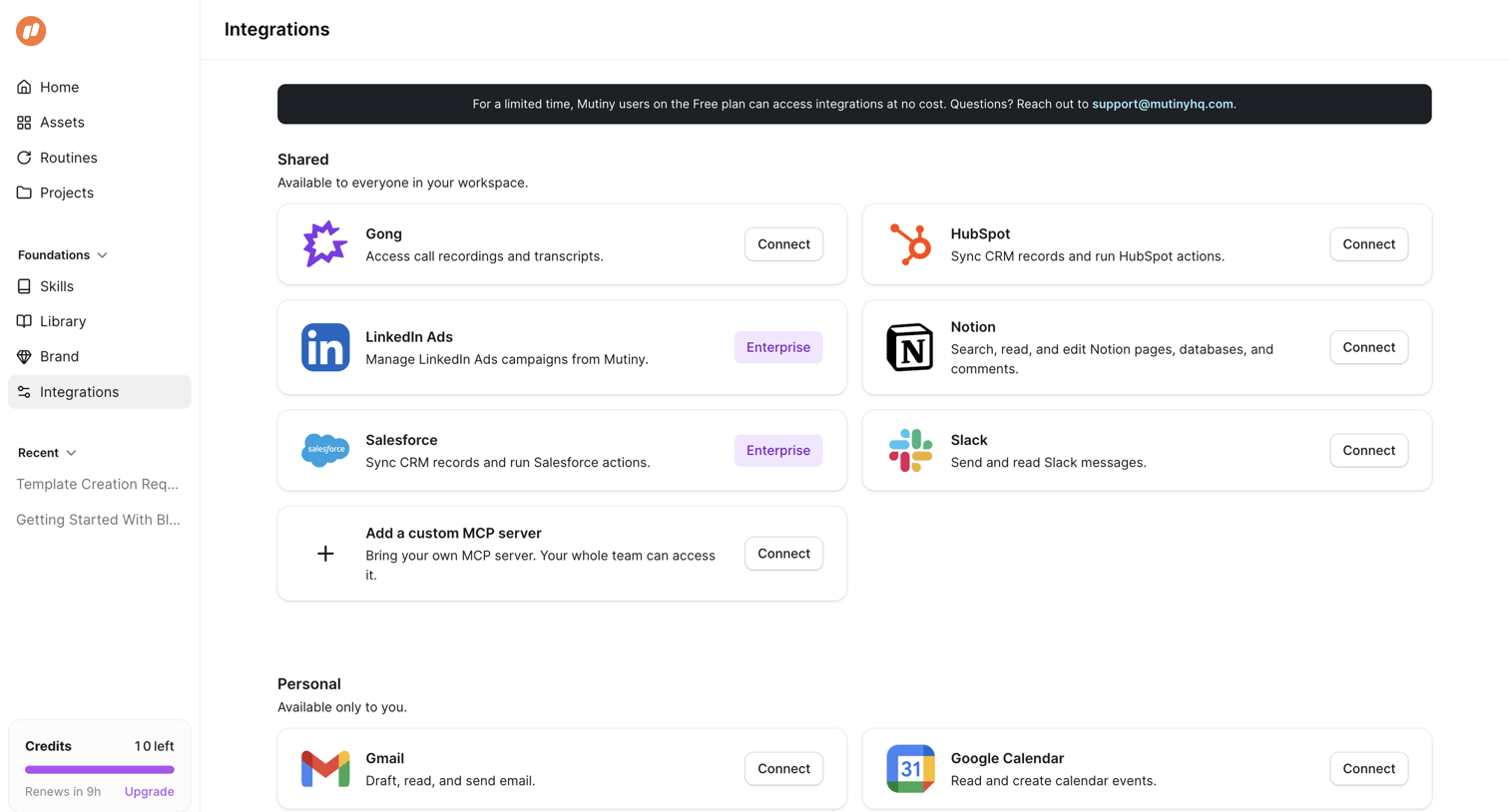

Settings page where the user connects shared and personal integrations like Gong, HubSpot, and Gmail.
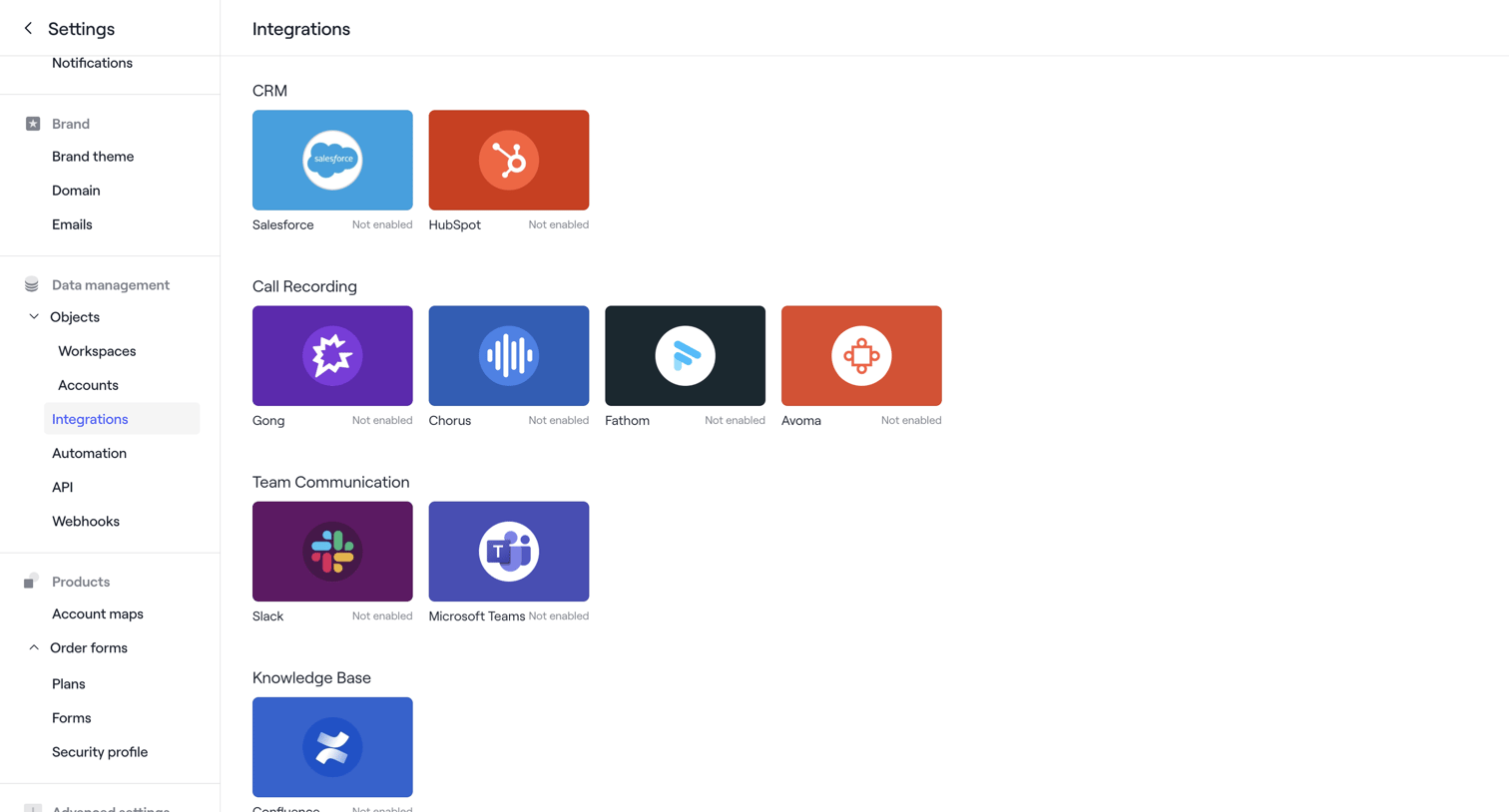

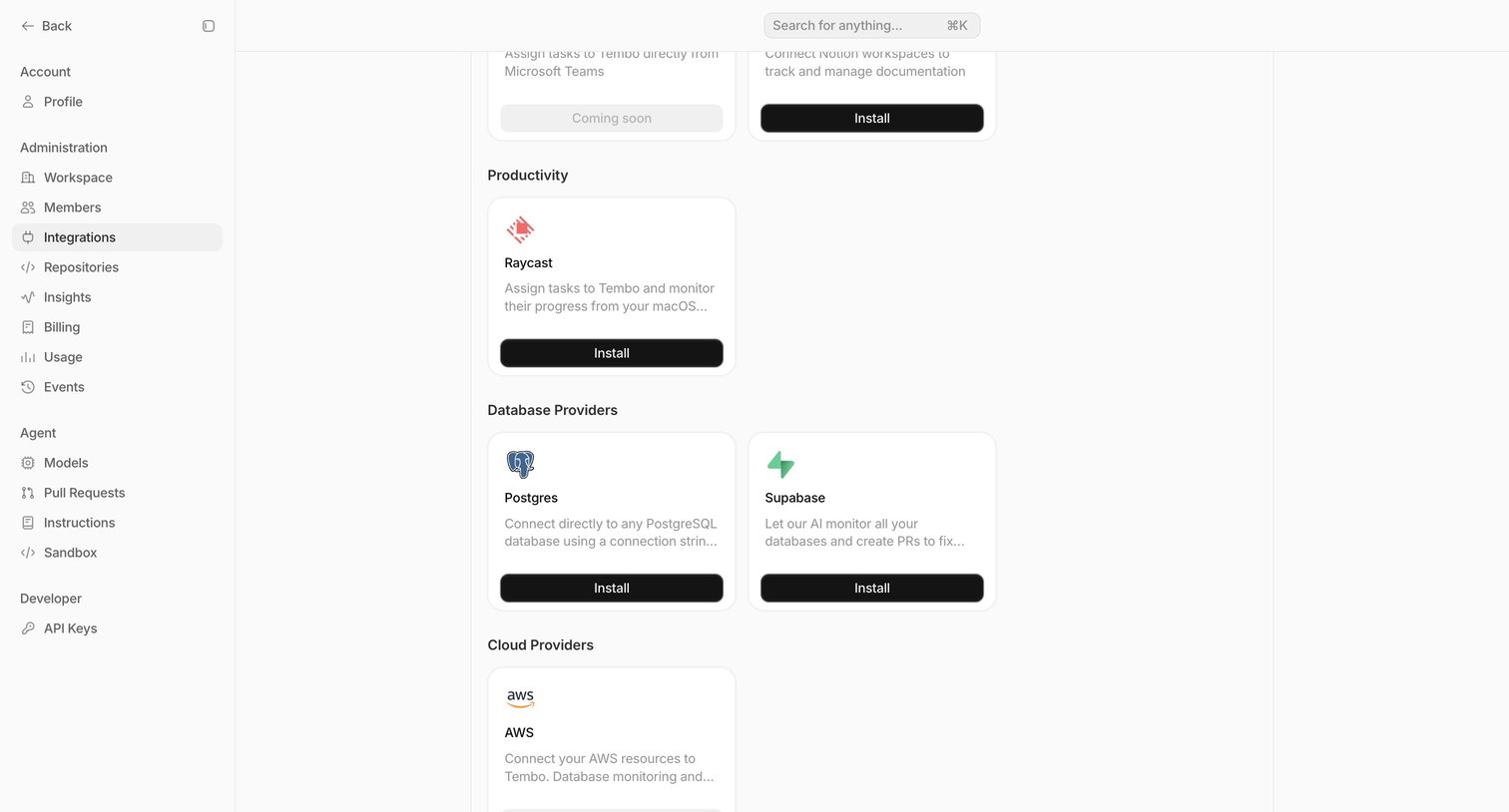

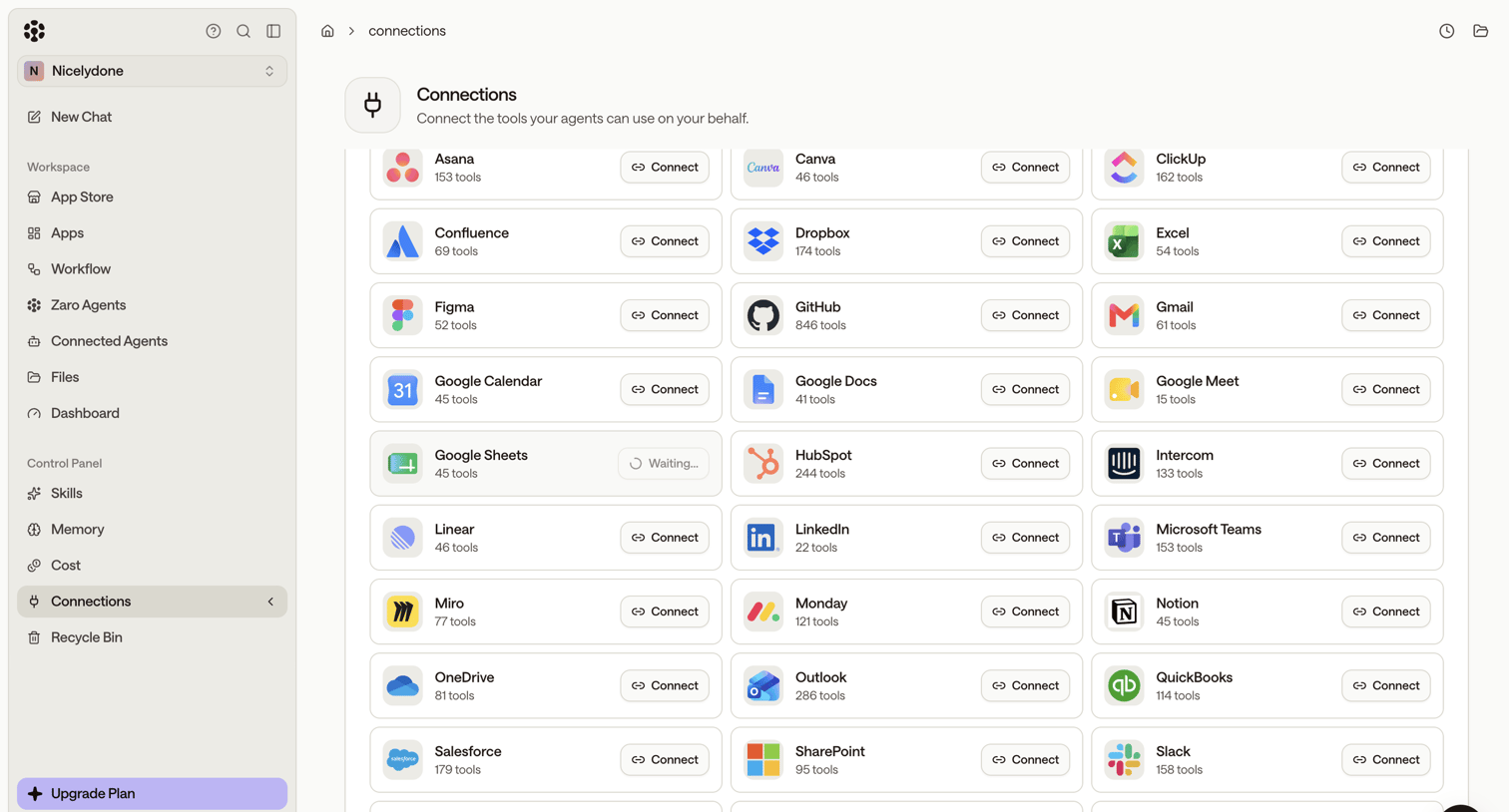

Settings page where the user connects third-party tools like Asana, Canva, and ClickUp for their AI agents to use.
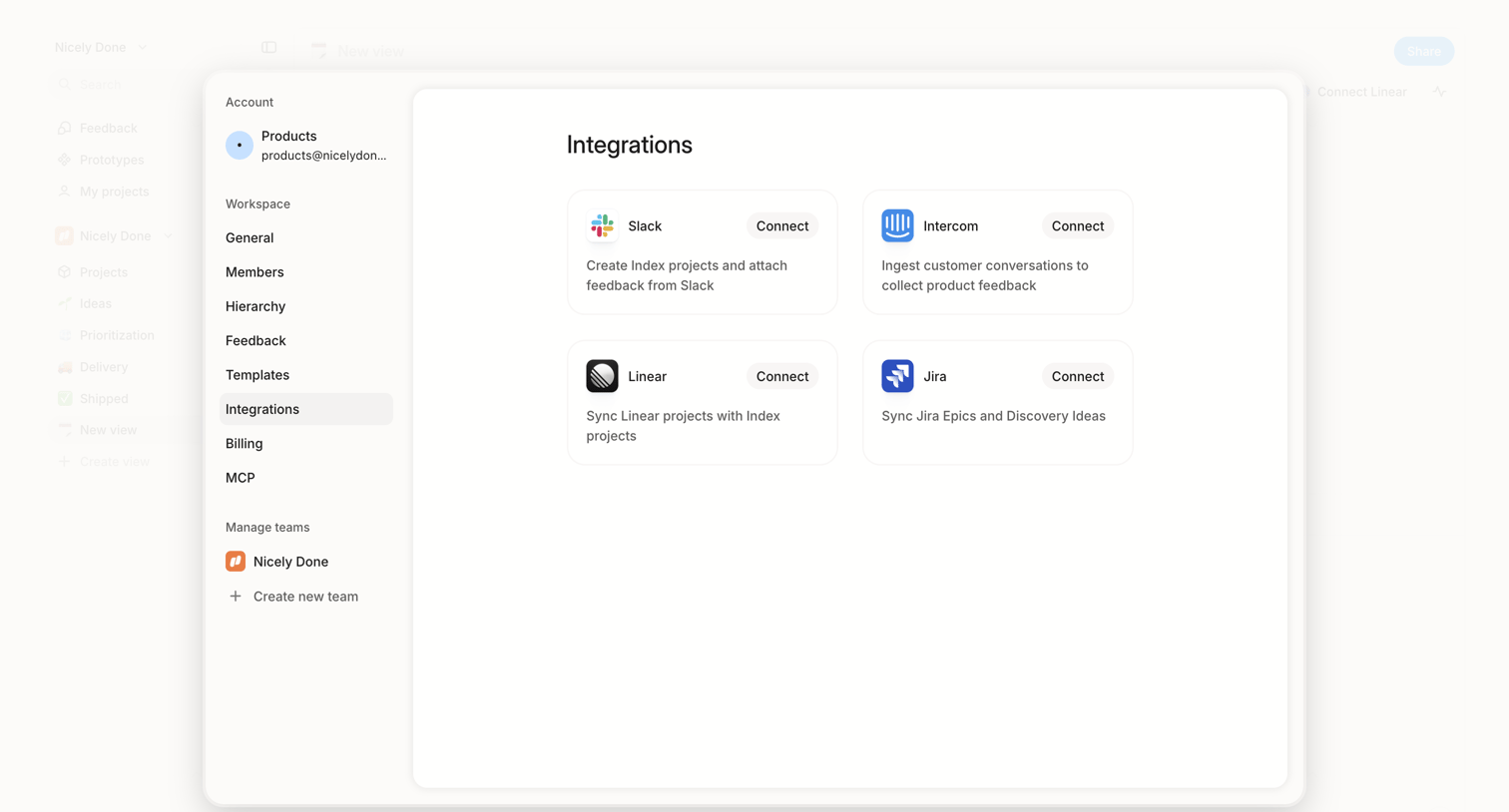

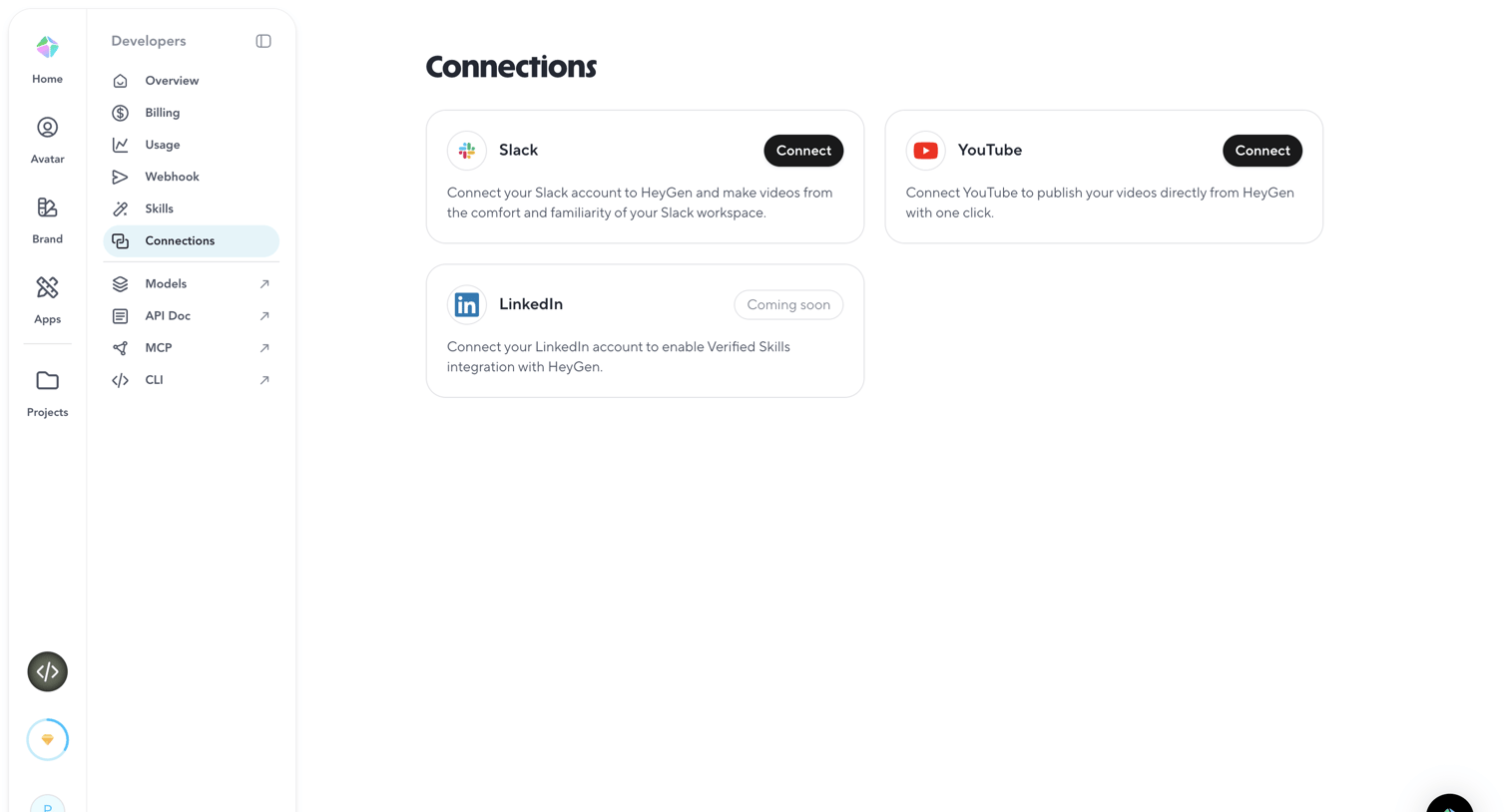

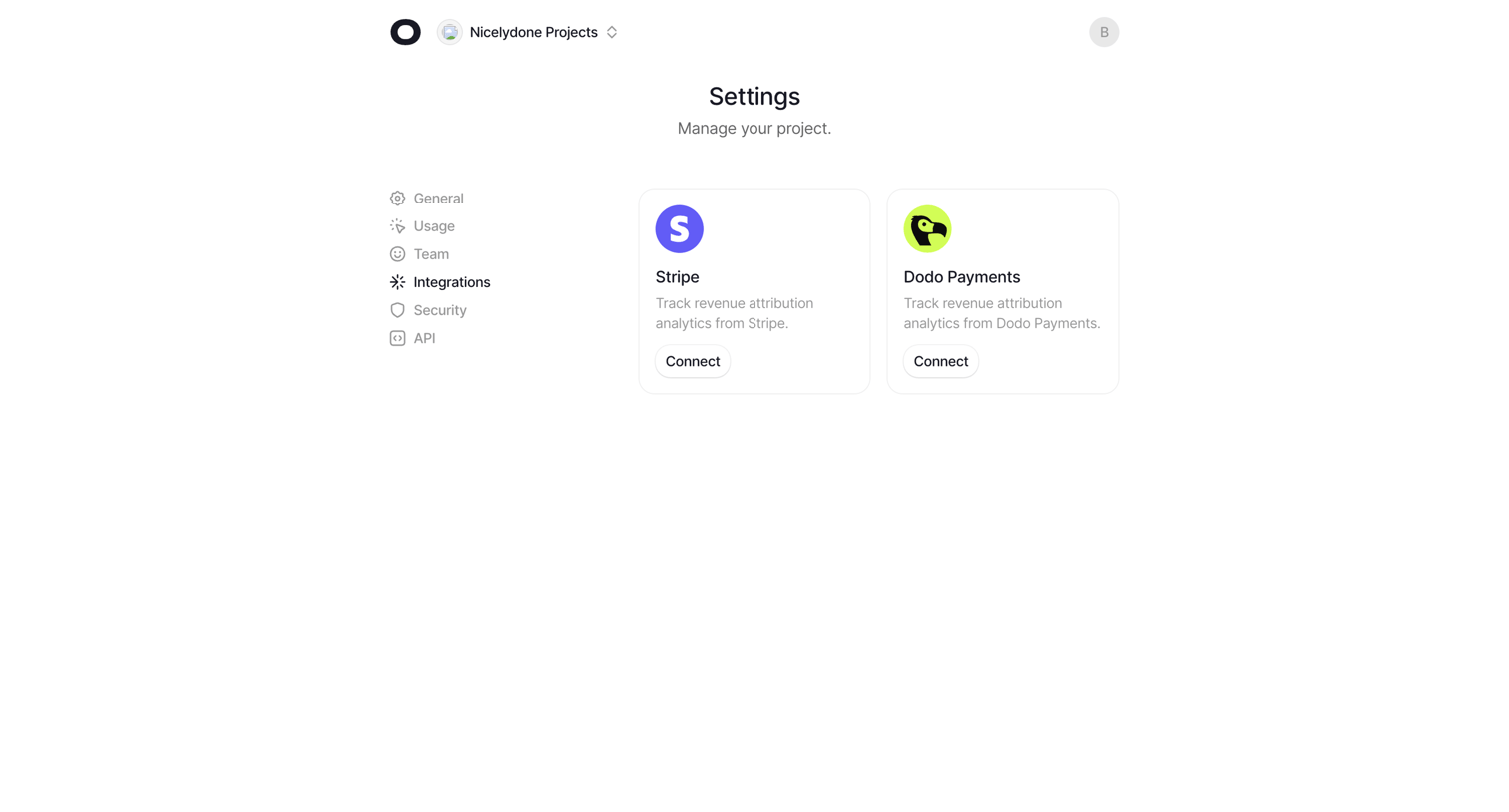

Settings page where the user connects their project to Stripe or Dodo Payments for revenue attribution analytics.
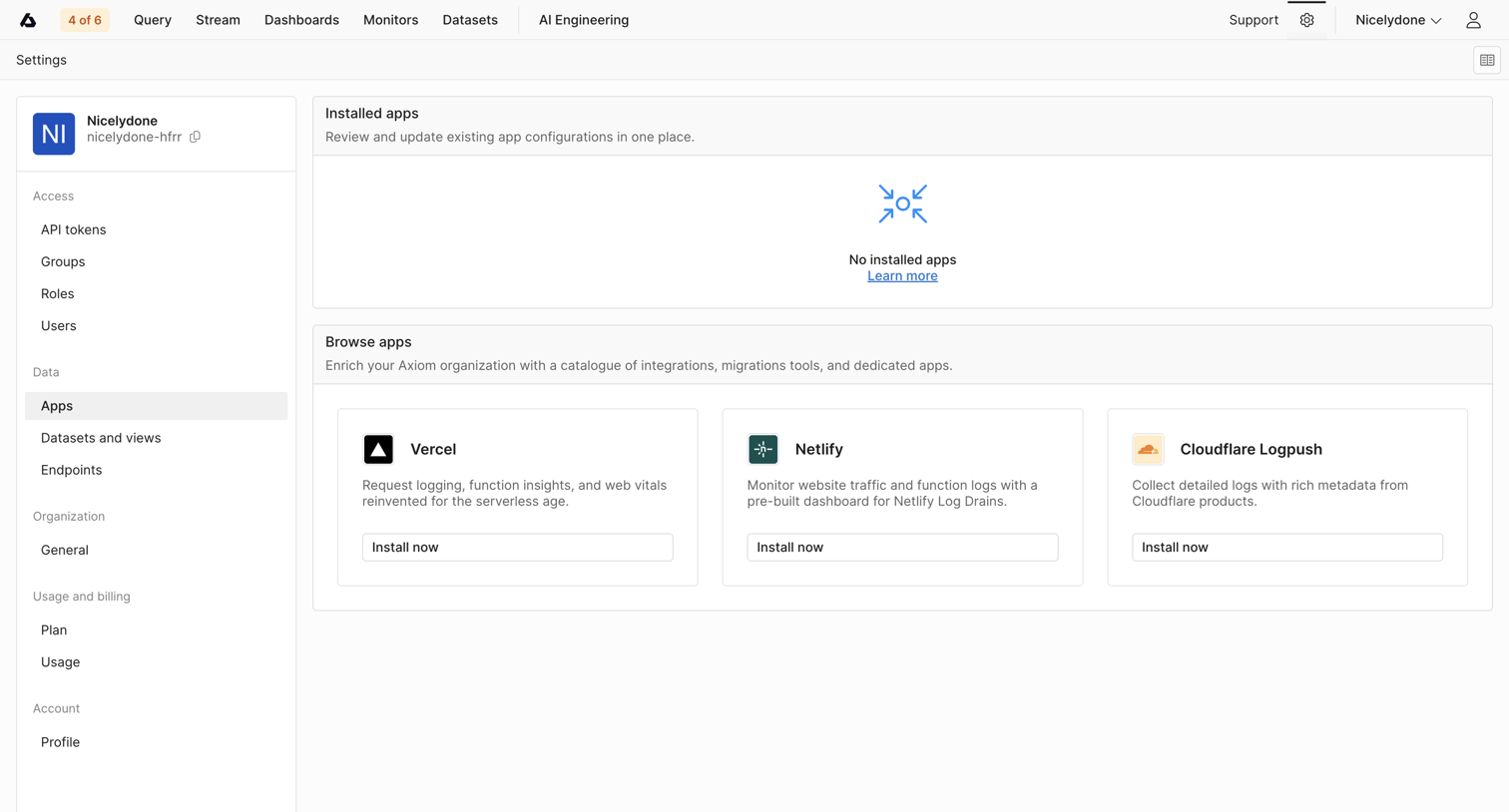

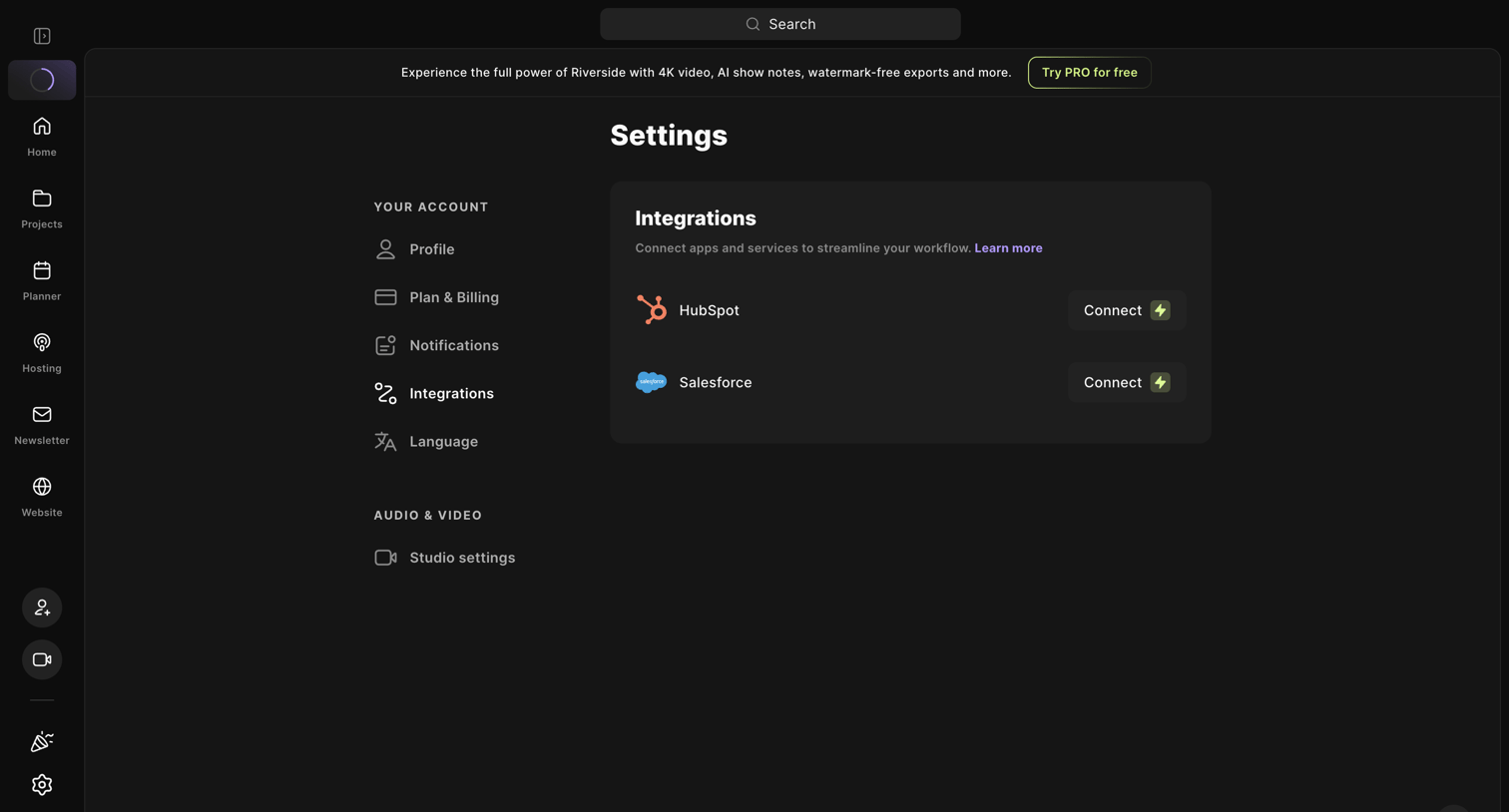

Settings page where the user connects third-party apps like HubSpot and Salesforce to streamline their workflow.
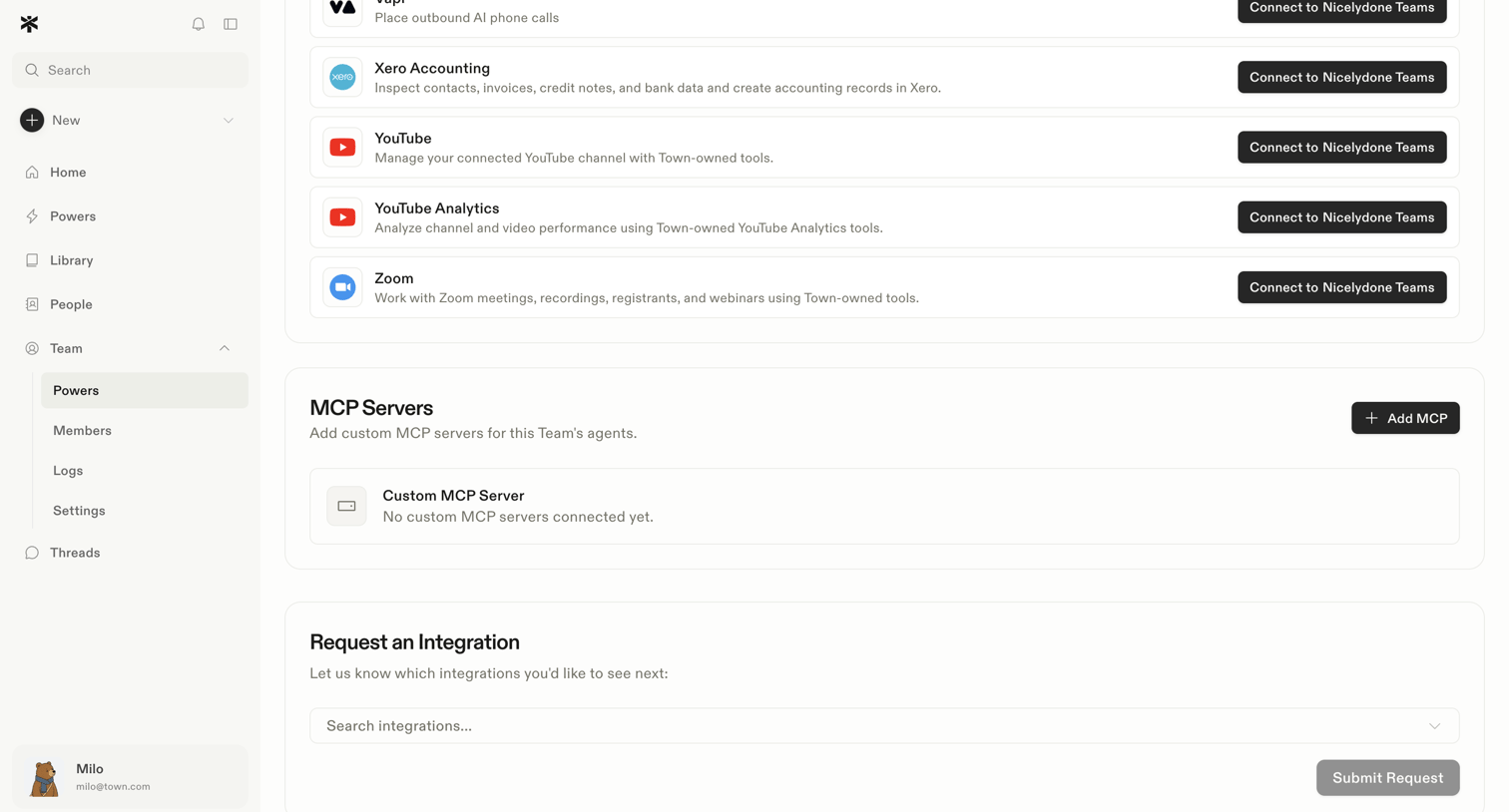

Settings page where the user can connect third-party tools like Xero, YouTube, and Zoom to their workspace, add custom MCP servers, or request new integrations.
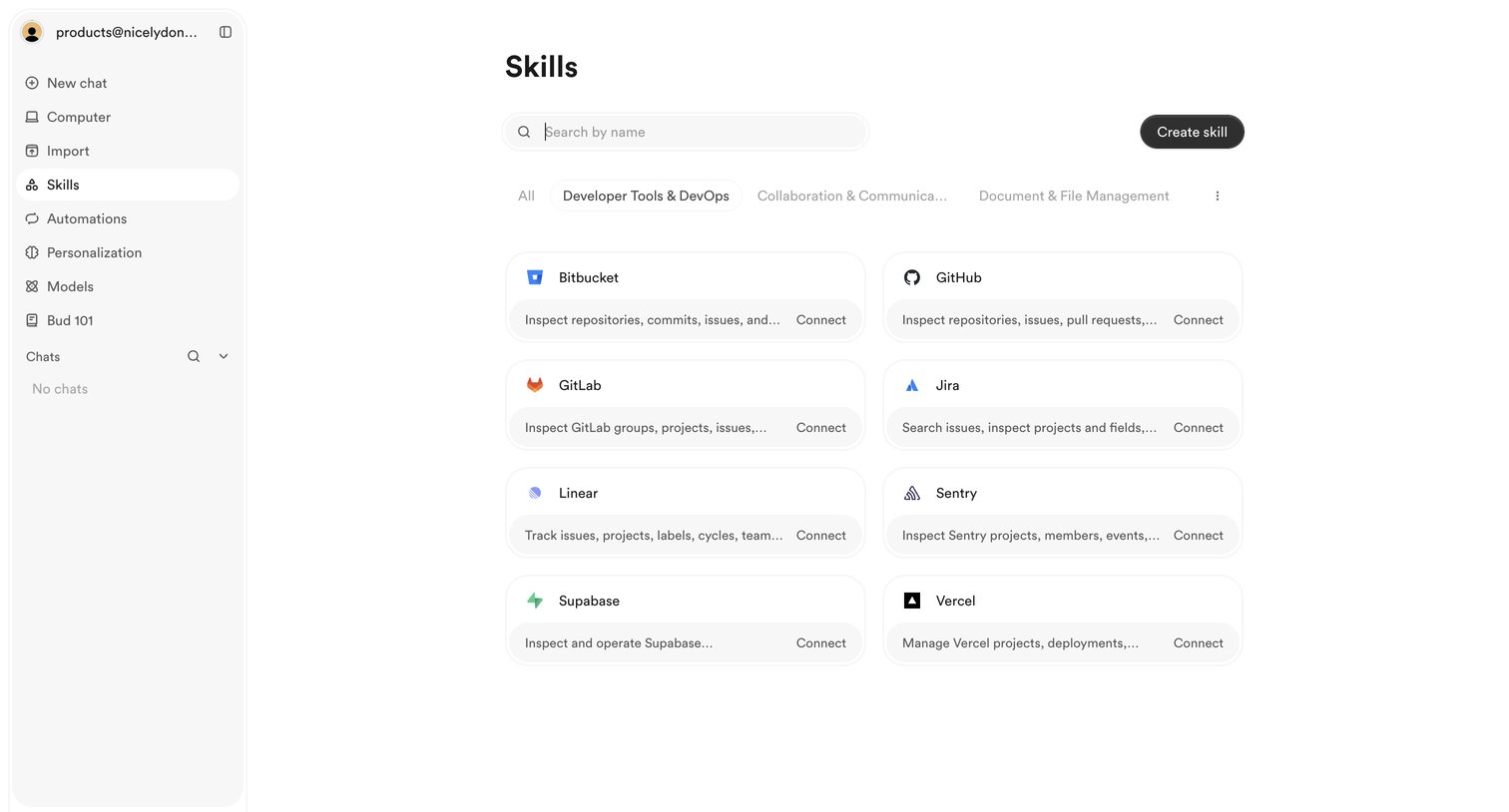

Settings page where the user browses and connects third-party integrations like GitHub, Jira, and Linear.
Explore the full SaaS screen library
Upgrade to unlock the full library.
Trusted by the best teams








About Integrations
See how SaaS apps organize connections to other tools. Explore how integration directories and settings present available services, connection status, and configuration actions.