User profile screen examples
User profile screen design examples from SaaS apps. Browse examples from Magnific, Latitude.sh, Alloy.
Explore the examples
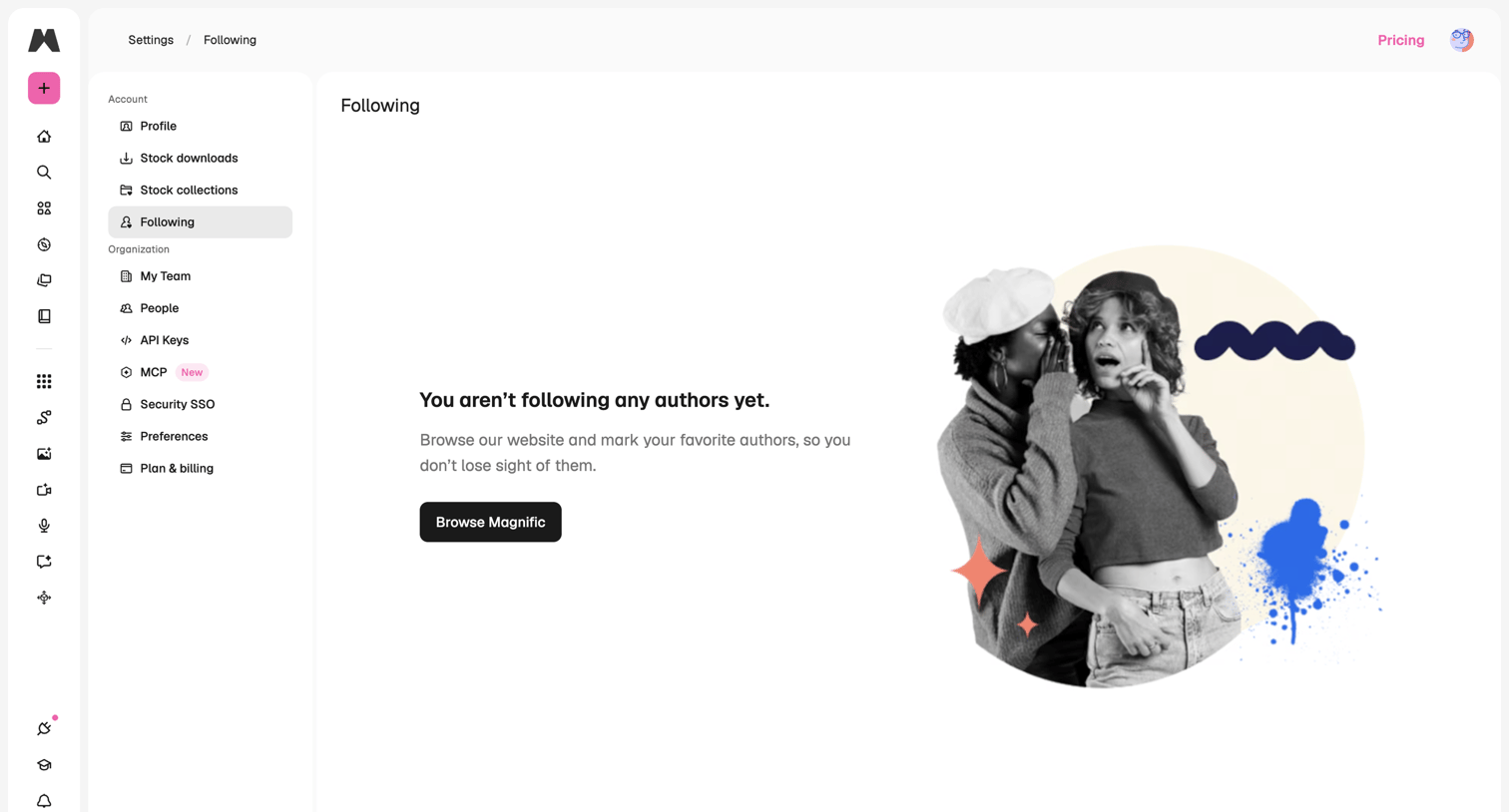

Settings page where the user is prompted to browse the website to find and follow their favorite authors.
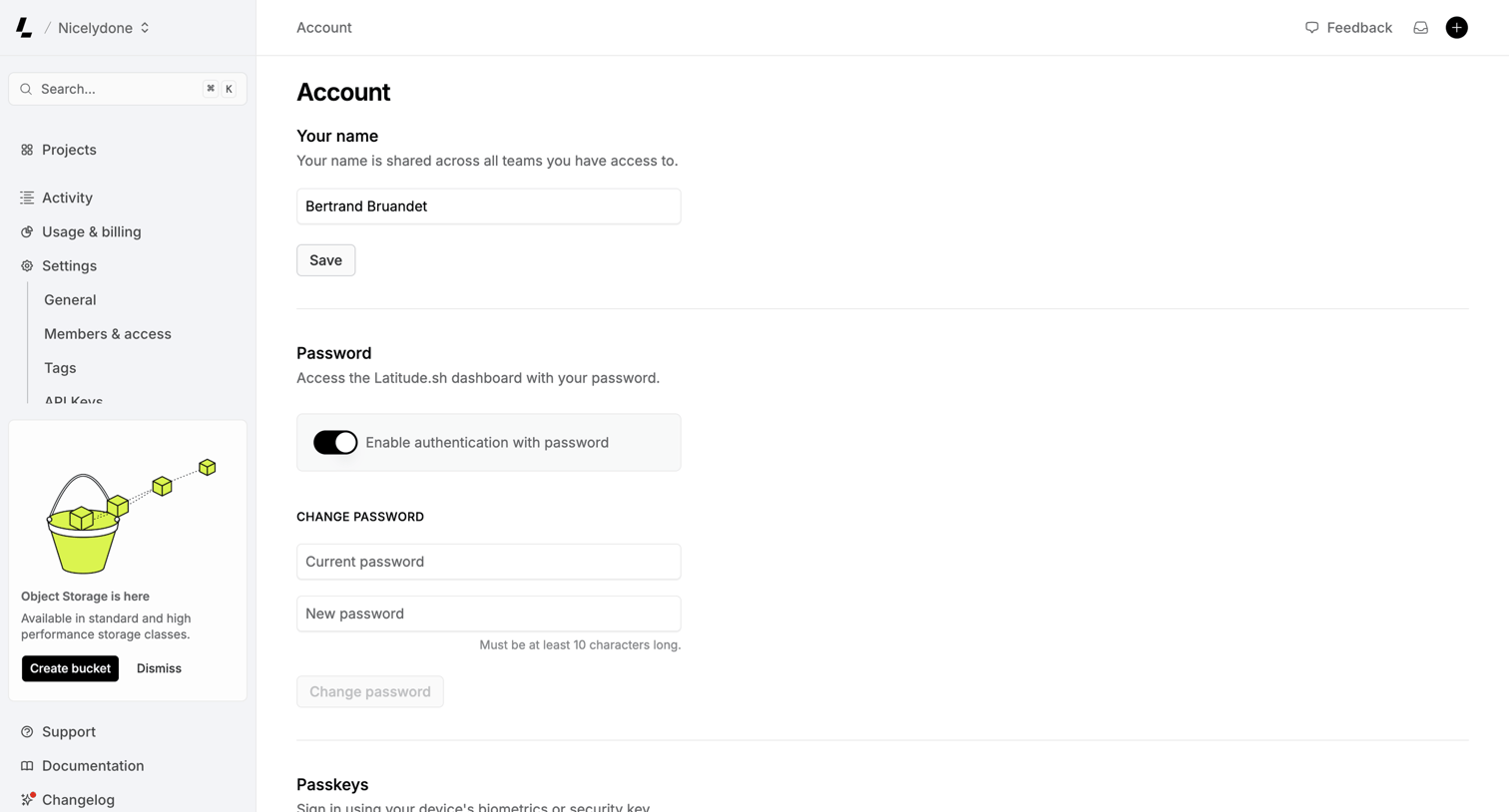

Settings page where the user manages their profile name, password authentication, and passkeys.
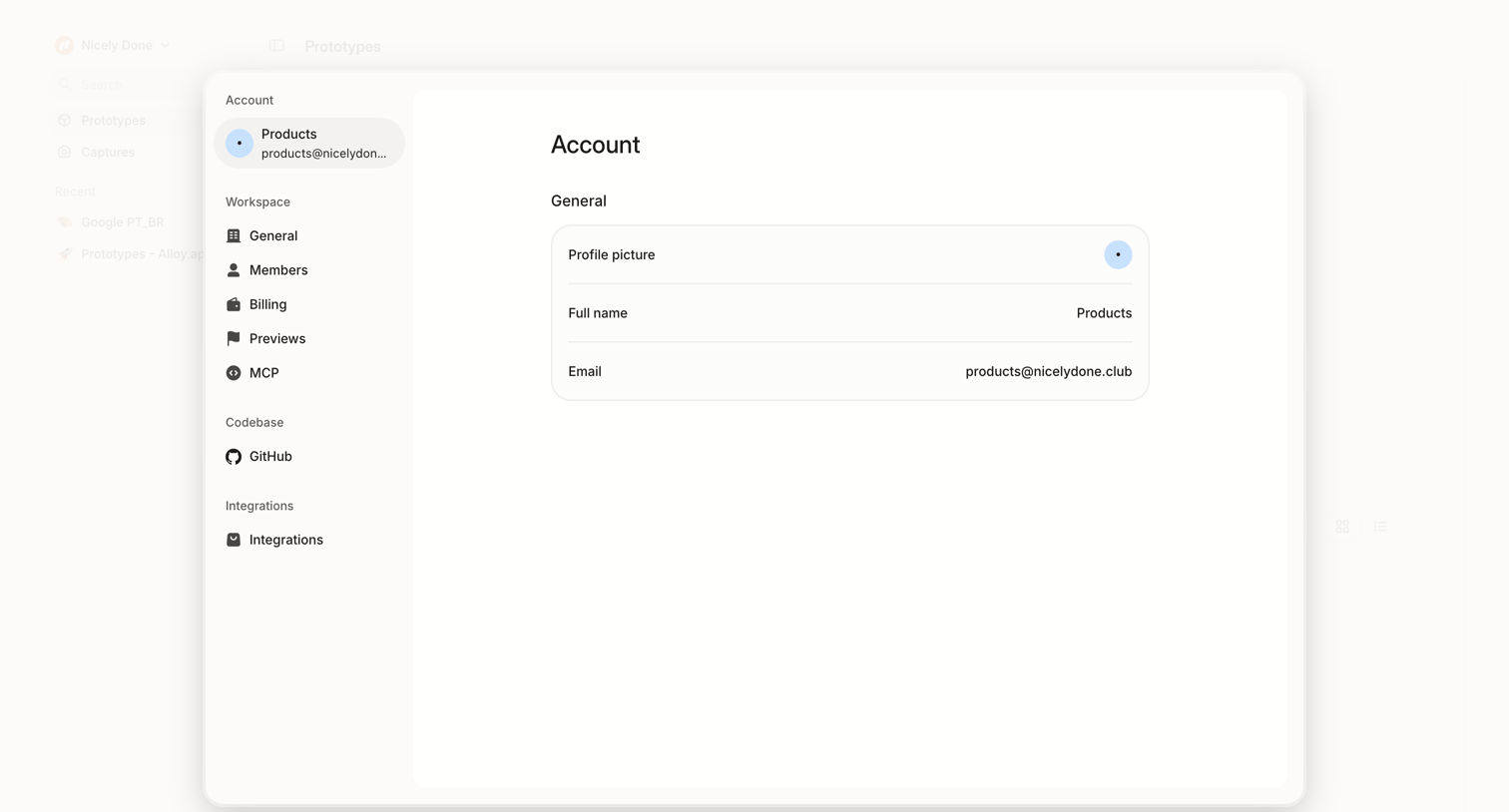

Settings page where the user views their general account profile information, including profile picture, full name, and email address, within a centered card overlay.
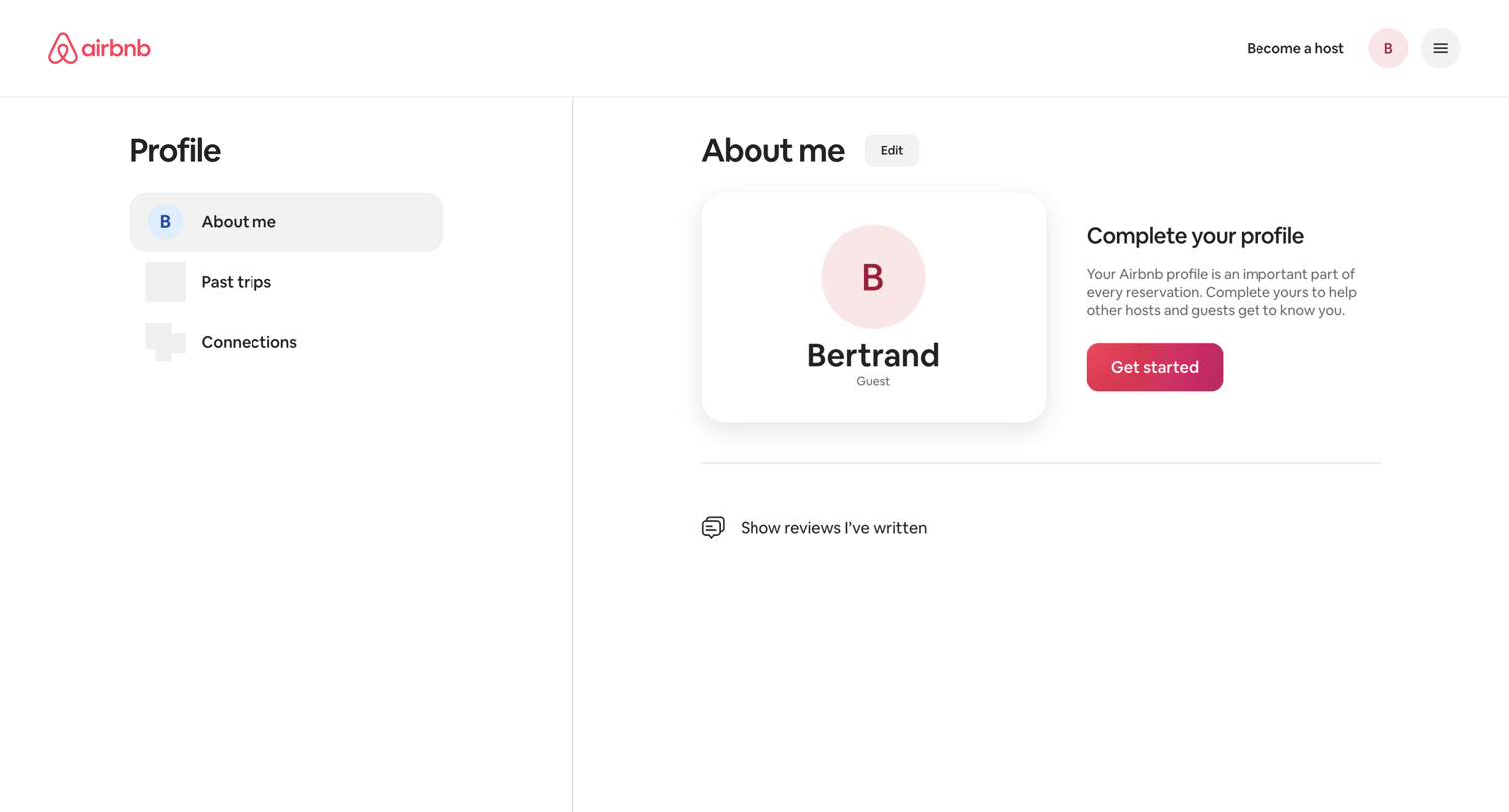

User profile page where the user views their basic details and is prompted to complete their profile with a dedicated call to action.

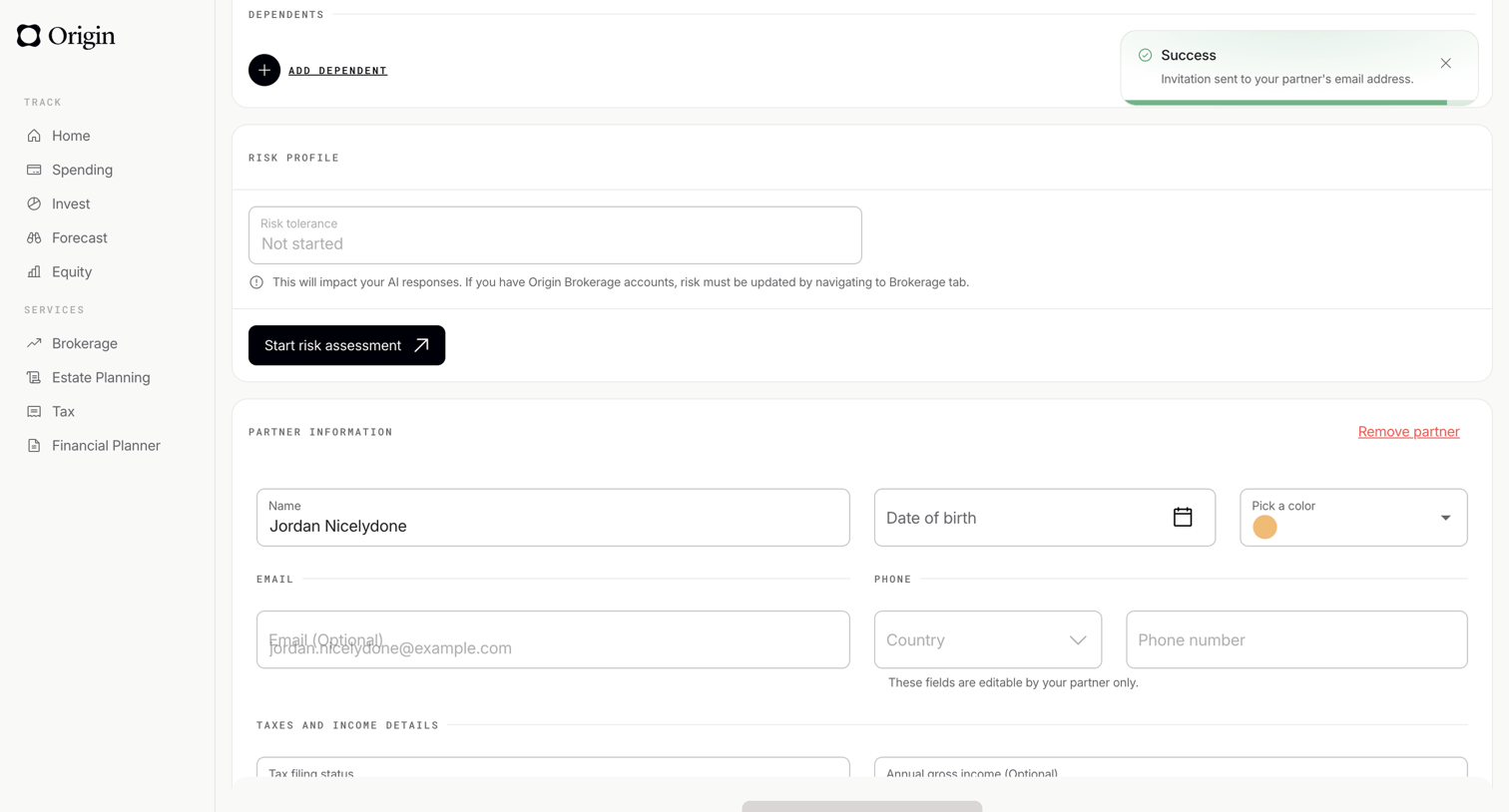

Settings page where the user manages their dependents, risk profile, partner information, and tax details.
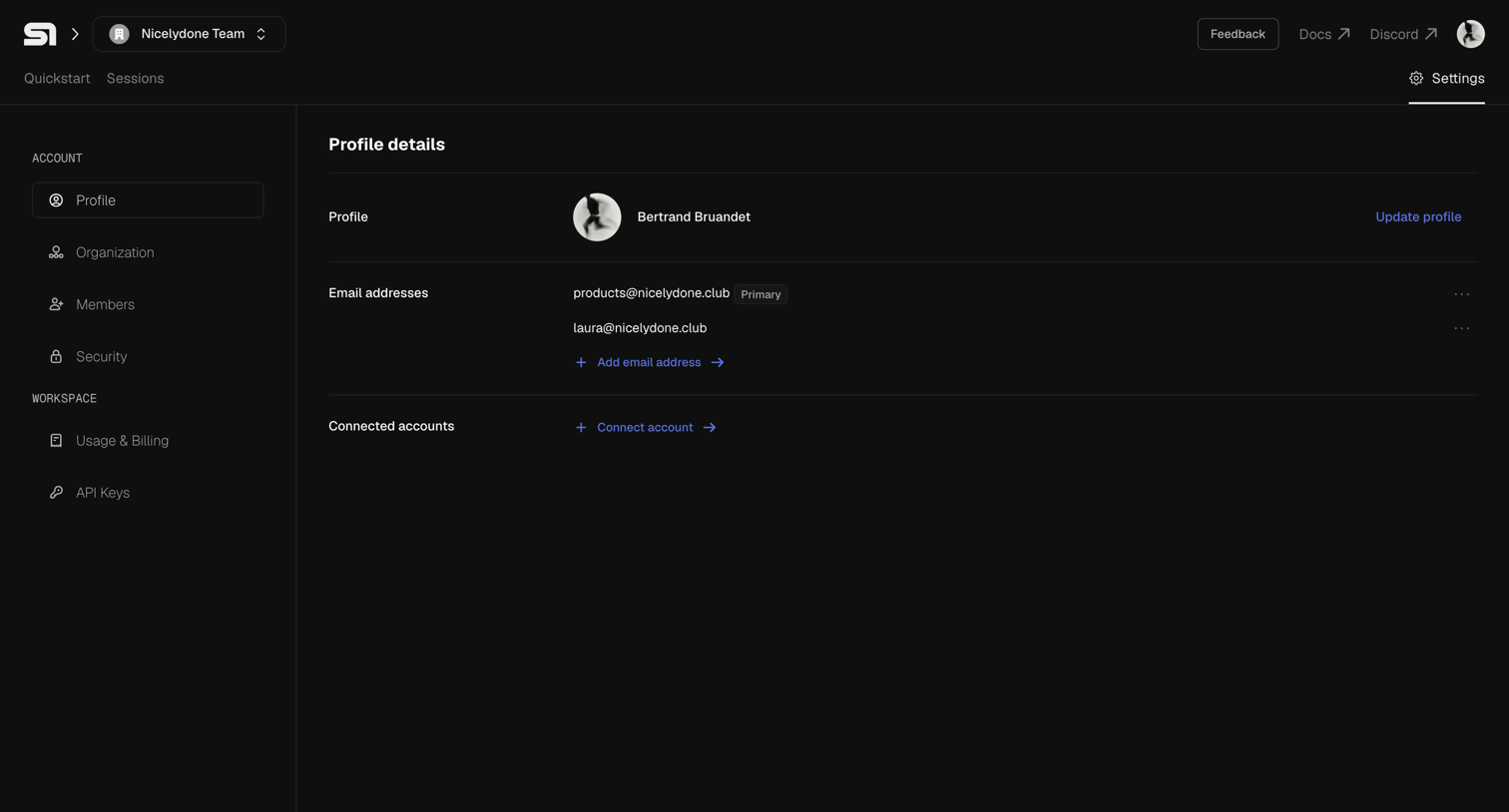

Settings page where the user views their profile details, manages email addresses, and connects external accounts.
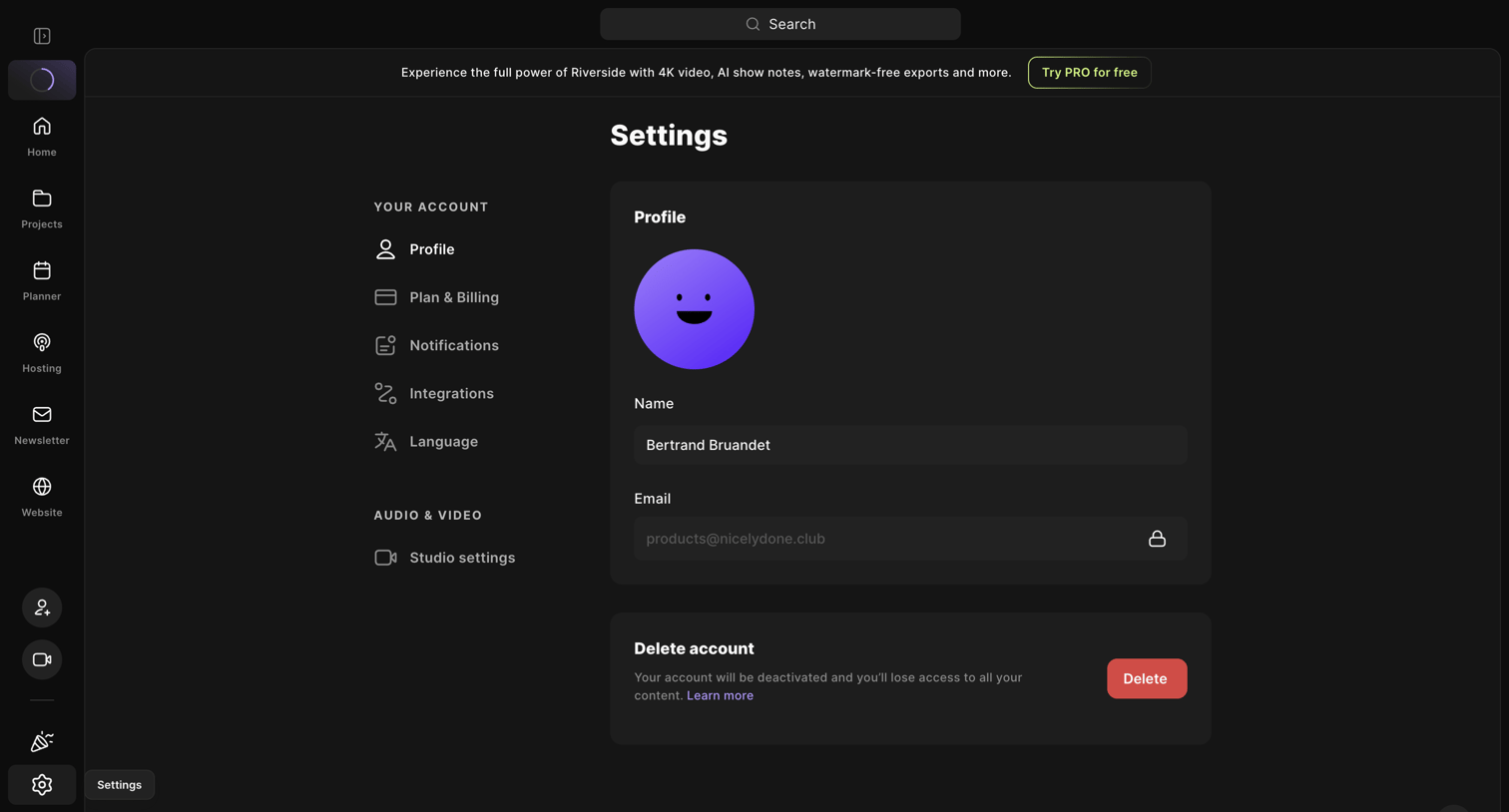

Settings page where the user can update their profile name, view their email, and delete their account.
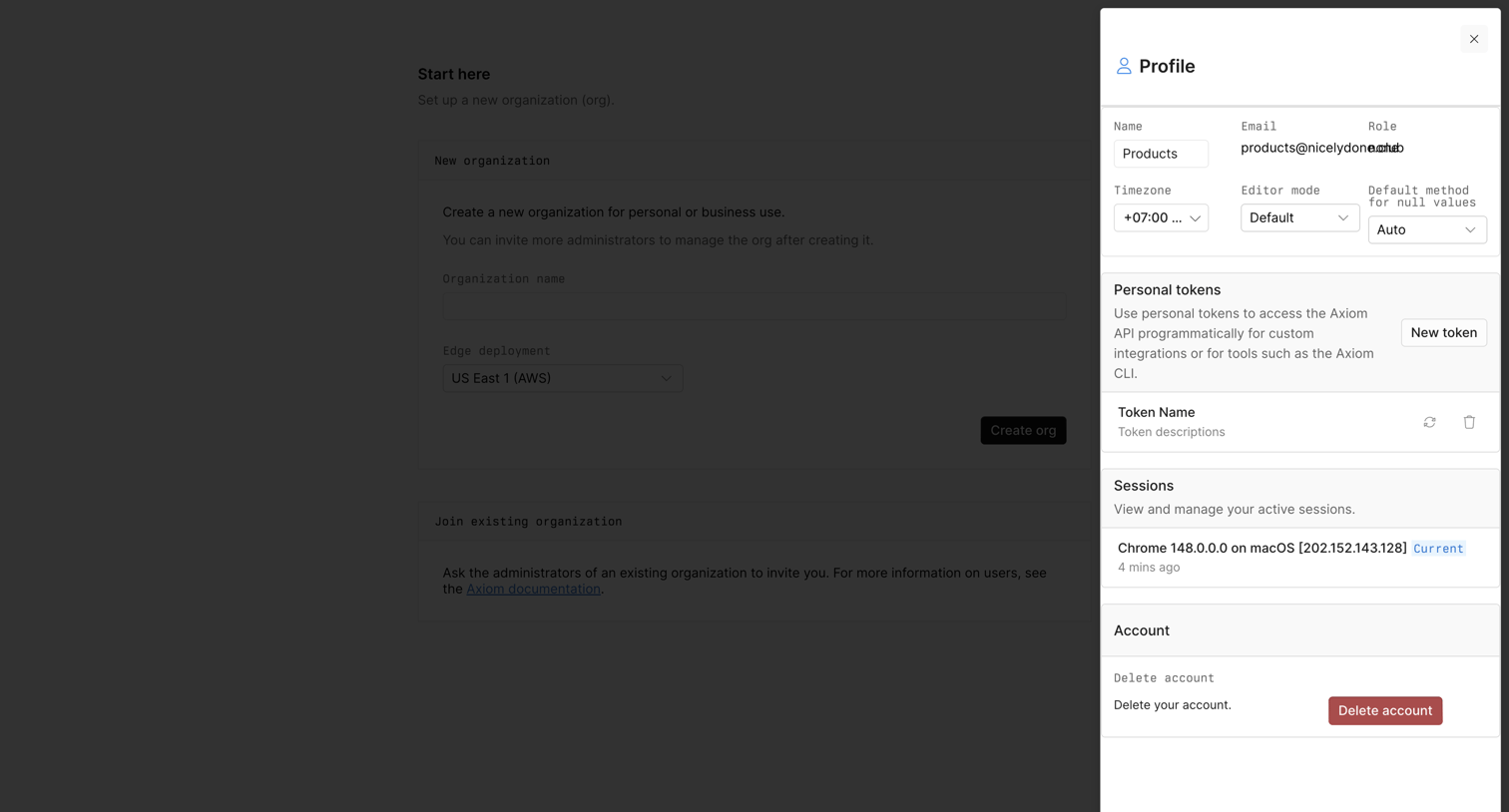

Settings drawer where the user manages their personal details, personal API tokens, active sessions, and can delete their account.
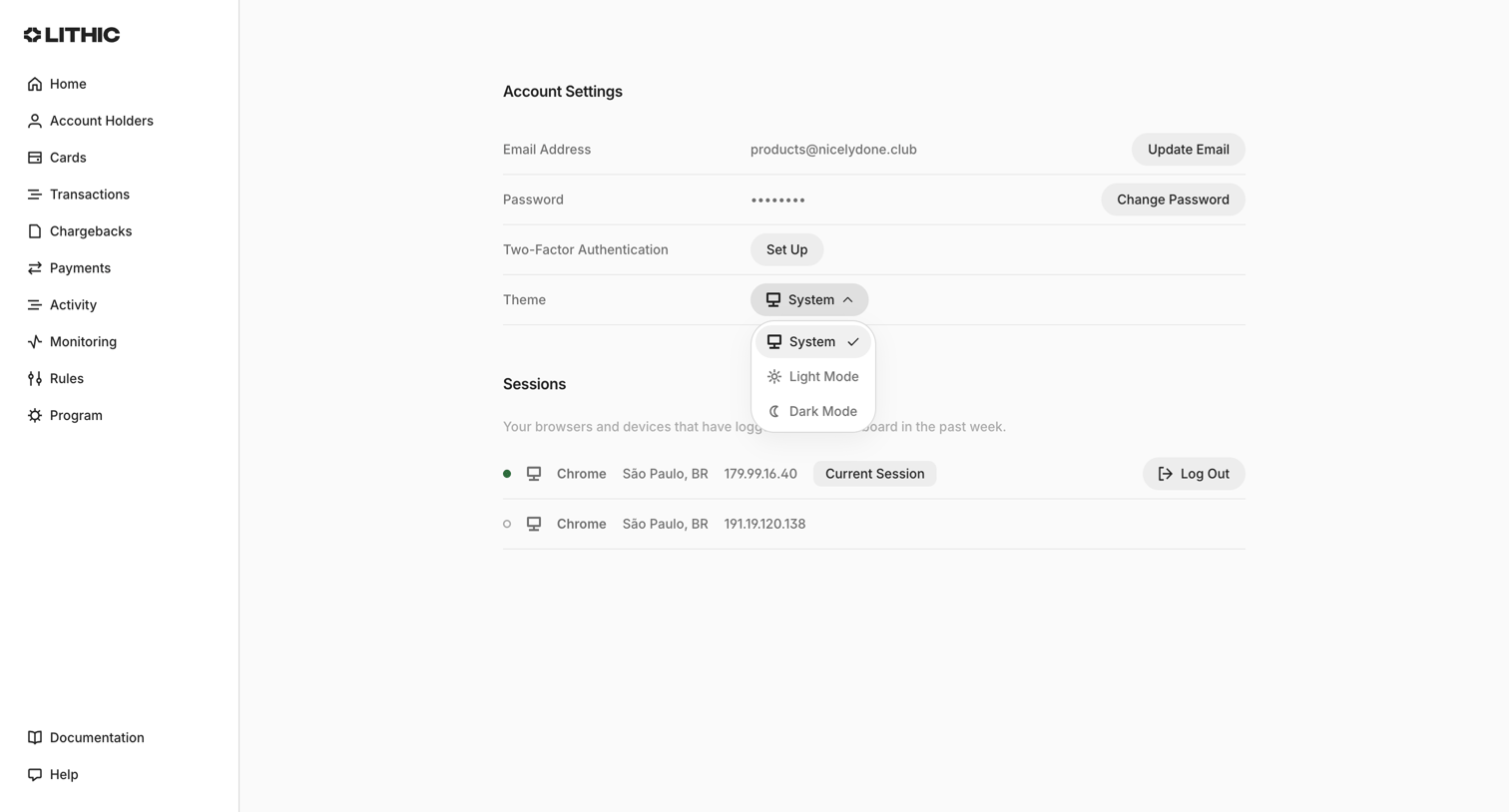

Settings page where the user manages their email, password, two-factor authentication, theme preference, and active sessions.
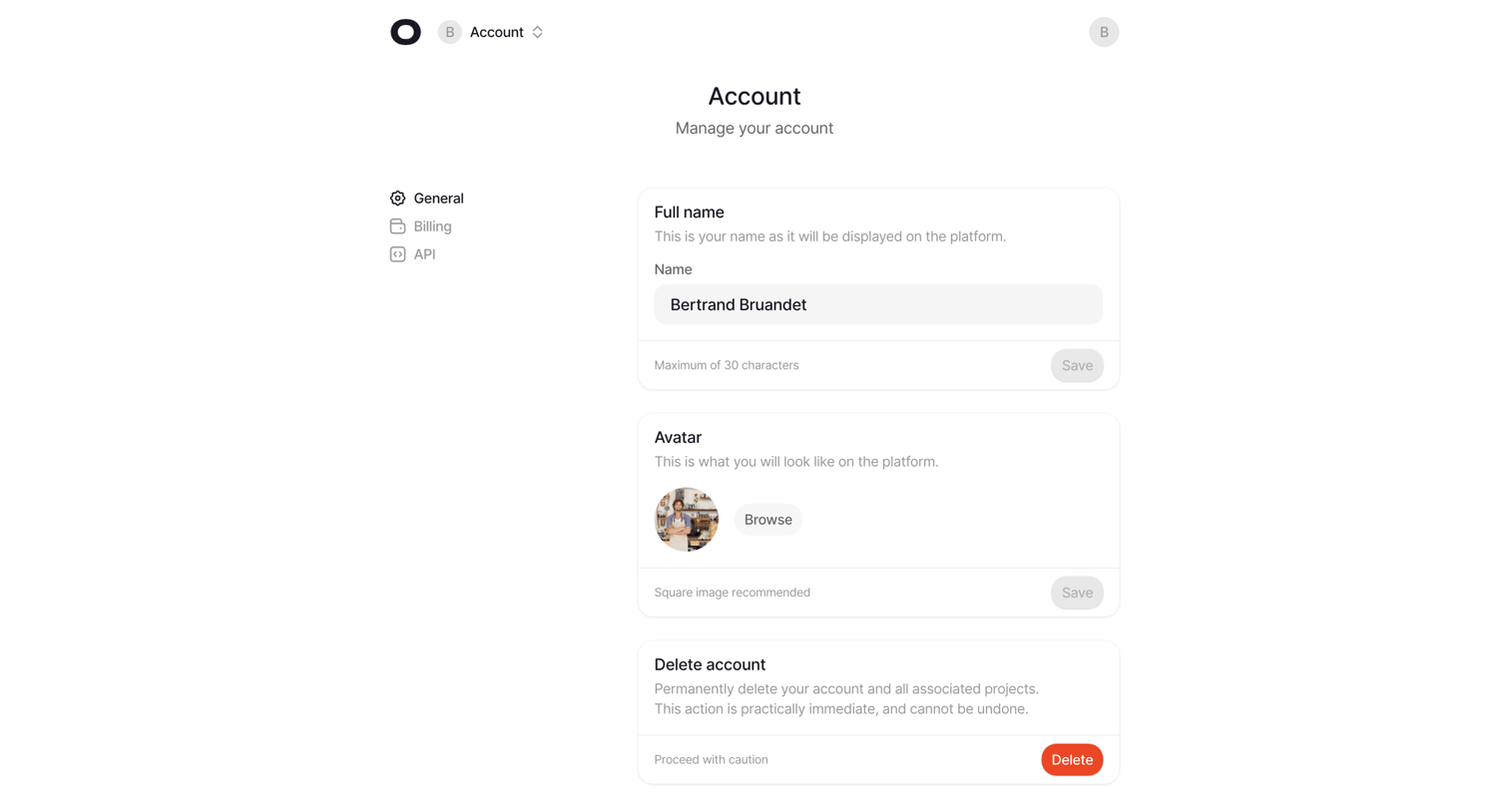

Settings page where the user manages their account profile, including full name, avatar upload, and account deletion.
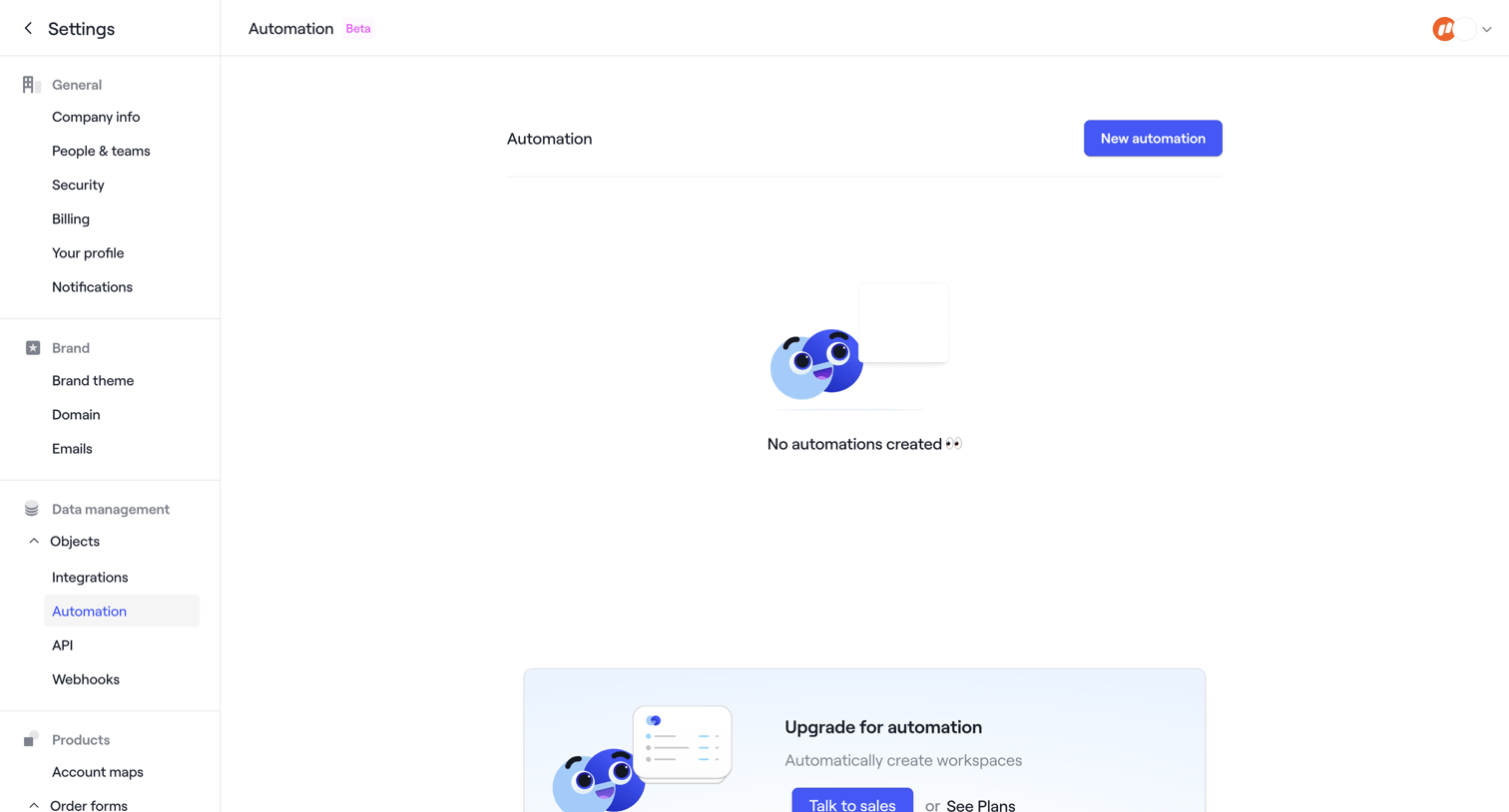

Settings page where the user manages automations, currently showing an empty state with a prompt to upgrade for advanced features.
Explore the full SaaS screen library
Upgrade to unlock the full library.
Trusted by the best teams







