Password update screen examples
Password update screen design examples from SaaS apps. Browse examples from Lithic, Dock, Appwrite.
Explore the examples
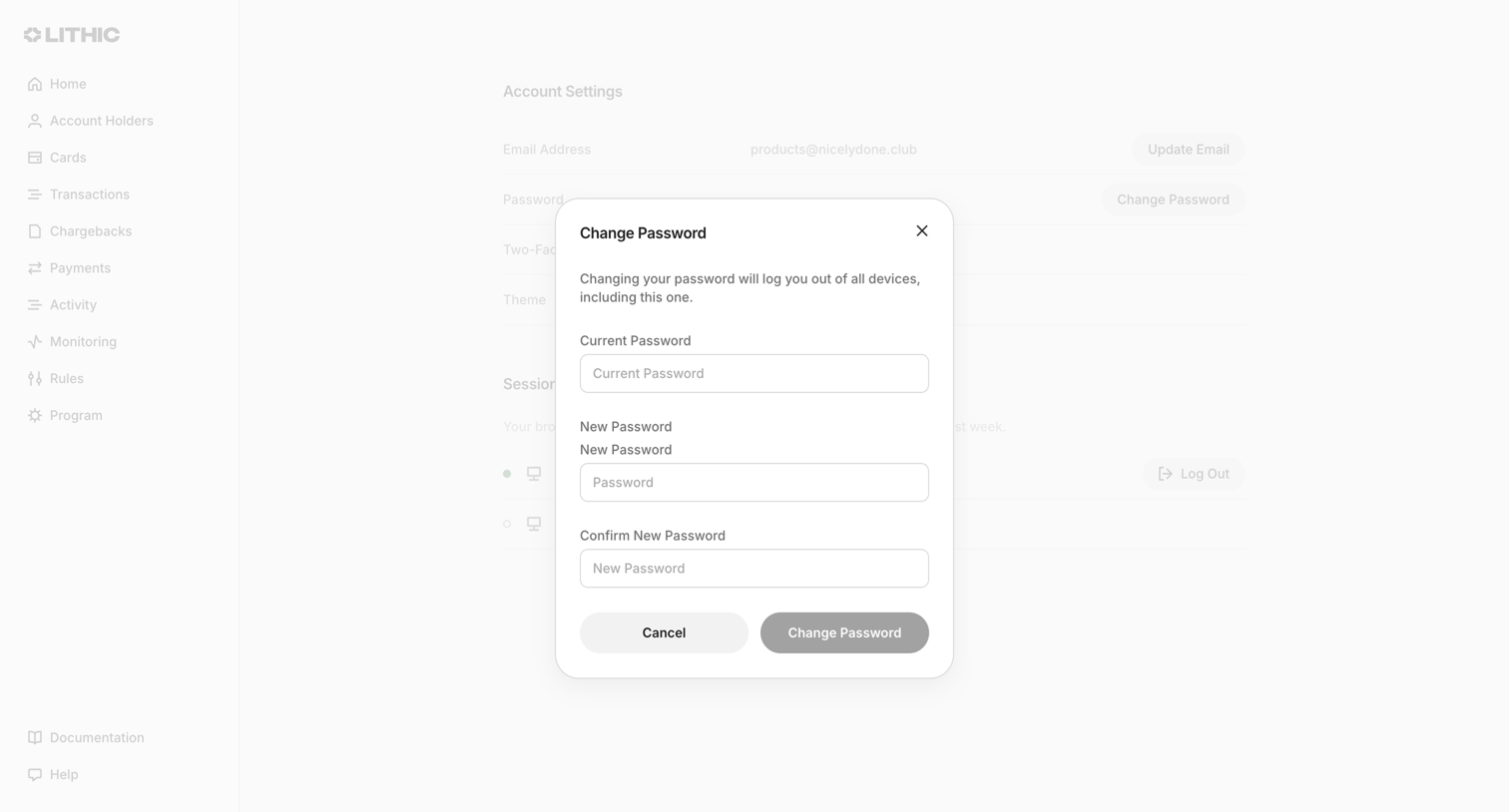

Settings page where the user updates their account password via a modal requiring their current and new password.
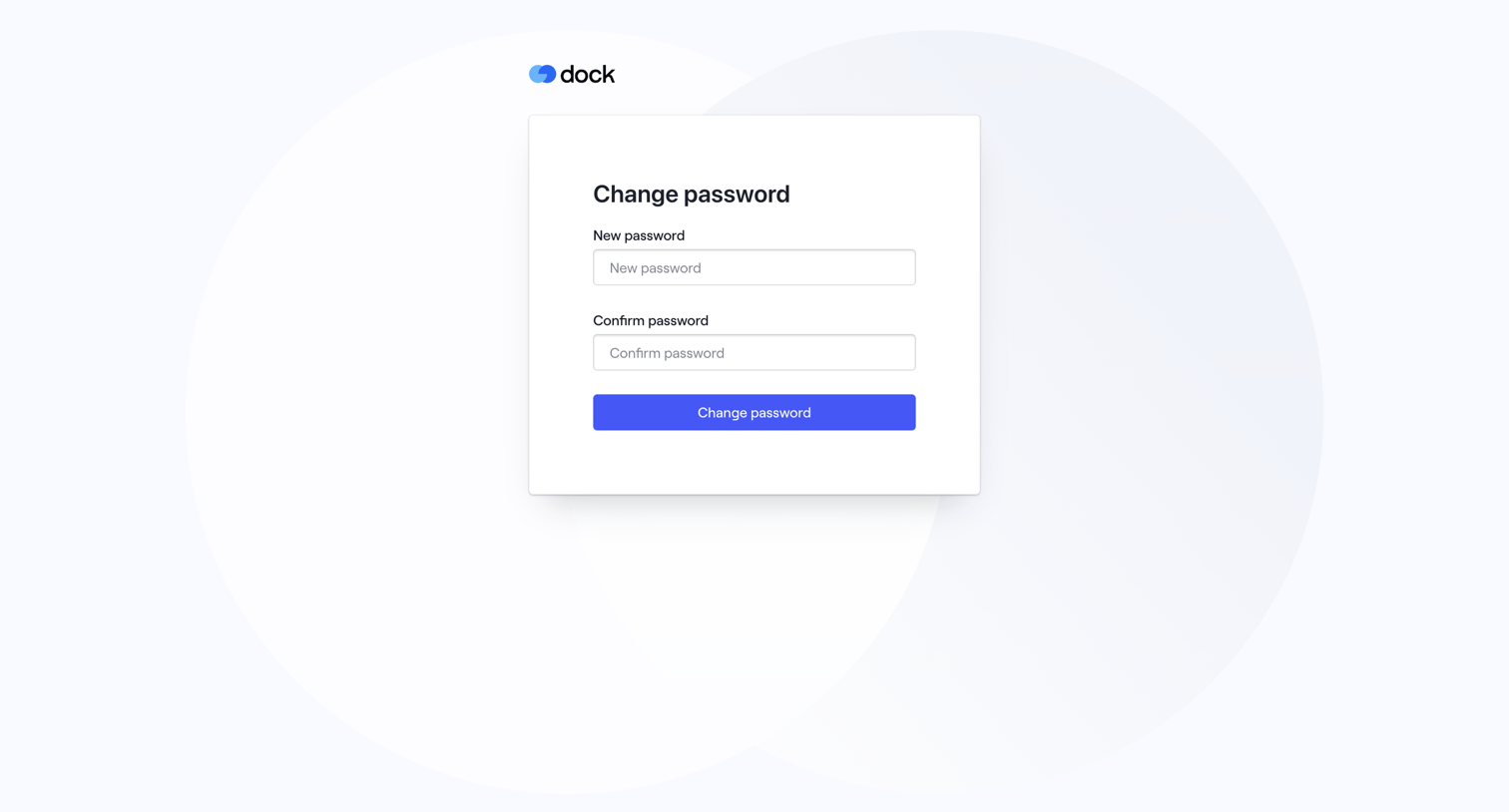

Authentication screen where the user sets and confirms a new password to recover their account.
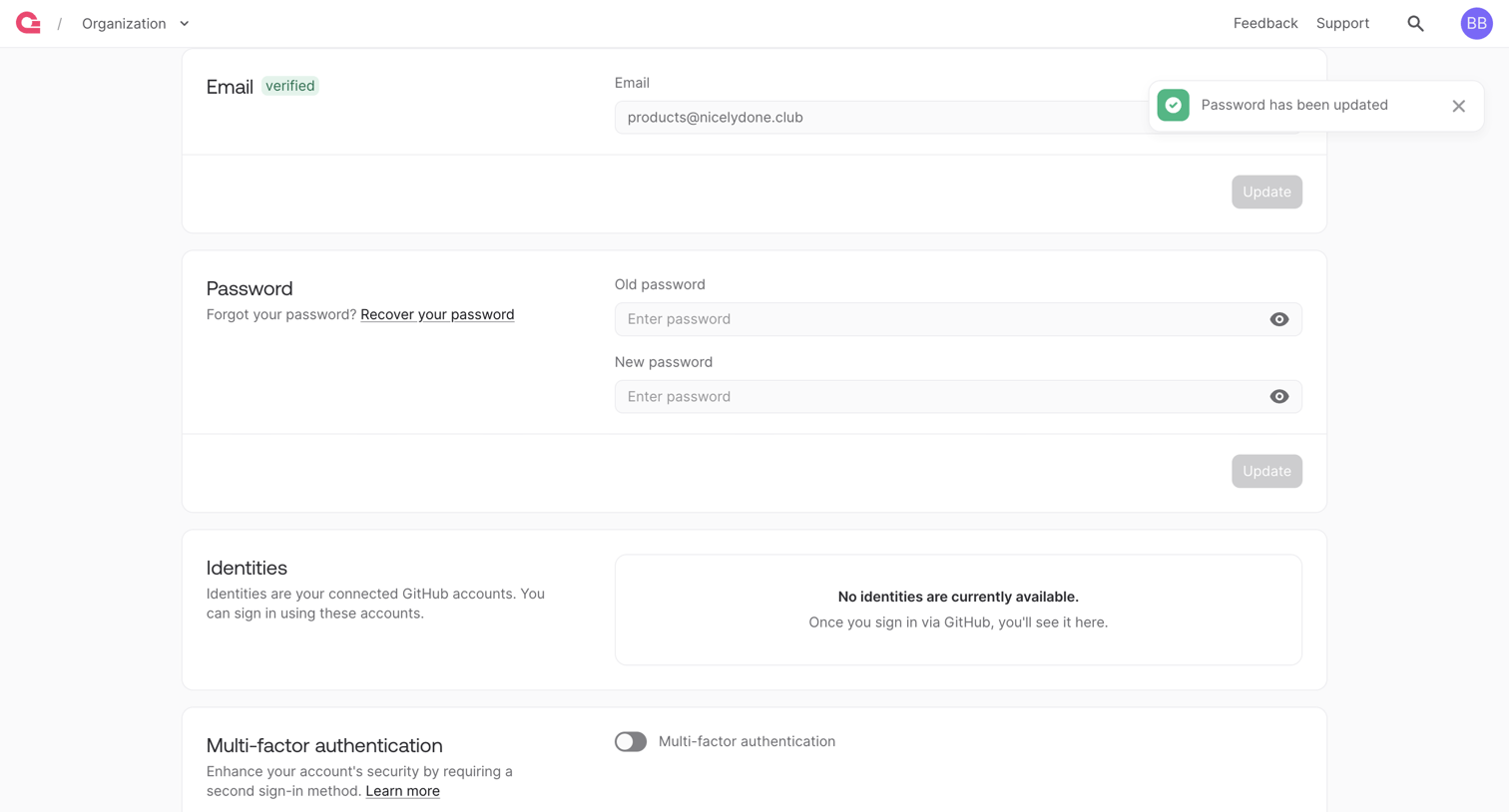

Account settings page where the user can update their email, change their password, manage connected GitHub identities, and enable multi-factor authentication.
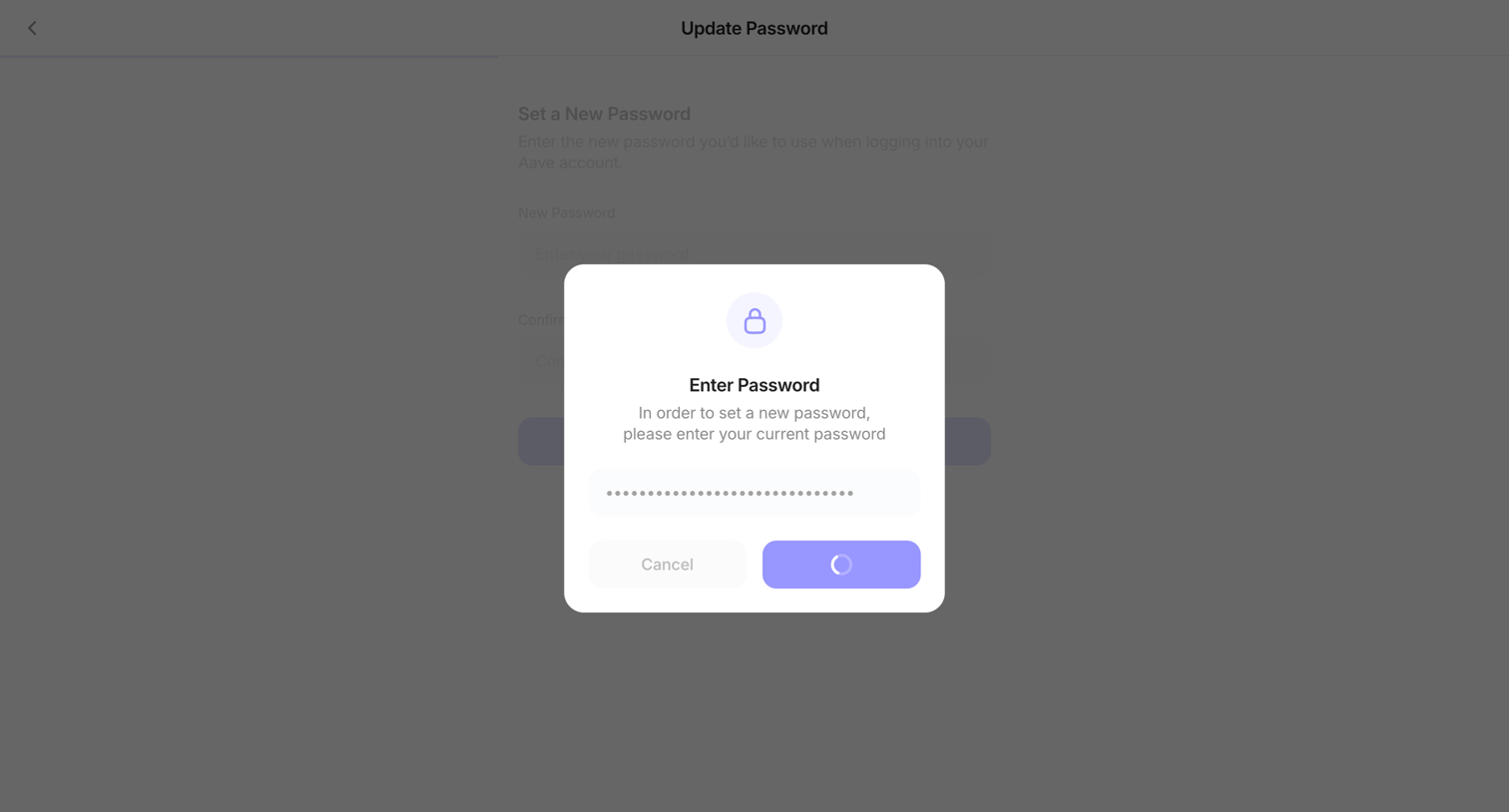

Verification modal requiring the user to enter their current password before updating to a new one, showing a loading state upon submission.
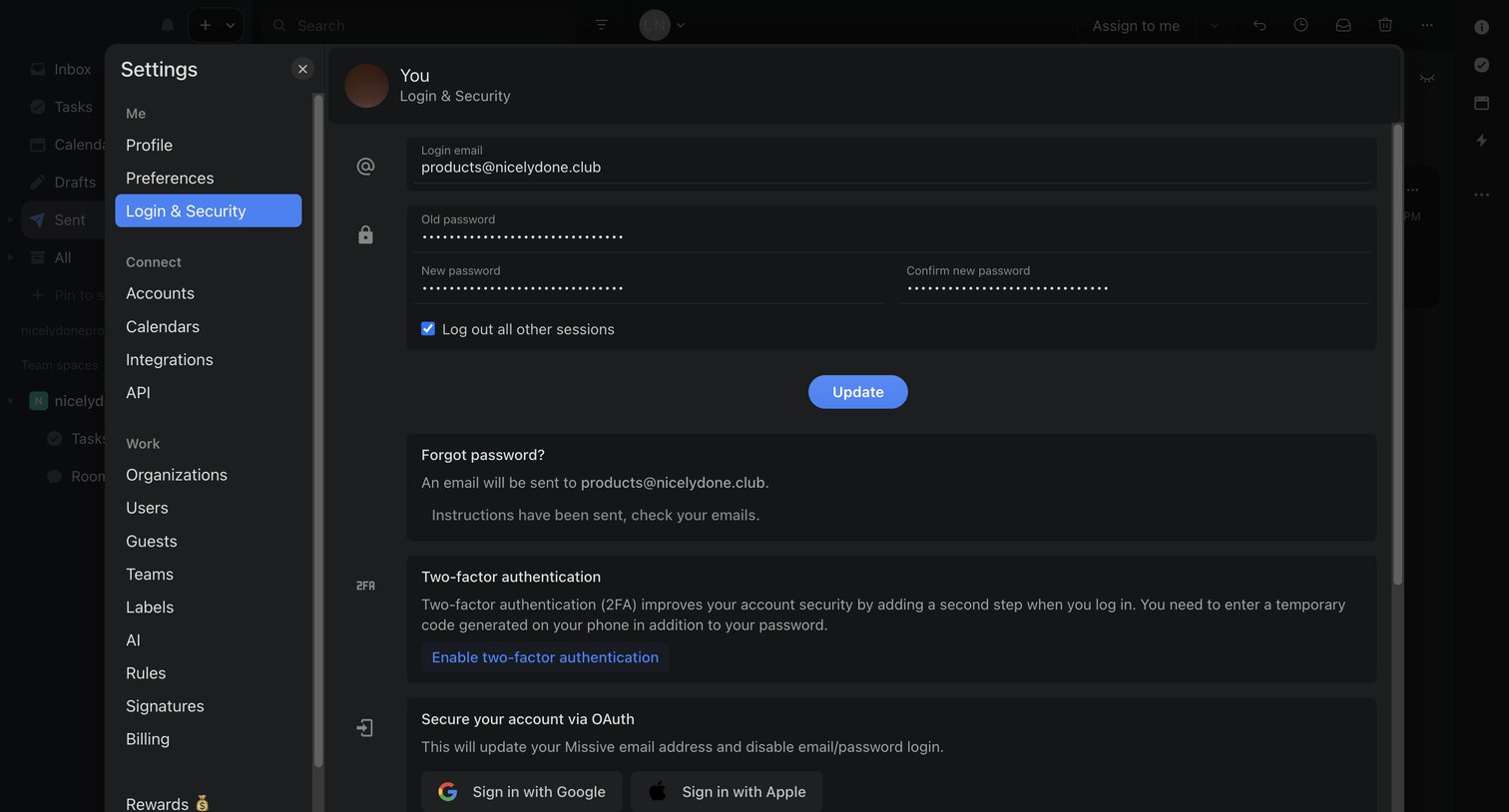

Settings modal where the user updates their password, enables two-factor authentication, or connects OAuth providers.
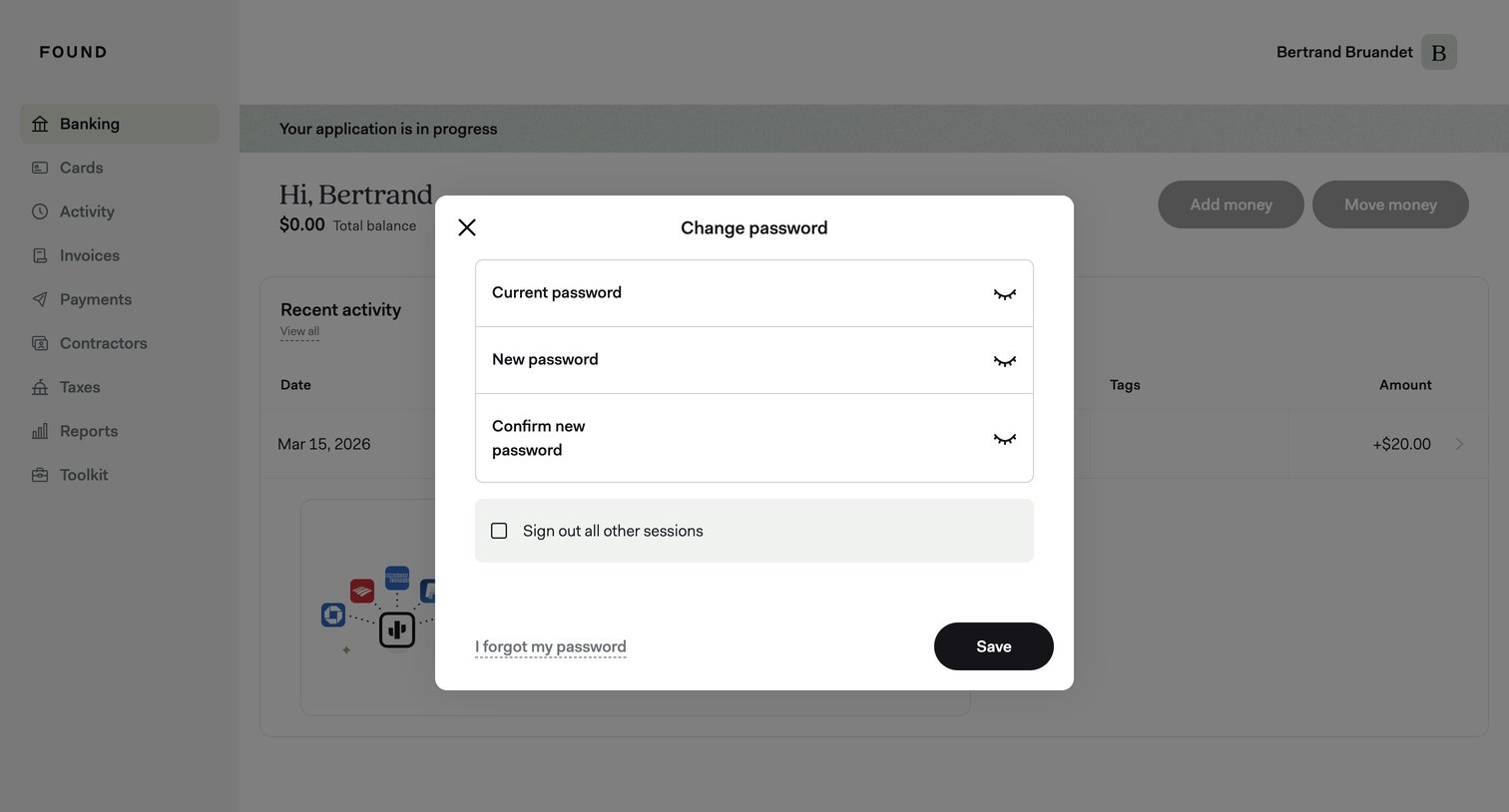

Settings modal where the user updates their password by entering their current and new passwords, with an option to sign out of other sessions.
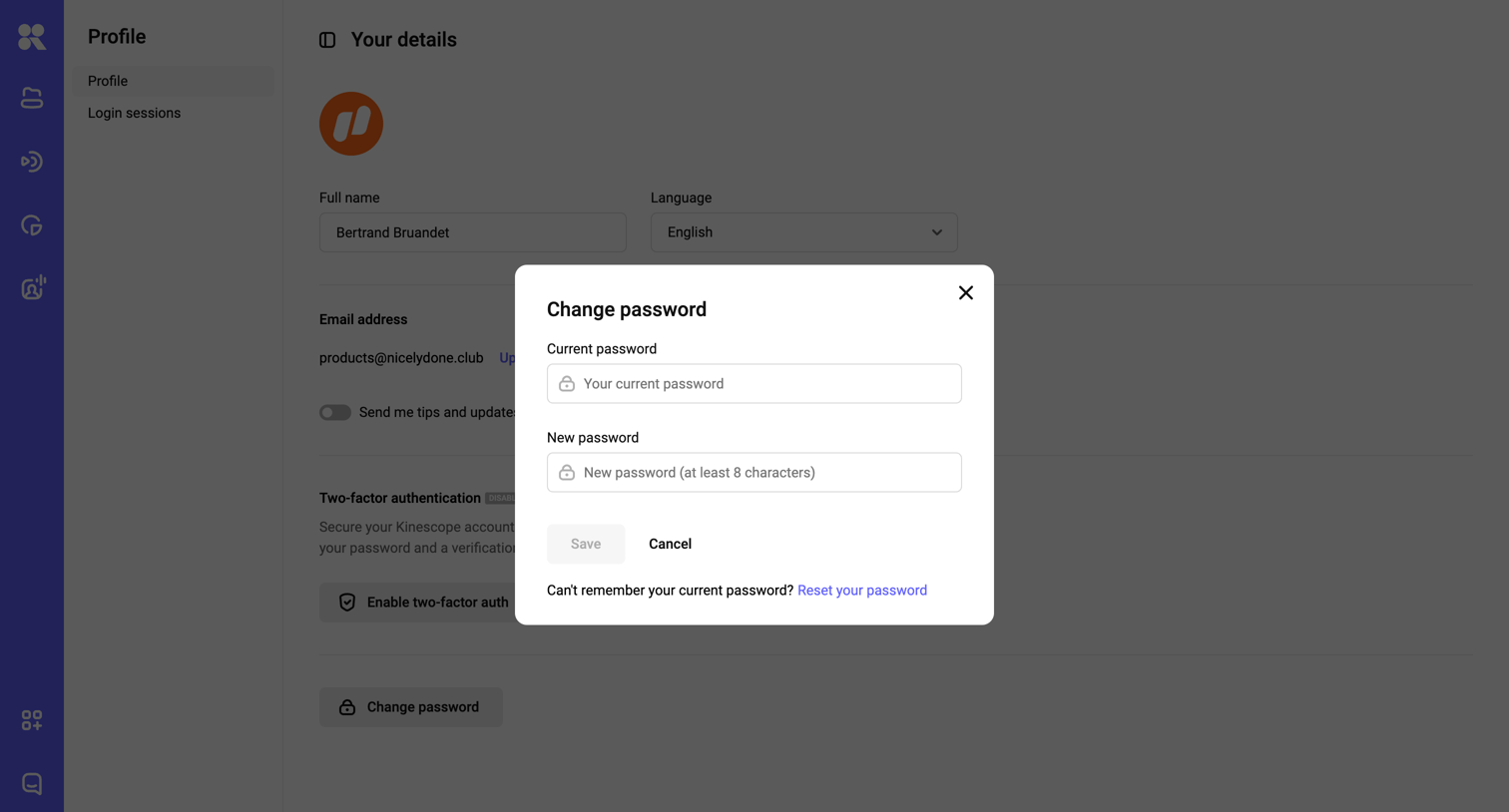

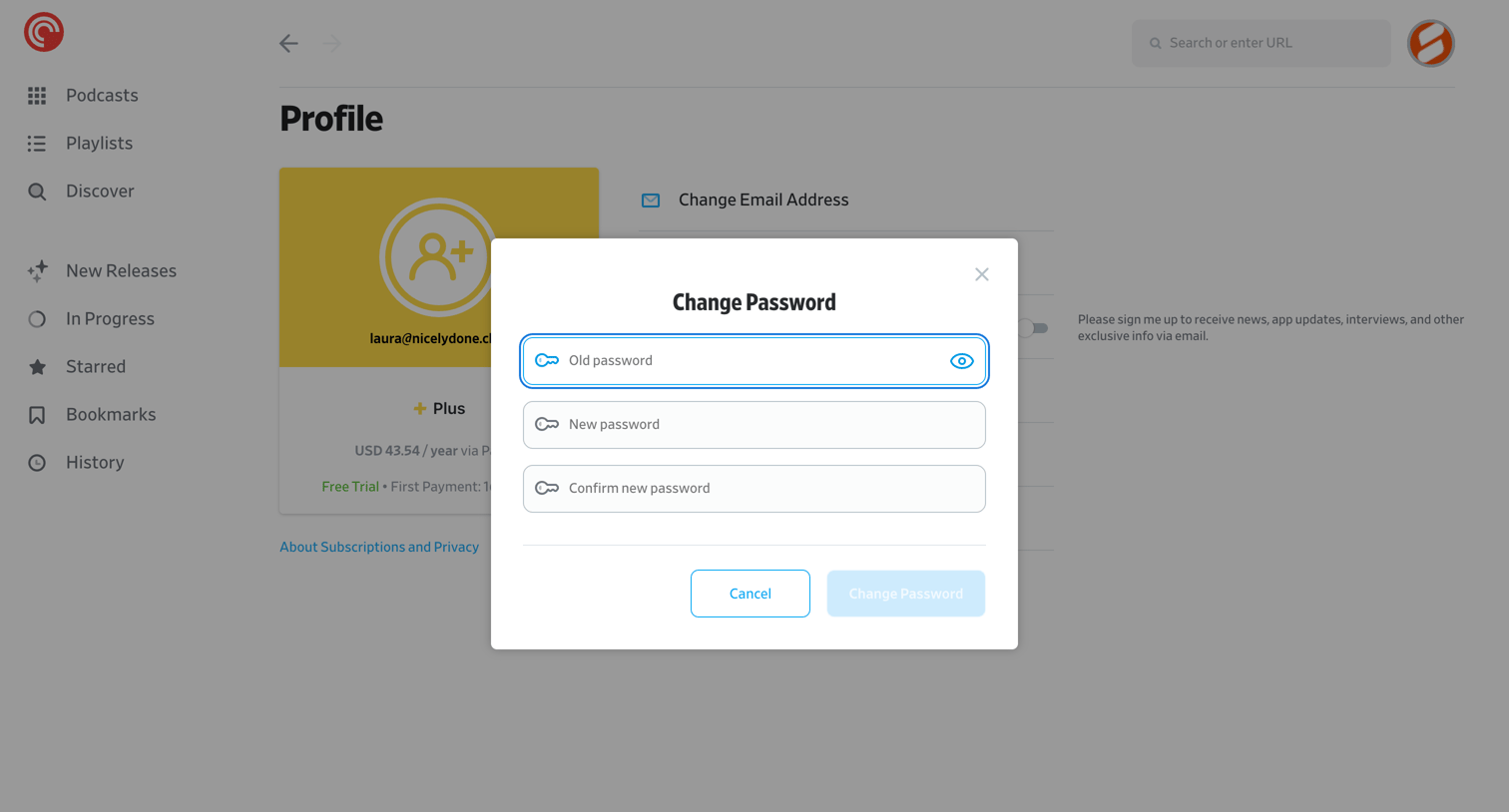

Profile settings page where the user is updating their account password via a focused modal overlay.
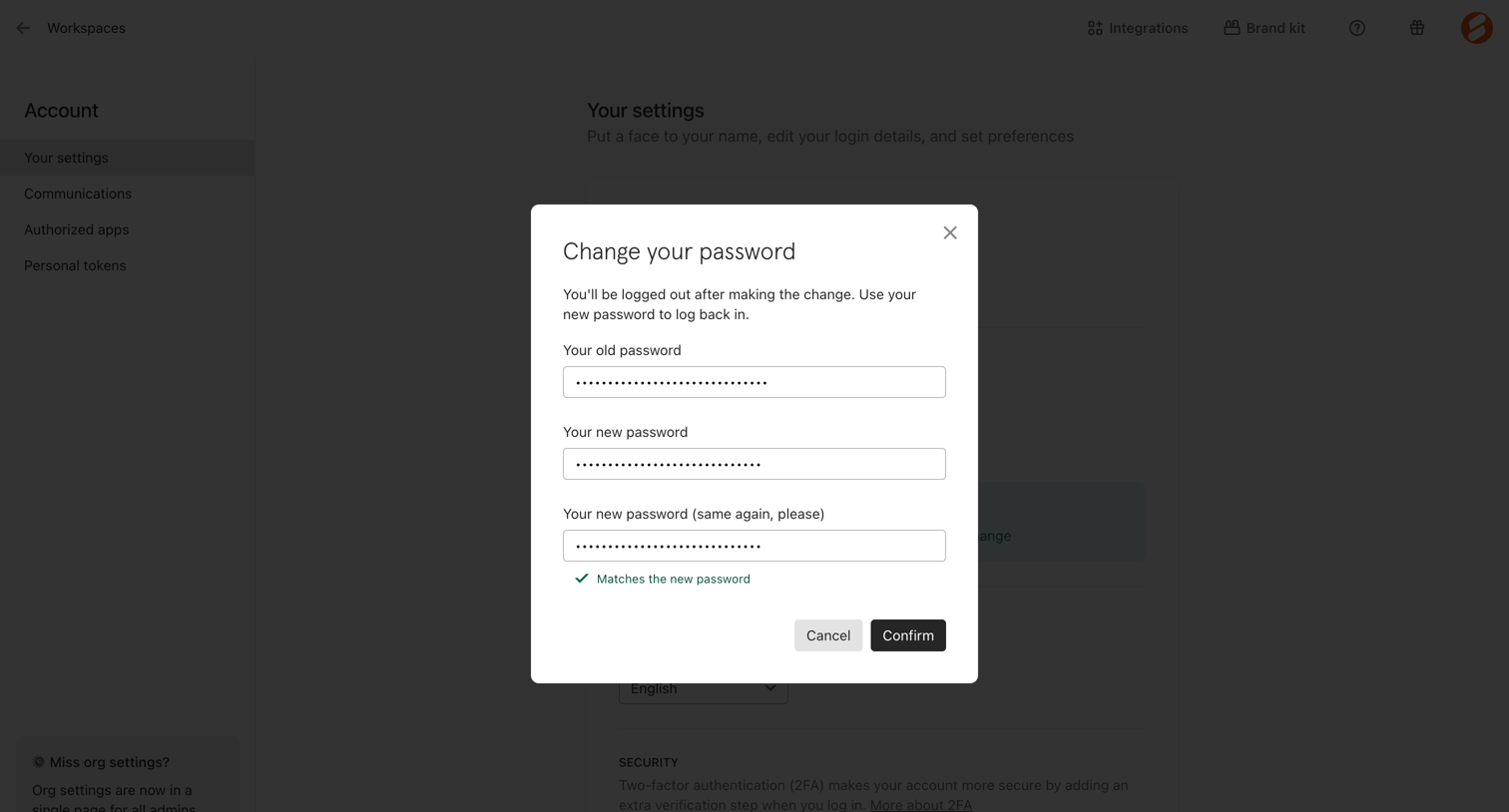

Settings page where the user changes their account password via a modal overlay, requiring their old password and confirming the new one.
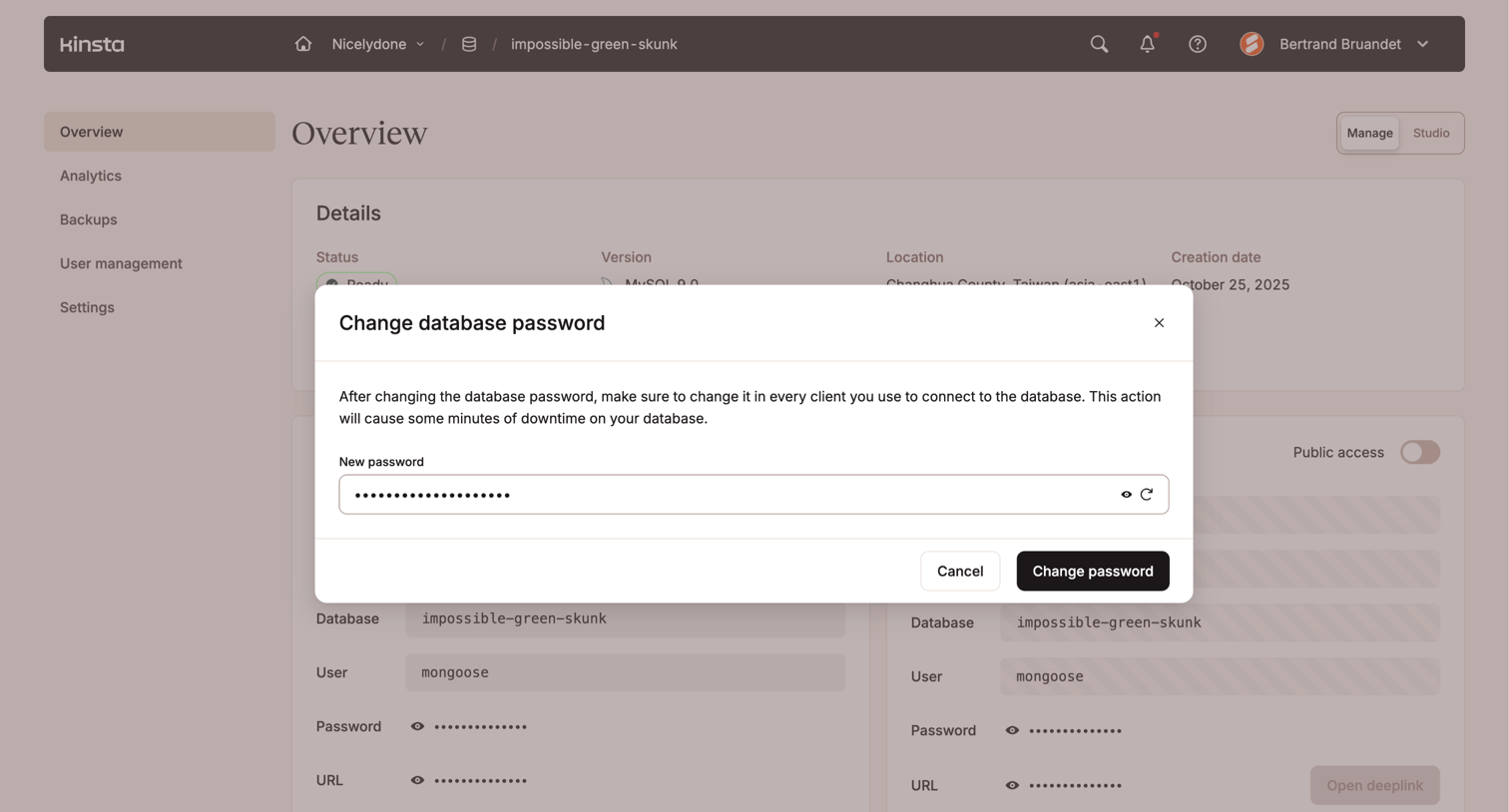

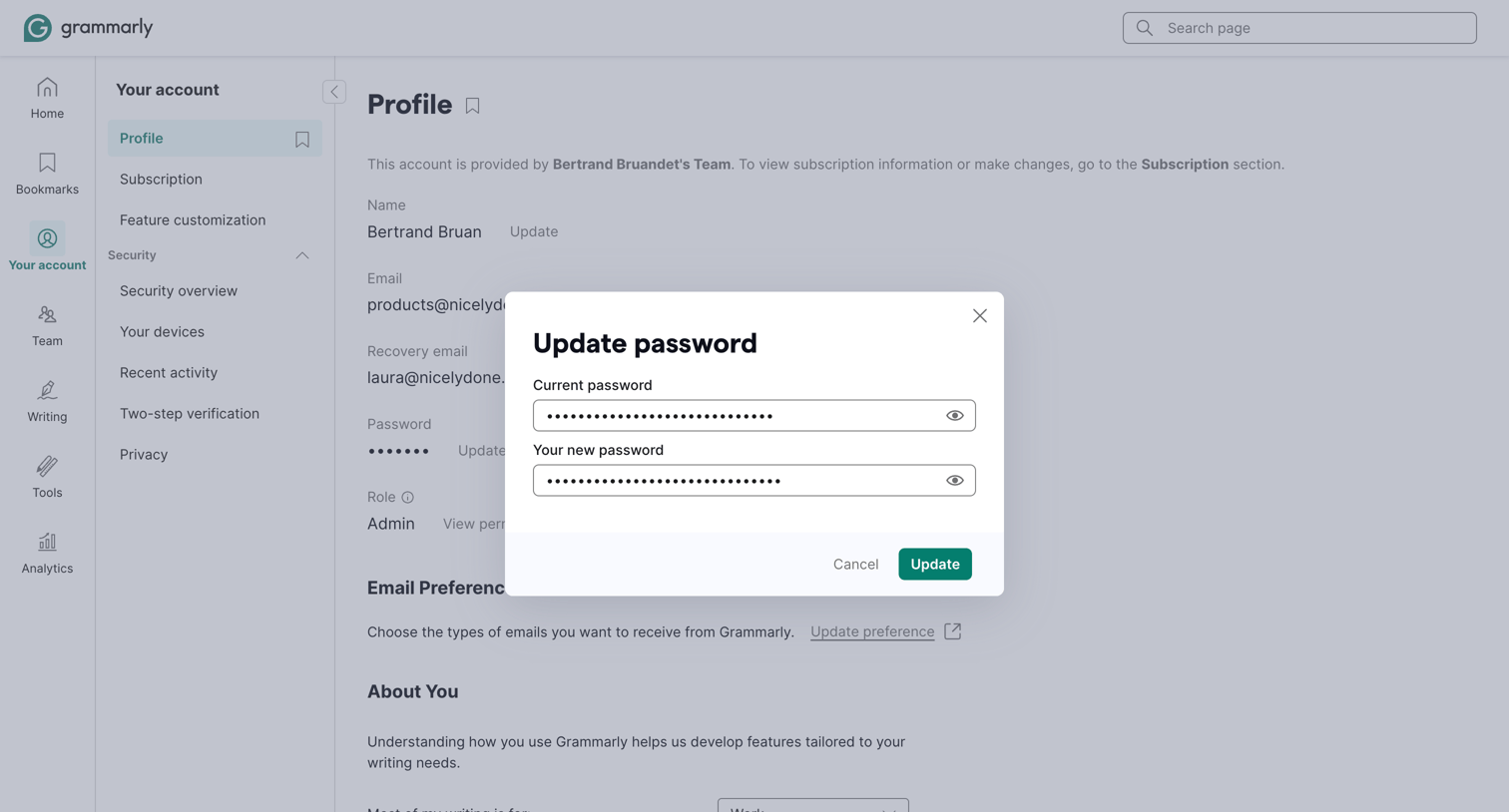

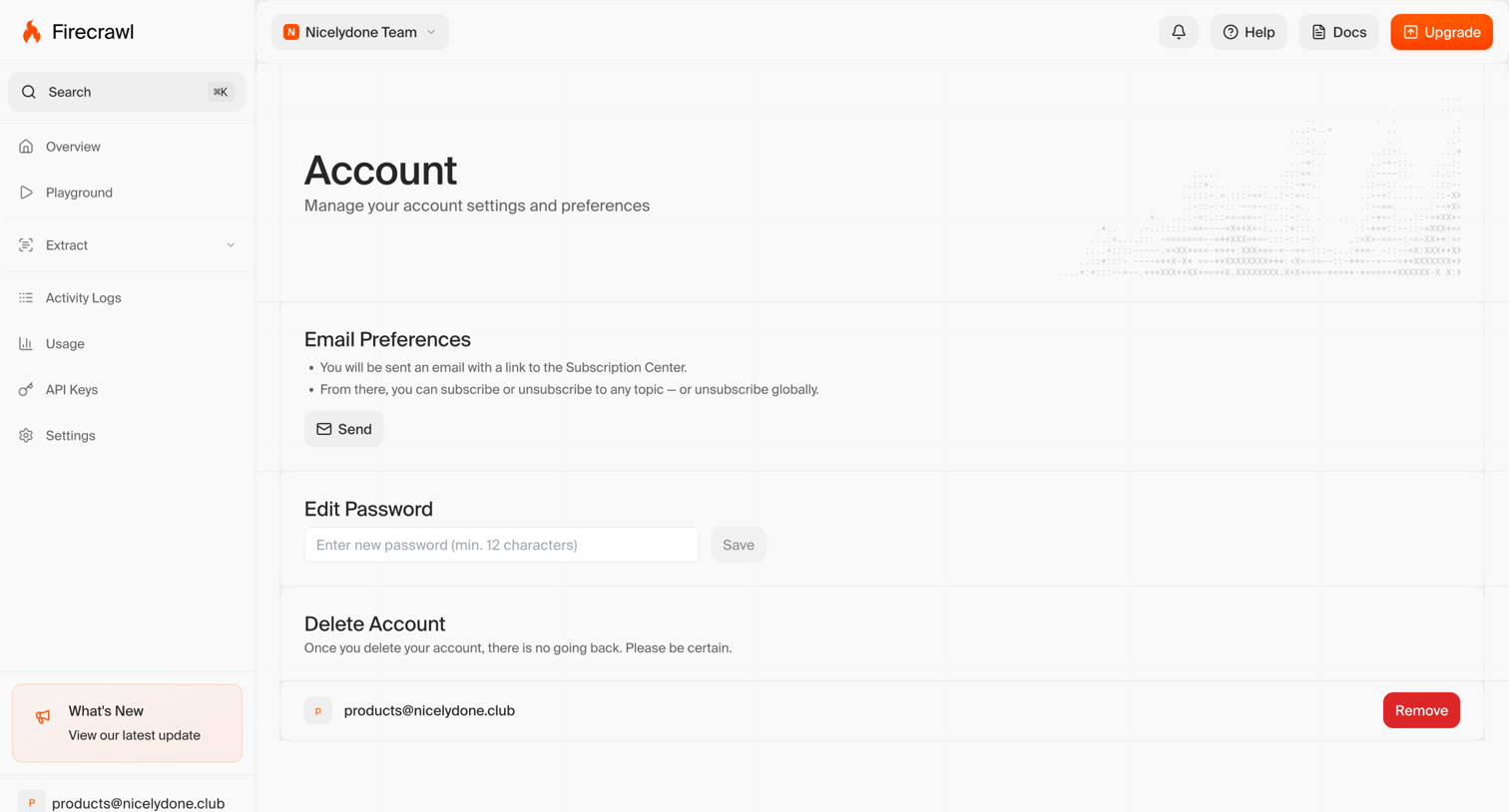

Settings page where the user can manage email preferences, update their password, and delete their account, showing a success toast after a password update.
Explore the full SaaS screen library
Upgrade to unlock the full library.
Trusted by the best teams







