Password management screen examples
Password management screen design examples from SaaS apps. Browse examples from Magnific, Steel, Lithic.
Explore the examples
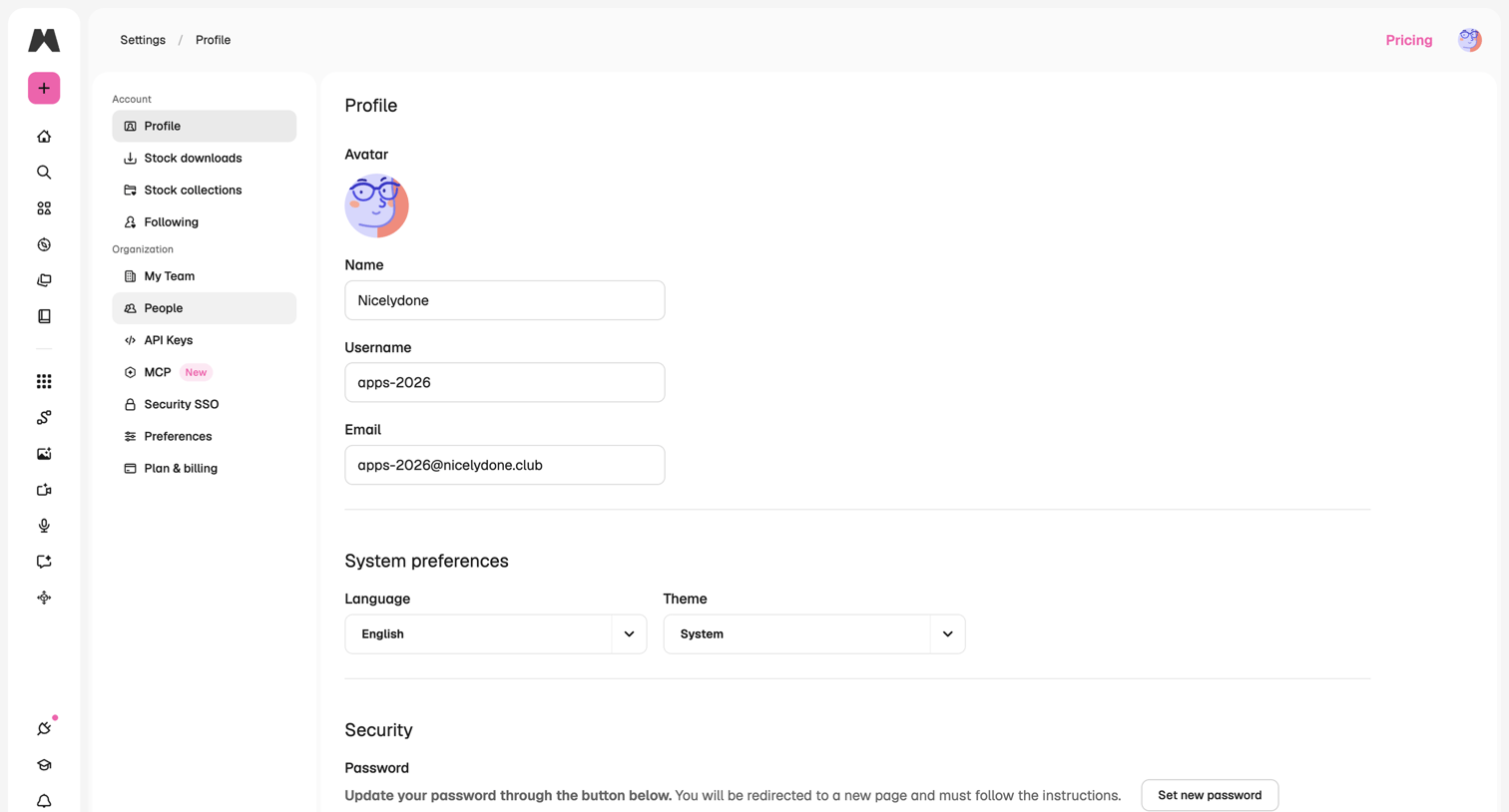

Settings page where the user configures their personal profile details, system preferences like language and theme, and security options including password updates and two-factor authentication.
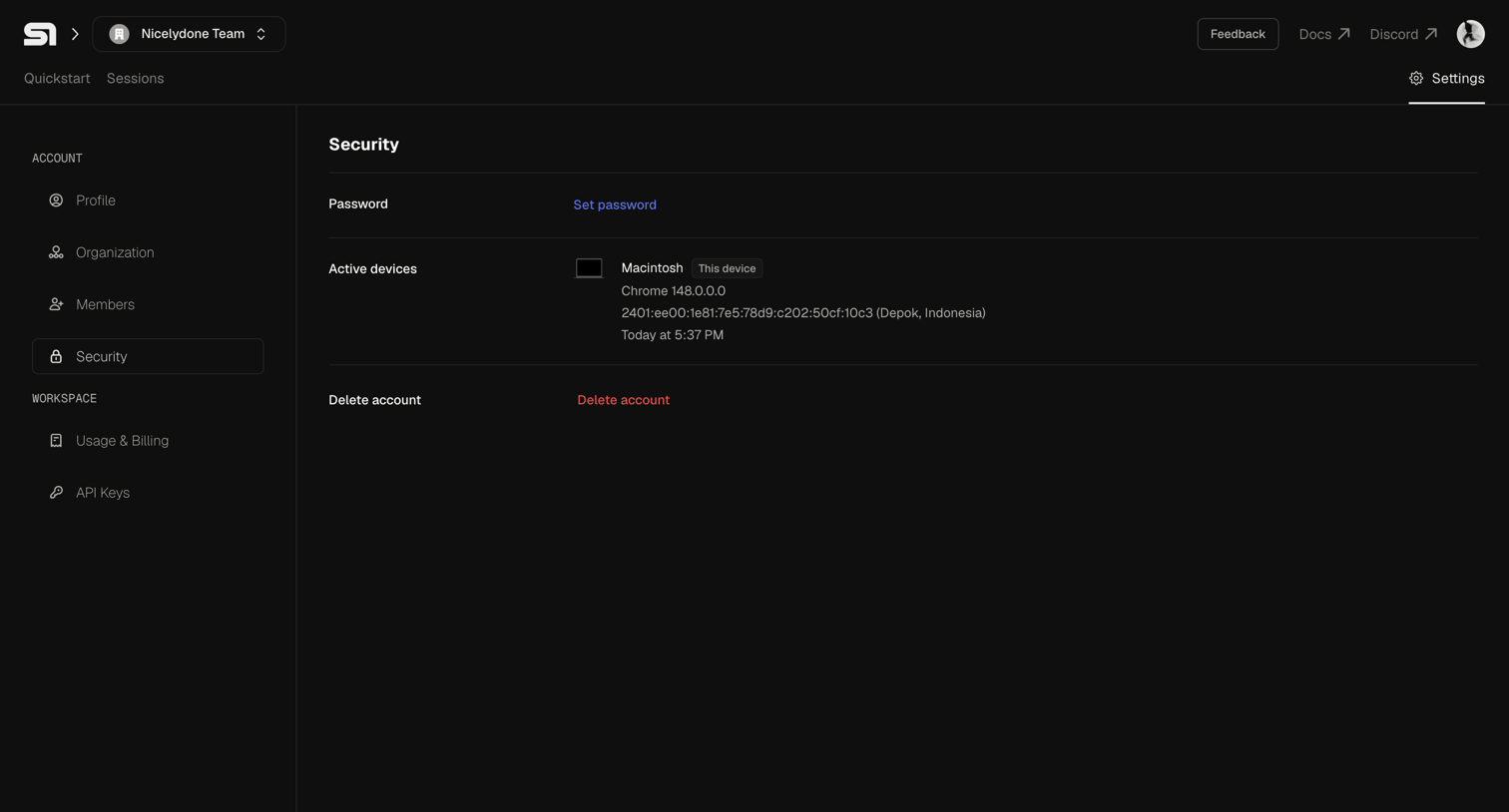

Settings page where the user manages their password, views active device sessions, and can delete their account.
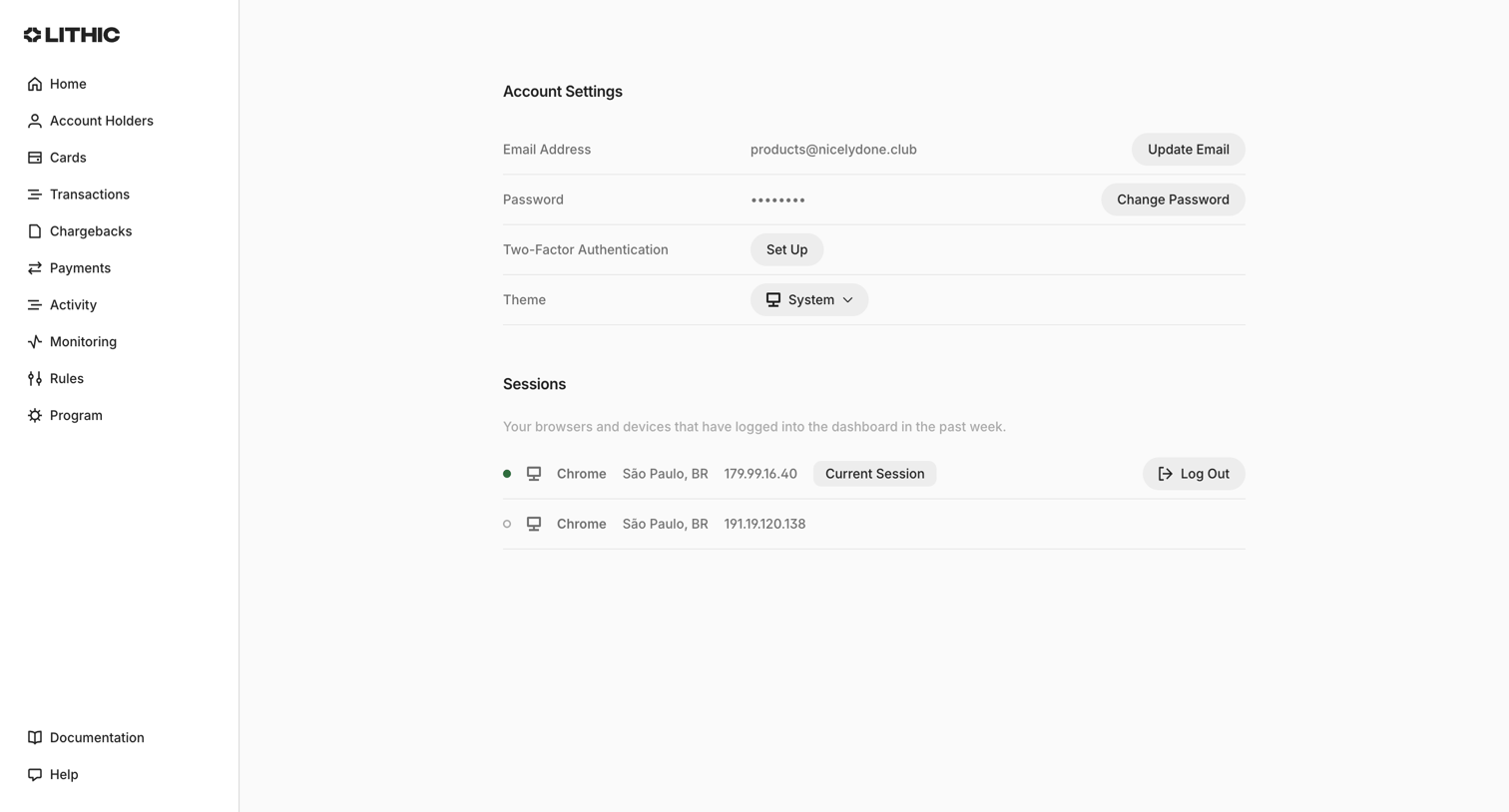

Settings page where the user manages their email, password, two-factor authentication, theme, and active login sessions.



Settings page where the user configures account security, including password updates, connected GitHub identities, and multi-factor authentication methods.
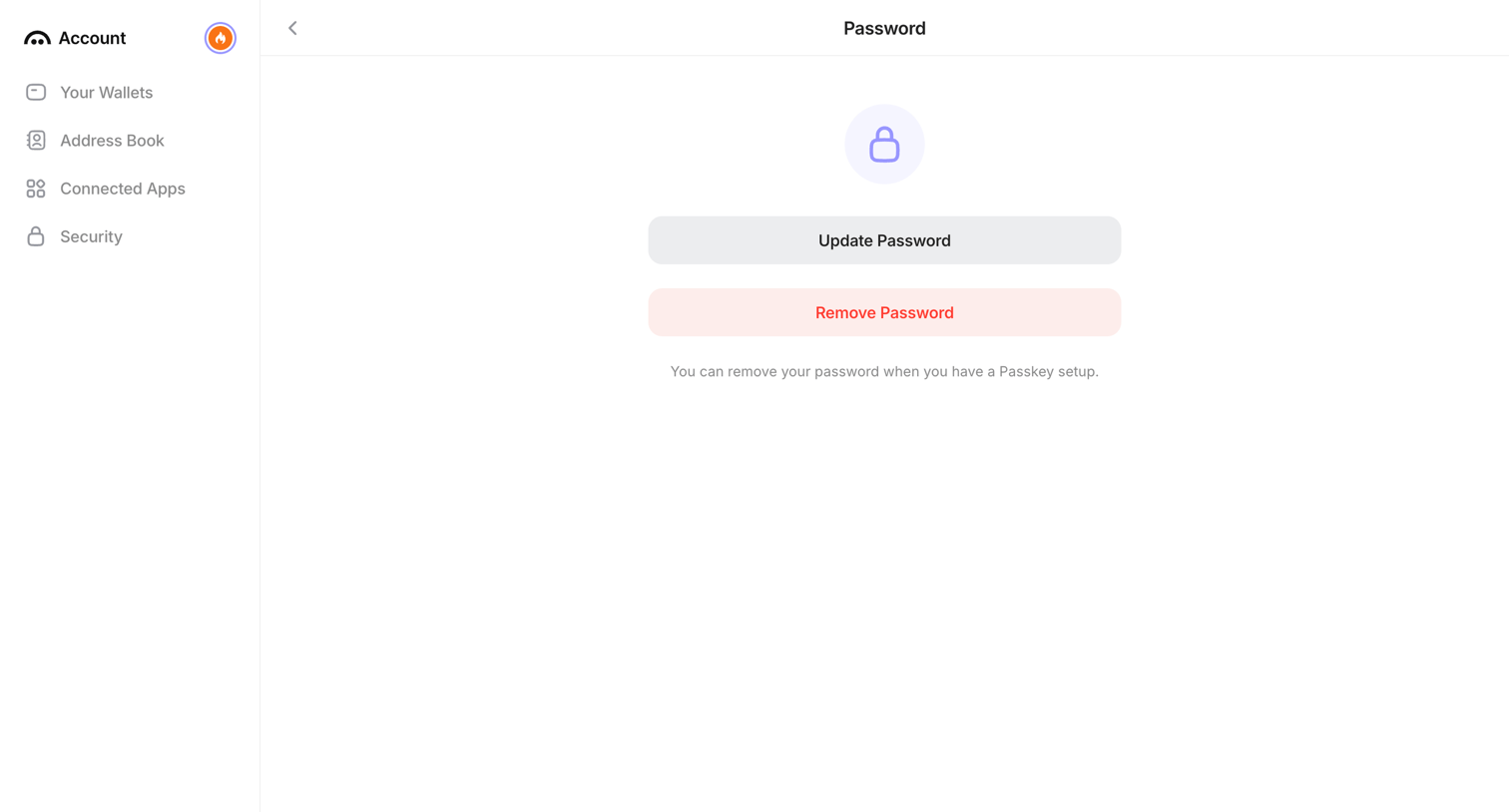

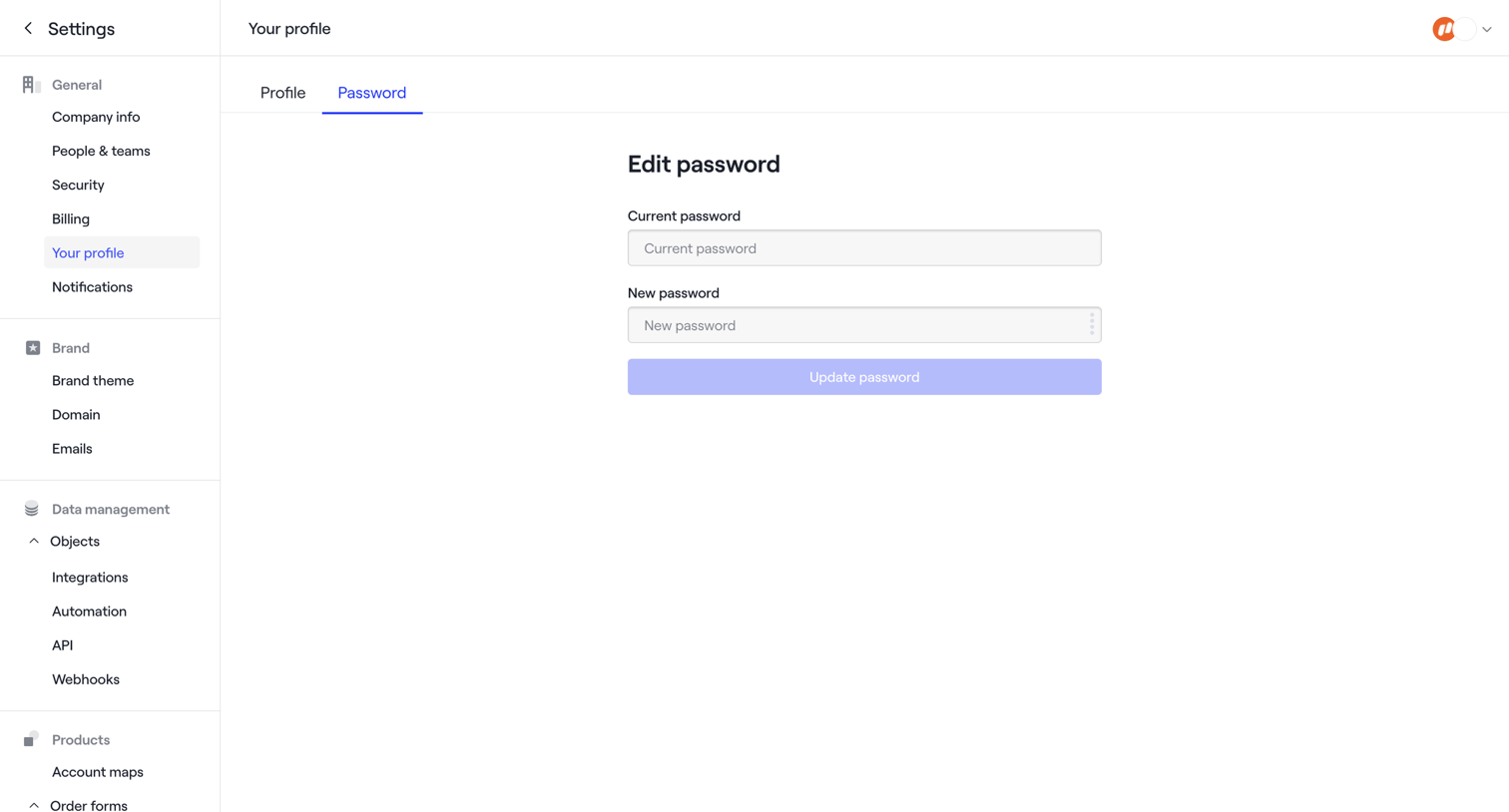
Settings page where the user can update or remove their account password.
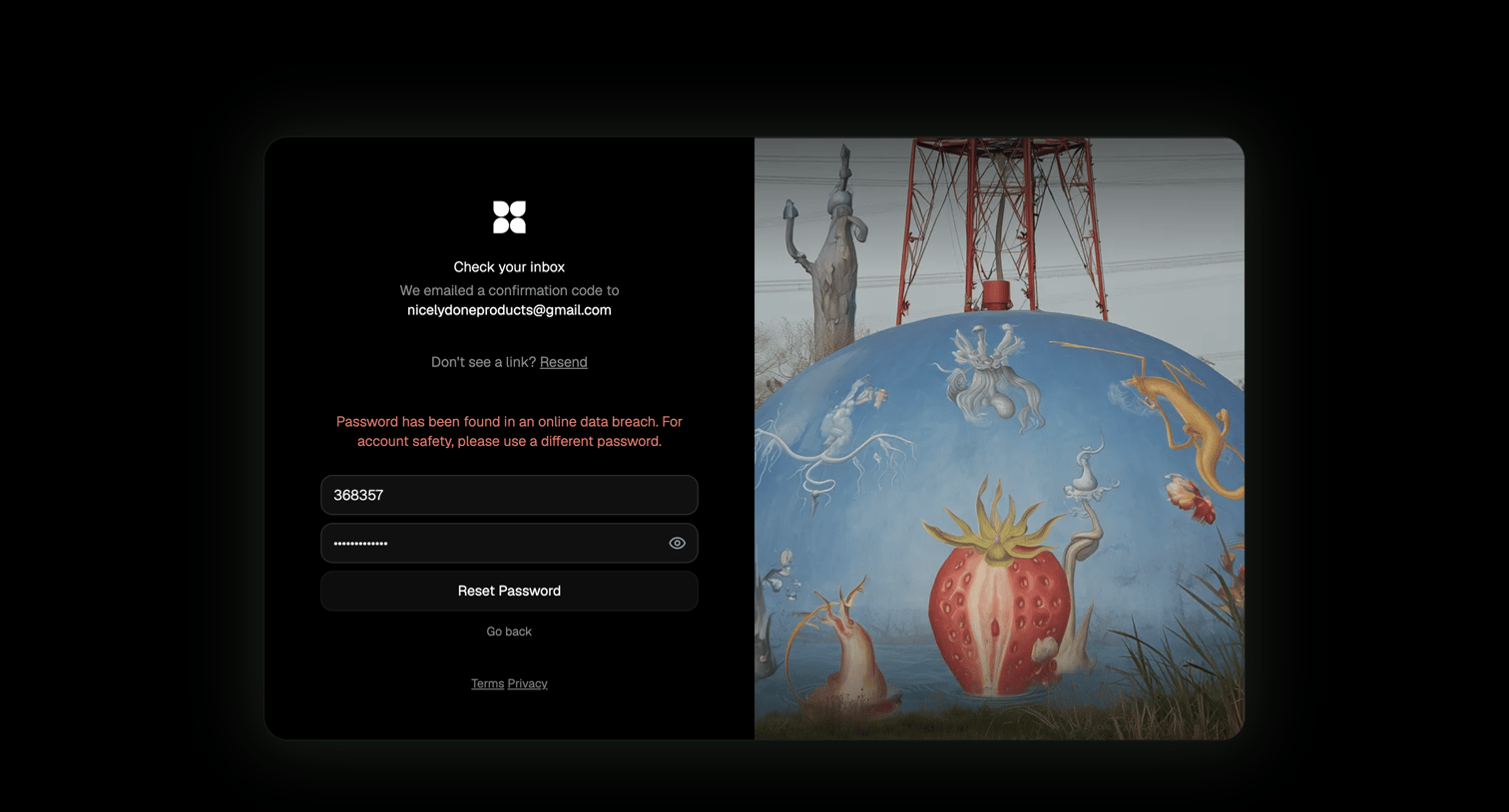

Password recovery screen where the user must enter an emailed confirmation code and a new password, currently displaying a data breach warning.
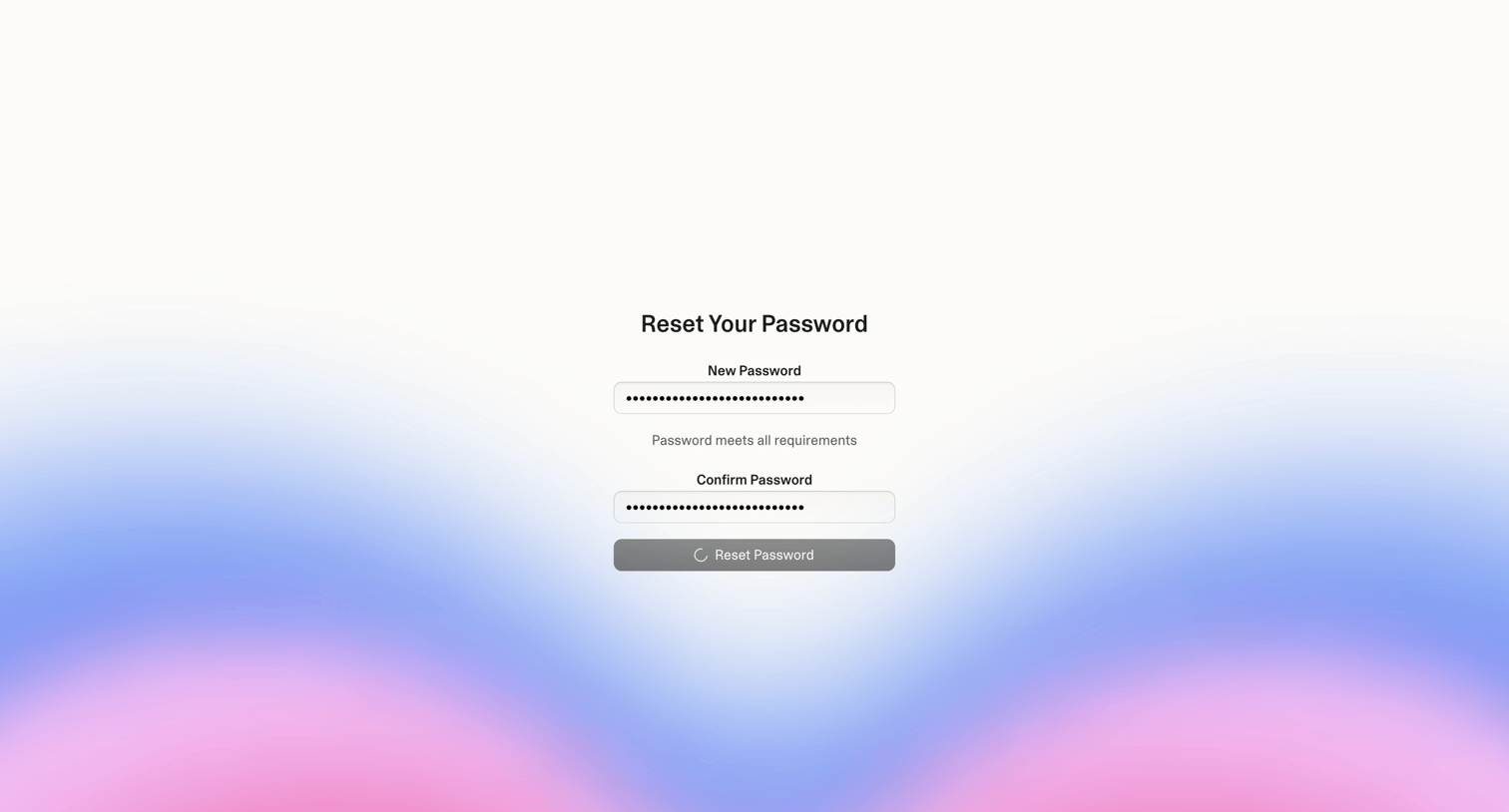

Password recovery screen where the user enters and confirms their new password, currently showing a loading state upon submission.
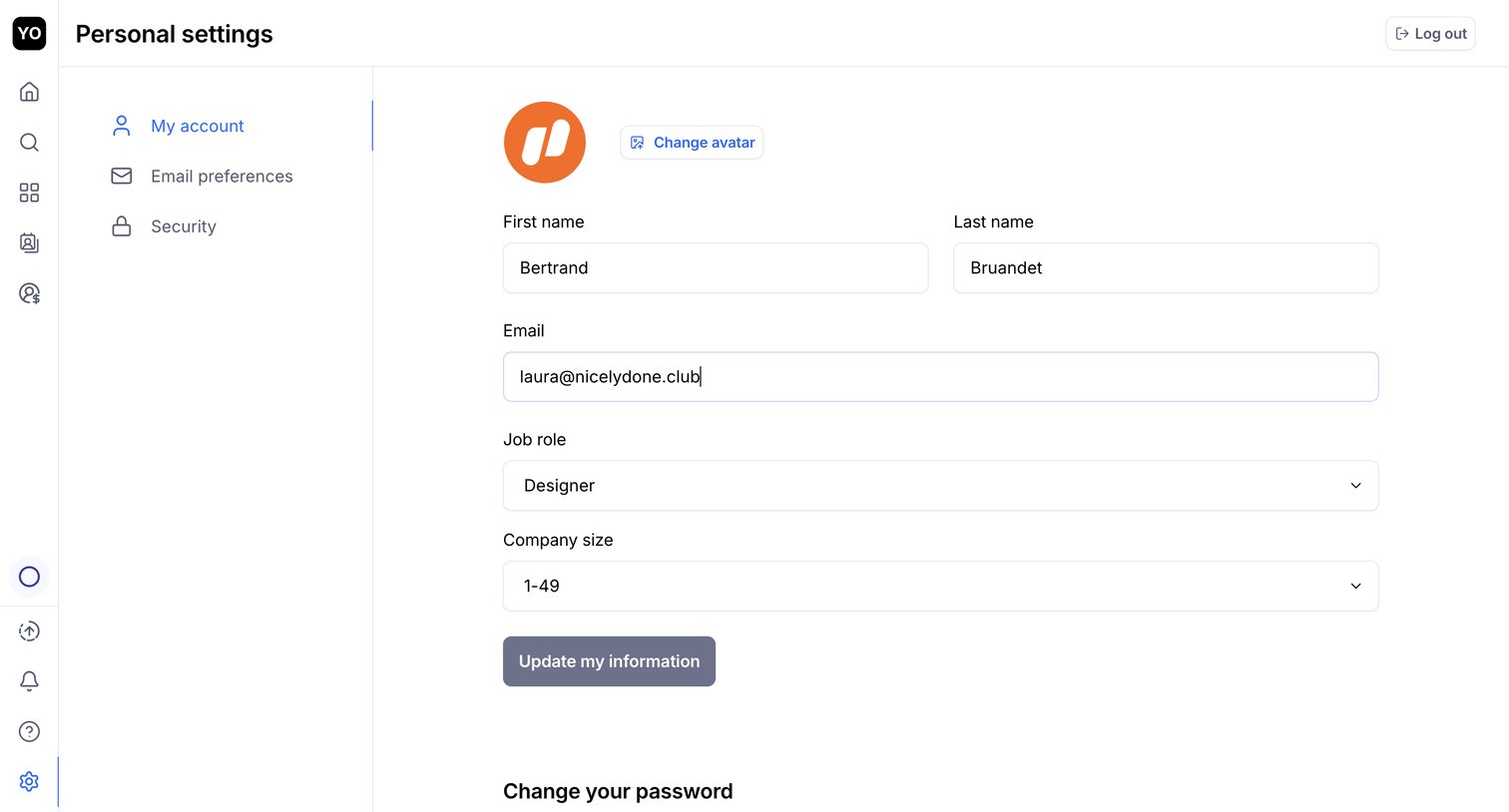

Settings page where the user updates their personal profile information like name, email, job role, and company size.
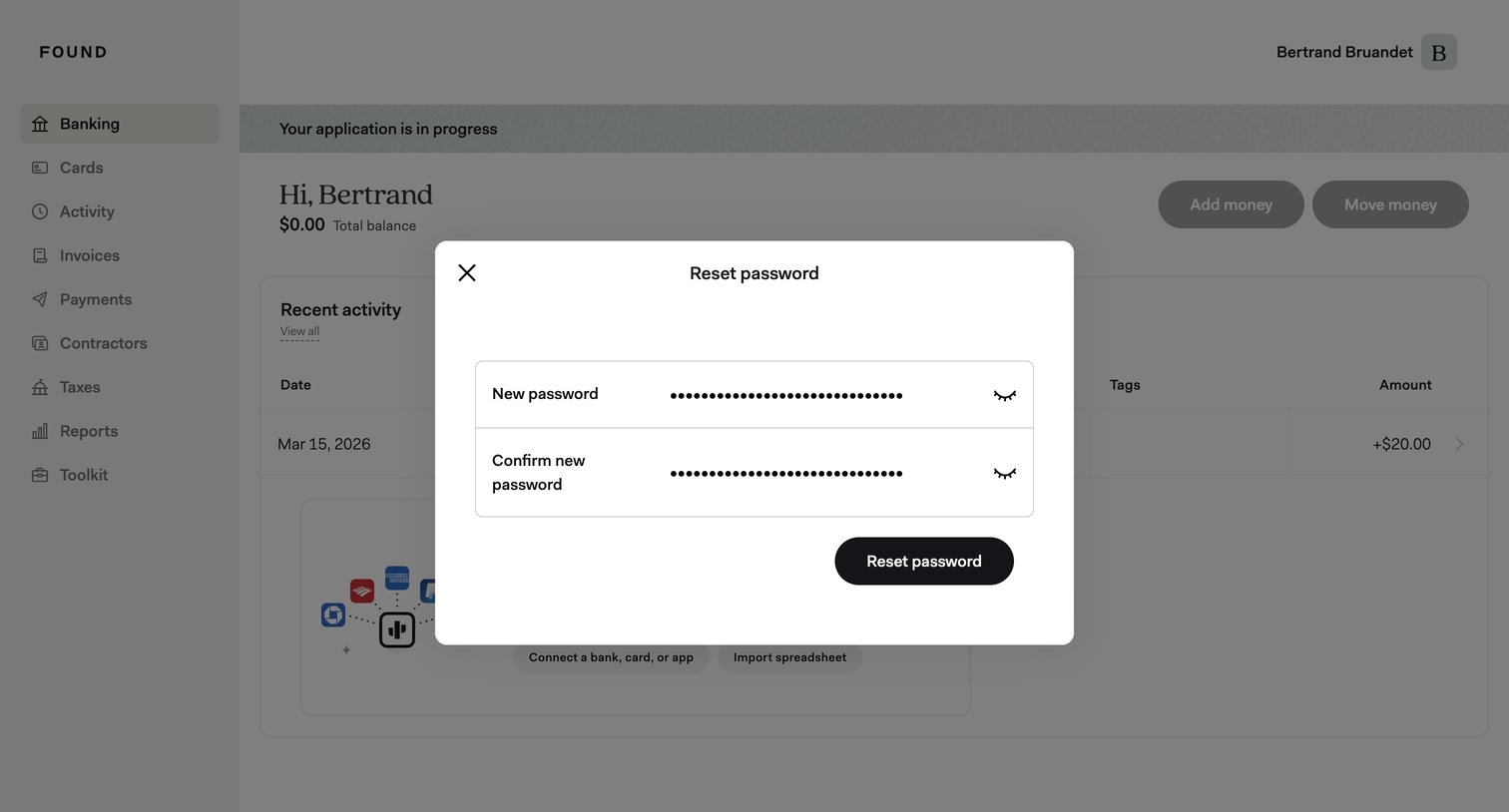

Password recovery modal overlaid on a banking dashboard where the user enters and confirms a new password.
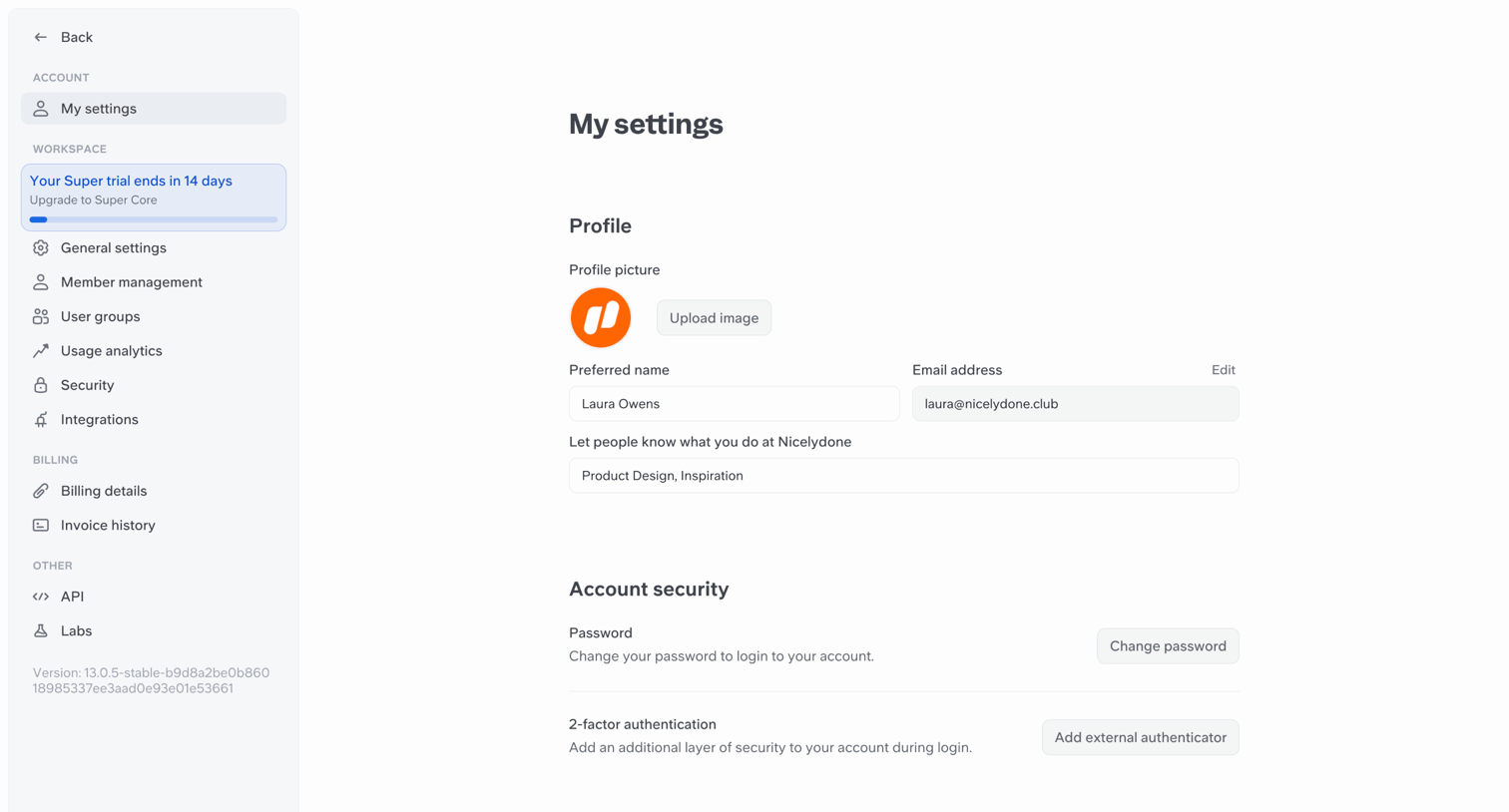

Settings page where the user configures their profile details, account security, and language preferences.
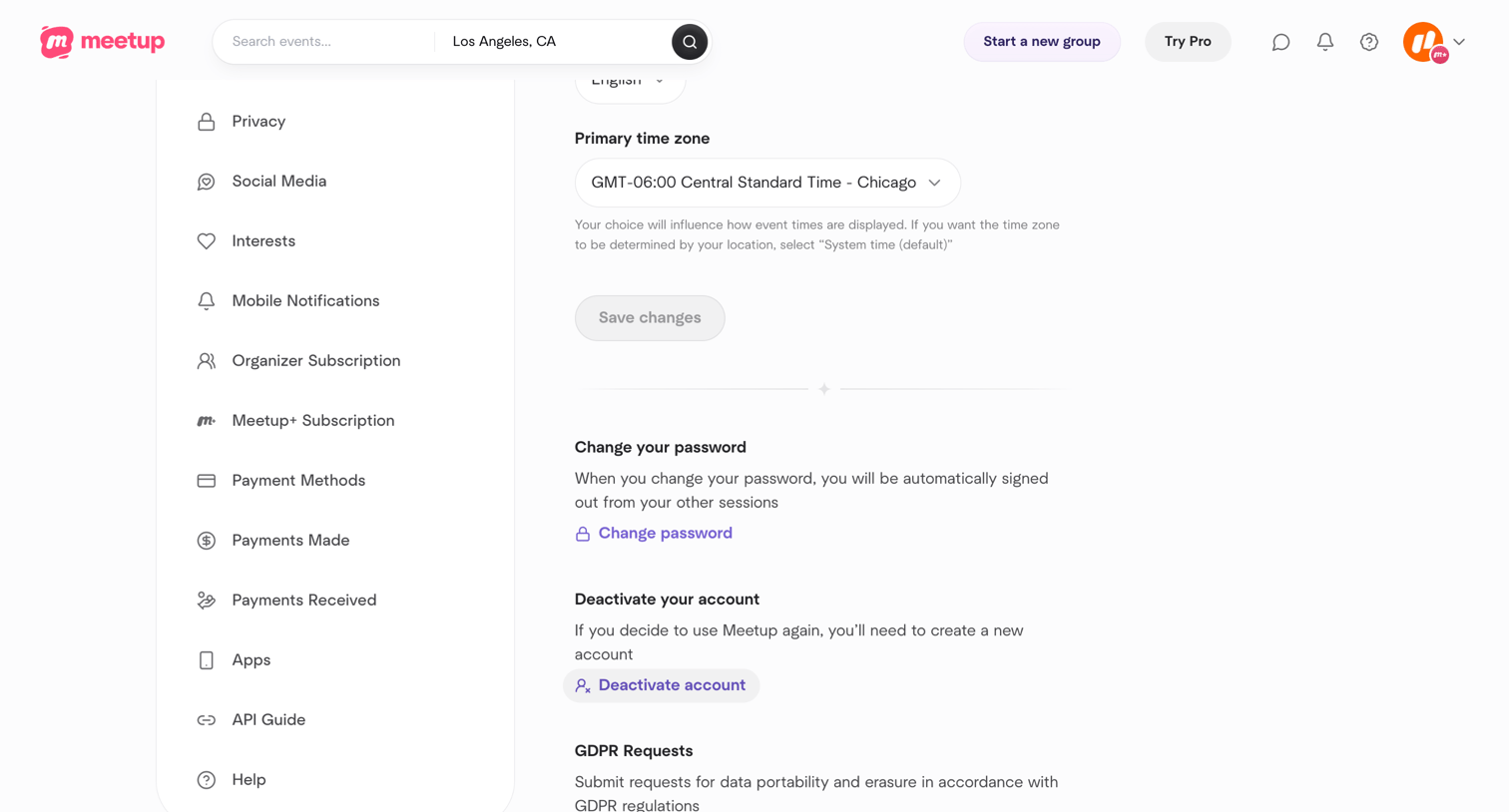

Settings page where the user configures their primary time zone, changes their password, deactivates their account, or submits GDPR requests.
Explore the full SaaS screen library
Upgrade to unlock the full library.
Trusted by the best teams







