Email confirmation screen examples
Email confirmation screen design examples from SaaS apps. Browse examples from Airbnb, Flora, Lovable.
Explore the examples
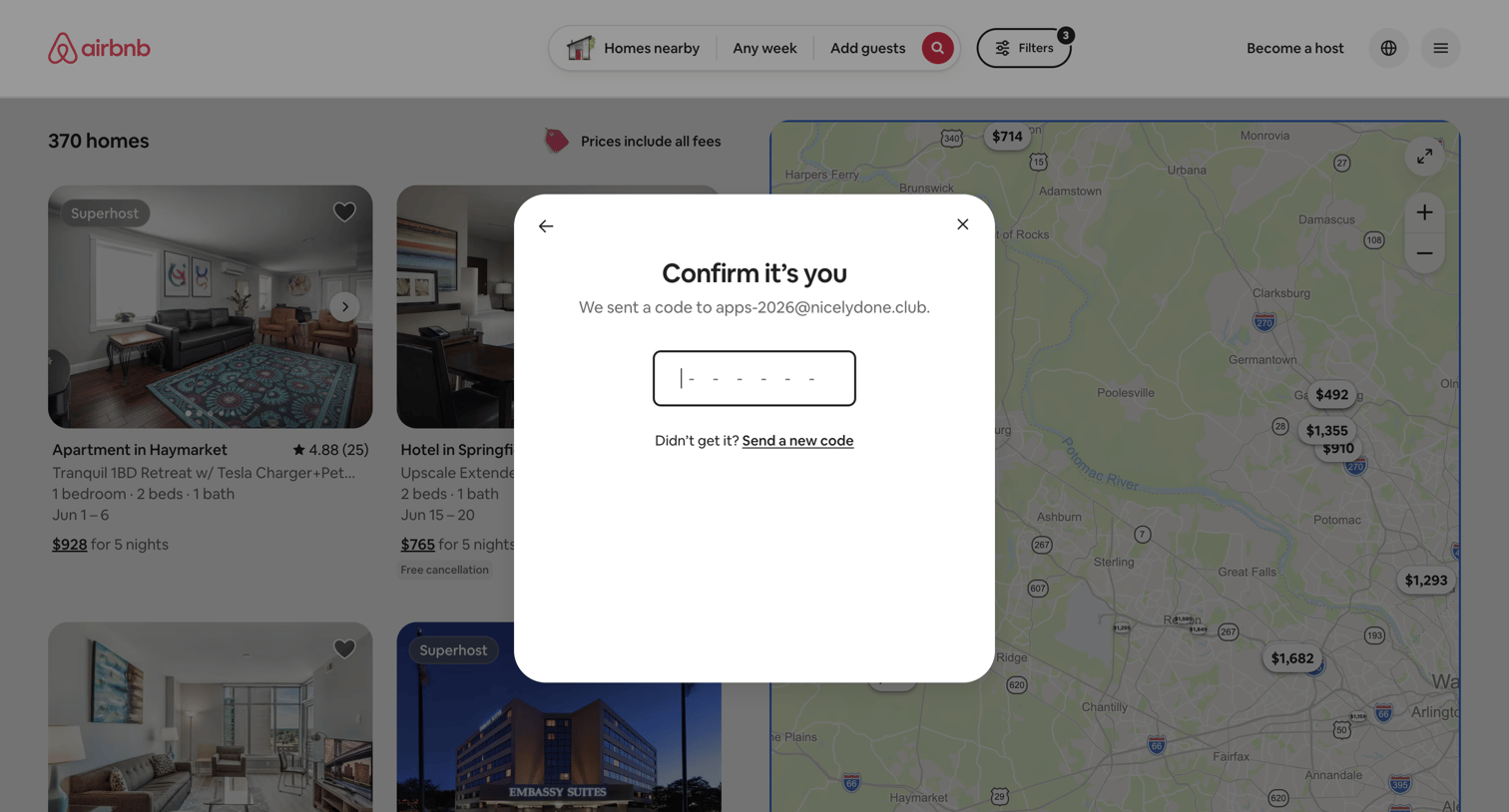

Verification modal where the user enters a 6-digit code sent to their email to confirm their identity before proceeding.
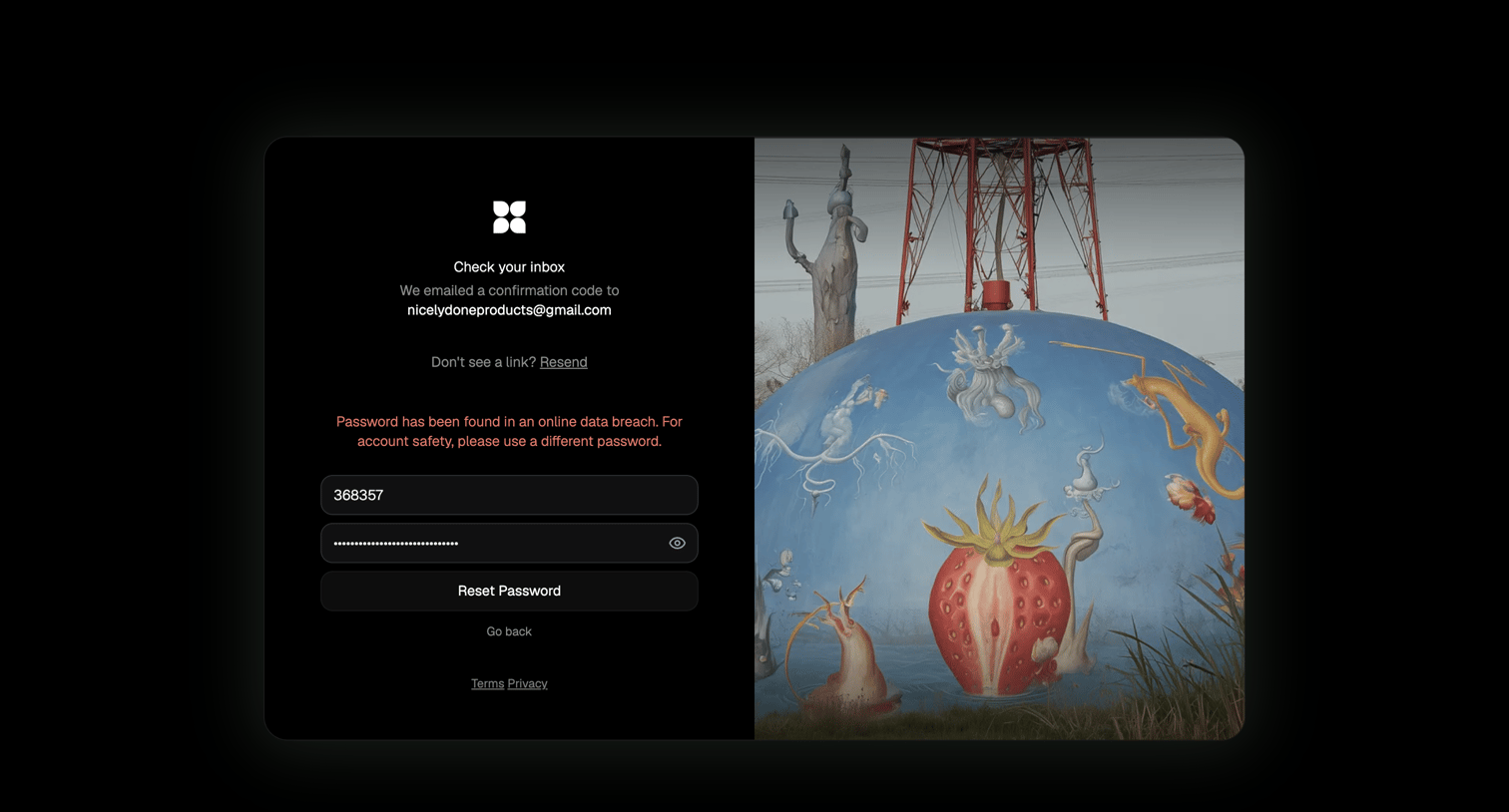

Password recovery screen where the user enters an emailed confirmation code and a new password, currently displaying a data breach warning for the entered password.
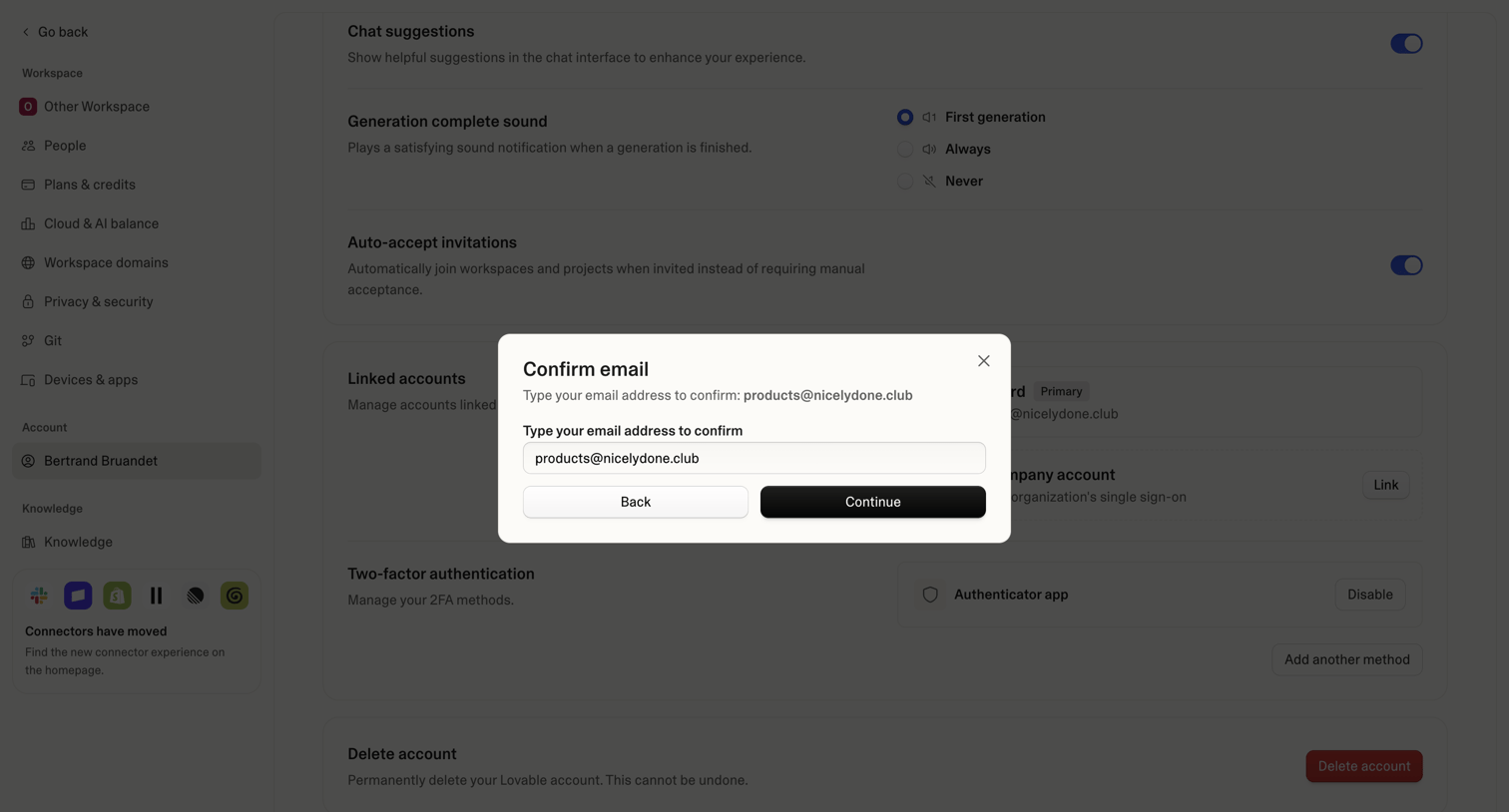

Settings page where the user confirms their email address via a modal dialog before proceeding with an account action.
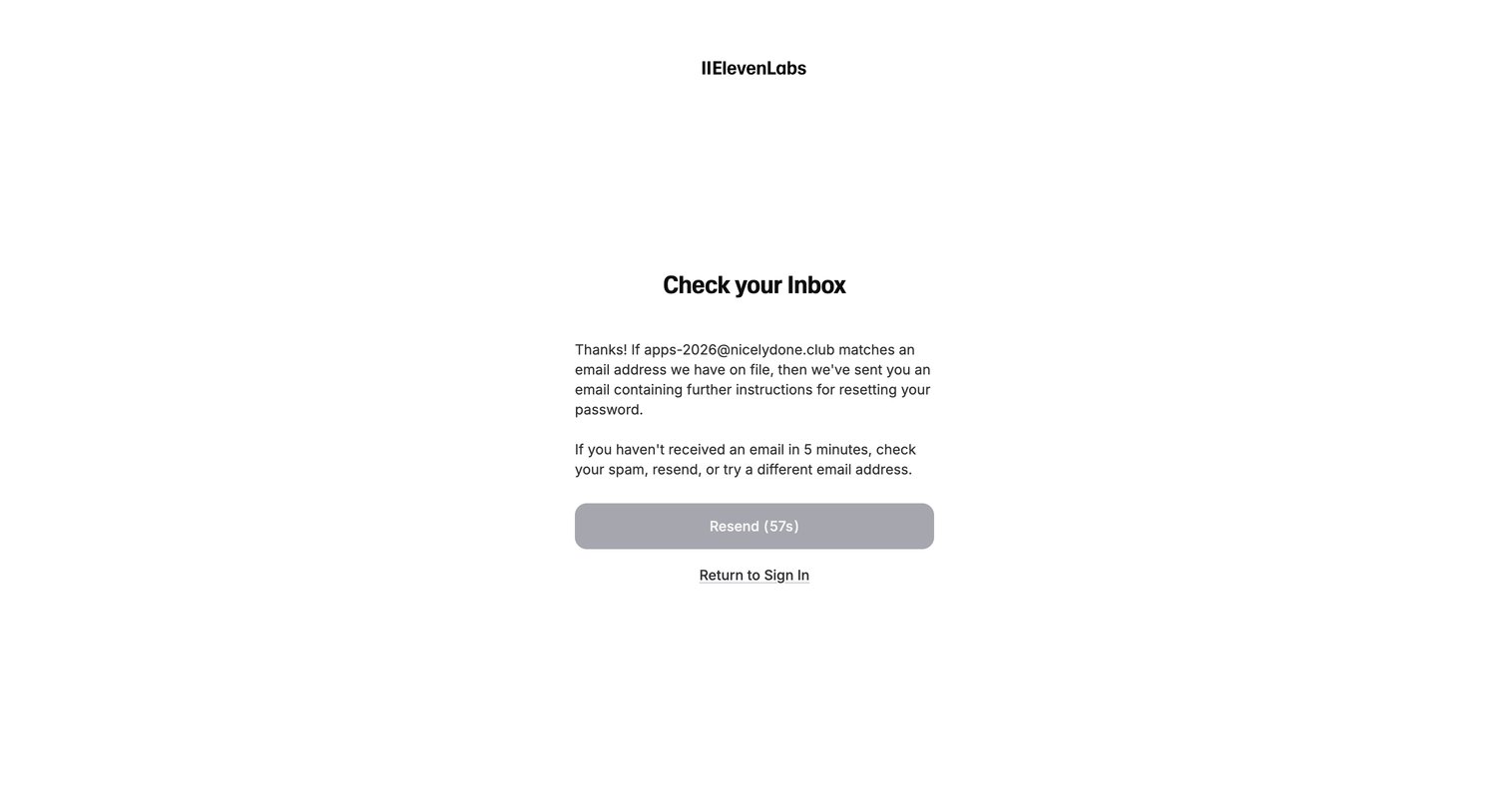

Password recovery screen confirming a reset link has been sent to the user's email, featuring a disabled resend button with a countdown timer.
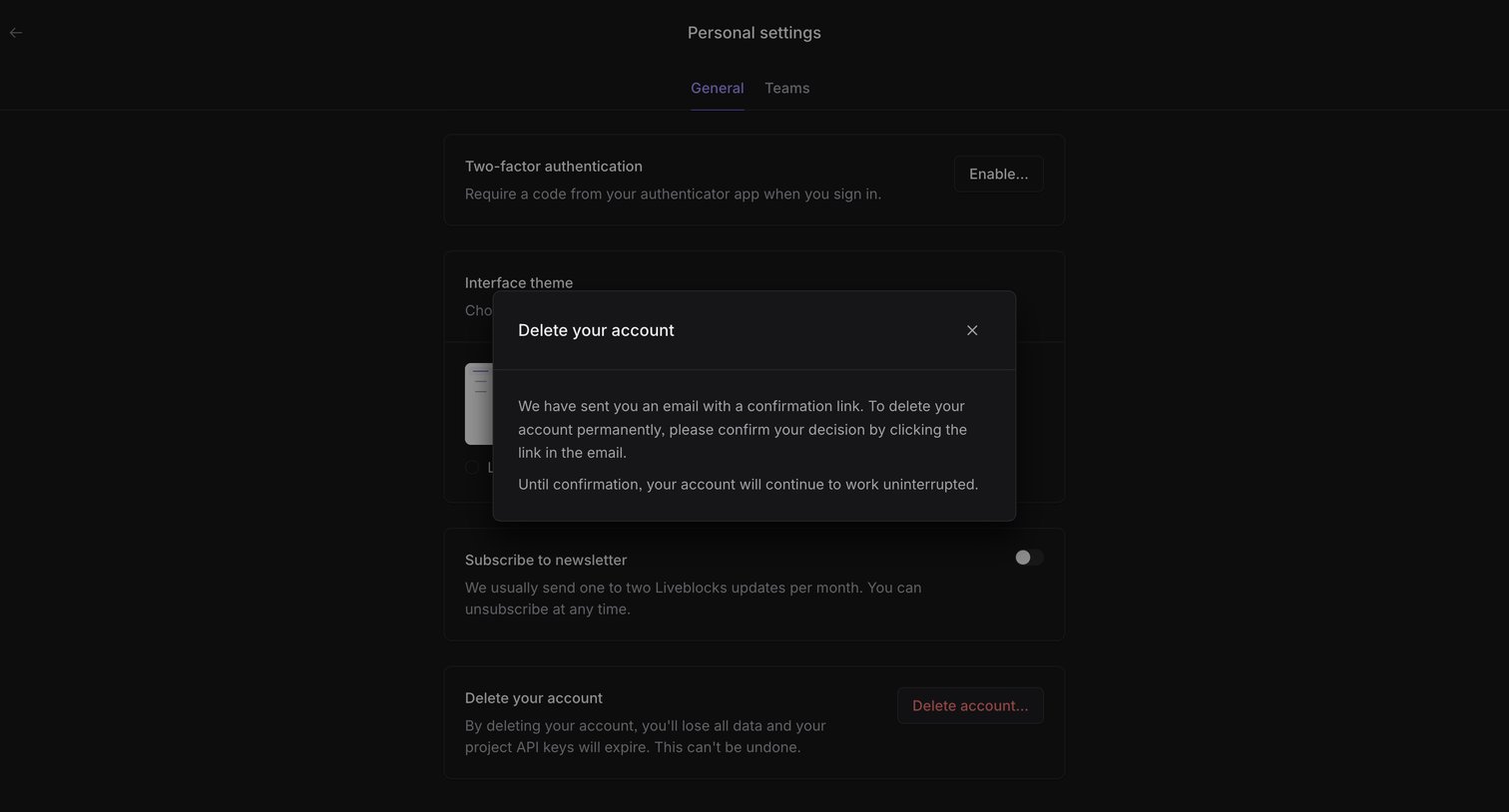

Settings page where a modal confirms that an email link has been sent to permanently delete the user's account.
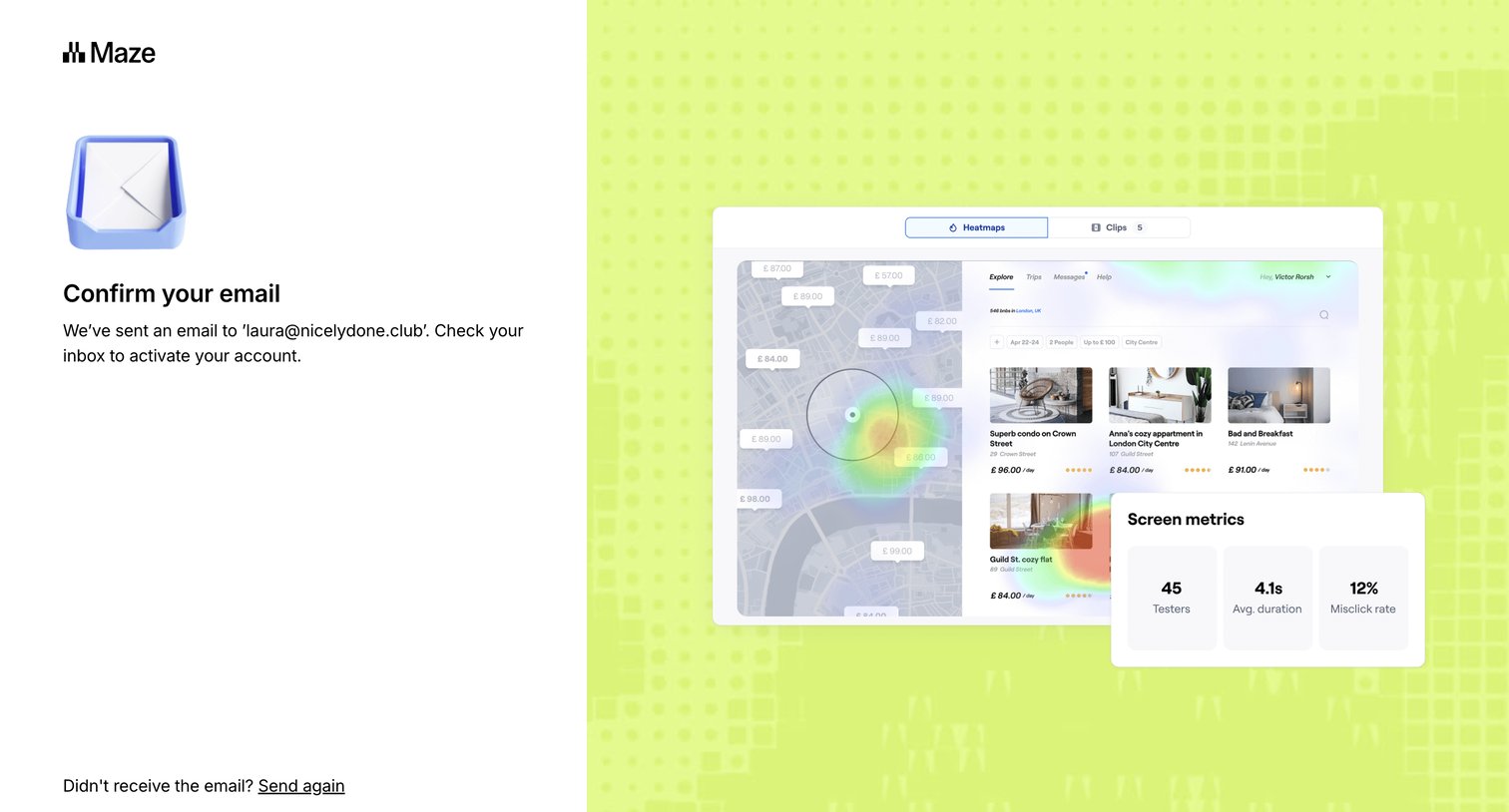

Verification screen where the user is instructed to check their email inbox to activate their account, with options to resend the email or return to signup.
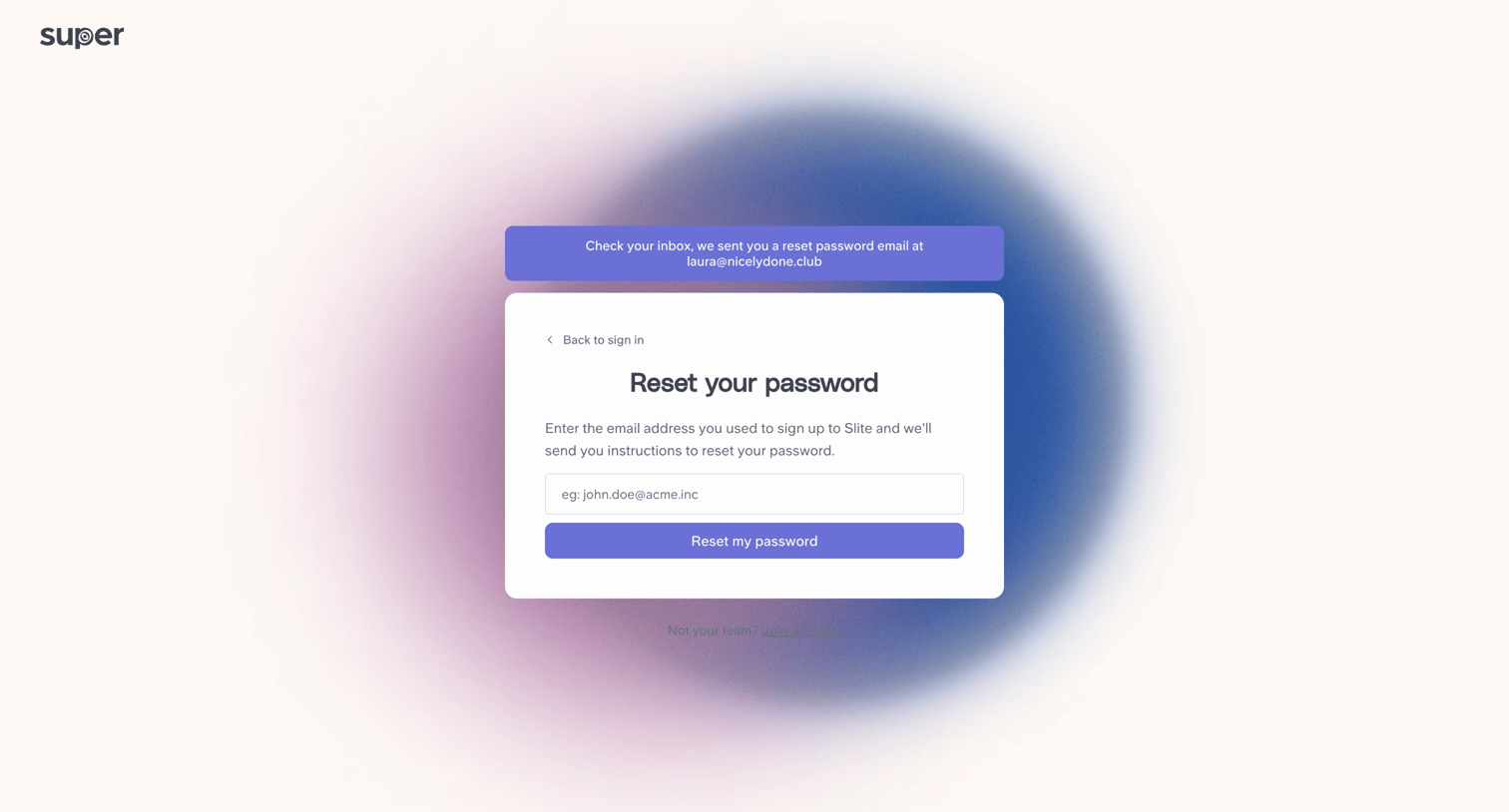

Password recovery screen where the user sees a success alert confirming a reset link was sent to their email, while the request form remains visible.
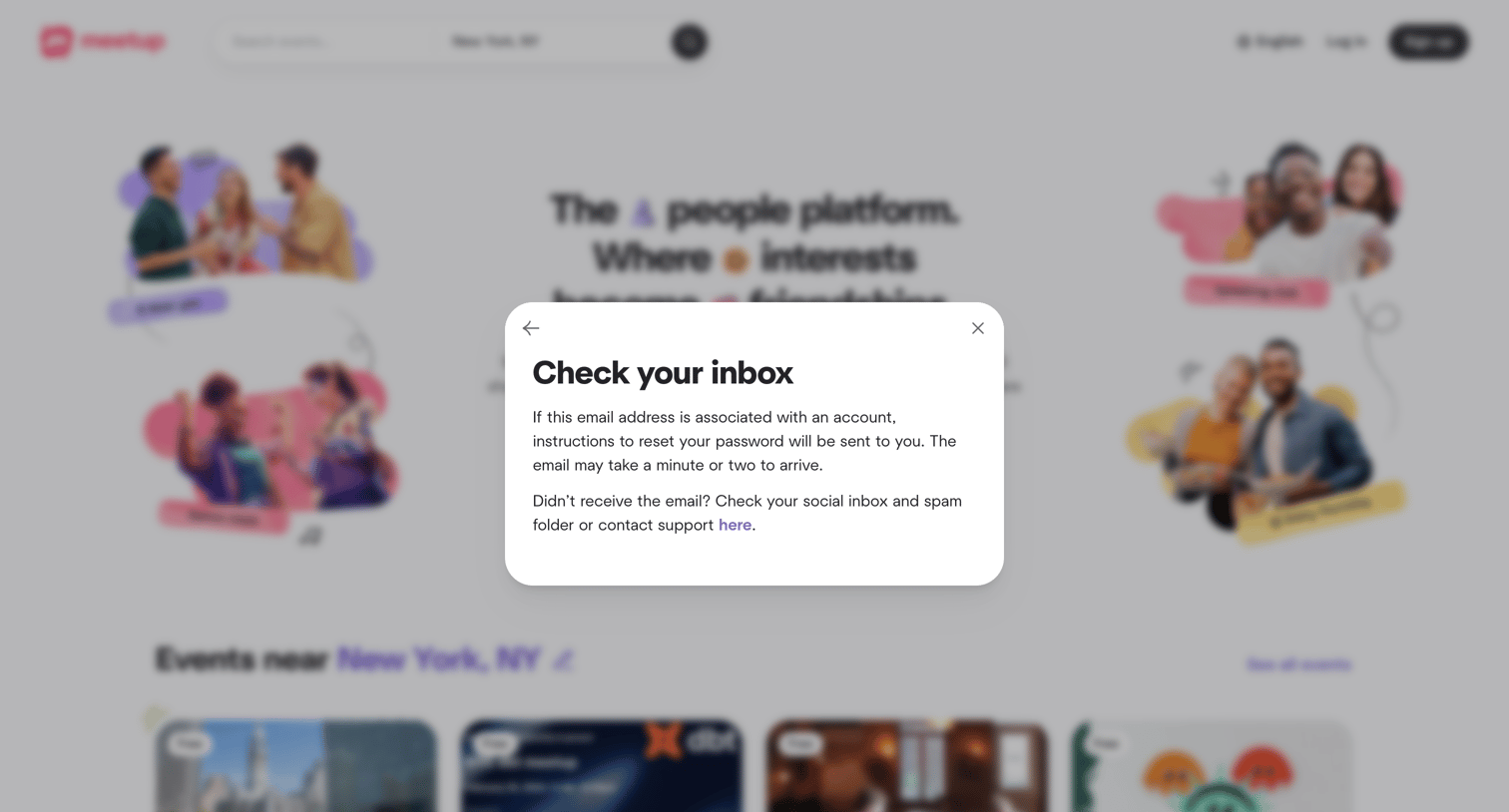

Password recovery modal confirming that a reset link has been sent to the user's inbox, displayed over the marketing homepage.
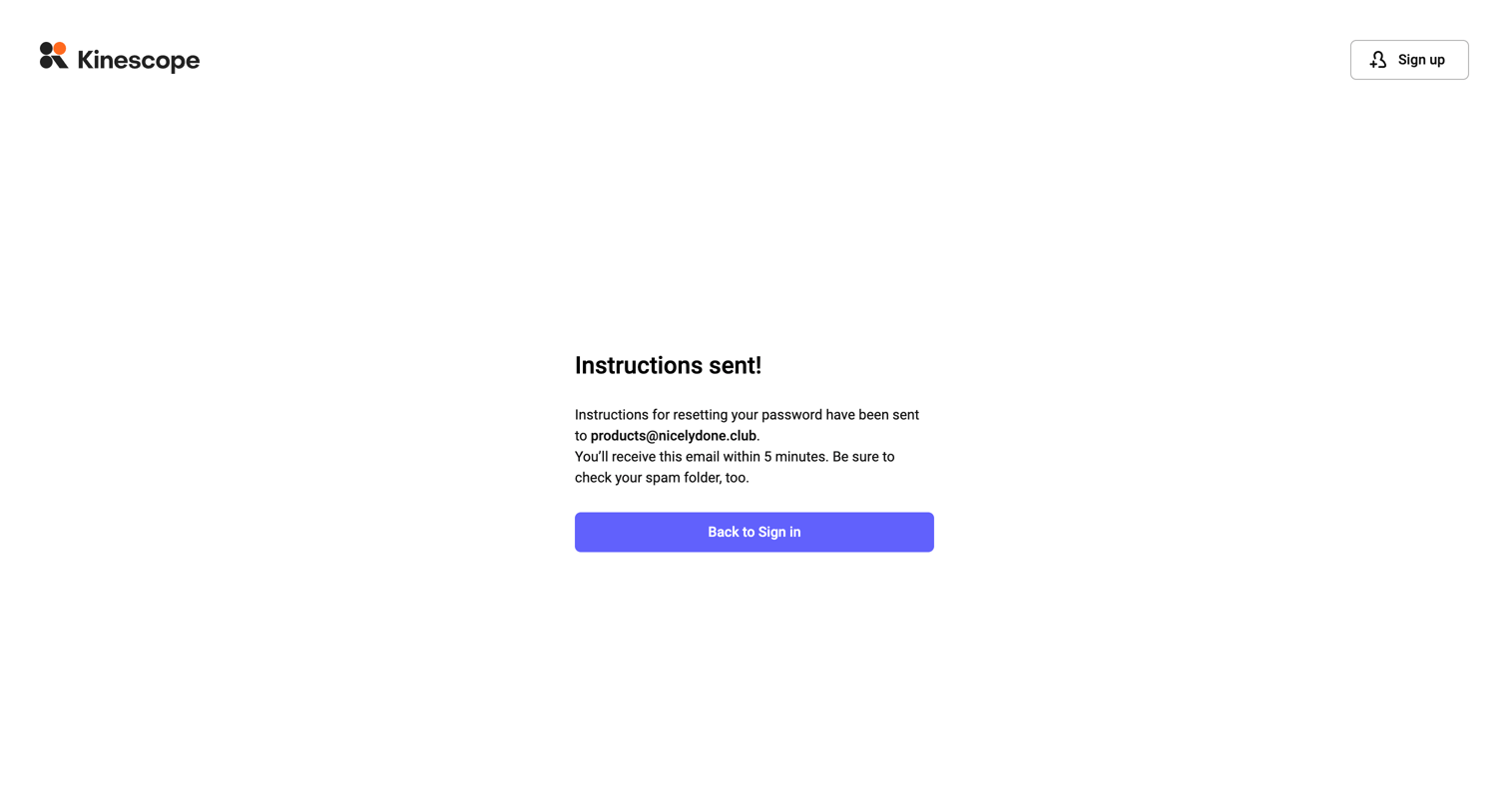

Password recovery screen where a success message confirms that reset instructions have been sent to the user's email.
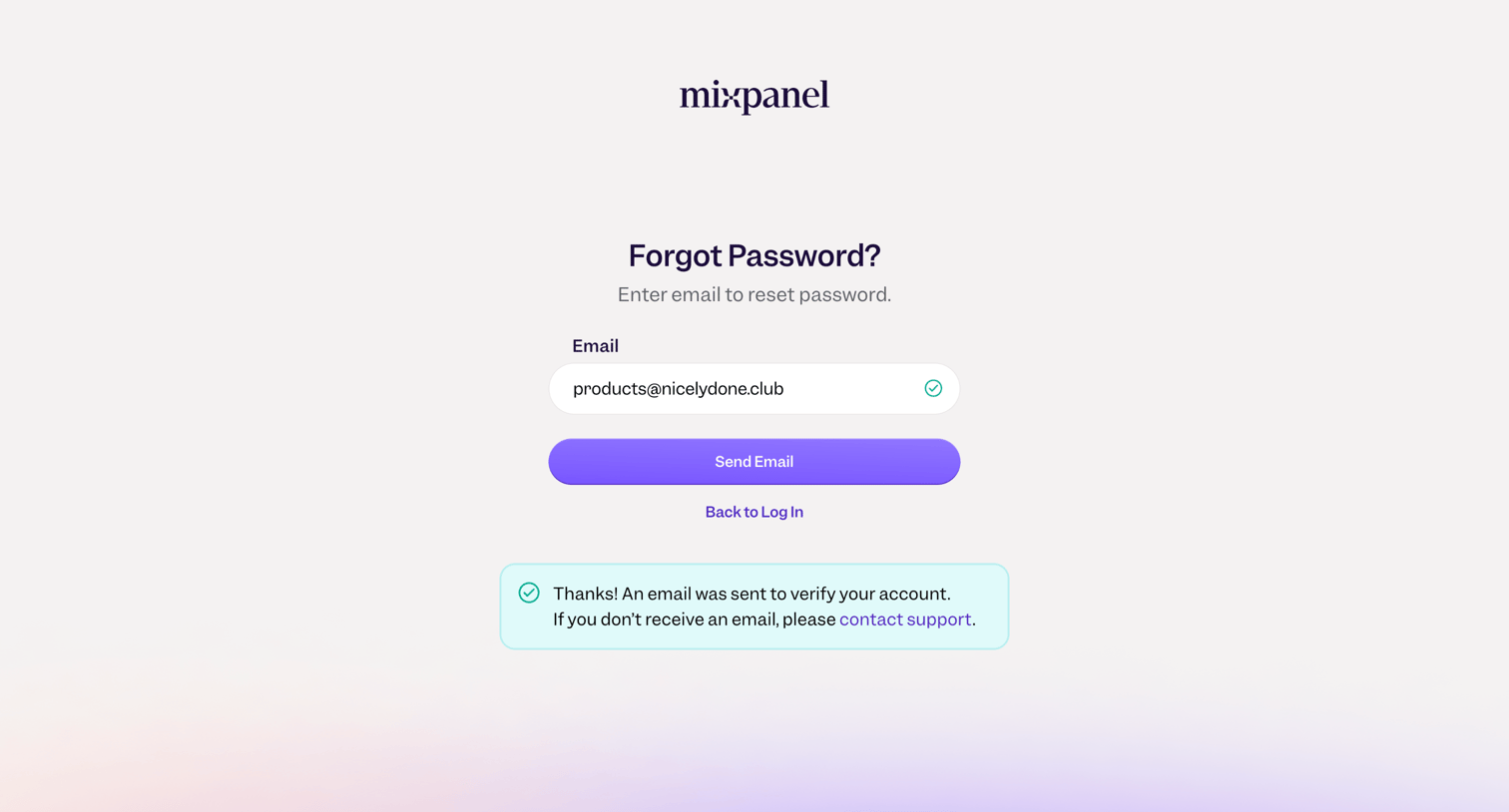

Password recovery screen where the user has submitted their email address and receives a success banner confirming the reset link was sent.
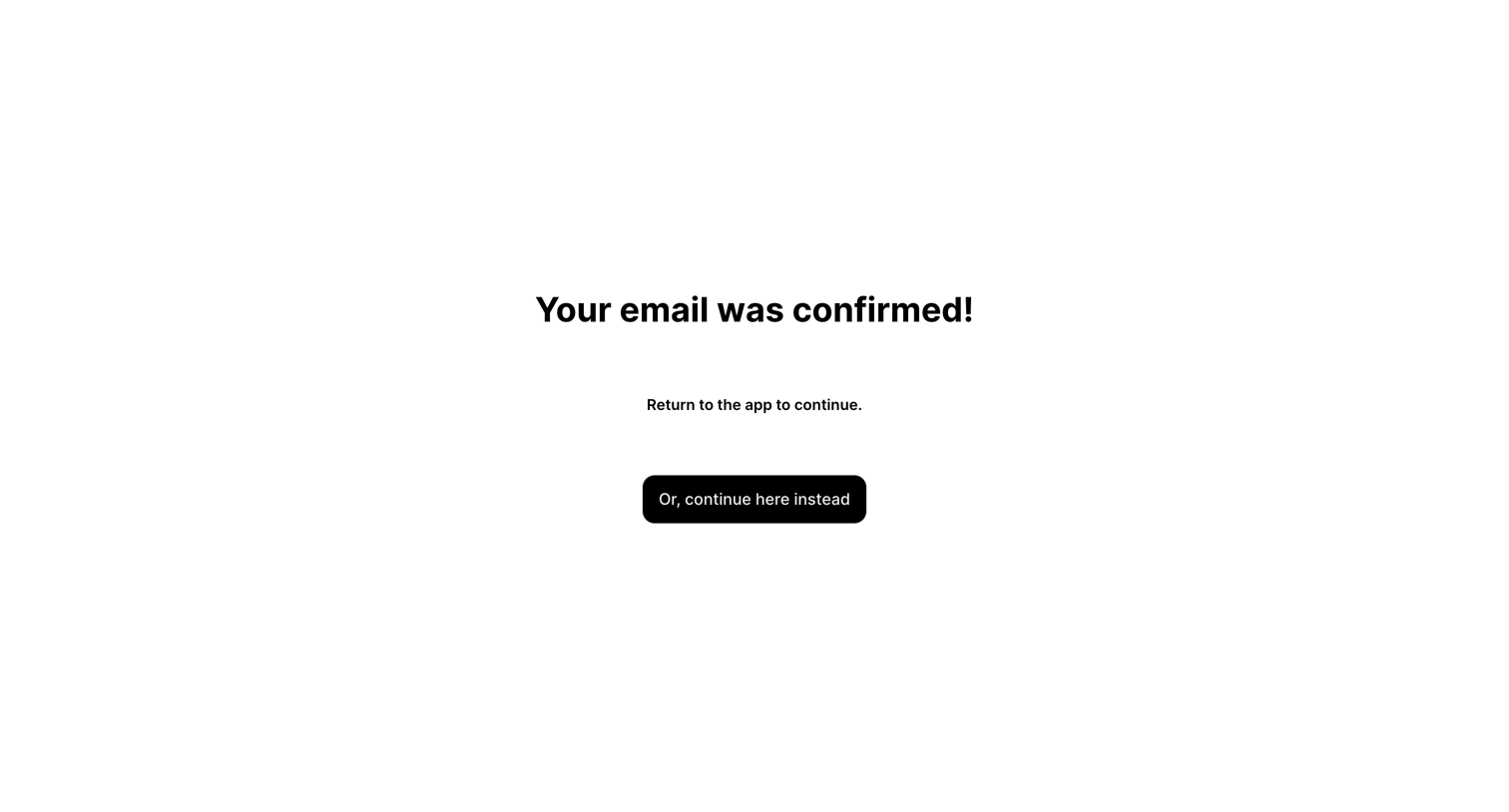

Verification screen where the user sees a success message that their email was confirmed and can click a button to continue to the app.
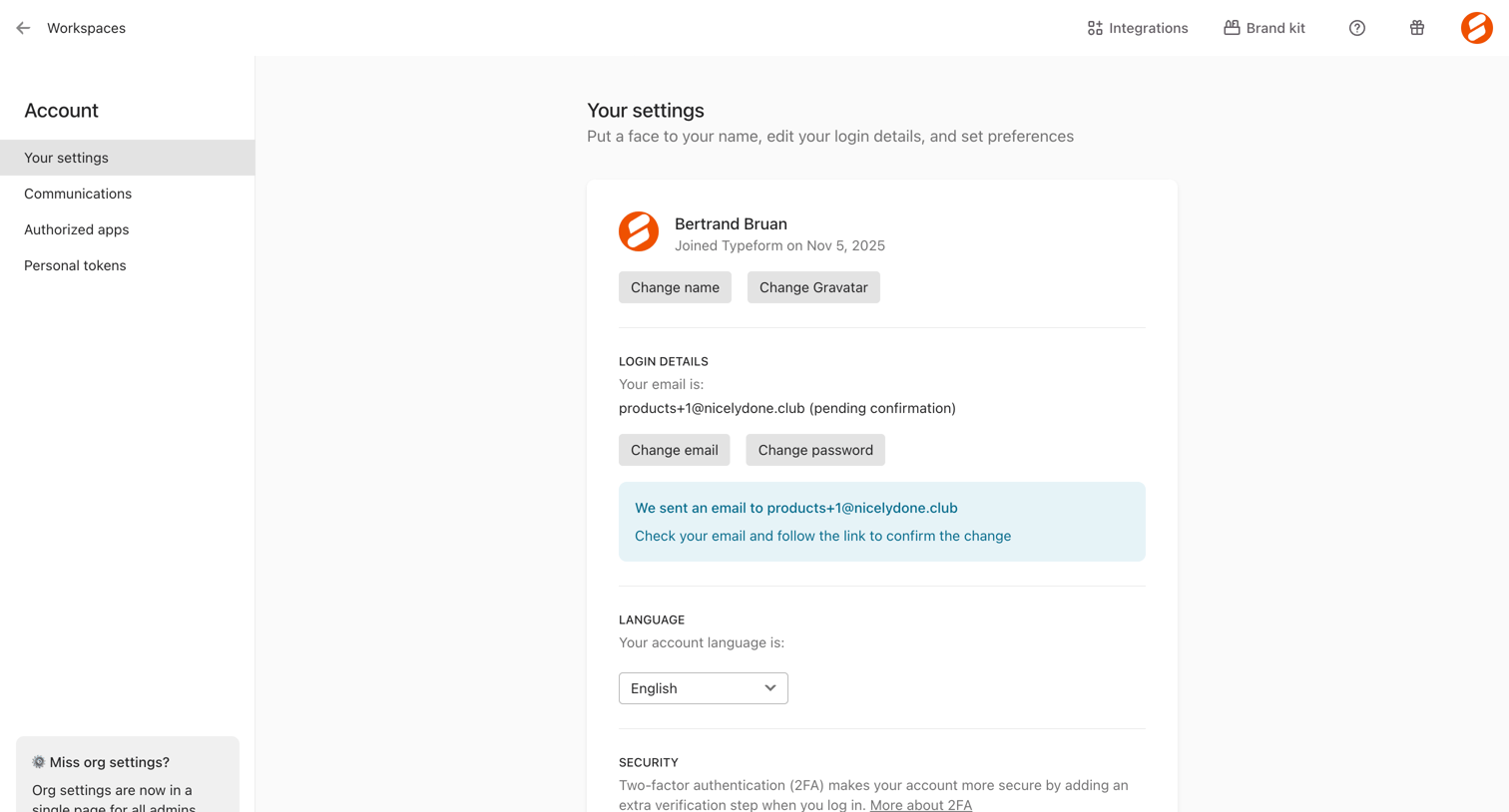

Settings page where the user manages their profile details, email, language, and two-factor authentication.
Explore the full SaaS screen library
Upgrade to unlock the full library.
Trusted by the best teams







