Customer support screen examples
Customer support screen design examples from SaaS apps. Browse examples from Bud, Airbnb, Visitors.
Explore the examples
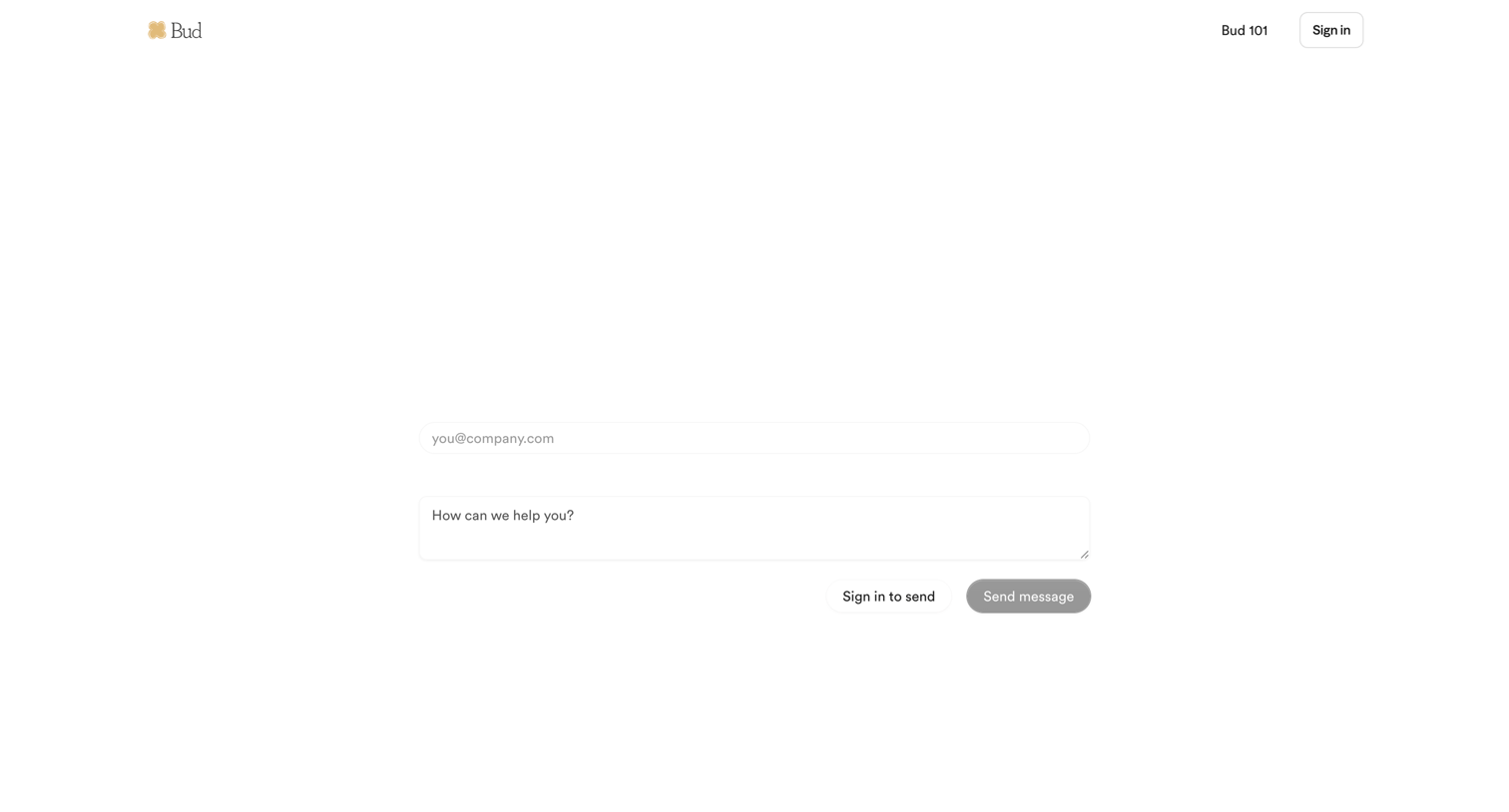

Contact page where the user can submit a support message or choose to sign in before sending.
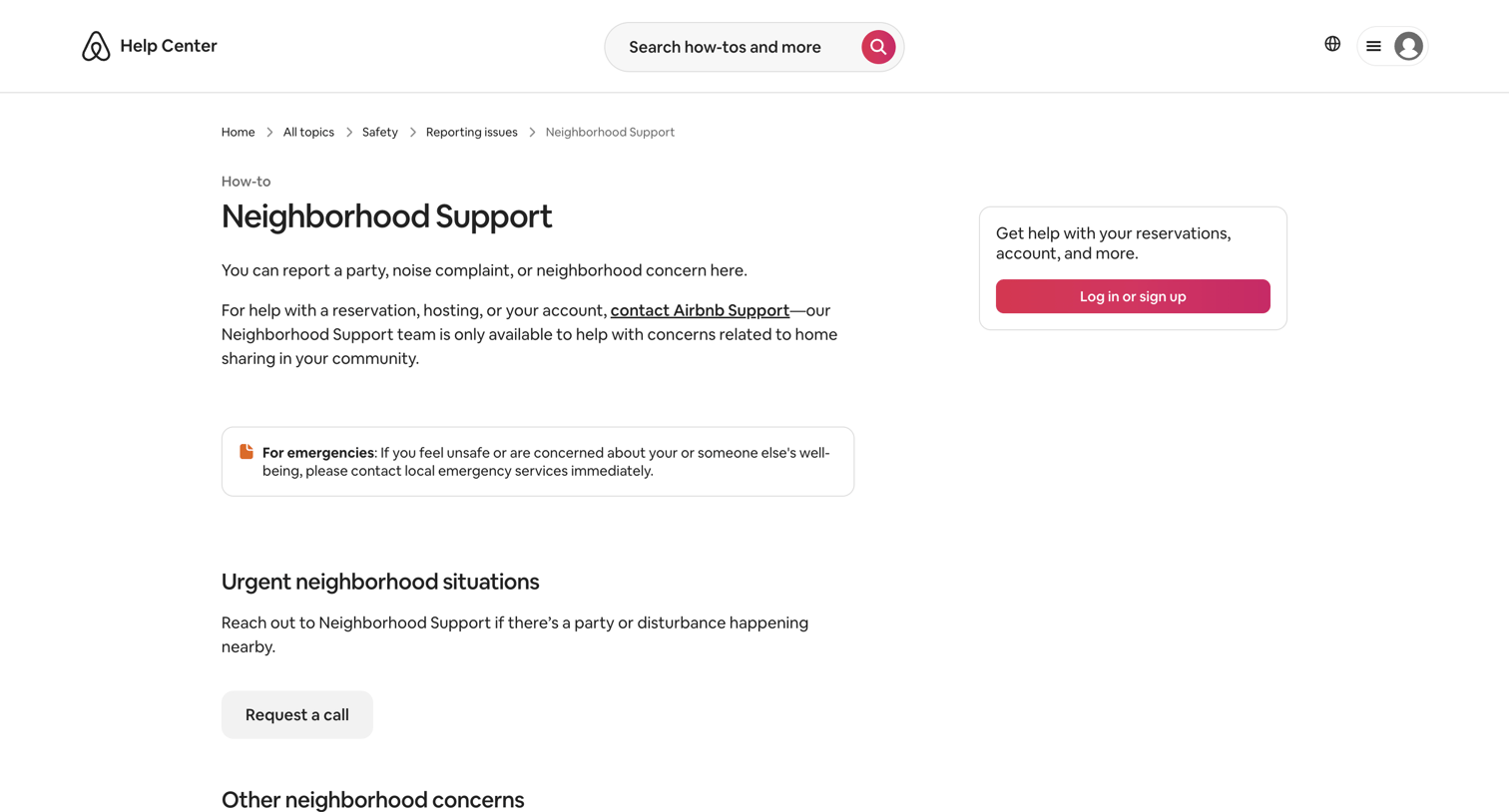

Help center article detailing how to report neighborhood concerns or emergencies, with options to request a call or report an issue online.
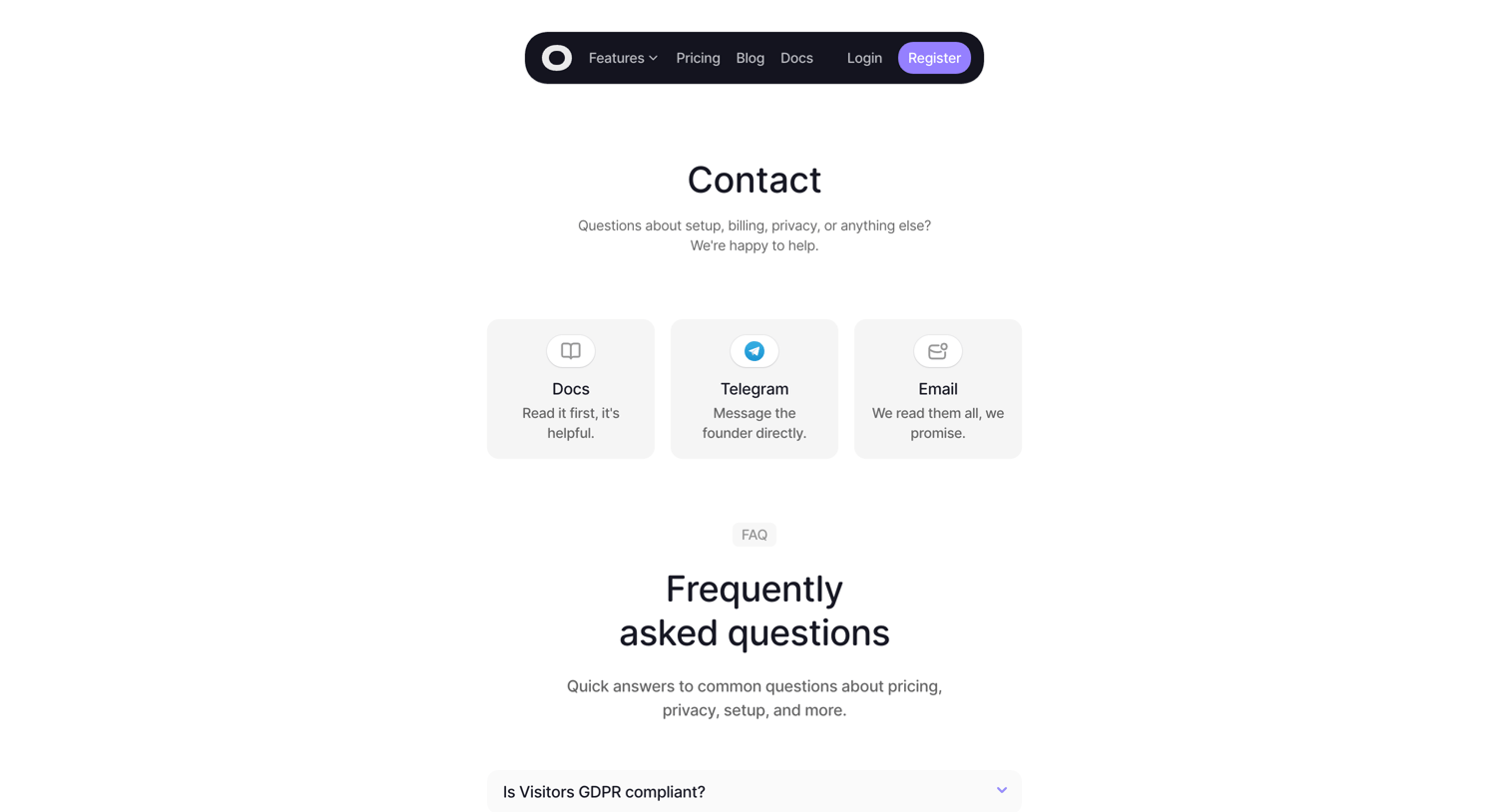

Contact page where the user can choose to route their inquiry to documentation, Telegram, or email, followed by a list of frequently asked questions.

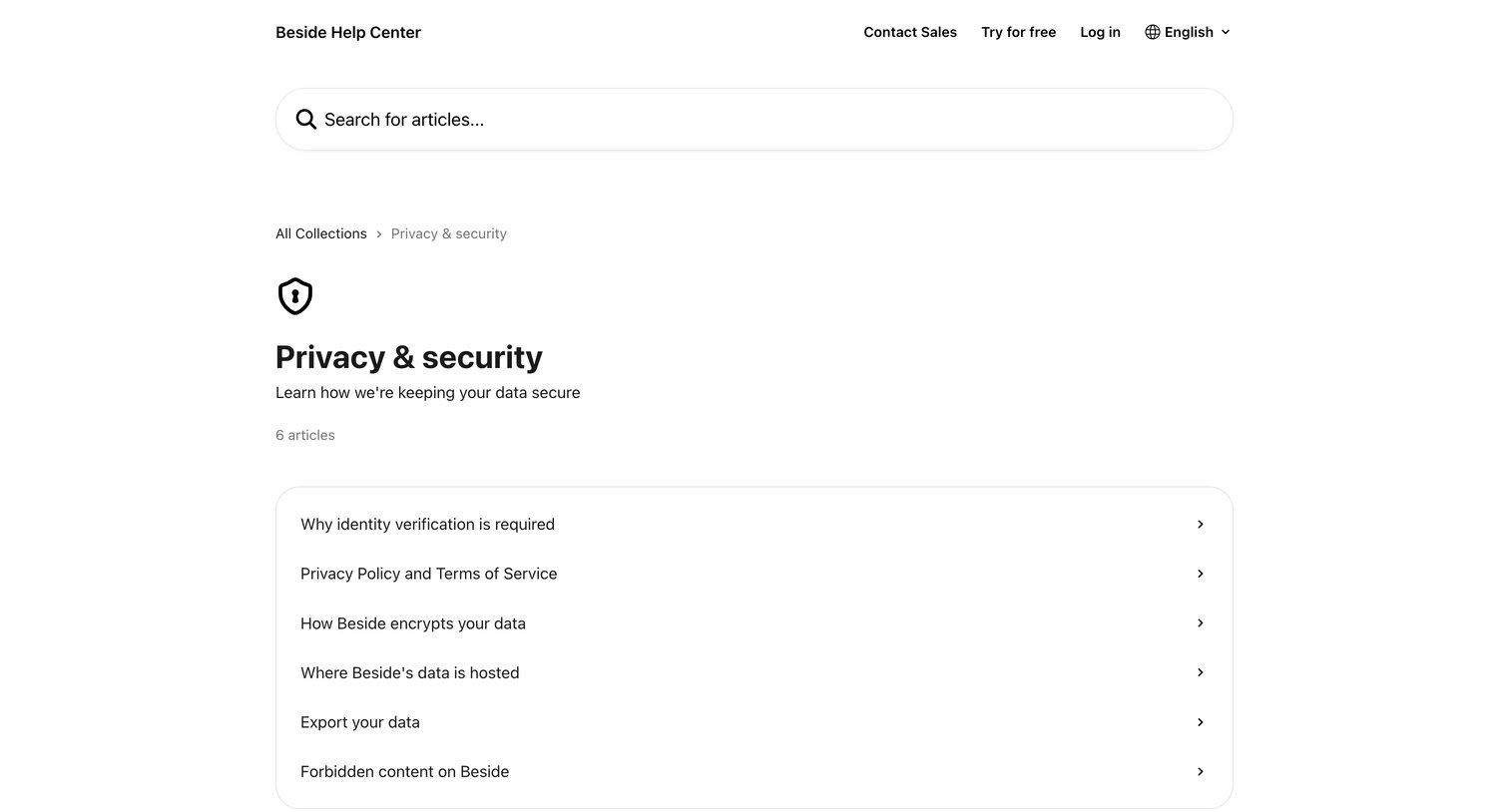

Help center category page listing articles about privacy and security, including data encryption and hosting.
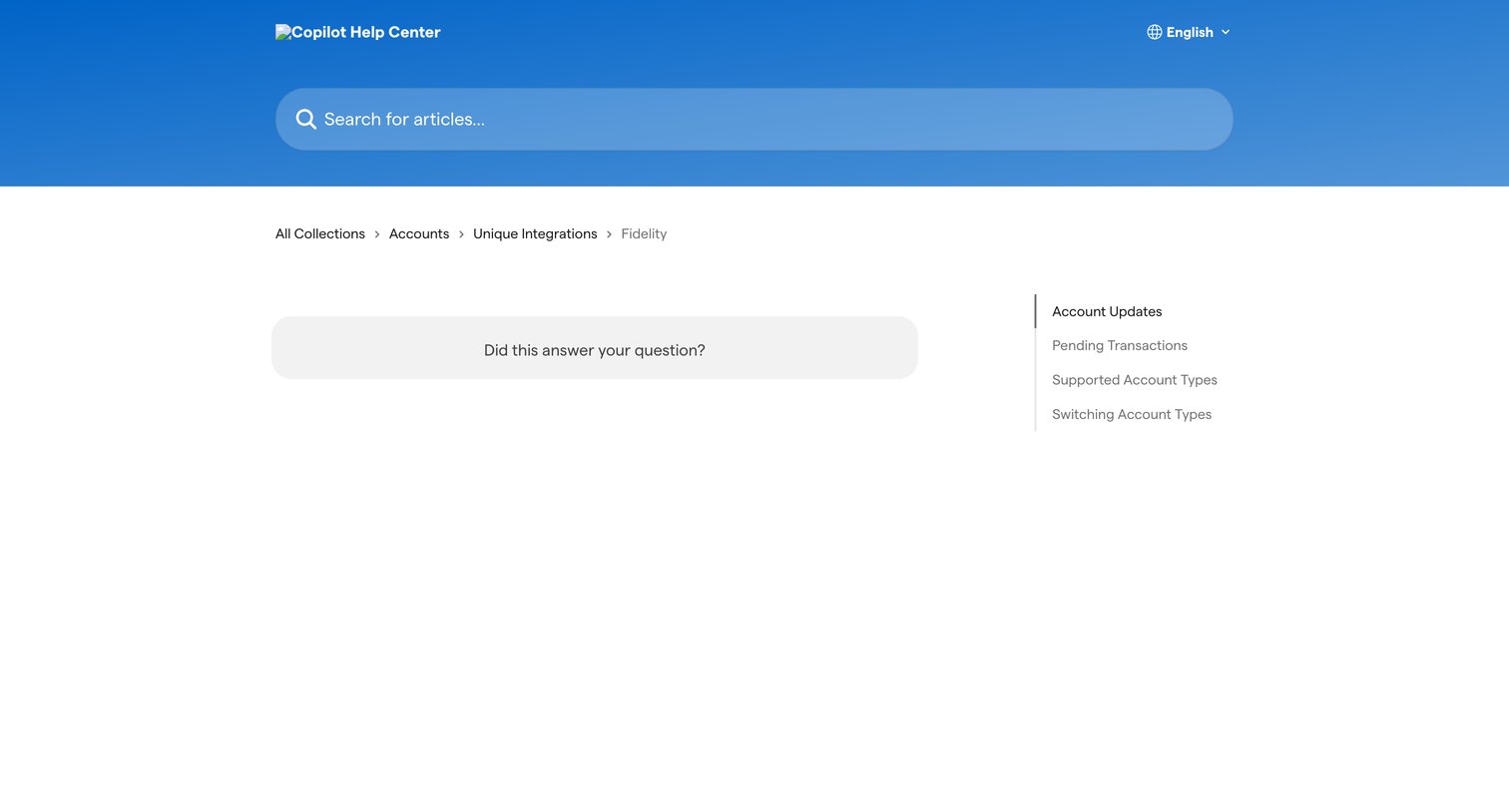

Help center article page for the Fidelity integration featuring a prominent search bar, breadcrumb navigation, and a right rail with related account update articles.
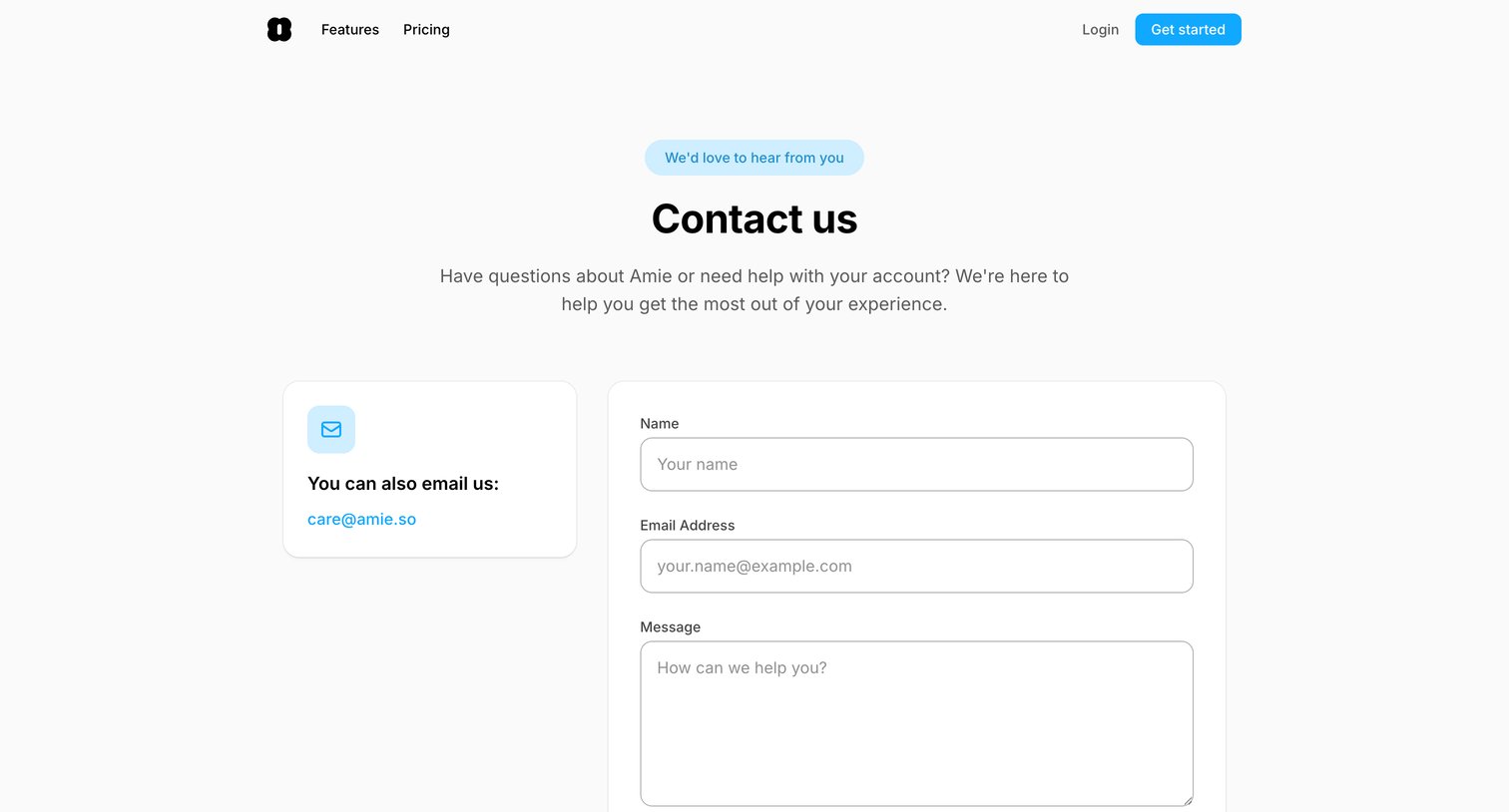

Contact page where the user can fill out a form with their name, email, and message to reach the team, or find a direct email address.
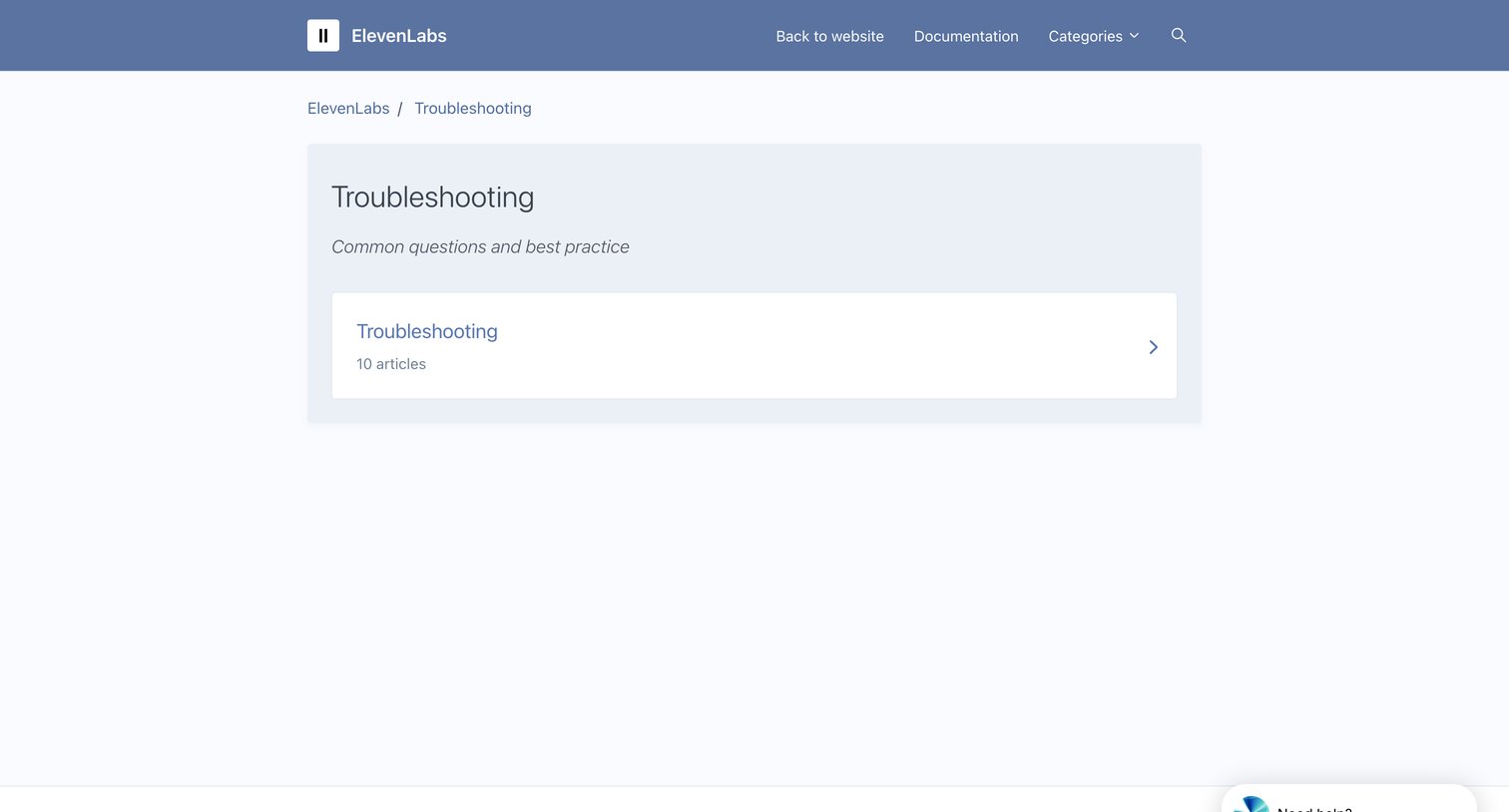

Help center category page displaying a list of troubleshooting articles and a persistent AI support widget.
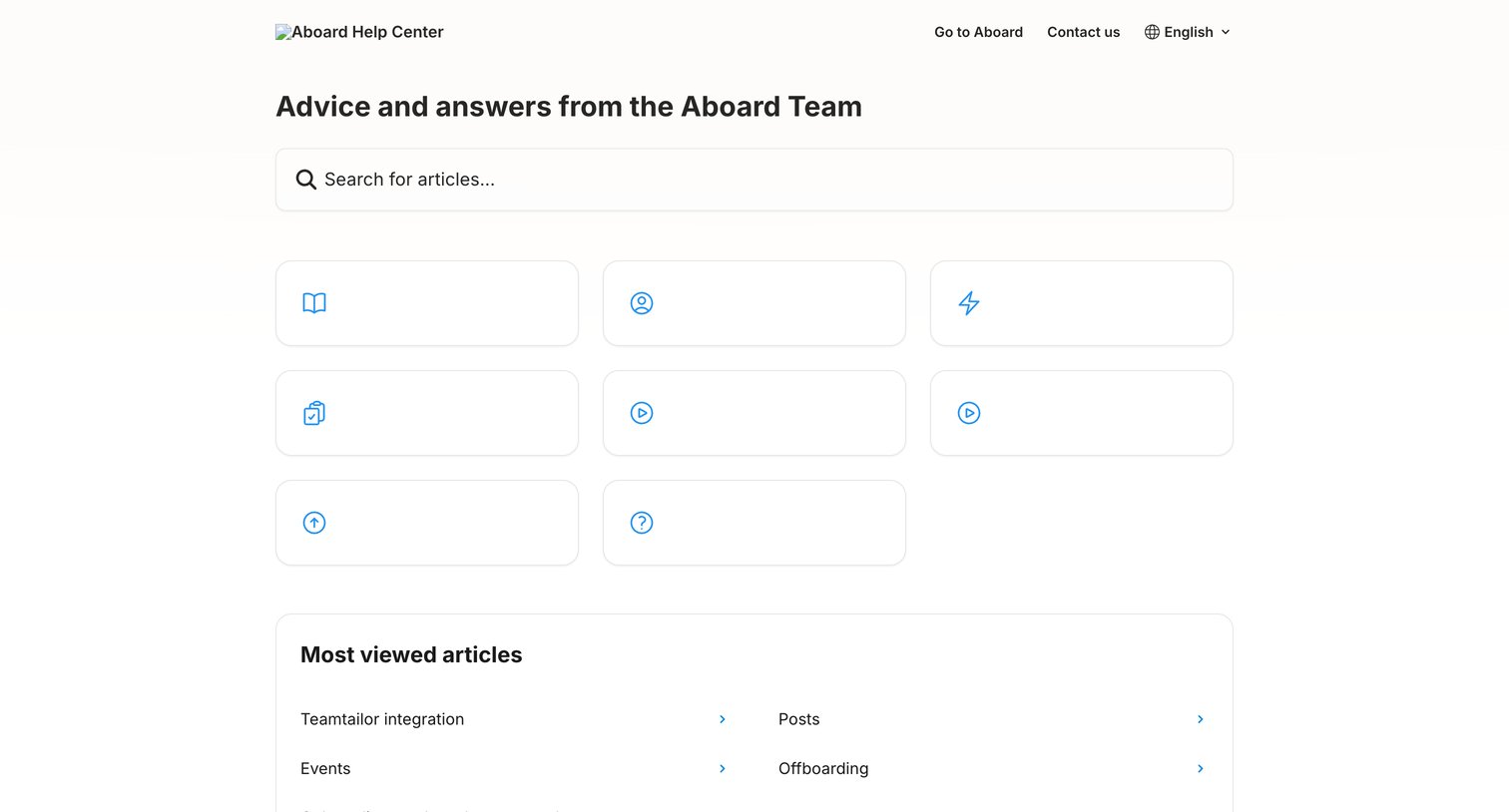

Help center homepage where the user can search for articles, browse categories by icon, or access most viewed articles like Teamtailor integration and Onboarding.
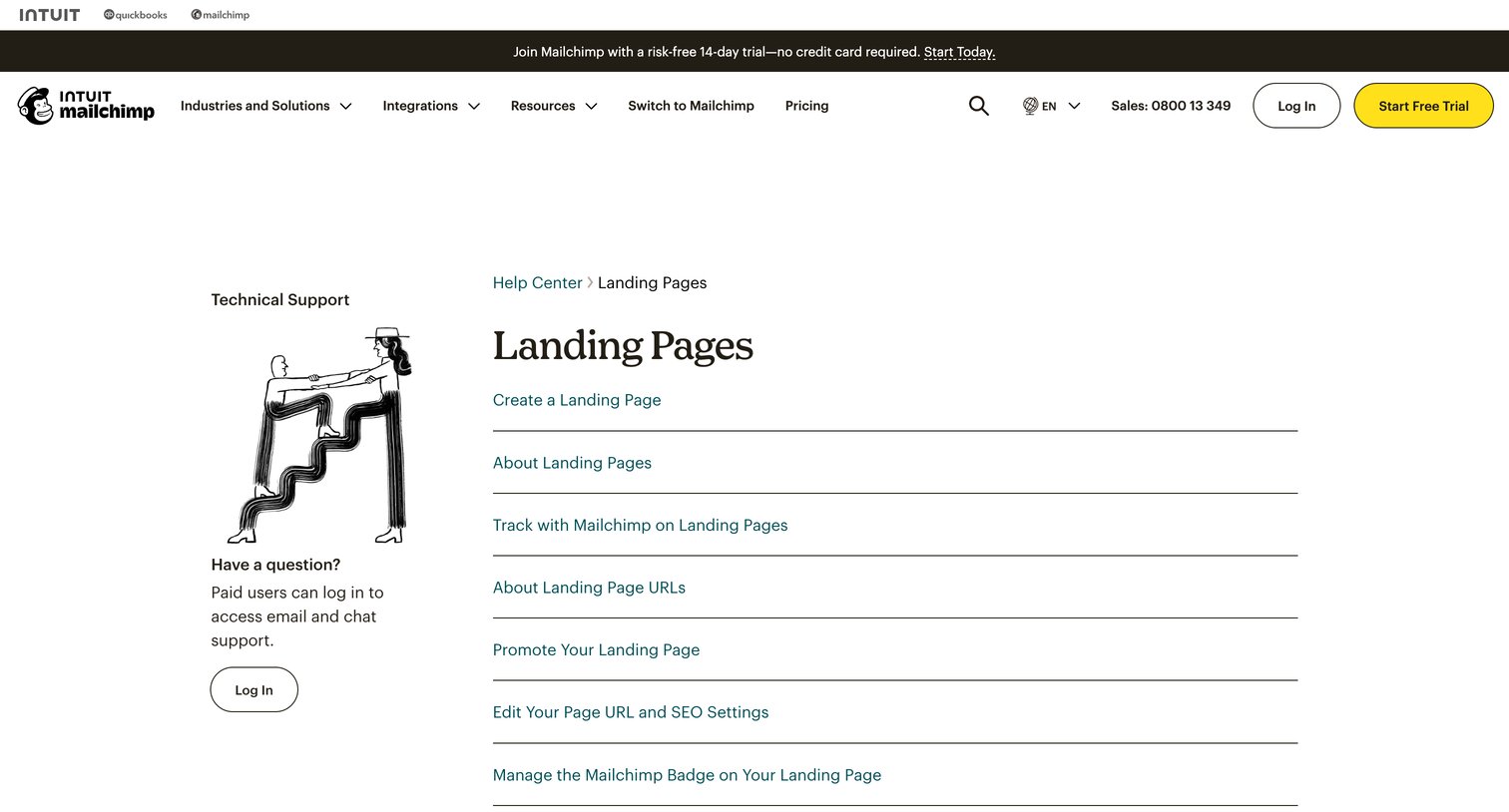

Help center directory listing support articles about creating, tracking, and managing landing pages, alongside a prompt to log in for technical support.
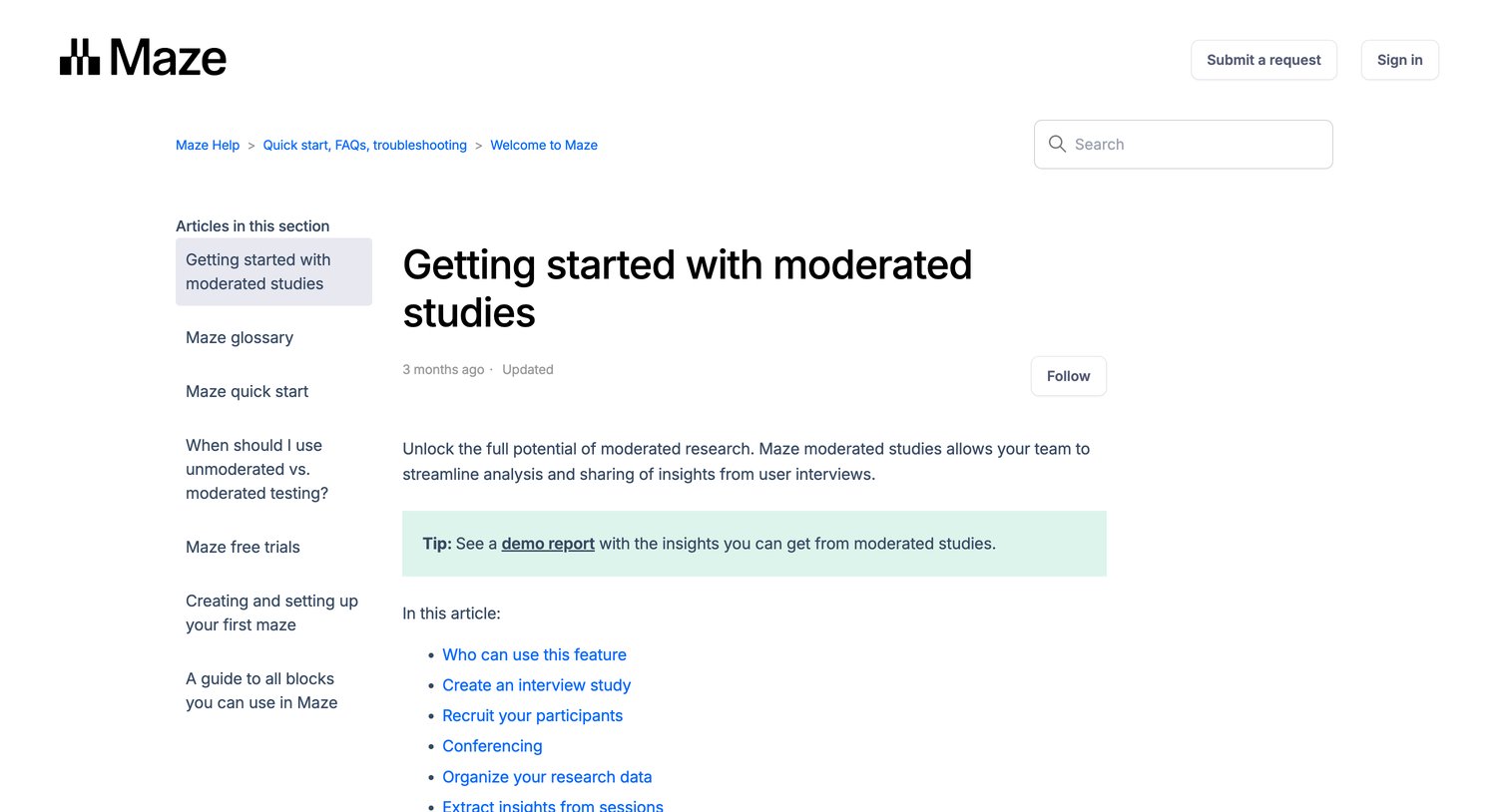

Help center article explaining how to create, organize, and manage moderated studies, featuring a table of contents, step-by-step instructions with product screenshots, and related article links.

Explore the full SaaS screen library
Upgrade to unlock the full library.
Trusted by the best teams







