Avatar upload screen examples
Avatar upload screen design examples from SaaS apps. Browse examples from Steel, Visitors, Dock.
Explore the examples
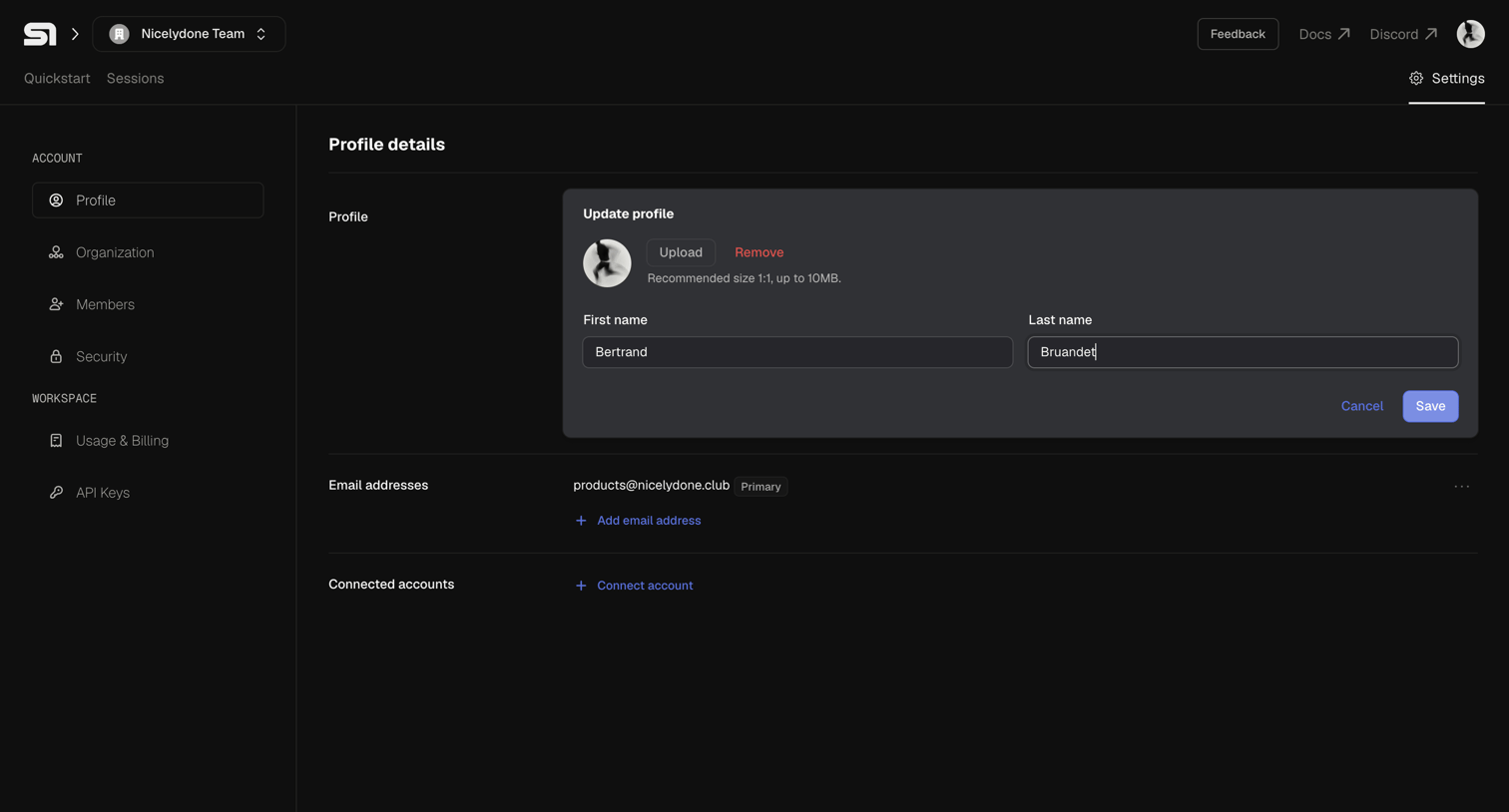

Settings page where the user updates their personal profile details, including name, avatar, and connected email accounts.
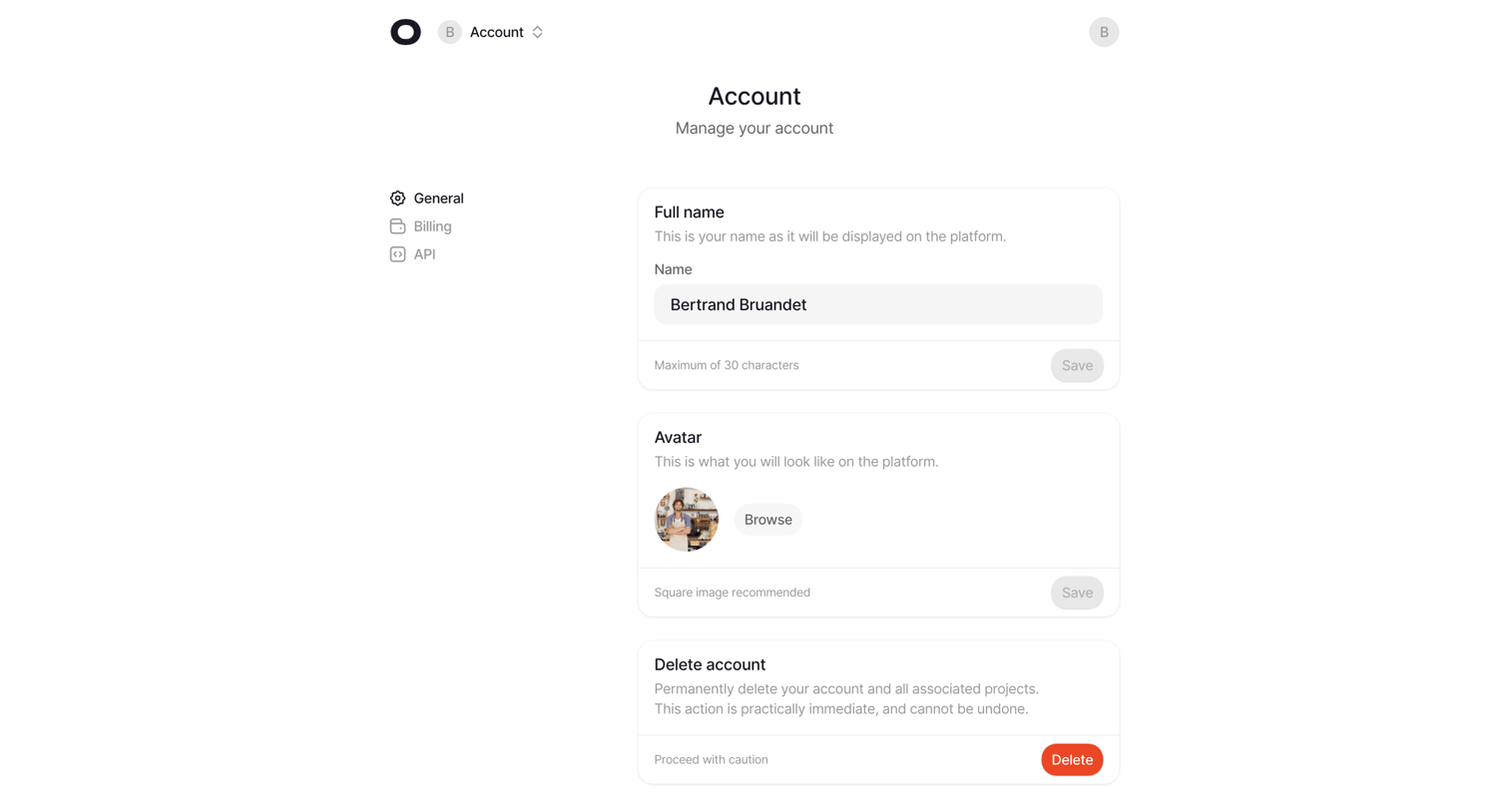

Settings page where the user manages their account profile, including full name, avatar upload, and account deletion.
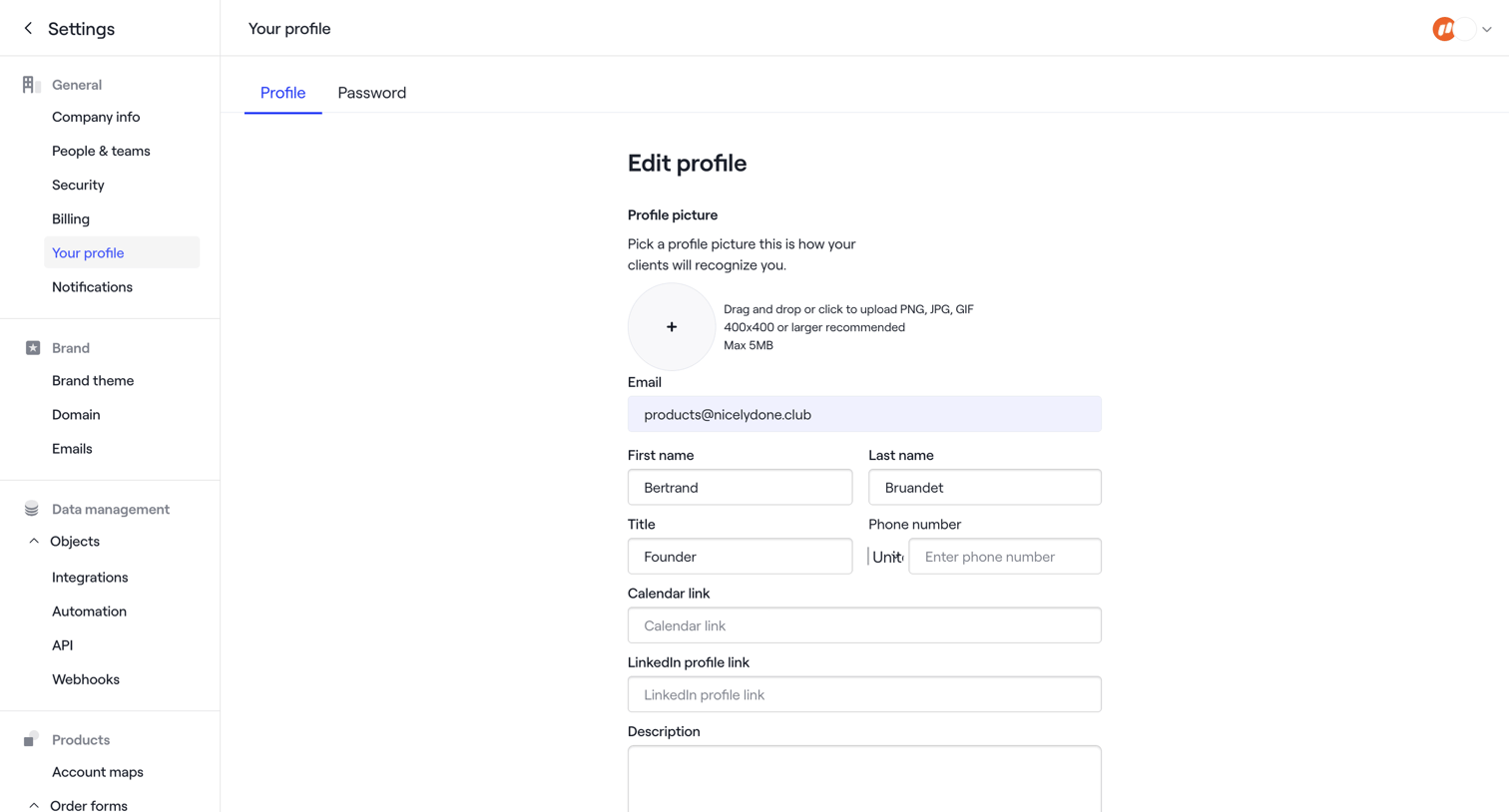

Settings page where the user updates their profile picture, contact details, and personal links.
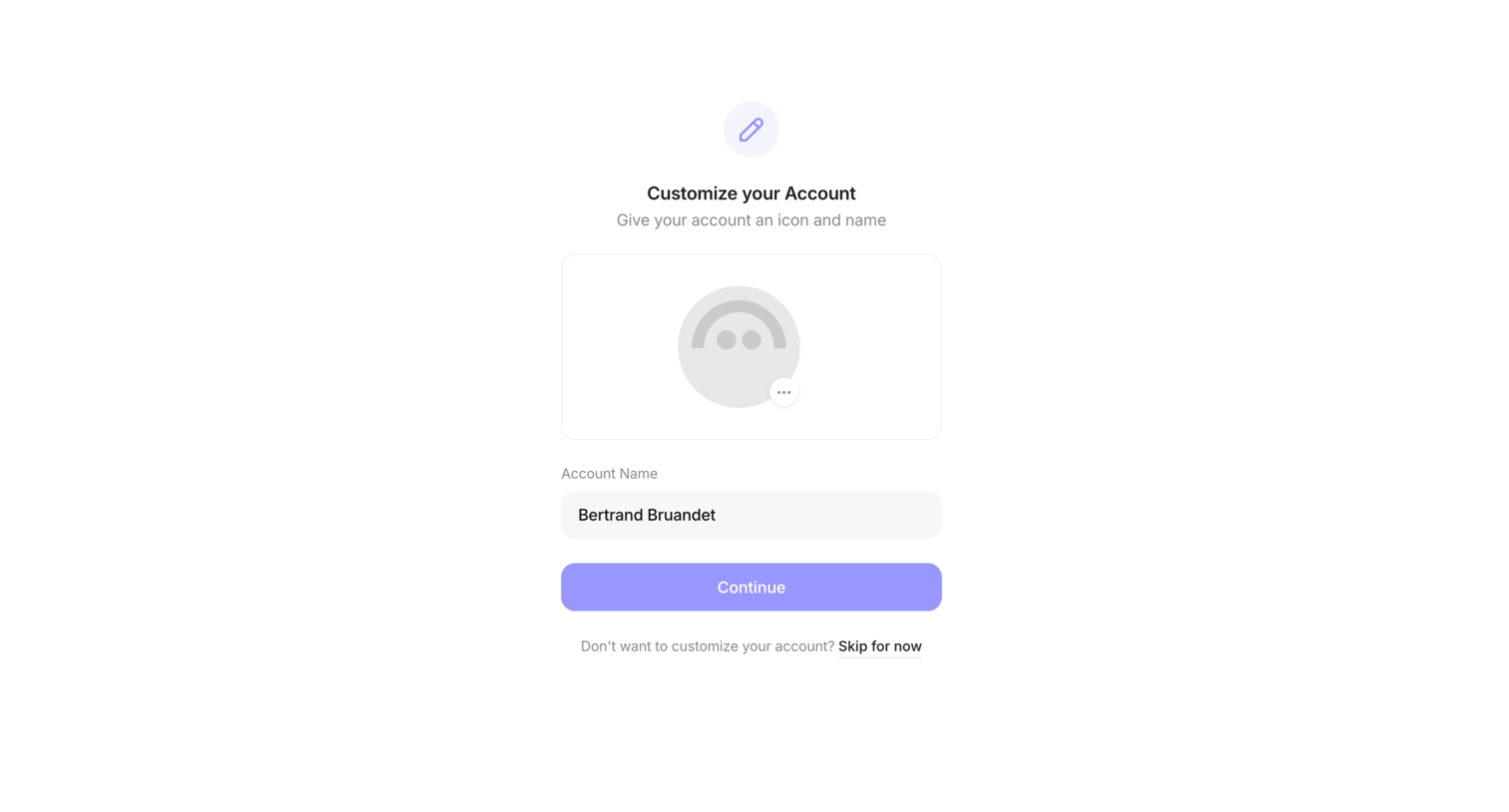

Onboarding step where the user customizes their account profile by uploading an icon and setting an account name, with an option to skip.
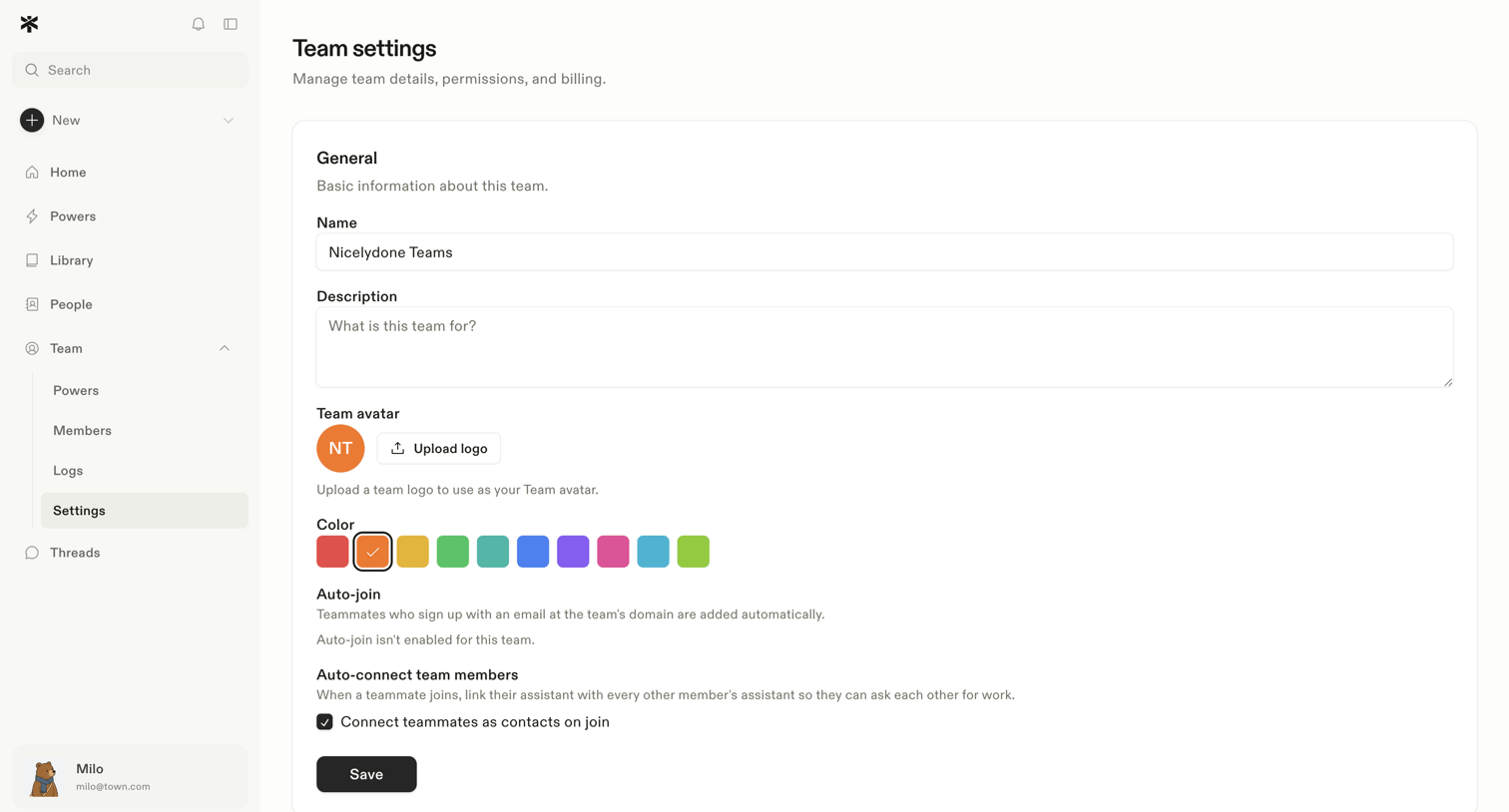

Settings page where the user configures general team details like name, description, avatar, color, and auto-join preferences.
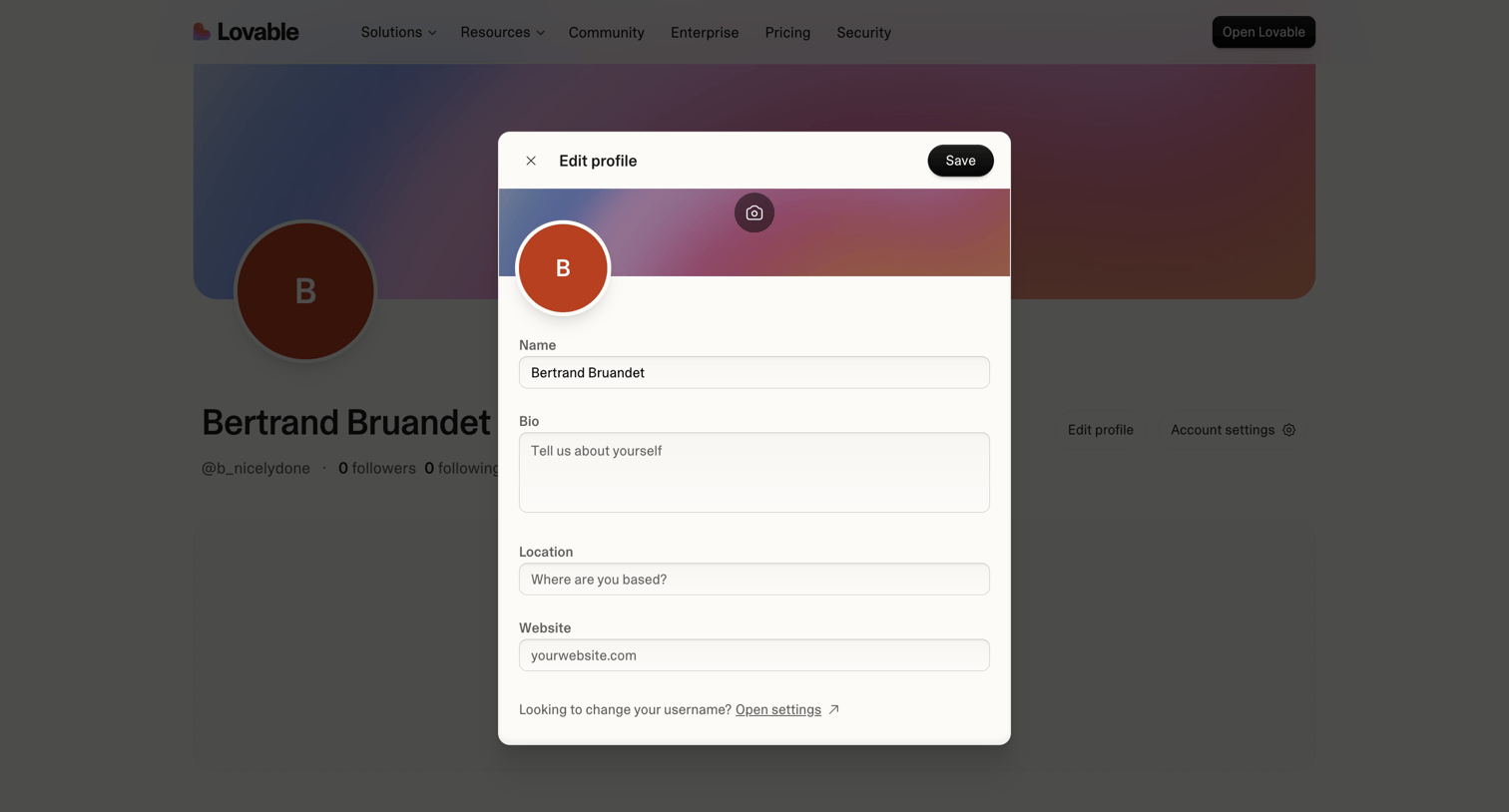

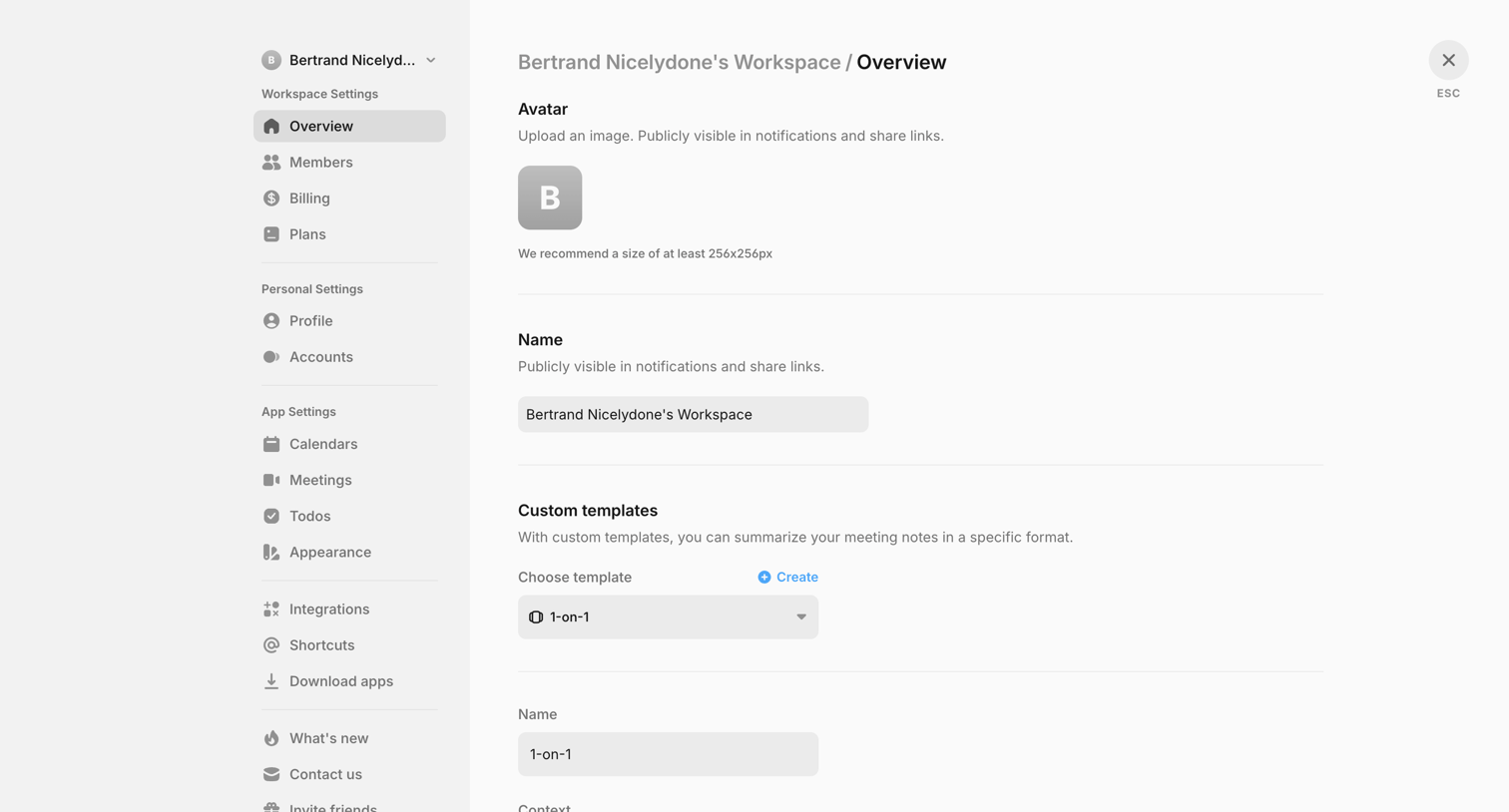

Settings page where the user configures their workspace overview, including avatar, name, and custom meeting note templates.
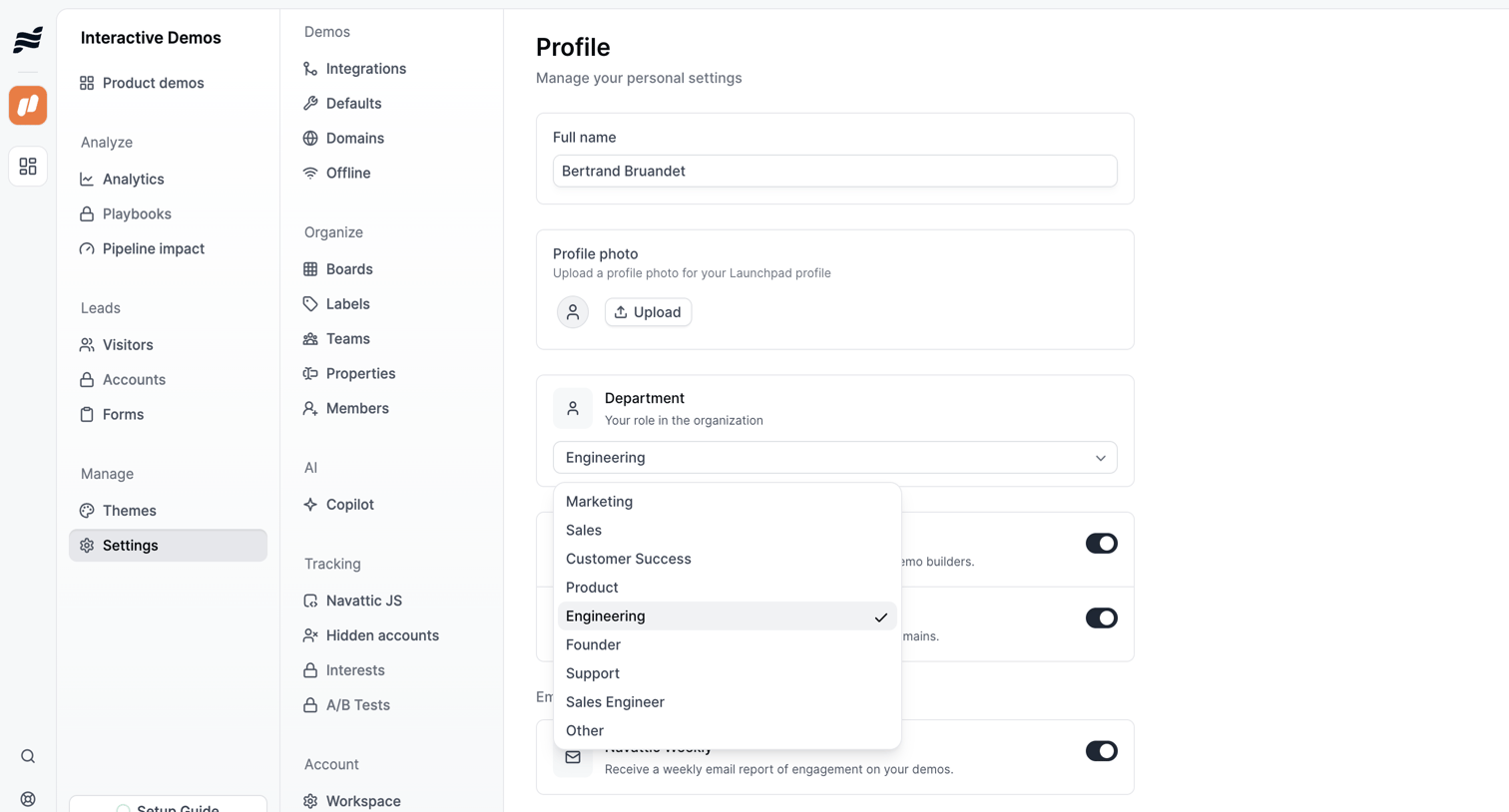

Settings page where the user updates their personal profile information, including name, photo, department, and email notification preferences.
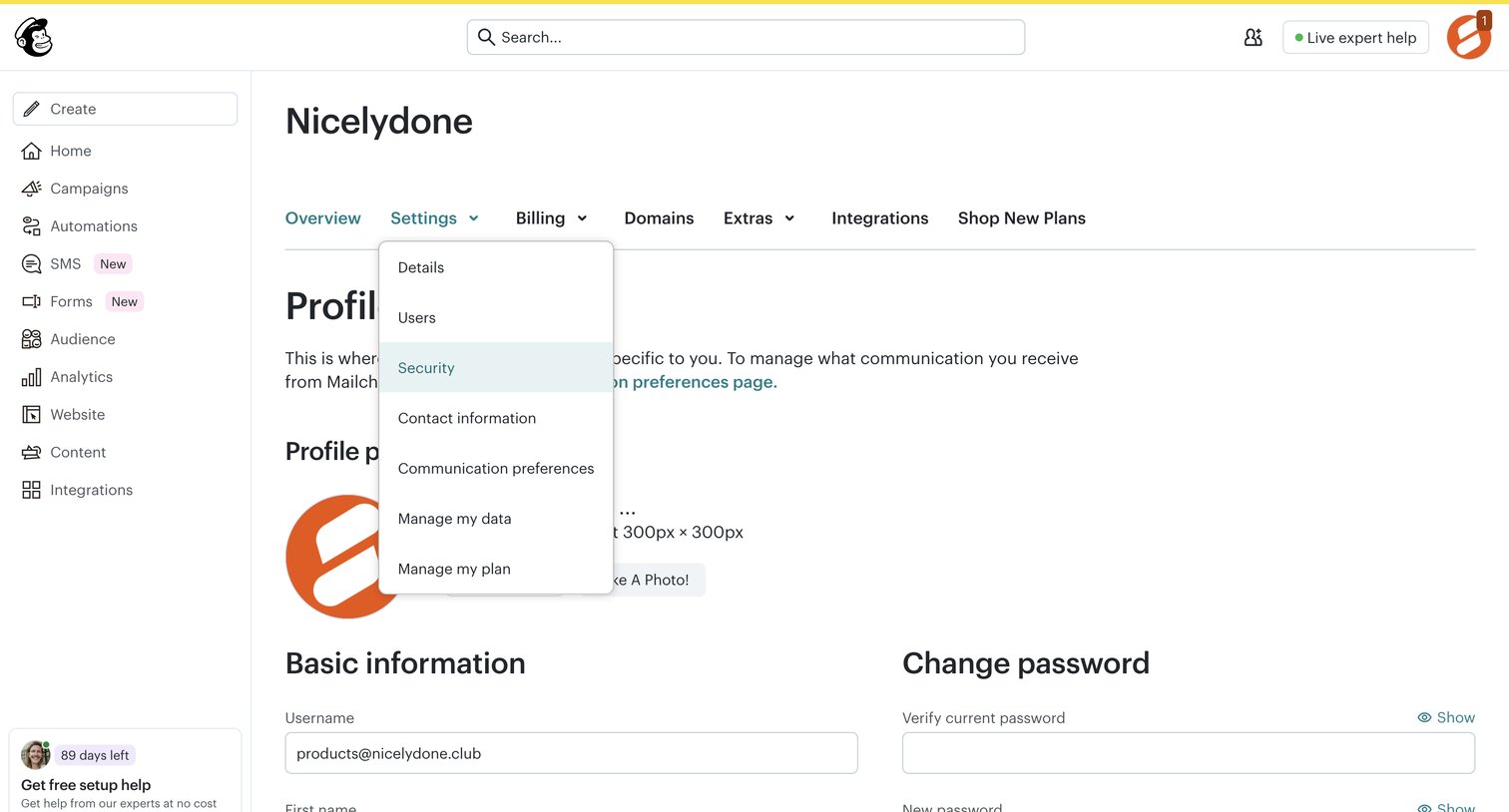

Settings page where the user manages their profile information, including their avatar, basic username and name details, and password.
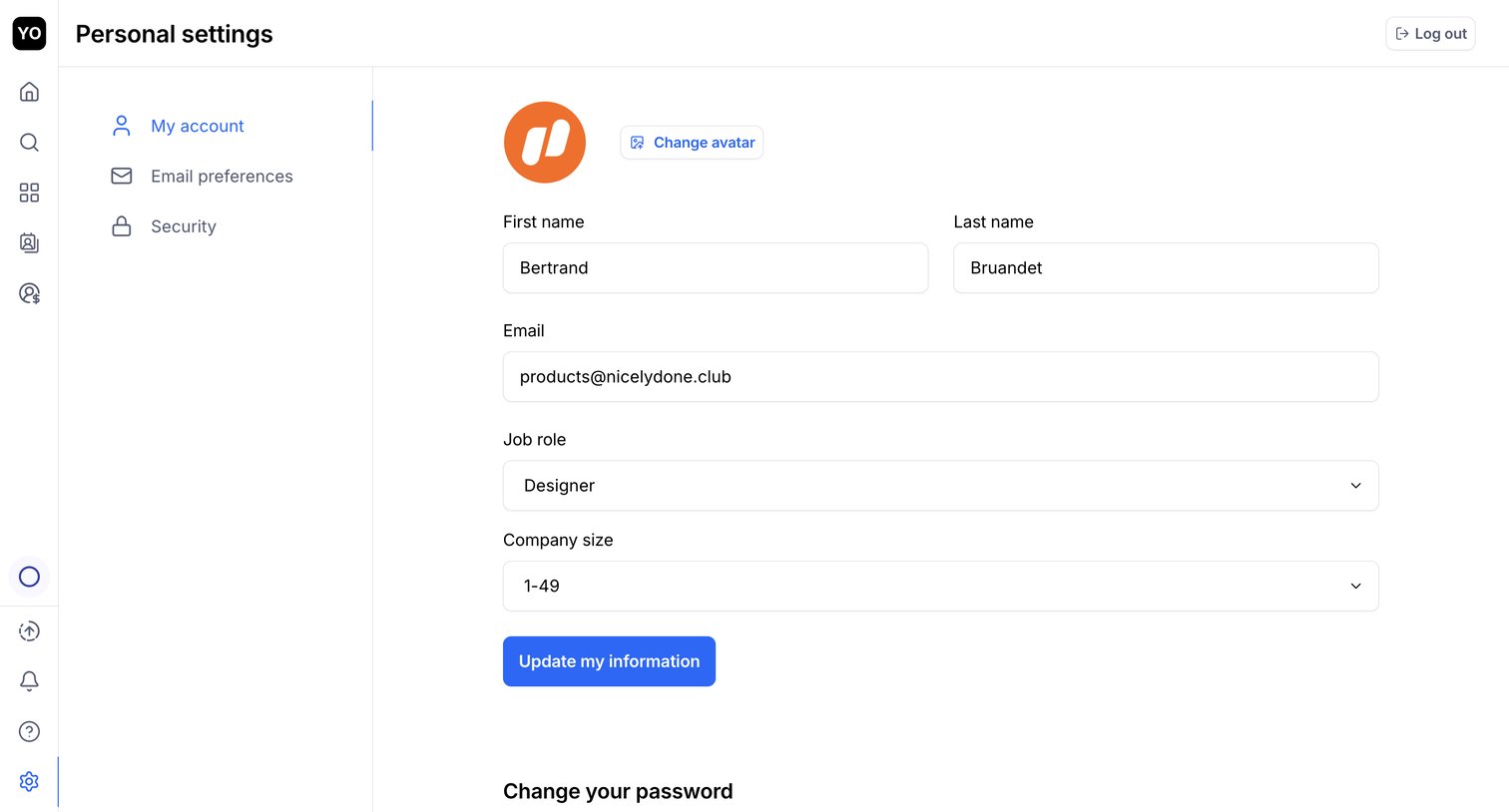

Settings page where the user updates their personal profile information, including name, email, job role, and company size.
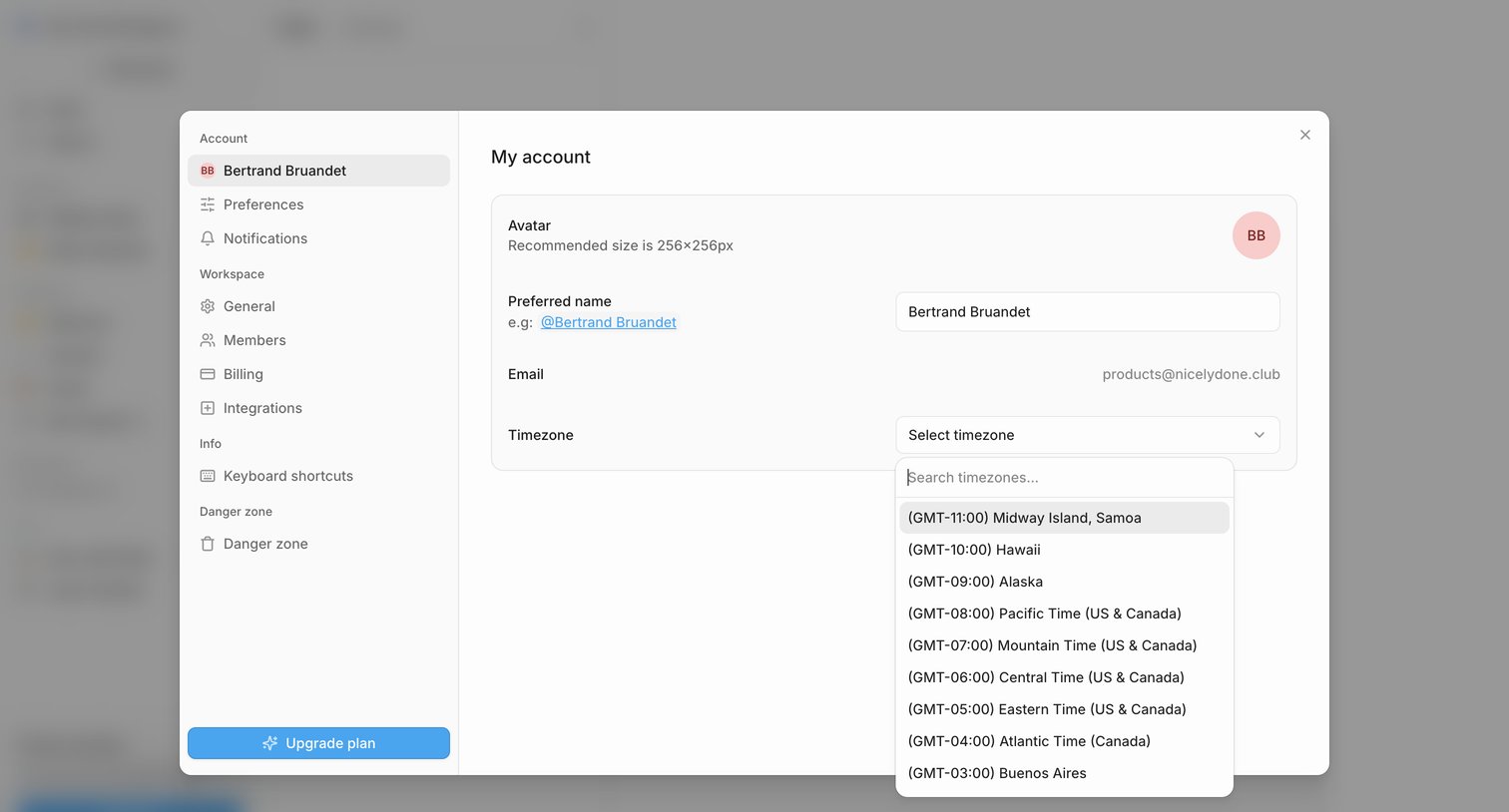

Settings modal where the user configures their personal profile details including avatar, preferred name, and timezone.
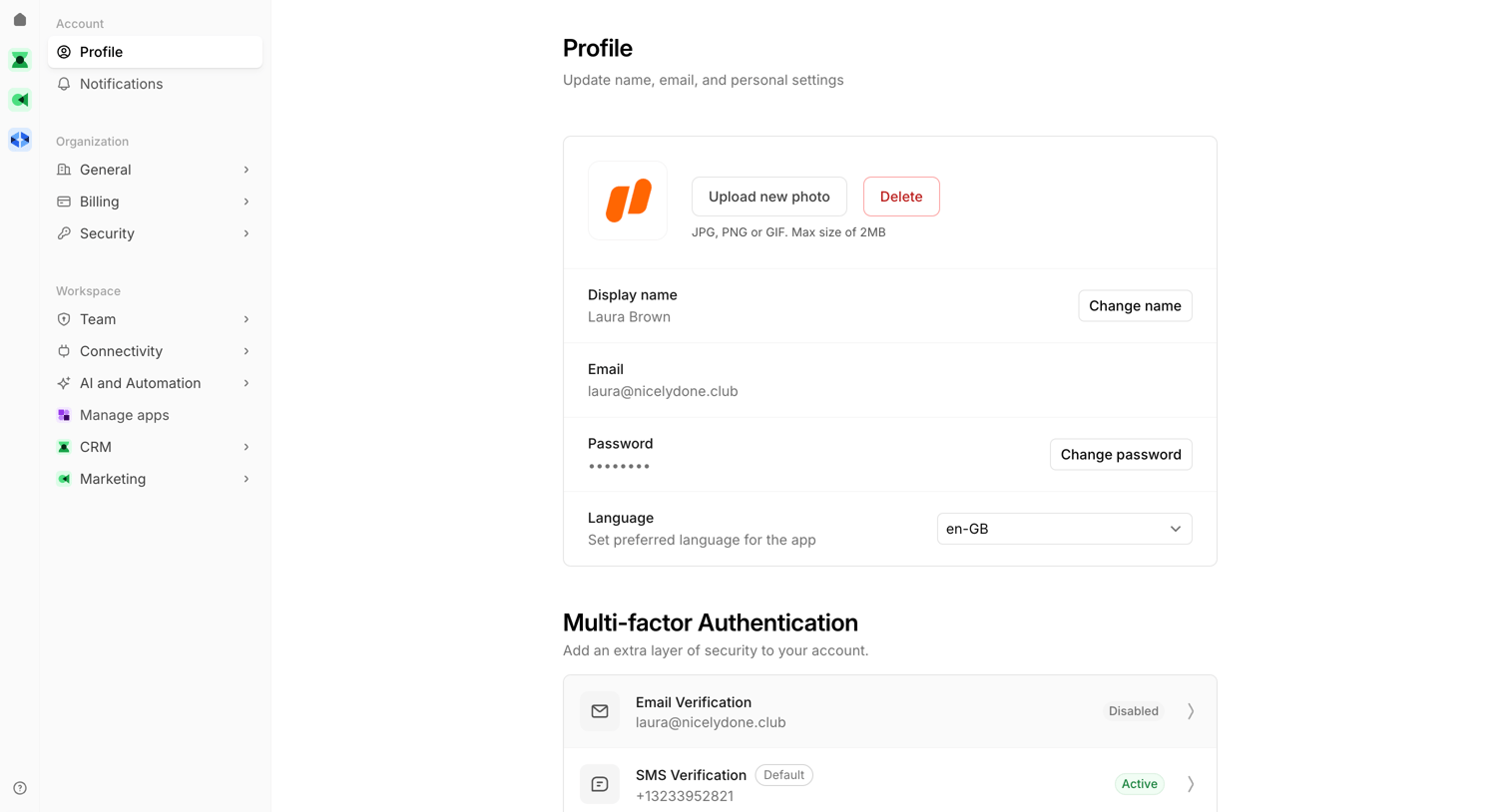

Settings page where the user manages their personal profile, configures multi-factor authentication methods like SMS and TOTP, and reviews active web sessions.
Explore the full SaaS screen library
Upgrade to unlock the full library.
Trusted by the best teams







