2fa screen examples
2fa screen design examples from SaaS apps. Browse examples from Expensify, Github, Make.
Explore the examples
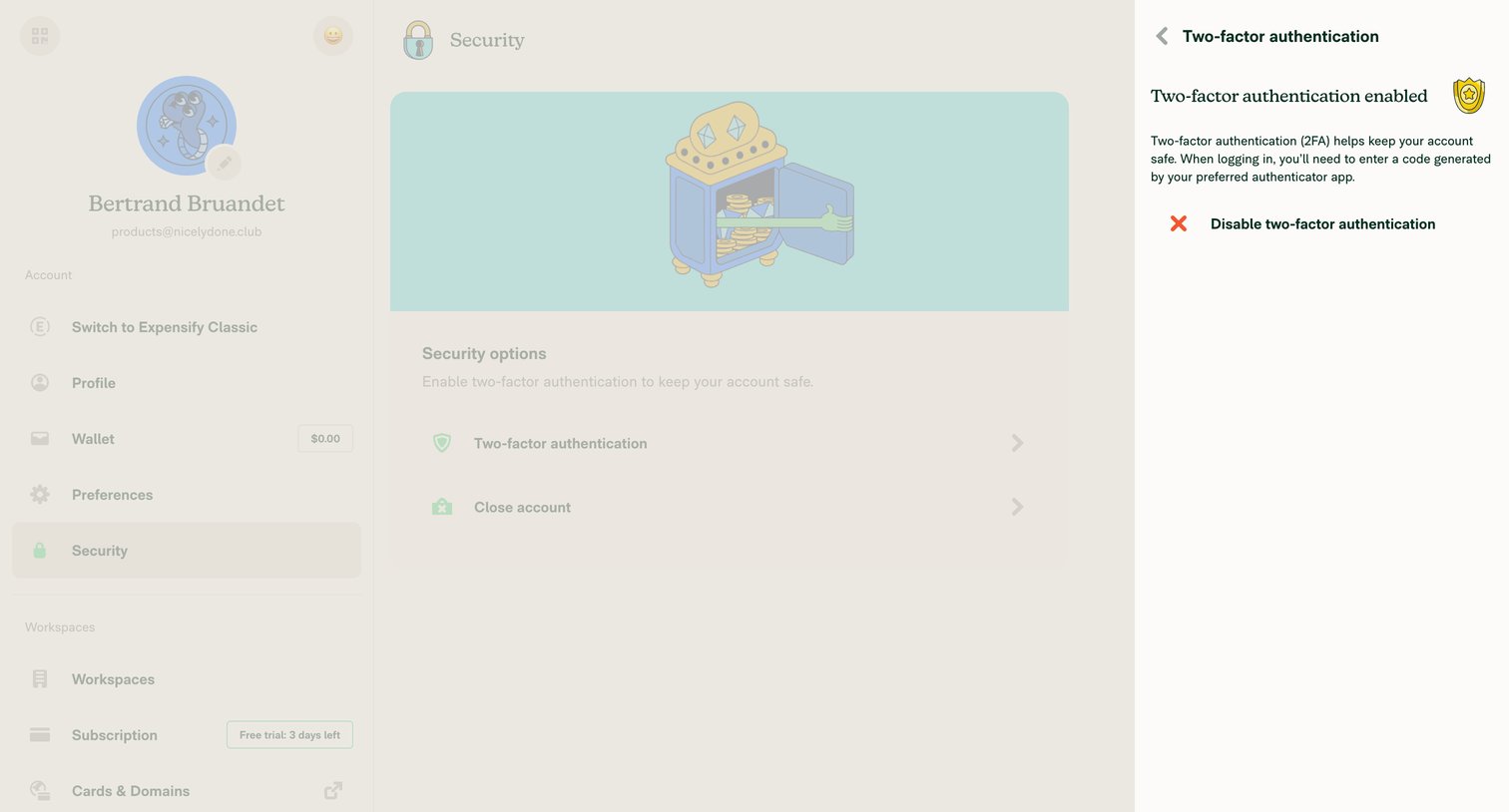

Settings page where the user manages their two-factor authentication, including an option to disable it.
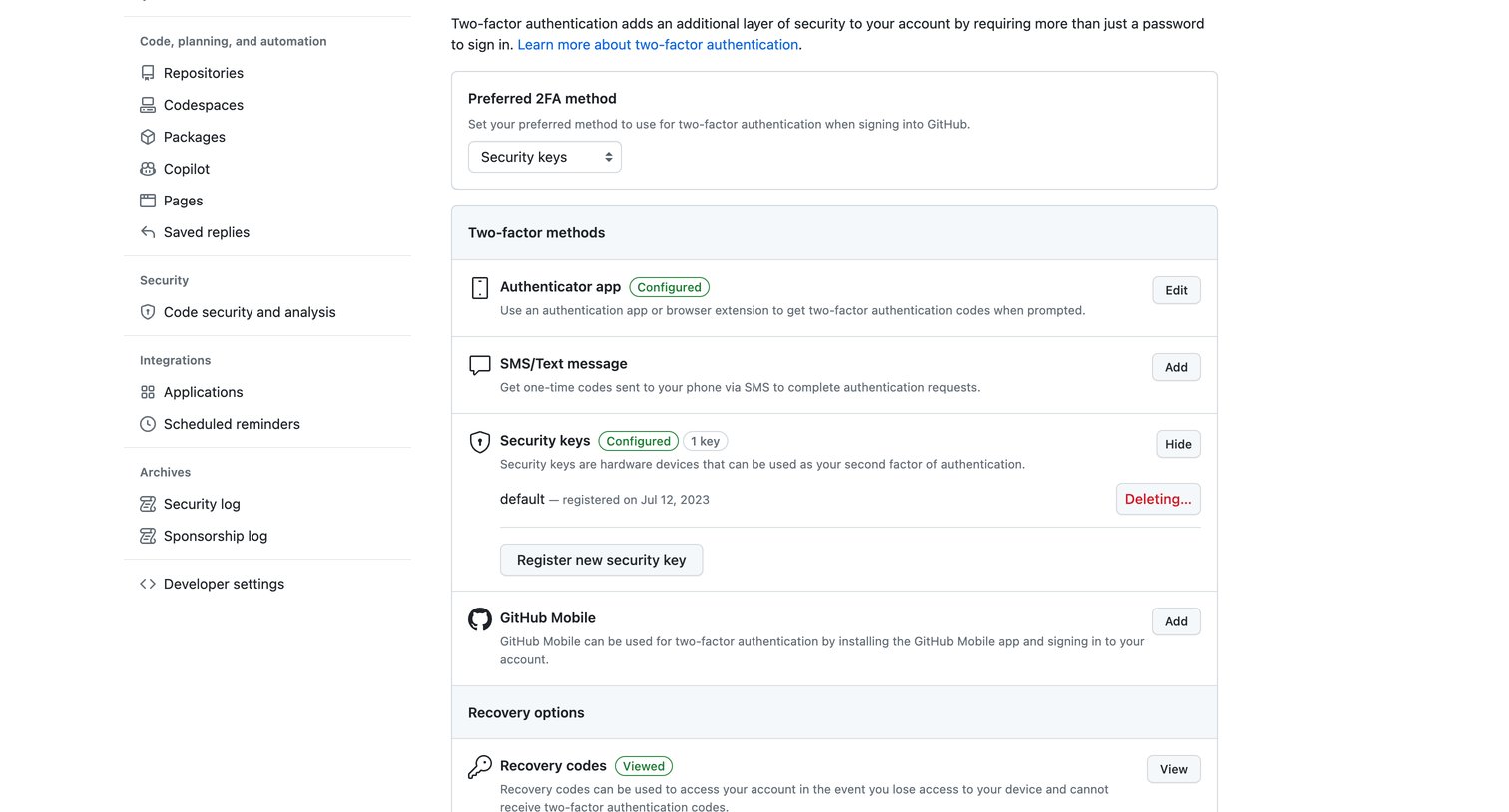

Settings page where the user configures two-factor authentication methods like authenticator apps, SMS, and security keys.
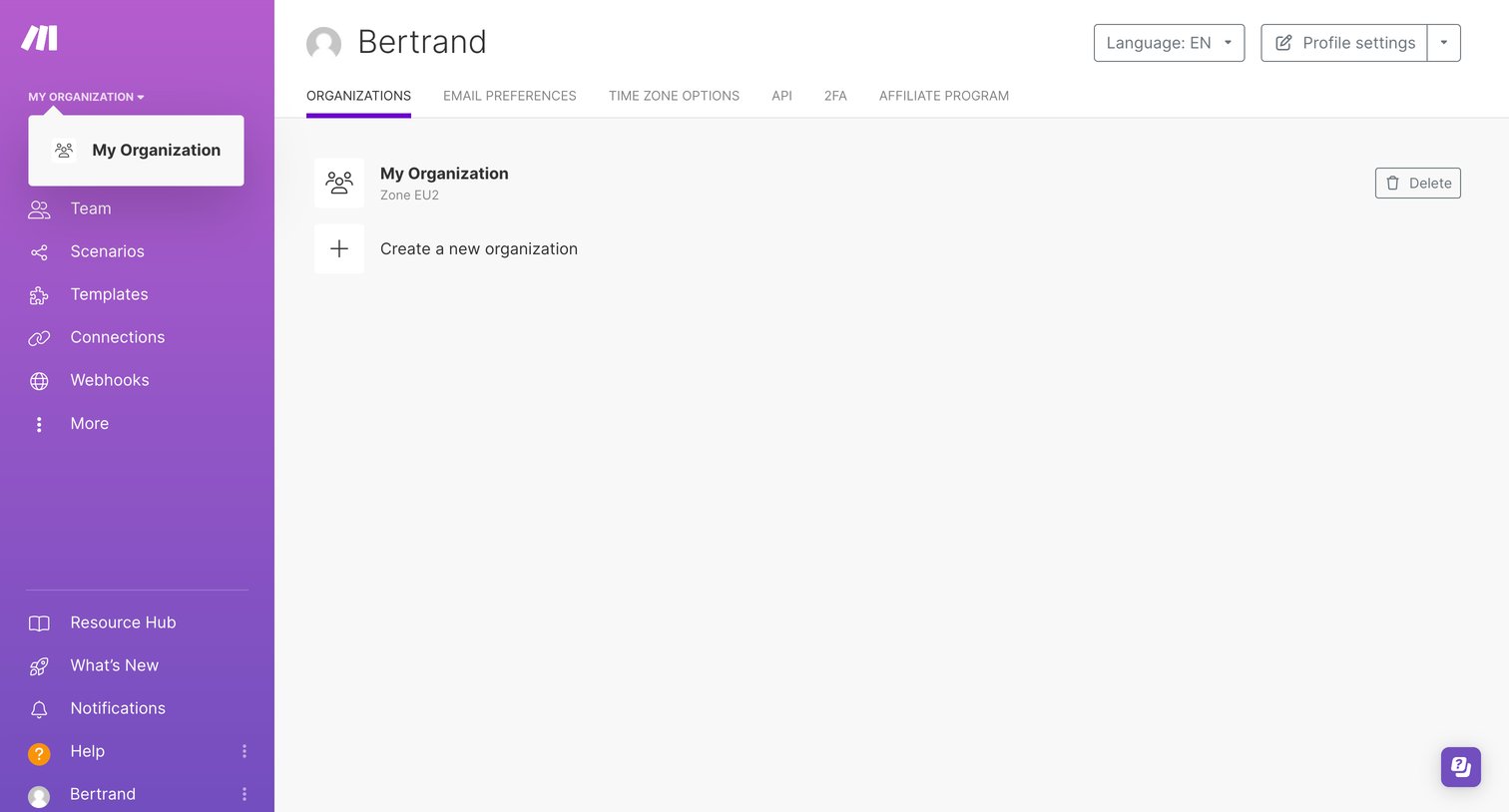

Settings page where the user manages their organizations, with options to delete an existing workspace or create a new one.
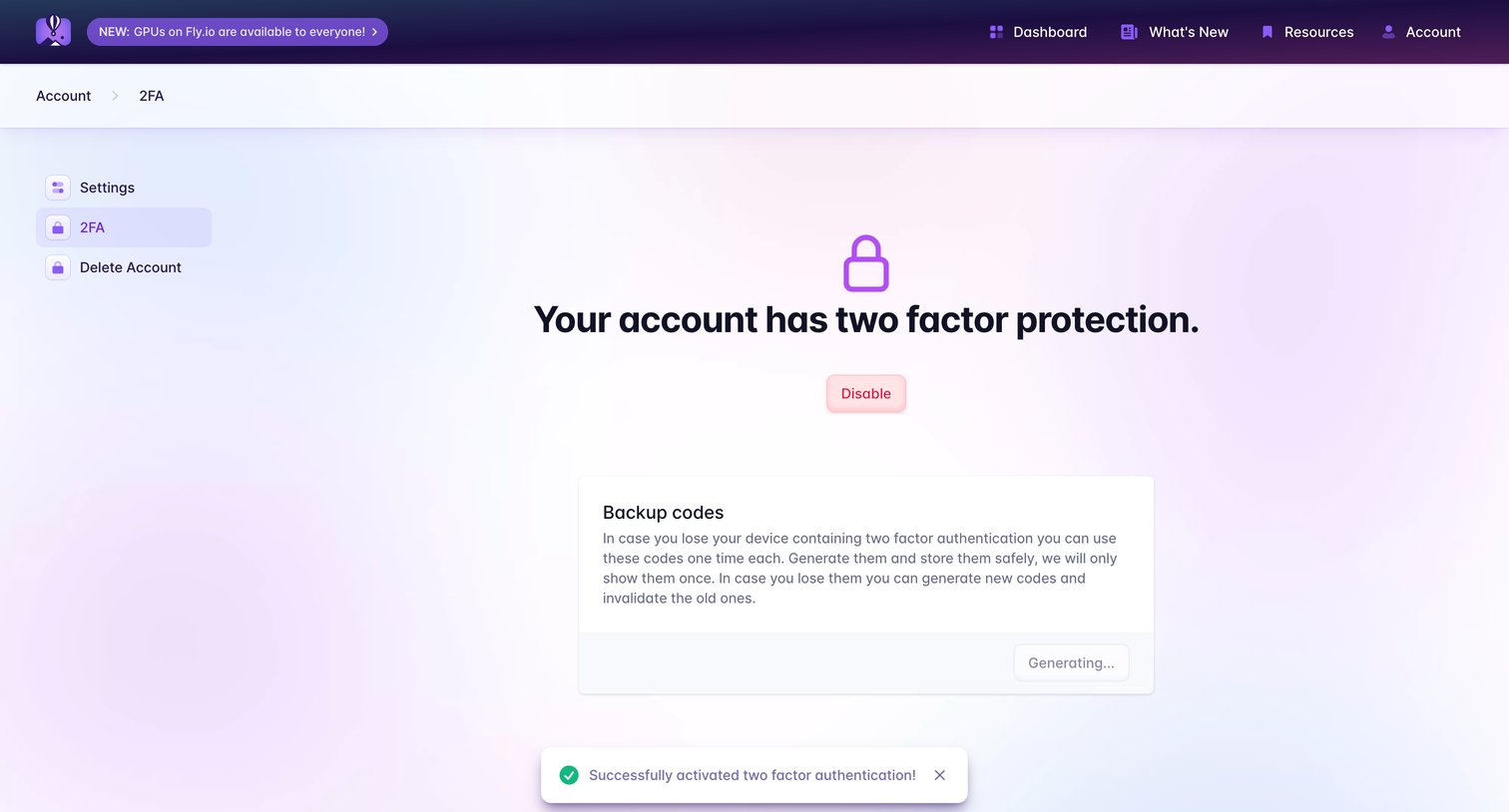

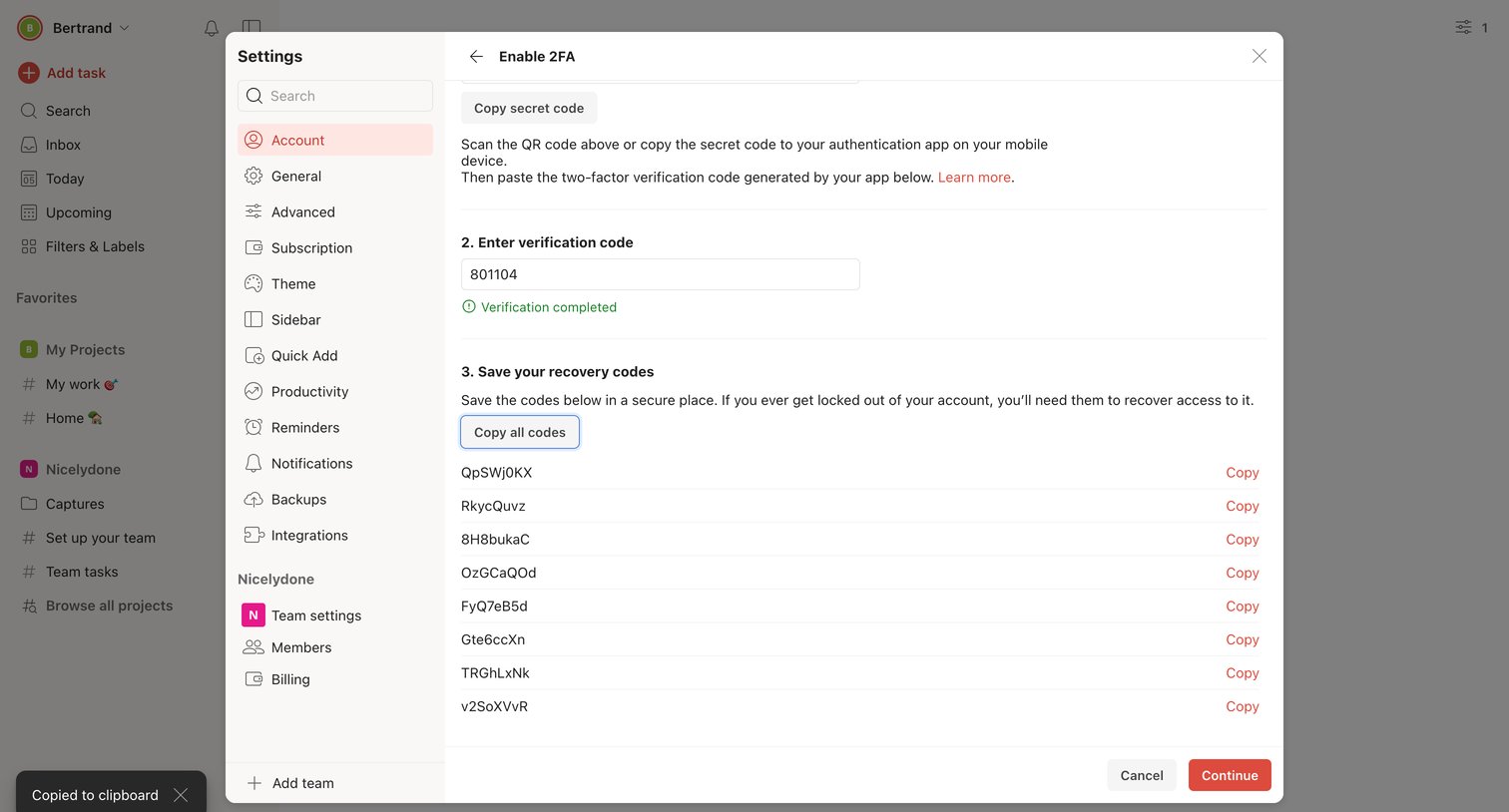

Verification modal where the user completes 2FA setup by entering an authenticator code and saving their recovery codes.
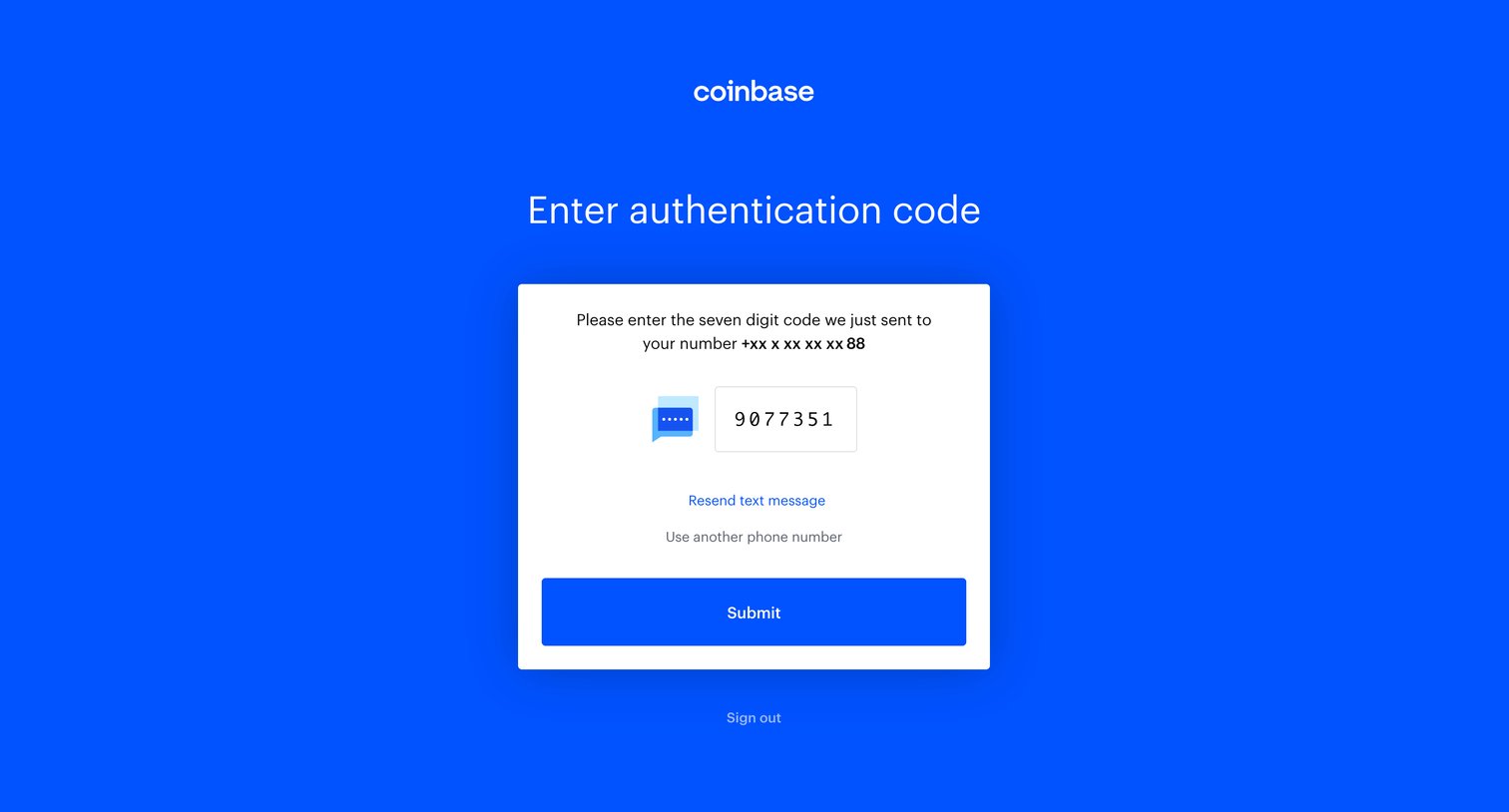

Verification screen where the user enters a seven-digit authentication code sent to their phone via SMS to complete login.
Explore the full SaaS screen library
Upgrade to unlock the full library.
Trusted by the best teams







