Todoist Flow Example: Disabling two-factor authentication
Preview this Todoist user flow: Disabling two-factor authentication. Explore the opening screens.
Preview these flows

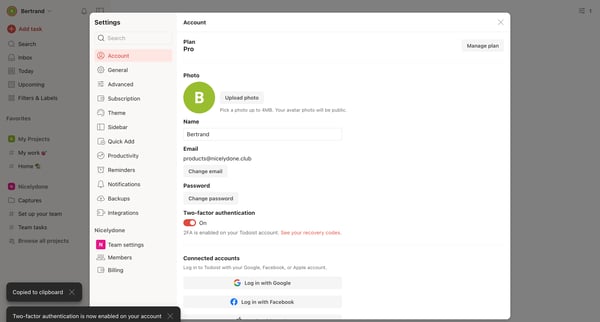
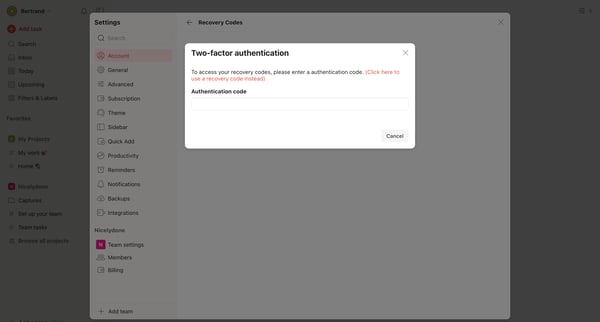
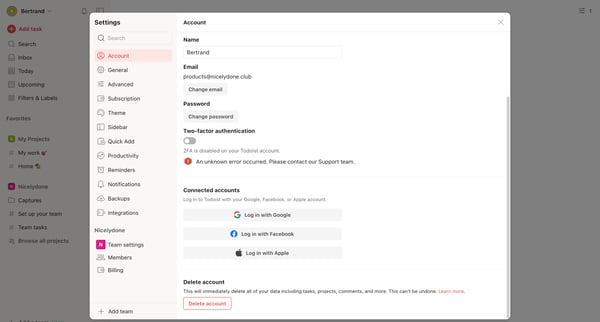
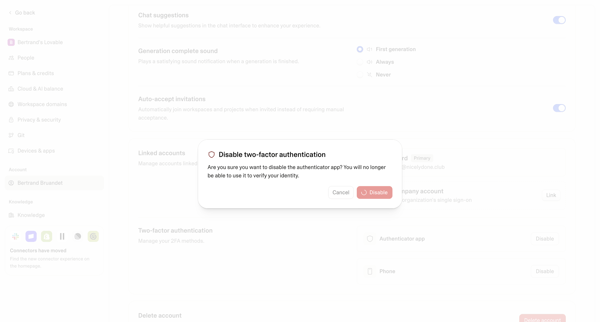
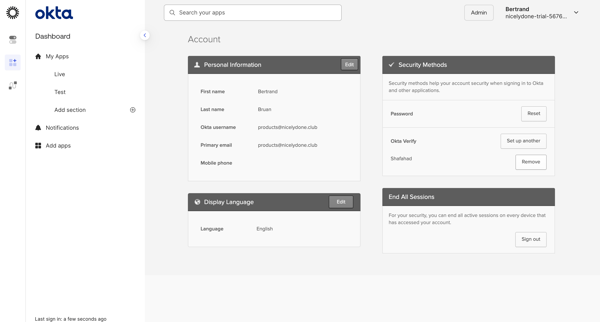
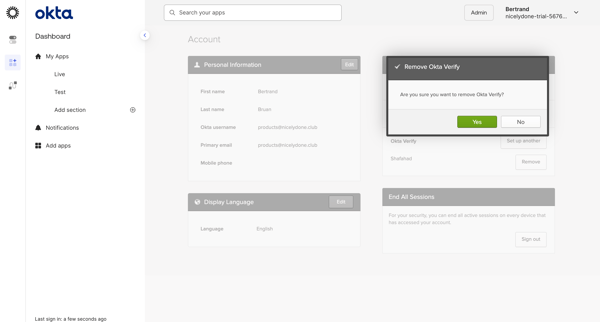
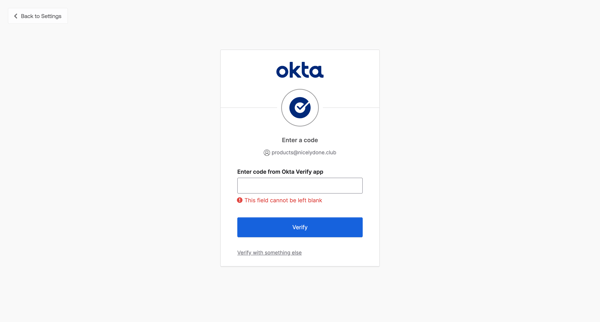
This flow guides a user through the process of disabling multi-factor authentication (MFA) on their Todoist account, ensuring their decision is intentional and secure.
Related user flows

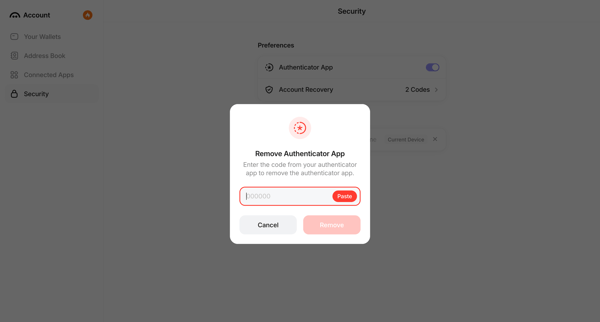
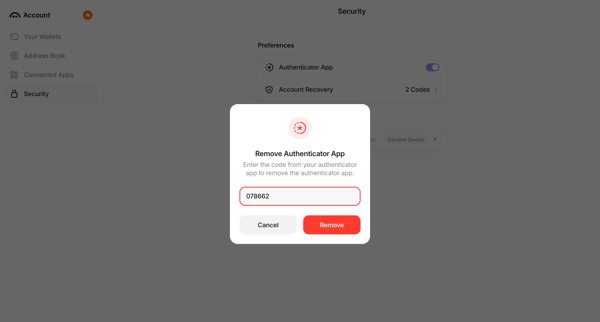
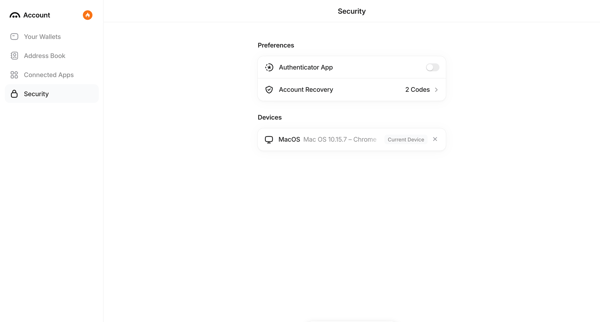
User opens Remove Authenticator modal from security settings, enters 6-digit verification code, confirms removal, and sees updated settings with disabled status notification.



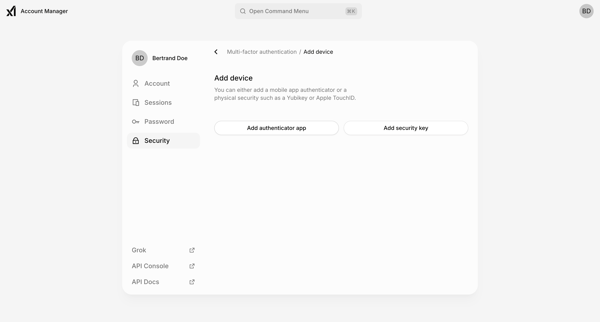
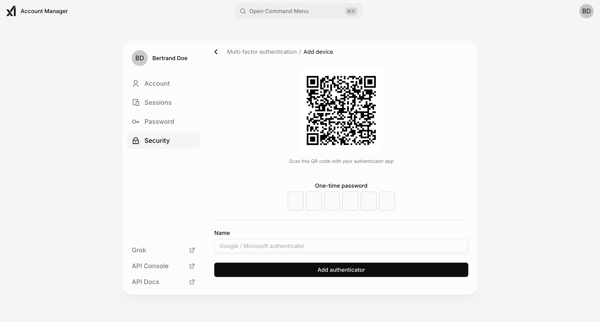
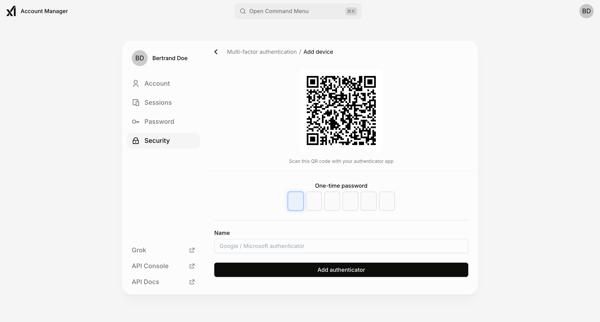

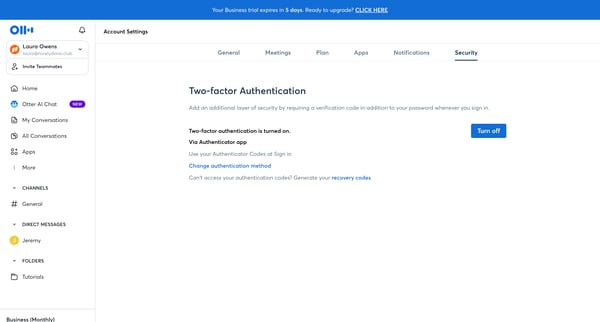
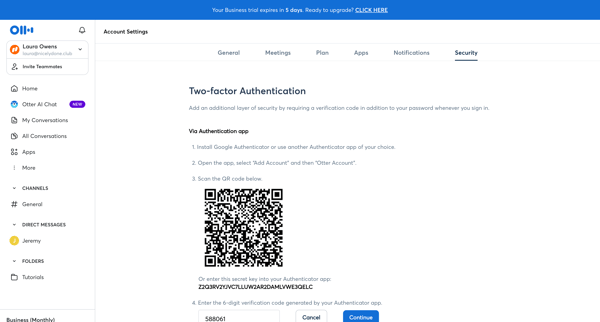
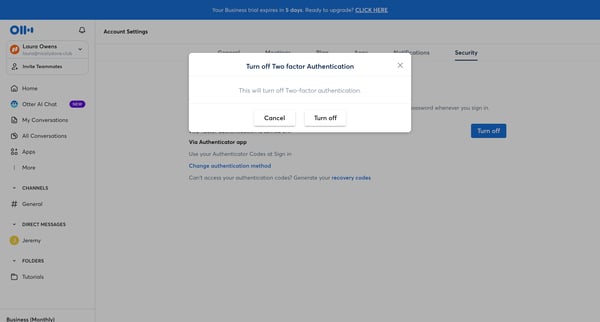

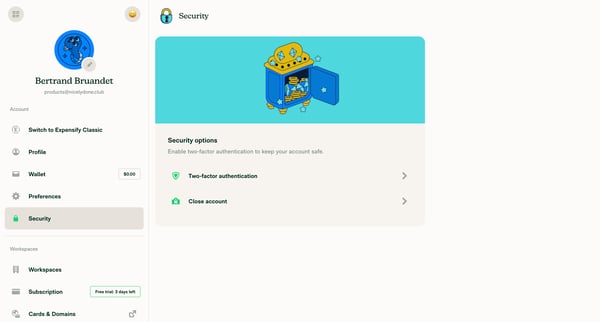
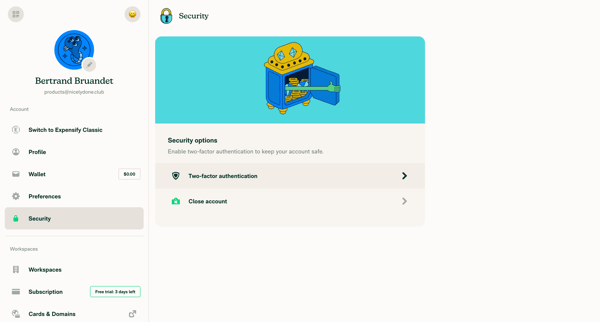
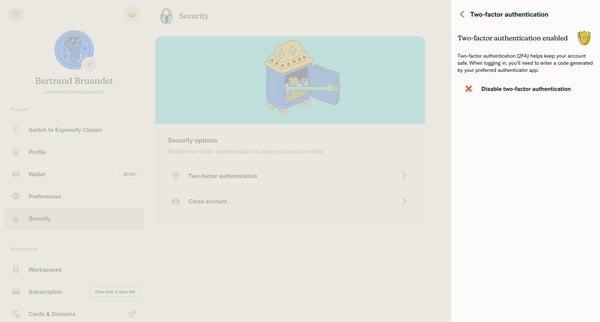

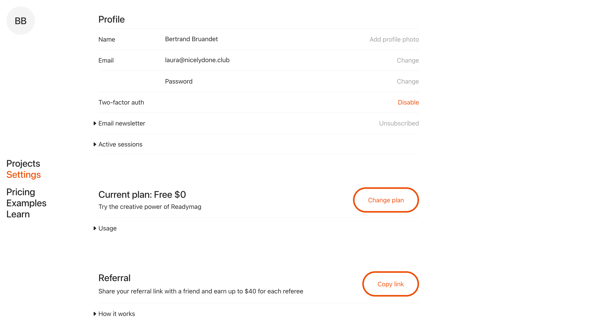
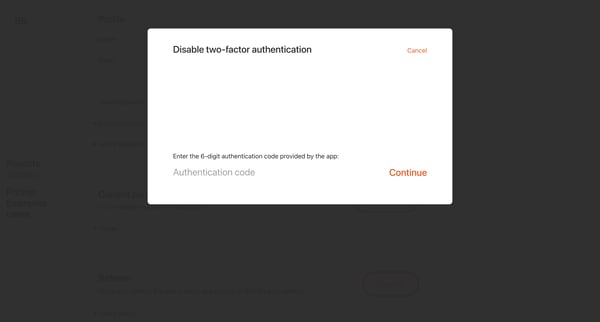
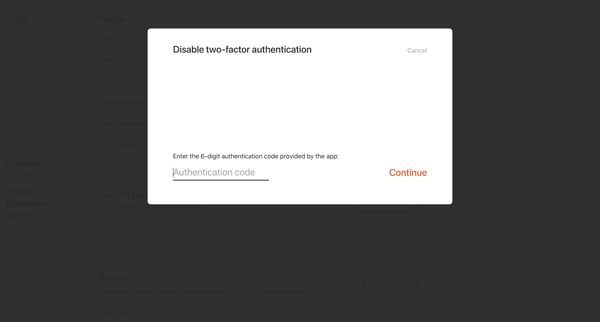
This user flow allows users to disable multi-factor authentication for added account security.

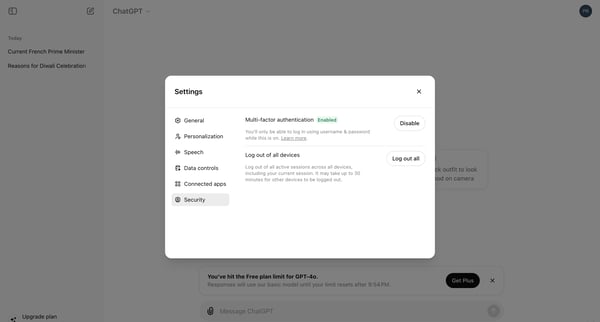
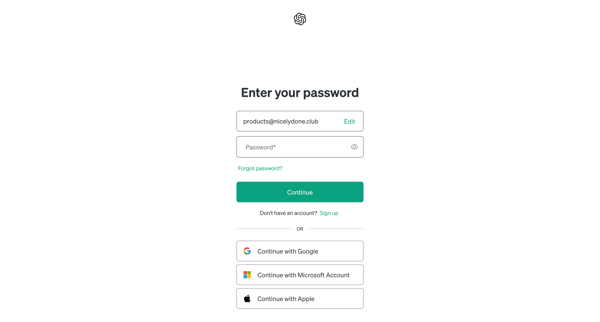
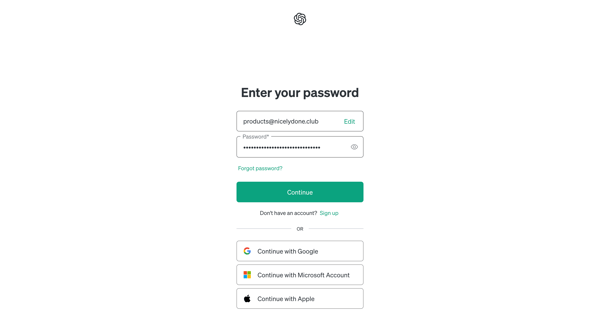
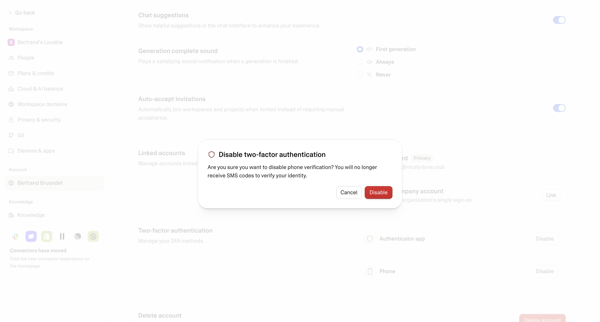
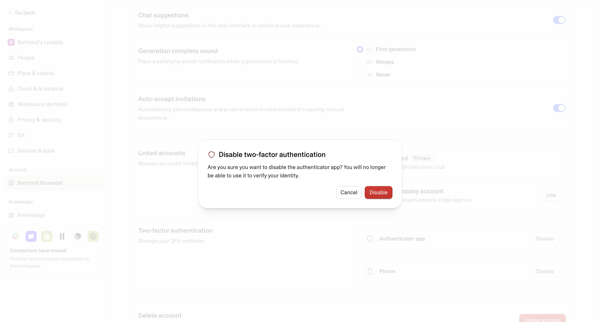
This user flow describes the steps taken by a user to disable multi-factor authentication (MFA) on their ChatGPT account, allowing them to log in using only their username and password.

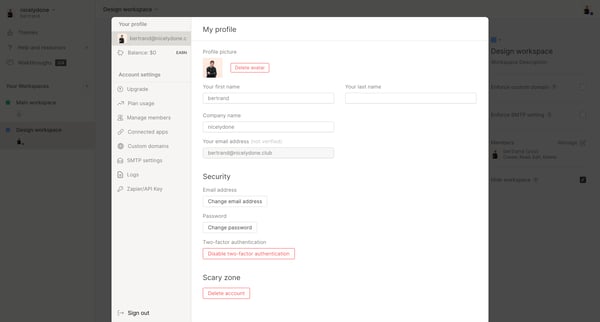
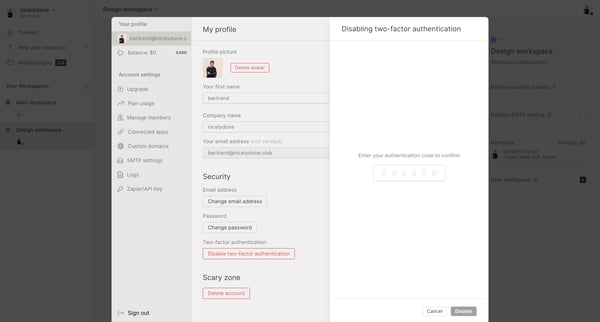
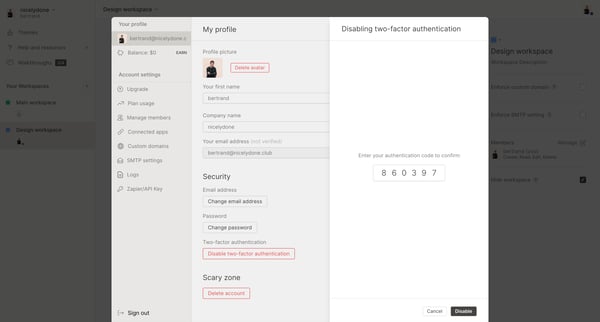
This flow disables multi-factor authentication for a user's account within the platform.

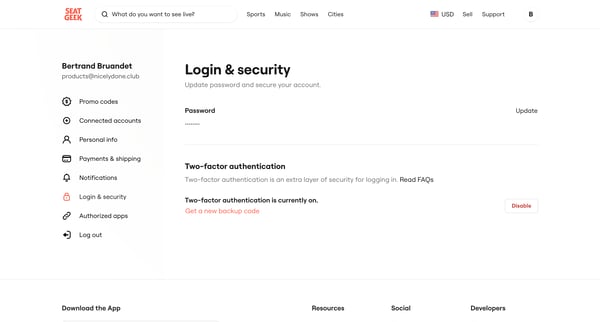
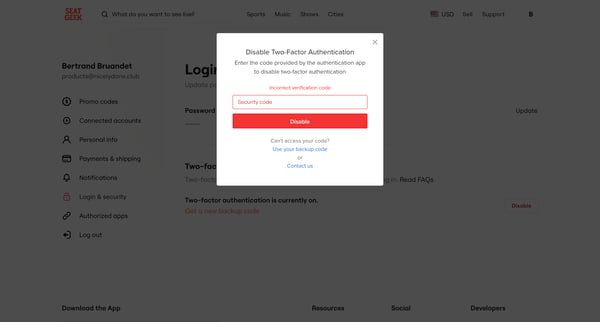
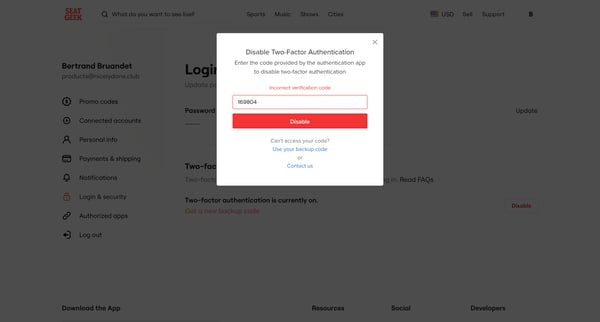
This user flow guides a user through the process of disabling Multi-factor Authentication (MFA) on their account, enhancing user control over security preferences.

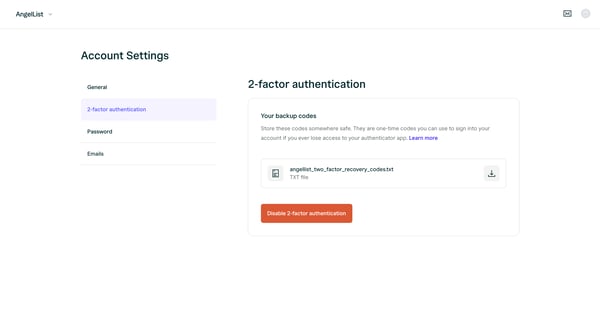
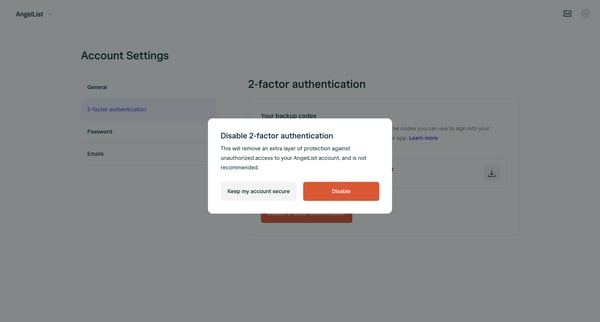
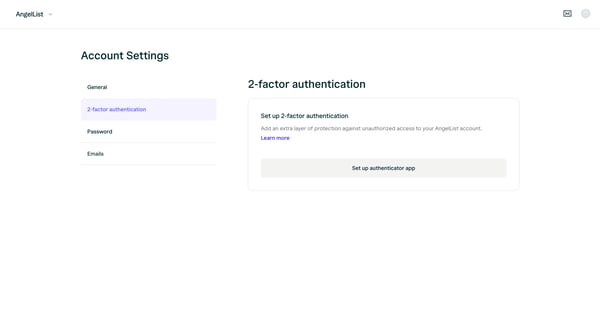
This flow guides a user through the process of disabling multi-factor authentication for their AngelList account, emphasizing the security risks involved.

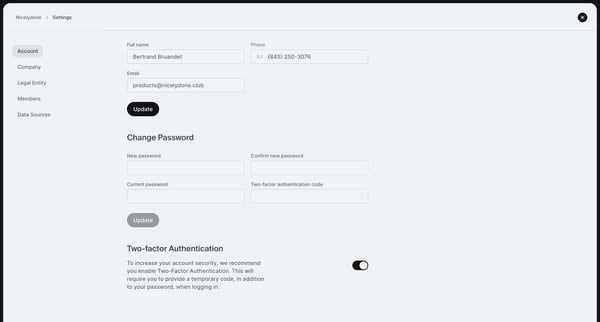
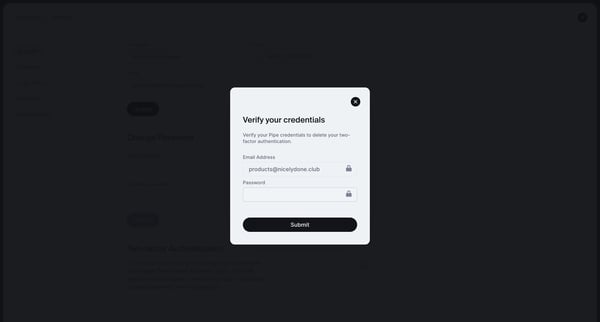
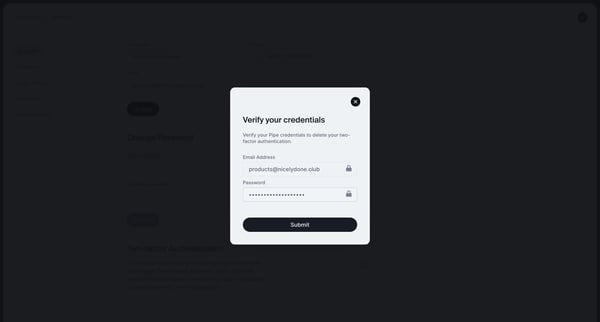
This flow guides a user through the process of disabling multi-factor authentication for their account on Pipe.
Explore the full SaaS flow library
Browse the full SaaS flow library.
Trusted by the best teams







