Twingate Flow Example: Disabling user group
Preview this Twingate user flow: Disabling user group. Explore the opening screens.
Preview these flows

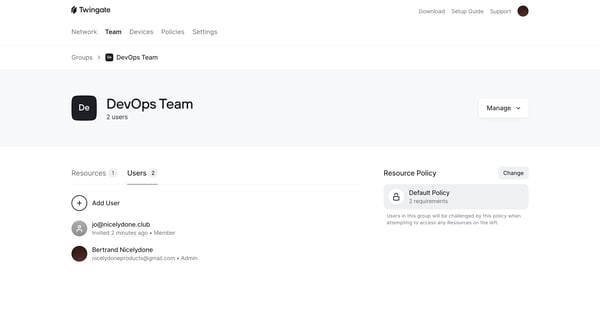
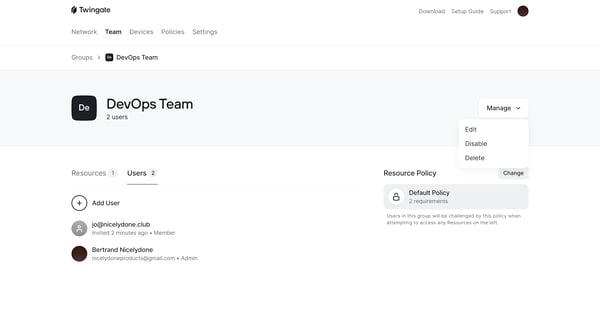
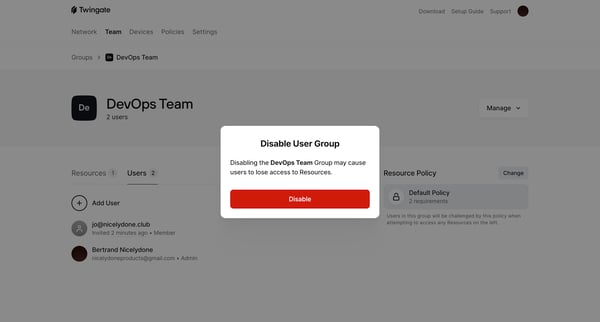
This flow details the process of disabling a user group within a system, emphasizing the potential consequences such as loss of access to resources.
Related user flows

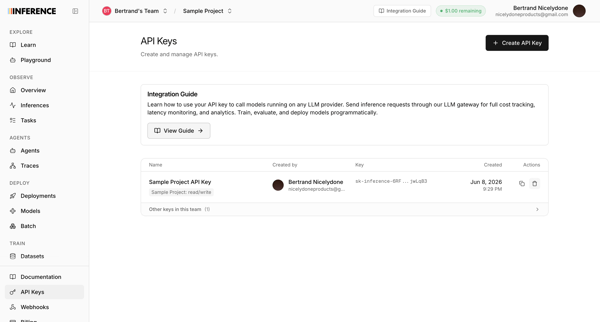
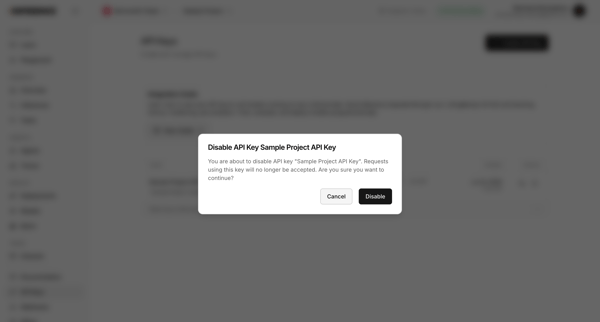
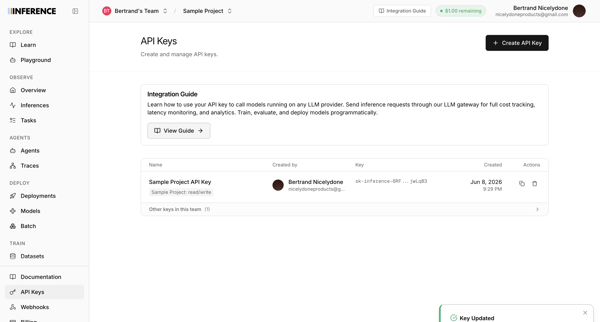
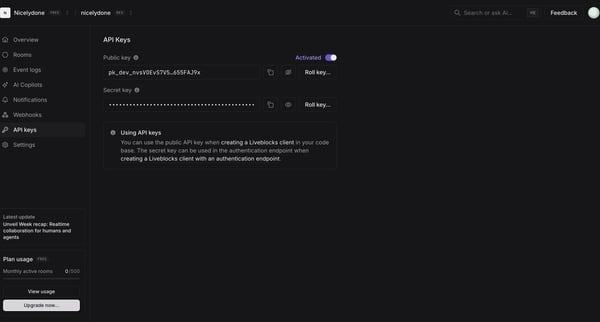
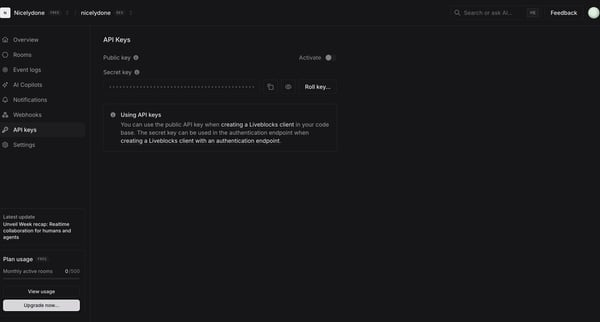
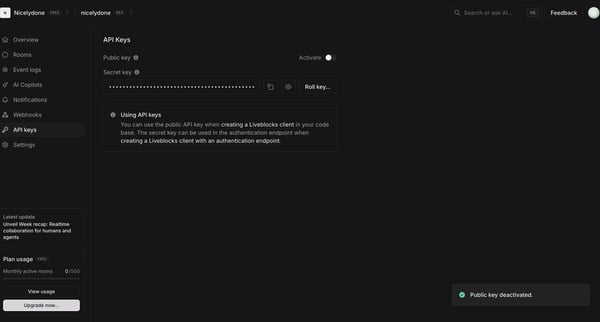
User initiates disable of a project API key from the management settings page, confirms via prompt, and observes success toast on return to the API keys table.

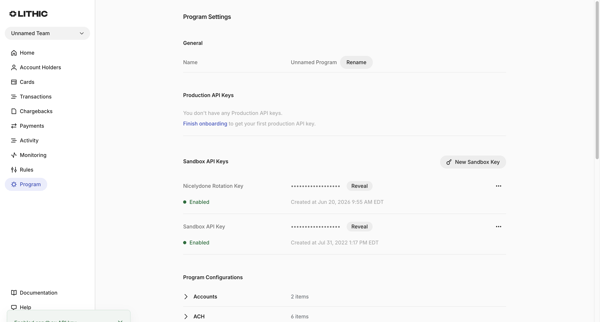
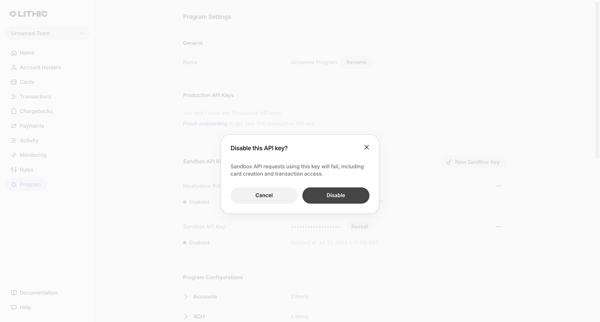
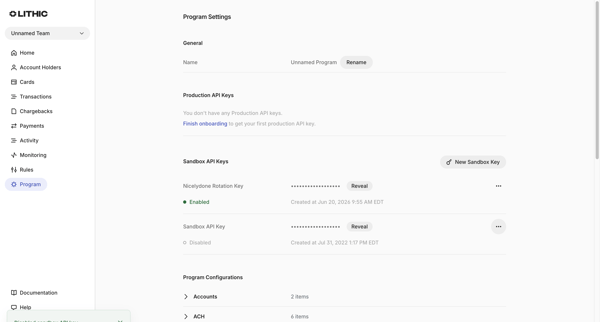
User disables a sandbox API key from the Program Settings page via a confirmation modal that warns of failed requests

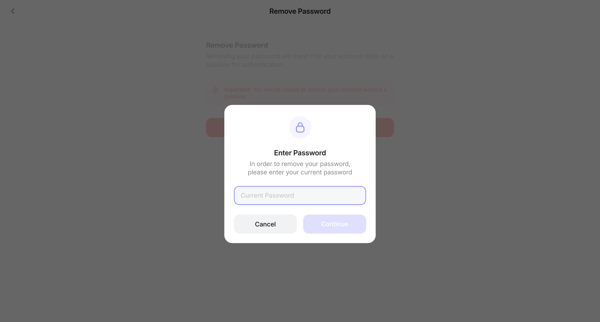
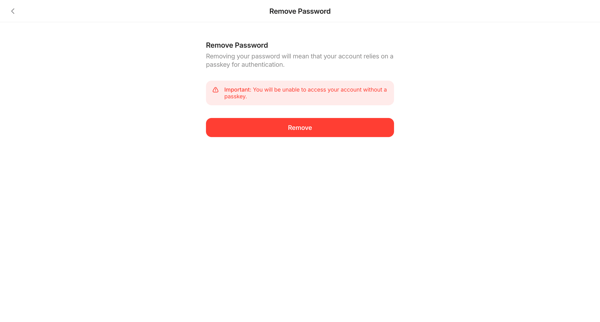
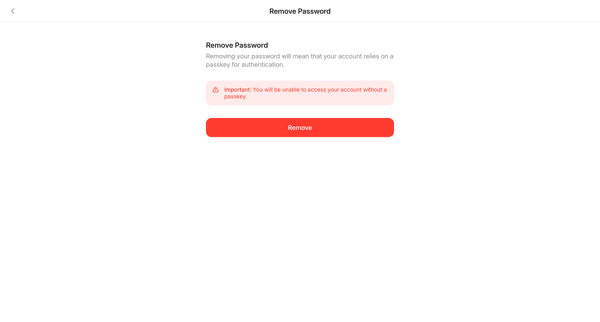
User confirms removal of account password via modal and settings screens to transition to passkey-only authentication

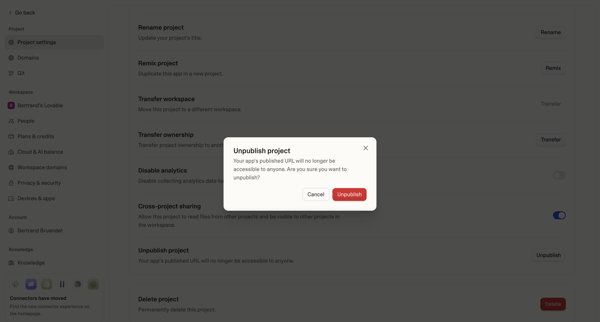
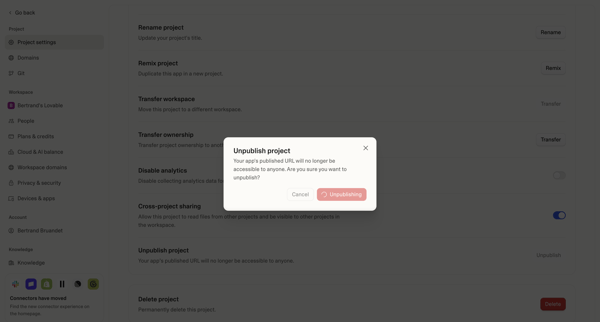
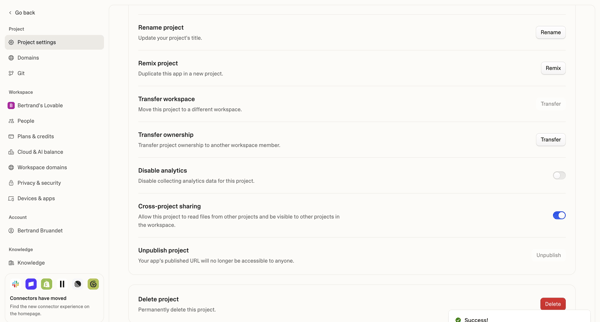


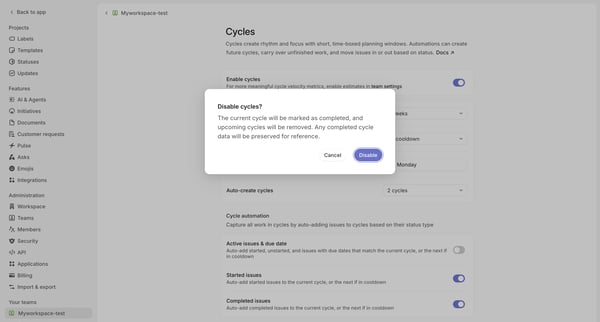
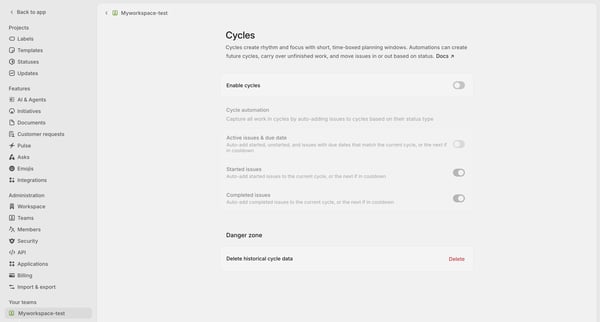

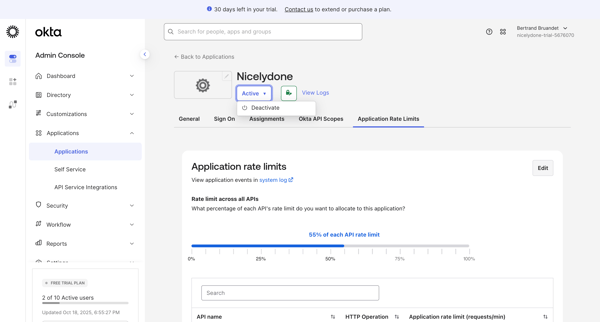
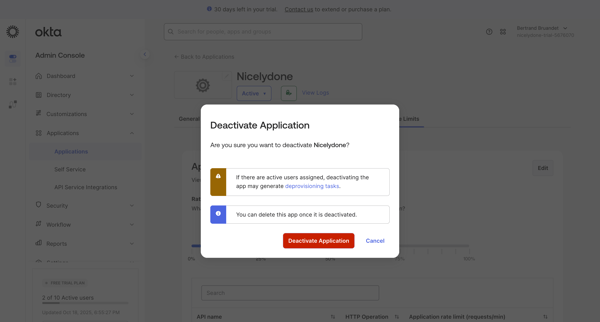
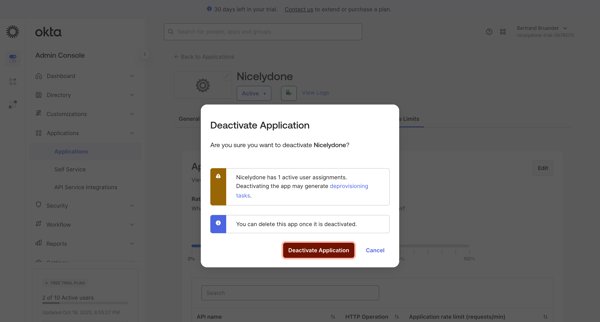

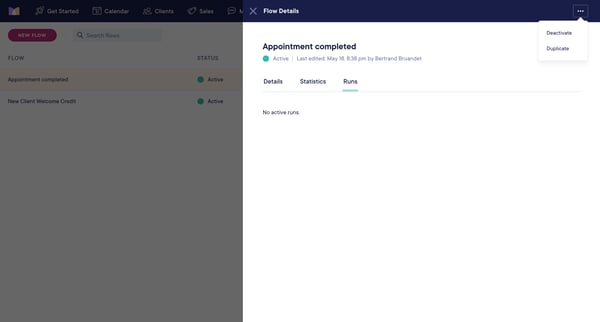
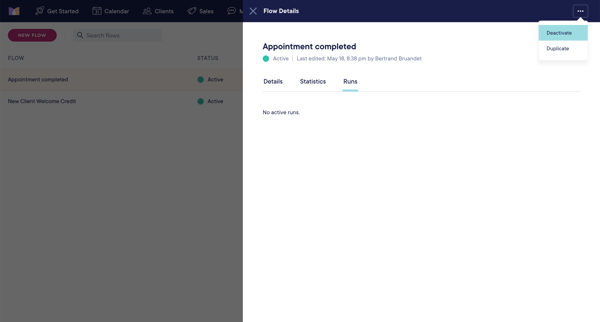
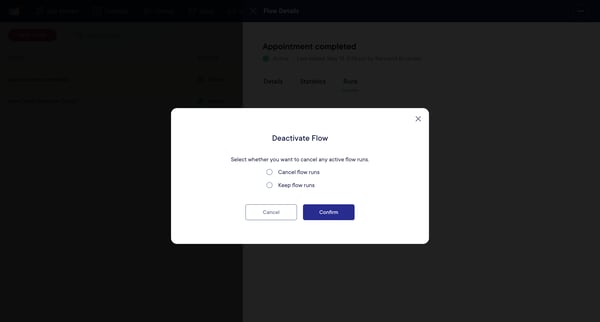

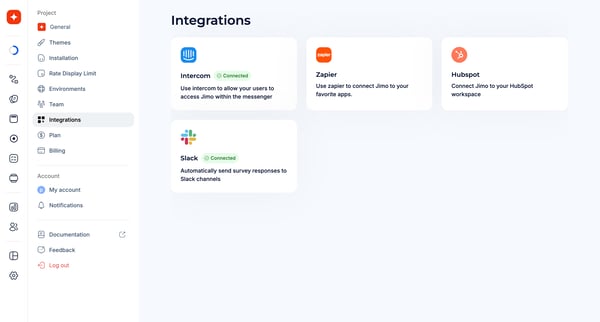
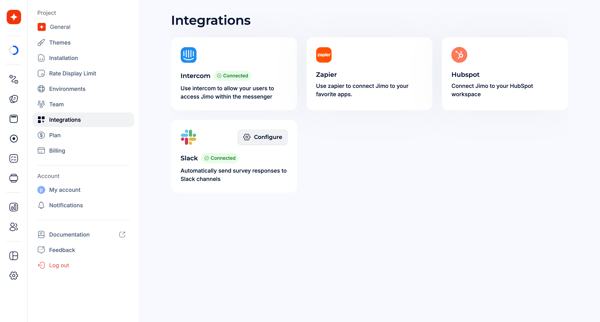
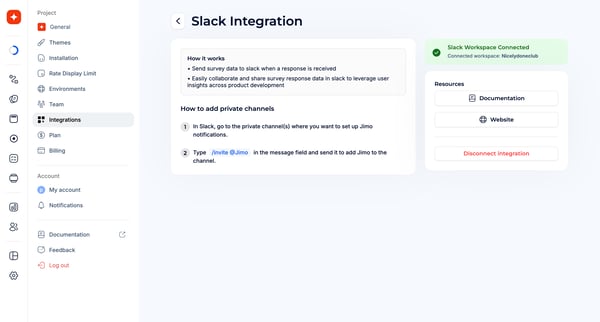

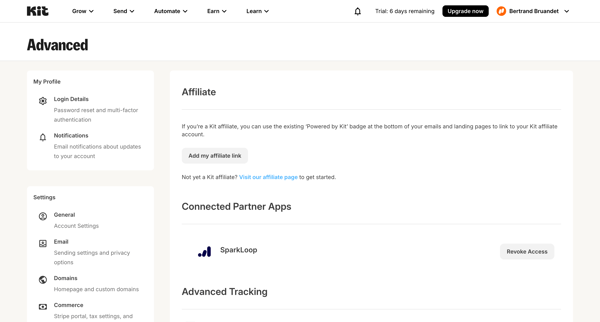
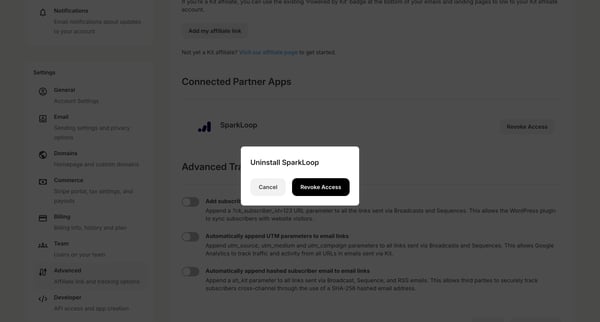
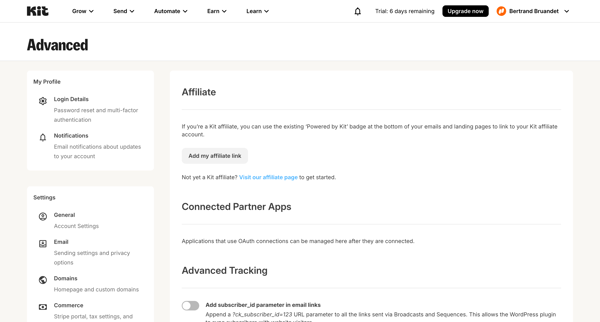

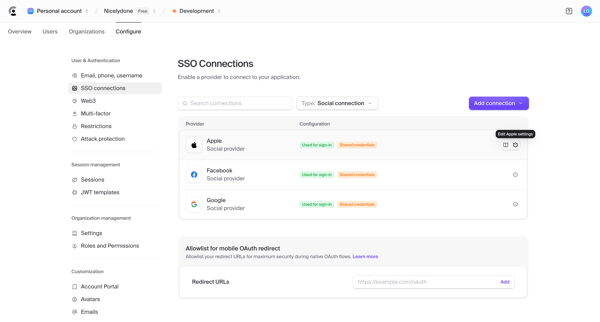
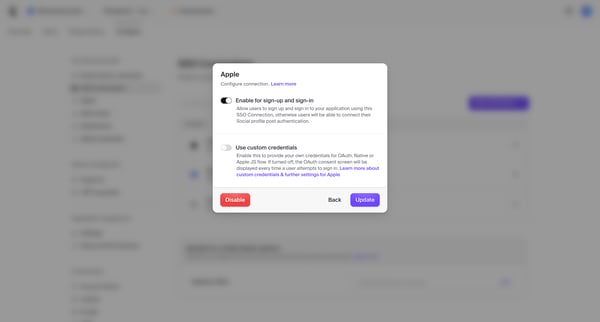
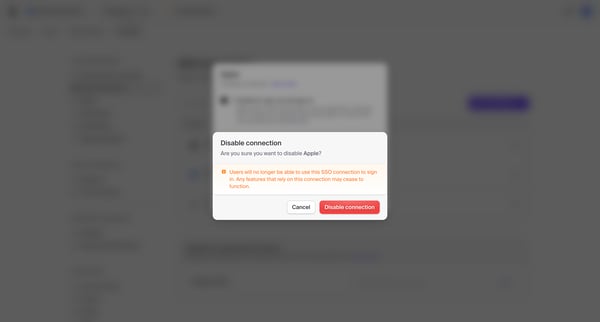

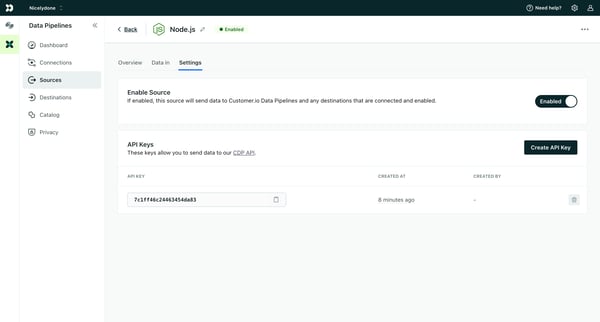
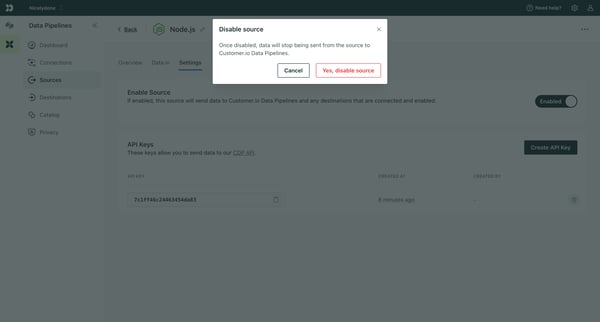
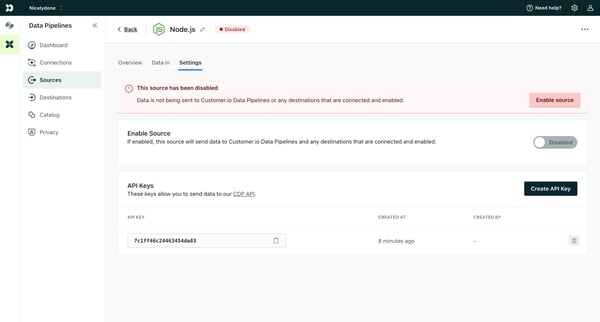
This flow manages the enabling and disabling of a data source, affecting whether data will be sent to Customer.io Data Pipelines and its connected destinations.
Explore the full SaaS flow library
Browse the full SaaS flow library.
Trusted by the best teams







