Airtable Flow Example: Upgrading subscription plan
Preview this Airtable user flow: Upgrading subscription plan. Explore the opening screens.
Preview these flows

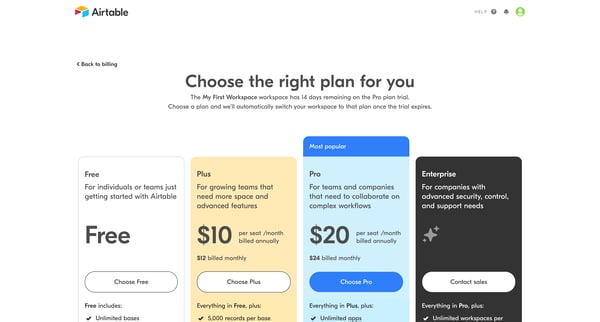
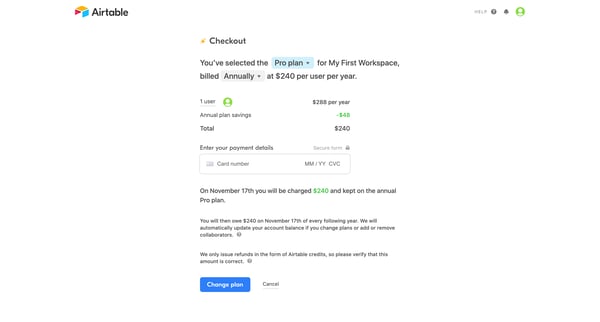
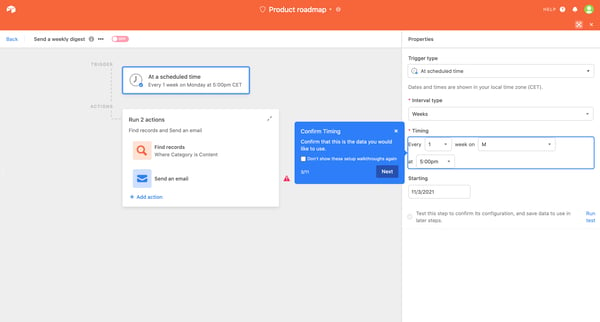
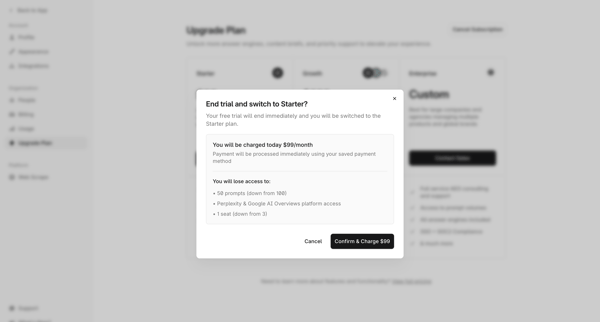
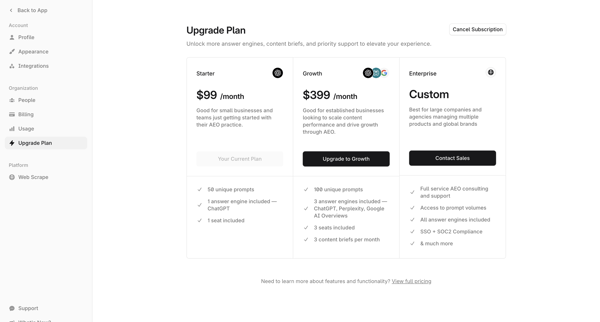
This user flow guides users through upgrading their subscription plan, providing a detailed look at each plan, confirming their choice, setting up an automation for sending weekly digests, an
Related user flows


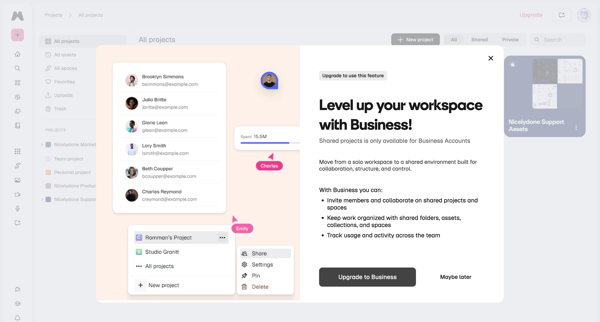
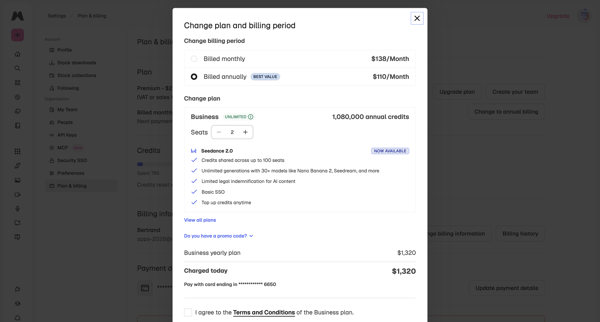
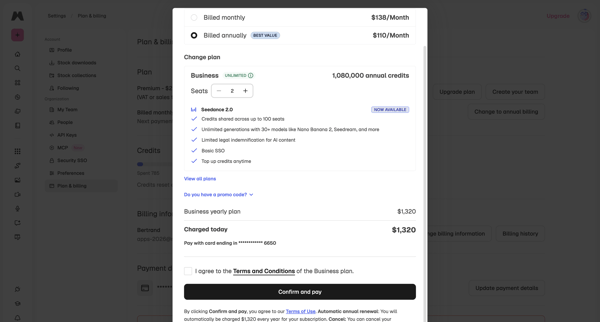
User encounters paywall on shared projects, then confirms Business yearly plan upgrade, adjusts seats, and completes checkout in billing settings

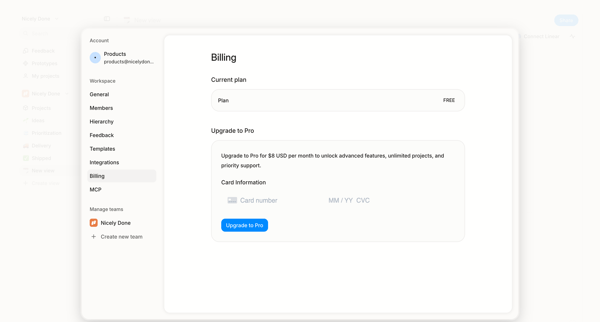
User opens billing settings overlay showing free plan and enters credit card details to upgrade to Pro

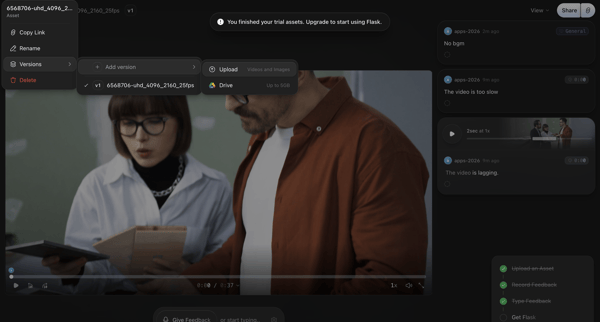
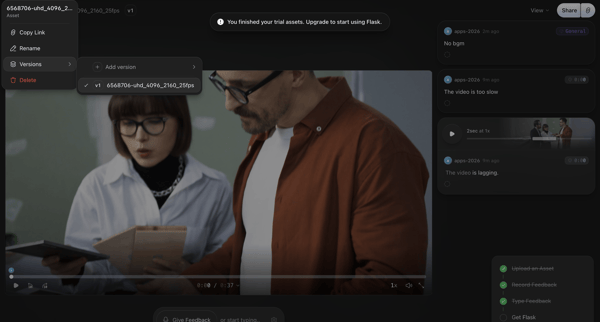
Video asset review in Flask triggers trial exhaustion paywall with upgrade prompt

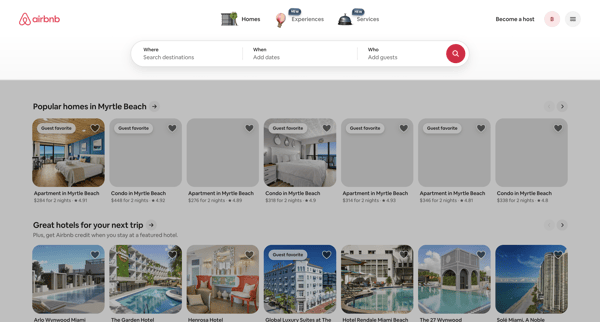
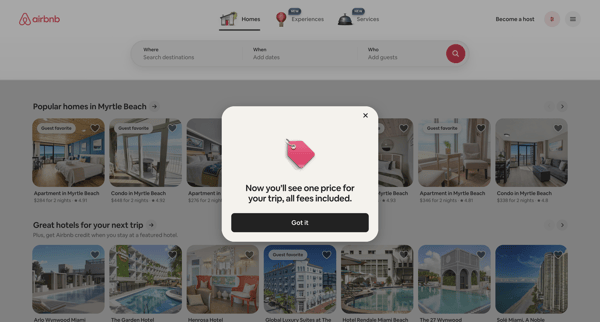
User lands on accommodation search page then encounters sequential modals announcing that trips now display one total price with all fees included

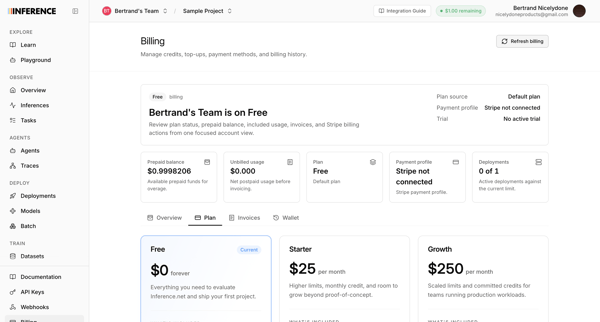
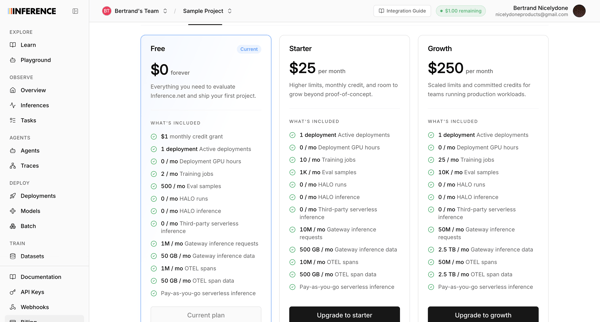
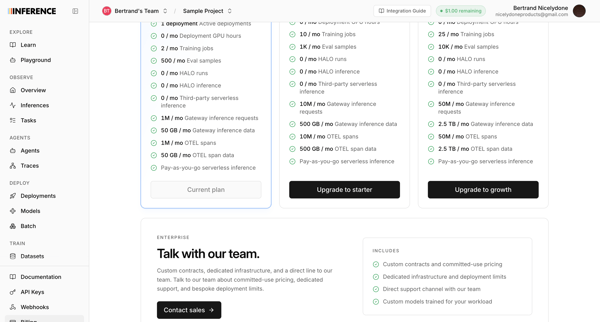
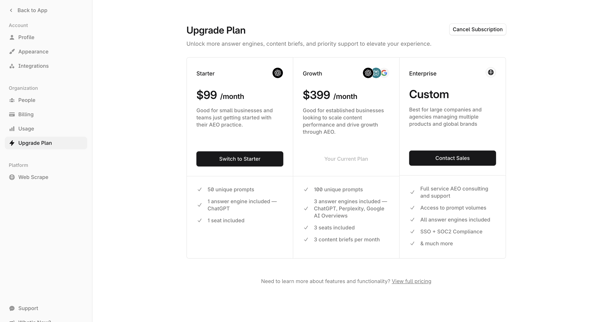
User views current Free plan and compares Starter, Growth, and Enterprise tiers in billing settings

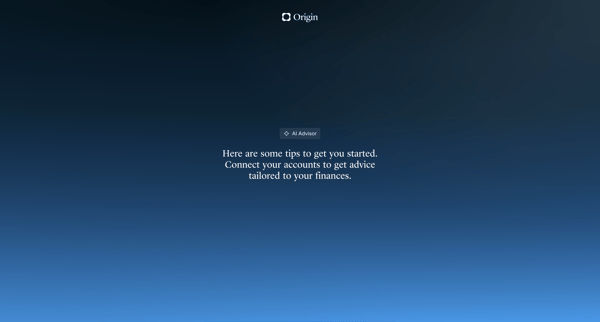
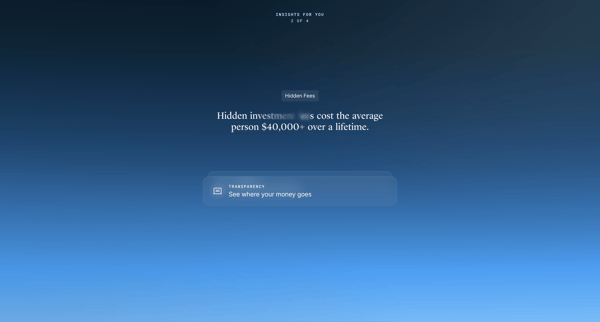
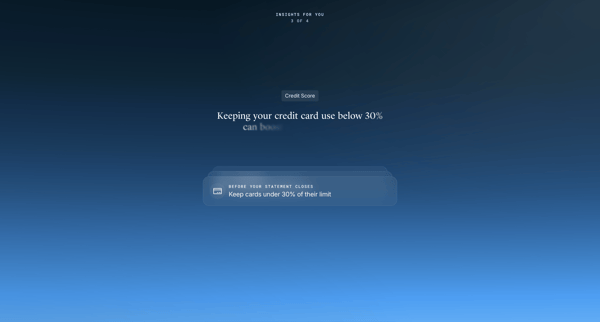
Onboarding sequence introducing the AI Advisor feature through interstitials, account connection prompts, and personalized financial insights before entering the main app experience

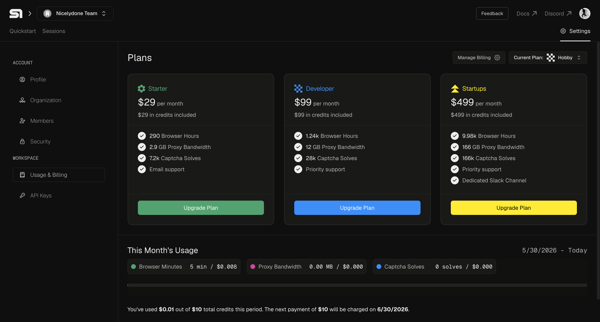
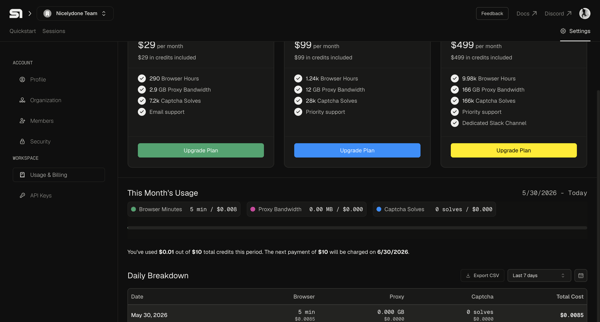
User views current plan and usage in billing settings then selects and upgrades to a higher subscription tier

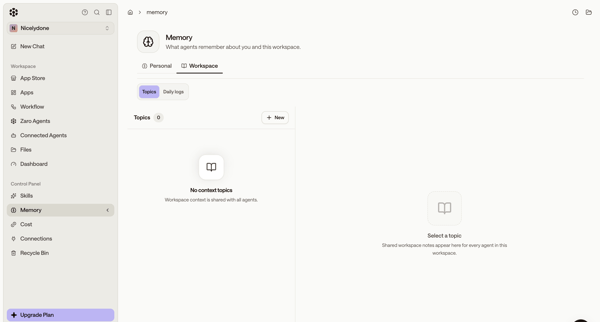
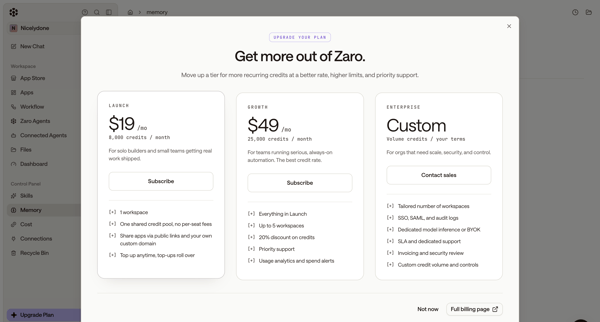
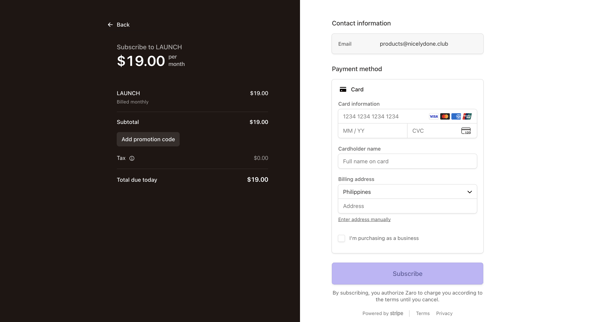
User starts in workspace memory settings, opens upgrade modal from sidebar, selects Launch tier, completes subscription checkout form, sees connecting state, and lands on billing settings page showing new plan and credits.

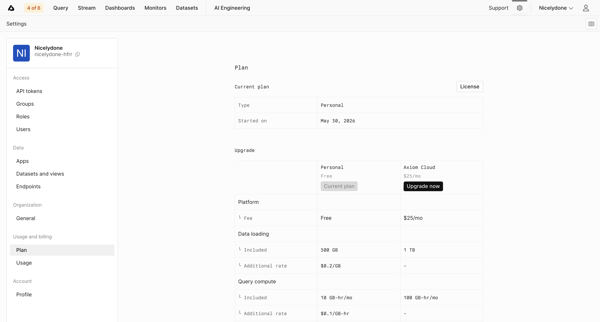
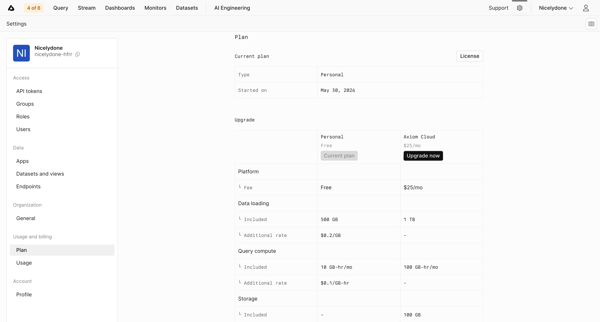
User views current Personal plan details and compares usage limits and pricing against the Axiom Cloud upgrade option in billing settings

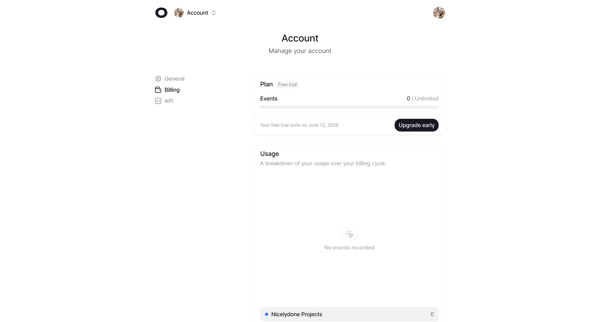
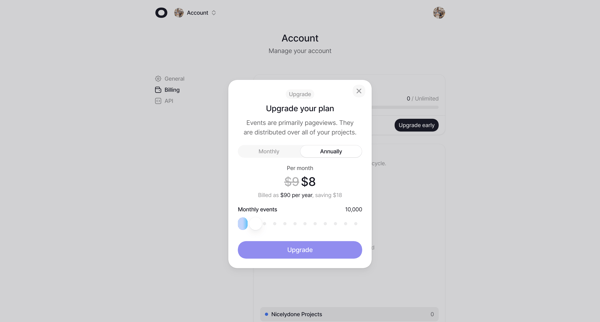
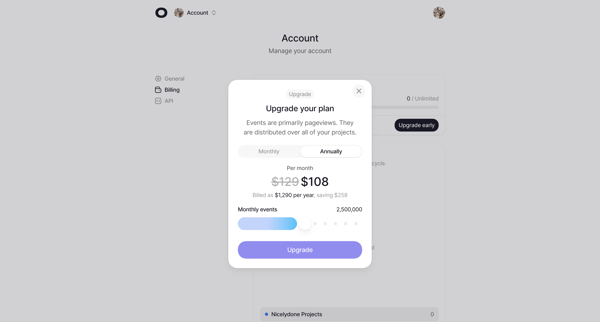
User views free trial billing settings then opens upgrade modal to select monthly or annual billing and adjust monthly event volume via slider

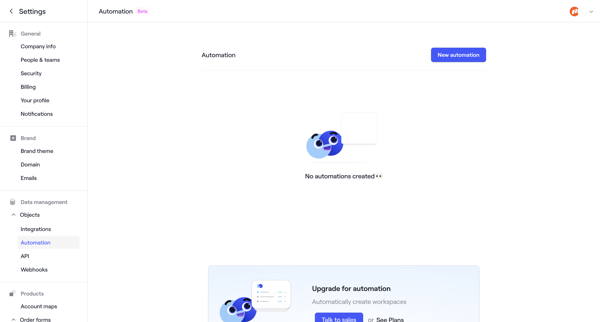
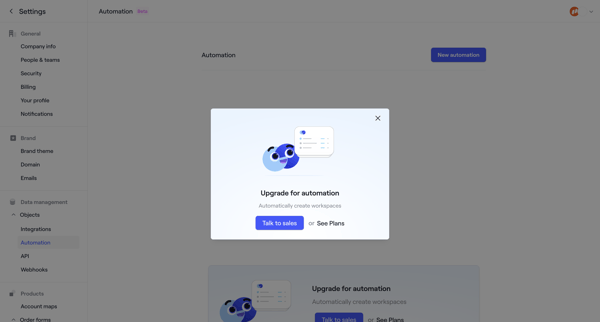
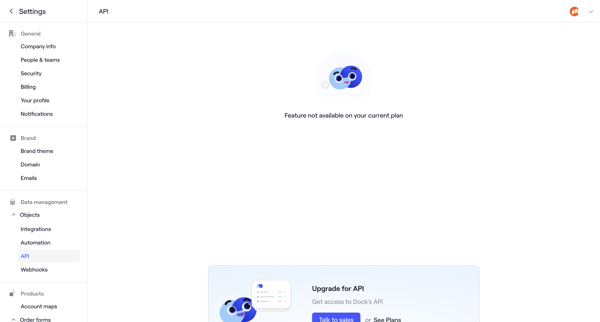
User navigates to automation settings in Dock, encounters empty state with upgrade prompt, then feature-gate modals and paywalls for automation, API, and webhooks
Explore the full SaaS flow library
Browse the full SaaS flow library.
Trusted by the best teams







