Dock Flow Example: Configuring automation settings
Preview this Dock user flow: Configuring automation settings. Explore the opening screens.
Preview these flows

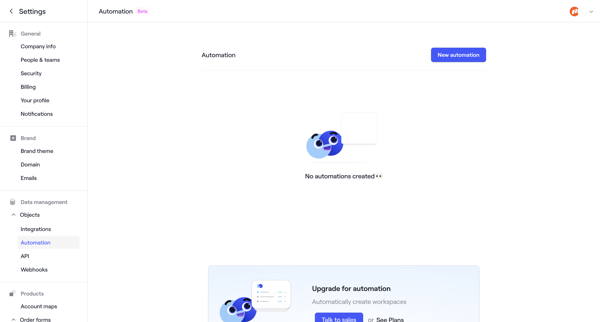
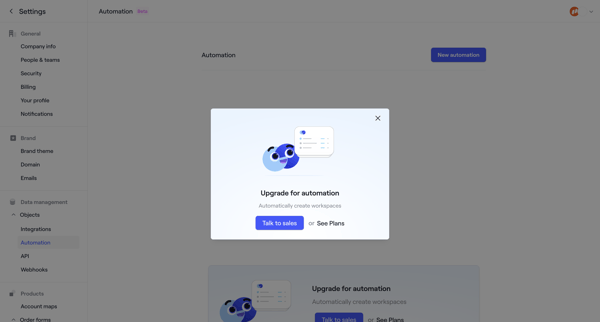
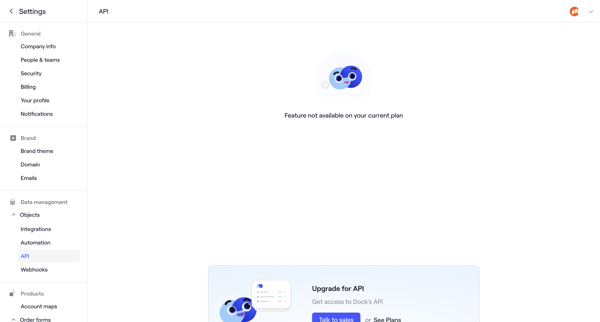
User navigates to automation settings in Dock, encounters empty state with upgrade prompt, then feature-gate modals and paywalls for automation, API, and webhooks
Related user flows

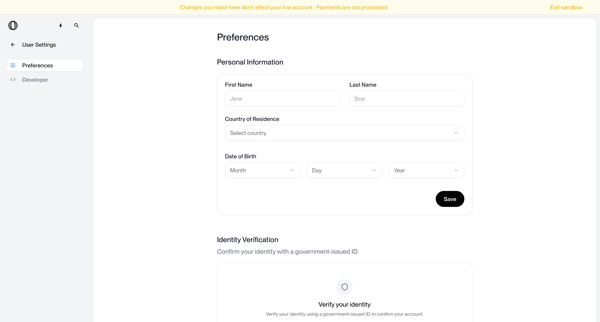
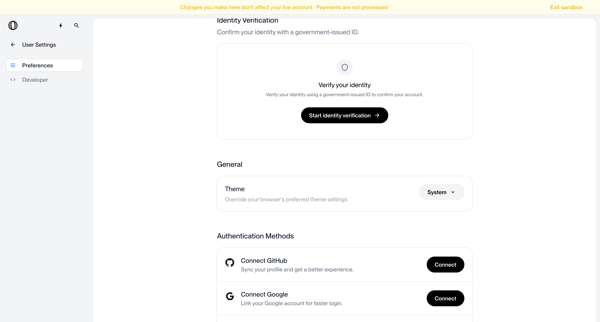
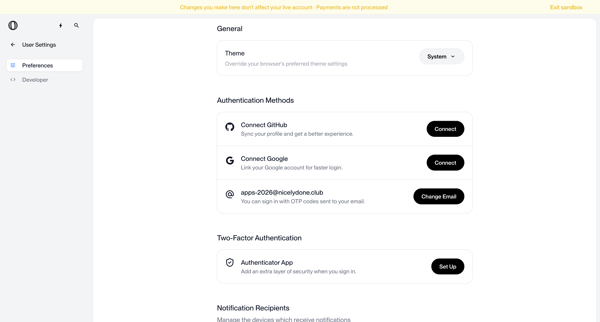
User configures personal information, identity verification, theme, authentication methods, MFA, notifications, and account deletion options across settings screens in sandbox mode

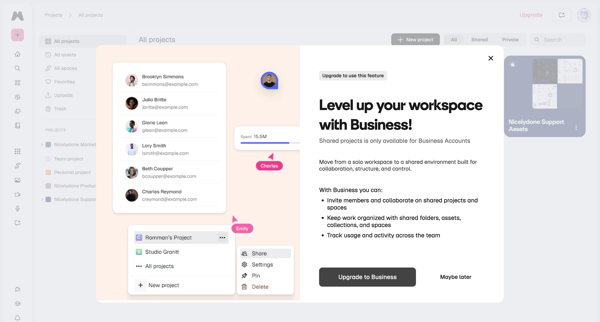
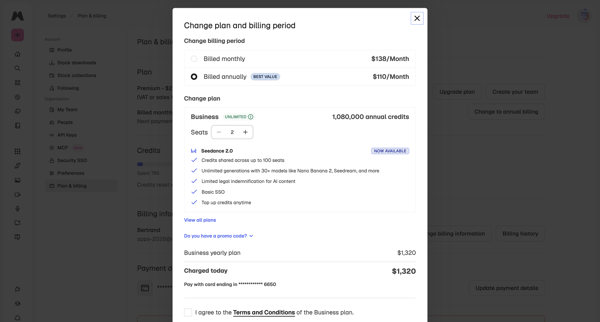
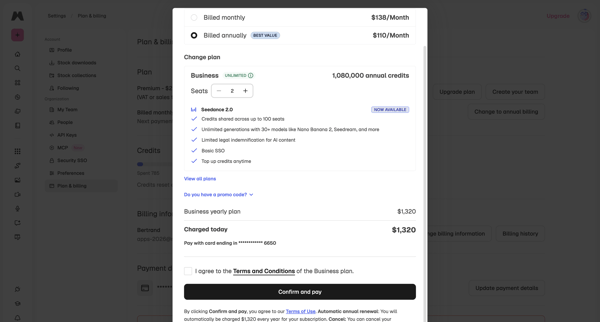
User encounters paywall on shared projects, then confirms Business yearly plan upgrade, adjusts seats, and completes checkout in billing settings

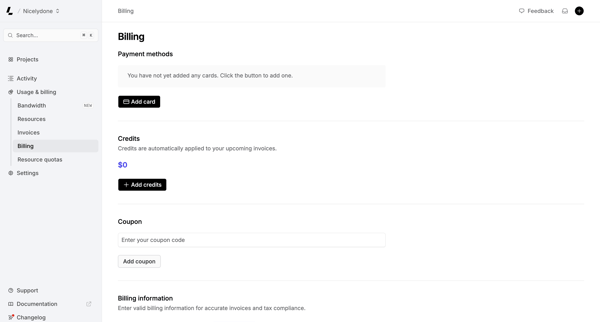
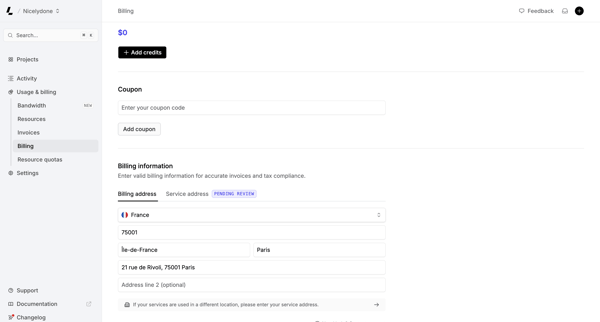
User views and manages payment methods, credits, coupons, and billing address on the billing settings page

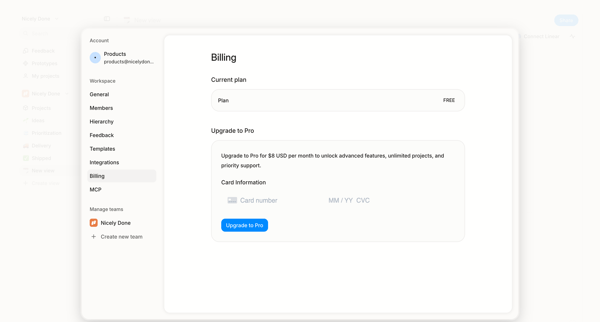
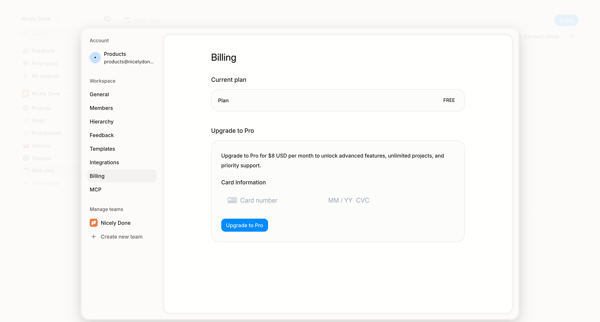
User opens billing settings overlay showing free plan and enters credit card details to upgrade to Pro

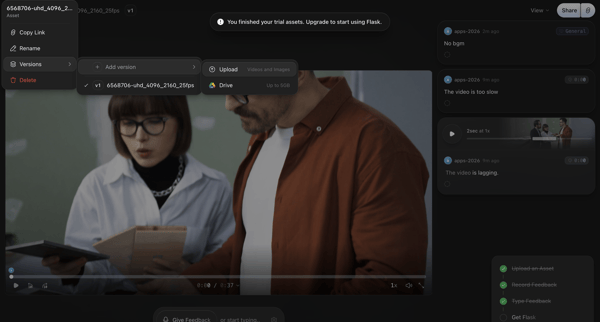
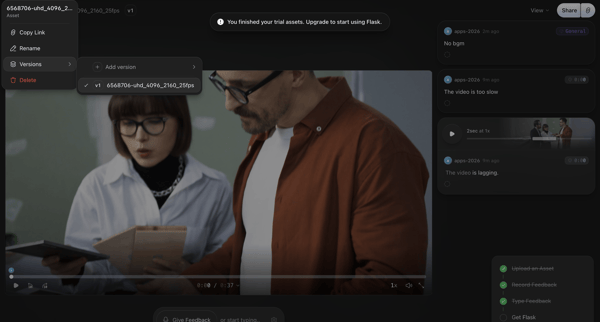
Video asset review in Flask triggers trial exhaustion paywall with upgrade prompt

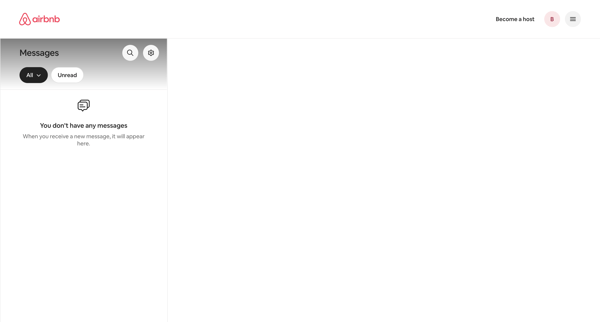
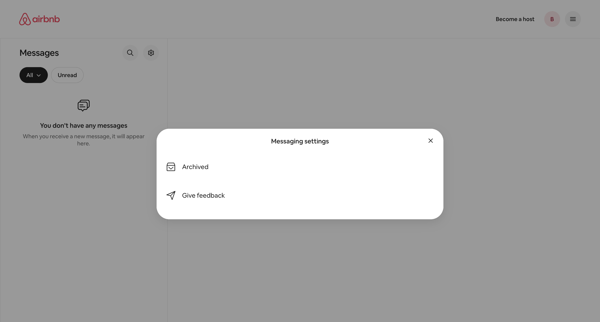
User accesses messaging settings modal from empty inbox to manage archived messages or provide feedback

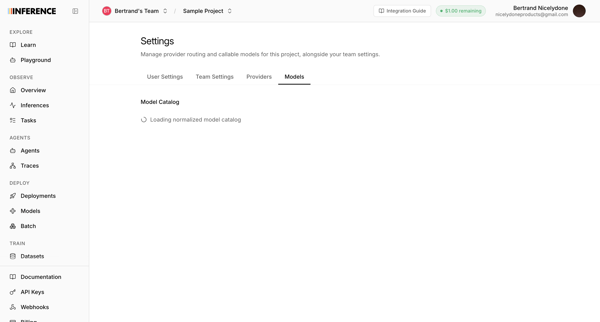
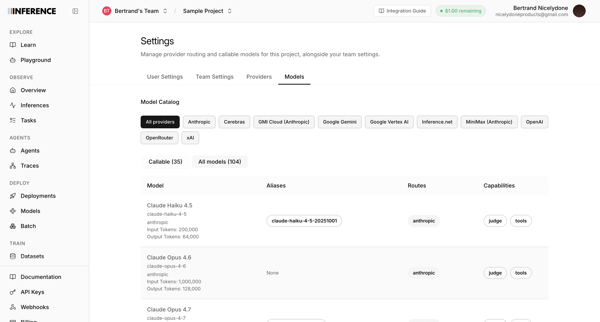
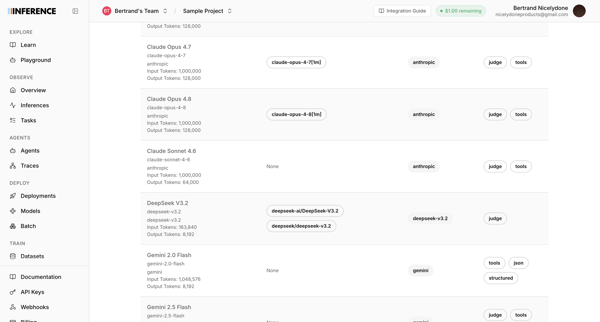
User accesses AI model catalog settings to manage provider routing, filter models by provider, and review token limits and capabilities across multiple list and table views


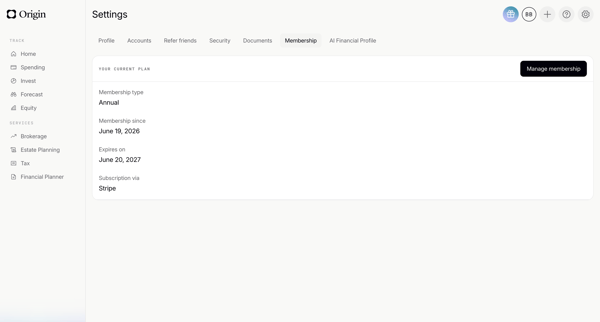
User enters membership settings after loading to view annual plan, expiration, membership date, and Stripe billing provider

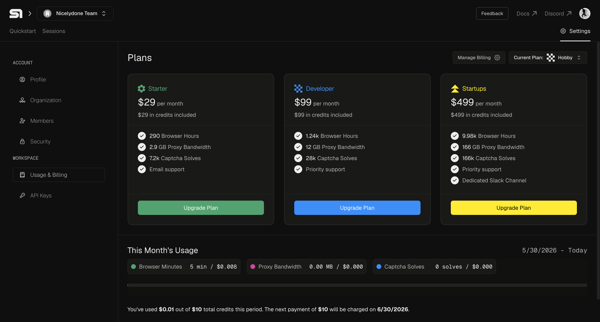
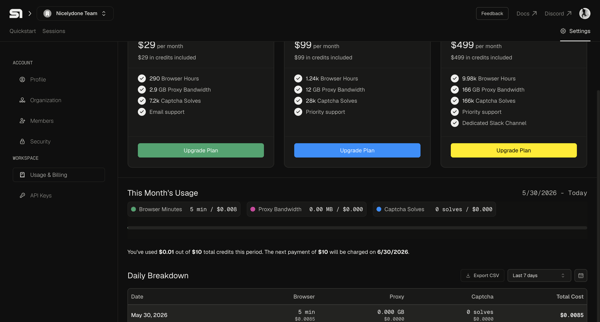
User views current plan and usage in billing settings then selects and upgrades to a higher subscription tier

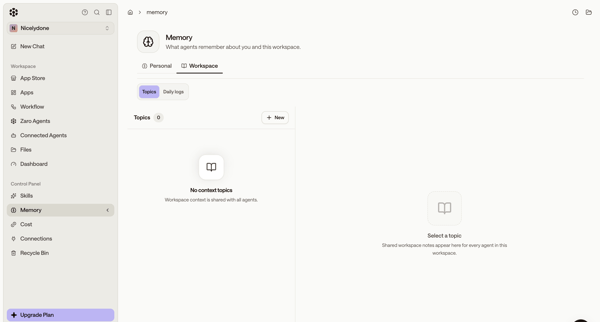
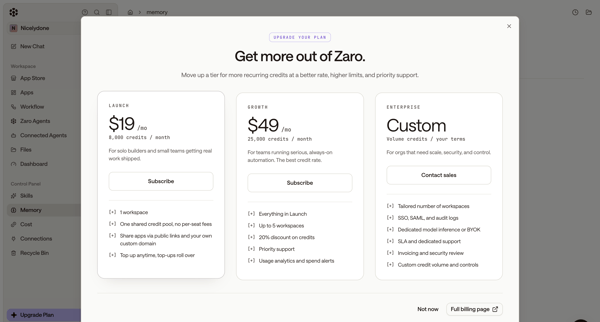
User starts in workspace memory settings, opens upgrade modal from sidebar, selects Launch tier, completes subscription checkout form, sees connecting state, and lands on billing settings page showing new plan and credits.

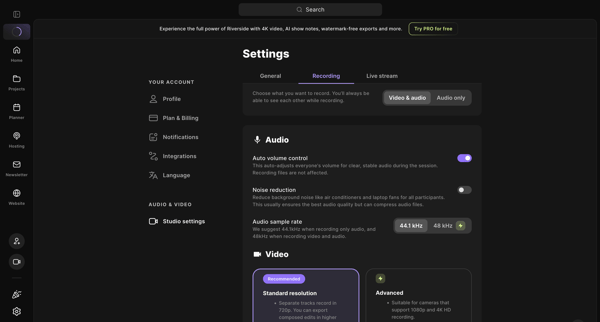
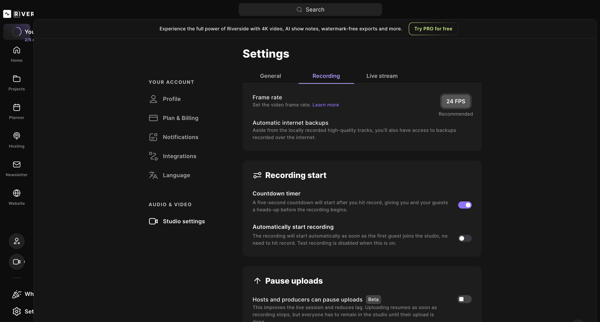
User opens studio recording settings and adjusts audio/video options, frame rate, backups, and related toggles

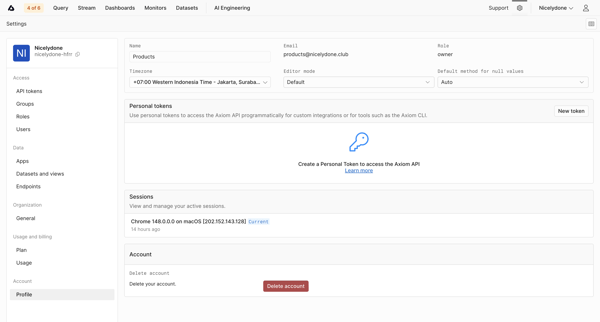
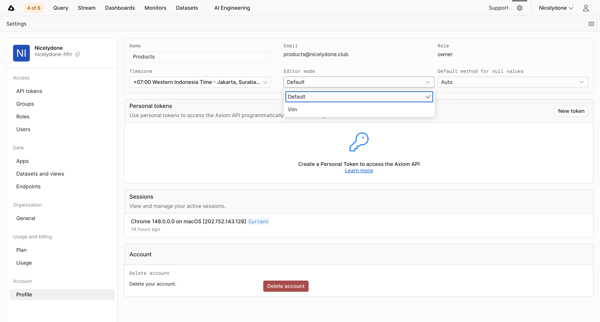
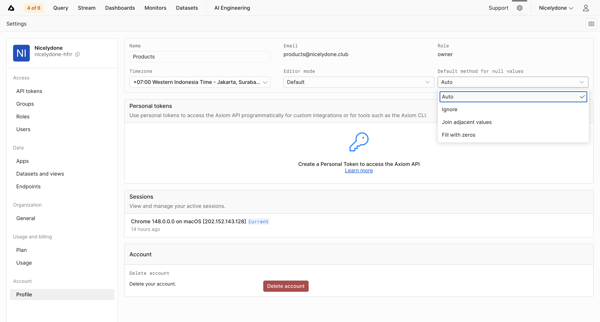
User updates profile details, editor preferences, timezone, personal API tokens, and active sessions from account settings pages
Explore the full SaaS flow library
Browse the full SaaS flow library.
Trusted by the best teams







