Dock user flows examples
Explore Dock user flow examples. Preview the opening screens and steps for each task. The new way to manage external relationships
Preview these flows

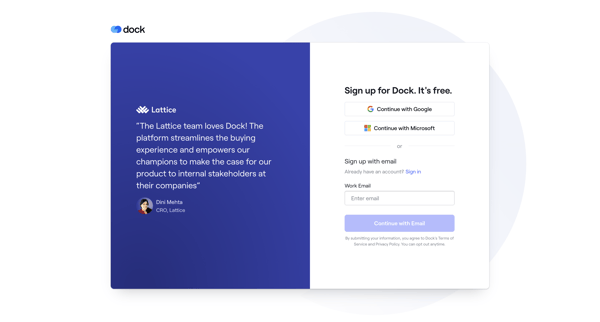
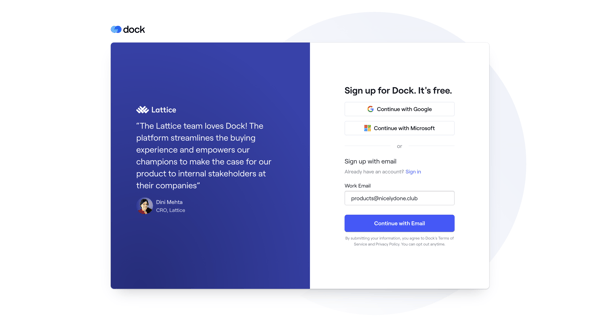
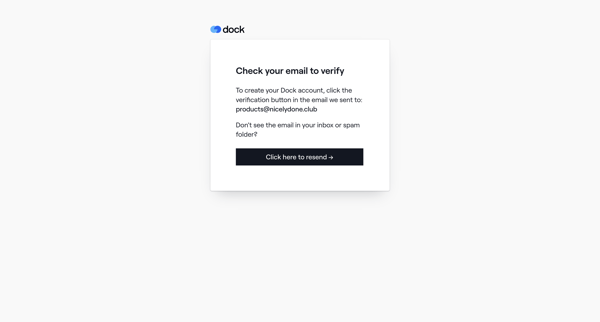
New user signs up via social or email, verifies, creates profile, sets up organization workspace with branding and integrations, then selects a template before entering the app
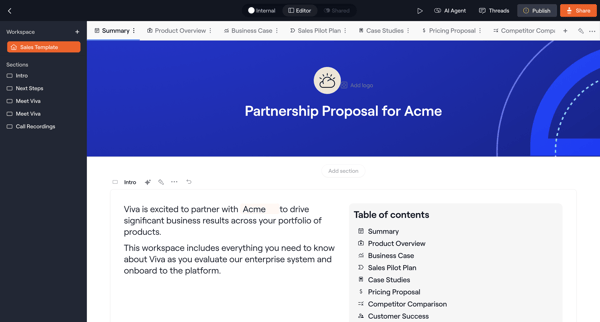
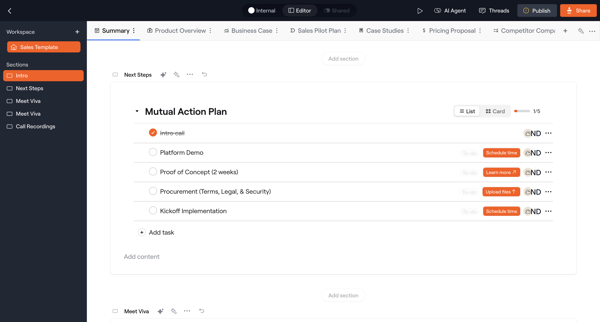
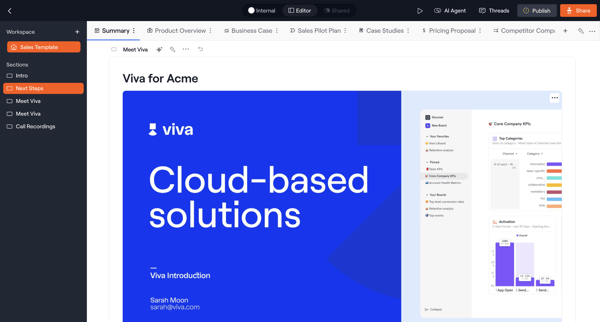
User edits block-based sales templates and proposals in Dock using sections, text blocks, table of contents, widgets, and AI agent assistance across multiple editor states
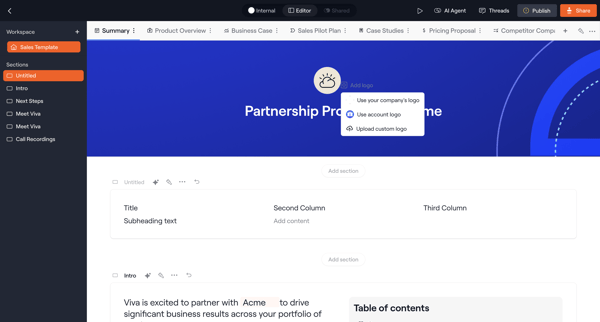
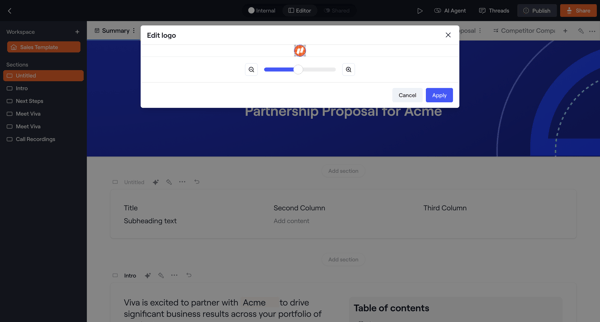
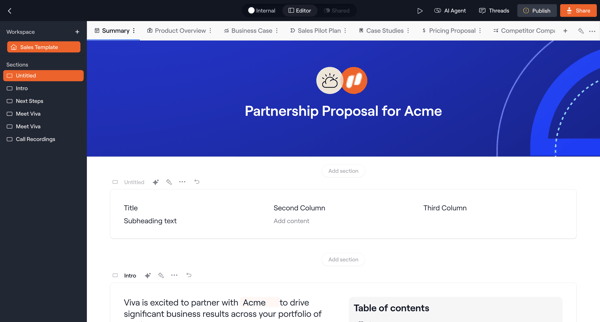
User edits and styles sections, blocks, logos, and design properties of a partnership proposal using page builder and inspector tools in Dock
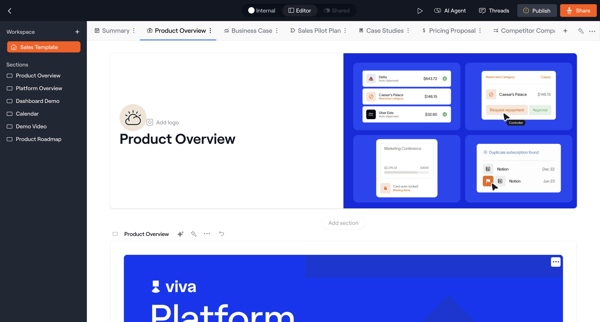
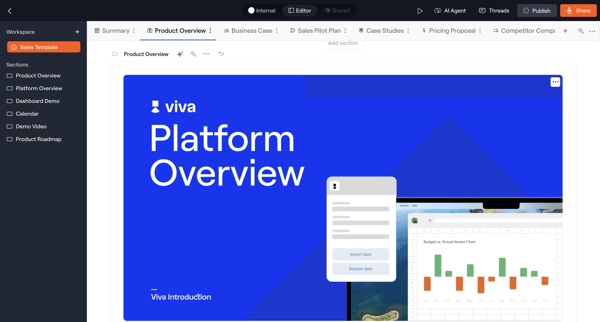
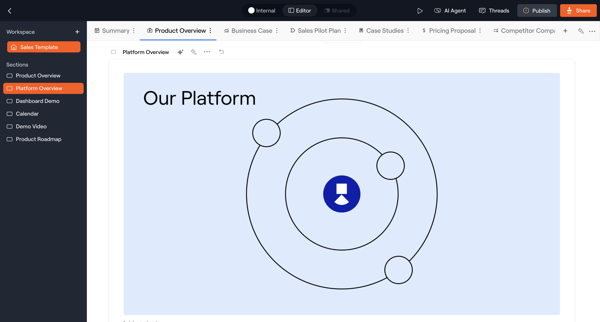
User edits a sales template's Product Overview section in Dock by adding blocks, embedding media, organizing tabs, and customizing layout via inspector panels
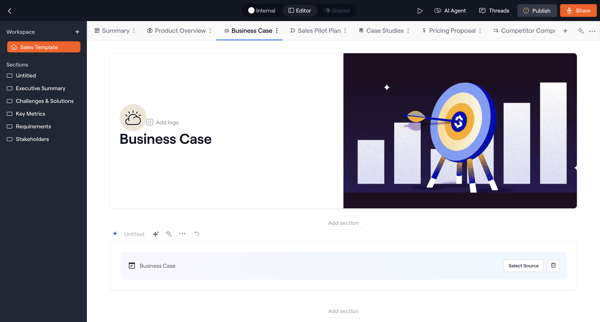
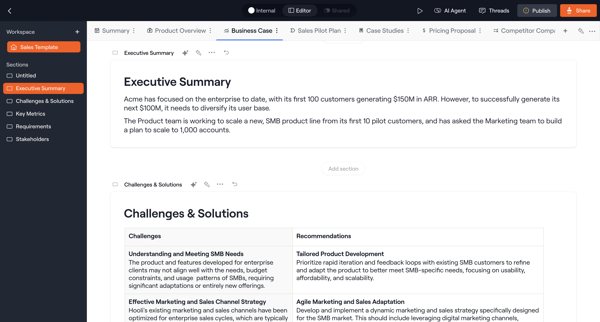
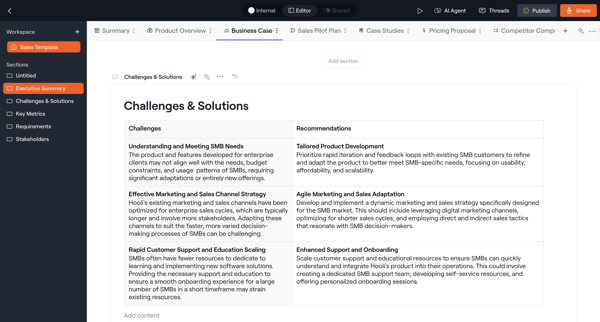
User edits sections of a business case template in the Dock sales template editor using block-based layout, tables, and AI assistance across multiple editor states
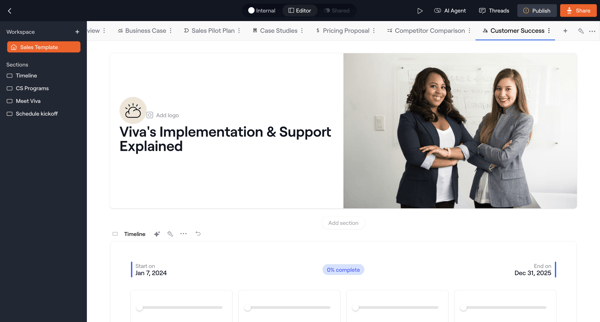
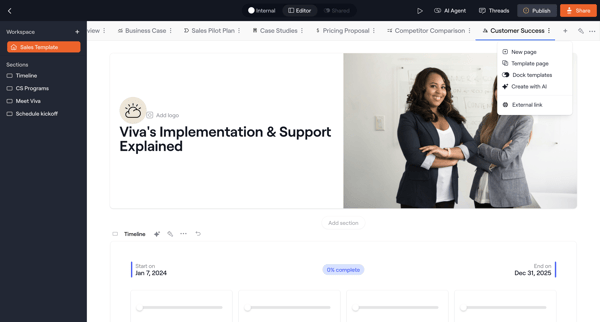
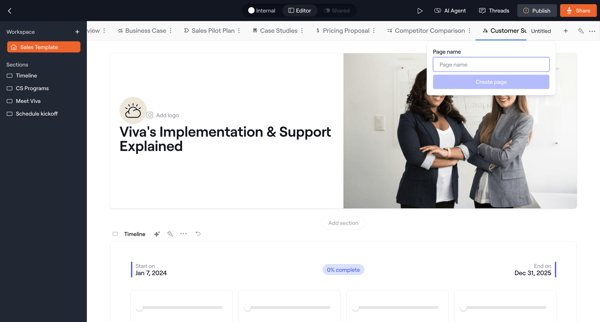
User builds and names a new page inside a sales template workspace using the page builder and content editor
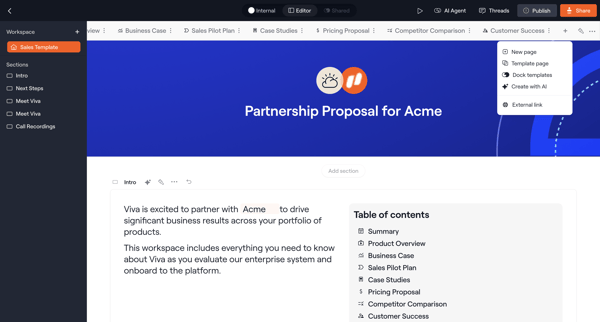
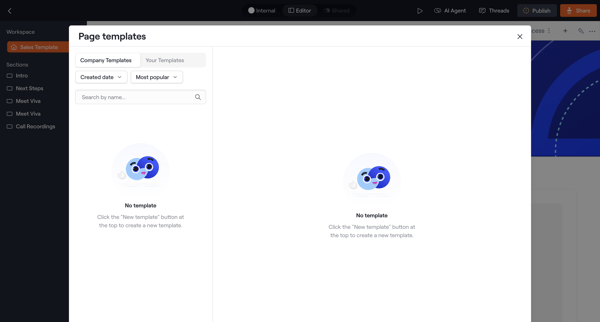
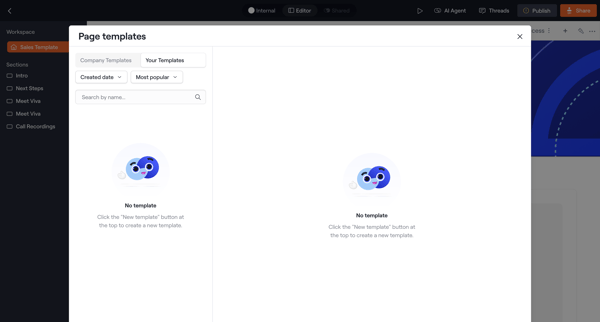
User opens template picker modal from workspace editor, browses categorized templates, previews selection, and applies it to create a new proposal page
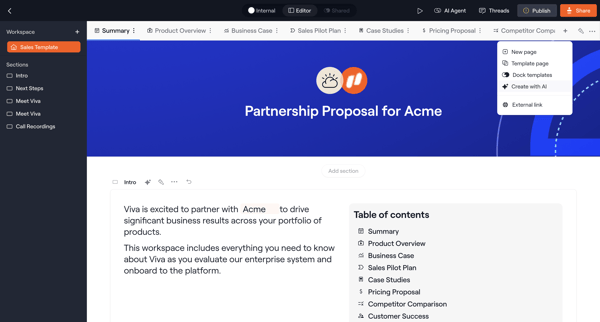
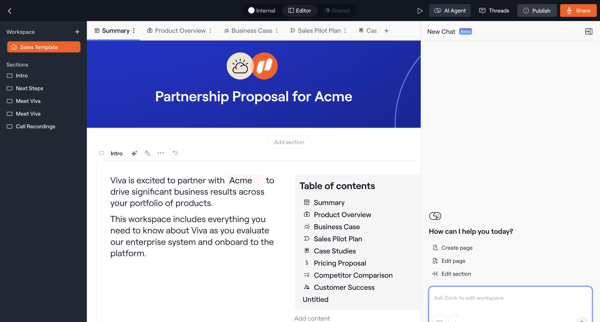
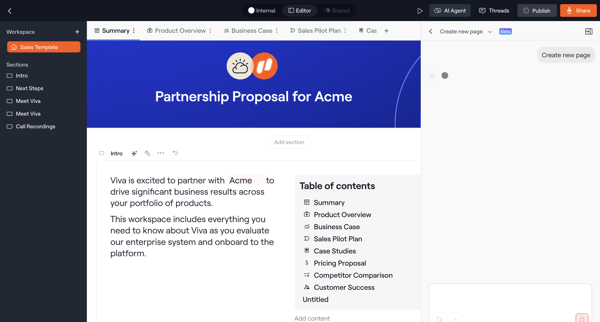
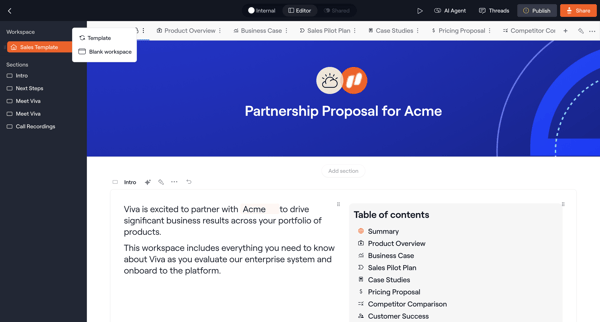
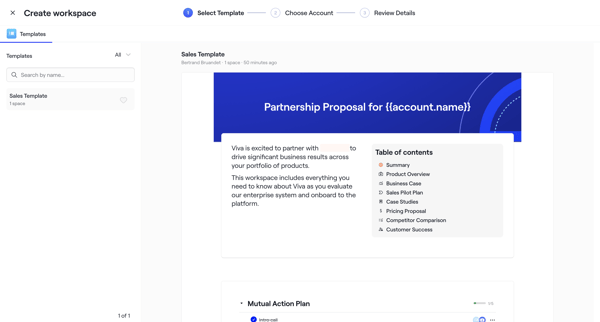
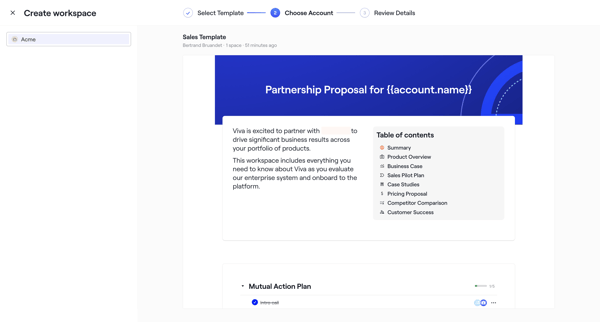
User starts in proposal editor then enters multi-step creation wizard to select sales template, configure workspace details, upload logo, assign roles, set dates, and invite teammates
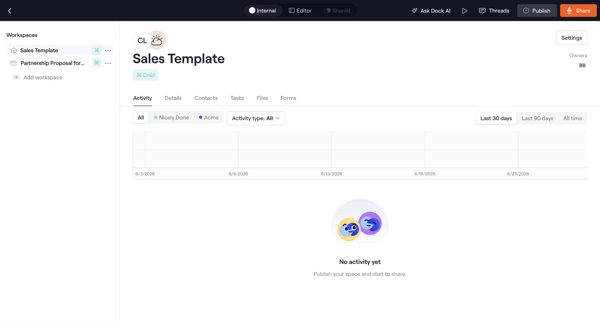
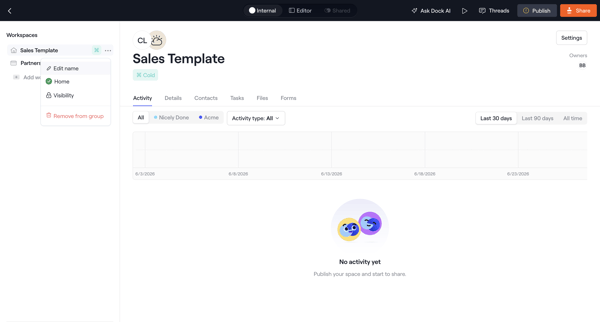
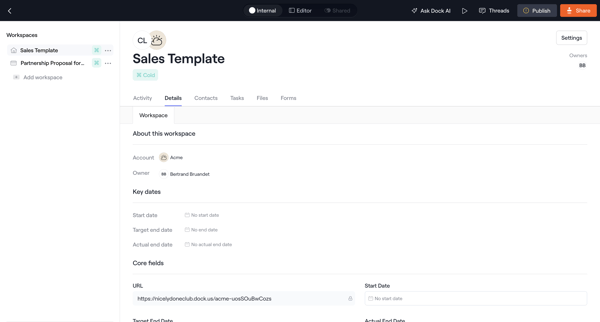
User opens a sales template workspace in Dock to review empty activity feed, workspace details, contacts table, and account map views for organizing contacts by department and seniority.
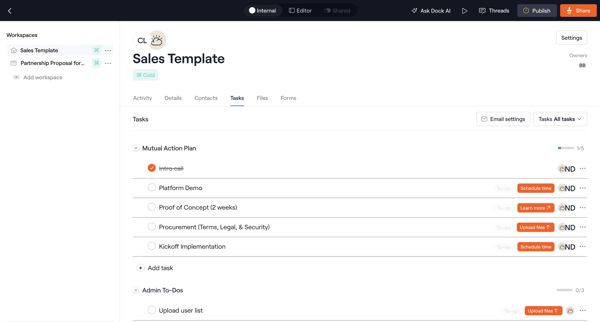
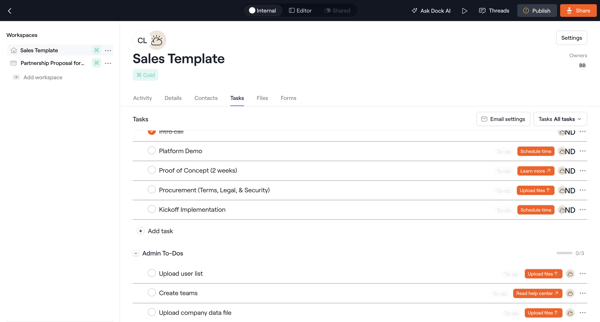
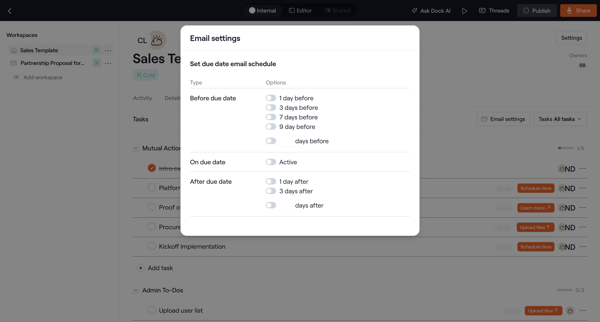
Journey through sales template workspace detail pages to edit tasks, configure notifications, assign owners, and manage files
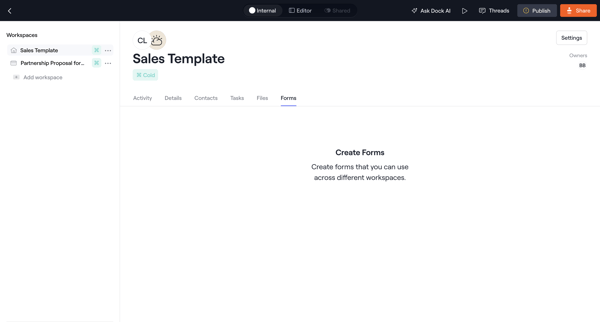
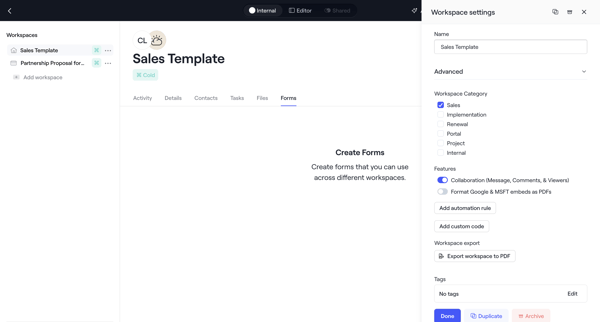
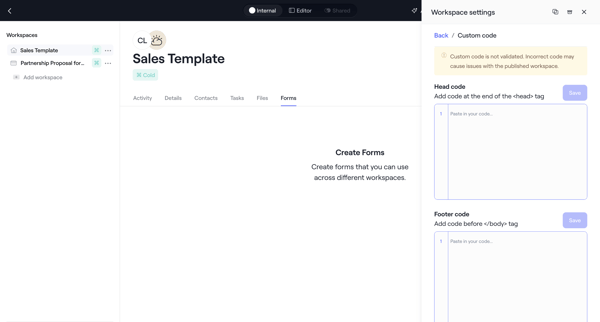
User opens empty forms tab on sales template workspace, opens settings drawer to configure categories/features/tags/custom code, edits tags via modal, and confirms archive action before returning to forms view
Explore the full SaaS flow library
Browse the full SaaS flow library.
Trusted by the best teams







