Editing partnership proposal with AI
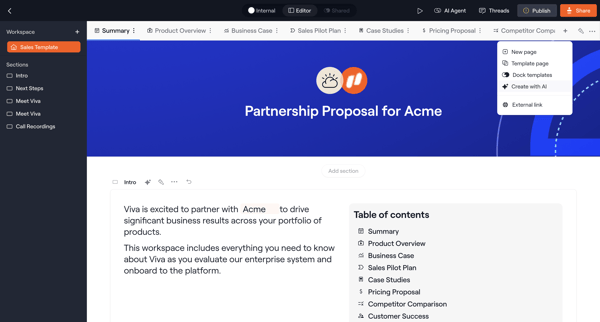
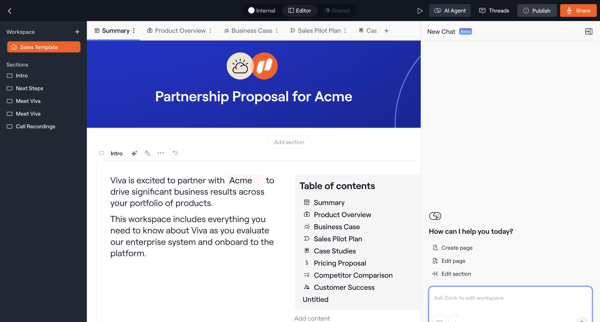
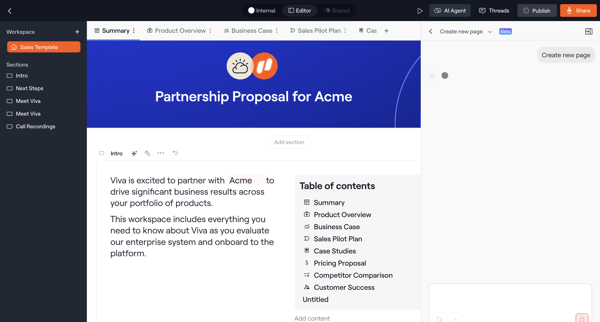
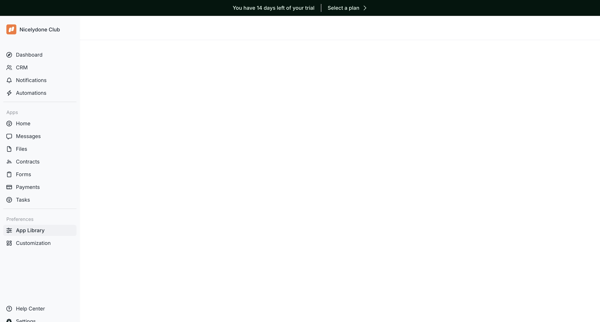
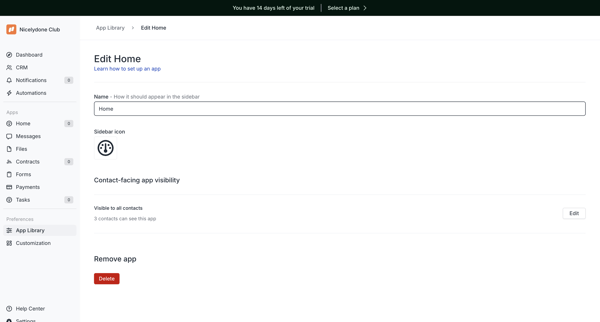
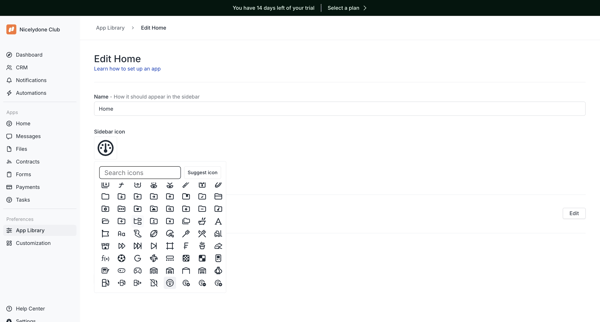
User edits a block-based partnership proposal for Acme in Dock using AI assistant panels, icon customization, page settings, and access controls before publishing
Preview these flows

Related user flows

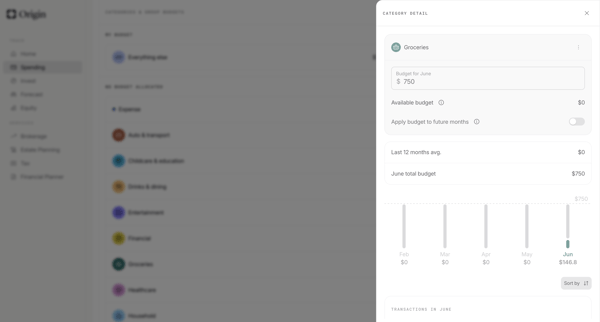
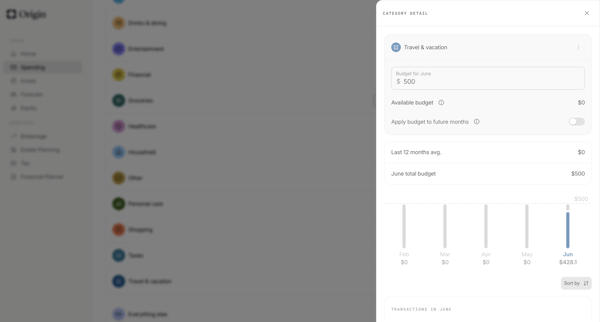
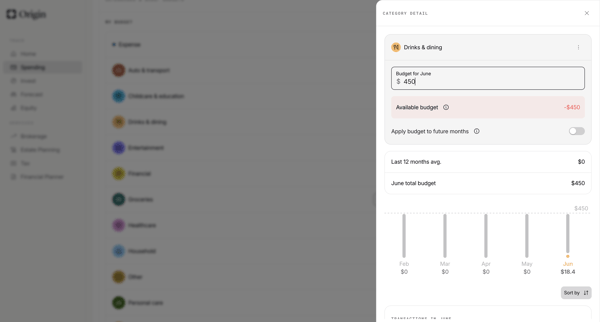
User edits category-level monthly budgets from detail drawers, confirms increases, and updates allocations across settings and dashboard views in Origin Financial

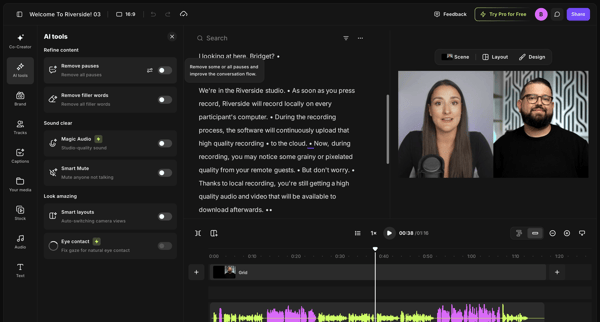
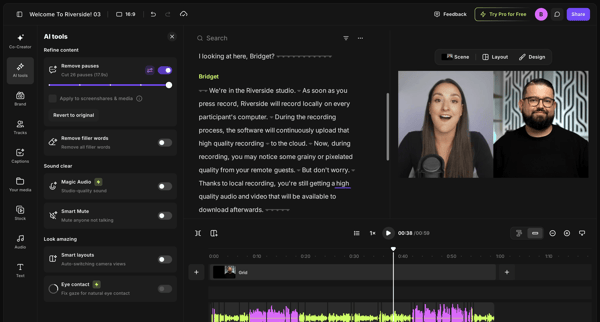
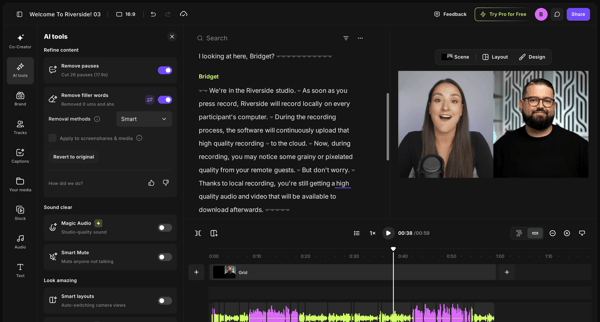
User refines video or podcast recordings in Riverside by editing via transcript and applying AI tools to remove pauses and filler words

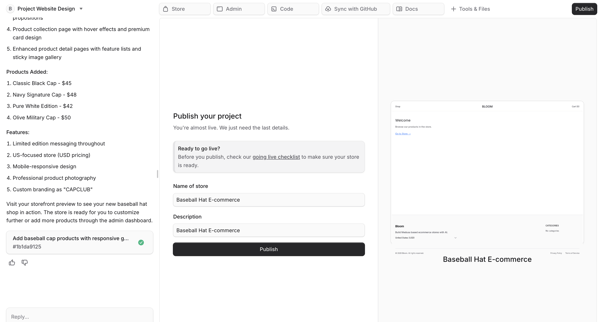
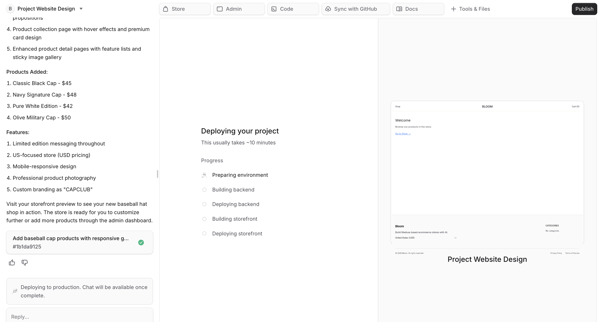
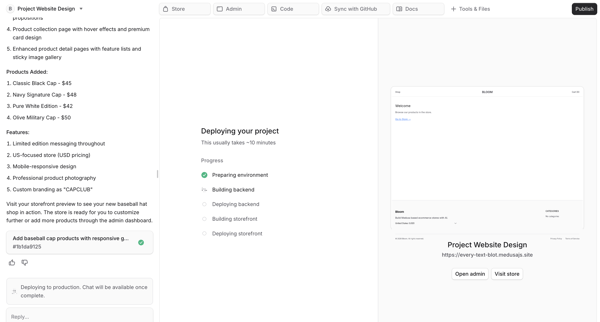
User fills publish form in AI chat then monitors multi-step AI deployment of an e-commerce storefront with live preview

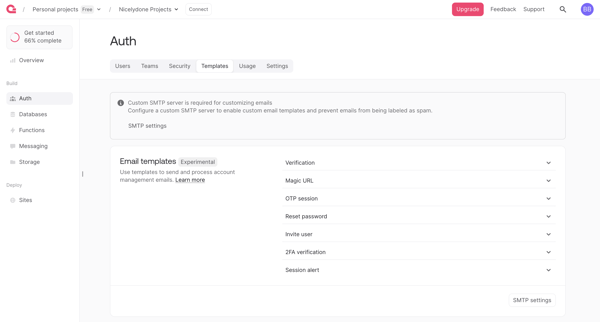
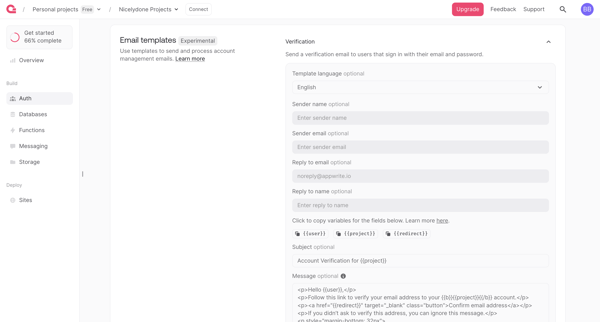
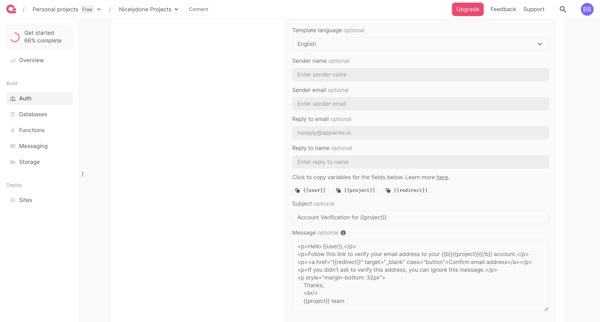
User navigates Auth settings to review and edit email templates for verification, magic URL, OTP, password reset and other auth flows, with SMTP requirement and upgrade gate for branding removal


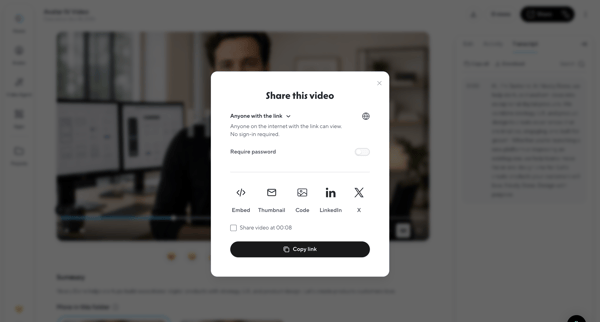
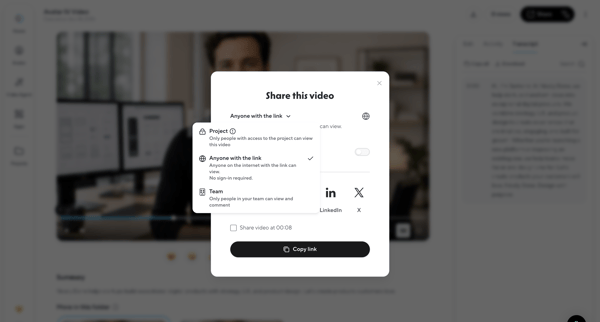
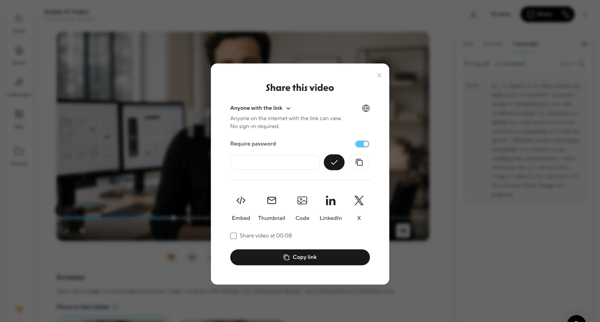
User configures link access, password protection, and embed options then copies the share link for a generated video via modal in HeyGen

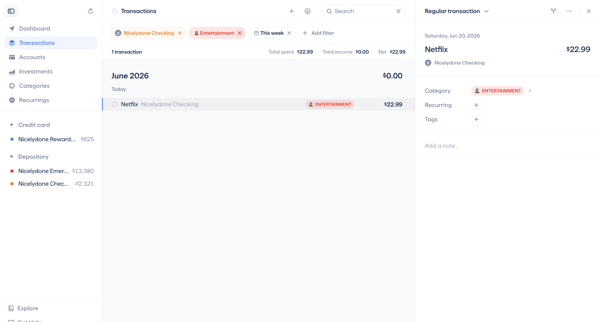
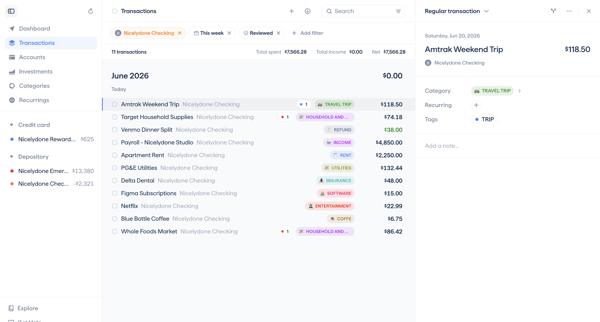
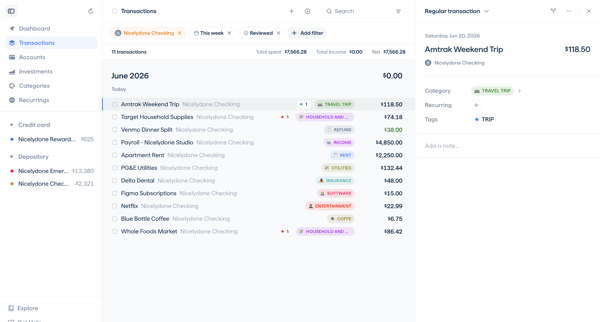
User navigates transaction detail views to categorize expenses, add notes, update review status, and apply filters to related transaction lists in a master-detail interface

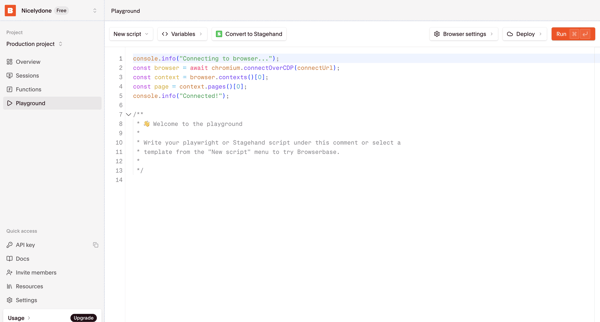
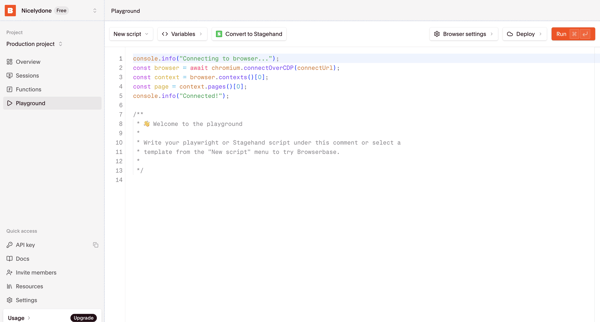
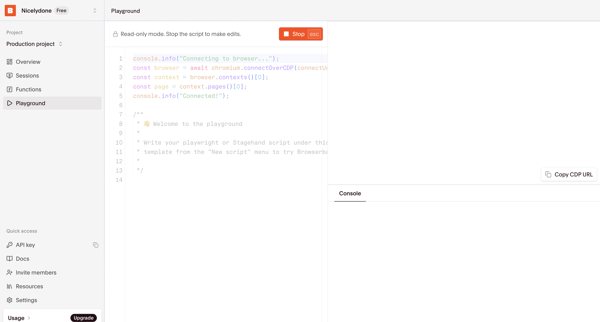
User writes, configures, runs, and tests Playwright or Stagehand scripts in the Browserbase code playground with live browser preview and console output




Explore the full SaaS flow library
Browse the full SaaS flow library.
Trusted by the best teams







