Skip to content

Dock UI components examples

Browse Dock UI component design examples. Preview individual interface elements and explore related component categories. The new way to manage external relationships

Explore the examples
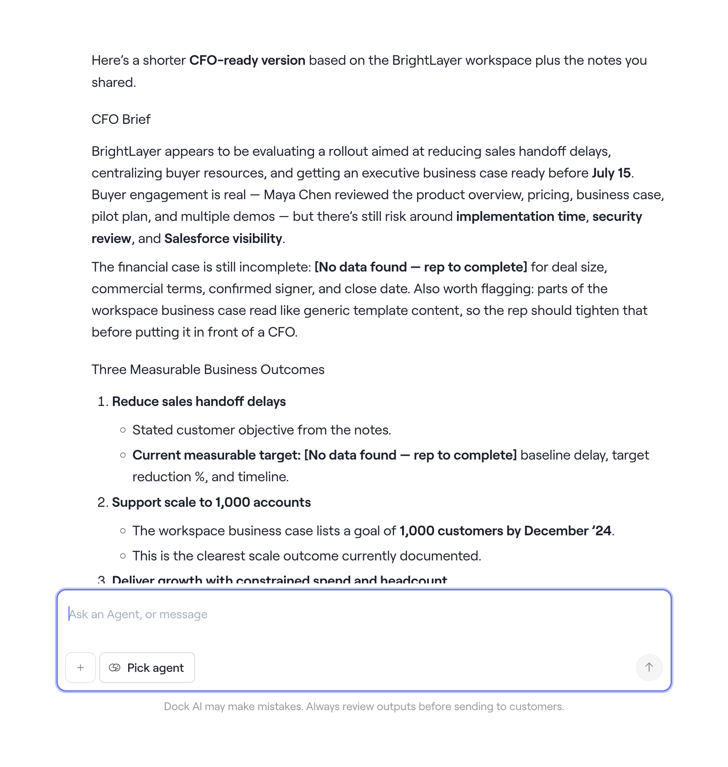
Dock — Artificial intelligence component
Dock logo
Dock

A document-like interface presenting a business brief with measurable outcomes, accompanied by an AI chat input field at the bottom.

Dock — Segmented control component
Dock logo
Dock

A segmented control with three options, 'Workspace' is selected.

Dock — Toolbox component
Dock logo
Dock

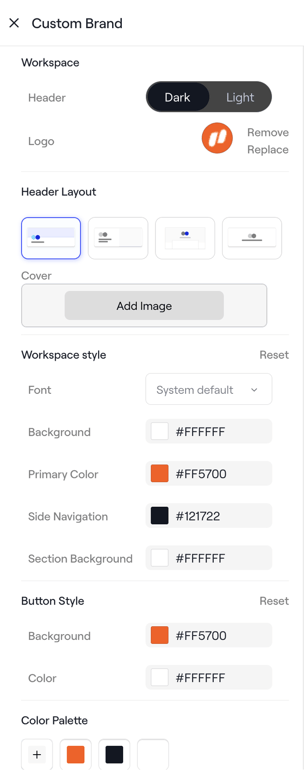
A customization panel for brand and workspace settings, allowing users to adjust header, logo, layout, colors, and button styles.

Dock — Toggle/Switch component
Dock logo
Dock

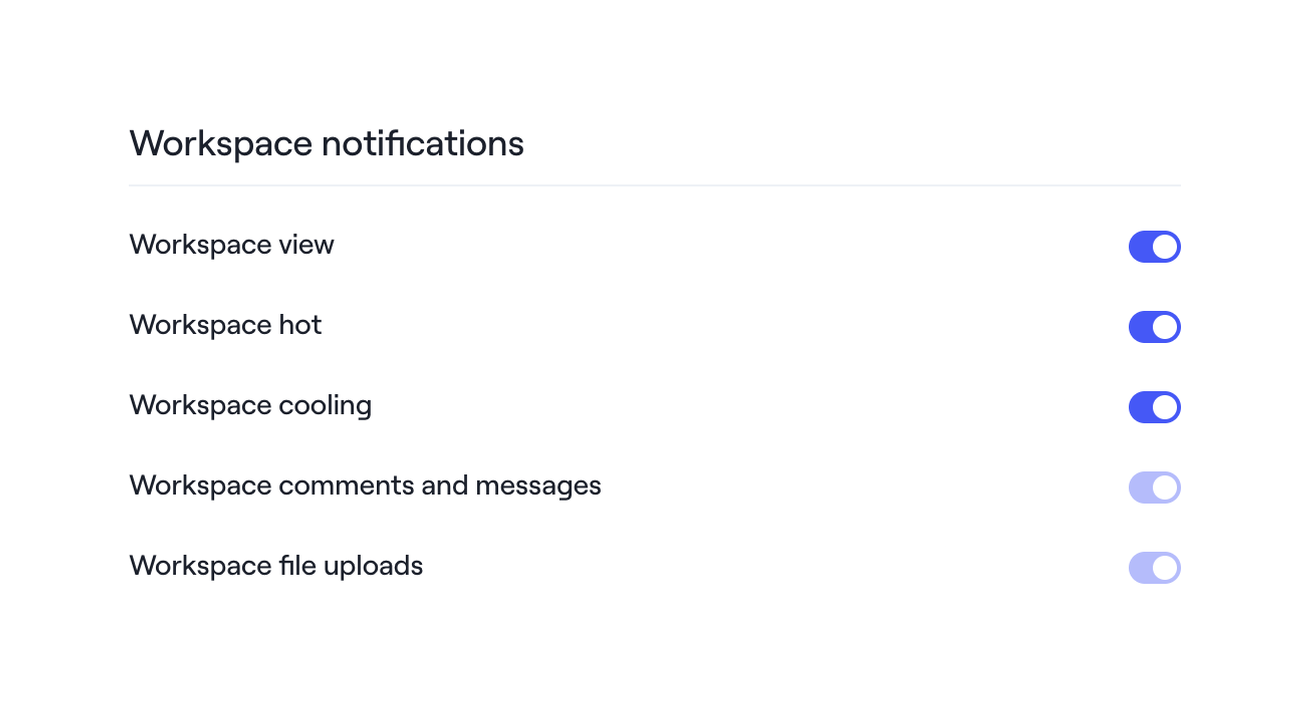
A settings page for managing workspace notifications with toggle switches.

Dock — Tabs component
Dock logo
Dock

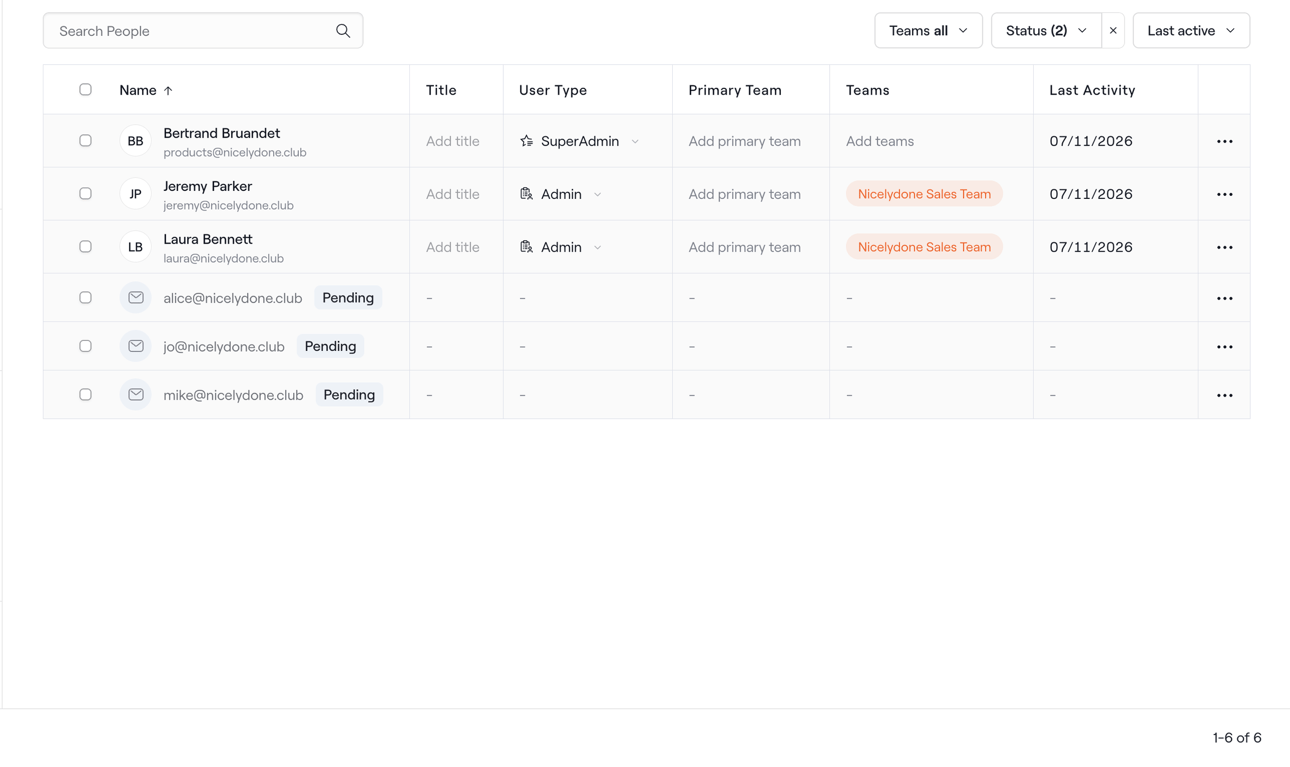
A user management interface displaying a table of users with search, filtering, and editable details.

Dock — Rich text editor component
Dock logo
Dock

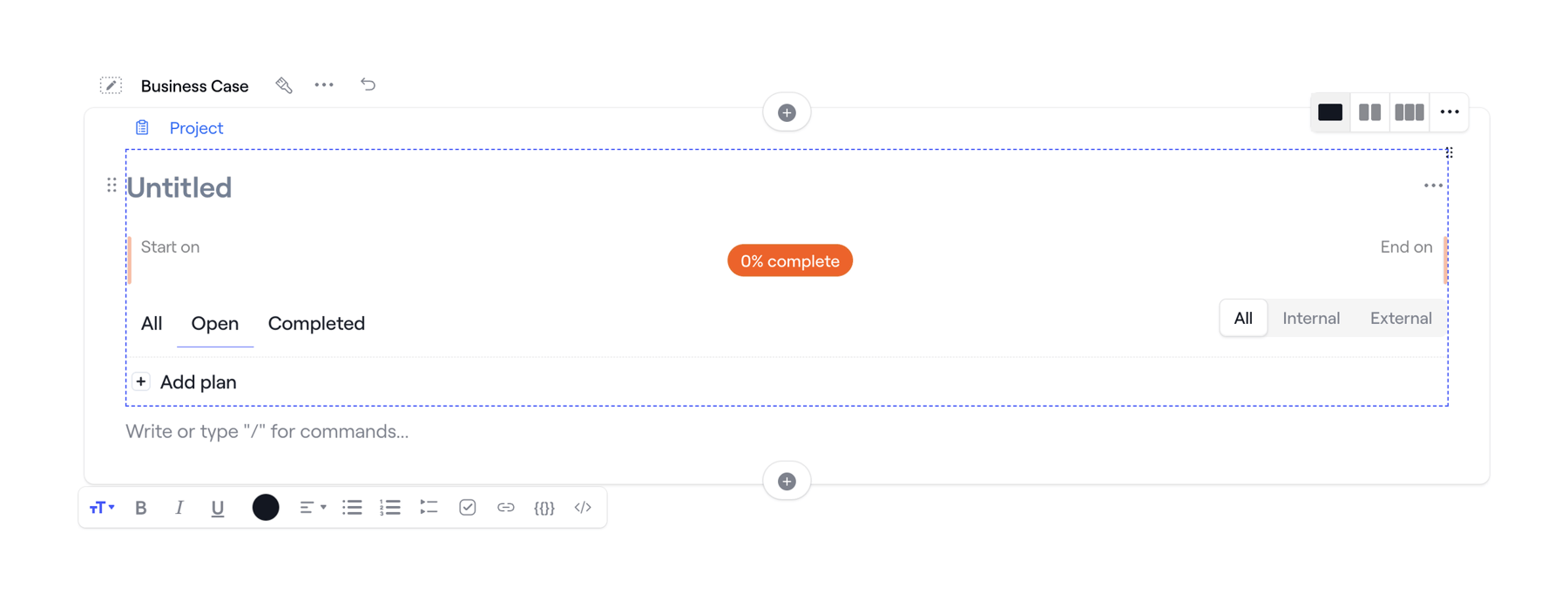
A project planning and document editing interface with a rich text editor and progress tracking.
Dock — Artificial intelligence component
Dock logo
Dock

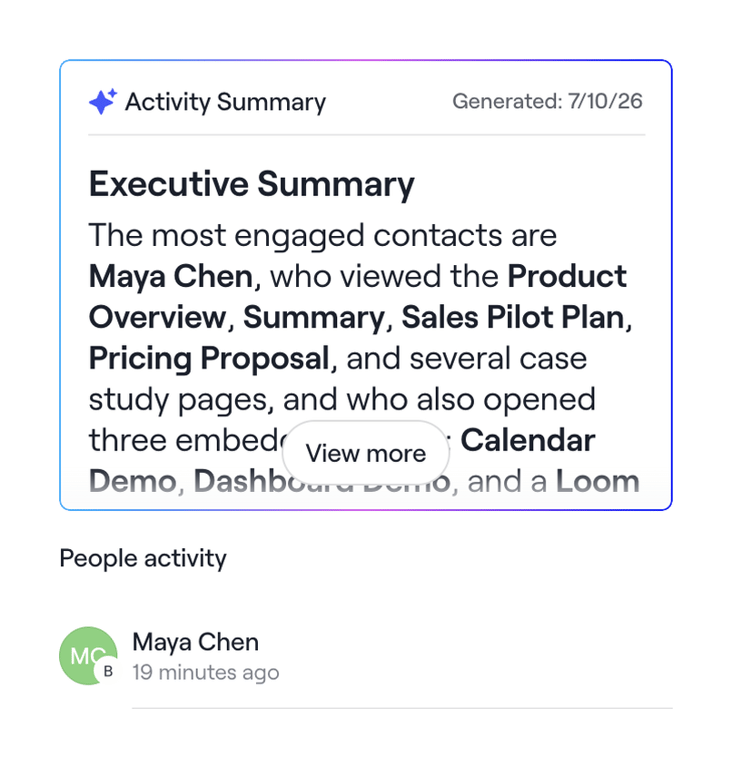
A UI displaying an activity summary card with an executive summary and a list of recent people activity.
Dock — Modal component
Dock logo
Dock

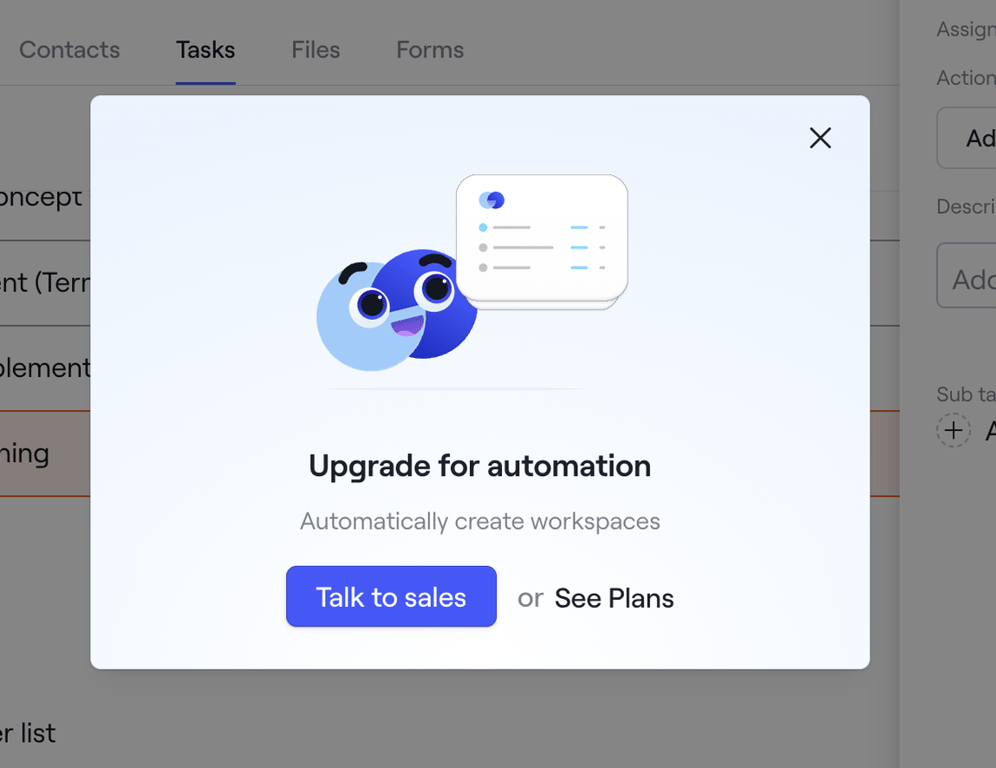
A modal dialog prompting a user to upgrade for automation features, offering options to contact sales or view pricing plans.

Dock — Modal component
Dock logo
Dock

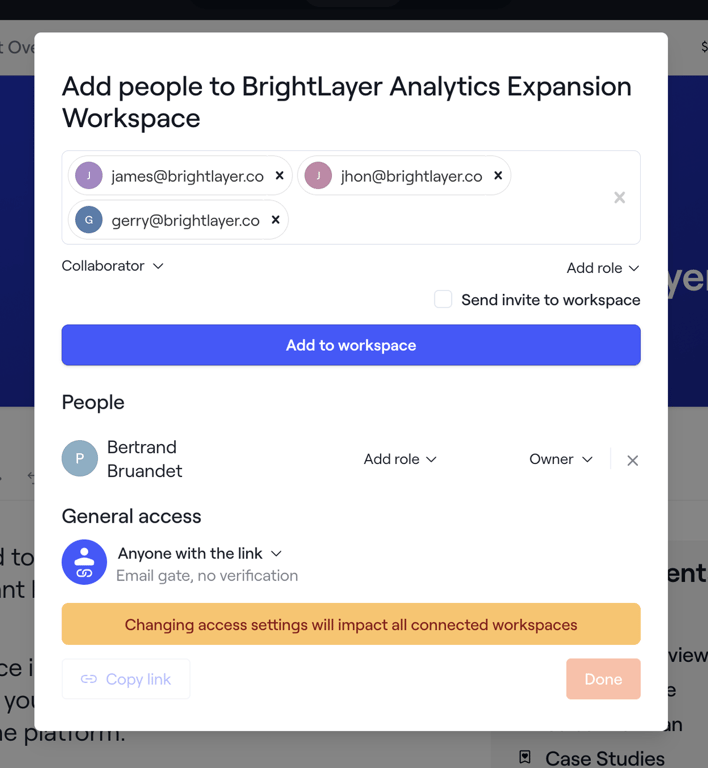
A modal dialog for adding people to a workspace and managing their access and roles.

Dock — Vertical navigation component
Dock logo
Dock

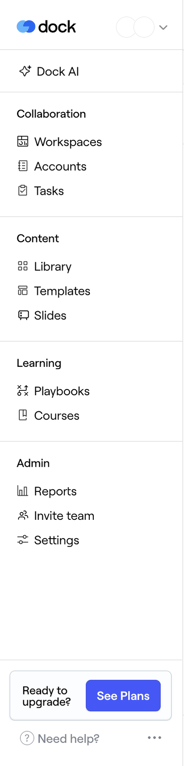
A sidebar navigation menu for a SaaS application, featuring categorized links for collaboration, content, learning, and administration, along with an upgrade call to action and help links.

Browse the full component library

Browse the full UI component library.

Trusted by the best teams